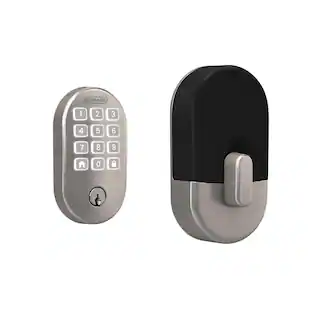
Kwikset - Halo Smart Lock Wi-Fi Replacement Deadbolt with App/Touchscreen/Key Access - Satin Nickel
About this product
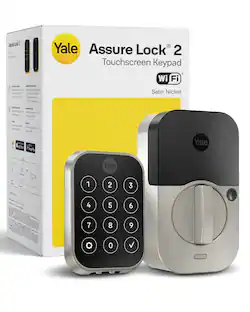
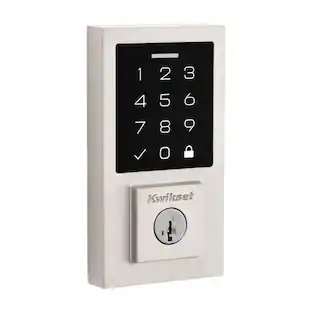
Halo Wi-Fi Smart Lock is a keyless entry electronic deadbolt featuring SmartKey. Using the Kwikset App, you can lock/unlock, program up to 250 user access codes, and receive notifications from anywhere with an Internet connection. This single cylinder deadbolt can be locked or unlocked by using the keypad or key from the of outside as well as the turn button from the inside. The crisp, clean appearance of the Satin Nickel finish brings a modern feel.
Color
Satin NickelHighlights
Features
Features SmartKey security
SmartKey Security protects against advanced break-in techniques and allows you to re-key the lock on your own in seconds. Re-key technology is compatible with Kwikset (KW1) keyway.
Secure deadbolt latch
The deadbolt latch is 20-minute fire rated with round corner face and round deadbolt strike. It has an adjustable backset of 2-3/8" to 2-3/4" to fit all standard door preparations with a 1-inch deadbolt throw.
Batteries included
Requires 4 AA batteries, included
Additional keyed access
Lock comes with 2 keys
Certifiably secure
Certified Highest Residential Security, Durability and Finish - ANSI/BHMA Grade AAA and UL tested
Specifications
- Color FinishSatin nickelLock TypeDeadboltLock/Unlock MechanismApp, Touchscreen, KeyPower SourceBattery-poweredInstallation TypeReplacement
Reviews
Rating 4.2 out of 5 stars with 33 reviews
Customer Images
The vast majority of our reviews come from verified purchases. Reviews from customers may include My Best Buy members, employees, and Tech Insider Network members (as tagged). Select reviewers may receive discounted products, promotional considerations or entries into drawings for honest, helpful reviews.
Compare similar products
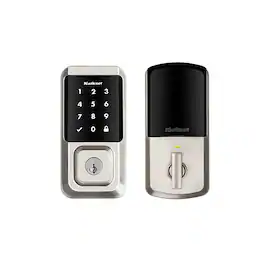
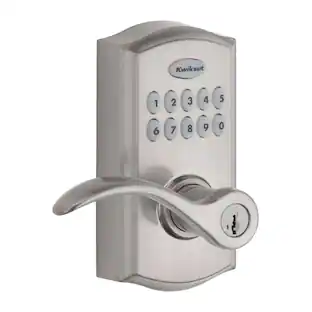
Halo Wi-Fi Smart Lock is a keyless entry electronic deadbolt featuring SmartKey. Using the Kwikset App, you can lock/unlock, program up to 250 user access codes, and receive notifications from anywhere with an Internet connection. This single cylinder deadbolt can be locked or unlocked by using the keypad or key from the of outside as well as the turn button from the inside. The crisp, clean appearance of the Satin Nickel finish brings a modern feel.
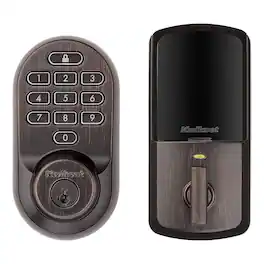
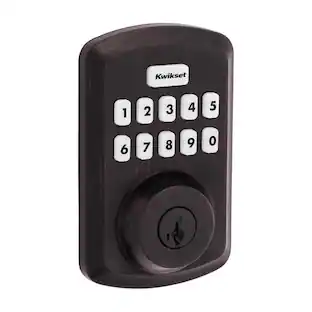
Halo Wi-Fi Smart Lock is a keyless entry electronic deadbolt featuring SmartKey. Using the Kwikset App, you can lock/unlock, program up to 250 user access codes, and receive notifications from anywhere there's an Internet connection. This single cylinder deadbolt can be locked or unlocked by using the keypad or key from the outside as well as the turn button from the inside. The Venetian Bronze finish is hand-rubbed to reveal unique bronze highlights and provides a rich and warm complement to the product's style.

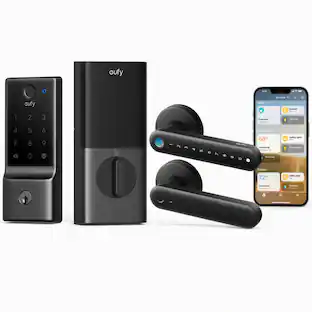
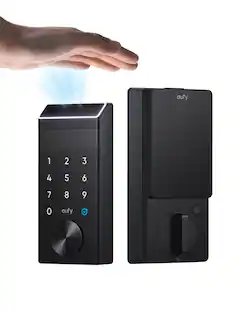
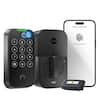
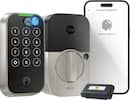
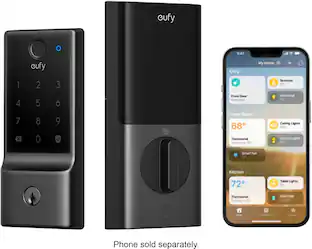
Experience ultra-fast, convenient keyless door unlocking and seamless smart home integration to your new and existing automation devices with eufy Smart Lock E31. Stop fumbling for keys when your hands are full and unlock your front or back door in less than 0.3 seconds using just your fingerprint. The lock’s intelligence improves fingerprint recognition with each use, ensuring quick access for your family. Enjoy multiple door unlocking options: eufy App, built-in keypad, included physical key, or voice commands via Siri, Alexa or Google Assistant. Seamlessly link eufy’s Matter-supported smart lock to your current smart home ecosystem using your existing home automation hub. It features compatibility with all major smart home ecosystems, including Apple Home, Google Home, Alexa, and SmartThings for easy, hands-free management of your Smart Lock and more. It pairs with Apple HomePod or other smart devices to experience simple setup, guest access management, real-time notifications, event logs, and remote unlocking.

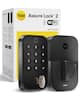
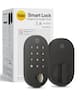
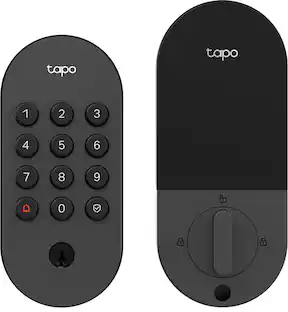
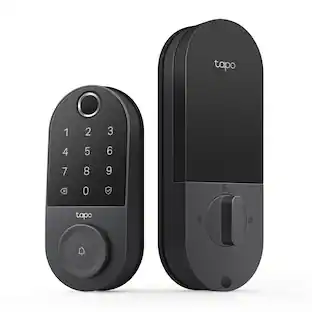
Upgrade your home security with the TP-Link Smart Door Lock — the perfect blend of convenience, control, and peace of mind. Keypad entry or the Tapo app, and manage access from anywhere with remote locking and real-time alerts. With advanced encryption, tamper detection, and auto-lock features, you get enhanced security without sacrificing ease of use. Whether you're home or away, TP-Link puts smarter, safer access at your fingertips.
| Pros for Kwikset - Halo Smart Lock Wi-Fi Replacement Deadbolt with App/Touchscreen/Key Access - Satin Nickel | |||
|---|---|---|---|
| There were no pros for this product— | There were no pros for this product— | Installation Ease, Overall Performance, Battery Life, Connectivity, Fingerprint Recognition | Installation Ease, Overall Performance, Connectivity, Battery Life, Design |
Specs
Customers often buy these together
Security Camera


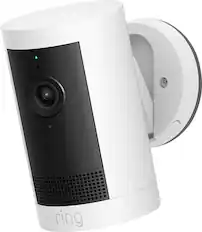
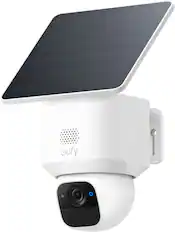
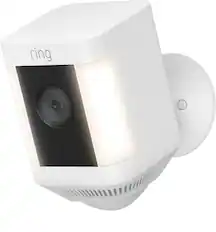
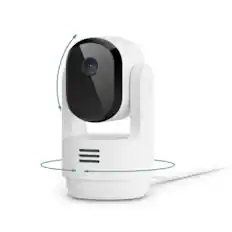
Smart Doorbell




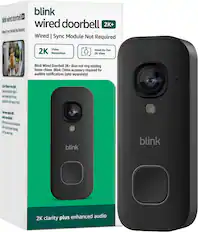
More recommended items
 Sensors and Detectors
 Networking
 Smart Speakers and Displays
More to consider
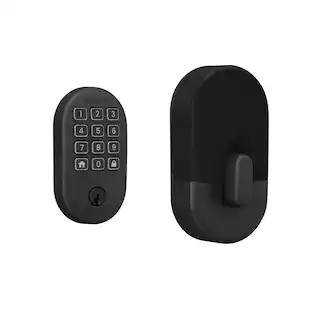
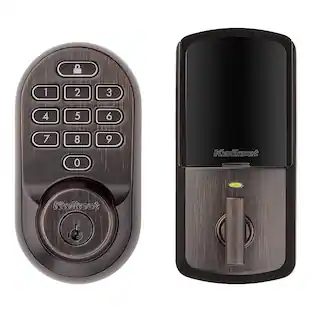
Kwikset Halo Smart Lock Wi-Fi Replacement Deadbolt with App/Keypad/Key Access
$95.97The price was $184.00eufy Smart Lock E31 WiFi Replacement Deadbolt Unlock with eufy App, Keypad, Smart Devices, and Fingerprint
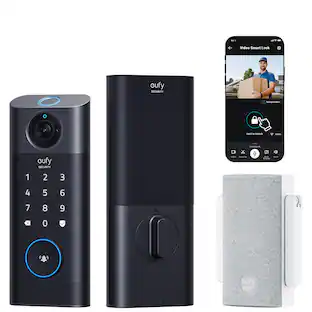
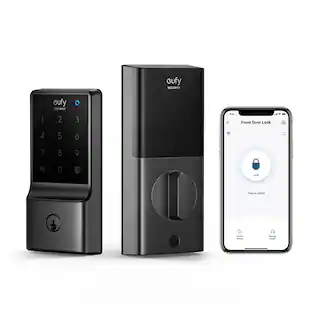
Top Deal$144.99The price was $209.99eufy Smart Lock C210 WiFi Replacement Deadbolt Unlock with eufy App, Keypad, Smart Devices
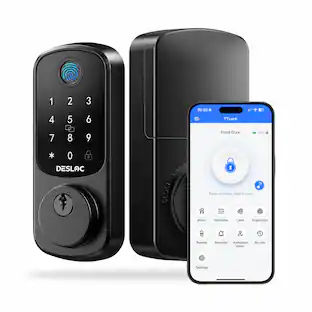
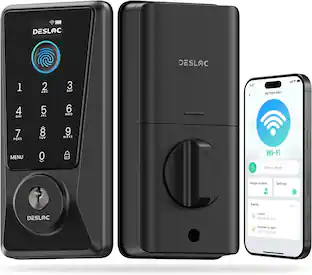
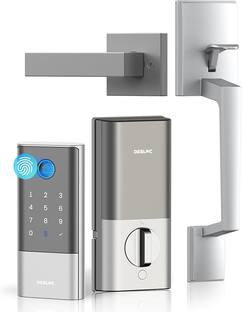
$89.99The price was $99.99DESLOC D110 Plus Wi-Fi Smart Lock, Fingerprint Keyless Deadbolt, No Bridge, Remotely App Control
$55.00The price was $99.99
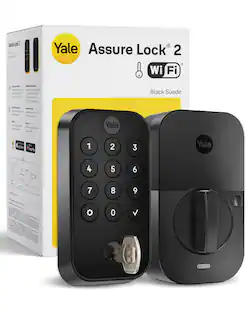
Control, Comfort, Convenience Sponsored
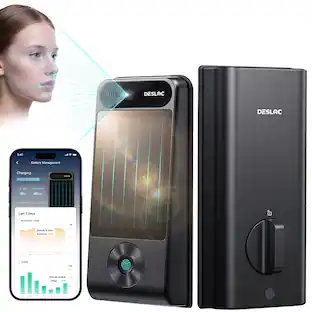
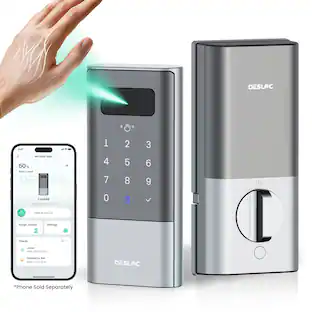
DESLOC V150 Plus Solar Battery-Powered Smart Lock WiFi Keyless Deadbolt with 3D Face Recognition and Fingerprint
$233.99The price was $259.99
Discover related products
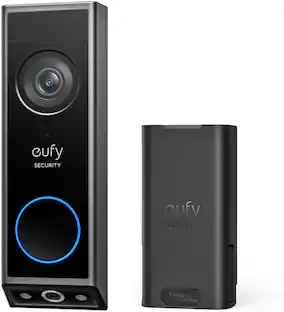
eufy Video Doorbell E340, Dual Cameras, 2K Full HD, Battery Powered, Rechargeable, No Monthly Fee
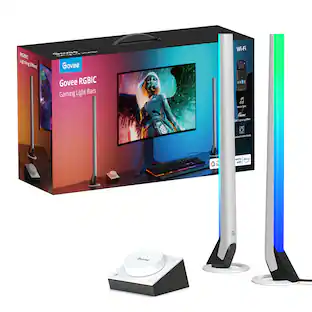
$139.99The price was $199.99Govee RGBIC Gaming Light Bars,Smart Dial, Audio Visualizer & 40 Scene Modes
$69.99The price was $79.99


Keep exploring
DESLOC B200 Smart Lock Deadbolt with Fingerprint, Smart Keypad Door Lock with TTLock App for Front Door
$44.99The price was $58.81