Sharp - NEC Display MultiSync DD-EA272U 27" Class 4K UHD LED Monitor - 16:9 - 27" Viewable - In-plane Switching (IPS) - Black
Reviews coming soon
About this product
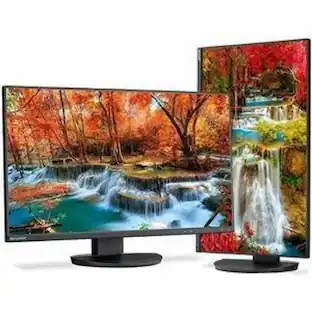
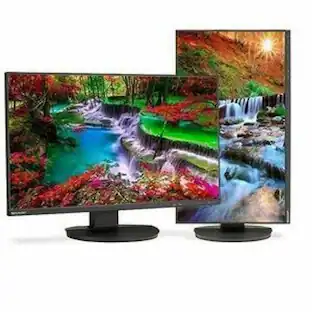
The 4K UHD 27" NEC MultiSync EA272U is a large workspace for the most demanding applications. With 3 bezels measuring only 1.0mm each, this widescreen model features IPS panel technology with wide viewing angles (178° horizontal/vertical) and an LED backlight for a slimmer profile, lighter weight and increased power savings. This model also features a height-adjustable stand and full connectivity with DisplayPort and two HDMI inputs. In addition, the USB Type-C input can serve as a single connection to a laptop, providing power, video and USB connectivity through one cable. The EA272U includes touch-sensitive On Screen Display controls and Picture by Picture (PBP) mode for two inputs onscreen at the same time. Full connectivity, including DisplayPort and two HDMI inputs as well as USB Type-C.4K UHD (3840x2160) Resolution. Height-adjust, dual direction pivot, tilt and swivel capabilities are designed to fit every work environment. IPS Technology for 178-degree wide viewing angles. Brightness 250 cd/m2. Human and ambient light sensors automatically detect your work conditions to determine the proper display brightness and conserve power. USB Type-C input delivers 90W of power as well as video and USB over one cable. ECO Mode allows you to manually adjust the display's brightness to your liking, saving power and reducing your energy costs. LAN port enables ethernet use for those devices connected to the display with no LAN port. Certified Low Blue Light and Flicker Free. USB Hub (1 Up/2 Down). Touch-sensitive OSD® controls are integrated into the bezel.3 year warranty. ENERGY STAR 8.0 and TCO 9.0. NaViSet Administrator 2 Free software solution that greatly eases administration and management of larger display device installations
Highlights
Sharp NEC Display MultiSync DD-EA272U 27" Class 4K UHD LED
The 4K UHD 27" NEC MultiSync EA272U is a large workspace for the most demanding applications. With 3 bezels measuring only 1.0mm each, this widescreen model features IPS panel technology with wide viewing angles (178° horizontal/vertical) and an LED backlight for a slimmer profile, lighter weight and increased power savings. This model also features a height-adjustable stand and full connectivity with DisplayPort and two HDMI
Screen Size
27 in
MPN
DDEA272U
Item Length
28.7
Item Height
8.4
- Refresh Rate144HzMaximum Resolution1920 x 1080Panel TypeNot ApplicableSynchronization TechnologyNot ApplicableScreen Size27.0 inches
Reviews
This product doesn't have any reviews yet.
Compare similar products
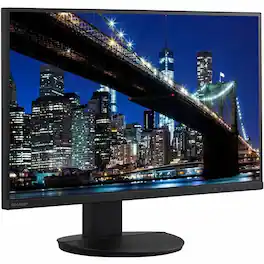
The 4K UHD 27" NEC MultiSync EA272U is a large workspace for the most demanding applications. With 3 bezels measuring only 1.0mm each, this widescreen model features IPS panel technology with wide viewing angles (178° horizontal/vertical) and an LED backlight for a slimmer profile, lighter weight and increased power savings. This model also features a height-adjustable stand and full connectivity with DisplayPort and two HDMI inputs. In addition, the USB Type-C input can serve as a single connection to a laptop, providing power, video and USB connectivity through one cable. The EA272U includes touch-sensitive On Screen Display controls and Picture by Picture (PBP) mode for two inputs onscreen at the same time. Full connectivity, including DisplayPort and two HDMI inputs as well as USB Type-C.4K UHD (3840x2160) Resolution. Height-adjust, dual direction pivot, tilt and swivel capabilities are designed to fit every work environment. IPS Technology for 178-degree wide viewing angles. Brightness 250 cd/m2. Human and ambient light sensors automatically detect your work conditions to determine the proper display brightness and conserve power. USB Type-C input delivers 90W of power as well as video and USB over one cable. ECO Mode allows you to manually adjust the display's brightness to your liking, saving power and reducing your energy costs. LAN port enables ethernet use for those devices connected to the display with no LAN port. Certified Low Blue Light and Flicker Free. USB Hub (1 Up/2 Down). Touch-sensitive OSD® controls are integrated into the bezel.3 year warranty. ENERGY STAR 8.0 and TCO 9.0. NaViSet Administrator 2 Free software solution that greatly eases administration and management of larger display device installations
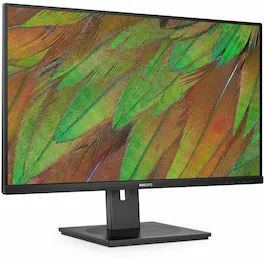
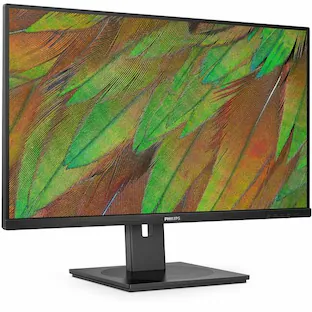
PHILIPS 32B1U3900 - 32 inch Monitor, LED, 4K UHD, USB-C (90W), HDMIx2, DP, RJ45, 4 Year Manufacturer Warranty - 32" - 31.5" Viewable - Vertical Alignment (VA) - WLED Backlight - 3840 x 2160 - 1.07 Billion Colors - 350 Nit - 4 ms - Speakers - Yes - Yes - USB Hub

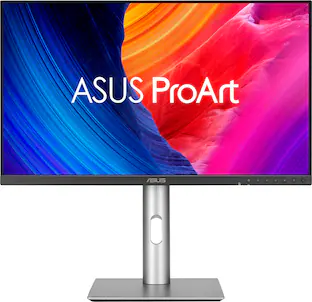
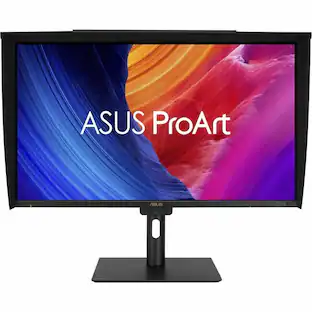
ProArt Display PA27JCV is a 27-inch 5K HDR monitor designed for professional content creators. This Calman Verified display boasts a wide gamut with 99% DCI-P3, 100% sRGB and 95% Adobe RGB coverage, and it’s factory calibrated to Delta E<2 for exceptional color accuracy. Built-in Auto KVM allows for convenient, effortless switching between two connected laptops or PCs using a single keyboard and mouse. To ensure brightness and color temperature accuracy, ambient light and backlight sensors automatically adjust visual settings. Plus, a USB-C port offers DisplayPort support and enables superfast data transfers and 96-watt power delivery via a single cable.
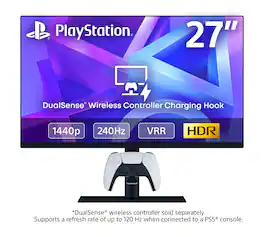
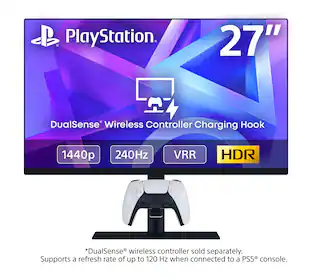
The 27" Gaming Monitor with DualSense Charging Hook features a QHD screen with HDR visuals, up to 240 Hz refresh rate with VRR support for smooth gameplay, and a convenient DualSense wireless controller charging hook to keep you ready for action anytime. Bring the PlayStation experience to your desktop to ensure your gaming space is always ready for play.
| Pros for Sharp - NEC Display MultiSync DD-EA272U 27" Class 4K UHD LED Monitor - 16:9 - 27" Viewable - In-plane Switching (IPS) - Black | |||
|---|---|---|---|
| There were no pros for this product— | There were no pros for this product— | Color Accuracy, Connectivity, Port Count, Resolution, Adjustability | Display Quality, Ease of Setup, Charging Capability, Ergonomics, HDR Performance |
| Cons for Sharp - NEC Display MultiSync DD-EA272U 27" Class 4K UHD LED Monitor - 16:9 - 27" Viewable - In-plane Switching (IPS) - Black | |||
| There were no cons for this product— | There were no cons for this product— | Speaker Quality, Refresh Rate | There were no cons for this product— |
Specs
Be the first to ask a question.
We’ll try to get your question answered within 24 hours by a Best Buy customer or brand representative.
Customers often buy these together
Monitor and Video Cables

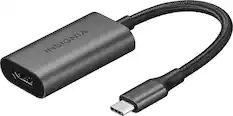
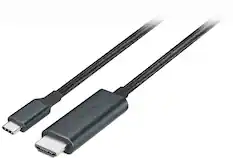
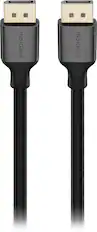

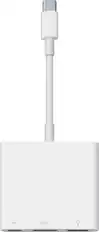
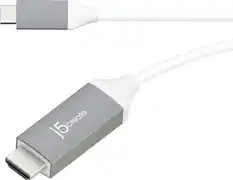
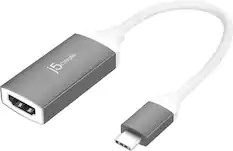


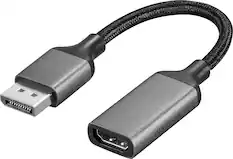
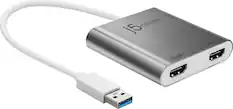
More to consider
 $721.82The price was $752.54
 $852.40The price was $895.02

Explore tech essentials Sponsored
 $169.99The price was $199.99


Keep exploring
 $899.99The price was $1,299.99
 $189.99The price was $221.49
 $755.99The price was $971.99