Questions & Answers
- Model:
- KA242Y Abi
- |
- SKU:
- 6471521
Highly rated by customers for: Picture Quality, Price, Ease of use
$31.99Your price for this item is $31.99
Clearance
Comp. Value: $159.99
The comparable value price is $159.99
Page Showing 1-20 of 72 questions
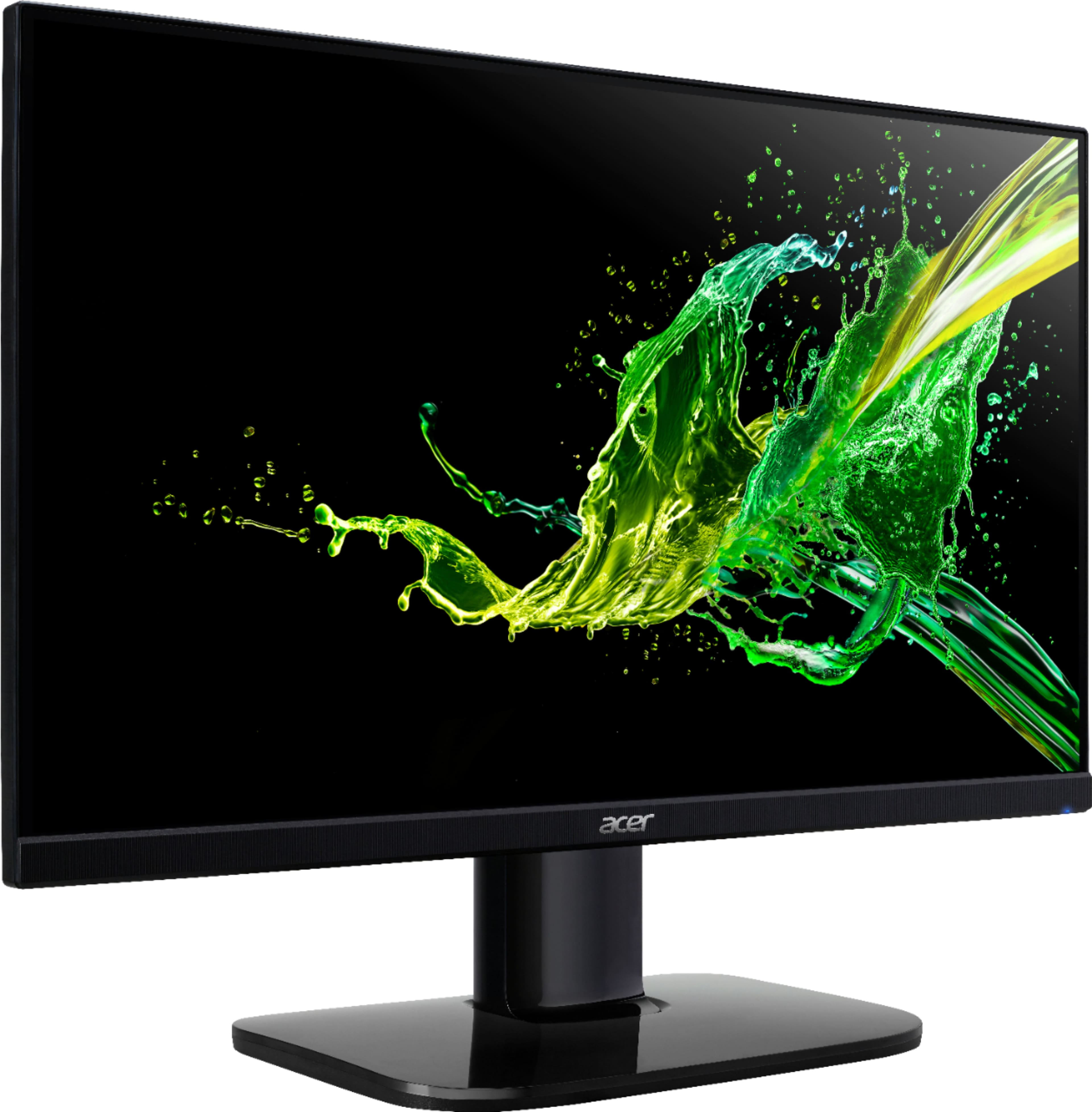
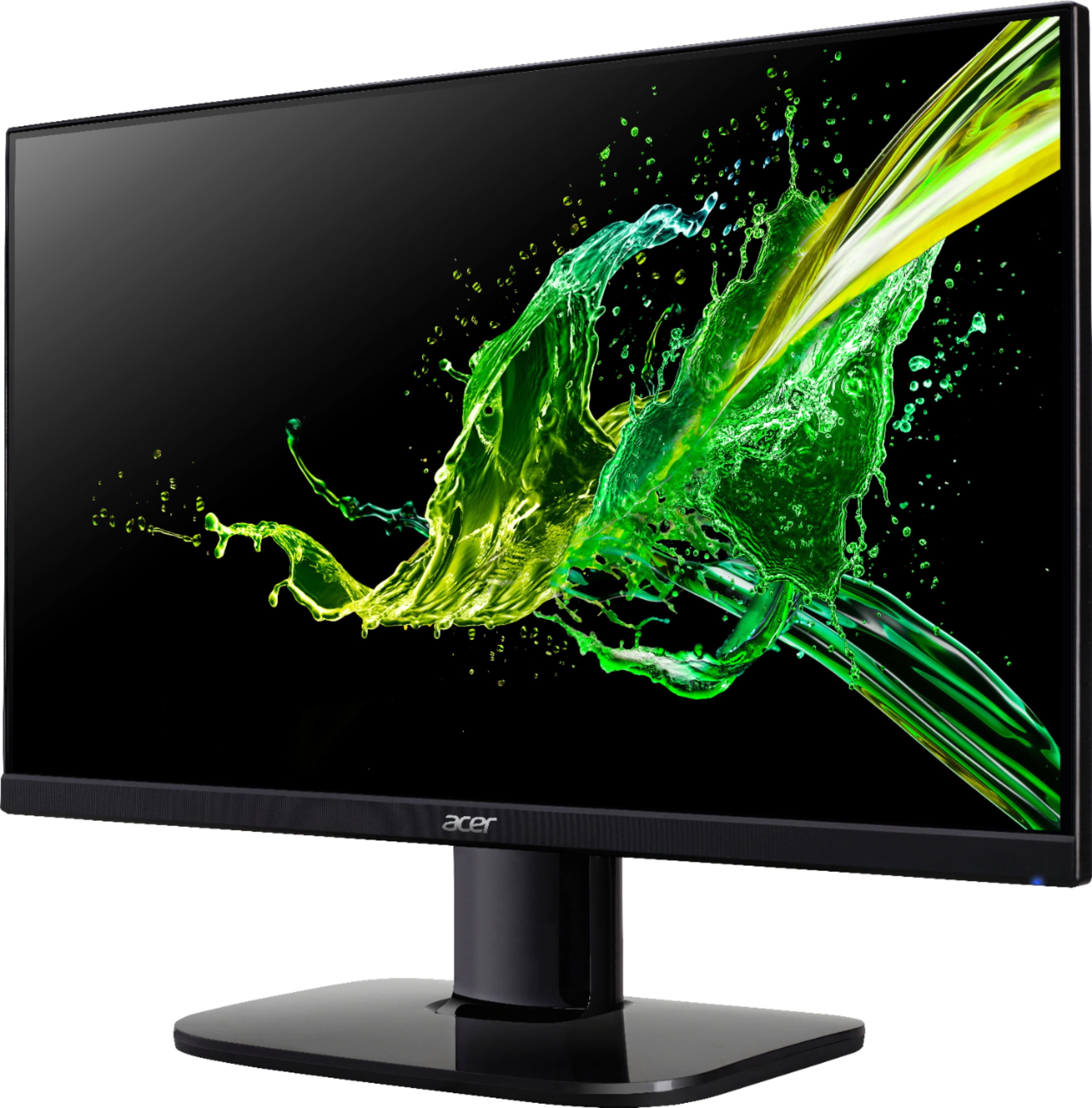
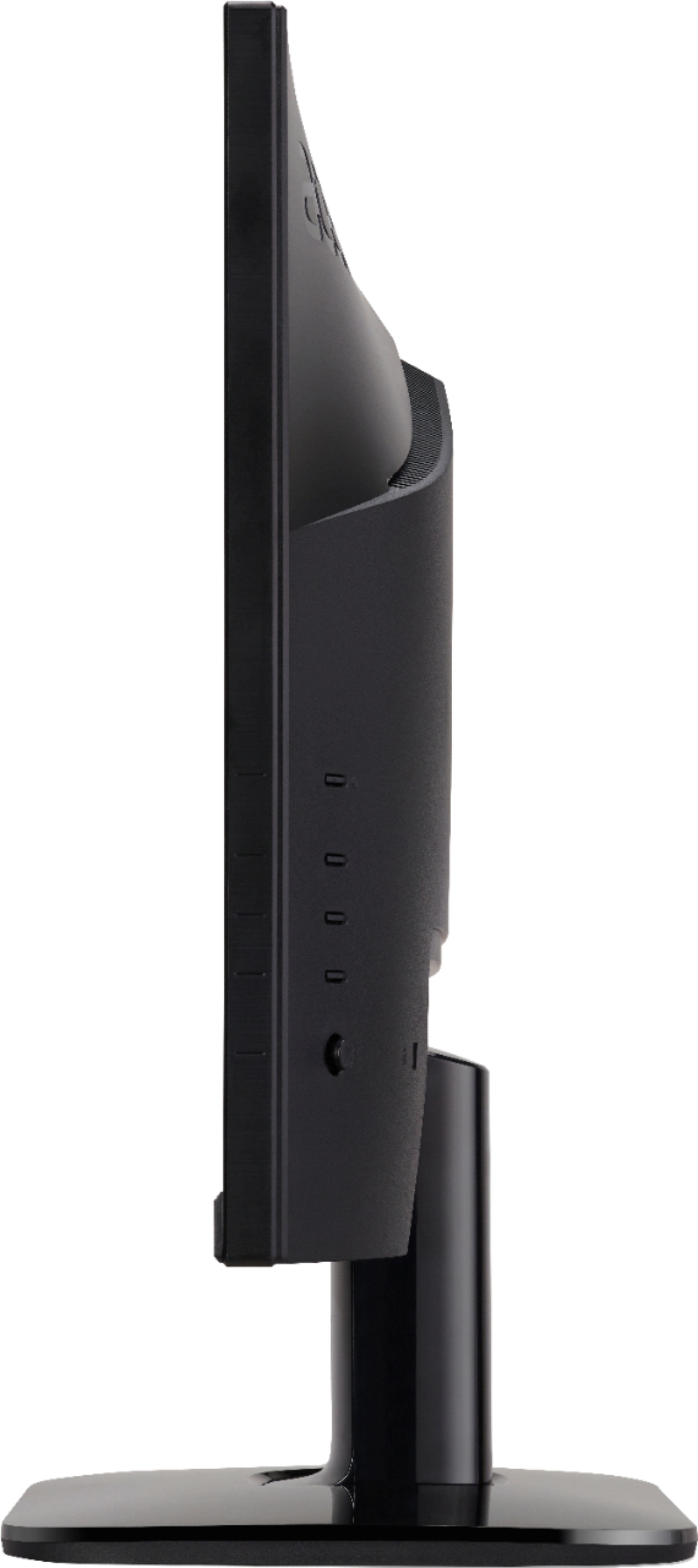
Q: QuestionThe specifications of this online say the stand is height adjustable, but i just received the monitor and don't see anywhere to adjust the height. Am I missing a feature? This is the reason I bought the monitor.
Asked by kmath.
- A:Answer I agree. You can’t adjust the monitor up or down nor tilt it.
Answered by Ronald
Q: QuestionI bought this monitor for my xbox and was wondering how i would go about getting sound to play
Asked by Gamerdude.
- A:Answer This monitor does not have a built in speaker or audio out port. Audio would have to come from a source connected to the monitor such as a laptop or PC.
Answered by TeamAcer

Q: QuestionCan you connect this to a Dell laptop
Asked by Anonymous.
- A:Answer It connects to my laptop through a HDMI --> USBC cable
Answered by Mark
Q: QuestionCan you connect a acer nitro 5 laptop to this monitor?
Asked by Ak.
- A:Answer yes you can. as it has a hdmi port on it. i believe the nitro has a hdmi out as well with it.
Answered by cad8099
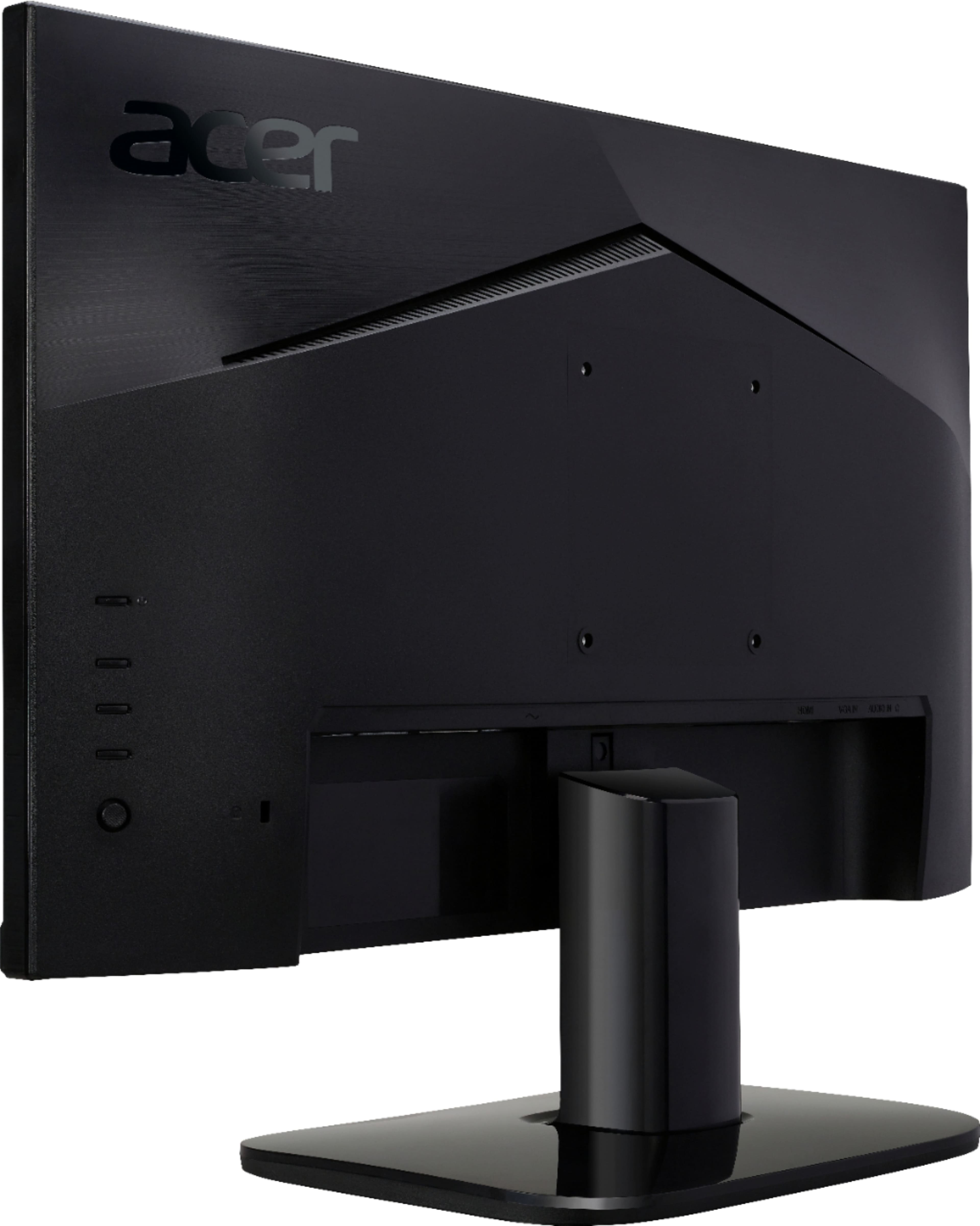
Q: QuestionIs the vga port male or female
Asked by Ronw.
- A:Answer The VGA port is female.
Answered by TeamAcer

Q: QuestionWill this monitor work with mini Mac?
Asked by Anonymous.
- A:Answer It should work fine if you can connect via HDMI or VGA. You may need an adapter if you don't have HDMI on your Mac.
Answered by TeamAcer

Q: QuestionIs the monitor able to be turn vertically?
Asked by Coolboss12.
- A:Answer No.
Answered by TeamAcer

Q: QuestionDoes this monitor come with a VGA cable?
Asked by Anonymous.
- A:Answer No, it comes with an HDMI cable.
Answered by Anonymous
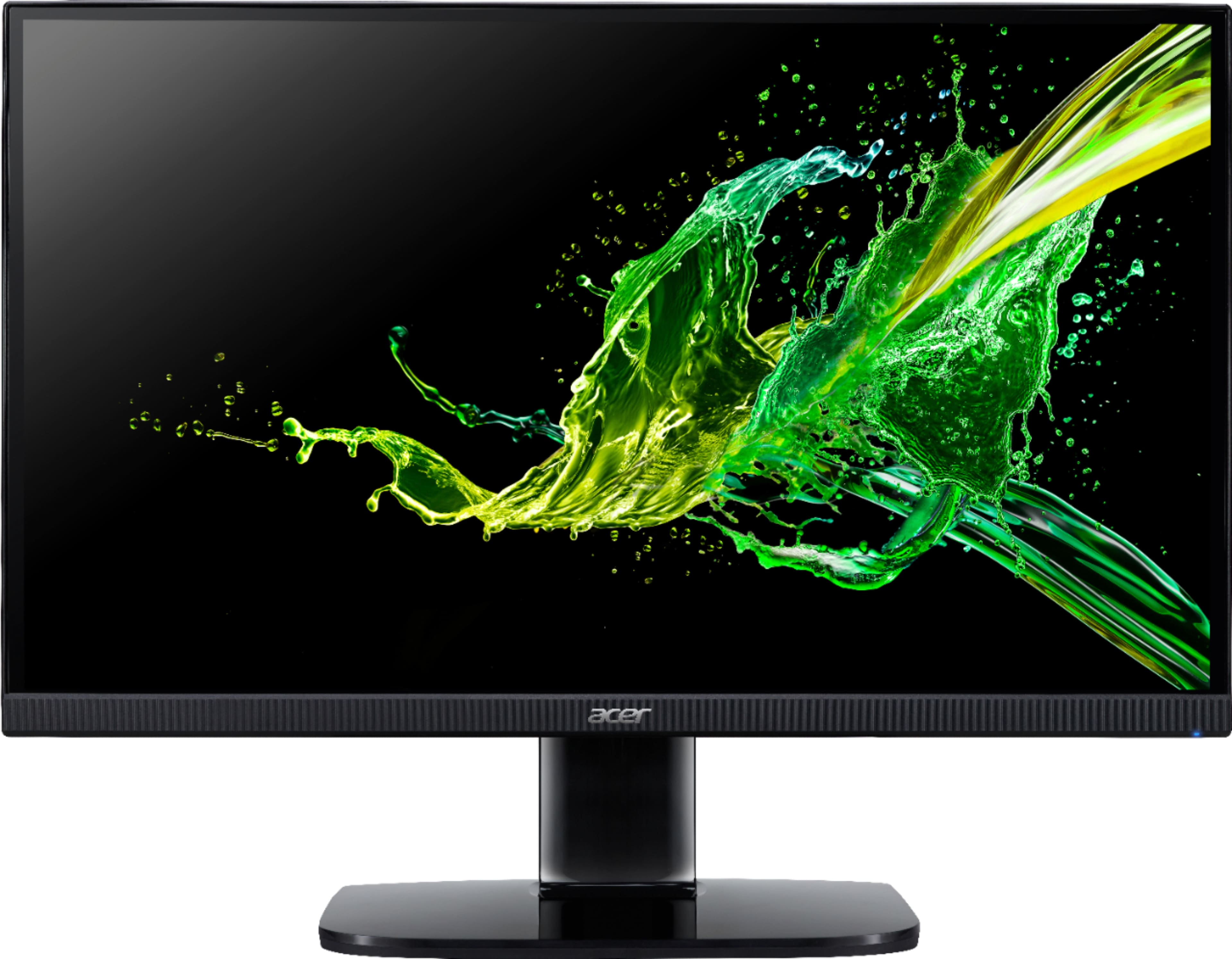
Q: QuestionWhat are the five clear buttons for located at bottom / under the monitor next to the illuminated blue light?
Asked by mtndee.
- A:Answer Those are the menu buttons to allow you to navigate the menu settings. You will see more info on this in the user guide that is posted on Acer's support site.
Answered by TeamAcer

Q: Questionwho do you contact for having a warranty on my Acer monitor and needing it to be fixed or replaced?
Asked by Connector.
- A:Answer This Acer monitor has a three year manufacturer's warranty against hardware defects. If you need any assistance with your monitor please contact our support team at 1-866-695-2237, chat or social media, and we will be glad to help.
Answered by TeamAcer

Q: QuestionMy monitor light is orange
Asked by Kwame.
- A:Answer This usually means the OSD (on screen display) is locked. In normal display condition press the "Navi Key" in the middle for more than 3 seconds to trigger "OSD Unlock". The "OSD Unlock" message will be displayed in the middle of the screen. LED lights will be restored to blue light. If you need additional help please feel free to contact Acer support at 866-695-2237.
Answered by TeamAcer

Q: QuestionDoes this monitor have crosshair?
Asked by Crosshair.
- A:Answer Yes it does have cross hair
Answered by JasonK
Q: QuestionHow do I make it brighter?
Asked by popcorn.
- A:Answer The menu buttons are used to navigate the On Screen Display settings. Brightness is located under the Picture Settings. If you need help with this you can refer to the User guide which is available on our support site or you can call our support team at 866-695-2237. They are available 24/7 for in-warranty products.
Answered by TeamAcer

Q: QuestionHow wide is the boarder around this monitor? Can I adjust the stand to make it lower?
Asked by popcorn.
- A:Answer The entire screen is full with whatever i add to it like my regular computer screen. Hope this helps
Answered by CindyW
Q: QuestionDoes its brightness adjust automatically with room light? If yes, how do i turn on this feature?
Asked by acerquestion.
- A:Answer This monitor does not have an ambient light sensor.
Answered by TeamAcer

Q: QuestionWHAT IS THE TOTAL HIGH INCLUDING STAND
Asked by LEON.
- A:Answer The total height including stand is 17 inches.
Answered by SherryW
Q: QuestionIs this monitor Vesa mount compatible?
Asked by anonymous.
- A:Answer No it’s not vesa mount compatible
Answered by Grim
Q: QuestionDoes it support 120 fps?
Asked by HeresAQuestion.
- A:Answer No it doesn’t it’s only up to I believe 60 or 75hz
Answered by Grim
Most-viewed items
- $399.99Your price for this item is $399.99$529.99The comparable value for this item is $529.99
- $899.99Your price for this item is $899.99$1,199.99The comparable value for this item is $1,199.99
- $1,188.99Your price for this item is $1,188.99$1,299.99The comparable value for this item is $1,299.99
- $299.99Your price for this item is $299.99$399.99The comparable value for this item is $399.99
- $279.99Your price for this item is $279.99$379.99The comparable value for this item is $379.99
- $269.99Your price for this item is $269.99$349.99The comparable value for this item is $349.99
- $399.99Your price for this item is $399.99$649.99The comparable value for this item is $649.99
- $129.99Your price for this item is $129.99$209.99The comparable value for this item is $209.99
- $1,099.99Your price for this item is $1,099.99$1,699.99The comparable value for this item is $1,699.99
- $1,499.99Your price for this item is $1,499.99$1,999.99The comparable value for this item is $1,999.99
- $749.99Your price for this item is $749.99
- $159.99Your price for this item is $159.99
- $279.99Your price for this item is $279.99
- $2,299.99Your price for this item is $2,299.99
- $1,099.99Your price for this item is $1,099.99$1,199.99The comparable value for this item is $1,199.99
- $159.99Your price for this item is $159.99$189.99The comparable value for this item is $189.99
- $229.99Your price for this item is $229.99$349.99The comparable value for this item is $349.99