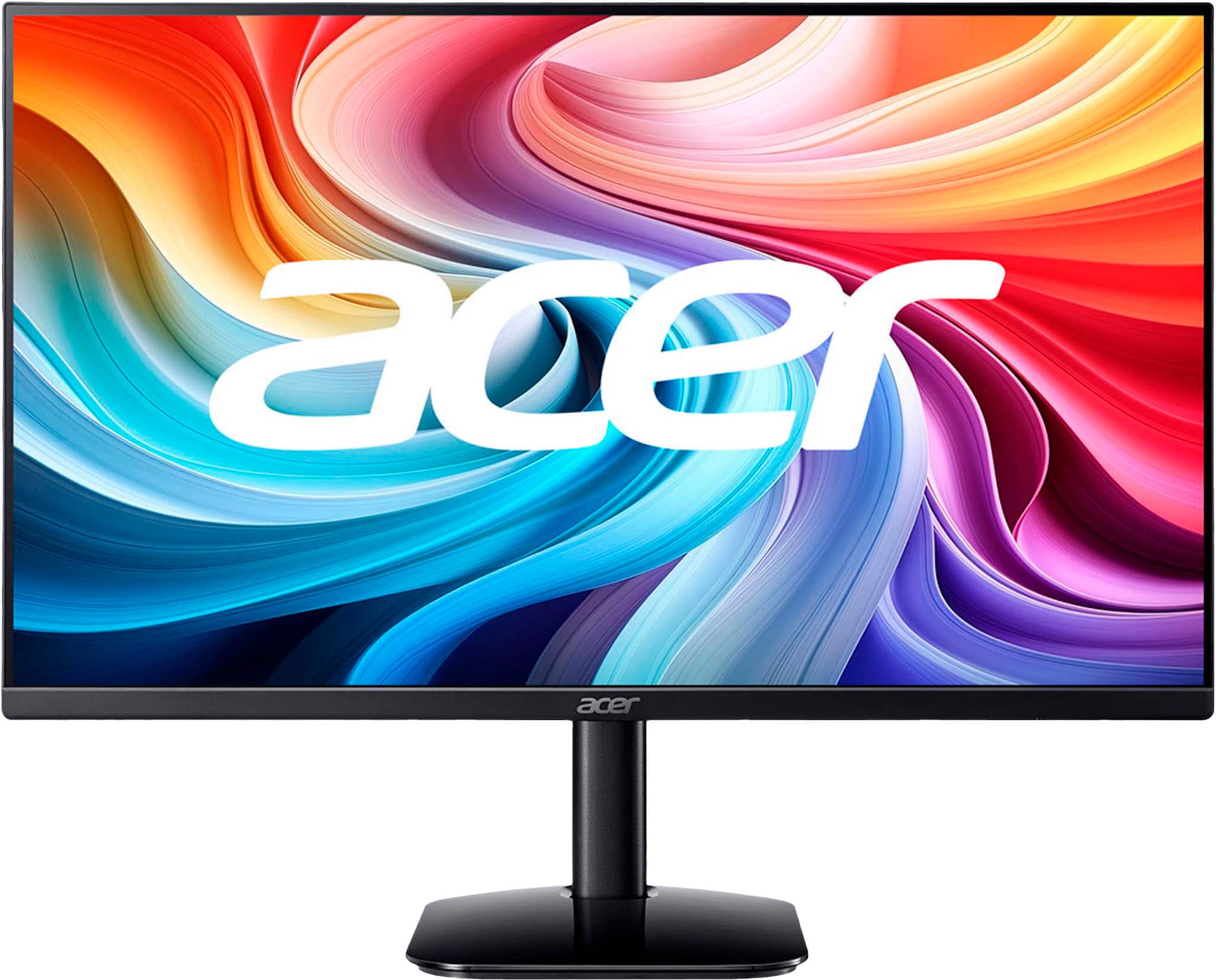
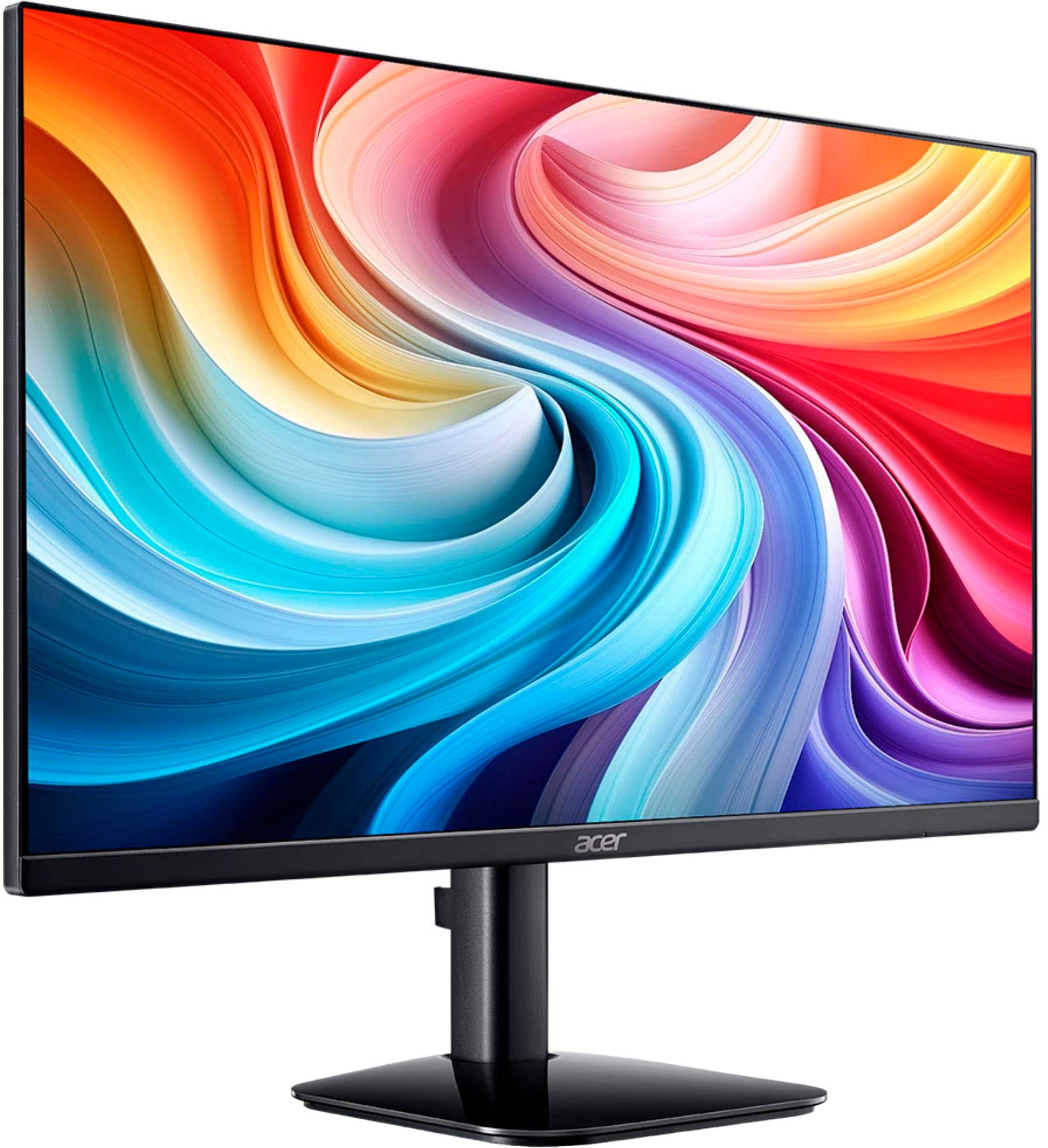
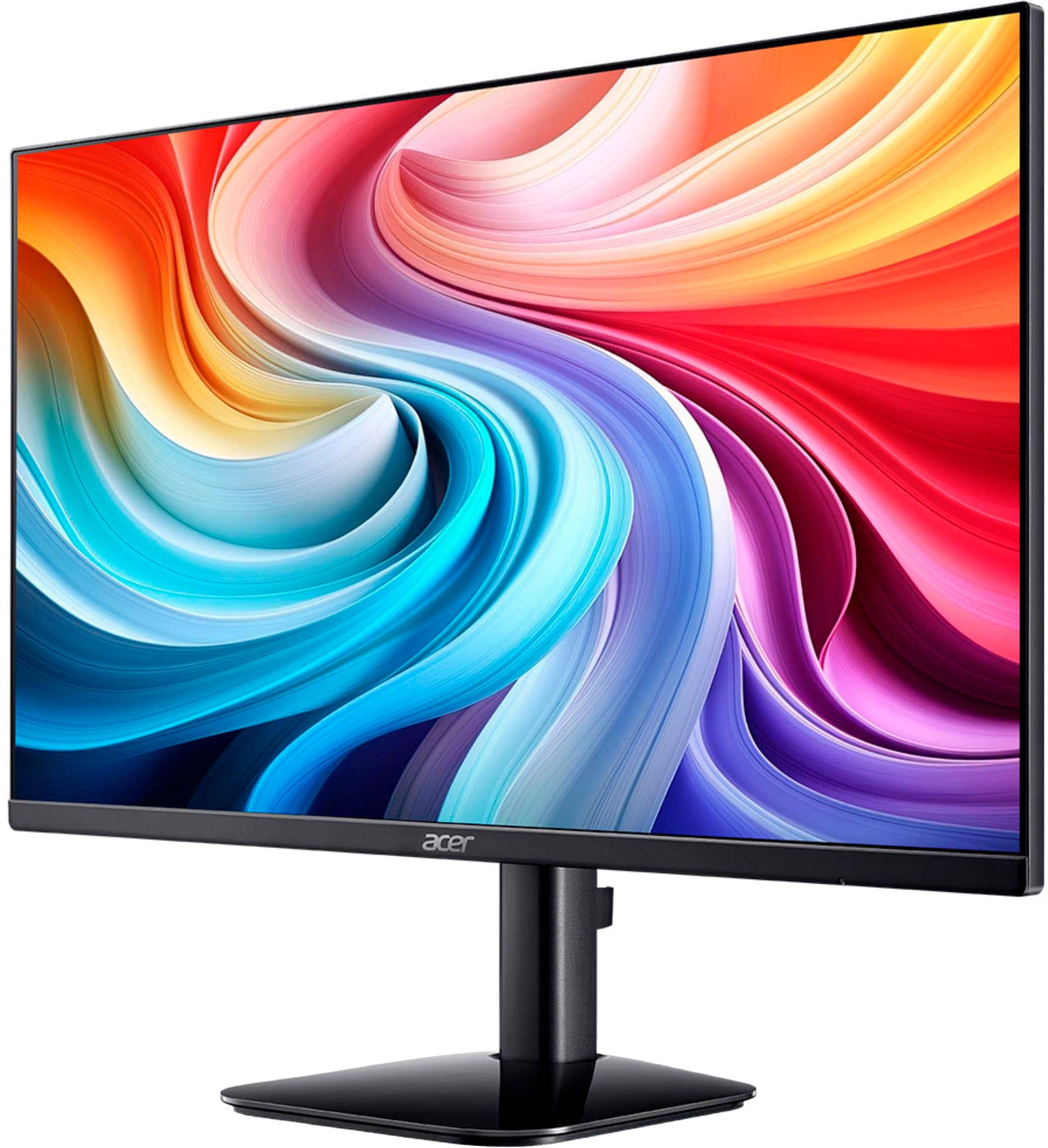
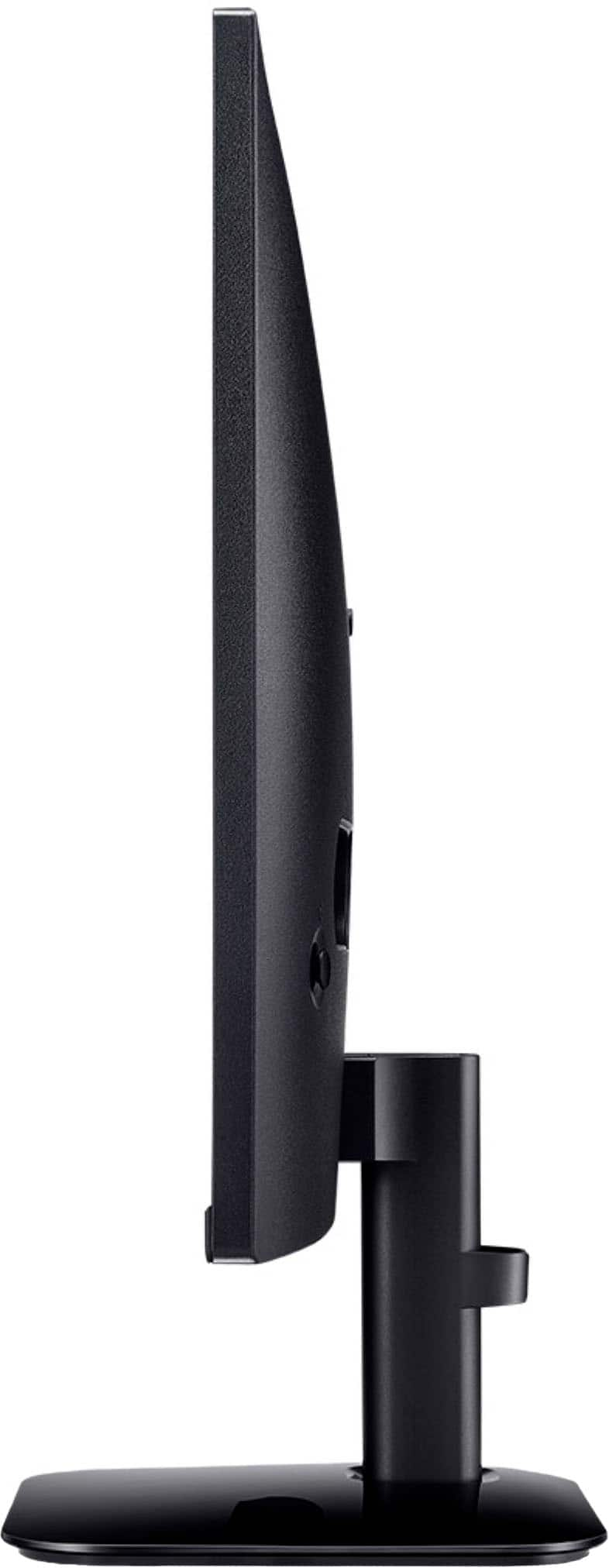
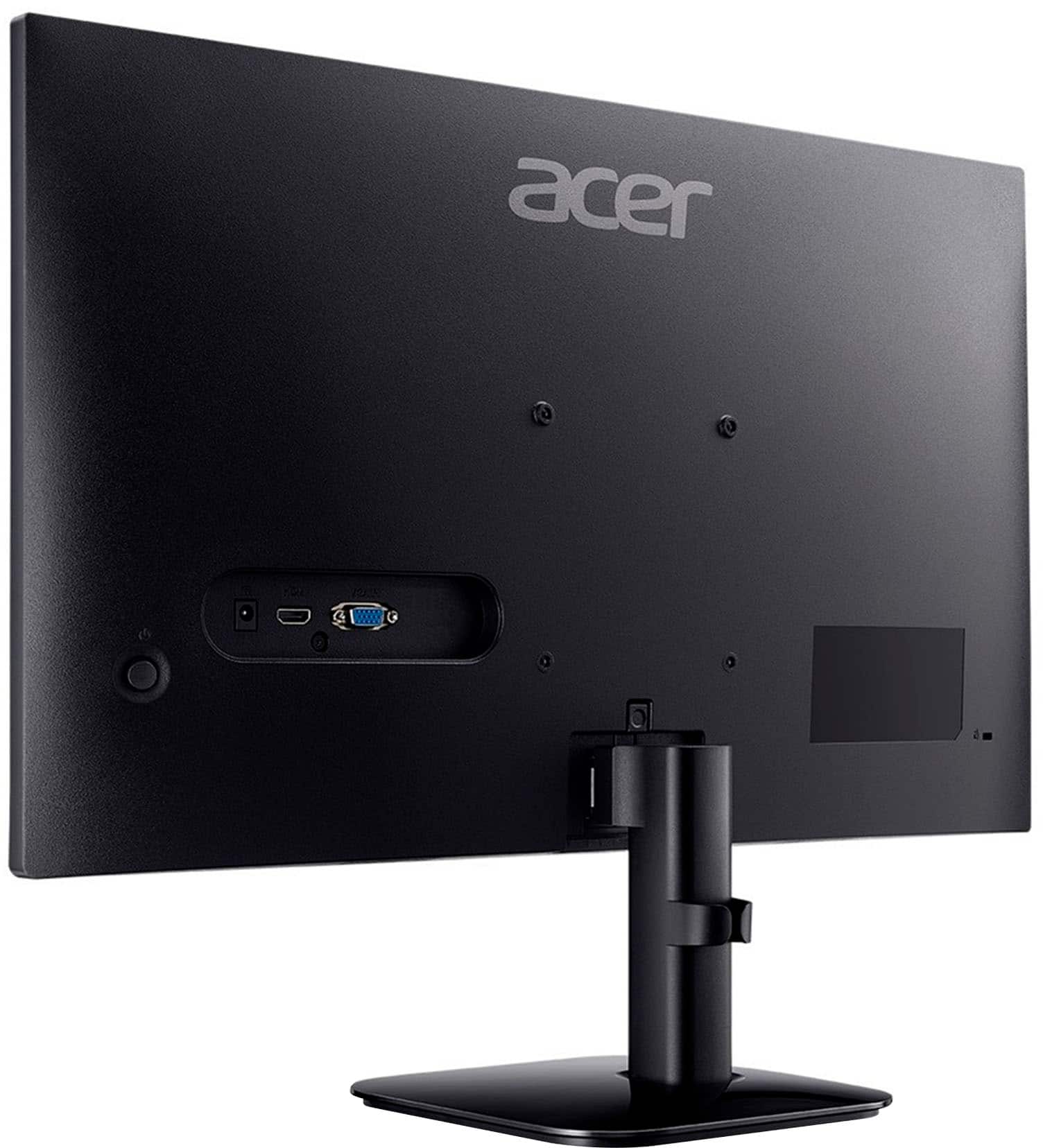
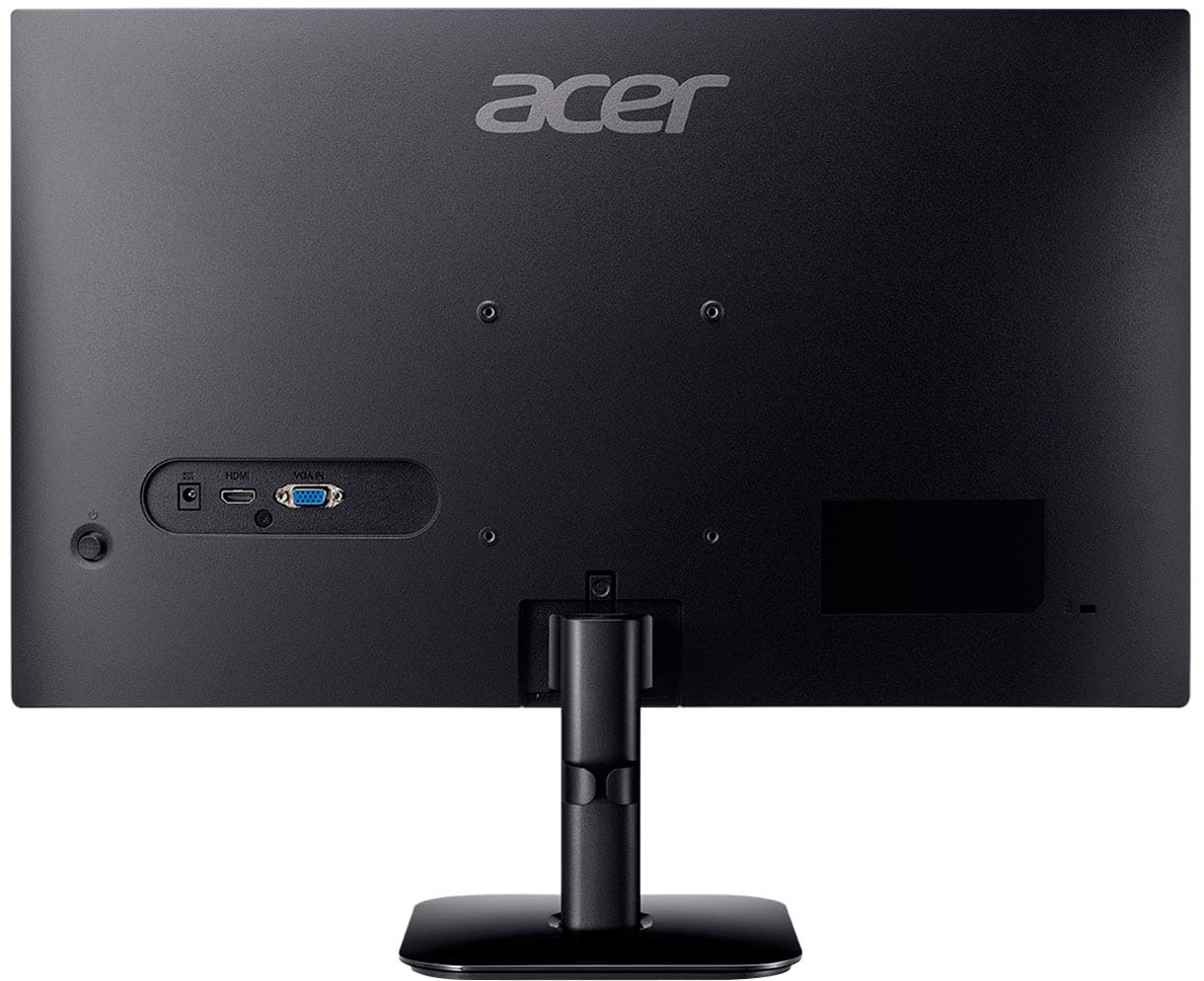
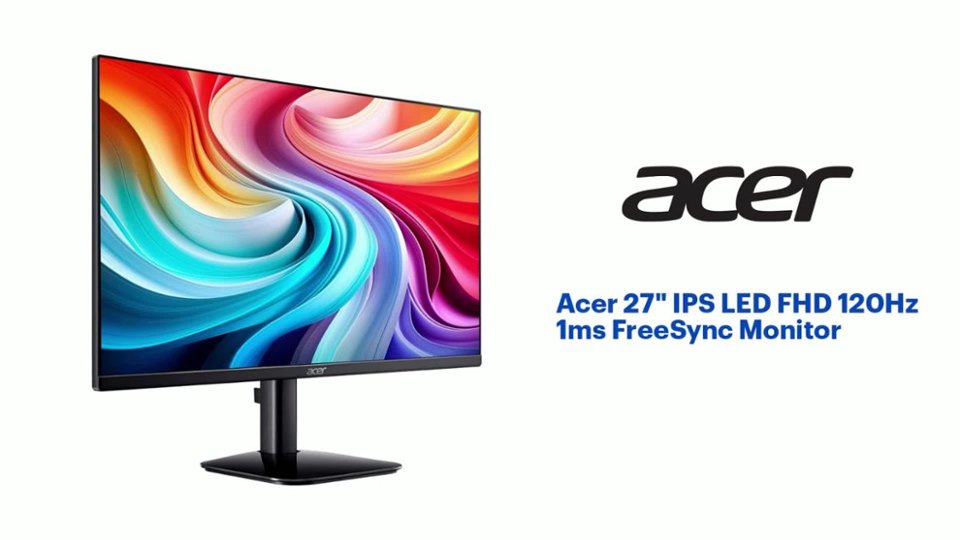
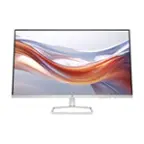
A:AnswerBy default, your Acer KA272 GOBI 27" monitor is designed to enter a power-saving or "sleep" mode after a period of user inactivity. It does not need to be manually turned off and on. Your computer's operating system controls when the display goes to sleep. If you need further help please contact our support team at 866-695-2237. They are available 24/7 for in-warranty products.
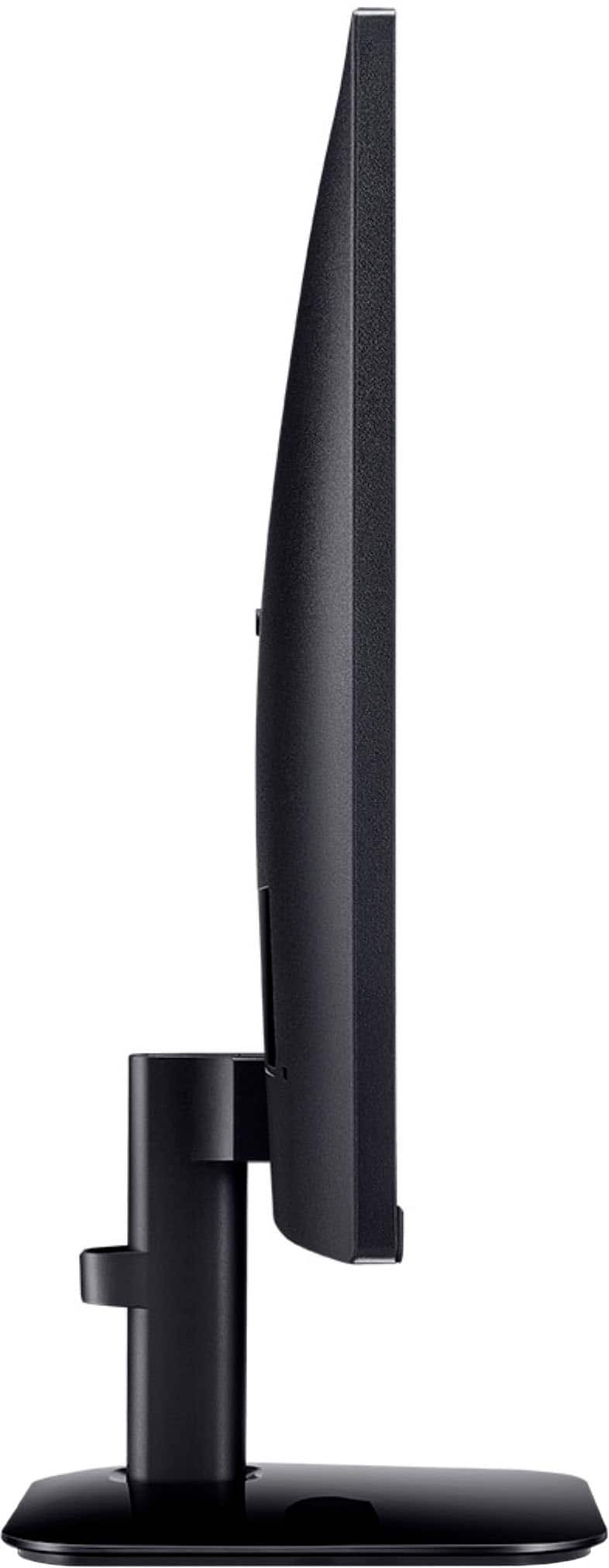
A:AnswerYou would need to purchase a stand that would allow you to rotate the monitor and use it in portrait mode. I have a related Acer monitor, and this is what I do. The stand that comes with the monitor does not allow users to rotate it.
A:AnswerThis monitor should work with most any laptop that has VGA or HDMI port. Most laptops will have one of these connections but if not, you might try an adapter to connect.