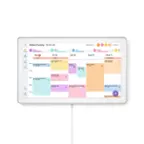
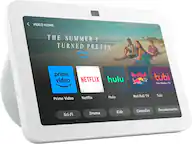
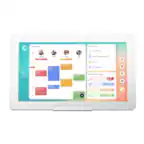
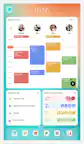
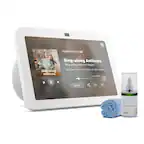
A:Answer Hello Chuck and thank you for your question! The initial set up of the Amazon Echo Show 15 requires:
1) Power Up: Plug the included power adapter into the Echo Show 15 and a wall outlet.
2) Select Language: Choose your preferred language from the options on the screen.
3) Connect to Wi-Fi: Select your home Wi-Fi network and enter the password.
4) Sign In: Log in to your Amazon account or create a new one.
5) Follow On-Screen Prompts: Continue through the steps to:
-Accept terms and conditions.
-Confirm your time zone, location, and device name.
-Customize your wallpaper/photo display.
-Set up Visual ID and Voice ID for personalized features (optional).
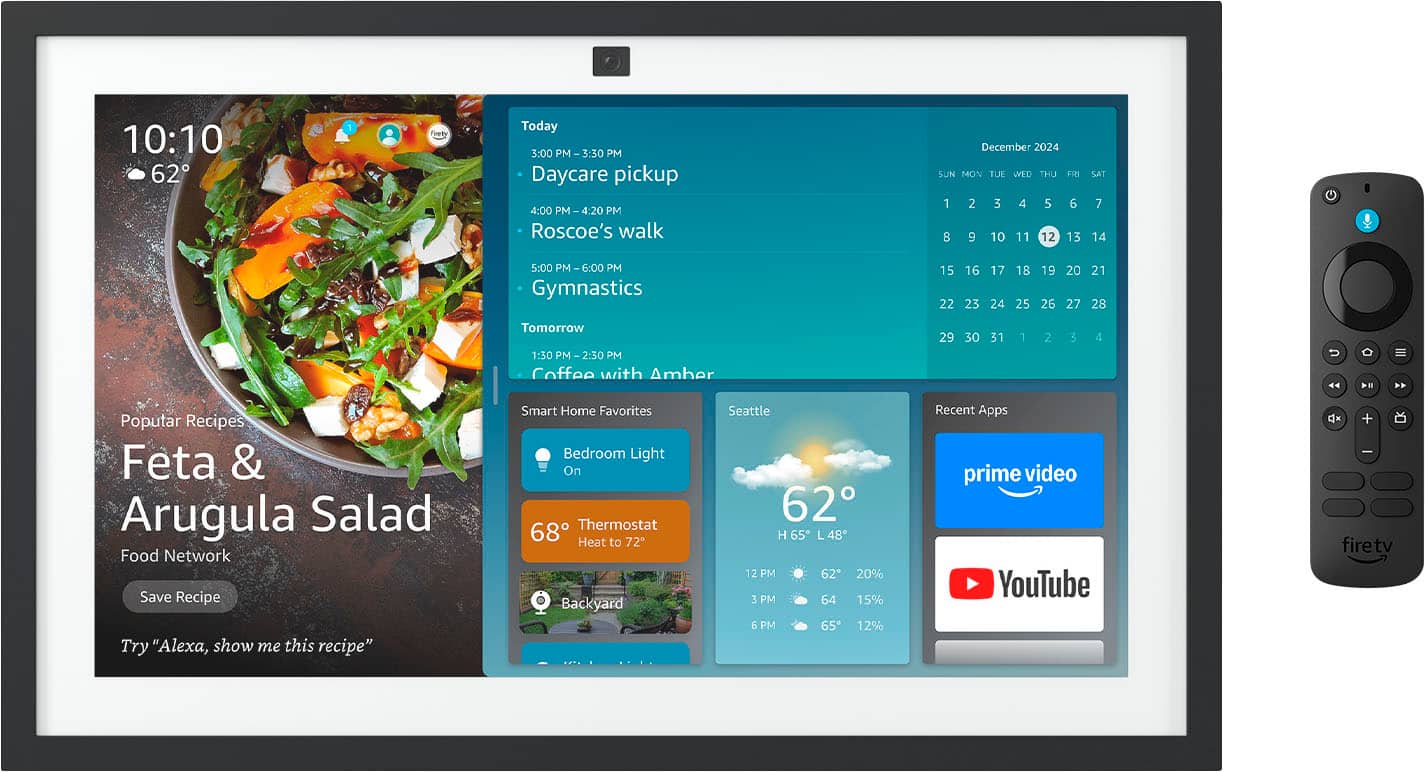
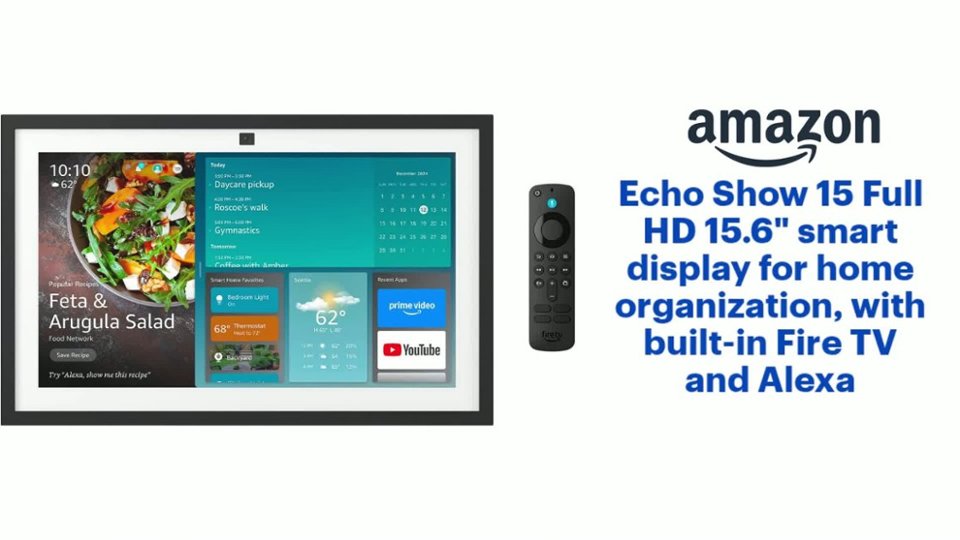
6) Pair Remote (Optional): If using the remote, insert batteries and press/hold the Home button until it pairs (around 10 seconds).
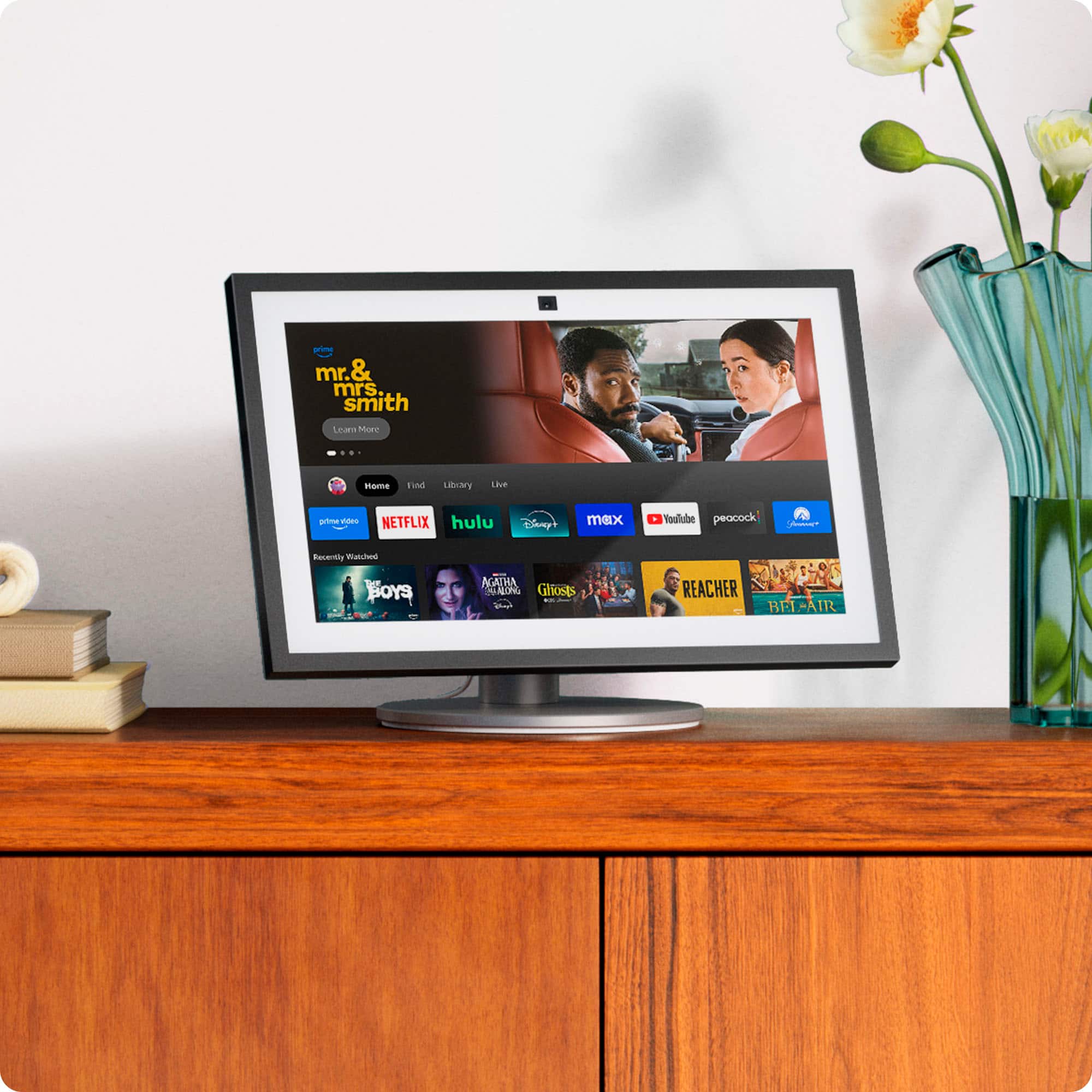
7) Fire TV Setup (Optional): Follow prompts to set up your Fire TV profile for streaming.
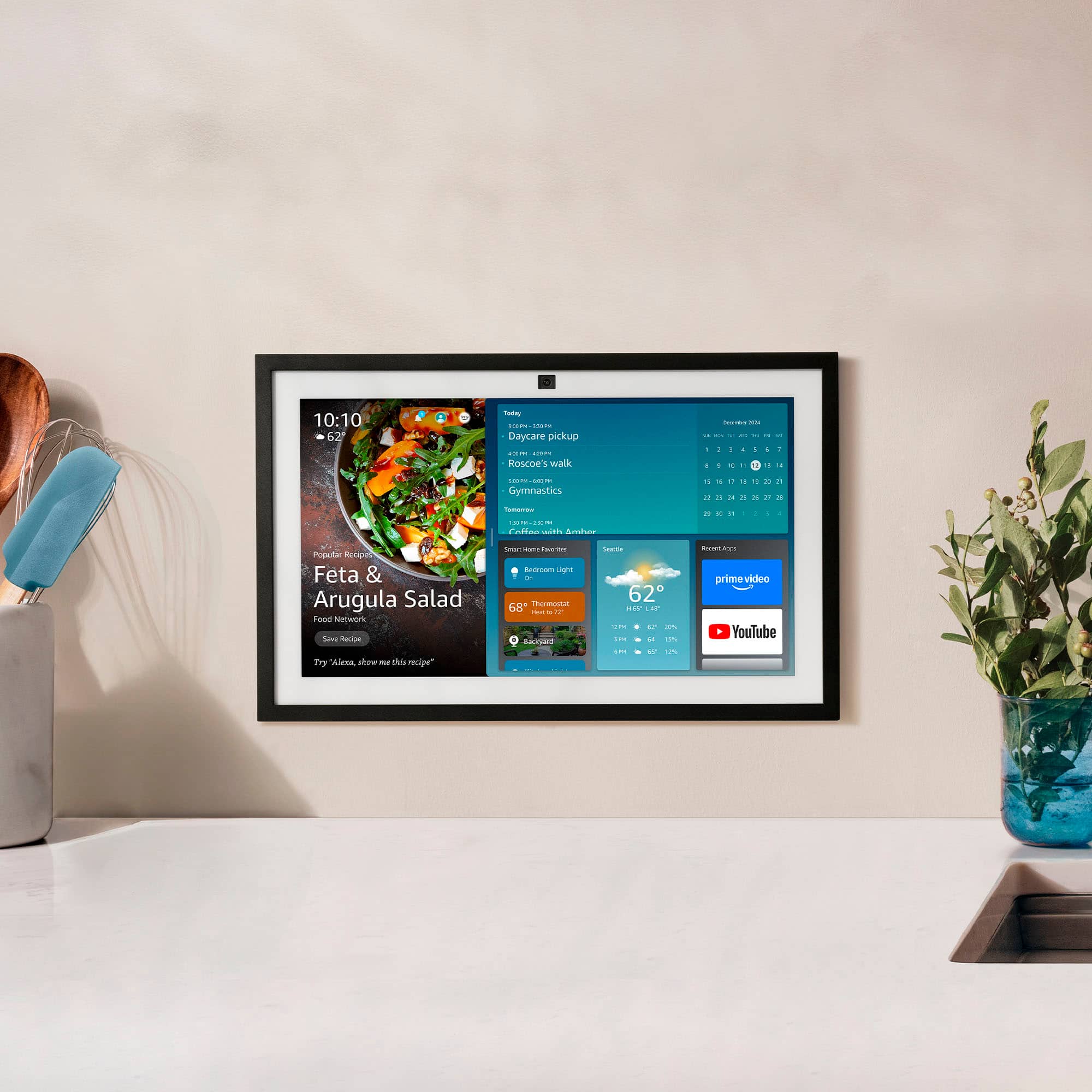
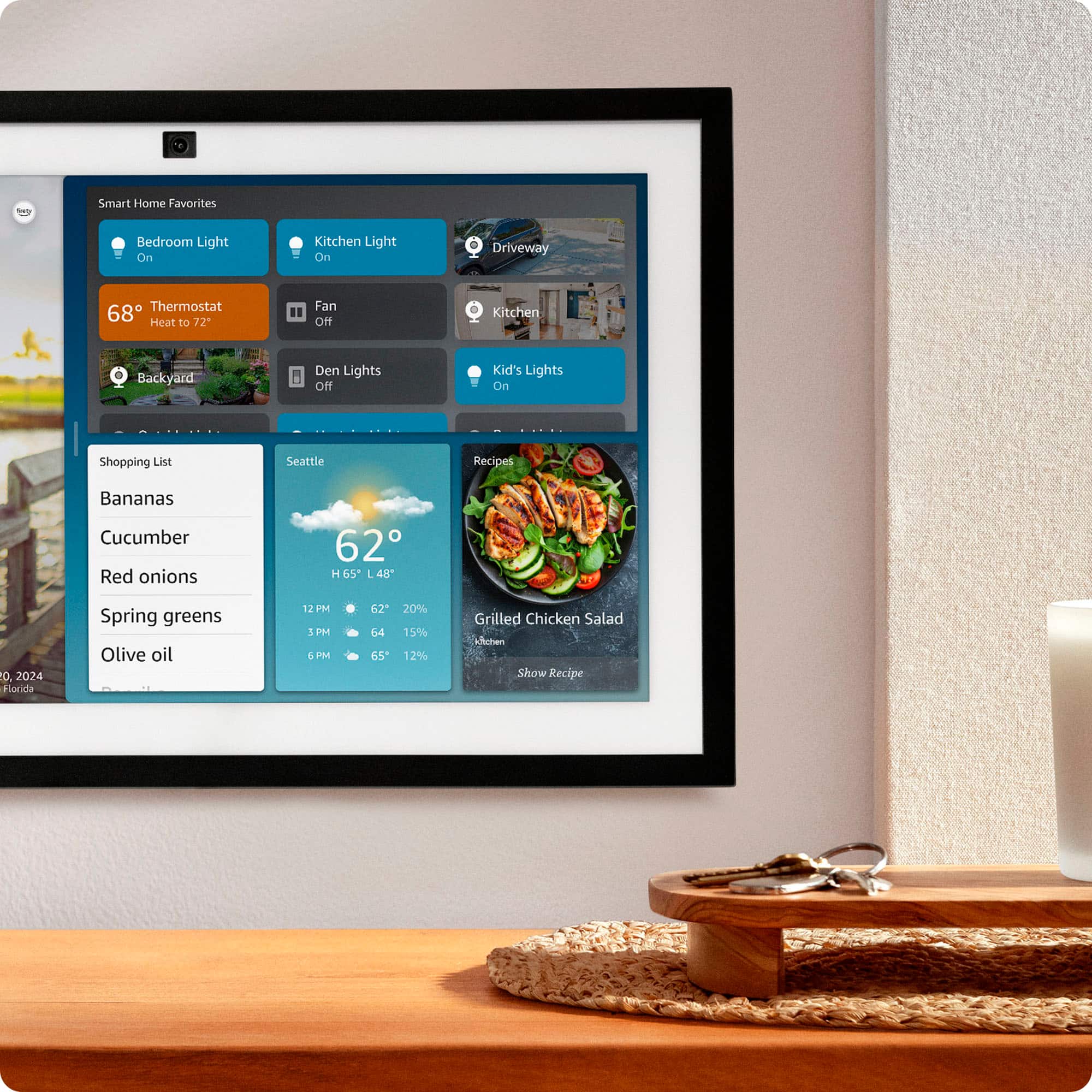
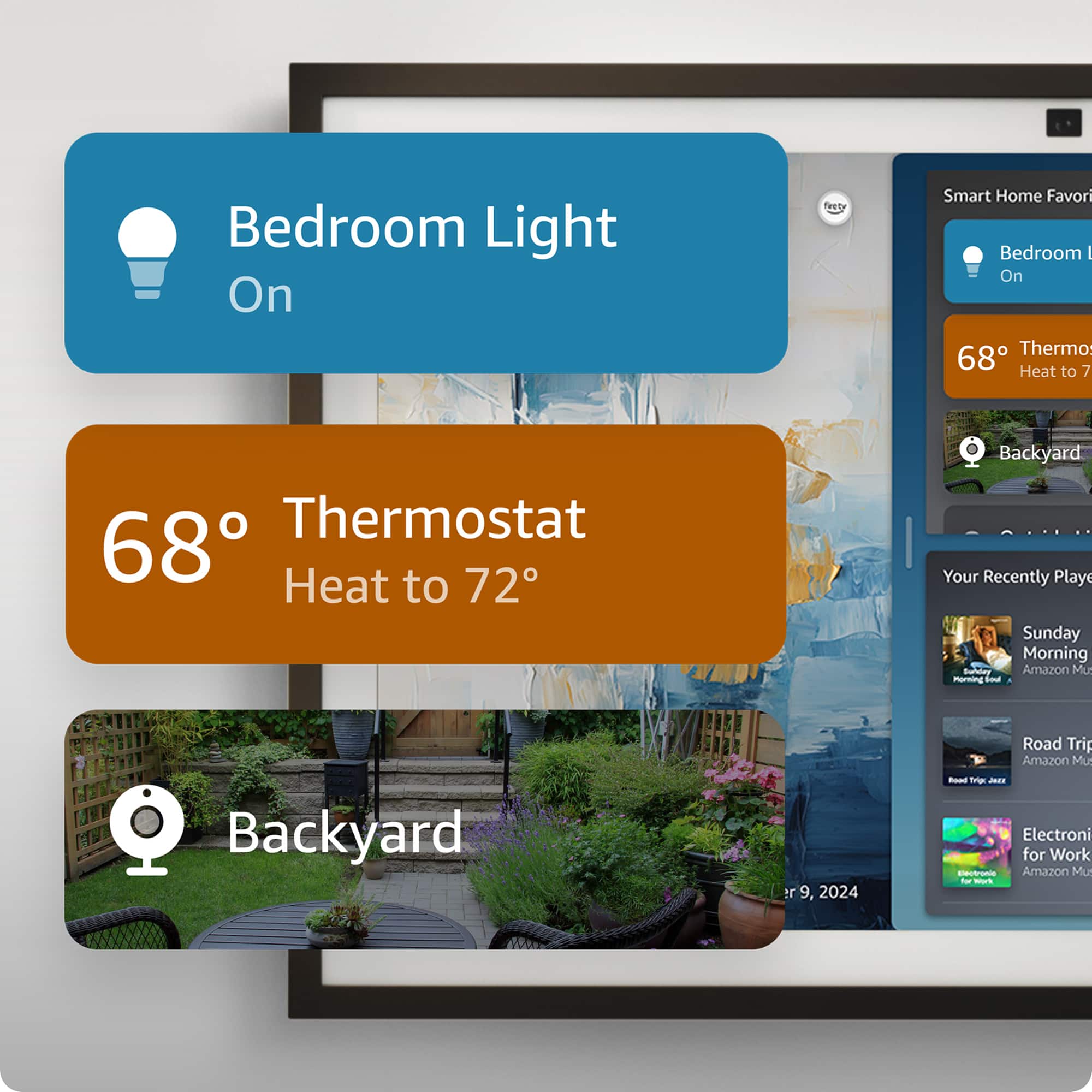
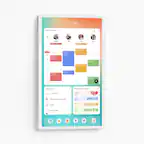
8) Widgets & Home Screen: Once you see the home screen, swipe down from the top to access settings and customize widgets (like calendars, lists, notes).
Hope this helps! Have a great day!