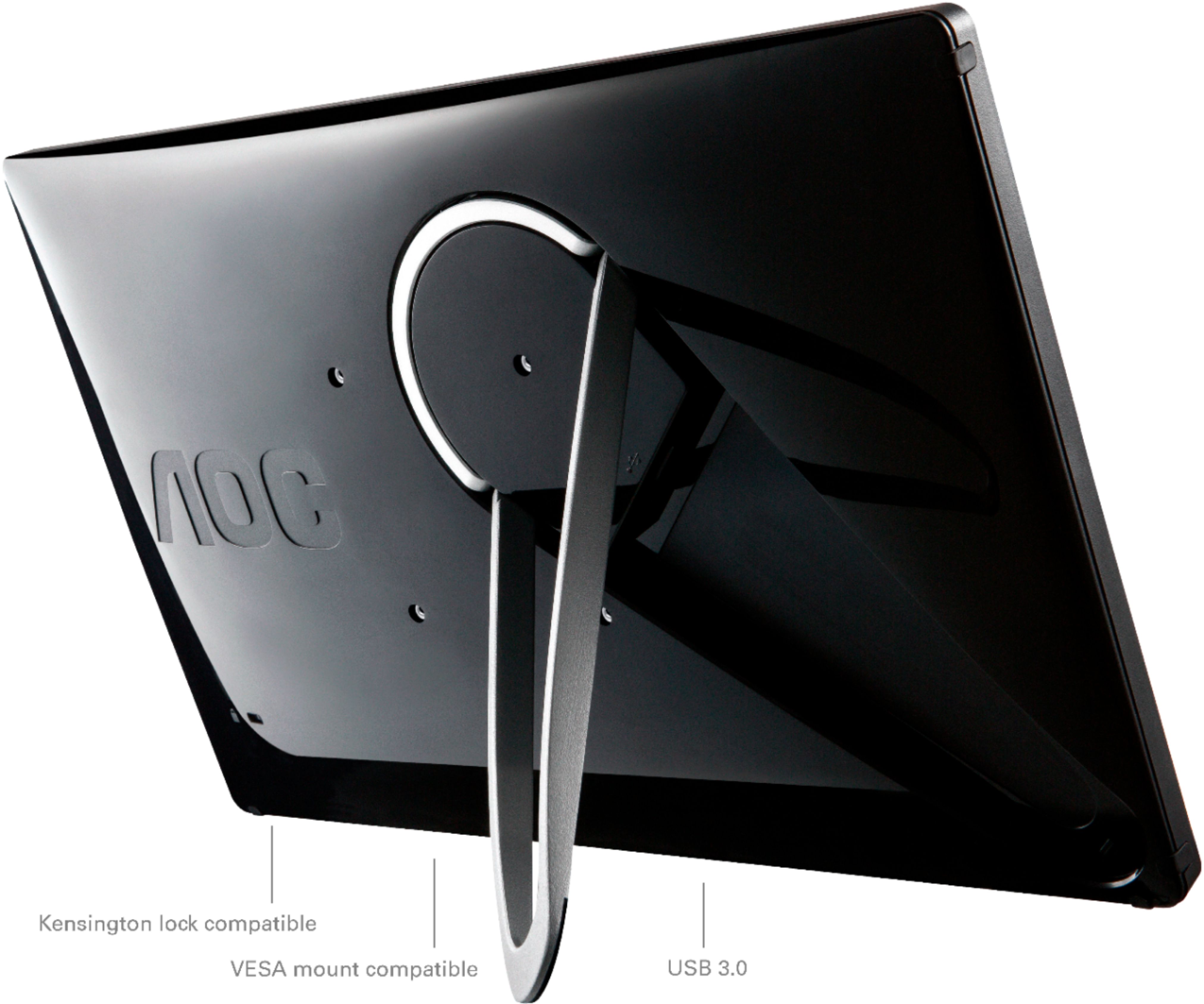
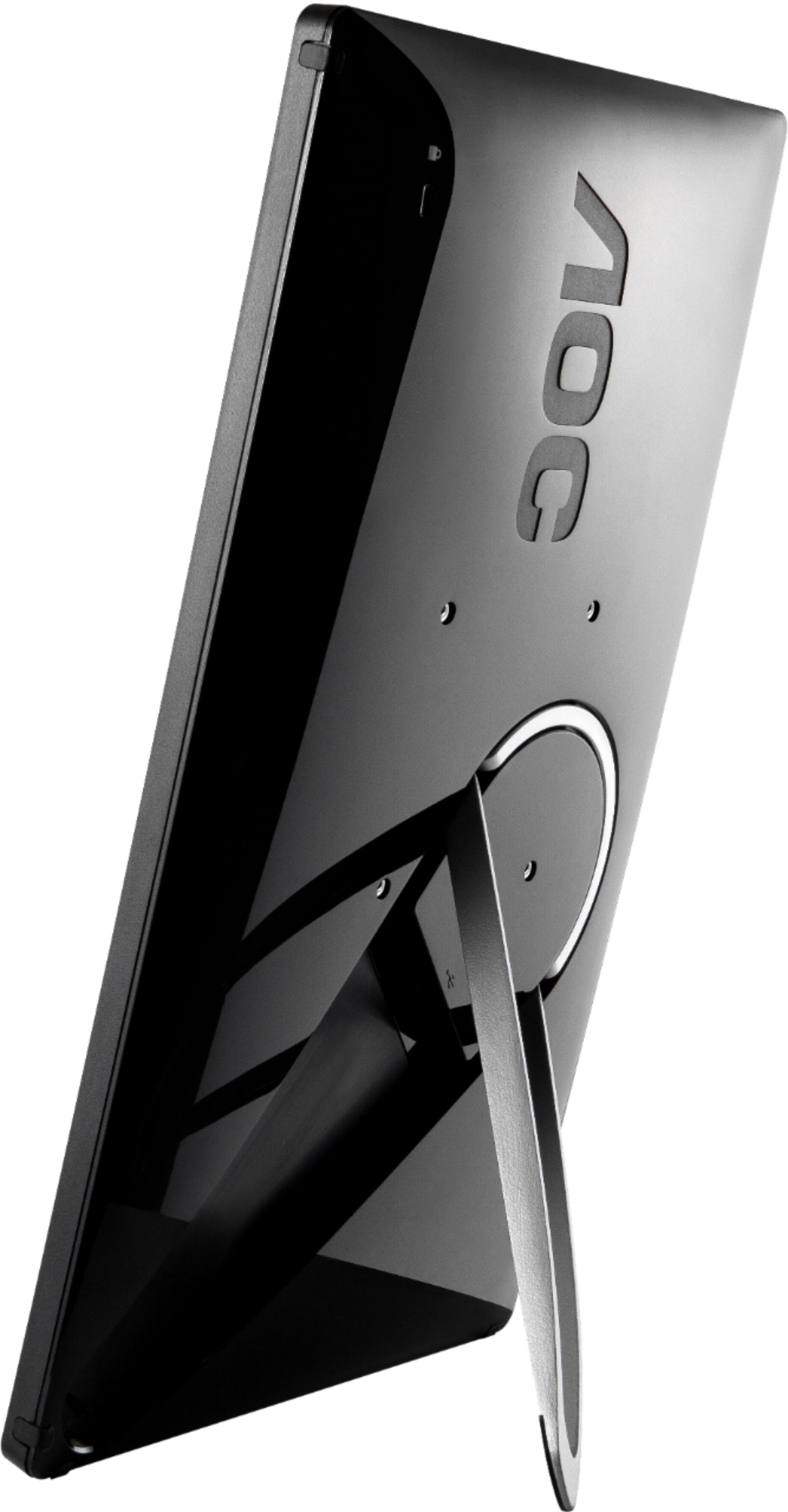
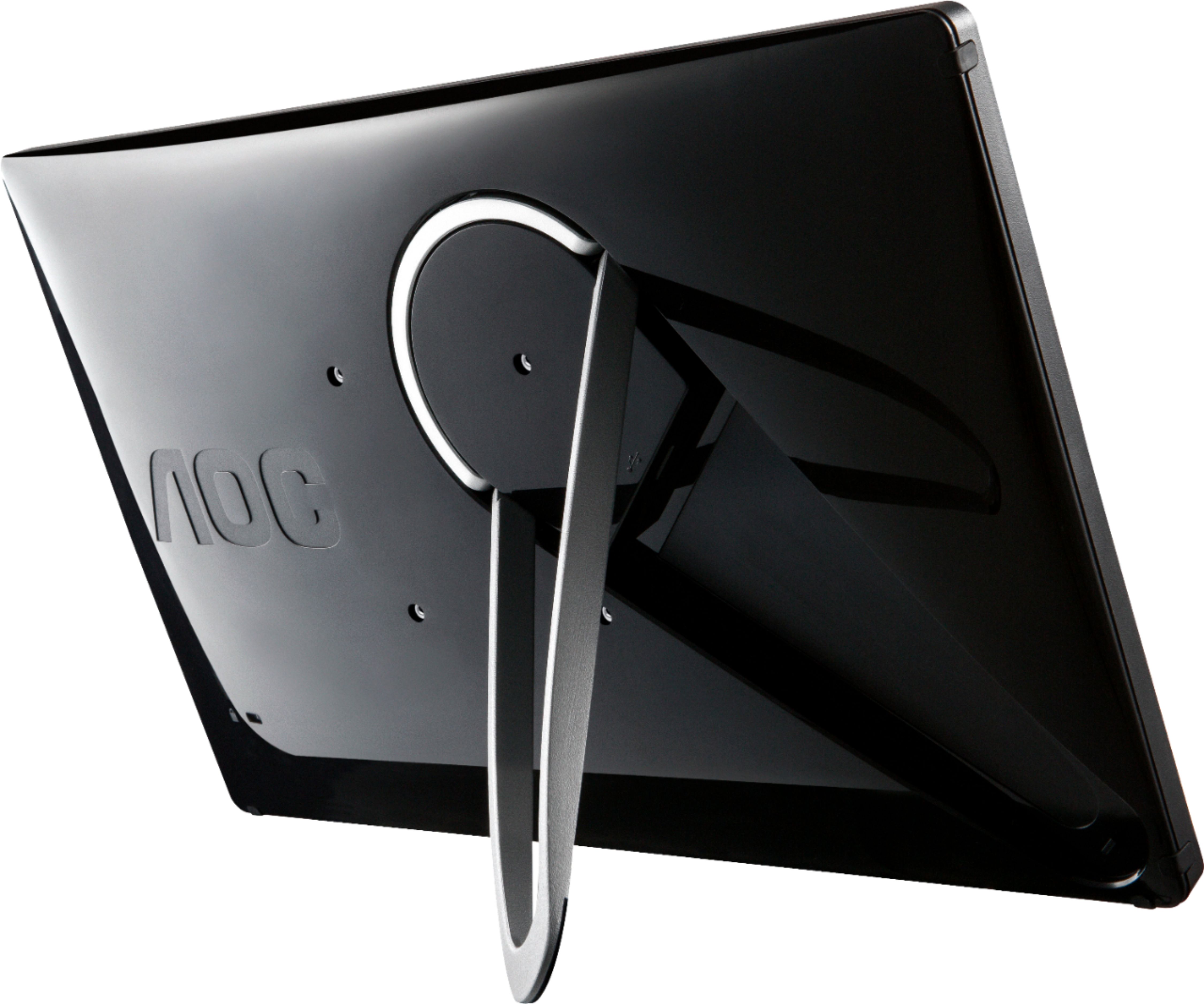
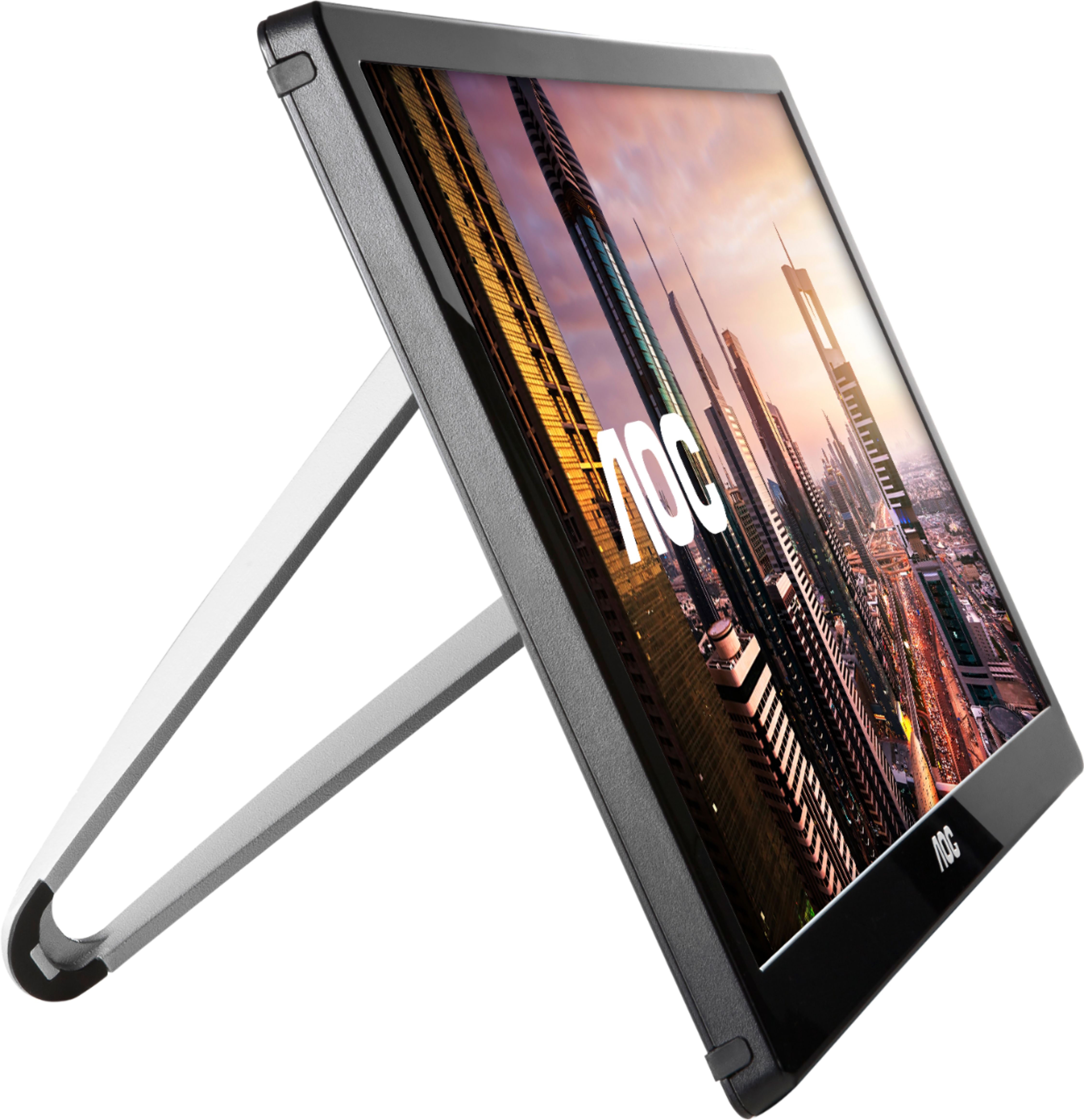
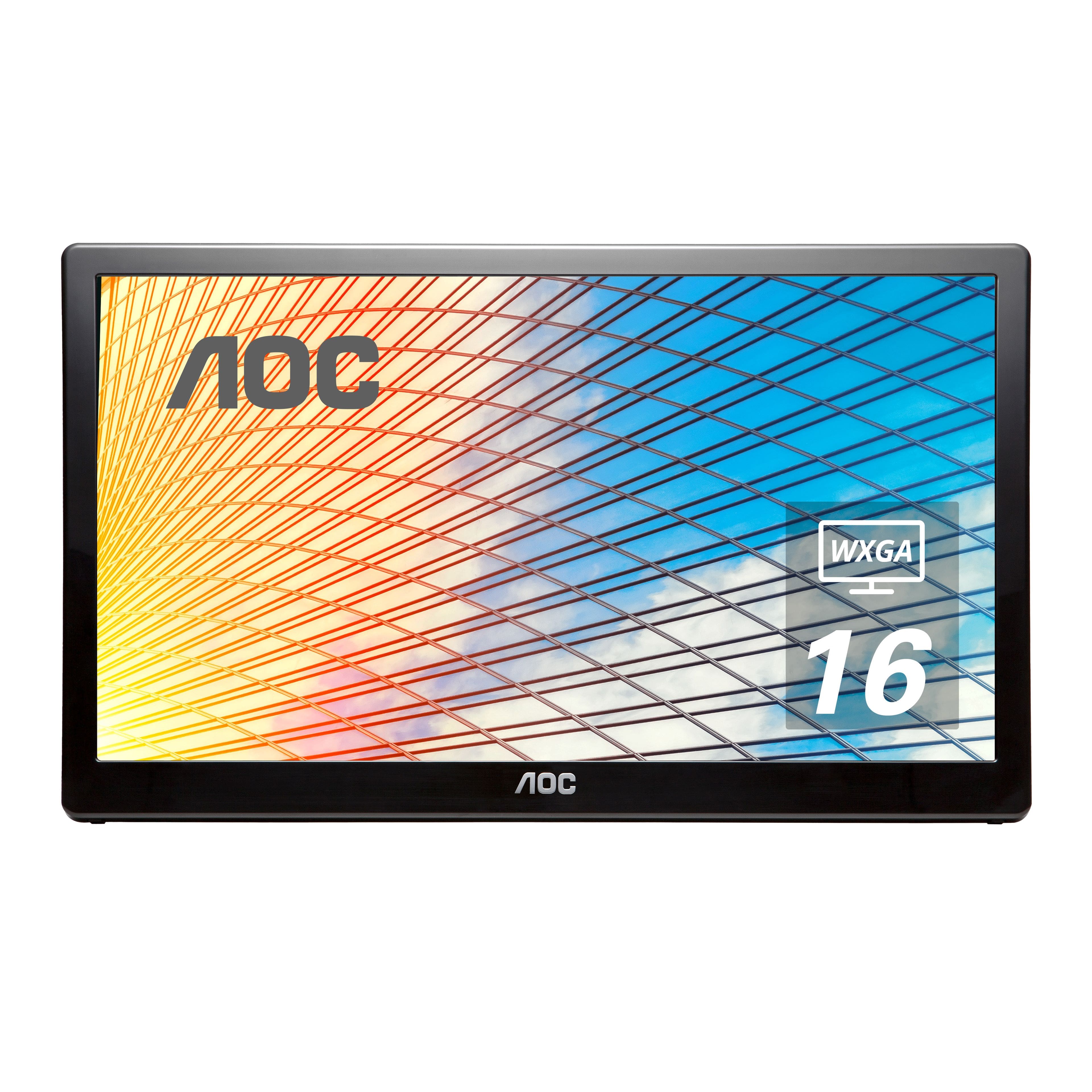
A:AnswerThis monitor model, E1659FWU supports the plug and play feature for most computers. You'll need two USB ports. It includes a USB y-cable in the box and both USB cables need to be connected to the computer's USB ports to provide enough power. Please refer to the user manual located on the AOC website for more information on installation: https://us.aoc.com/en-US/products/monitors/e1659fwu/downloads
A:AnswerThe monitor itself has no way of installing or utilizing software. But whatever you have it plugged into, such as a PC or Phone, could do that.
A:AnswerYes. My wife has two hooked up using a powered hub. They both didn’t work without a powered hub as there did not seem to be enough power from just the laptop to power both. Each monitor has 2 USB connections.
A:AnswerThank you for posting a question. You can use two of these as 2nd and 3rd monitor provided your computer has two available USB ports 3.0 ports.
A:Answerabsolutely, no CD drive needed, just plug into a USB port on your computer-and you're done, it's up and running. (just give it a minute to think about it the first time-after that, connected immediately)
ENJOY
A:AnswerThe monitor comes with an installation CD. However, each computer that I have plugged it in to automatically installed appropriate drivers and immediately started working.
It will function the same as if you had connected a standard monitor, based on your display settings.