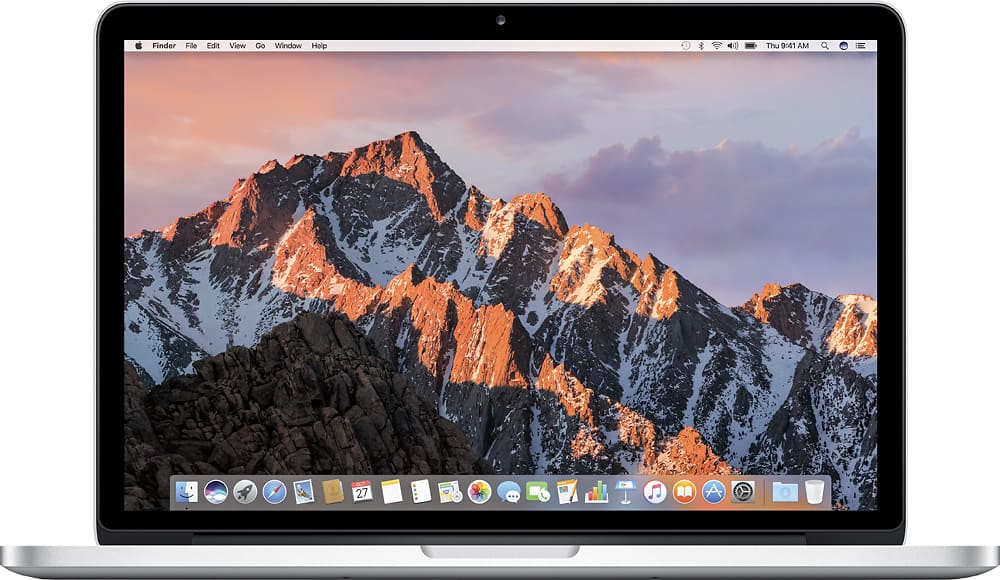
A:AnswerI purchased the clear polycarbonate case by Apple at the Best Buy store. Be sure the get the one for the MAC pro 13" with the Retina display so it will fit properly.
A:AnswerThe typical answer is none but I don't think that is really true anymore.
I use sophos free anti-virus since there are Mac viruses.
https://www.sophos.com/en-us/products/free-tools.aspx
They have a whole lot more for just about any level of protection you want if you choose to upgrade.
The other best practices are to use common sense when visiting websites and not to click on ANYTHING that looks suspicious. It is important to keep all your software up-to-date since there are specific exploits that come from existing programs such as Excel for Mac 2011.
A:AnswerIf you use chrome as your browser on your macbook you can cast directly to your chromecast. If you want to watch movies stored on your hard drive there are chrome extensions that allow you to cast files. Videostream is the name of the one I use. There is no need for apple tv.
A:AnswerBuy 128gb if you need extra storage for photos, movies etc and plan on using this laptop for 2 yrs max
Buy 256gb if you need space for apps and professional work, and plan on making this laptop last for 2 or more years.
Either way you go, its a great investment since Apple retains its value better than most other PCs.
A:AnswerThis unit will certainly edit video as good as most any computer unless you are using many effects or layers. I've used the previous generation macbook pro for editing and the SSD makes everything go a lot faster.
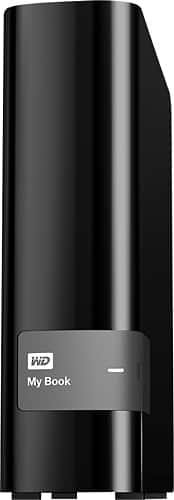
You will need to invest in an external drive to save off the footage and also a superdrive or similar to burn the DVDs
I have a combination of regular 2 TB external hard drives and 250GB SSD drives using usb 3.0 and the results are great.
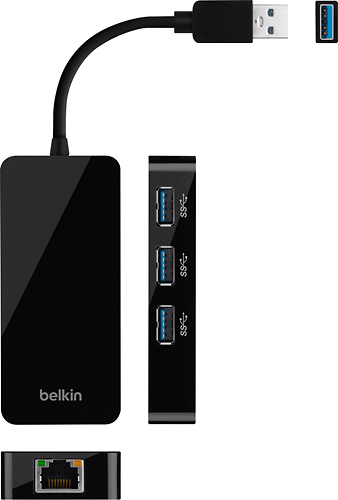
The unit only comes with 2 USB 3.0 ports so you might need a USB 3.0 hub at some point.
I use iMovie and Final Cut Pro X depending on the complexity of the edit.
A:AnswerThe battery is ridiculously good. You can watch an average length movie and the battery will only go down about 10% if your brightness isn't up a lot.
A:AnswerAdding memory to these things is next to impossible, Apple solders it in on these MacBook Pro's. You definitely would want to buy it already equipped with 16gb if you need more than 8gb. OS X is very memory efficient and it runs great on the 8gb unless you need it for video editing/encoding or some other super memory intensive task.
A:AnswerGreat computer for djing and if you get garage band set up, or download and get a good synthesizer you are set. Fast processing speed and great audio to match all of your work, in my mind. Ive been playing with it for years on and off just messing around and my sister uses it specifically for music.
A:AnswerYou can have window for your Mac, however, you will need a full version (windows for system builder) not the upgrade version. I believe it will be around $200 and it will work on bootcamp. Microsoft have Office 2016 for mac, it almost similar with office for Windows (better than 2011 for mac)
A:AnswerThe differences in laptops is not that huge anymore with apple. They have slowed down on their innovation and I would just go ahead and get the laptop.