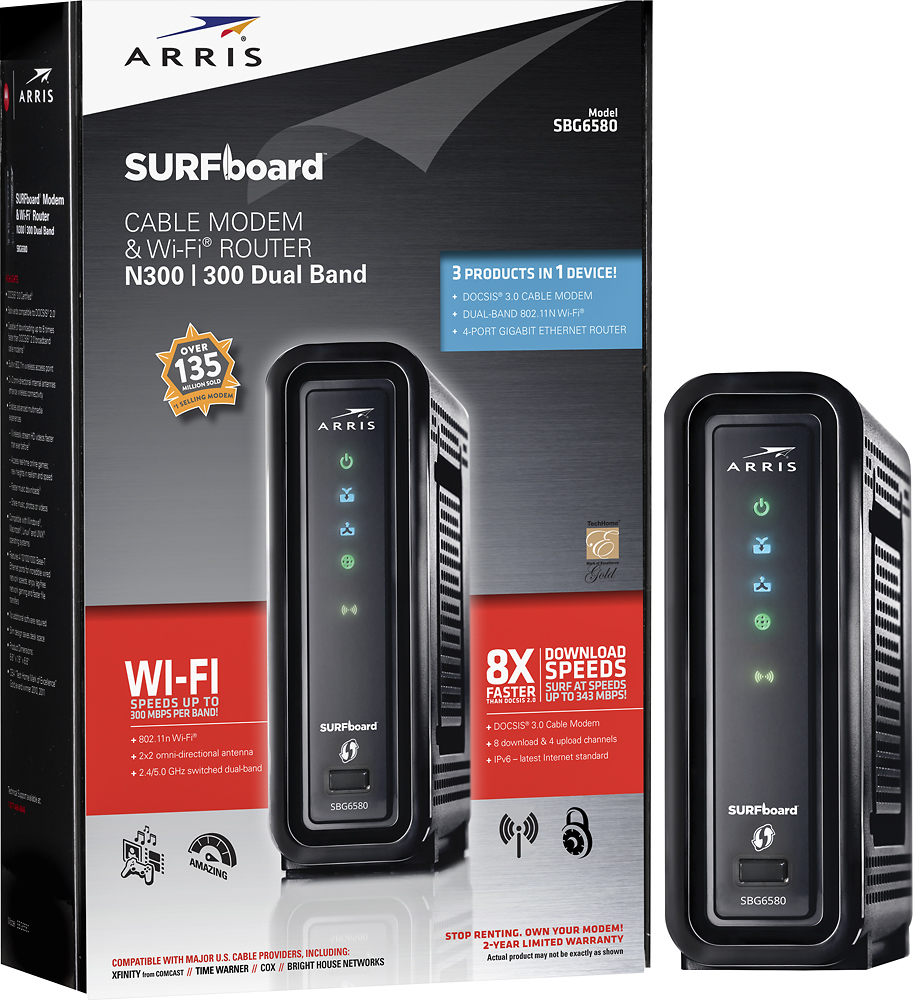
A:AnswerI would go with a modem-only model. I found this unit to be a let-down in terms of wireless speed and connectivity. In doing further research the 6141 or 6183 models would be a better choice in conjunction with a router.
A:AnswerLol. I am a woman, and yes a woman can install it. it is very simple. You just plug it into the wall and plug your service cable into it and that's it. If you have a smart TV, you will need an Ethernet cord to plug into the device and the TV. Any other WiFi device should just require the password.
A:AnswerI would not recommend putting this unit in a closet because wireless signals can be affected by interference. I had interference issues that turned out to have a lot to do with my ISP that I initially believed were related to the router.Regarding the router itself I had to tweak the settings a bit ( mainly security settings and the channel) to find the best signal for my wife's laptop. ( Their customer service is very helpful as well)
I had to compromise a bit on the security settings , otherwise it would not allow Xbox live to connect. I also ultimately decided to hardwire the gaming console (via 100ft cat6 Ethernet cable) because it provided the most stable connection. Wired connection is outstanding as well as my wireless signal. If you want to run wireless with your gaming console, it is much easier to troubleshoot if you have a separate modem and router. I would not suggest a second wireless router because you will very likely encounter interference between the wireless signals. I had negative results trying to use range extenders. It seemed too troublesome to provision without the signal degrading or becoming very unstable. (most of the time BOTH unstable AND degraded signal) This particular router can cover a 200 foot radius.
I hope my reply was helpful and helps save you a lot of time and aggravation.
A:AnswerI have Xfinity and purchased this router and I am very happy! Much better than the stock Comcast Router and you save a ton of money over time. I also purchased a Belkin signal amplifier(access point) and it's made a huge difference!
A:AnswerFrom my experience, it will probably reach your desired location but the perfomance leaves a lot to be desired. I would definitely recommend a different brand.
A:AnswerYes this model should work with Wave Broadband; have a look at the support page. it gives all models they support.
http://www.wavebroadband.com/support/internet/equipment/
A:AnswerThe Verizon website should list all modems that are compatible with their service. If you purchase one of the modems listed you should be fine. However, if you plan to add their VoIP phone service, check with Verizon first as a special modem may be needed. A store bought modem may not work.
A:AnswerAT&T is DSL, this is a CABLE modem. There is nowhere to plug a phone line into this modem. Also, AT&T uses a proprietary modem if you have ATT U-Verse.
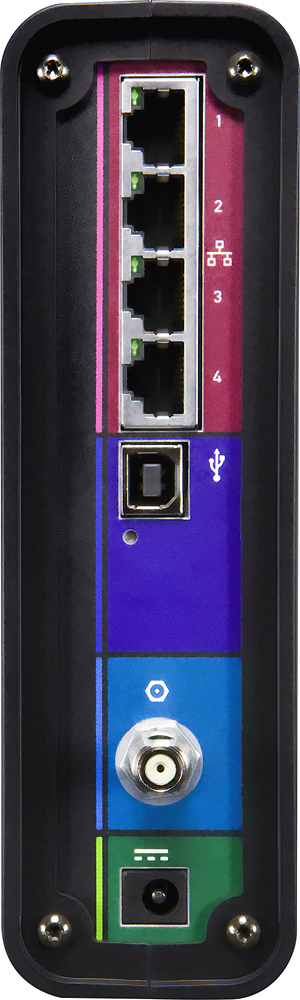
A:AnswerNo, I do not believe it does. It is a basic modem with a single Ethernet port so you can only connect 1 device. I connected a router to it and my router manages all of my network connections.