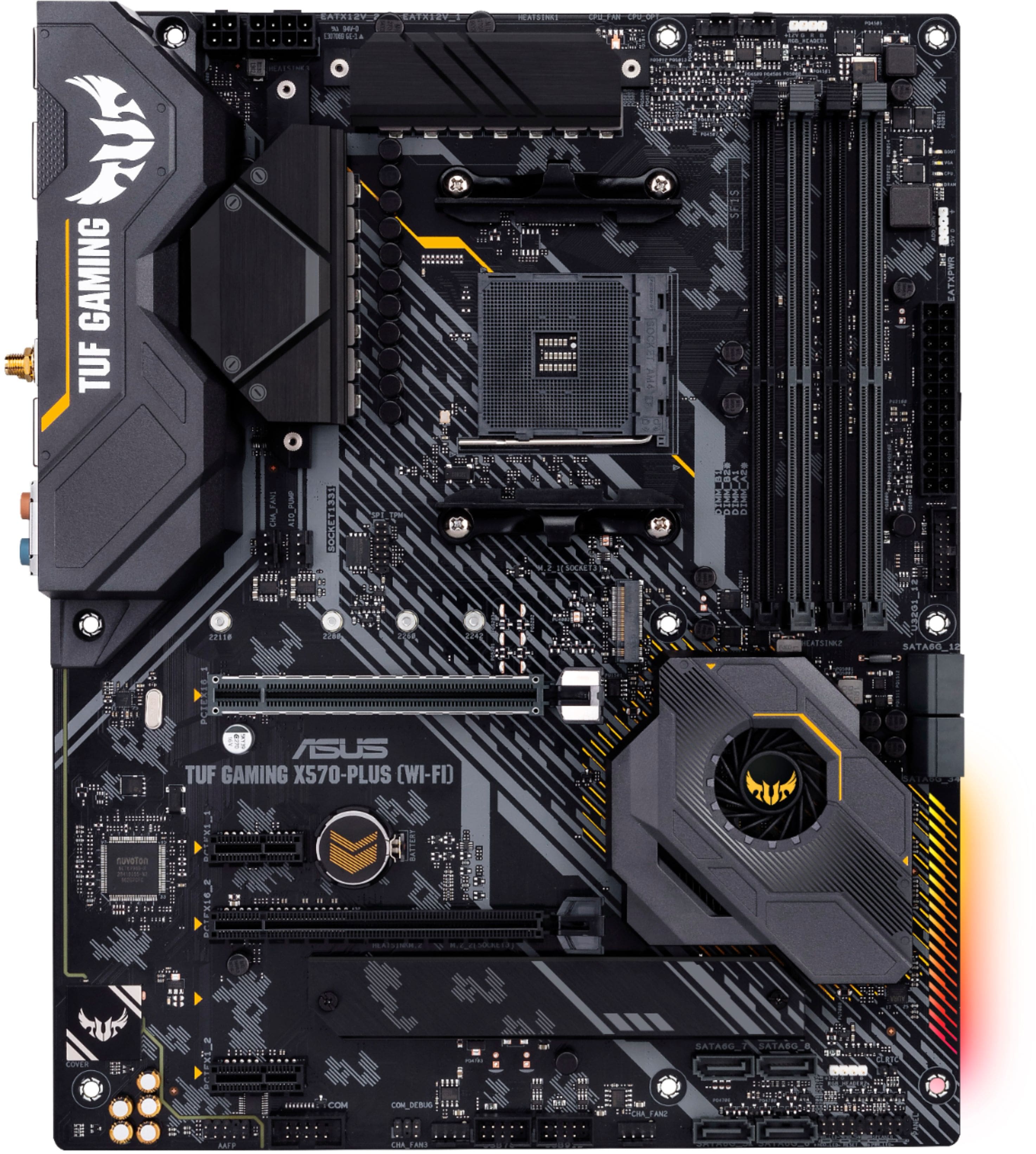
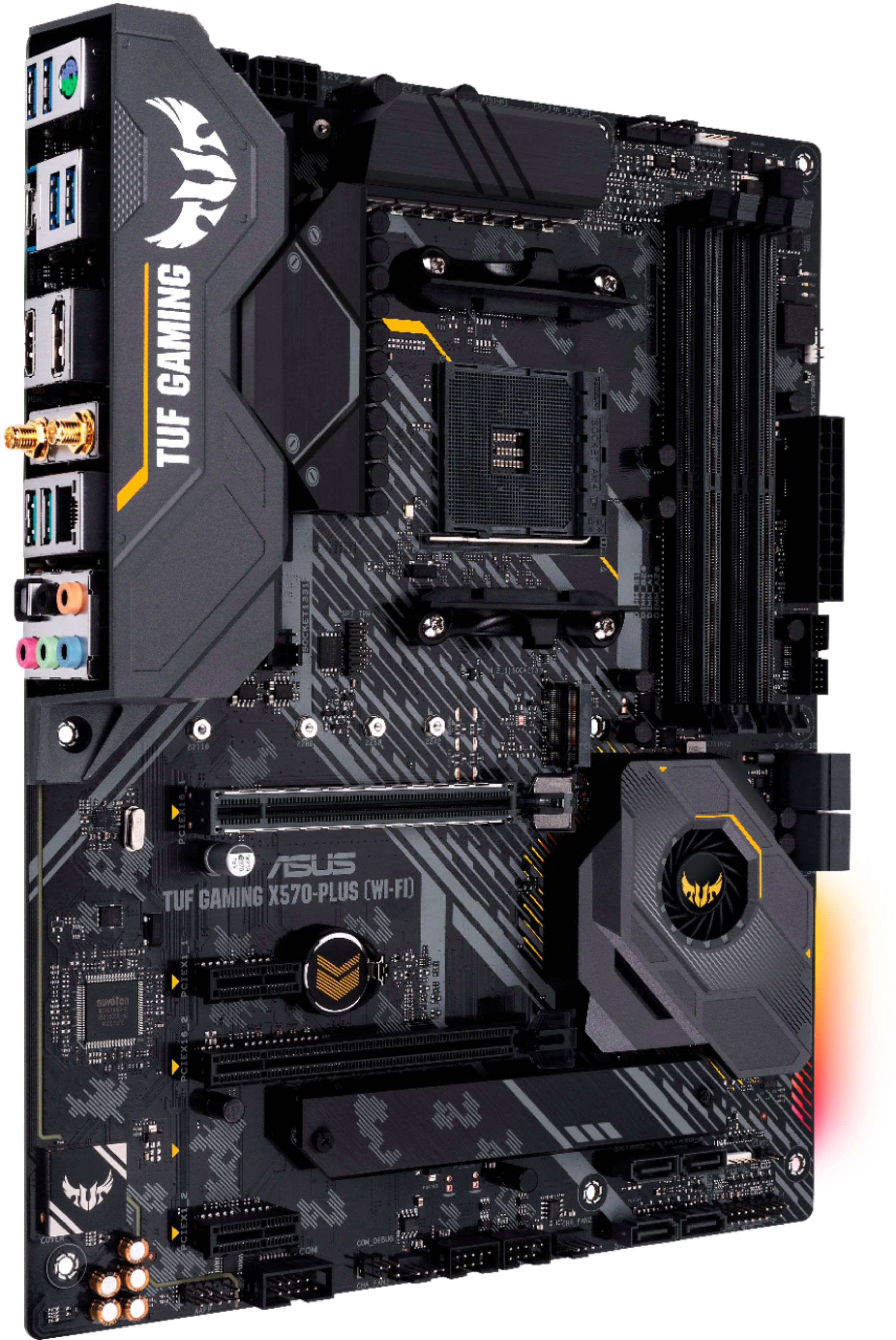
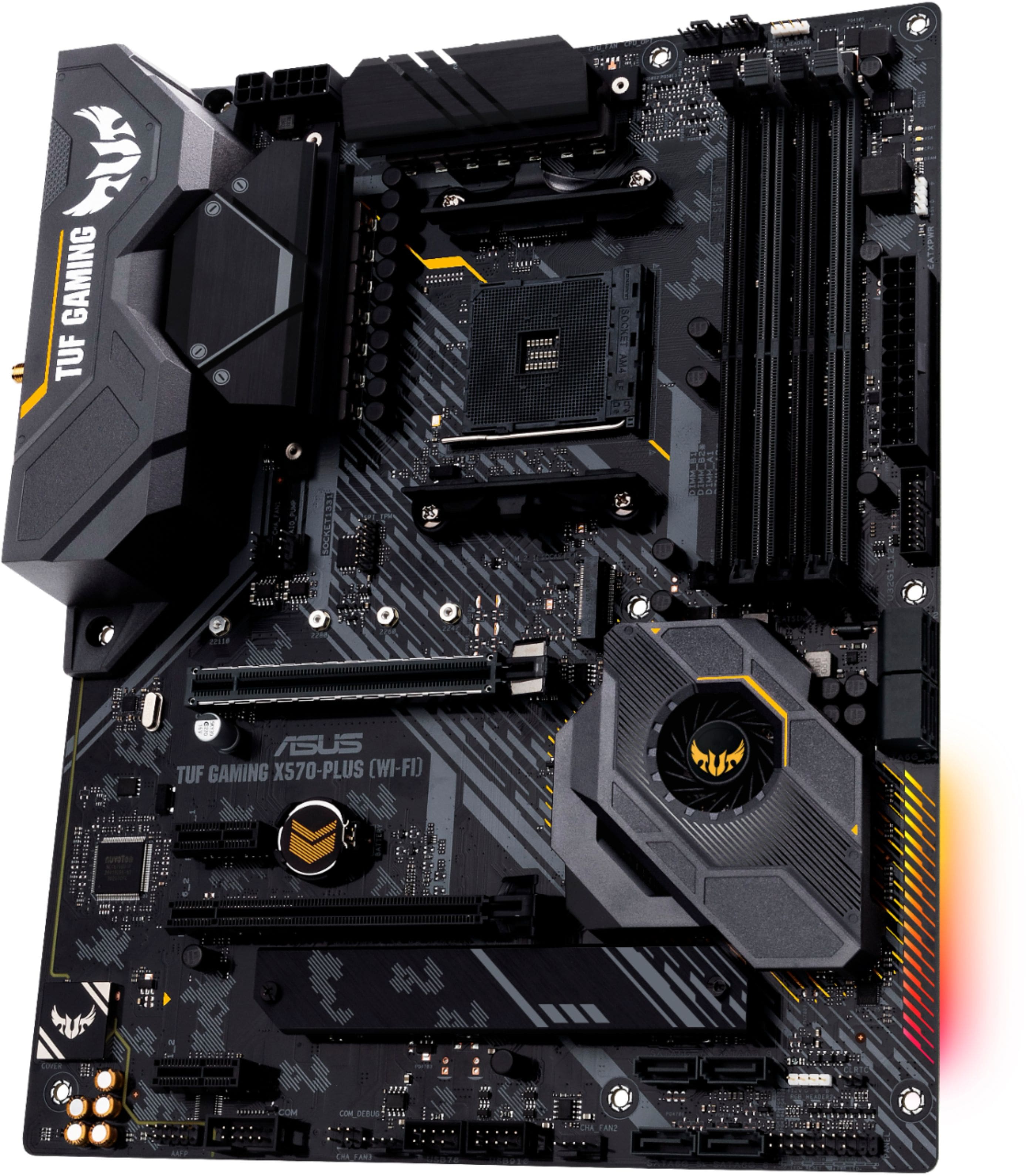
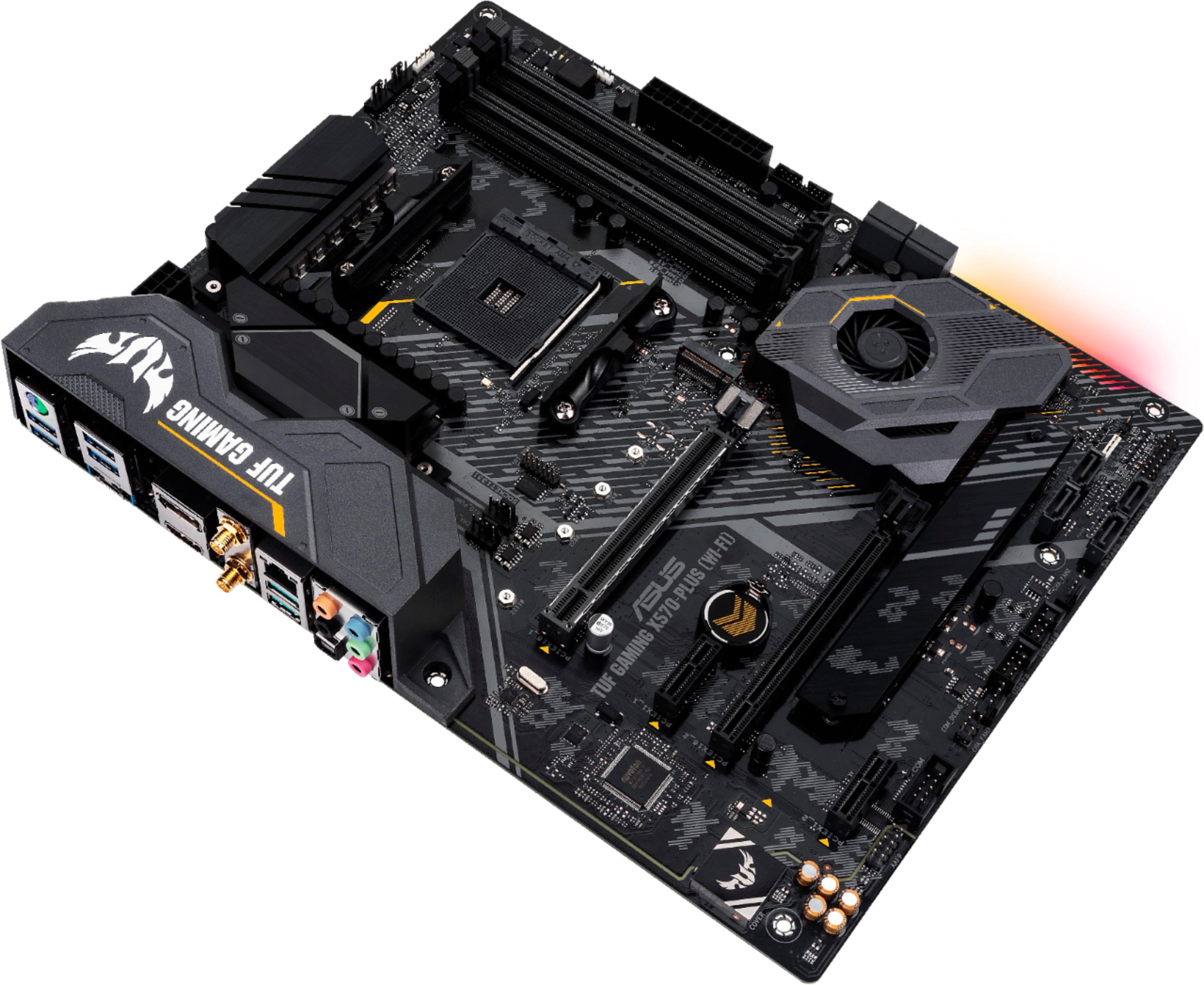
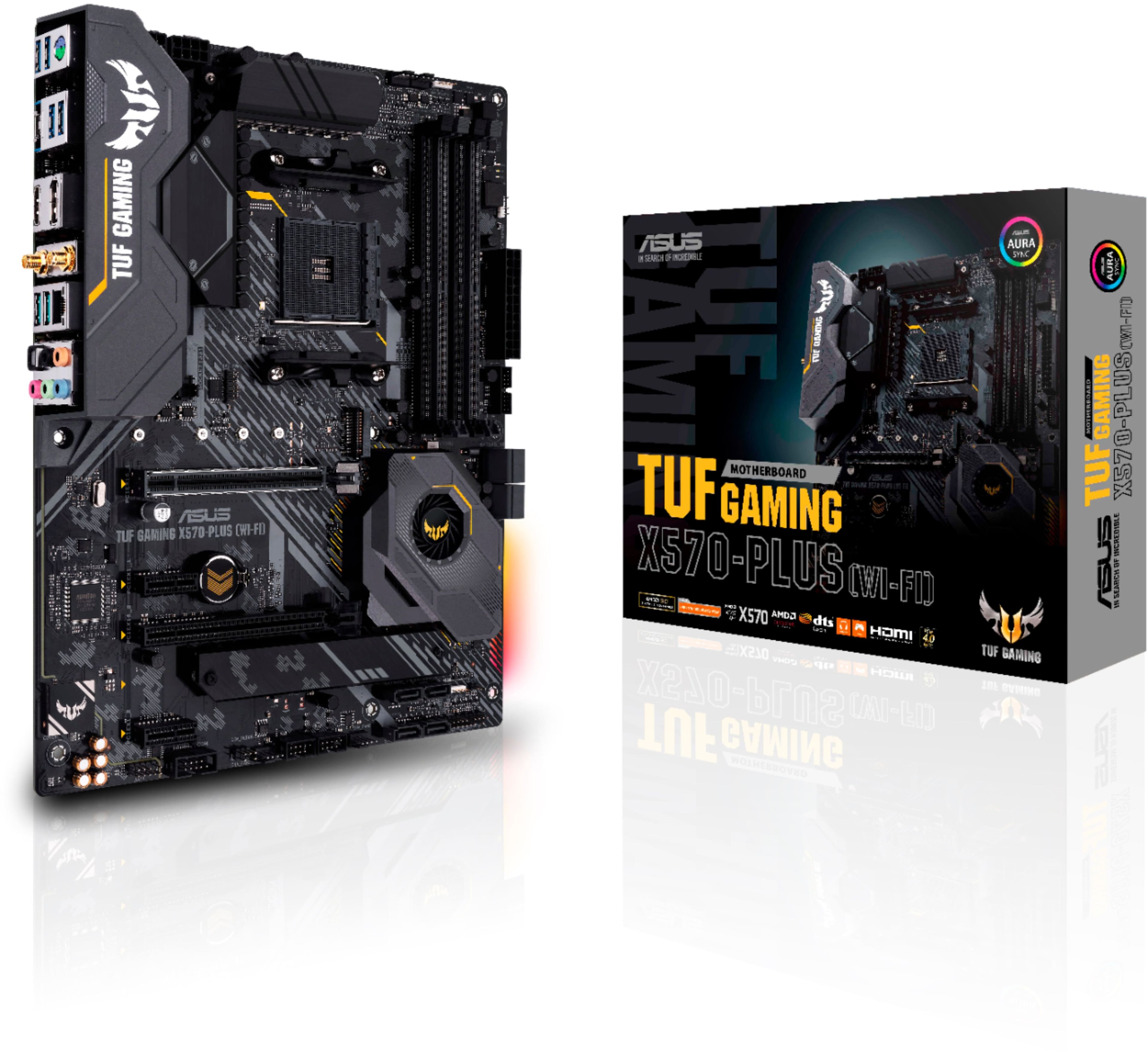
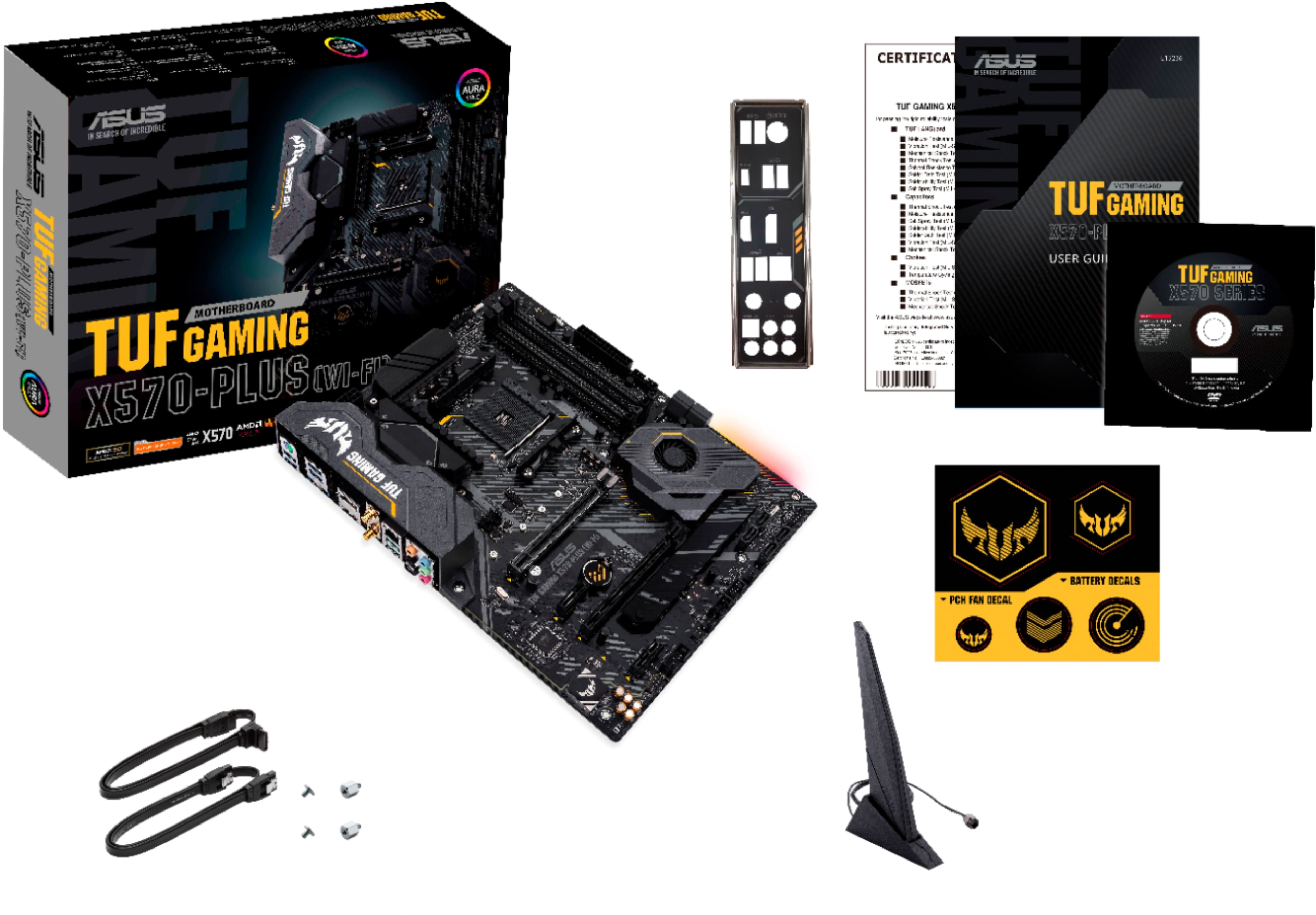
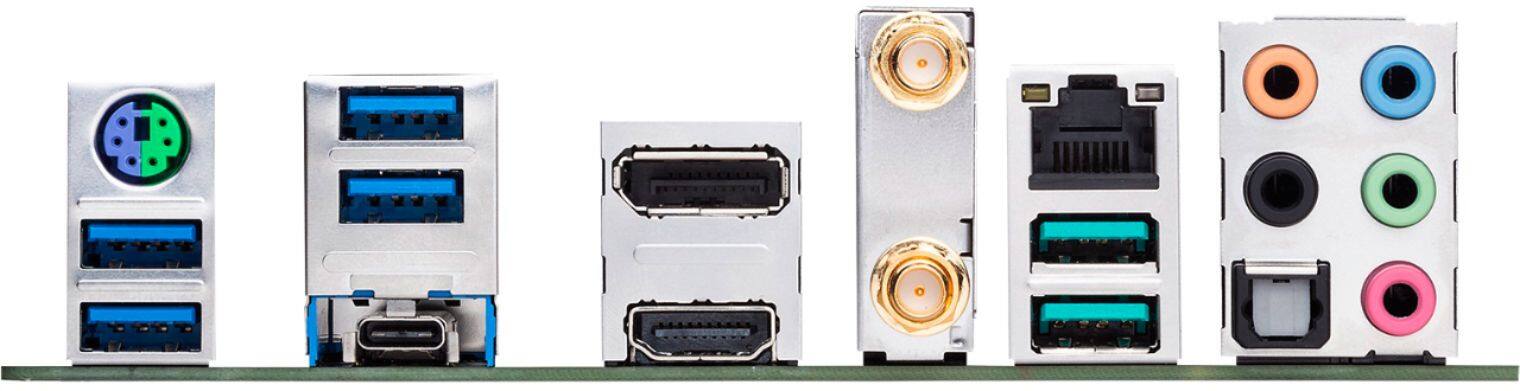
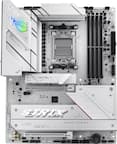
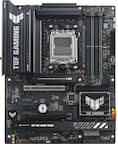
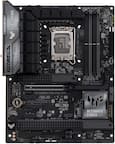
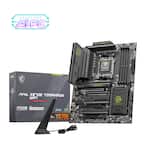
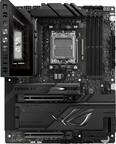
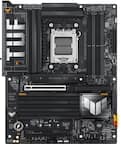
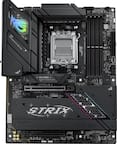
A:AnswerThe board has a 10 x 2 header pin array to which individual connections for front panel buttons, LEDs, and speaker can be made. Pages 1-13 and 2-8 of the mother board manual shows the location and pin arrangement. The mother board manual is available online from ASUS.com under the Support and Manual & Document tabs for the specific mother board model.
The only concern I recognize is the AMD chip set cooling since pci 16-1 card slot which must be used for the external video card is in direct line with the chip set fan intake or exhaust opening. I expect all video cards will fit but most of any reasonable length will cover the fan opening. I have not yet monitored the chip set temperature to see if this air blockage is a problem.
A:AnswerYes, this motherboard has two M.2 connections on this board. One is under a long metal heatsink while the other does not.. These two are both using version 4 of the PCIe interface, the latest and fastest for that interface.
A:AnswerI’m not certain, but most systems from Dell have cases with built in IO shields that are not removable. Chances are that you will not be able to mount any third party motherboard in a Dell case.
A:AnswerI'm not sure but i purchase mid case from best buy $99
fits great I recommended get mid size not mini ( also remember you need large space for CPU cooling fan )
I hope this information helps
A:AnswerGen 4 I believe right, well your in luck I had this board..I just had 3rd gen 3600 I think..pretty amazing, I currently using 590 with 10th gen I9..but from what I wanted was the Ryzen 9 in it .so if it can handle the 9 I'm sure it can handle the 7..grab a good PSU..Give a like on my fb page Search SweatandBlood..if I'm right happy building
A:AnswerIf that case supports an ATX motherboard, then they will be compatible. I was unable to verify the case specifications, I recommend double checking with Cyberpower prior to purchase.