A:AnswerDepending on the manufacture date of the motherboard you may need to update your BIOS to be compatible with Ryzen 5000. However, most of the motherboards being shipped out should be Ryzen 5000 ready out of the box.
A:AnswerDepends on which bios revision it comes loaded with. The board has supported the 5000 gen chips for quite a while so I'd be surprised if it gave you issues.
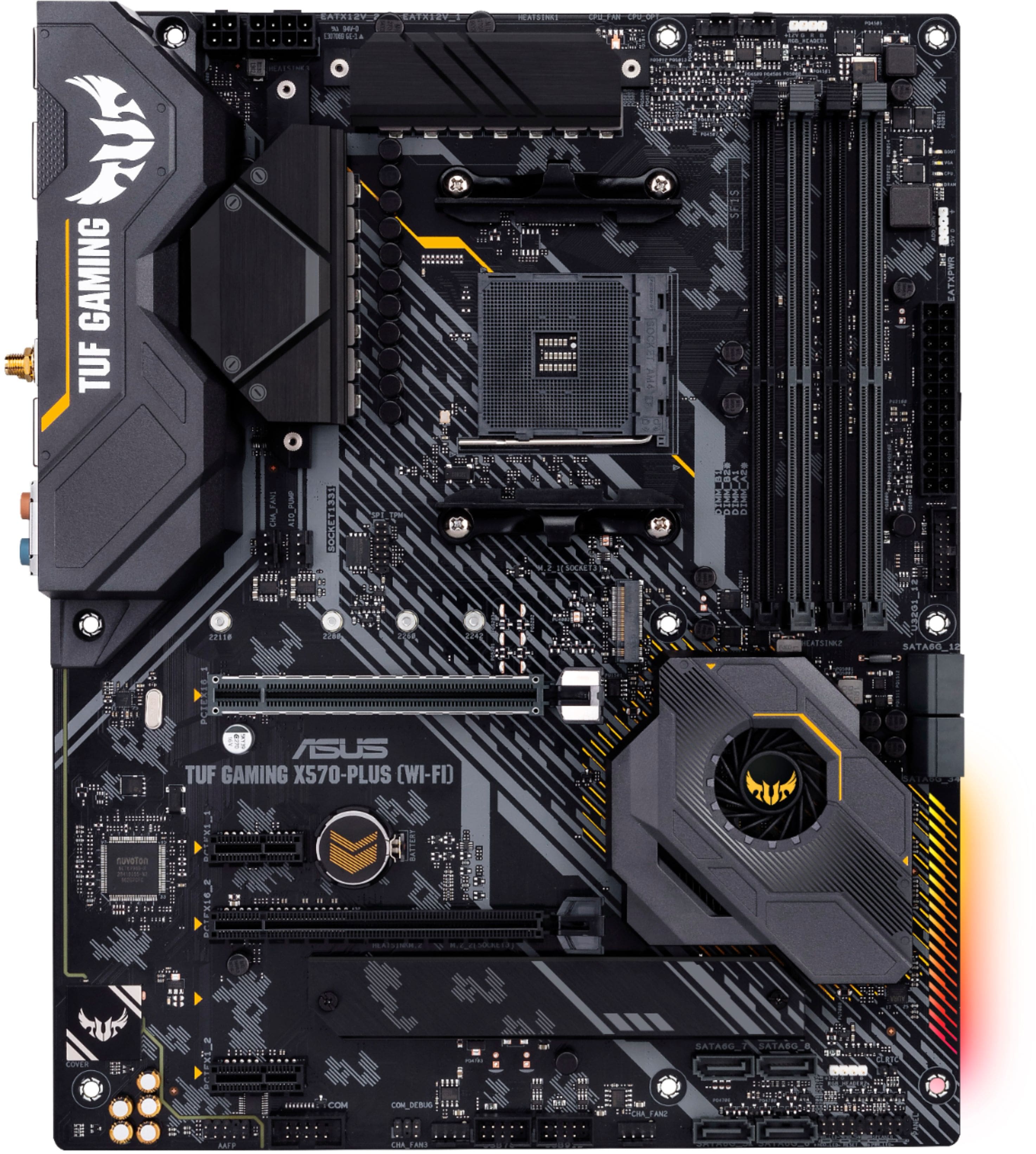
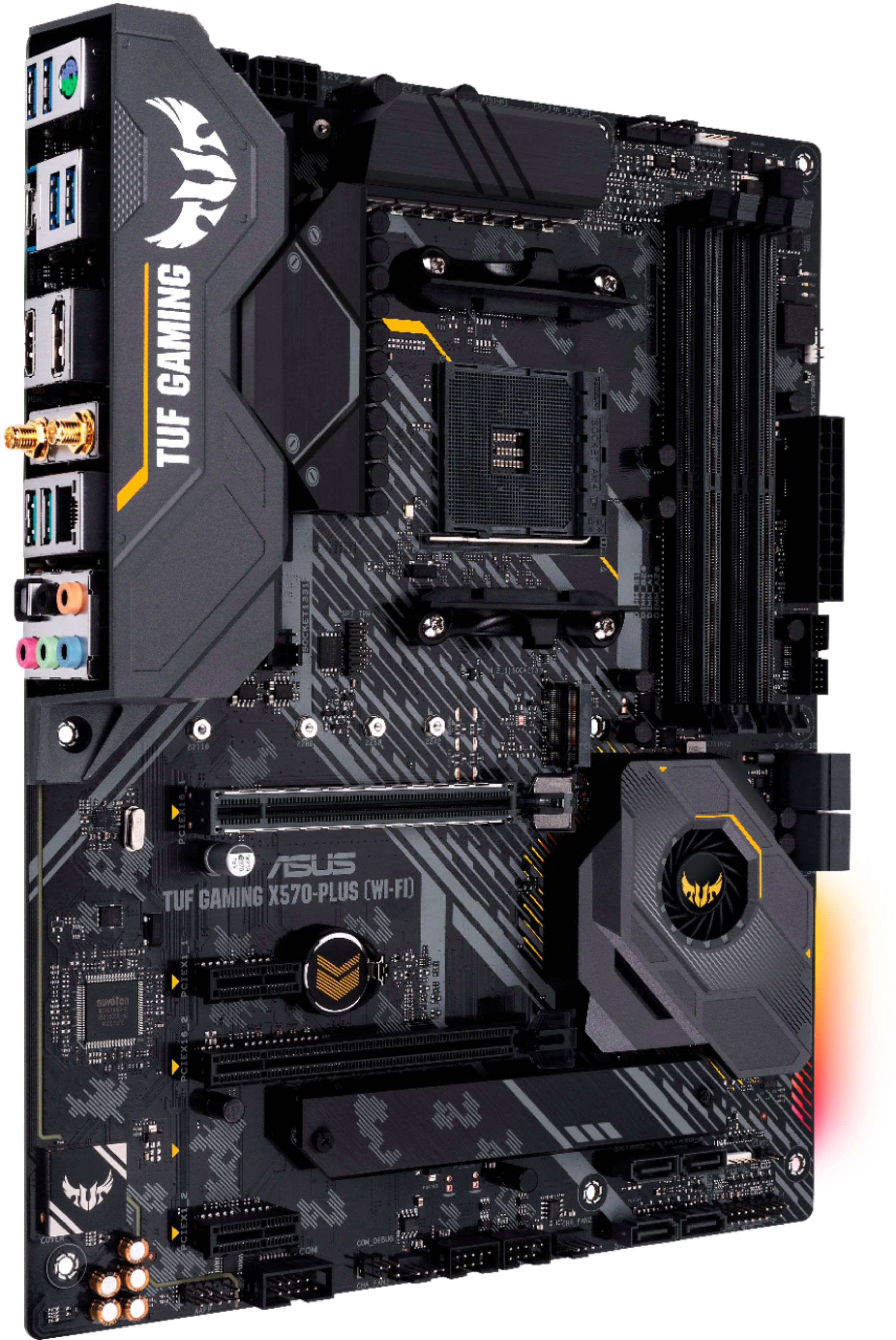
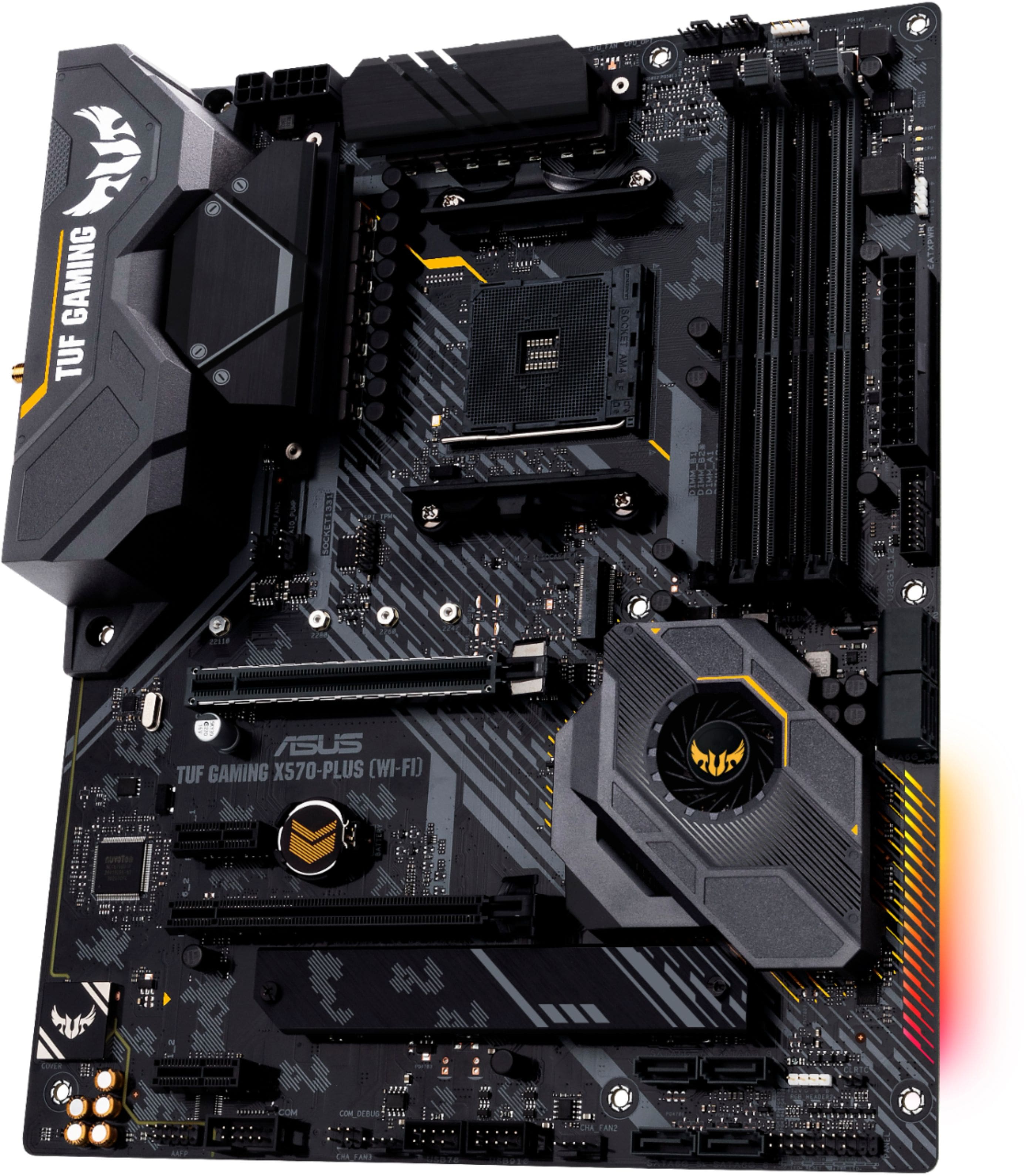
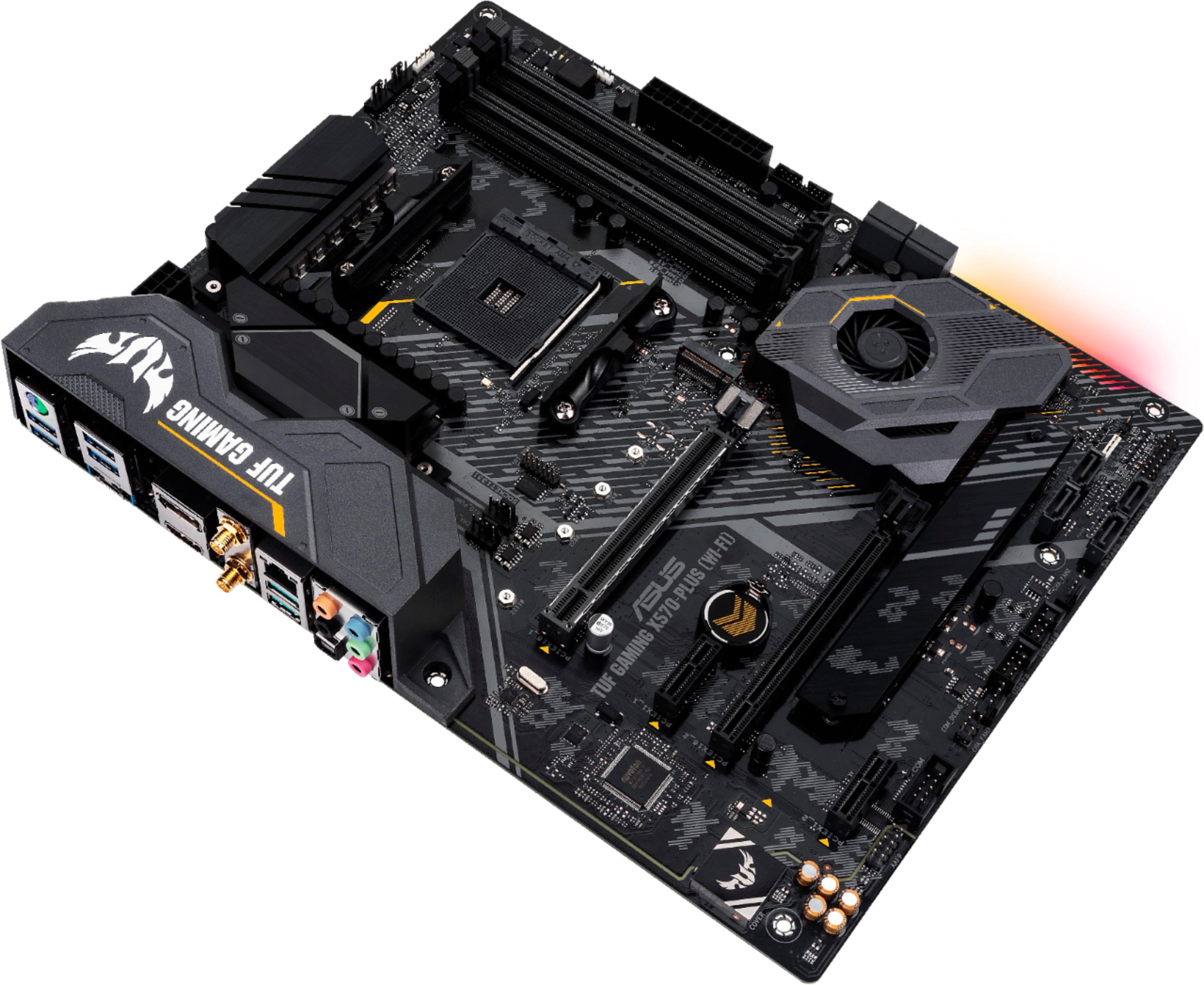
A:AnswerOur recommended form factor is ATX - 12.0 inch x 9.6 inch (30.5 cm x 24.4 cm). For further specification, please review here: https://www.asus.com/us/Motherboards-Components/Motherboards/All-series/TUF-GAMING-X570-PLUS/techspec/
A:AnswerAlways read the manual! The 8 pin must be filled fully but the additional 4 pin is extra unless you have a paricularly power hungry setup. The two 4 pins from your powersupply should work in the 8 pin socket. Once again, read the manual and double check what I am saying. it should all be in there for you.
A:Answerif your changing your motherboard maybe but you have to put in new windows and any programs that came with that computer won`t work anymore and see what you have for a power supply to power it up. But yes it should work fine as long as it`s a second gen. CPU or a first Gen CPU with gpu you should have no problms.
A:AnswerNot an official answer to this question but shopBLT.com says that they will get stock on June 27th. Since everyone is currently out of stock, excpet amazon, it would make sense that everyone would get their supply on the 27th when asus ships their next batch. (https://www.shopblt.com/item/asus-tuf-gaming-x570-plus-wi-fi-amd-3rd-gen-ryzen/asus_tufgamingx570pluswifih.html) you can also pre-order them from shopBLT.com