A:AnswerYes it will scan photo's. You can choose between three setting (B/W. color and auto). Not sure if you can stack up to 20 photographs when scanning or not. AS a note you can change the settings for dpi. For photographs my wife and I choose 600 and 300 dpi. We do love the scanner. Very easy setup and we use it with a desktop and chromebook via wi-fi connection
A:AnswerI use it with a MacBook. Had to download an app, but it scanned straight to computer otherwise. Did not need to use their service (unless you count a very basic app a service). I suspect that's true of a PC too.
A:AnswerYes, I'm running mine wired. I have it plugged into my docking station via USB. It does also require a separate power cord unlike some scanners that will get power through a USB cord.
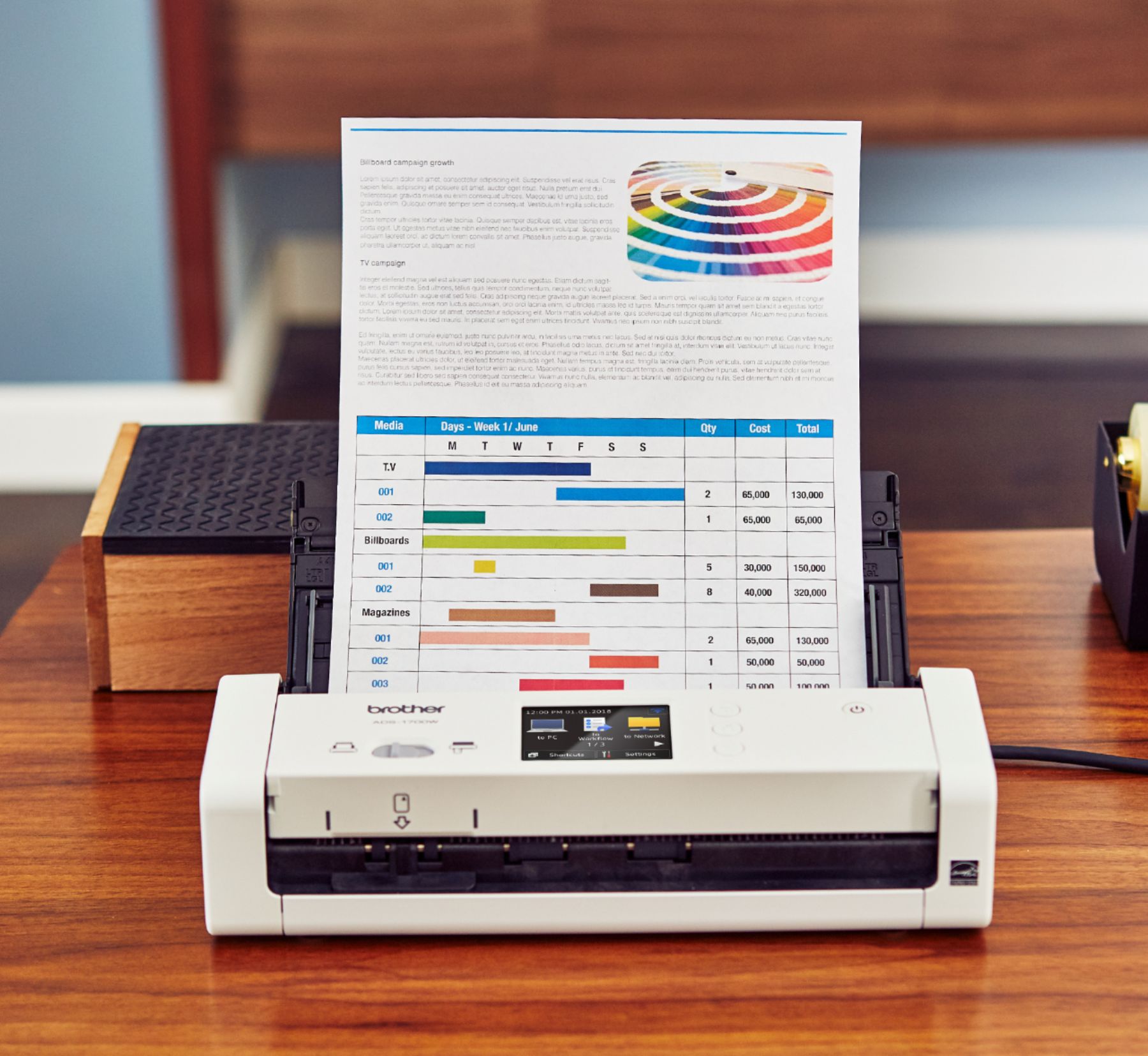
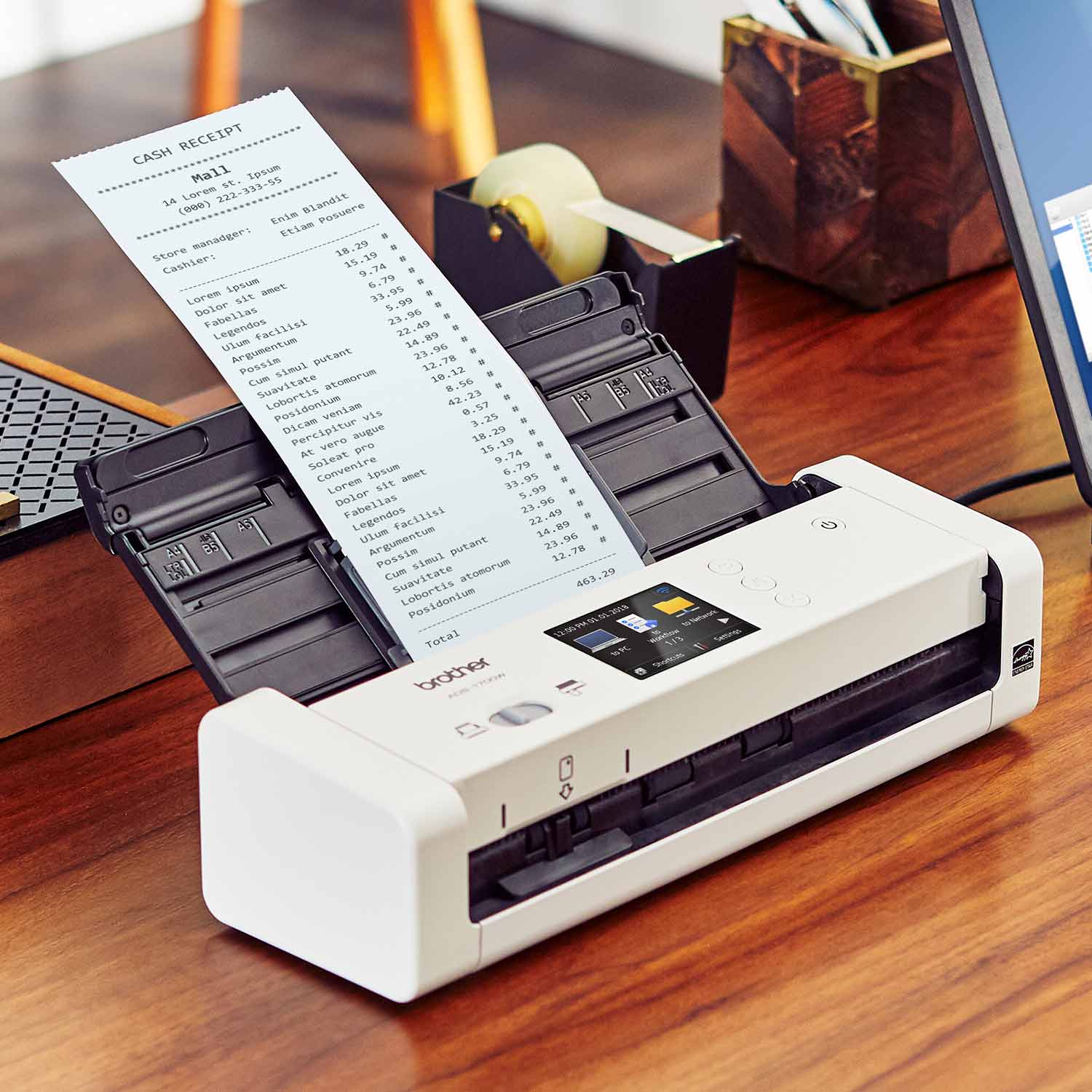
A:AnswerYes, you can scan receipts. It can scan single paper from 2 in. to 34 in. and multiple papers from 2.76 in. to 11.7 in. The brightness of the scan can be adjusted.
A:AnswerYes, when I downloaded the drivers from the Brother support site, I downloaded Twain (which includes the ICA drivers) works fine on my Mac Catalina OS. Yes I scan my own medical records, and it is good enough for medical record keeping as long as you use a reasonable resolution such as 300 x 300, for images maybe even 400 x 400 or 600 x 600. Good luck.
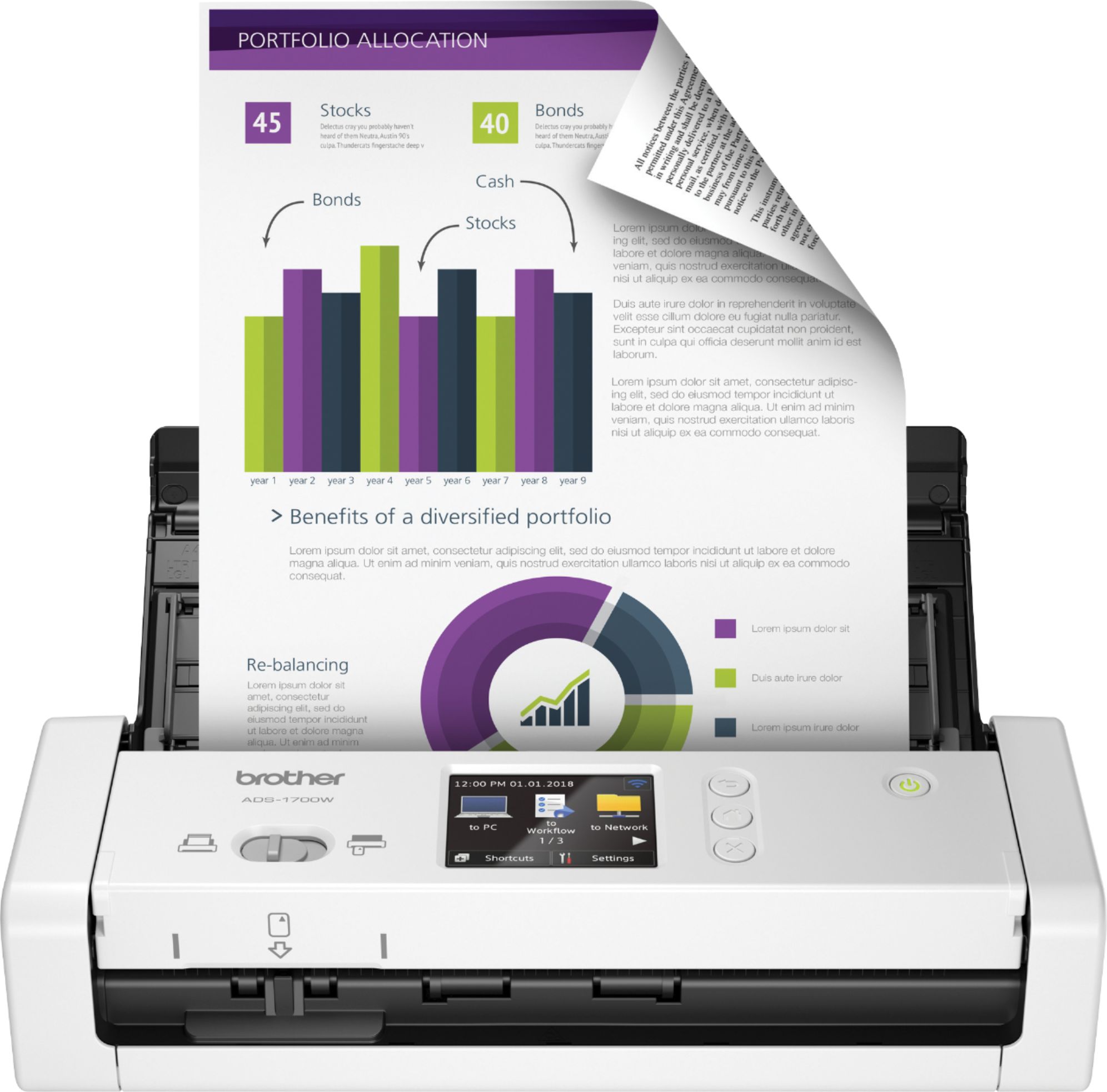
A:Answer*Yes, you may use a flash drive as a destination for scans.
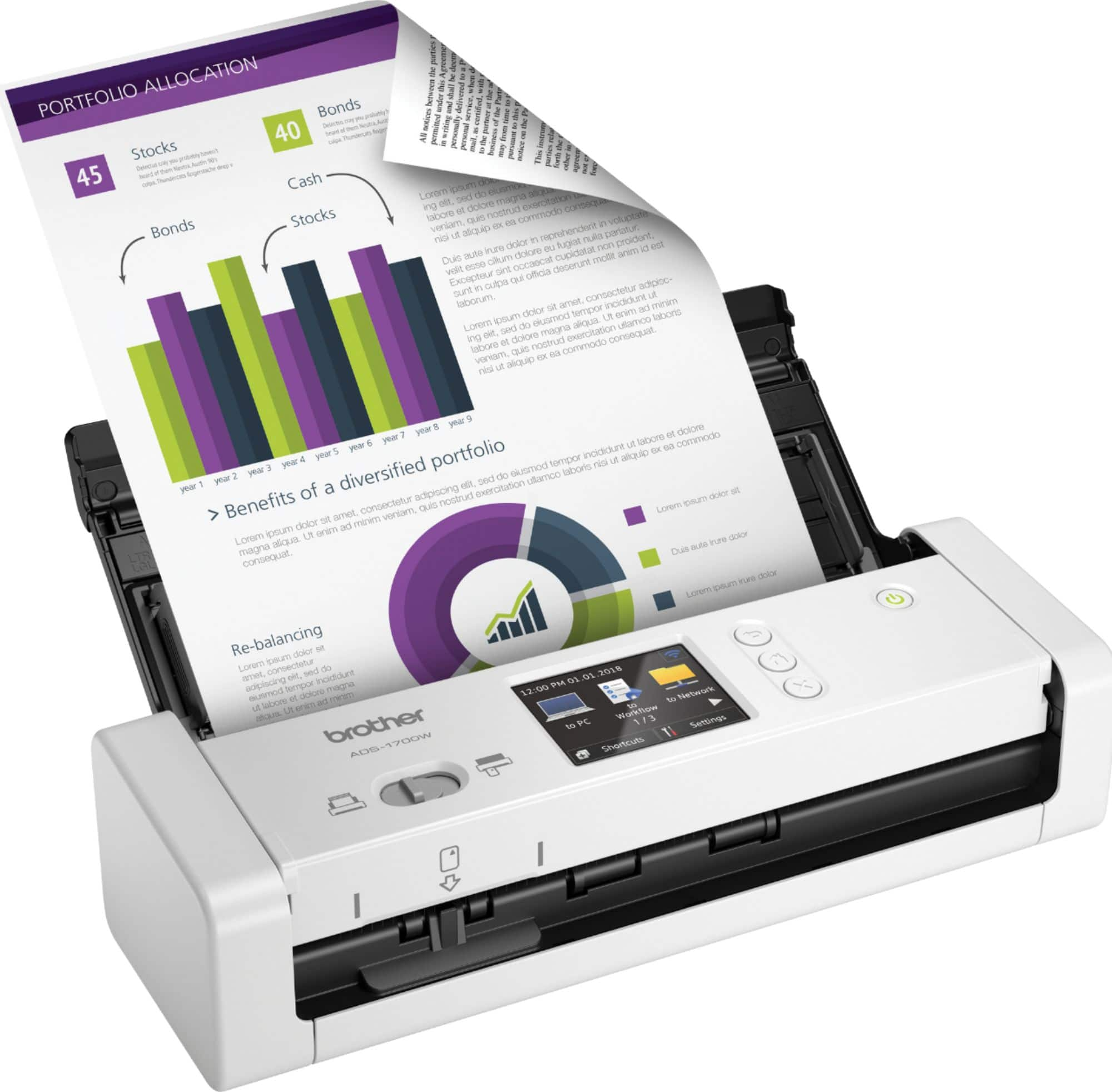
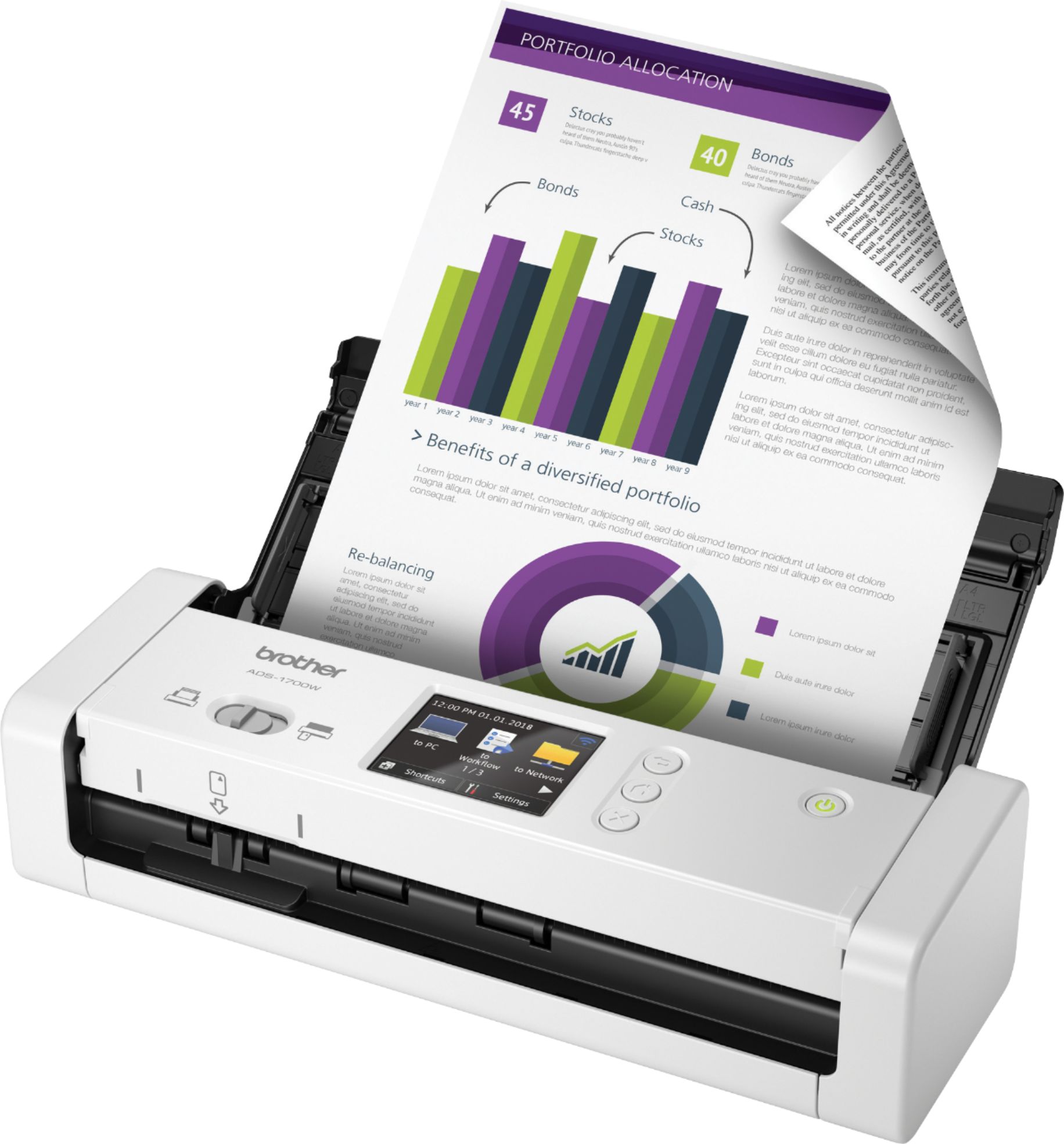
*Will scan up to 25 PPM - This is a scanner and will not make paper copies. No ink is required.
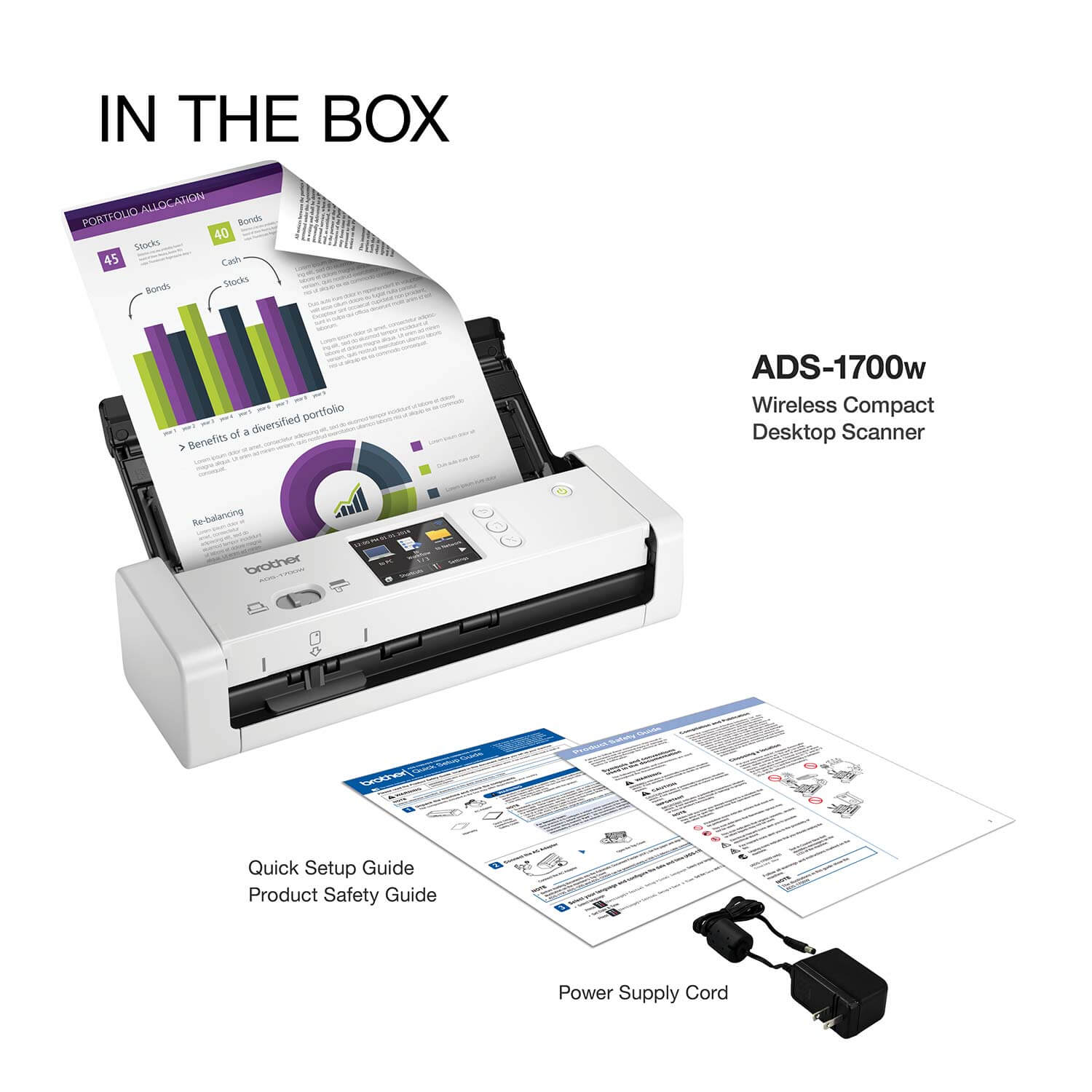
*My preferred connection is the Micro USB cable and it is not included
A:AnswerYes, ADS1700W can be used as a photo scanner using the PaperPort Software. Here is a FAQ with steps. https://help.brother-usa.com/app/answers/detail/a_id/137646?R3ModelID=ADS1700W
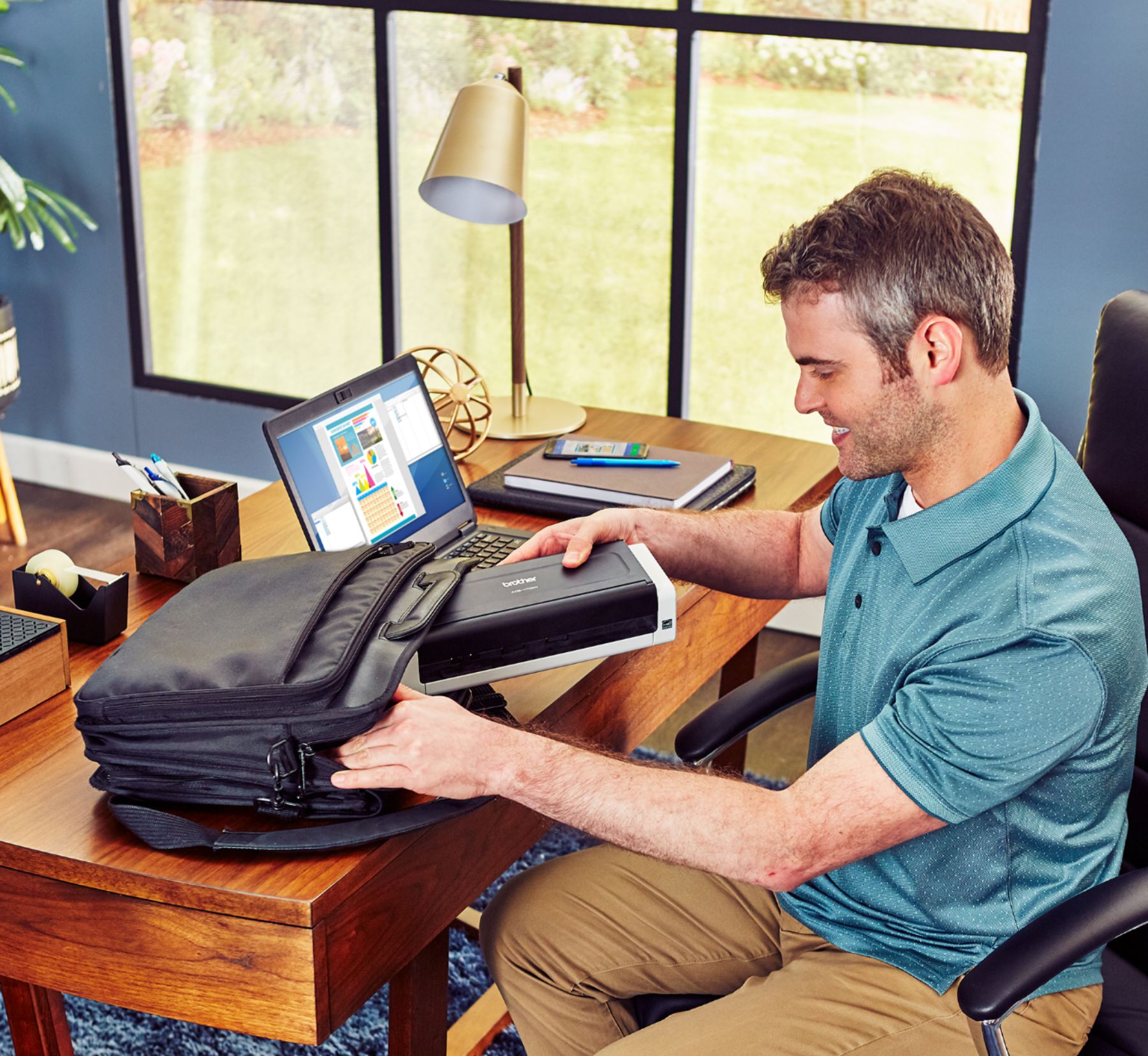
A:AnswerI use it on just one computer. I have a limited amount of space at my work station, so the compact size works well for me. However, I do not use it but maybe once per day. If you plan on using this continuously throughout the day, it will work, but you may want to consider a more substantial unit (if you have the space). The guides on the sides of the unit flip up and down and I could see that not being quite enough support for all day use.
A:AnswerYes, the Brother ADS1700W is compatible with a 11 ARM processor. When using your Brother machine on a Windows 10 or Windows 11 computer with an ARM processor, you must use the built-in printer or scanner drivers that are included with Windows 10 or Windows 11. The built-in drivers support the basic functions of your Brother machine: printing and scanning.
I have included a link to the FAQ answer that should assist you. Please follow all the steps listed in the following link:
Answer Link: https://help.brother-usa.com/AgentWeb/api/contextmanager/v.32406210003/workspaceContext/workspace/processedPrint/Answer/170667