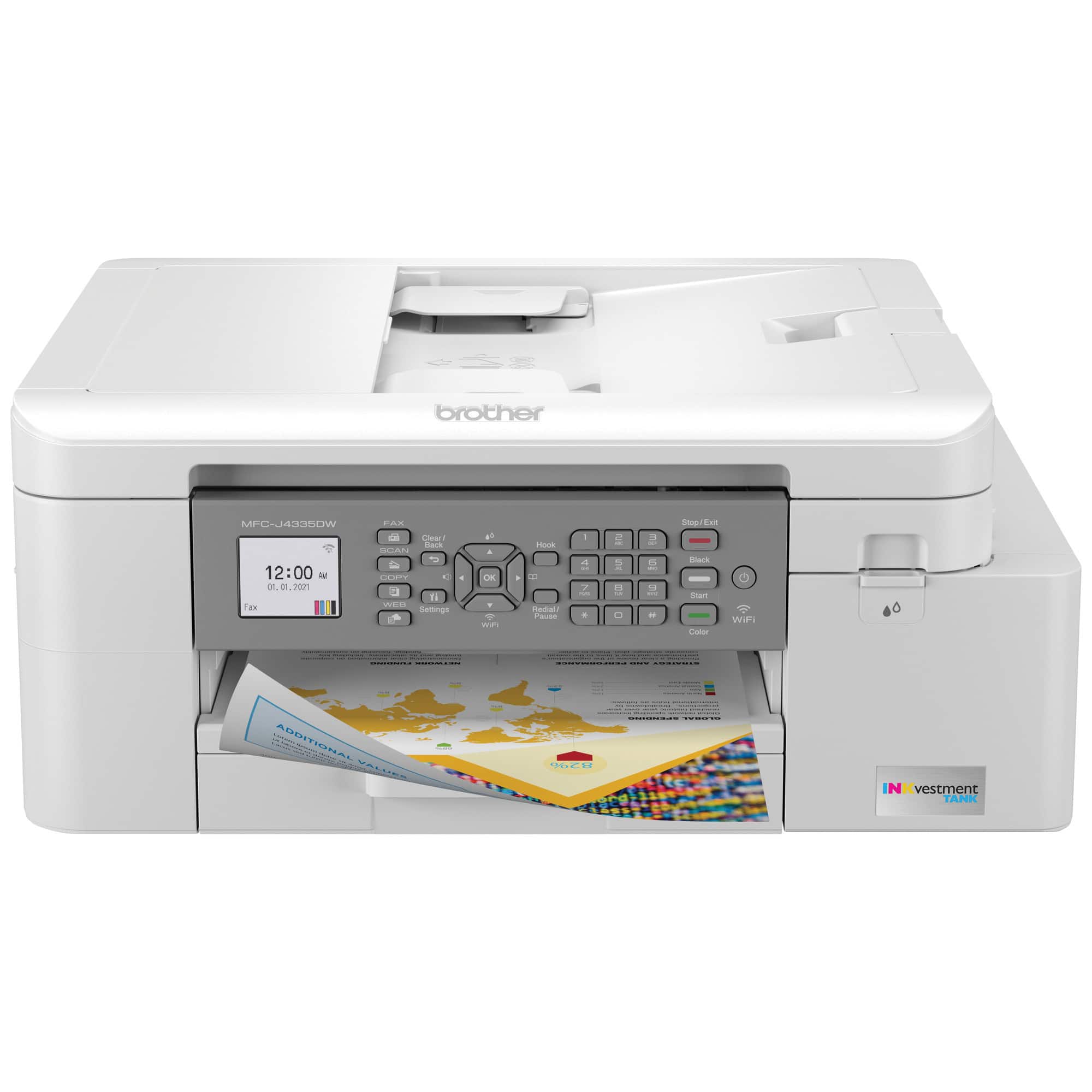
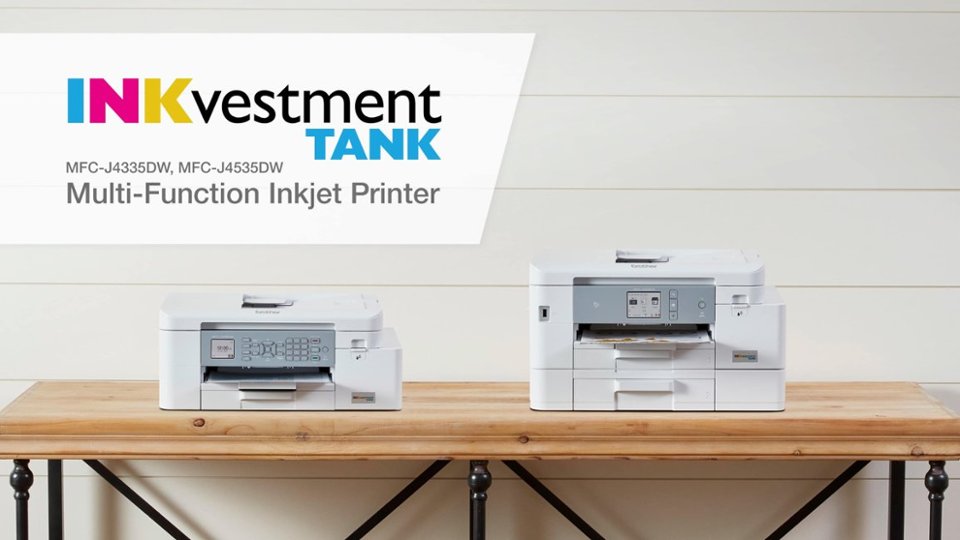
A:AnswerThe Brother MFCJ4335DW machine is compatible with Windows OS:
• Windows 11
• Windows 10 (32-bit)
• Windows 10 (64-bit)
• Windows 8.1 (32-bit)
• Windows 8.1 (64-bit)
• Windows 7 SP1 (32bit)
• Windows 7 SP1 (64bit)
• Windows Server 2022
• Windows Server 2019
• Windows Server 2016
• Windows Server 2012 R2 (64-bit)
• Windows Server 2012 (64-bit)
• Windows Server 2008 R2 (64-bit)
• Windows Server 2008 (32-bit)
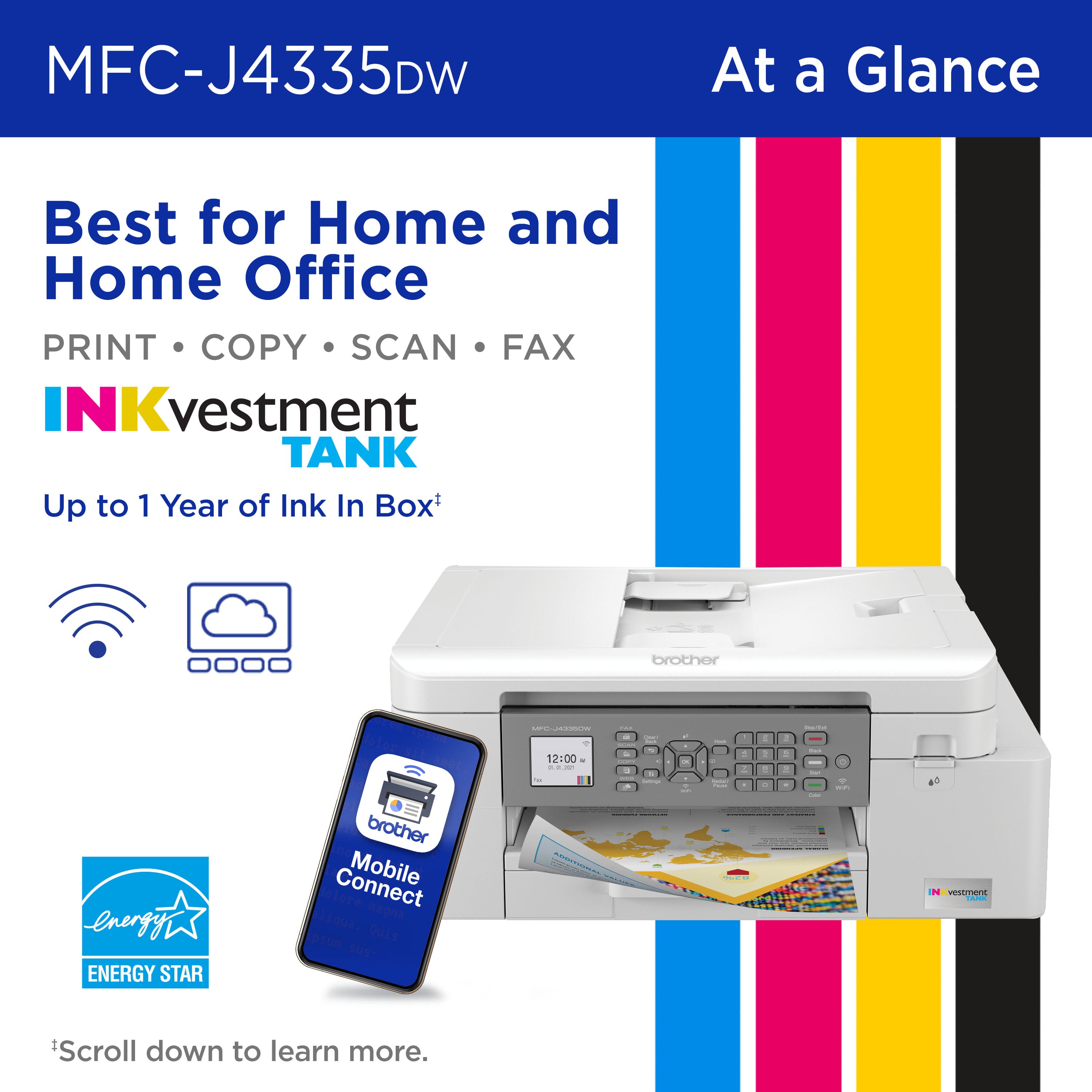
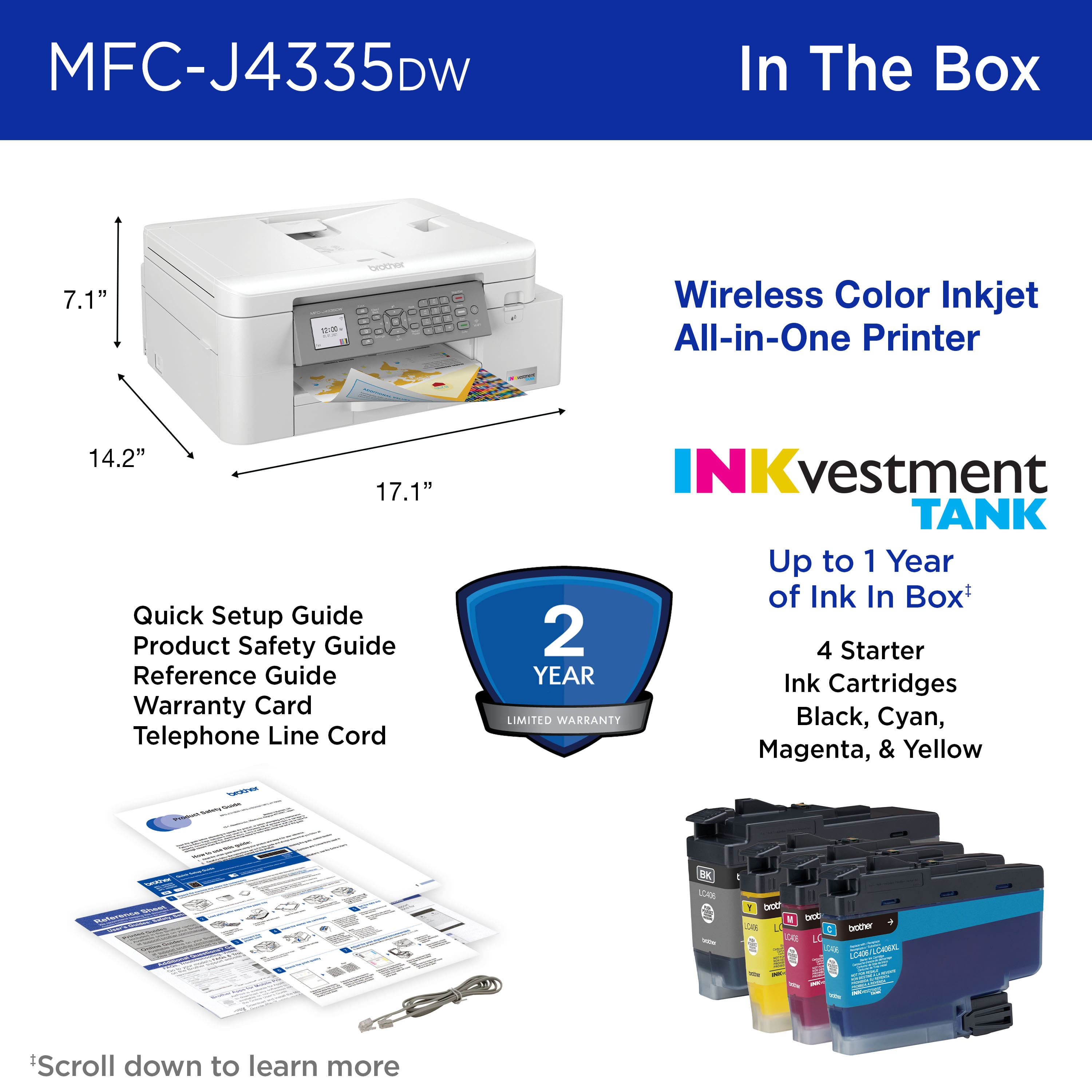
A:AnswerUp to 1 Year of Ink In-box is based on average monthly print volumes of approximately 150 pages at 60% black pages / 40% color pages in accordance with ISO/IEC 24711 using 4 cartridges provided in-box.
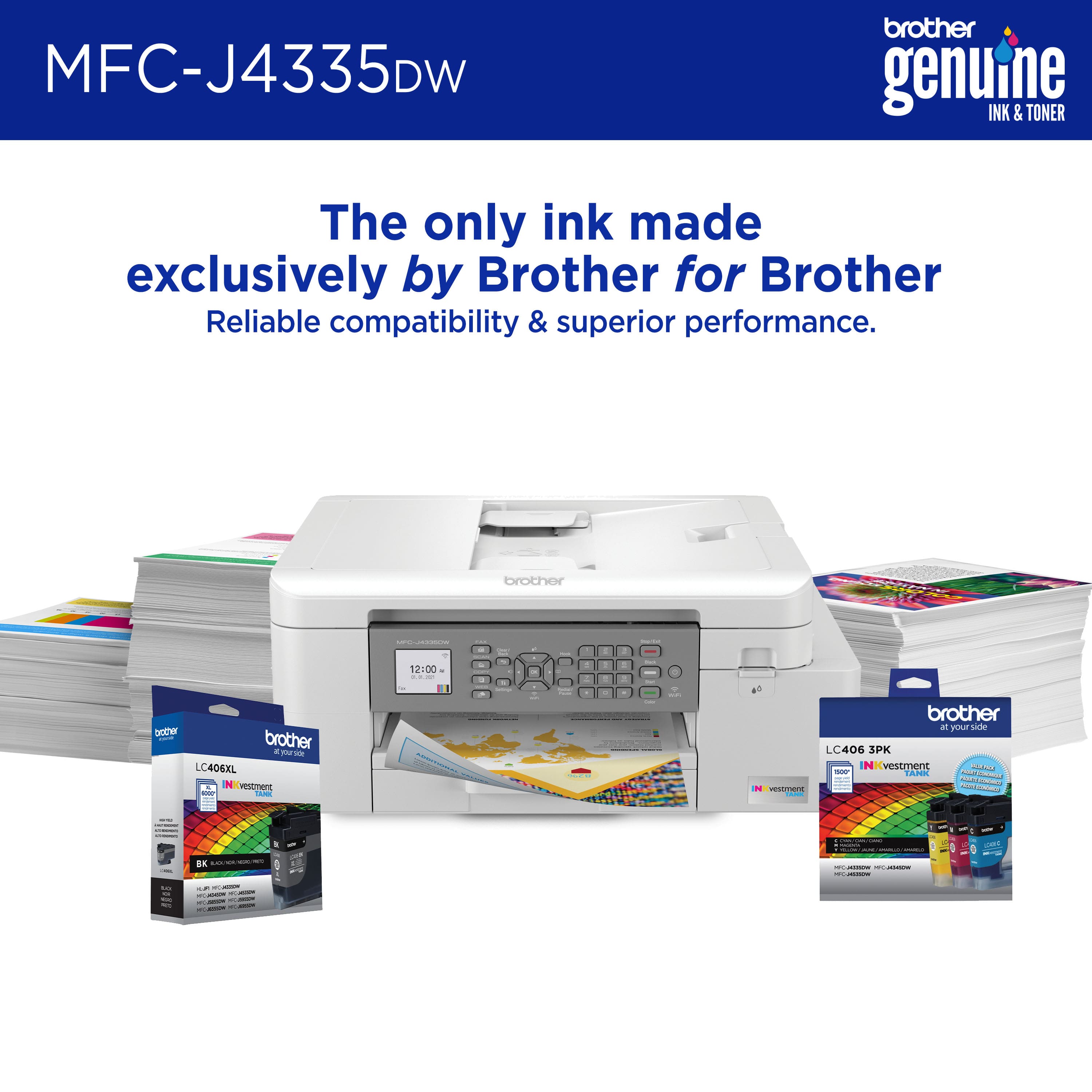
The MFCJ4335DW\MFCJ4535DW comes packaged with INKvestment TANK Starter Ink Cartridges. Actual yield of initial cartridges will be approximately 75% of replacement LC406 Series, due to ink system initialization. All replacement cartridges will provide approximate page yield stated in accordance with ISO/IEC 24711.
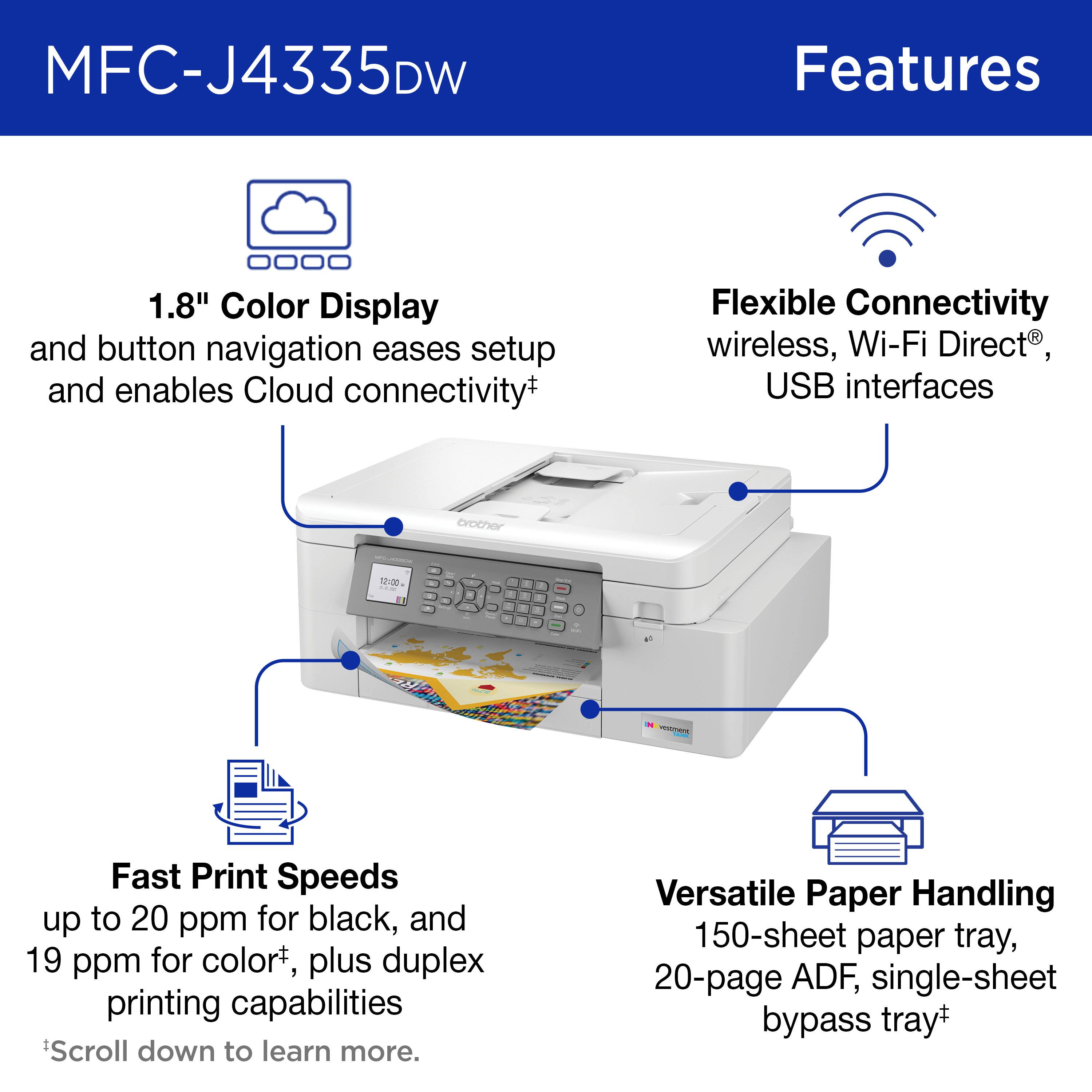
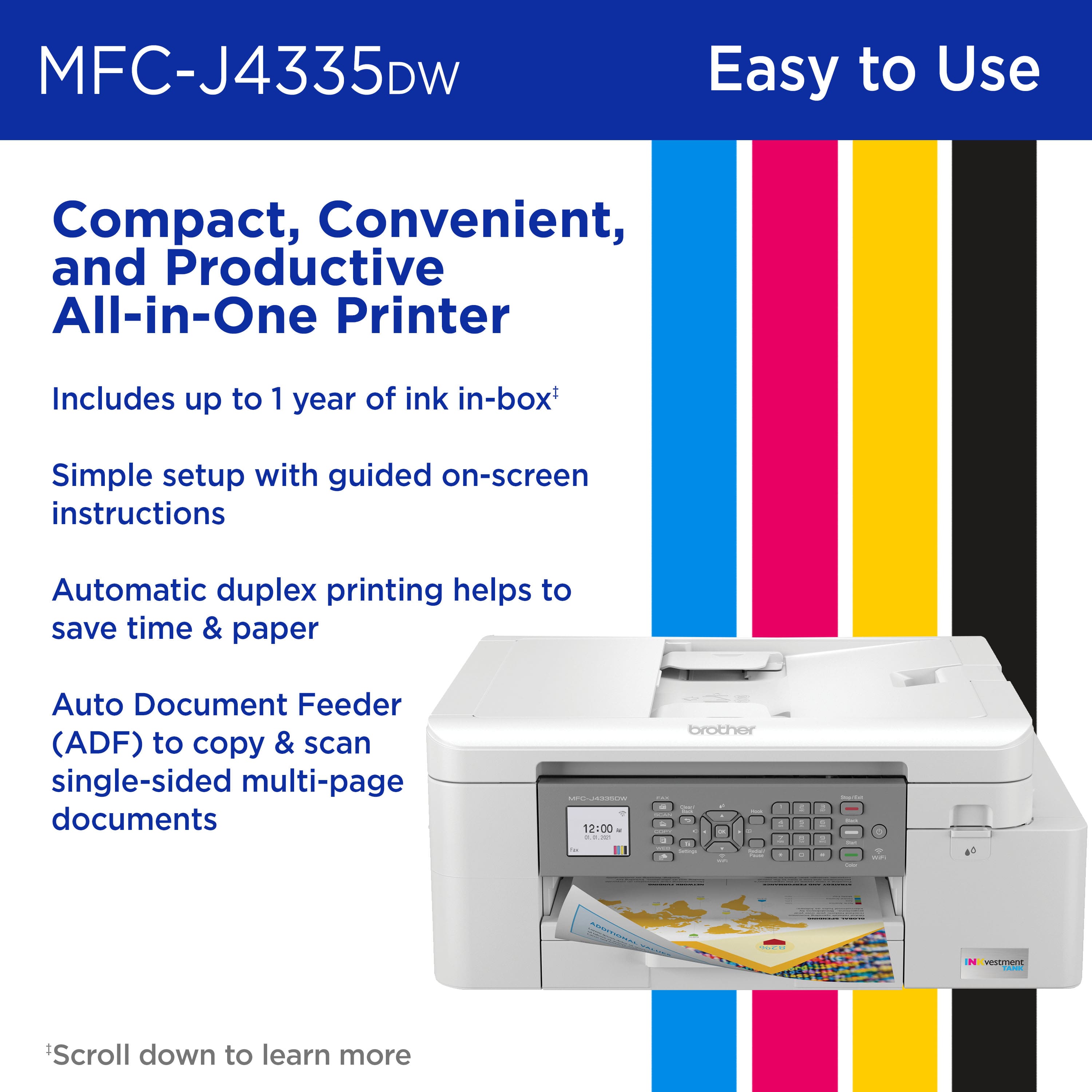
A:AnswerThe Brother MFCJ4335DW machine has an Automatic Document Feeder that holds up to 20 sheets of paper. It is able to scan documents into PDF format.
A:AnswerYou can choose the file type you want to save as, I think my first scan was defaulted to jpeg, but I changed it to pdf before saving. Yes, you can save multiple scans in the same file, the software has an "add page" option.
A:AnswerThe Brother MFCJ4335DW machine has a scan resolution up to 19200 × 19200 dpi (interpolated) (from Scanner Glass) and up to 1200 × 2400 dpi (optical) (from ADF) up to 1200 × 600 dpi (optical).
A:AnswerIt depends on what you are printing. A fax page may contain several type sizes. A copy also could produce several different sizes. Anything printed on this machine has been readable (not too small.)