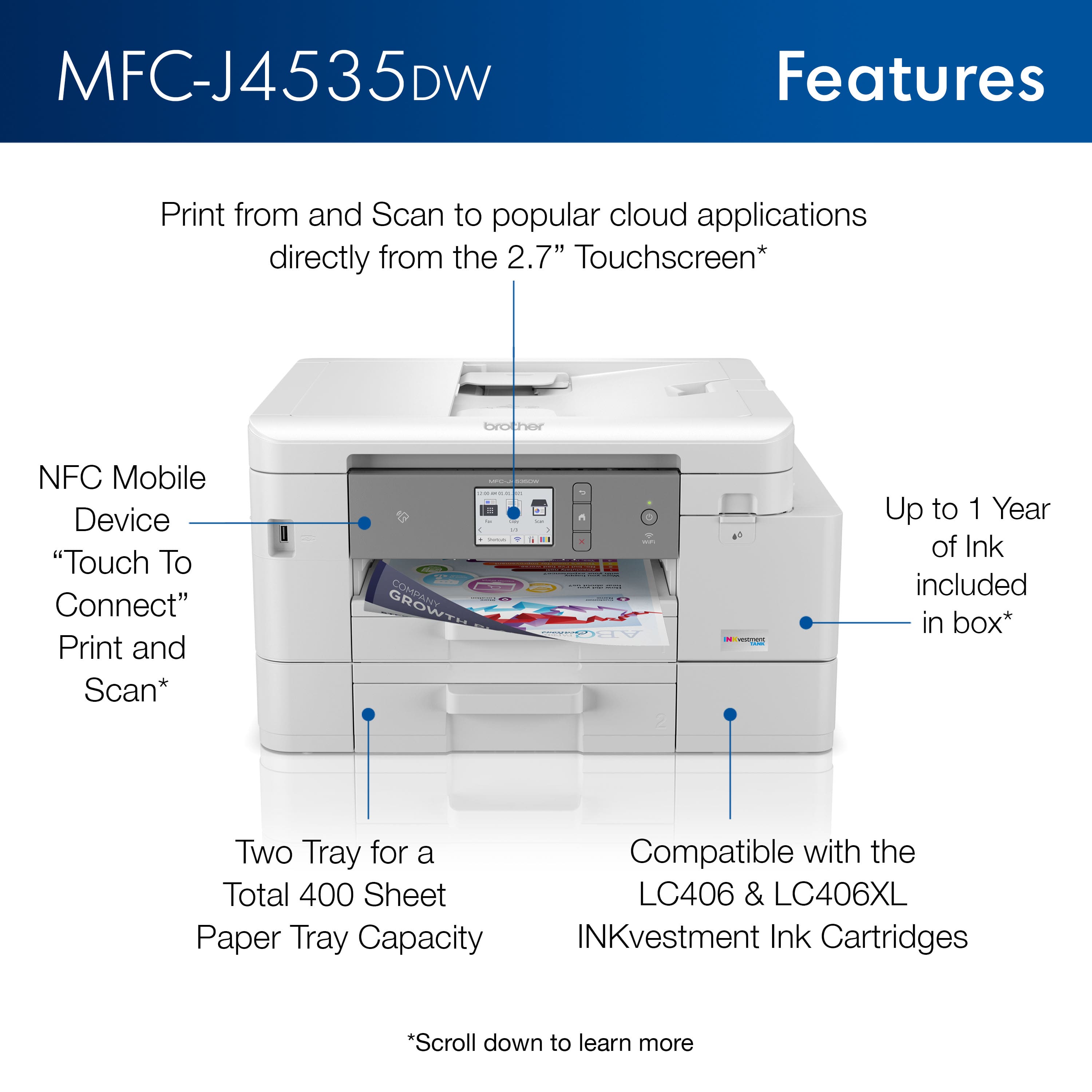
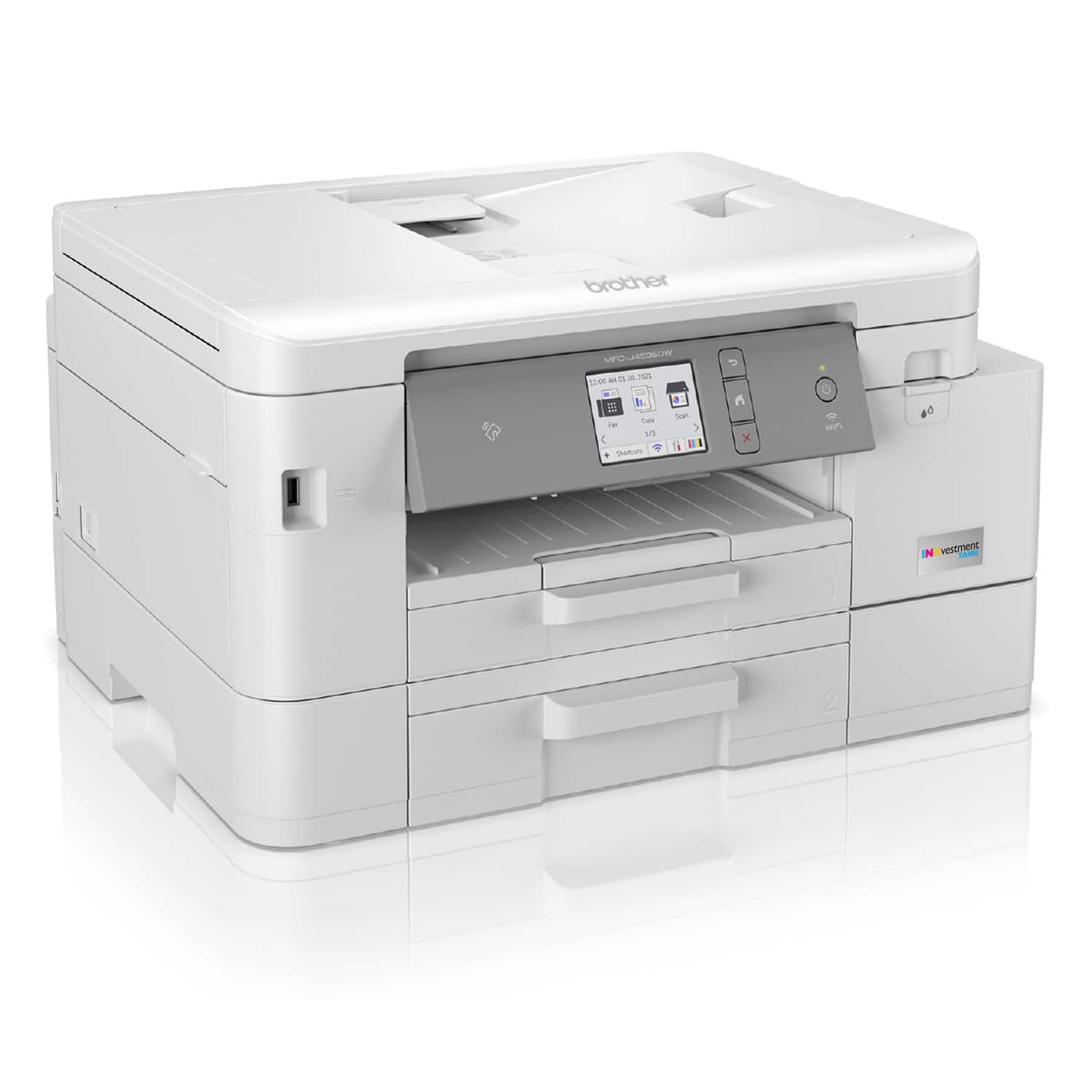
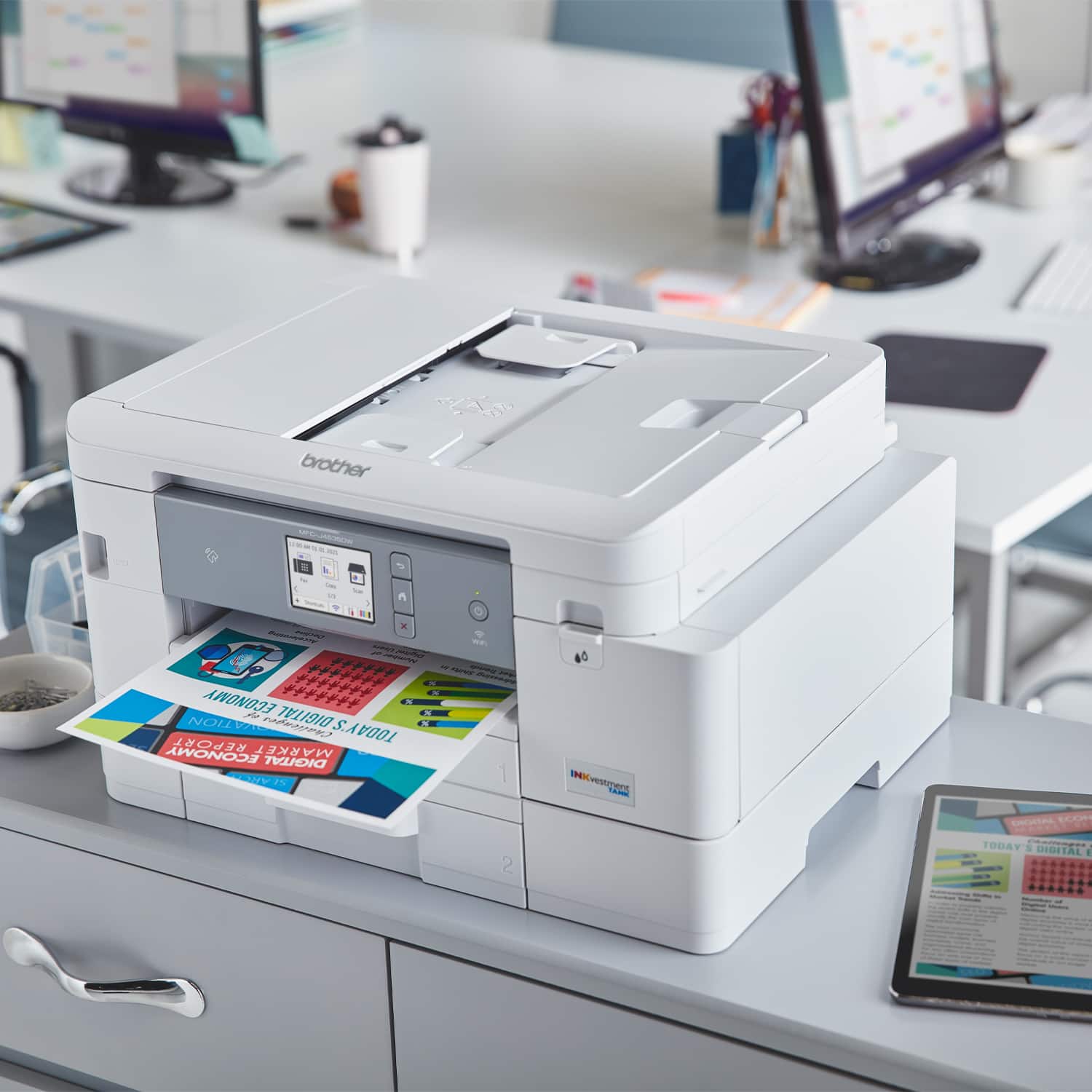
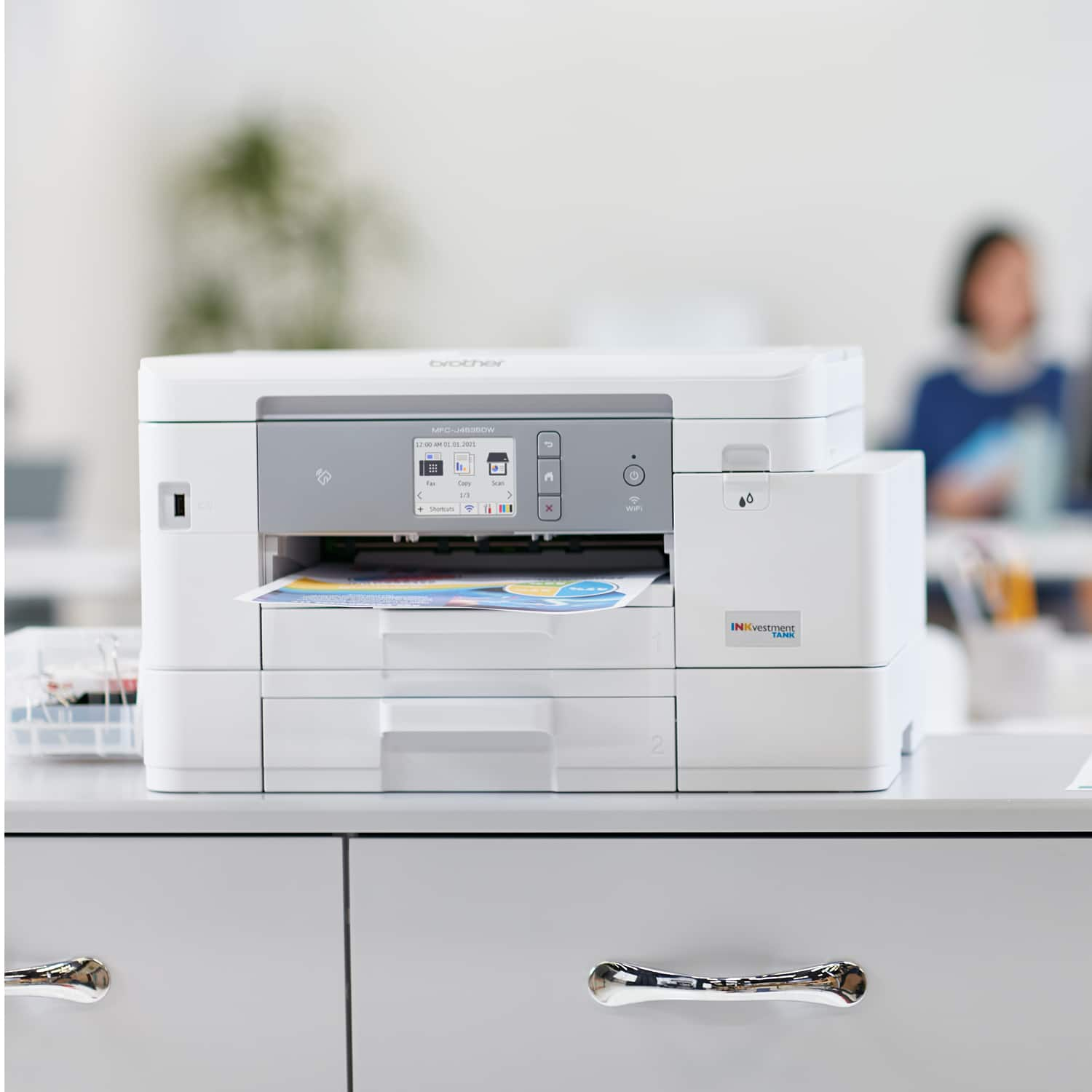
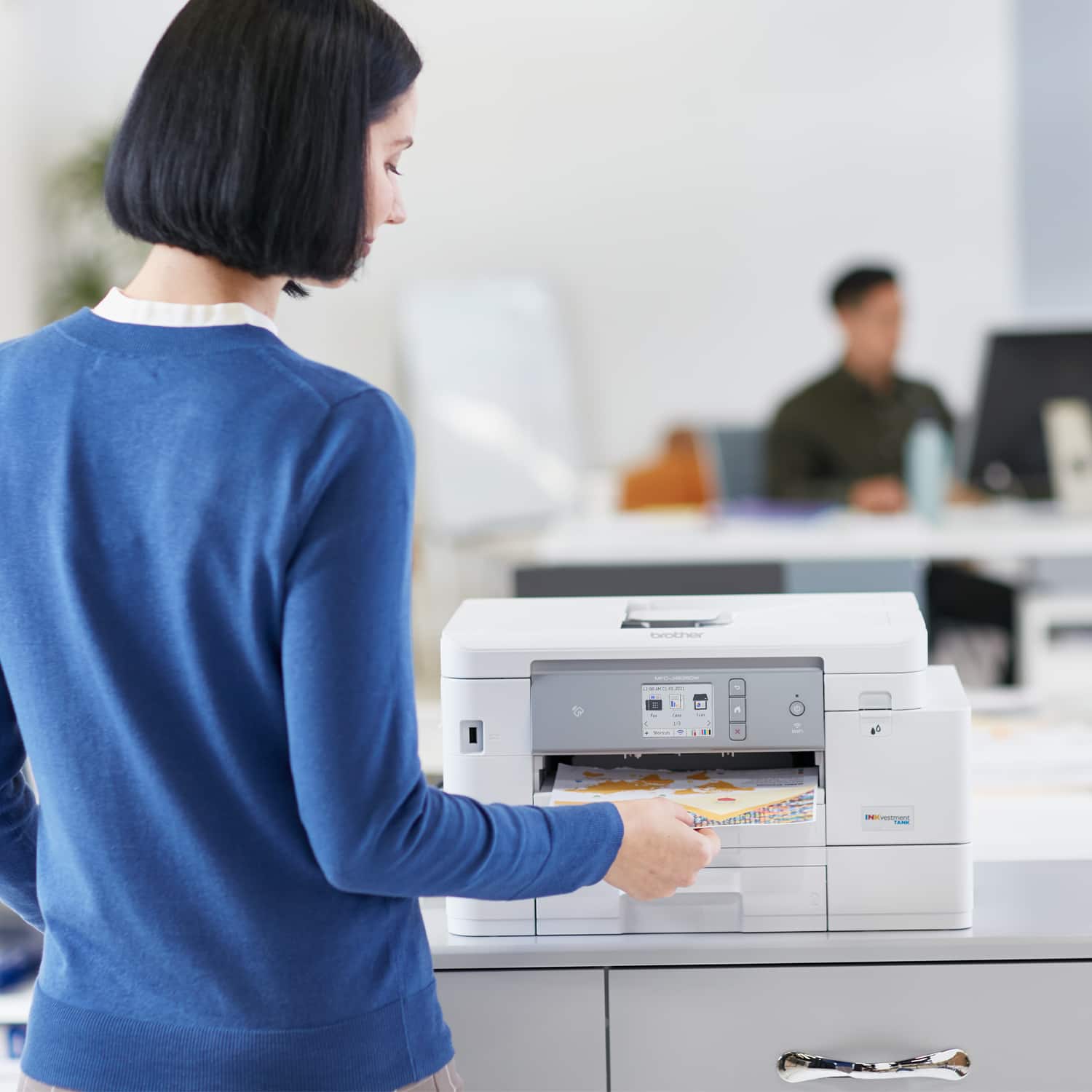
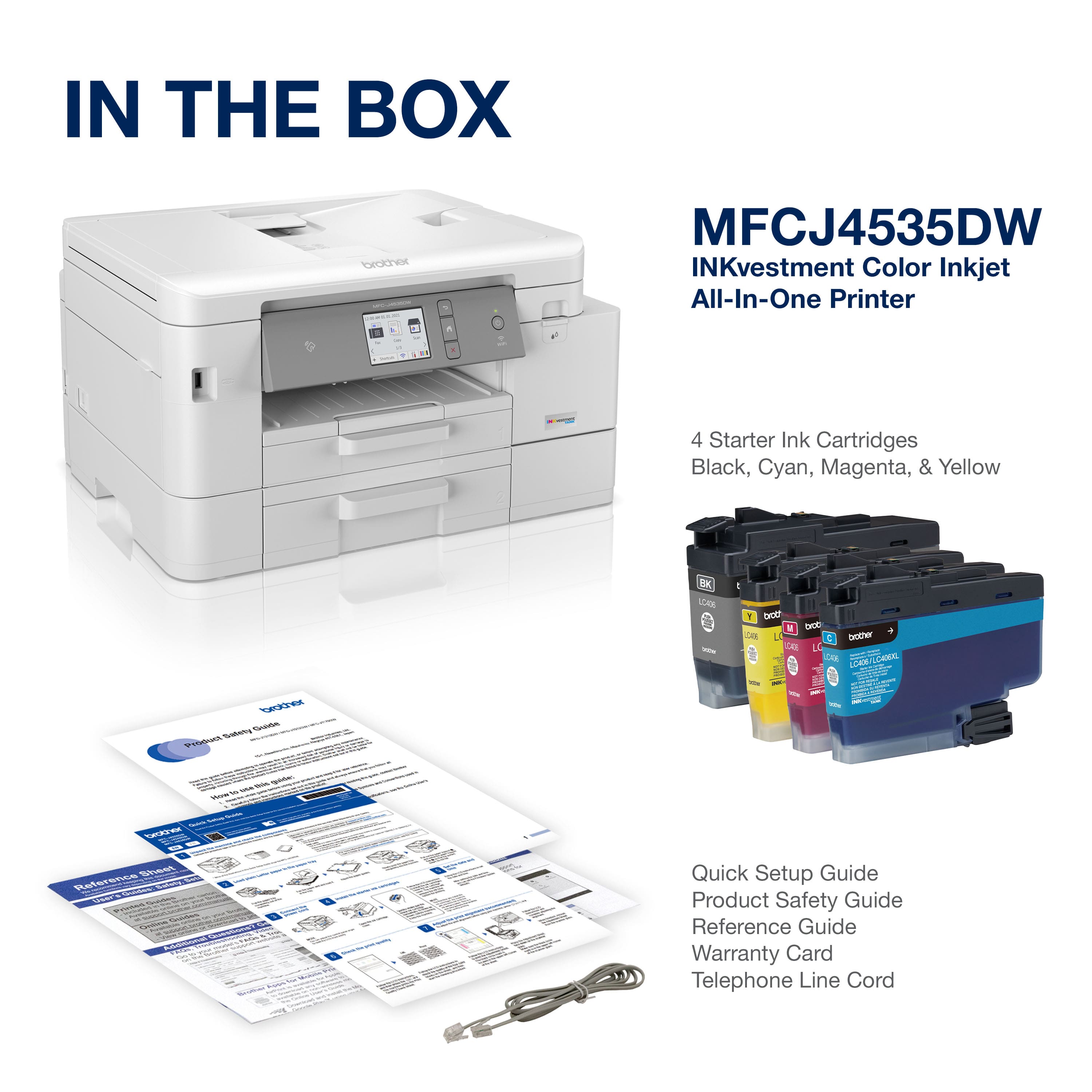
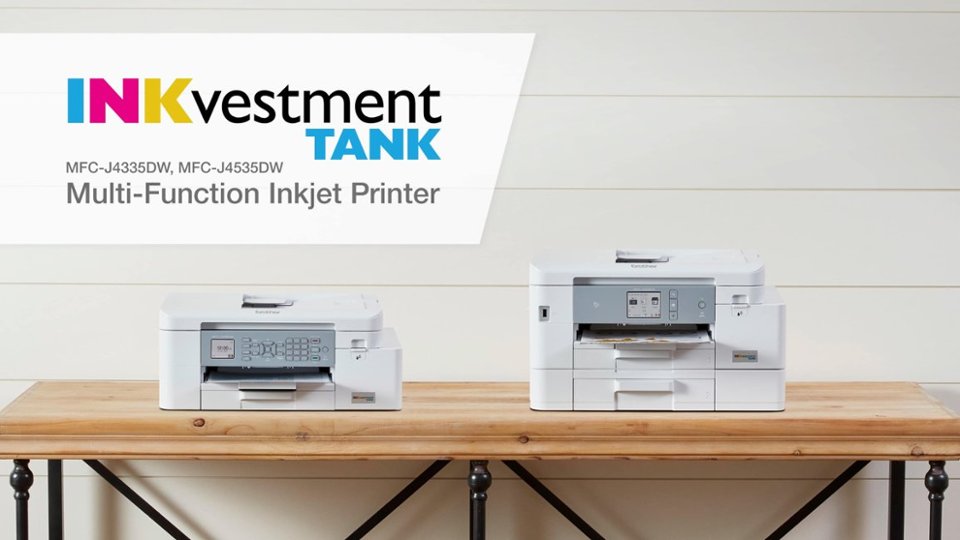
A:AnswerThe Brother MFCJ4535DW and all other INKvestment Tank inkjet printers use reengineered, expanded capacity ink cartridges along with an internal ink storage tank (within the printer) to help minimize the need for ink cartridge replacement.
A:AnswerDon’t know about the cable. the problem of the laptop showing a printer offline when the printer shows it’s connected can come up if you have two routers in use. If the printer’s Wifi connection is to one router while the laptop-s Wifi connection is to another, you’ll get the offline message on your laptop.
A:AnswerThe Brother MFCJ4535DW is able to print on both sides of the page and also print single side of the page. Below is an answer link that will showed you how to put the Brother MFCJ4535DW to duplex print.
Answer Link: Print on both sides of the paper - Windows or Macintosh
A:AnswerI have NO idea -- suggest you call Brother. Also....having experienced HP, then Epson, then Canon (3x) and having to replace each one after a year, I can say -- so far -- that this Brother is flawless. May it continue.
A:AnswerI don't know the smallest size possible. I can only go down to 8 on my Word program but I can tell you no problem. Also, My wife just printed a learning plan that has print so small if it was much smaller it would just look like a line to me.
A:AnswerThe max resolution for photo paper on the Brother MFC-J4535DW is Up to 1200 × 4800 dpi. This machine supports the following photo paper sizes: Photo (3.5" x 5"), Photo (4" x 6"), Photo (5" x 7"), Photo (5" x 8"), Photo (8" x 10").