Questions & Answers
- Model:
- MFCJ1360DW
- |
- SKU:
- 10927374
Highly rated by customers for: Overall Performance, Print Quality, Size
$149.12$149.12
Page Showing 41-56 of 56 questions
Q: QuestionTo use the printer, in black only, do you need to have both color and black cartridges in place?
Asked by Carine.
- A:Answer Yes
Answered by Michelle
Q: Questiondoes this printer print on both sides?
Asked by bigbear.
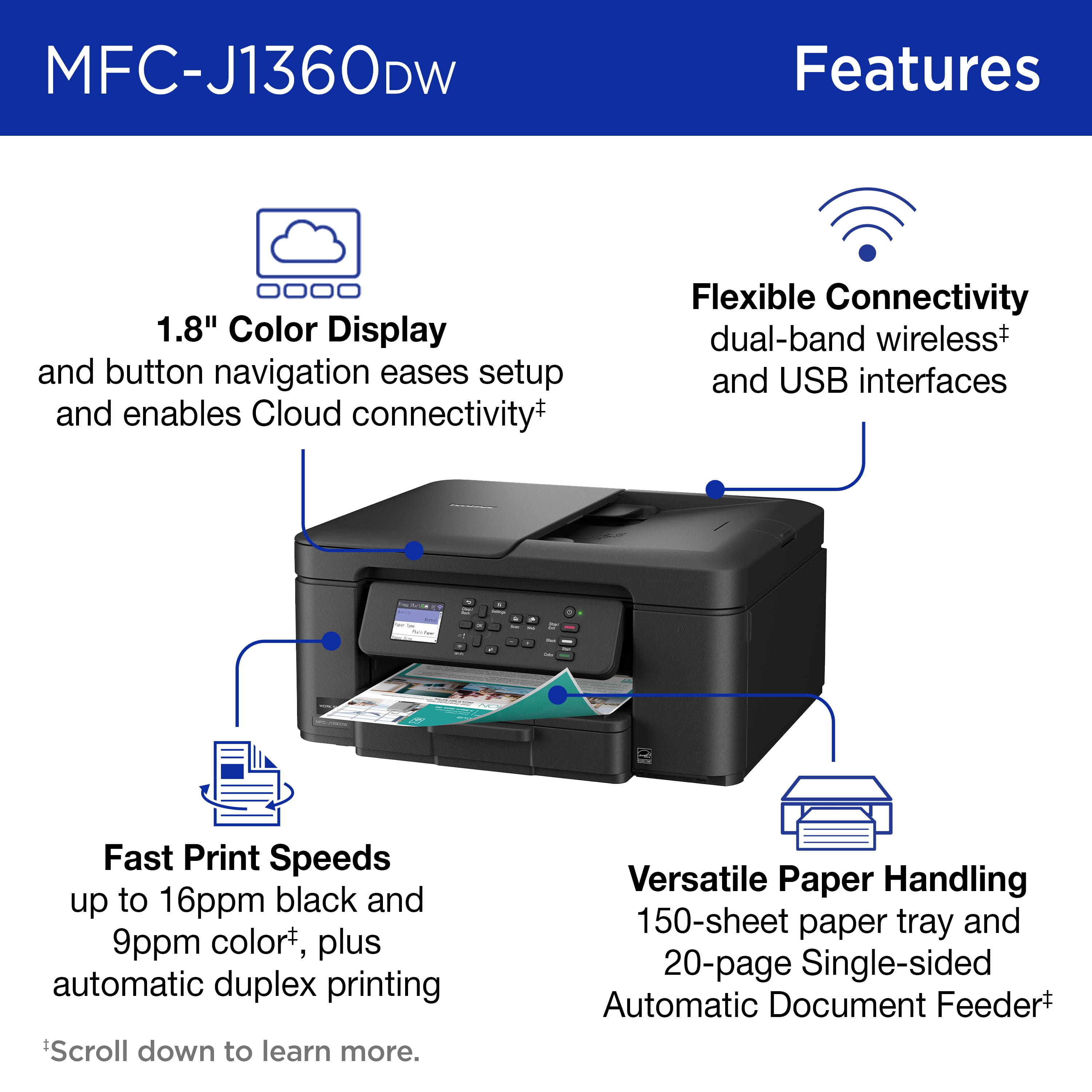
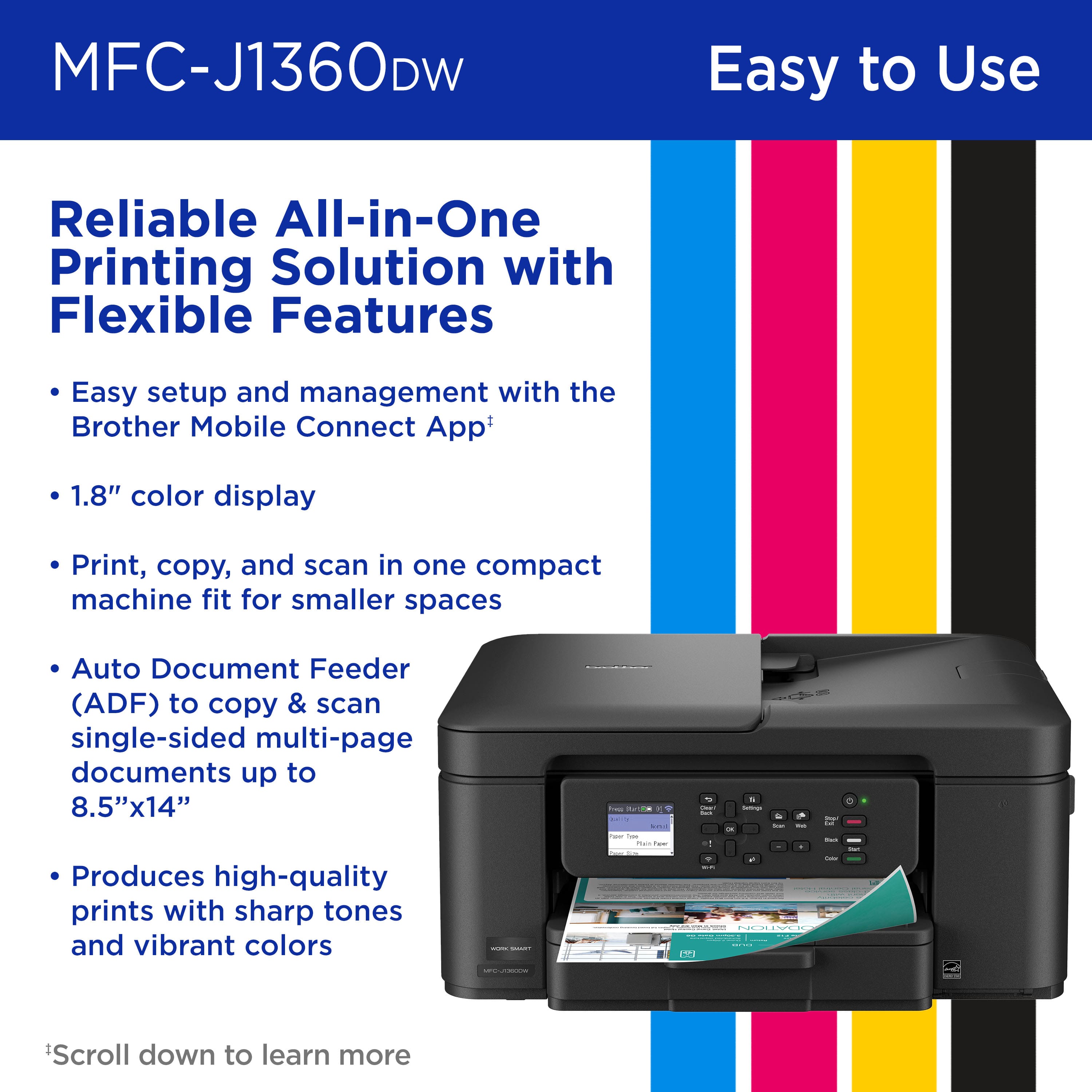
- A:Answer yes it does! literally the first sample print did front and back automatically. I did not have to manually flip.
Answered by Anonymous
Q: QuestionWill the Brother Work Smart 1360 Wireless printer work with my iPhone, iPad and Mac Air Laptop?
Asked by Tricia.
- A:Answer It does work with an iPhone. Don't know about the others.
Answered by Michelle
Q: Questionhow to load paper on mfc-j1260dw. i have pulling tray in front & it won,t budge.
Asked by neyl.
- A:Answer Pull harder.
Answered by JackC
Q: QuestionIs the tray to load with paper located in the front?
Asked by OnTheFarm.
- A:Answer yes
Answered by JackC
Q: Questionwill this printer handle card stock - it is not mentioned
Asked by don.
- A:Answer No, the Brother MFCJ1360DW is not compatible with card stock. Below is an answer link with the recommended paper for the Brother MFCJ1360DW. Answer Link: https://support.brother.com/g/b/faqend.aspx?c=us&lang=en&prod=mfcj1360dw_us&faqid=faq00000080_067 Answer Link: https://support.brother.com/g/s/id/htmldoc/mfc/cv_dcpj1360dw/use/html/GUID-CCFA3C3A-9C74-4C3D-837C-D5E828003E42_1.html?c=us&lang=en&prod=mfcj1360dw_us&broug=in&KEY=recommended%20paper
Answered by Brother
Q: QuestionIs this compatible with Chromebook?
Asked by Meg.
- A:Answer Please visit our web site to see a list of models that works with a Google Chrome OSM along with what Driver is needed. https://help.brother-usa.com/AgentWeb/api/contextmanager/v.32602210005/workspaceContext/workspace/processedPrint/Answer/171523 Use this link to see how to add the required driver. https://help.brother-usa.com/AgentWeb/api/contextmanager/v.32602210005/workspaceContext/workspace/processedPrint/Answer/171532
Answered by Brother
Q: Questionhow do you scan
Asked by Nancy.
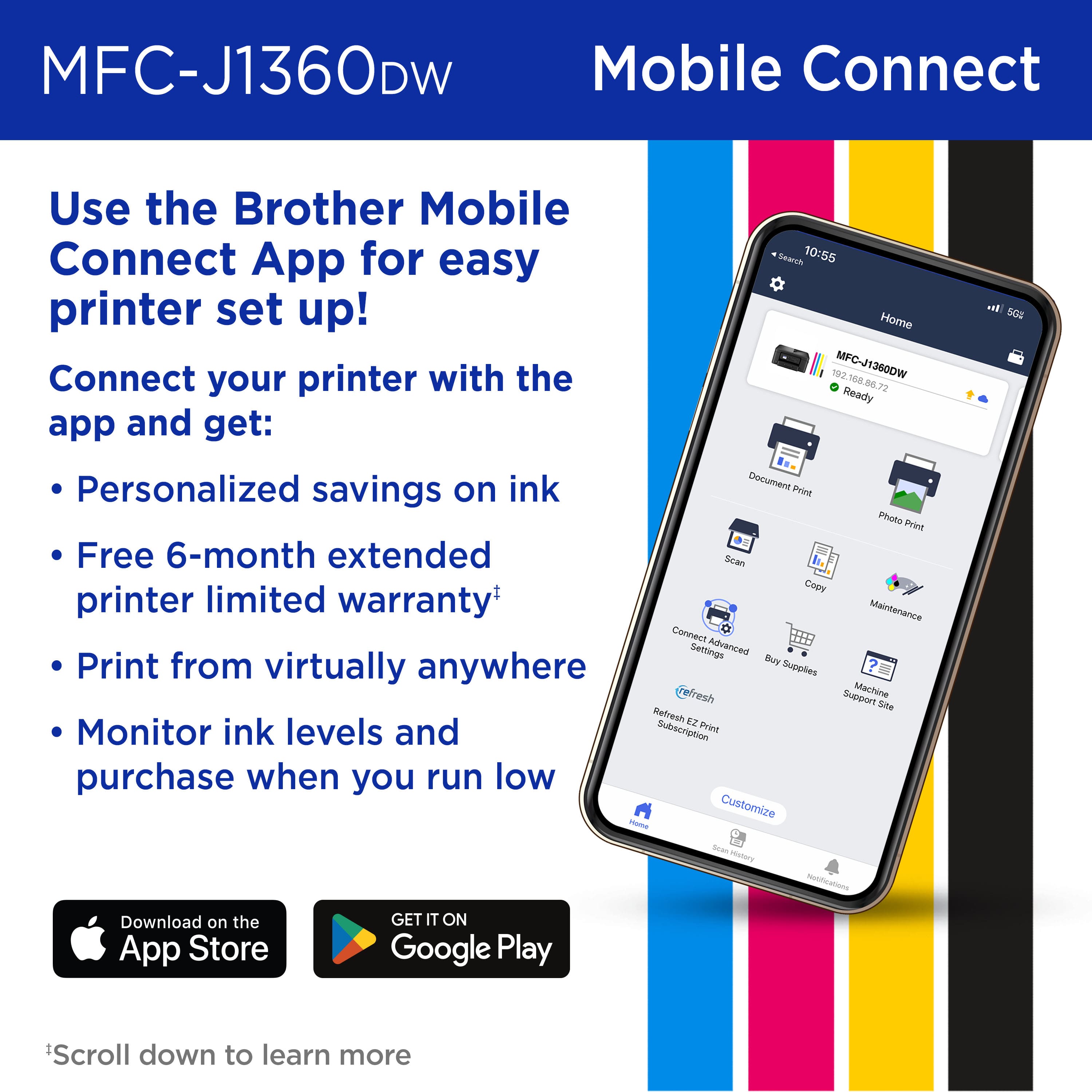
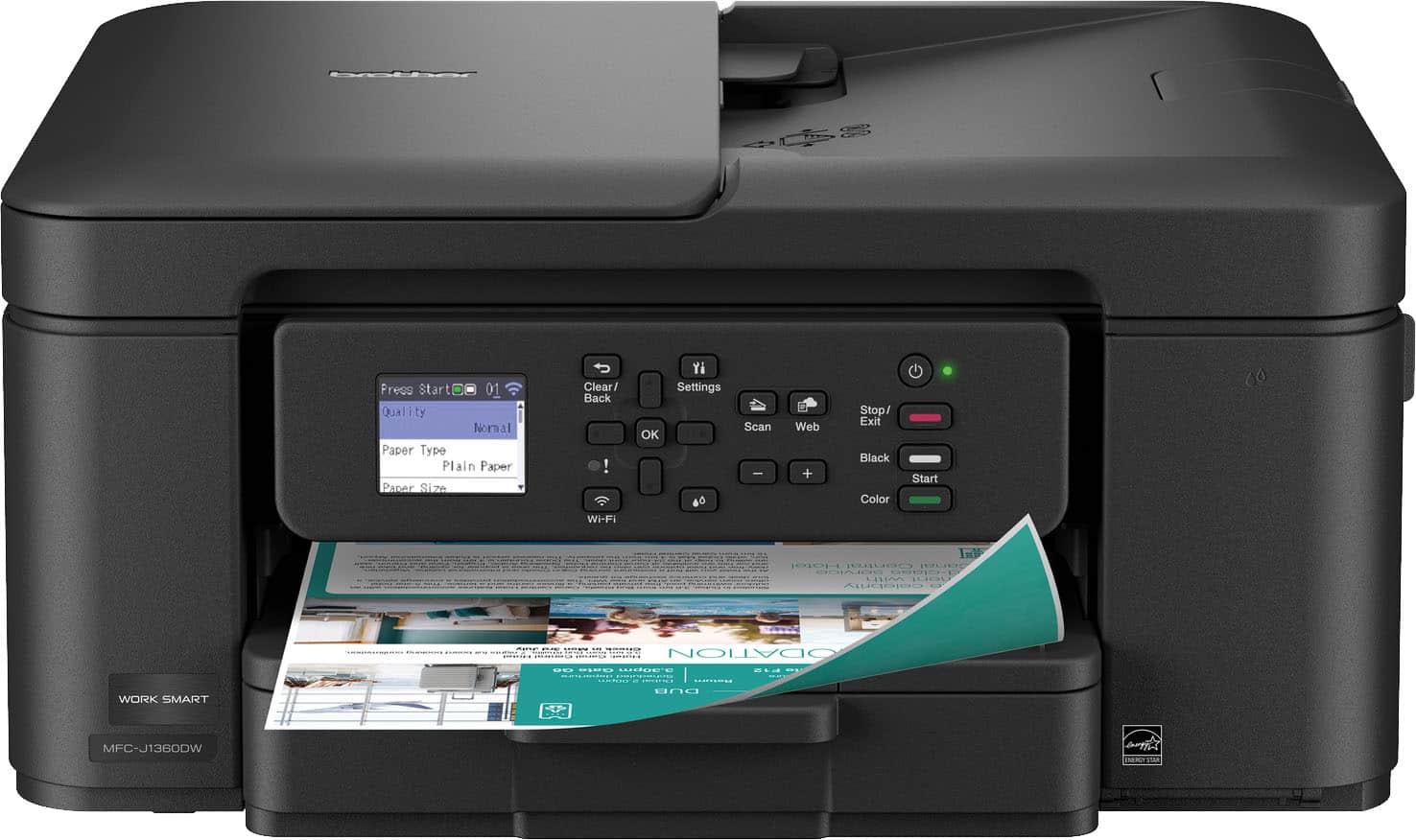
- A:Answer You can scan directly from the Brother MFC-J1360DW using the printer’s control panel or the Brother Mobile Connect app on your computer or mobile device. For assistance, please contact Brother Customer Service at: https://www.brother-usa.com/contact-us
Answered by Brother
Q: QuestionWhat’s the ink cost?
Asked by Anonymous.
- A:Answer On-Line $56.0 for all cartridges
Answered by WilliamQ
Q: QuestionCan it print in black ink only
Asked by KT.
- A:Answer Yes. Press the black copy button instead of the color button.
Answered by GregR
Q: QuestionDo I have to use Brother ink. Can I use aftermarket ink?
Asked by Anonymous.
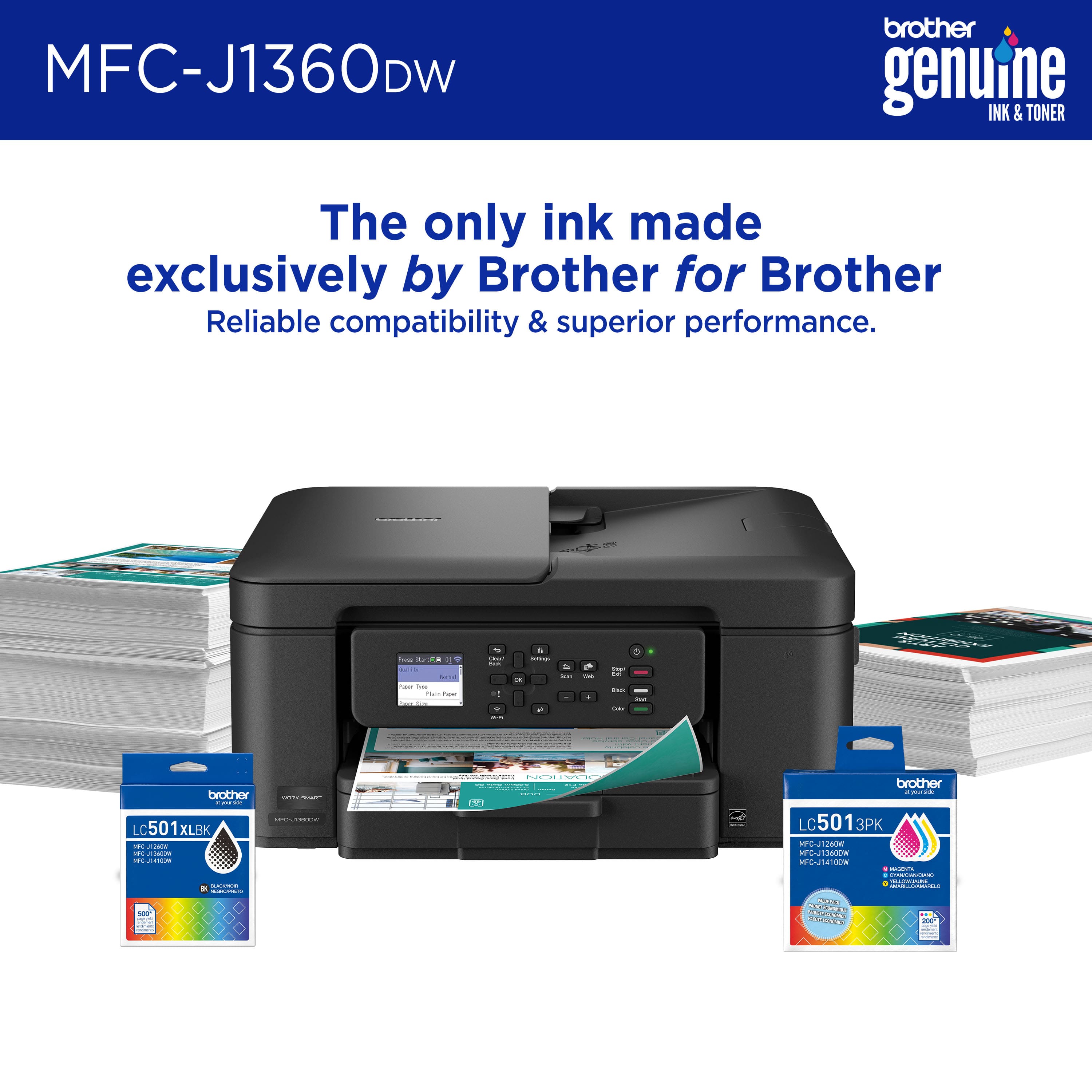
- A:Answer Genuine Brother ink gives the best results.
Answered by Mark
Q: QuestionI need a windows 7 compatible printer. I bought this one but When I went to download the printer hardware, it is not compatible with Windows 7. It says I need at least windows 10 but when googling whether this printer is compatible, it says it is. Help?
Asked by Anonymous.
- A:Answer Windows 7 is so outdated!! Try 100, not expensive and can do just about everything yu need!!!!!
Answered by WilliamQ
Q: QuestionCan you update the firmware directly through the printer?
Asked by Sammy2005.
- A:Answer Yes, the firmware can be updated from the machine's display.
Answered by Brother
Q: QuestionWhat type ink
Asked by Anonymous.
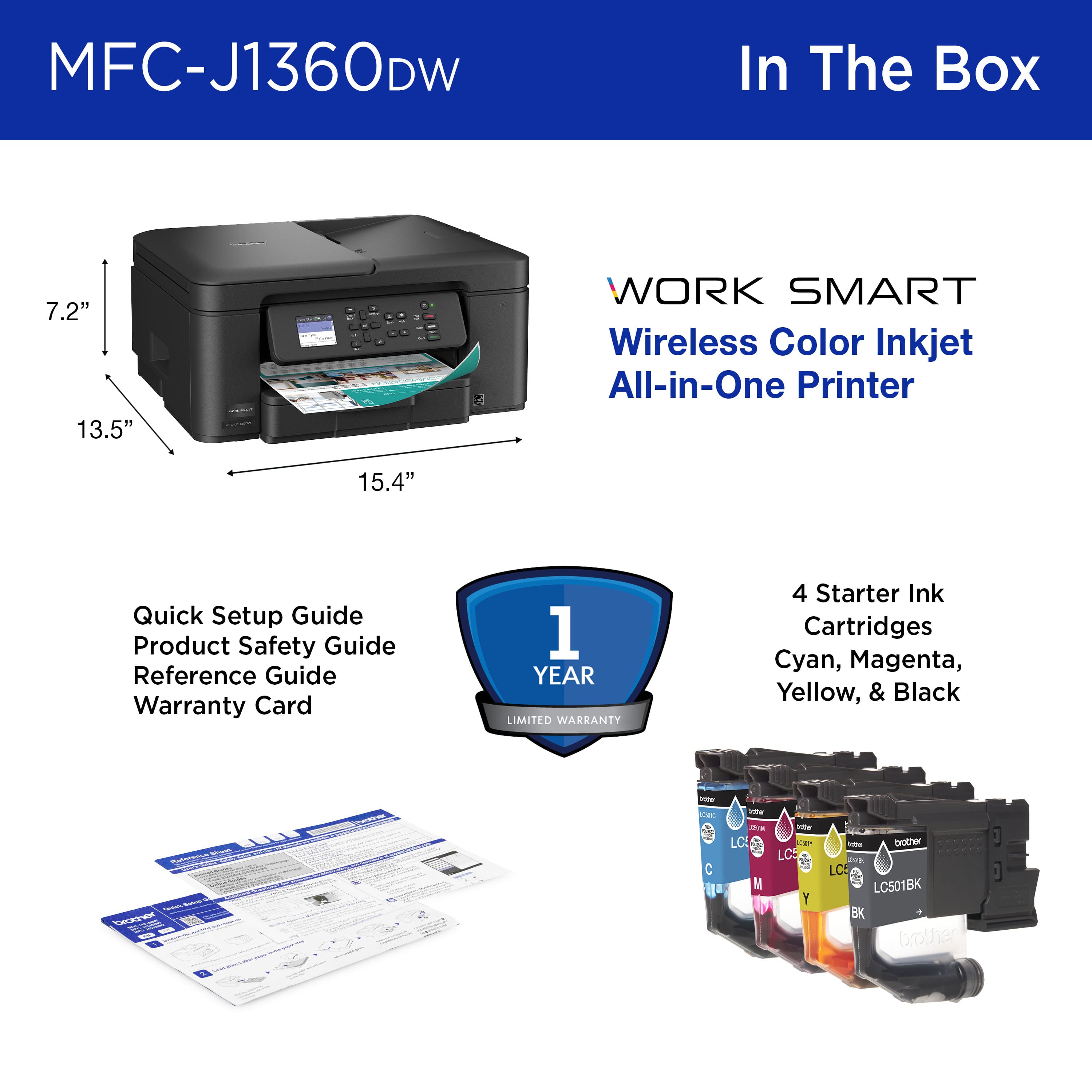
- A:Answer It comes with a set of black and color inkjet cartridges.
Answered by Michelle
Page 3, Showing 41-56 of 56 questions
Most-viewed items
- $132.80$132.80The price was $140.00
- $54.99$54.99The price was $94.99
- $69.00$69.00The price was $107.00
- $64.99$64.99The price was $86.99
- $249.99$249.99The price was $379.99
- $249.99$249.99The price was $323.00
- $129.99$129.99The price was $199.99
- $79.99$79.99The price was $149.99