Questions & Answers
- Model:
- MFCJ1360DW
- |
- SKU:
- 6638794
Highly rated by customers for: Overall Performance, Print Quality, Size
$109.98
Page Showing 21-28 of 28 questions
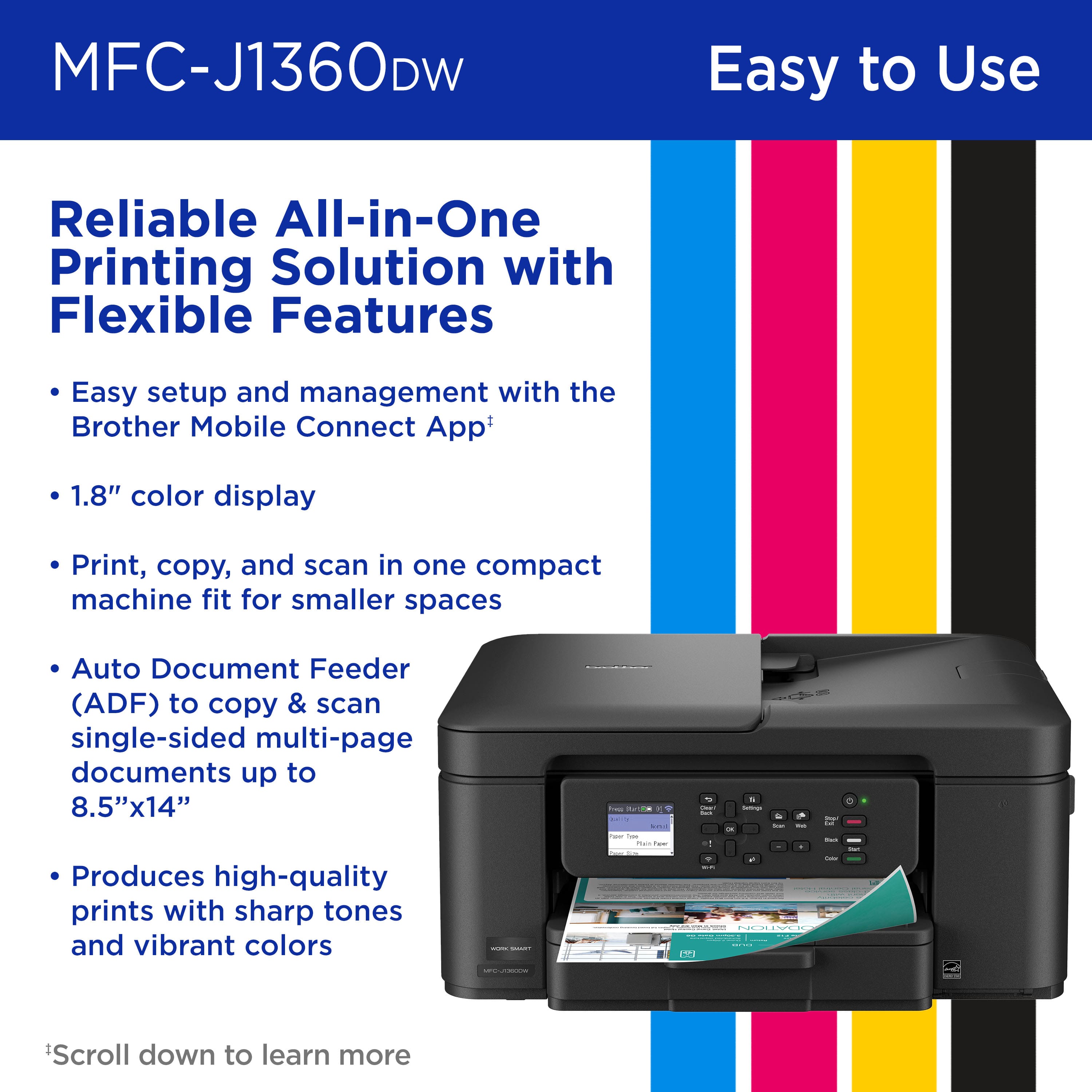
Q: Questiondoes this printer print on both sides?
Asked by bigbear.
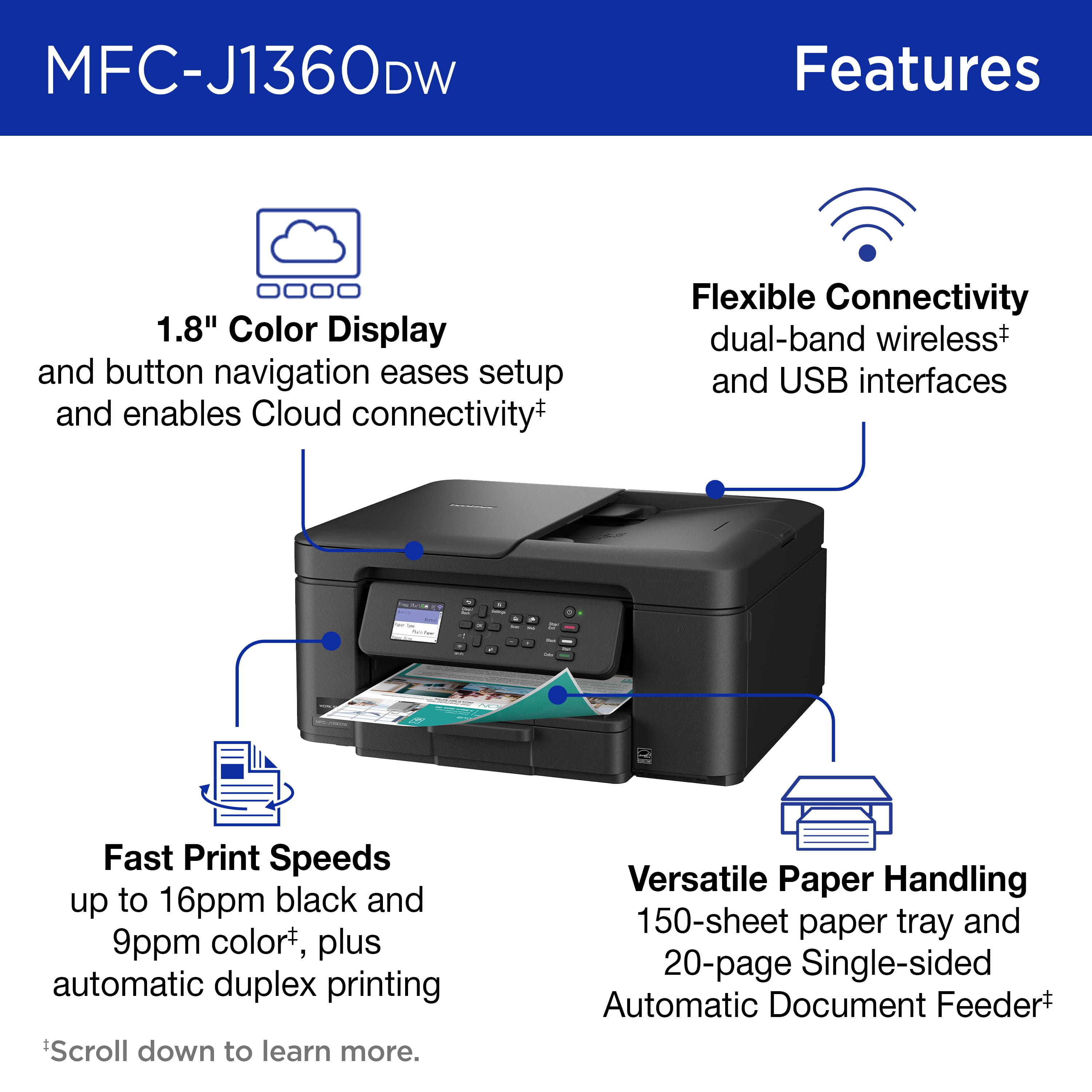
- A:Answer yes it does! literally the first sample print did front and back automatically. I did not have to manually flip.
Answered by Anonymous
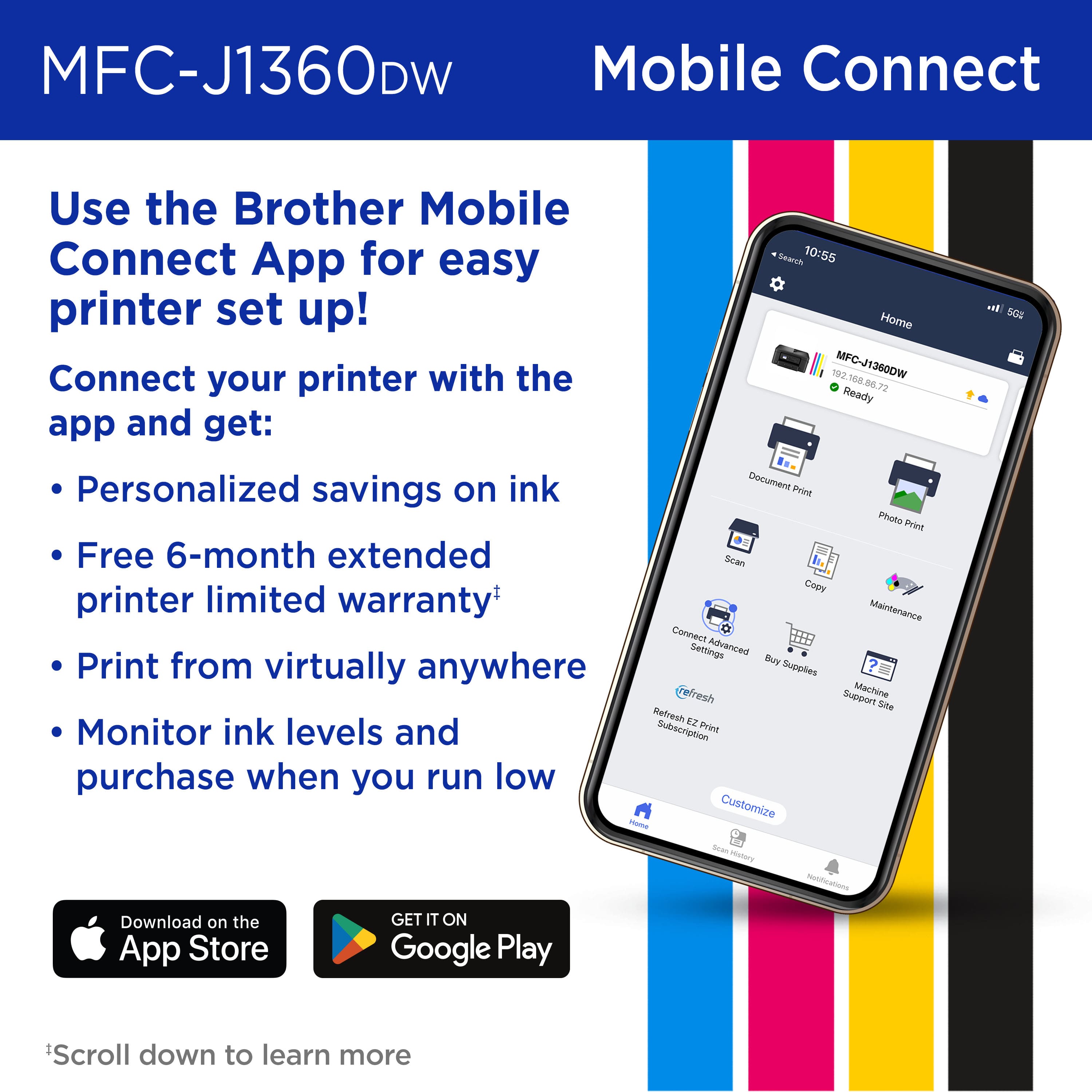
Q: QuestionWill the Brother Work Smart 1360 Wireless printer work with my iPhone, iPad and Mac Air Laptop?
Asked by Tricia.
- A:Answer It does work with an iPhone. Don't know about the others.
Answered by Michelle
Q: Questionhow to load paper on mfc-j1260dw. i have pulling tray in front & it won,t budge.
Asked by neyl.
- A:Answer Pull harder.
Answered by JackC
Q: QuestionIs the tray to load with paper located in the front?
Asked by OnTheFarm.
- A:Answer yes
Answered by JackC
Q: QuestionCan it print in black ink only
Asked by KT.
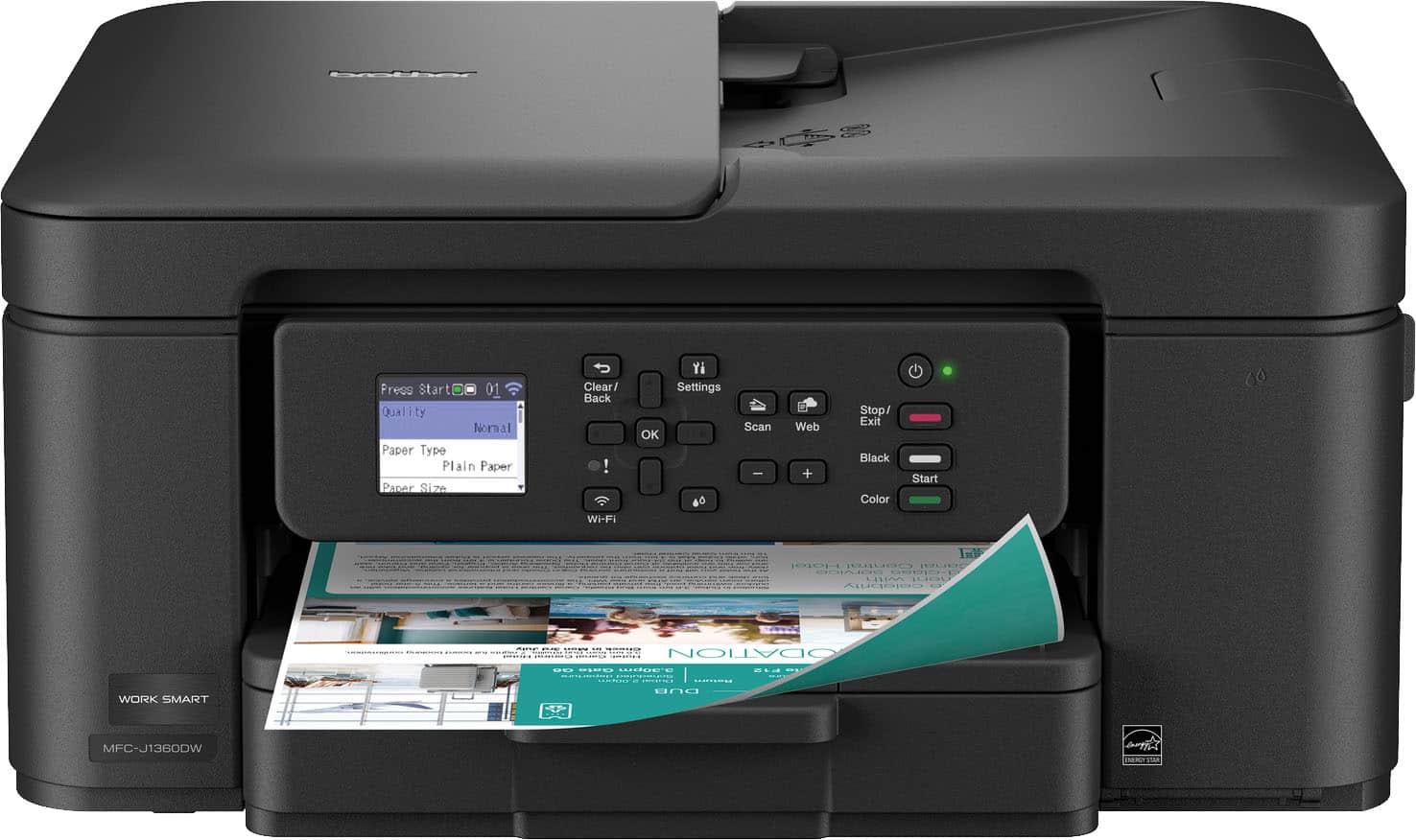
- A:Answer Yes. Press the black copy button instead of the color button.
Answered by GregR
Q: QuestionCan you update the firmware directly through the printer?
Asked by Sammy2005.
- A:Answer Yes, the firmware can be updated from the machine's display.
Answered by Brother
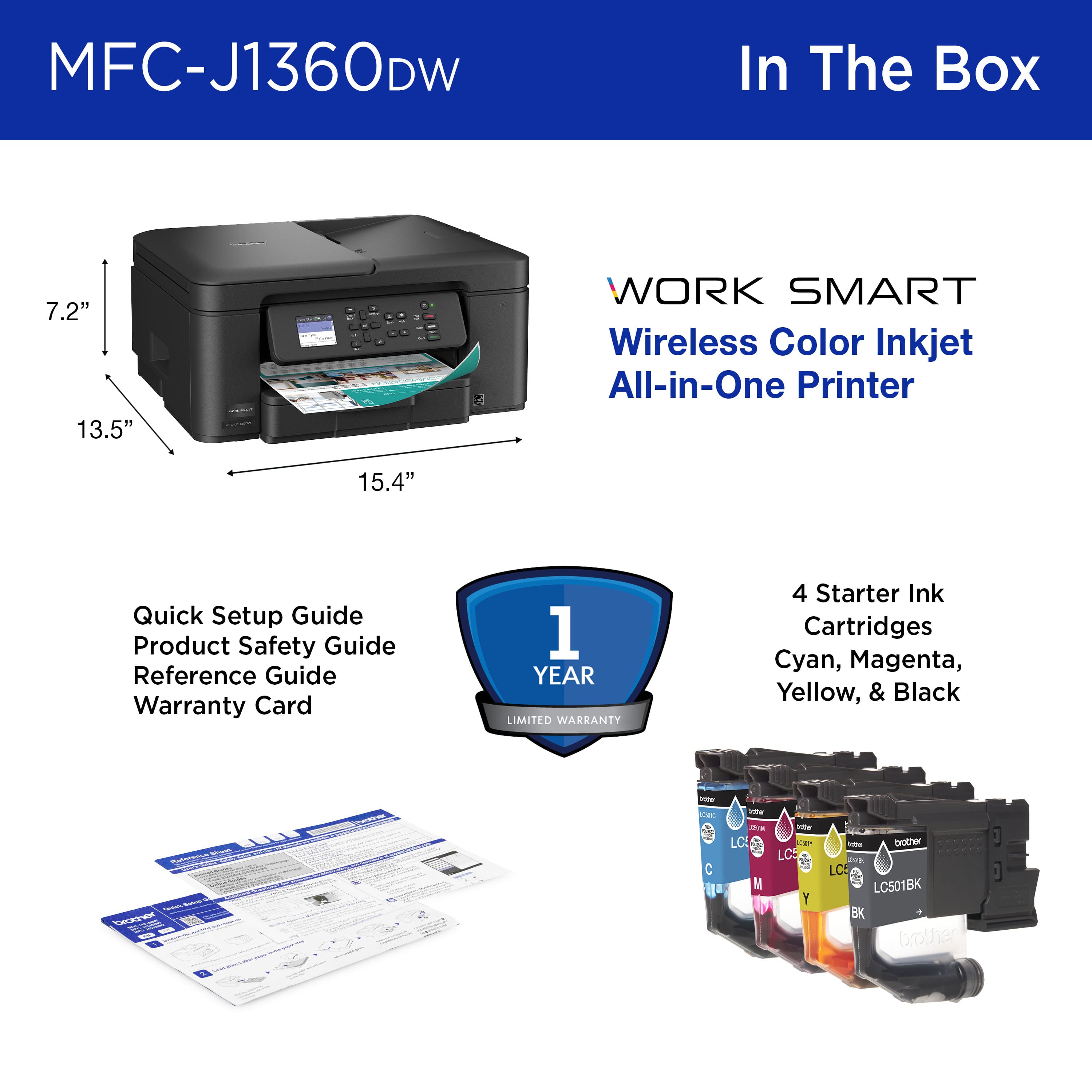
Q: QuestionWhat type ink
Asked by Anonymous.
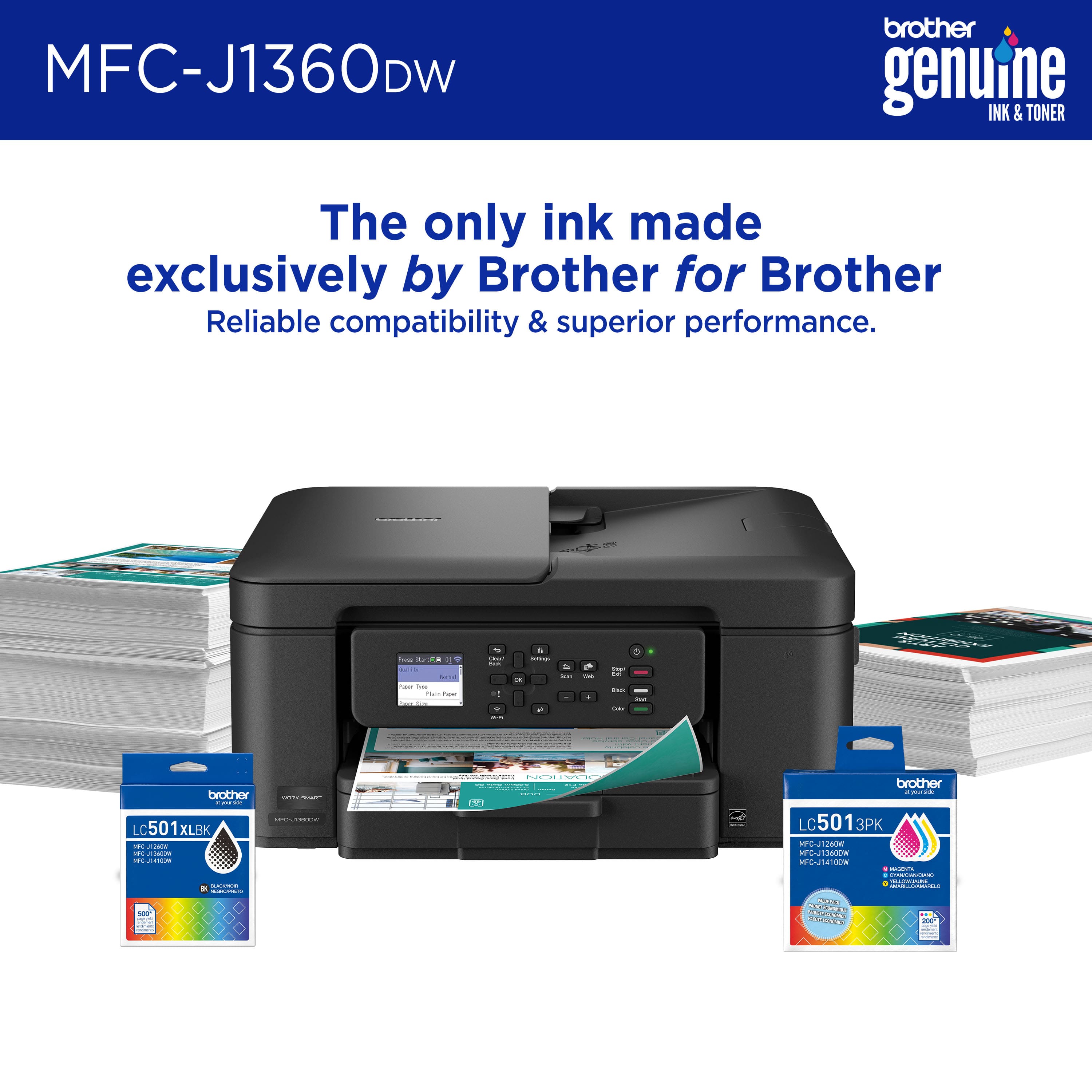
- A:Answer It comes with a set of black and color inkjet cartridges.
Answered by Michelle
Page 2, Showing 21-28 of 28 questions