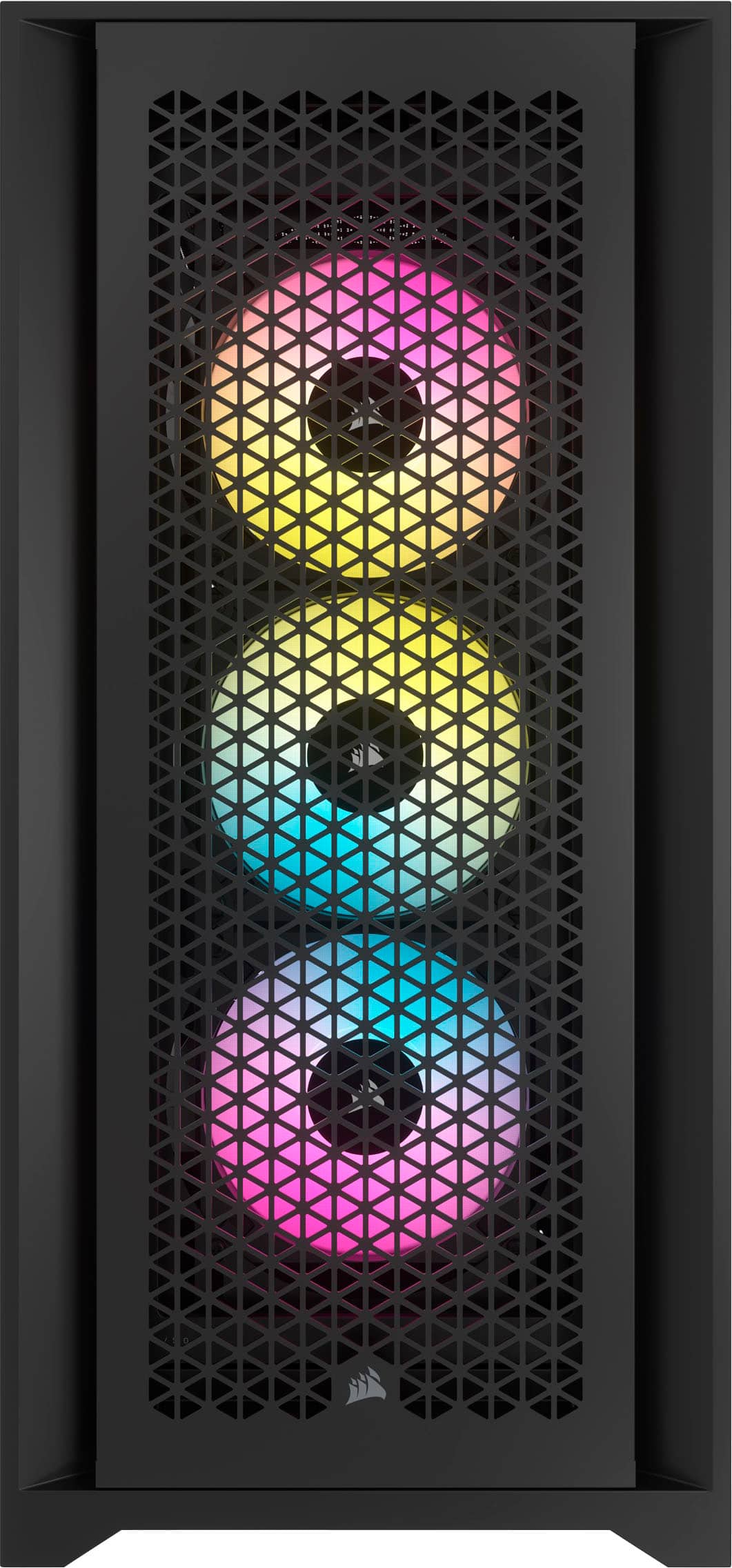
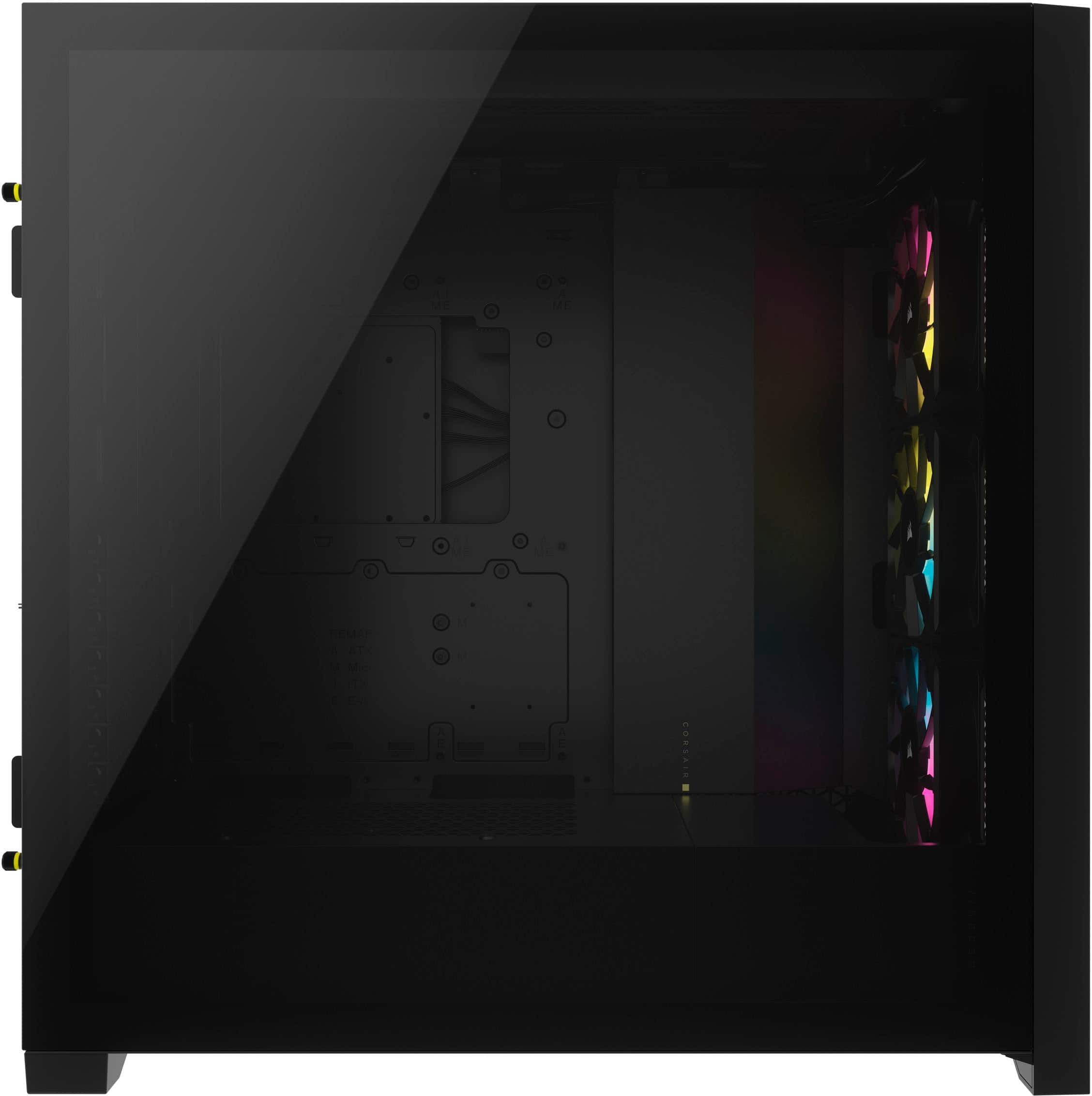
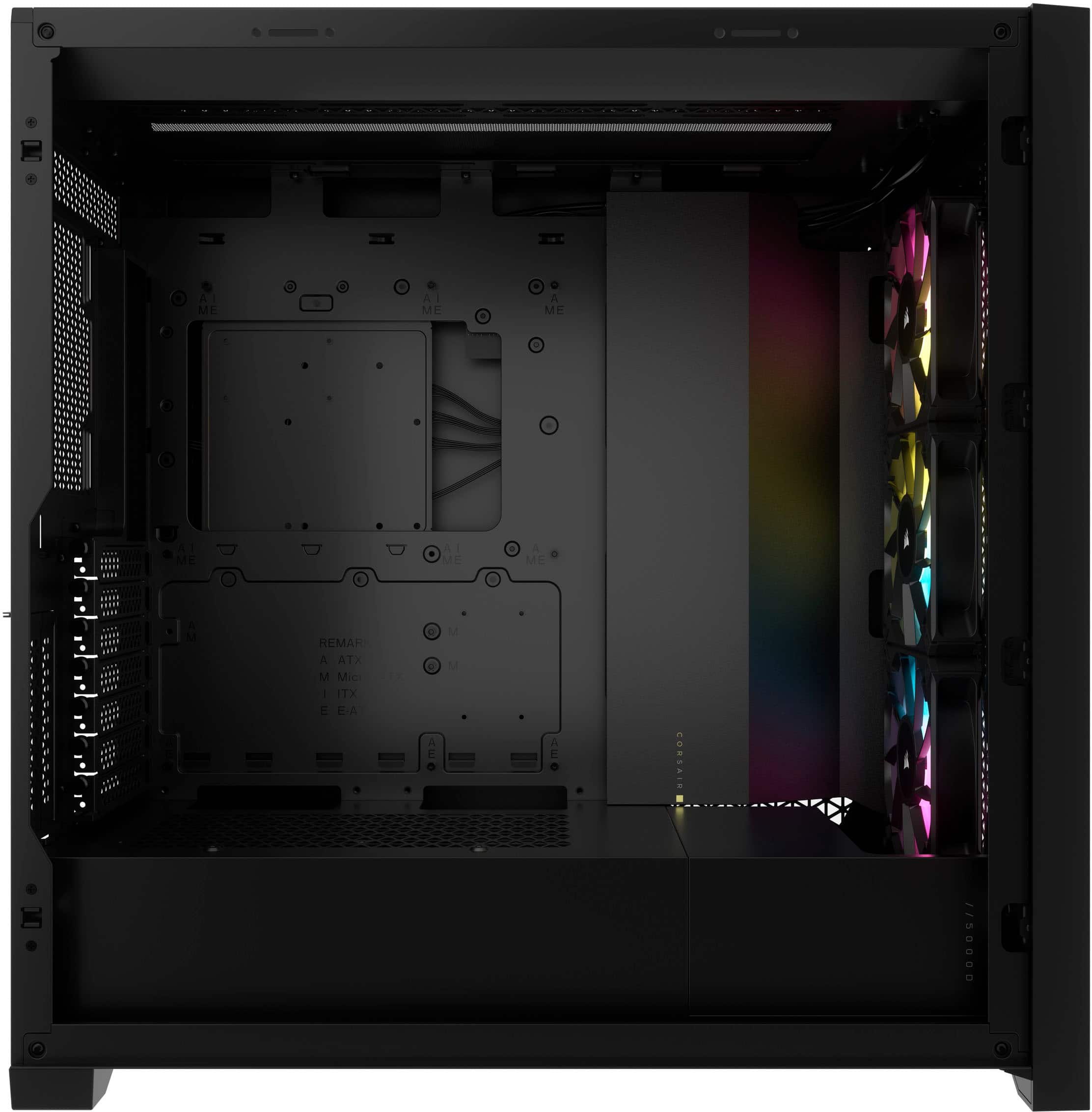
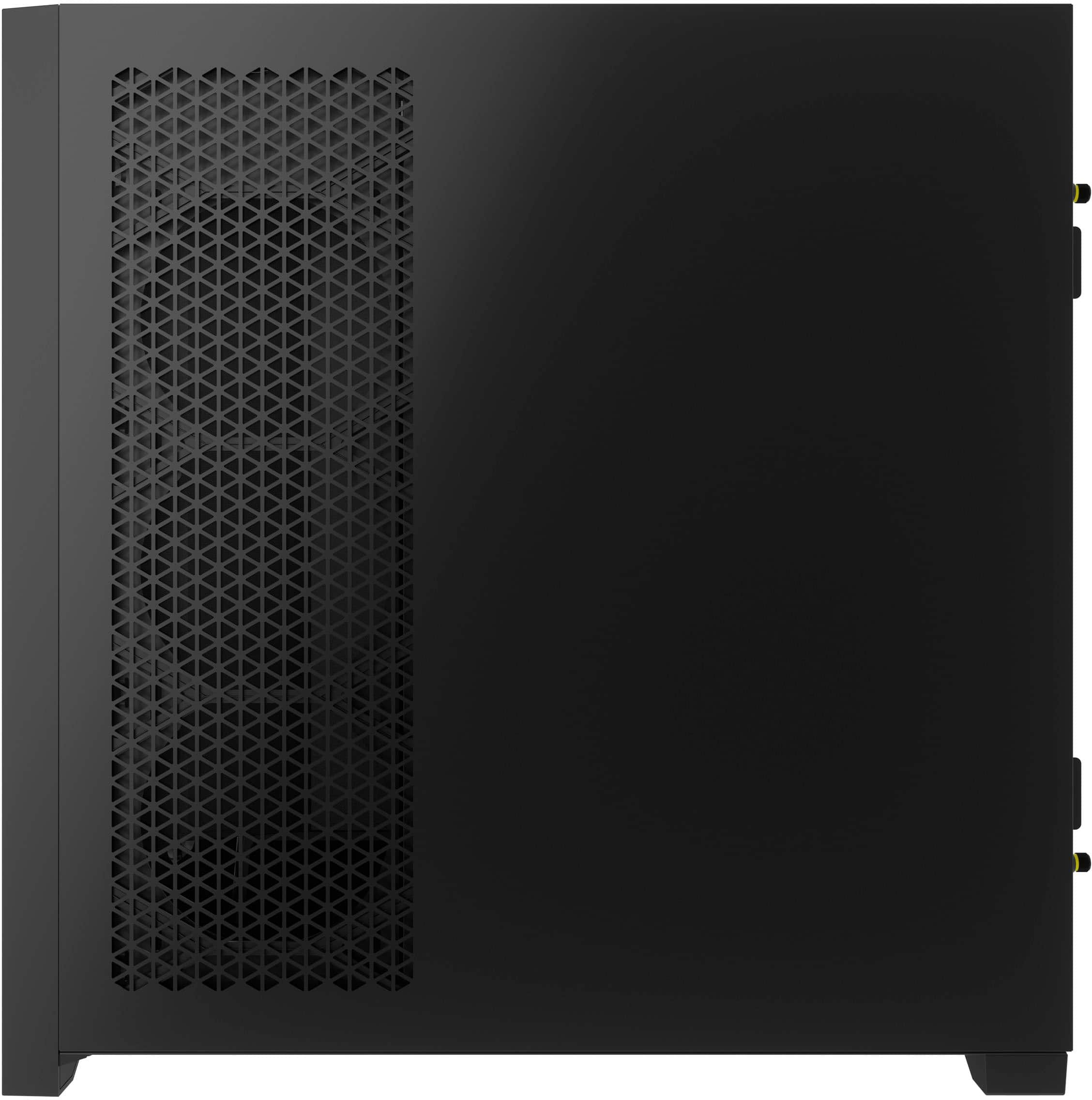
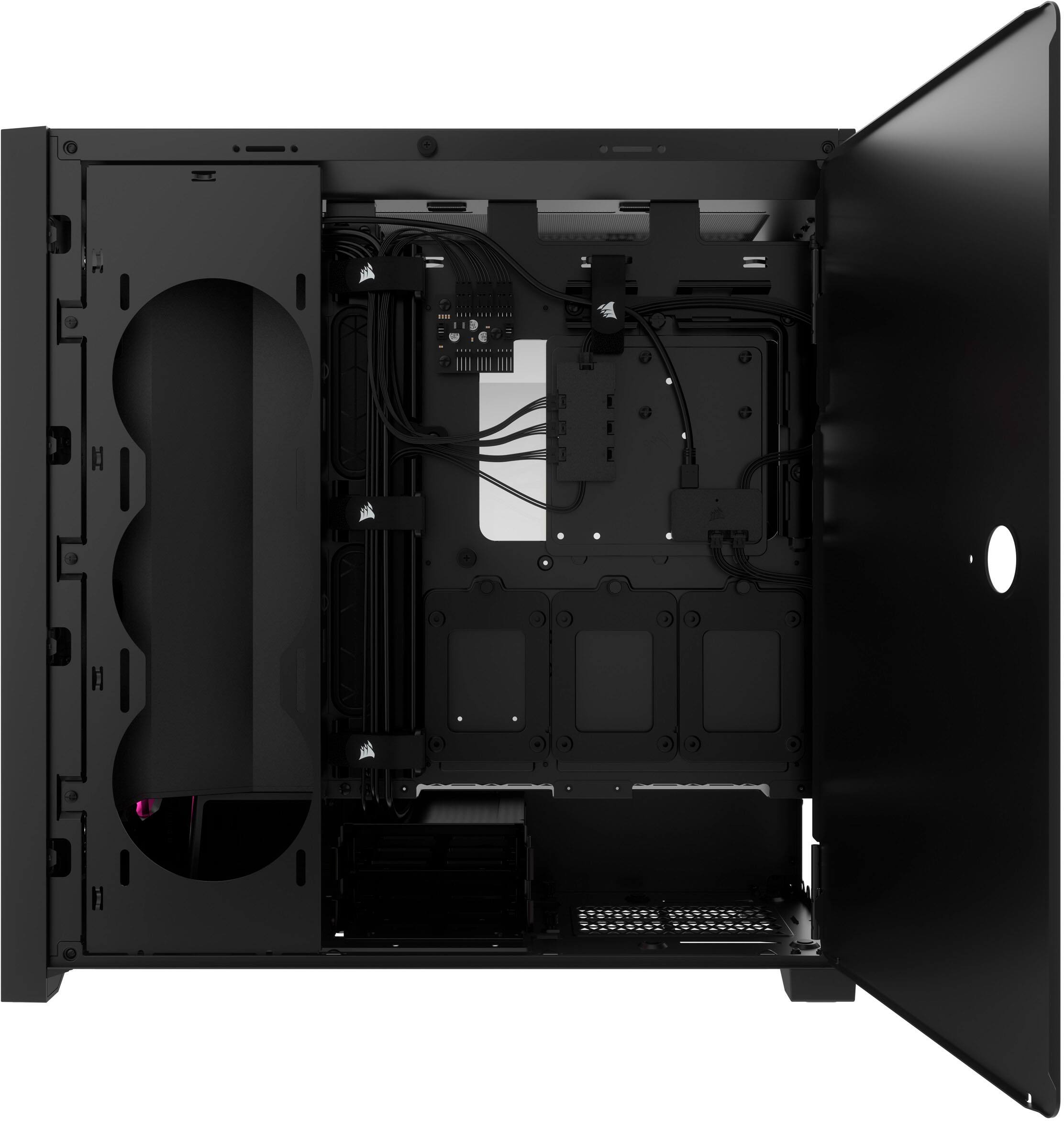
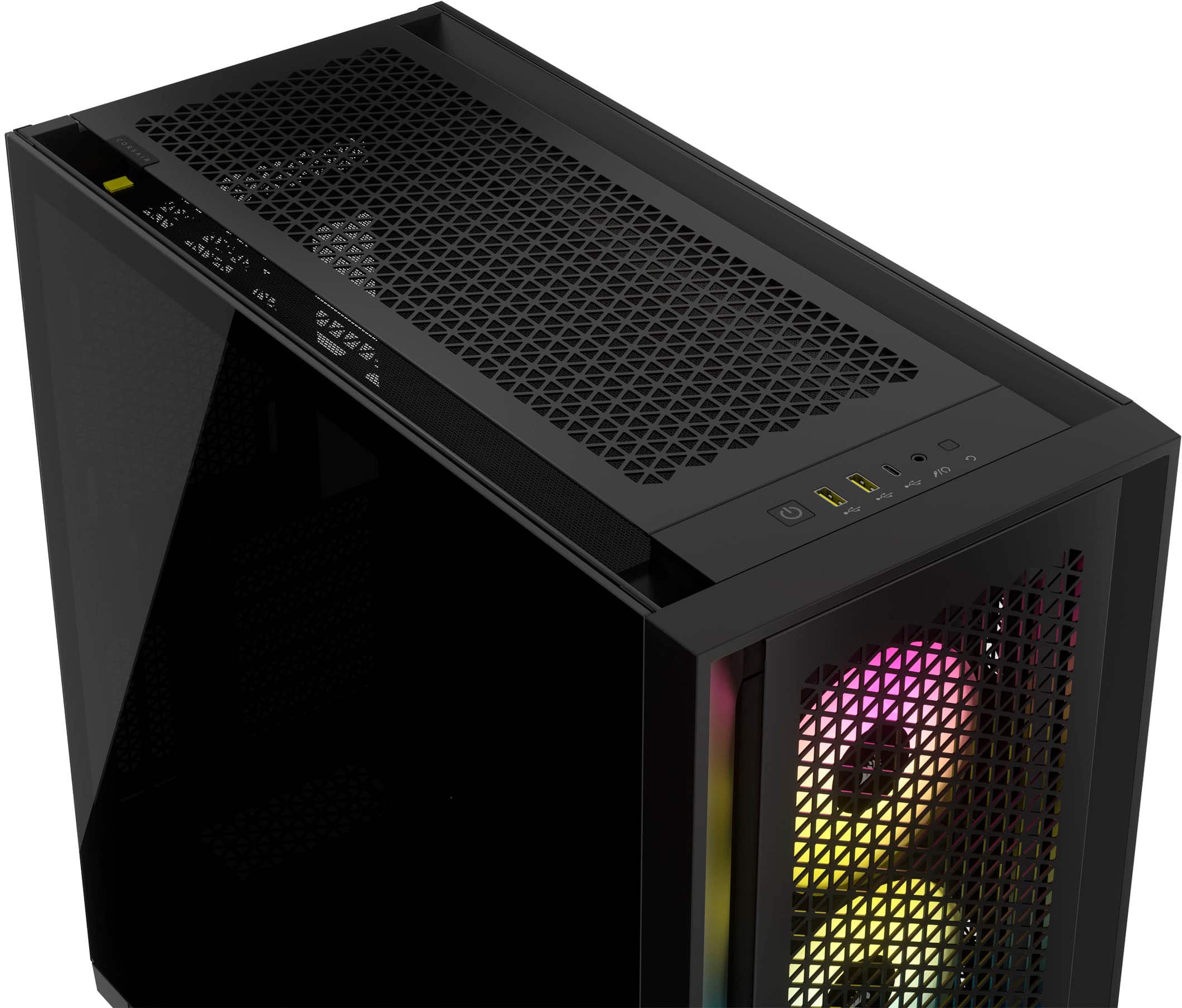
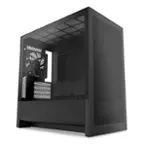
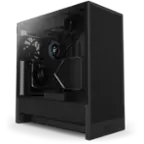
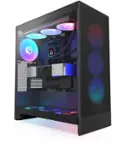
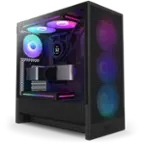
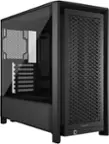
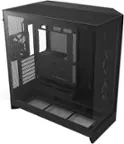
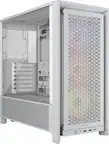
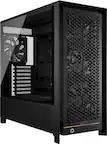
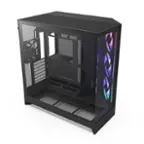
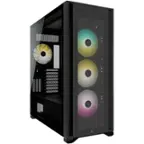
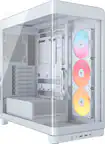
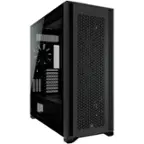
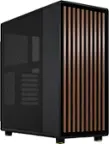
A:AnswerThis case will support many different MoBos and has many mounting points, plus comes with some extra mount hardware. Also has lots of room for components and cooling. That little MoBo will make this case look huge.
A:AnswerIt's only the case, you can add whatever you need to it to suit your needs for what job and projects you are working on. my brother has four monitors connected to the one he built, the build is up to you, the Geek Squad can assist you with whatever build you desire
A:AnswerThis is an empty case for housing components. The RTX 3060 is a great vid card and not necessarily a "starting point" component, but it is a component that won't need much upgrade down the line. This case is not a computer, just a case with 3 fans and some lighting. Great case with lots of possibilities, but just a case. Hope this helps.
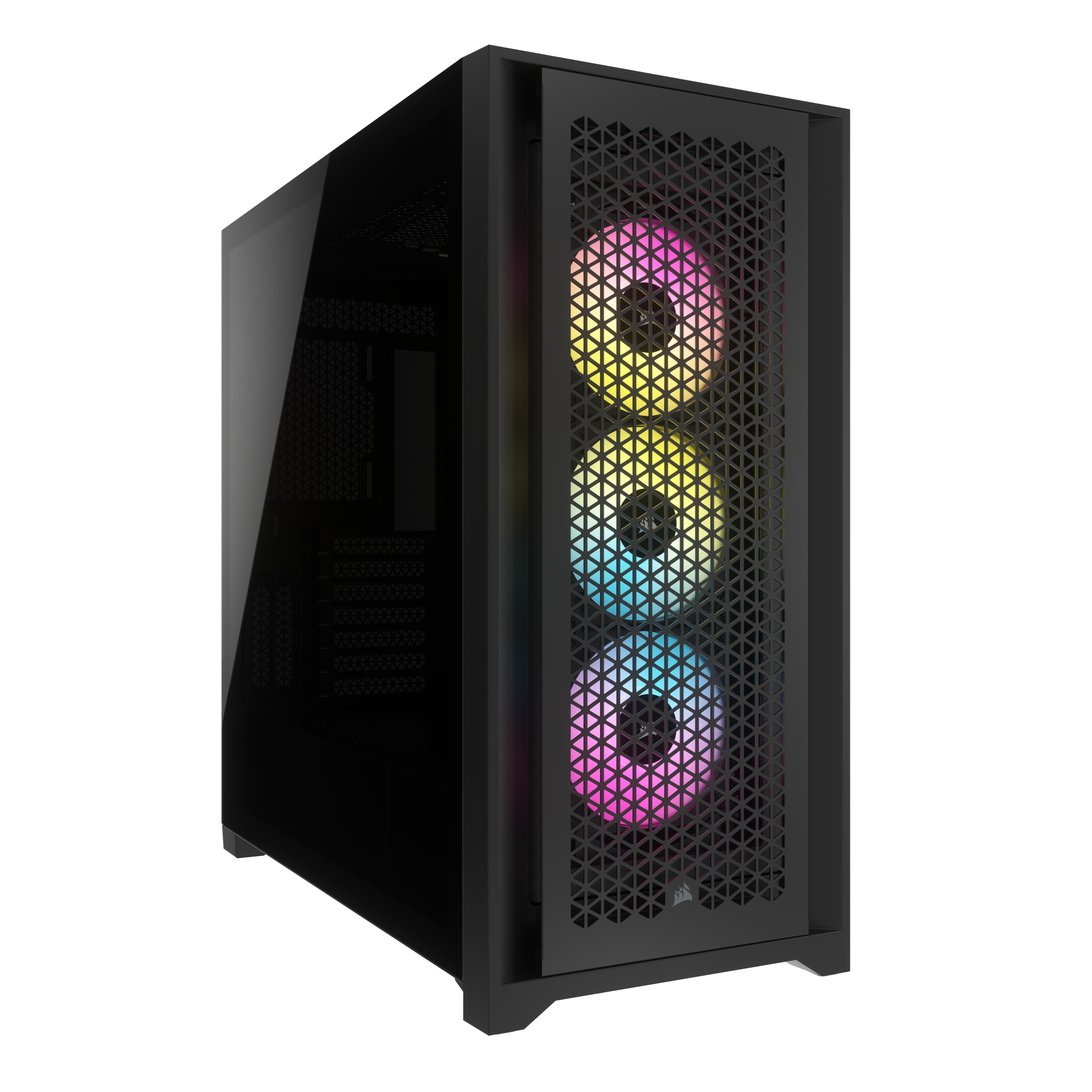
A:AnswerAt approx. 13.6 inches it will have room to spare as the case has a 400mm (approx. 15.7 inches) maximum for GPU length. There is alot of room inside for components and cooling.
A:AnswerThis is a case for housing components, not a built pre-built PC. Case is empty and only has lighting unit a 3 fans until you put components in. If you build well enough, there are few limits to what the PC you build inside this case could run. Lots of room for components and cooling, but only a case.
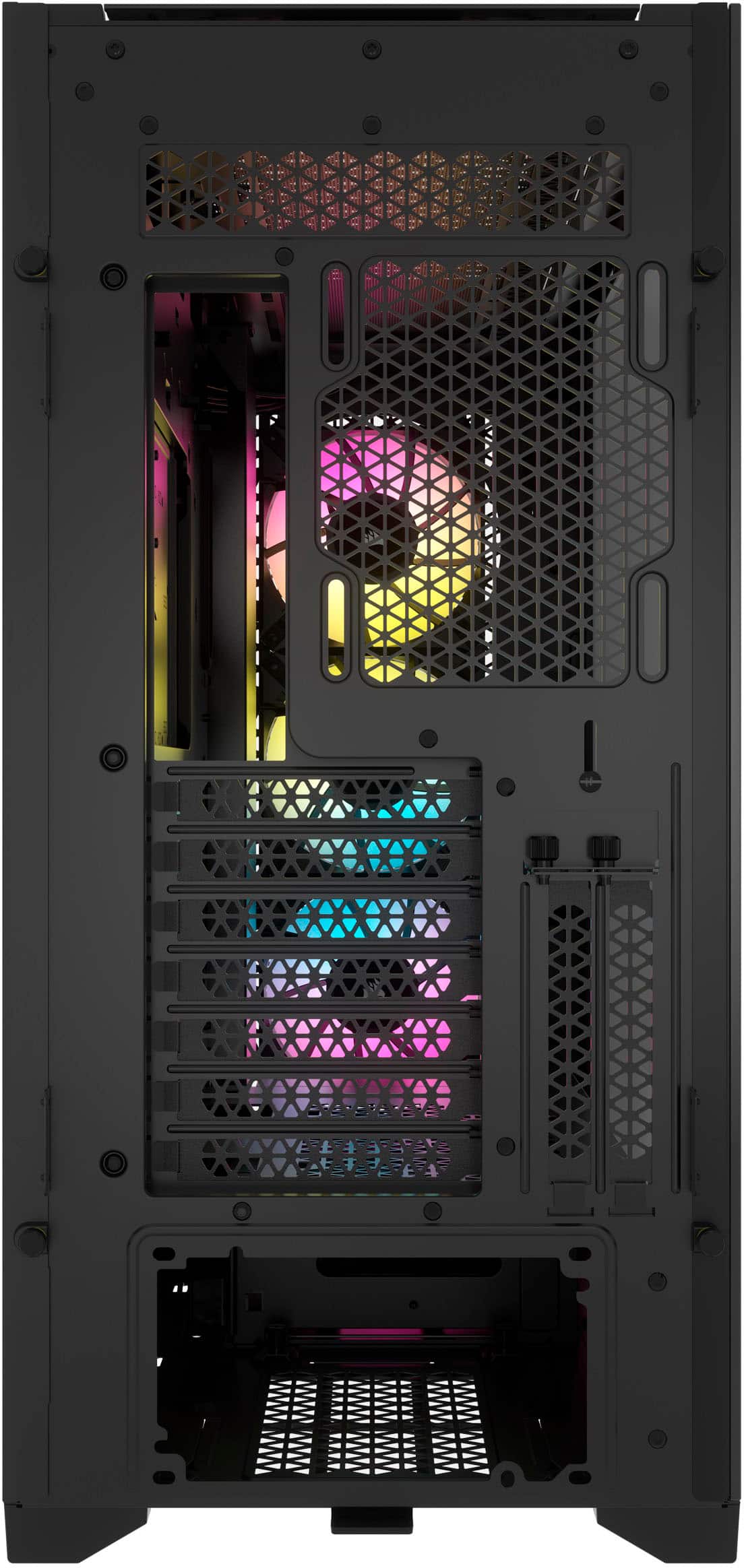
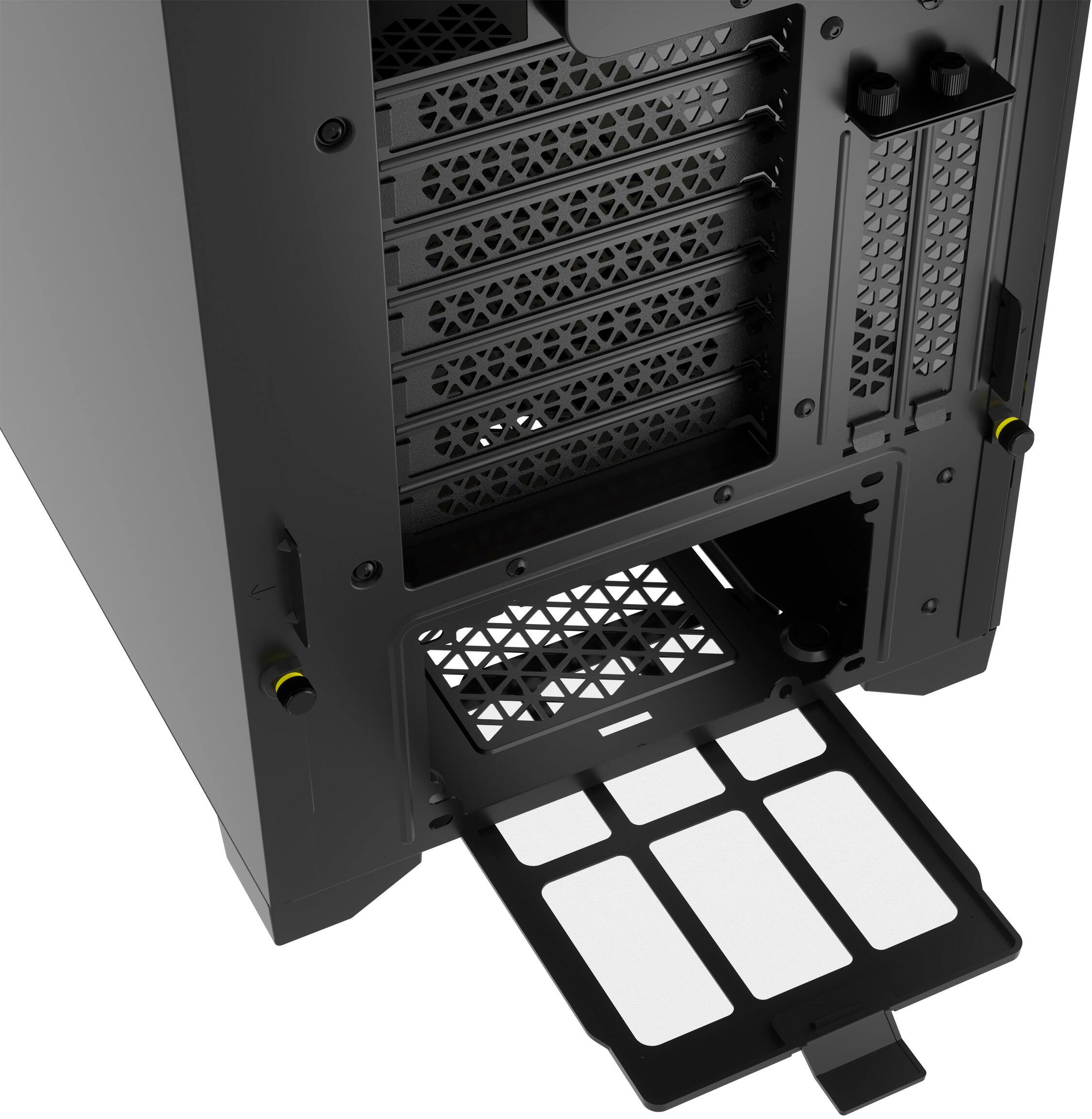
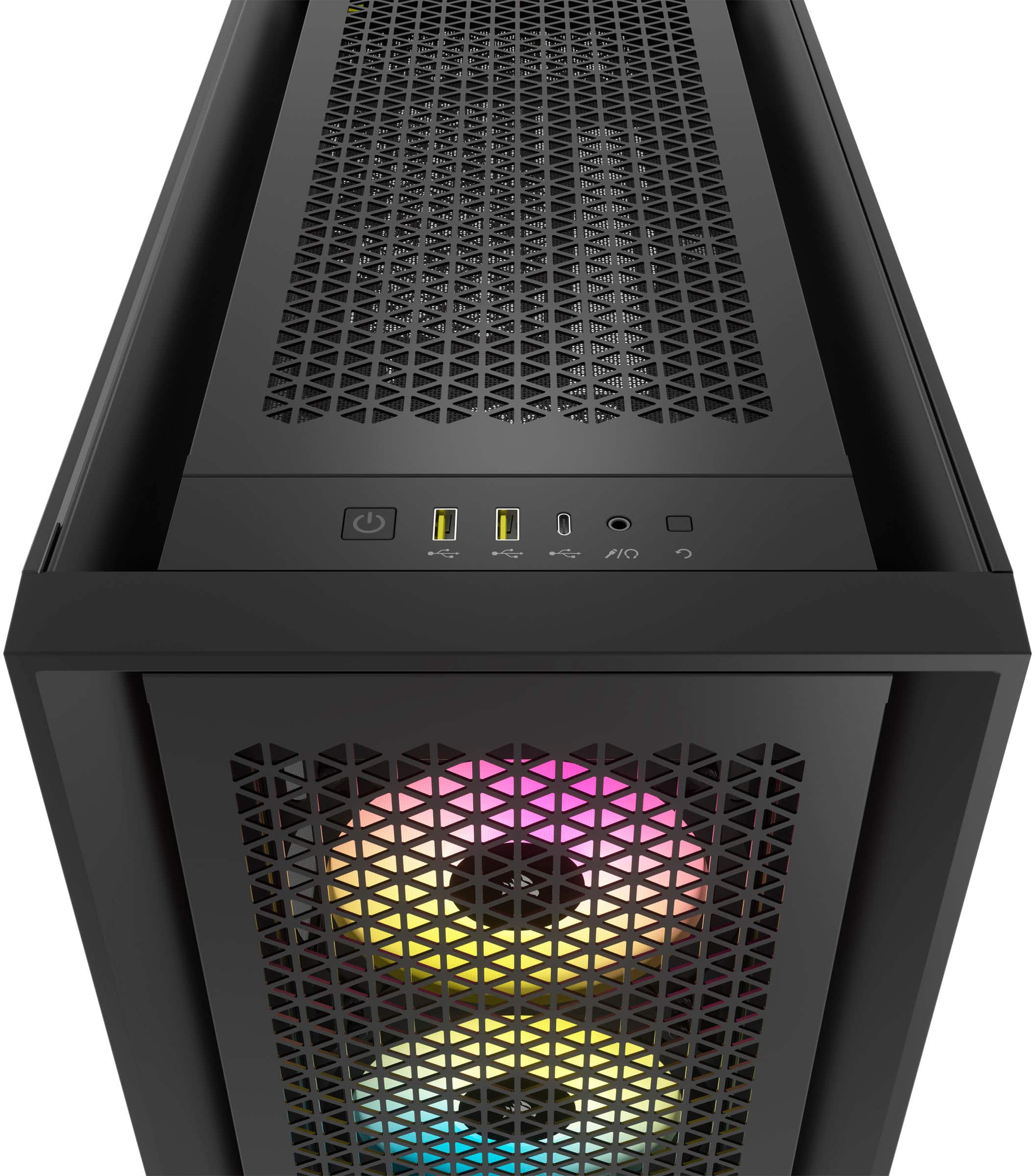
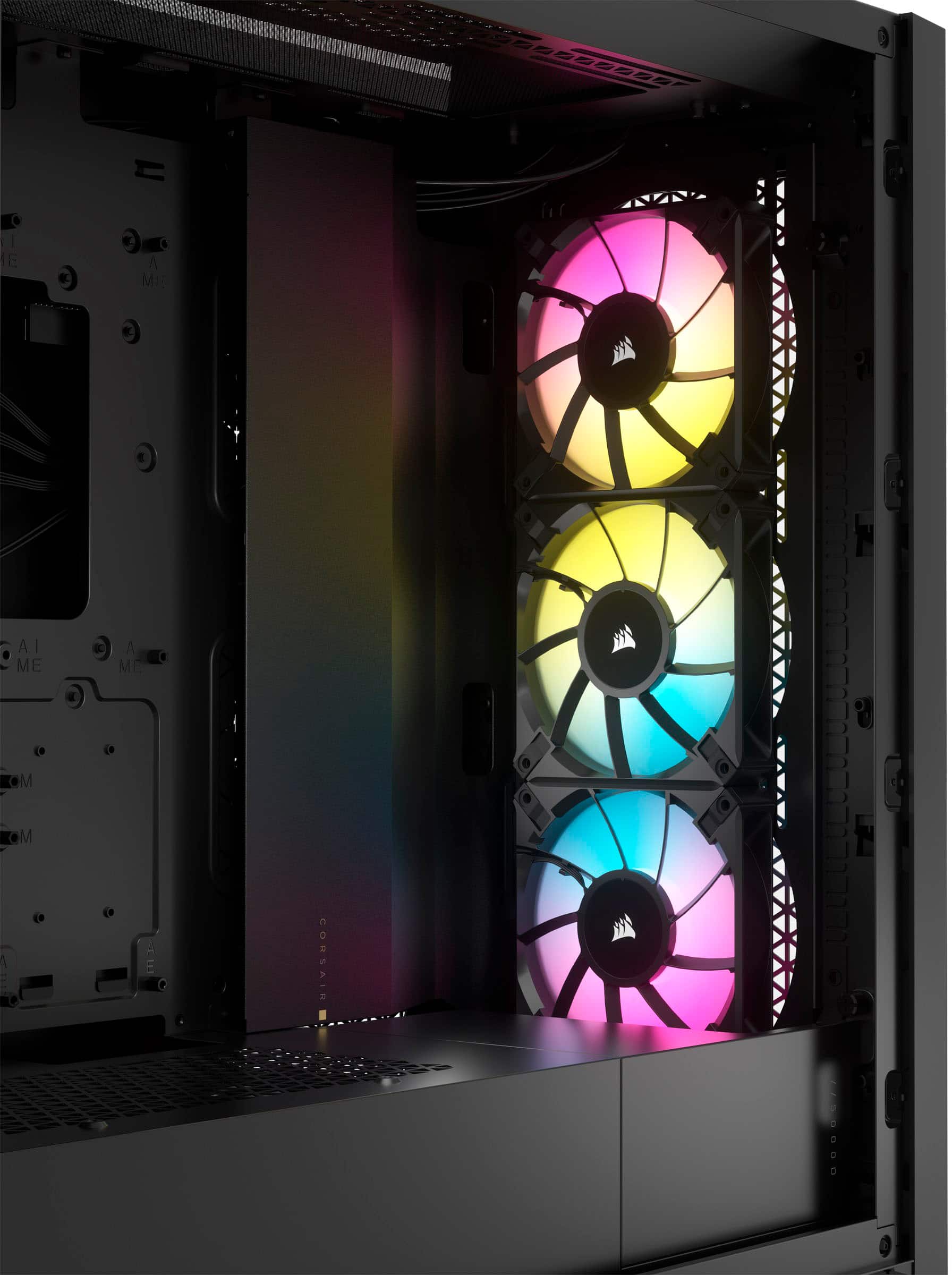
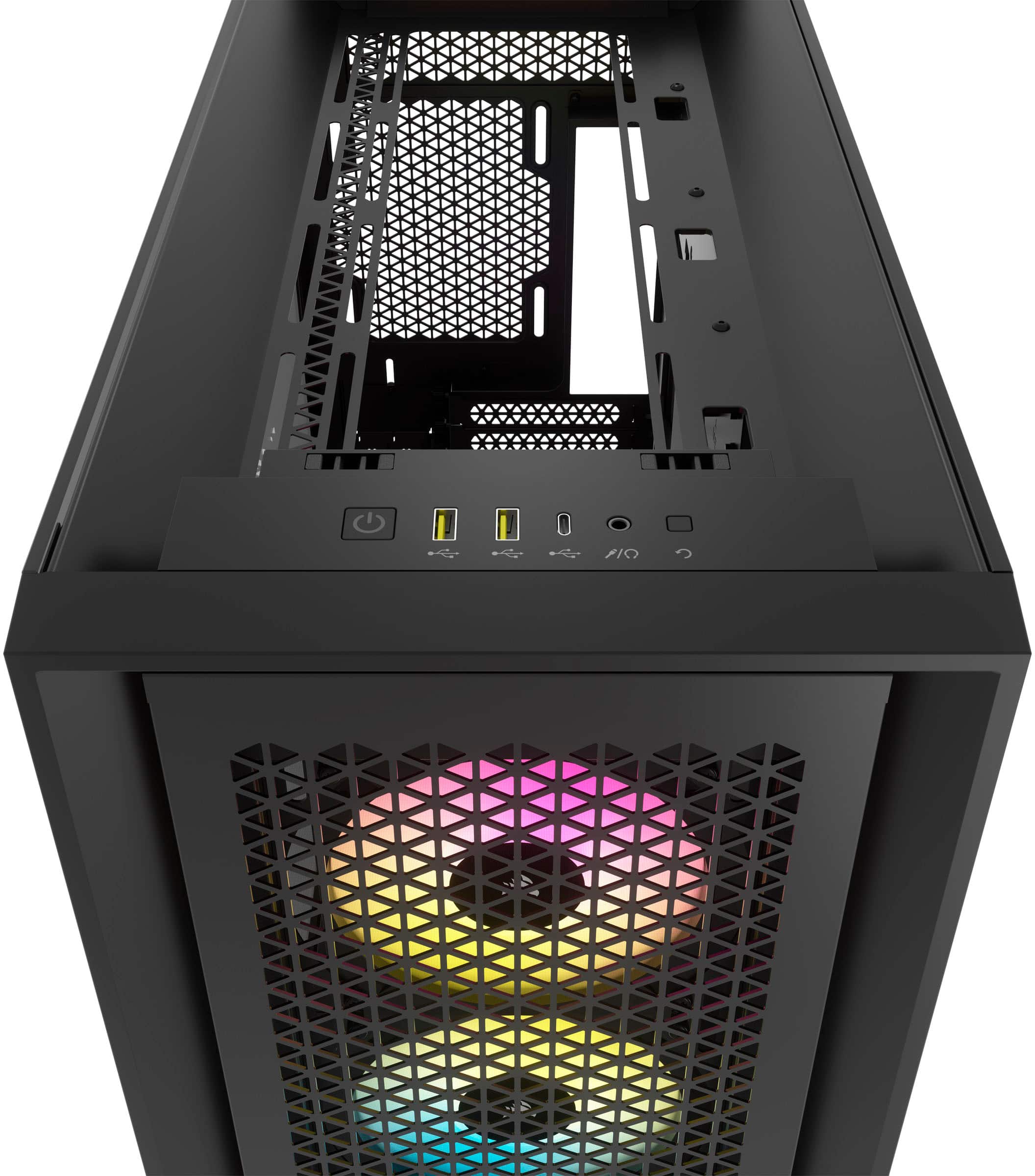
A:AnswerThere are 3 usb ports on the header panel, top front of the case, so I would recommend installing an alternative if your MoBo does not offer enough ports for your useage. Lots of room for components and cooling. There is no power supply pre-installed, but the space for it is ample and bottom vented for better cooling. Lighting unit and 3 fans are factory pre-installed and are all moveable/repositionable.
A:AnswerYes, you have to add the actual computer components into this case. If I misunderstood what you were asking, though, the case itself is fully assembled, including the 3 fans in the front.