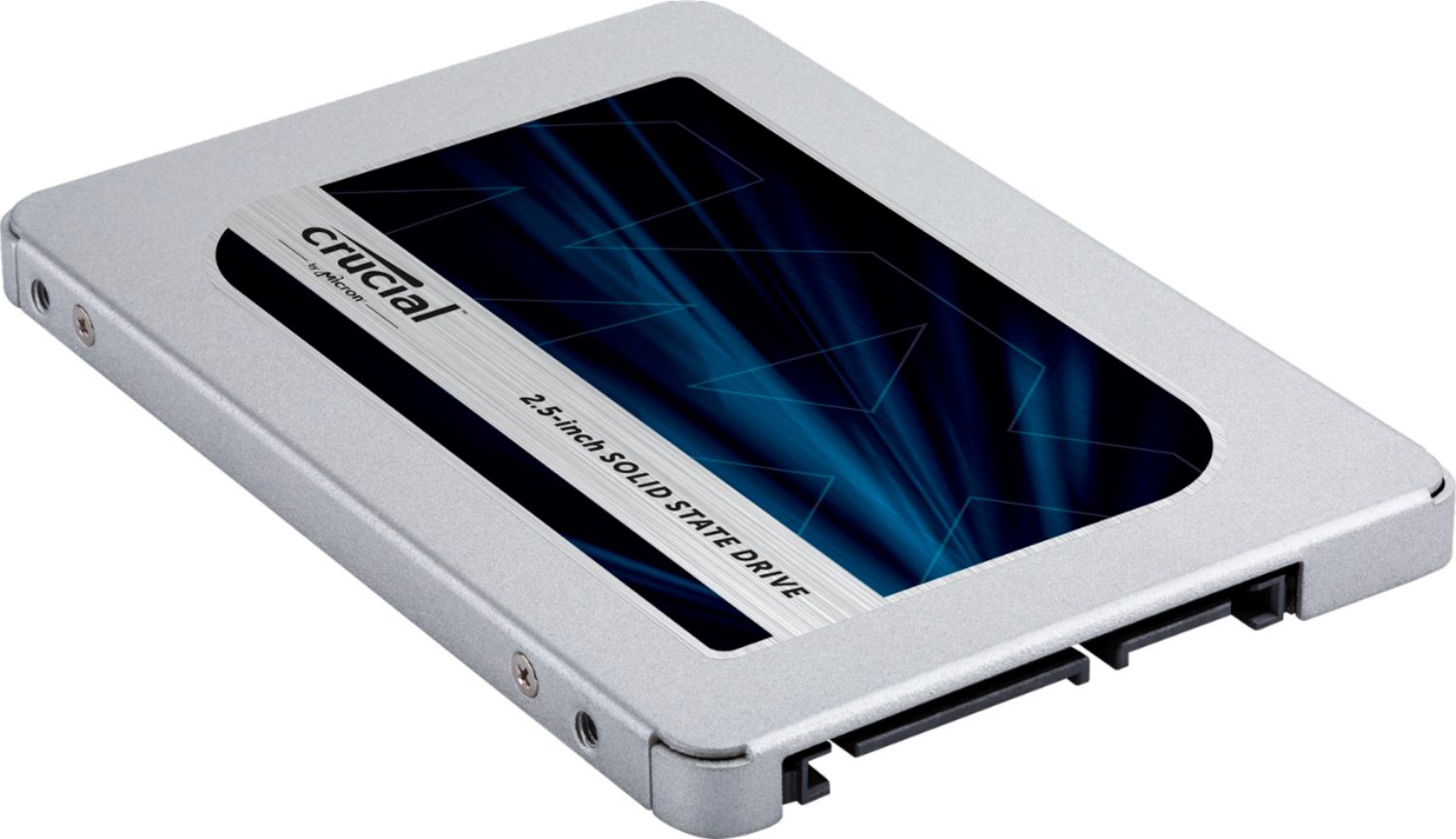
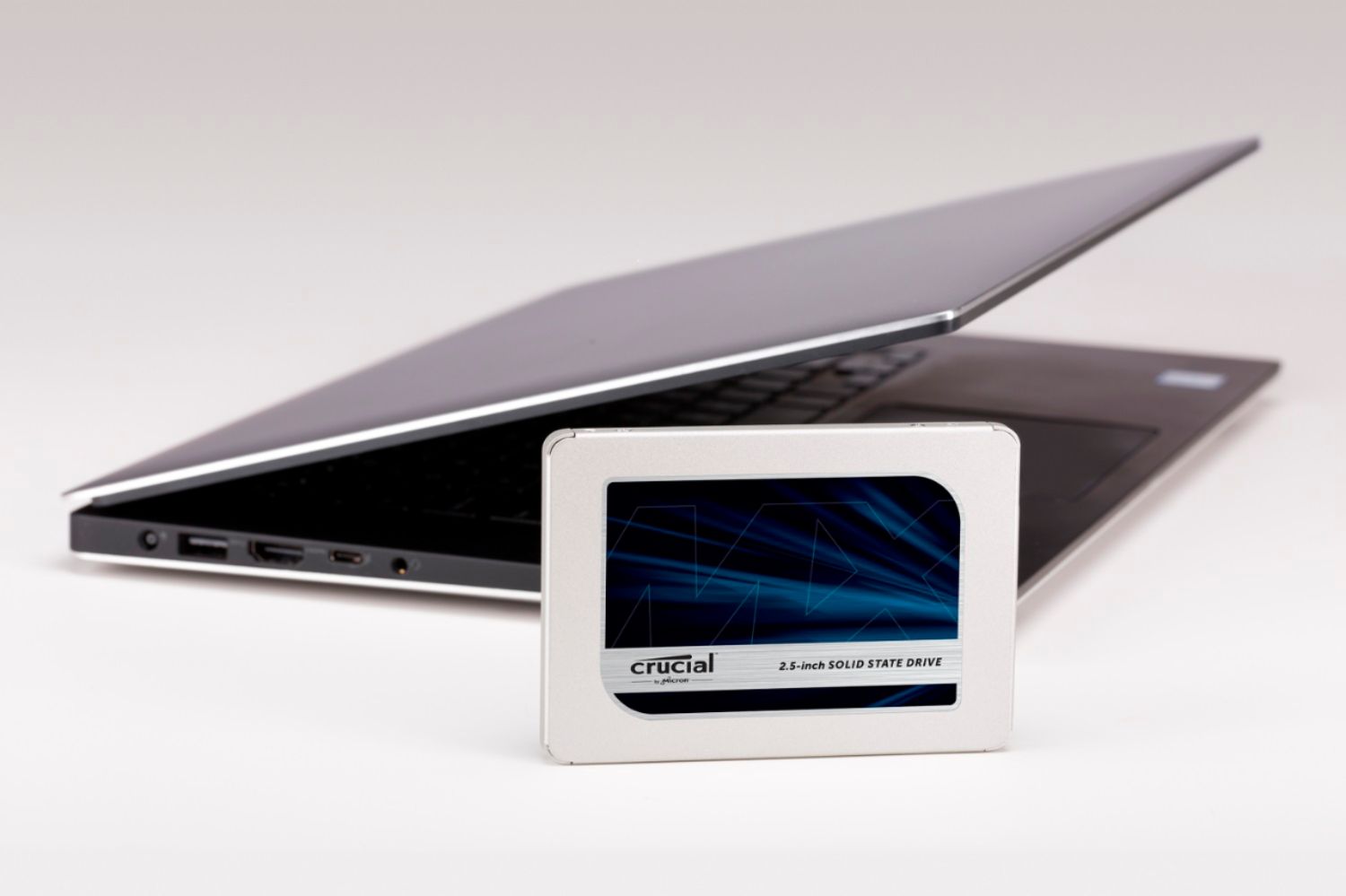
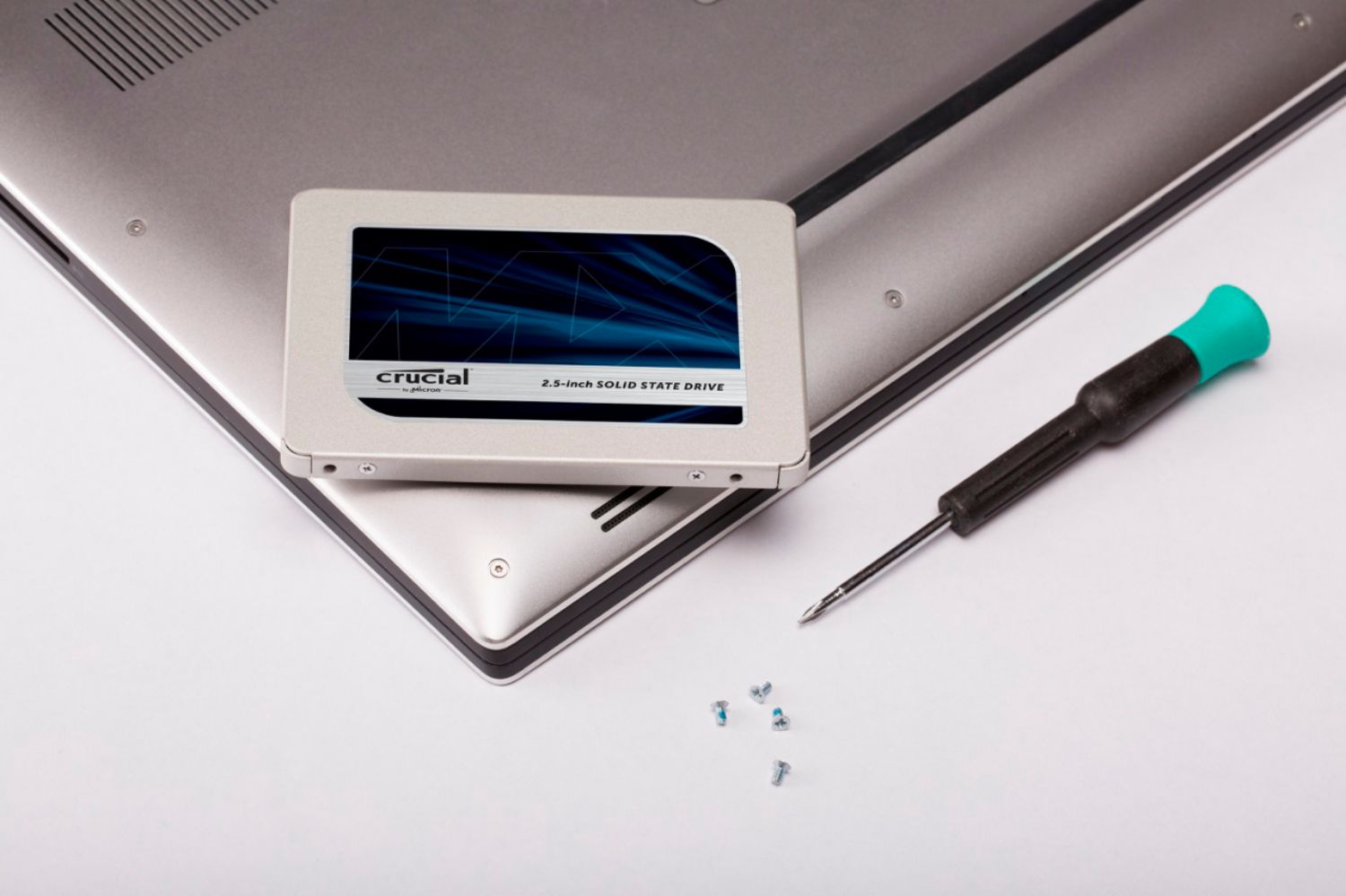
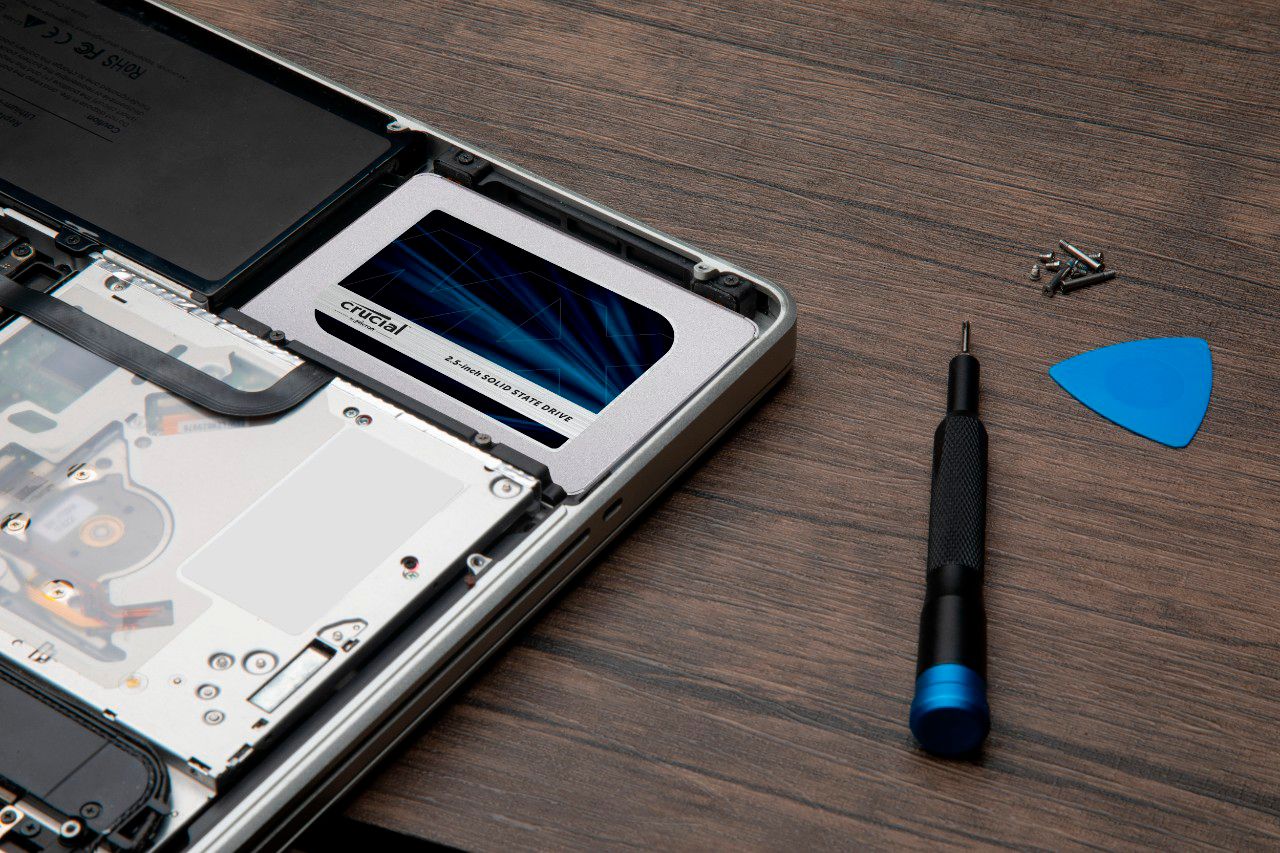
A:AnswerThis drive will fit into any computer the will use a 2.5” SATA HDD. Most modern notebooks use SATA HDD’s. You will need to check your machines spec’s to be sure.
A:AnswerLook up hard drive cloning software . Or How to clone a hard drive. I used the program macriumreflect and worked perfectly. PC mag has instructions for that program.
A:AnswerWe would like to inform you we were not able to find (Acer Nitro 515-53G9) system in our database.
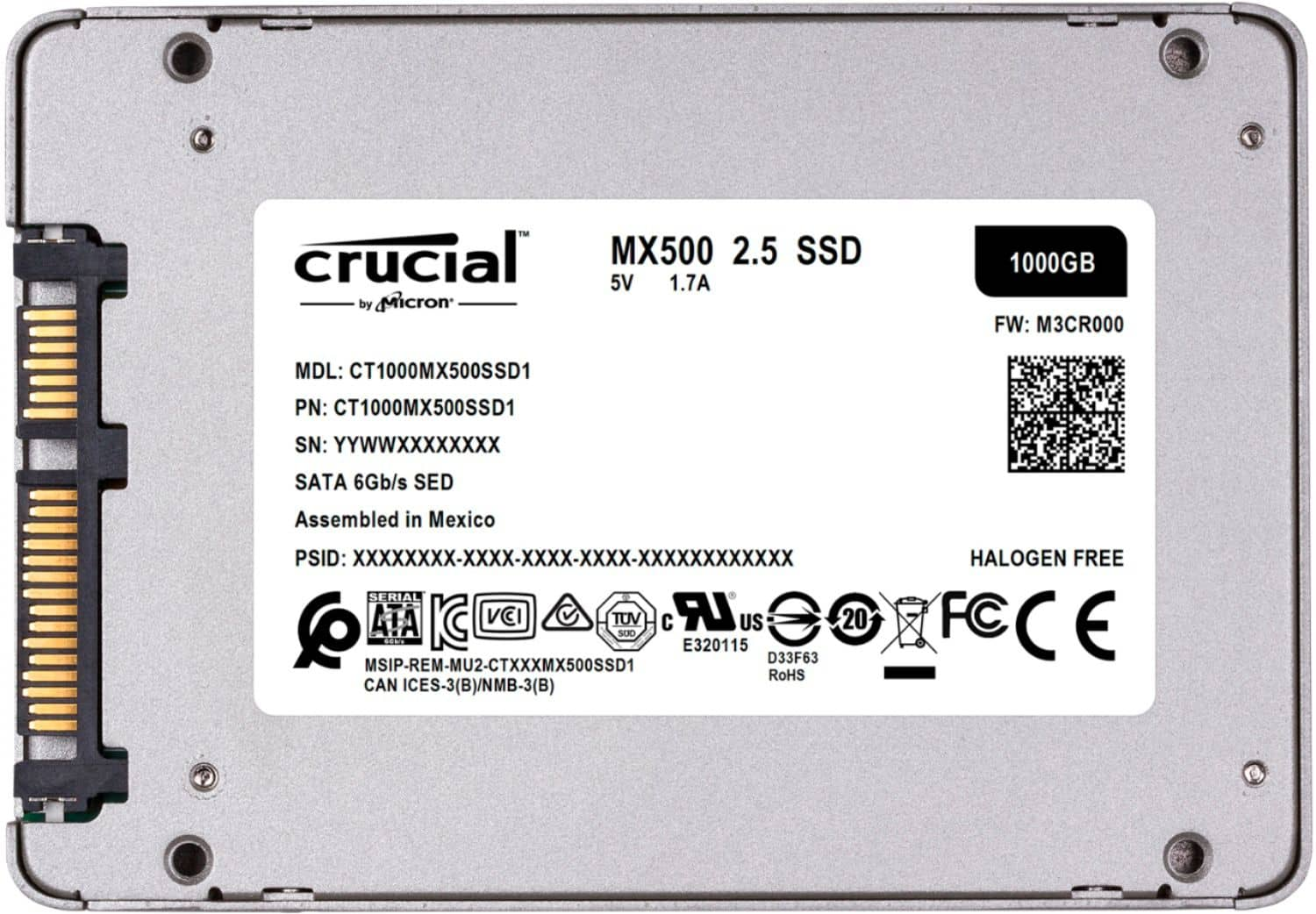
Also, We would like to inform you that if your system is(Nitro AN515-53-55G9) which is compatible with the MX500 SATA SSD.
If you face any issue we request you to contact us directly using the information that we have provided below.
Toll-free for US & Canada: 800-336-8915
Email: [email protected]
Phone: 1-208-363-5790
Hours (MST): Monday - Friday: 7am - 6pm
A:AnswerSaludos, si buscas edicion de videos 1 o 2 teras te servirán además de un disco de almacenamiento extra !! Visita nuestras instalaciones y te recomendamos lo que facilita tus trabajos de de edición y video! , visita nuestra tienda!! Soy cliente habitual y siempre me tratan muy bien !
A:AnswerHello Jose - Thank you for considering one of our award-winning Crucial storage products!
Unfortunately, our system compatibility tool does not show this Lenovo system as being compatible with this MX500 part. This may be due in part to the age of the pc model and chipset, drivers.
Crucial is happy to provide customer and technical support regardless of where you purchased the product. Please let us know if we can be of any assistance.
- The Crucial Team
A:AnswerThank you for reaching out and for your question. Like previous people have mentioned here there are two cables that will connect to your new Crucial SSD. One cable that connects directly from the drive to your motherboard which is a DATA cable. The other will come directly from your power supply and will provide power to the SSD. You should be able to trace the cables coming off of your power supply to find an available port that can be plugged into the SSD. I hope you have a great day!
A:AnswerThank you for reaching out to us and for your question. I have looked up your ASUS Q553UB laptop and found that part number CT1000MX500SSD1 is in fact compatible. We appreciate your interest in our products and hope you have a great day!
A:AnswerIt should work as long as you format the hard drive based on what the Xbox X supports like FAT32 and etc. - You should be able to figure out what Xbox supports by using Google.
A:AnswerThis will not, you cannot upgrade SSD, or anything really, of newer macbooks. You could get an external SSD or toss this into an external enclosure to USB for more external storage.