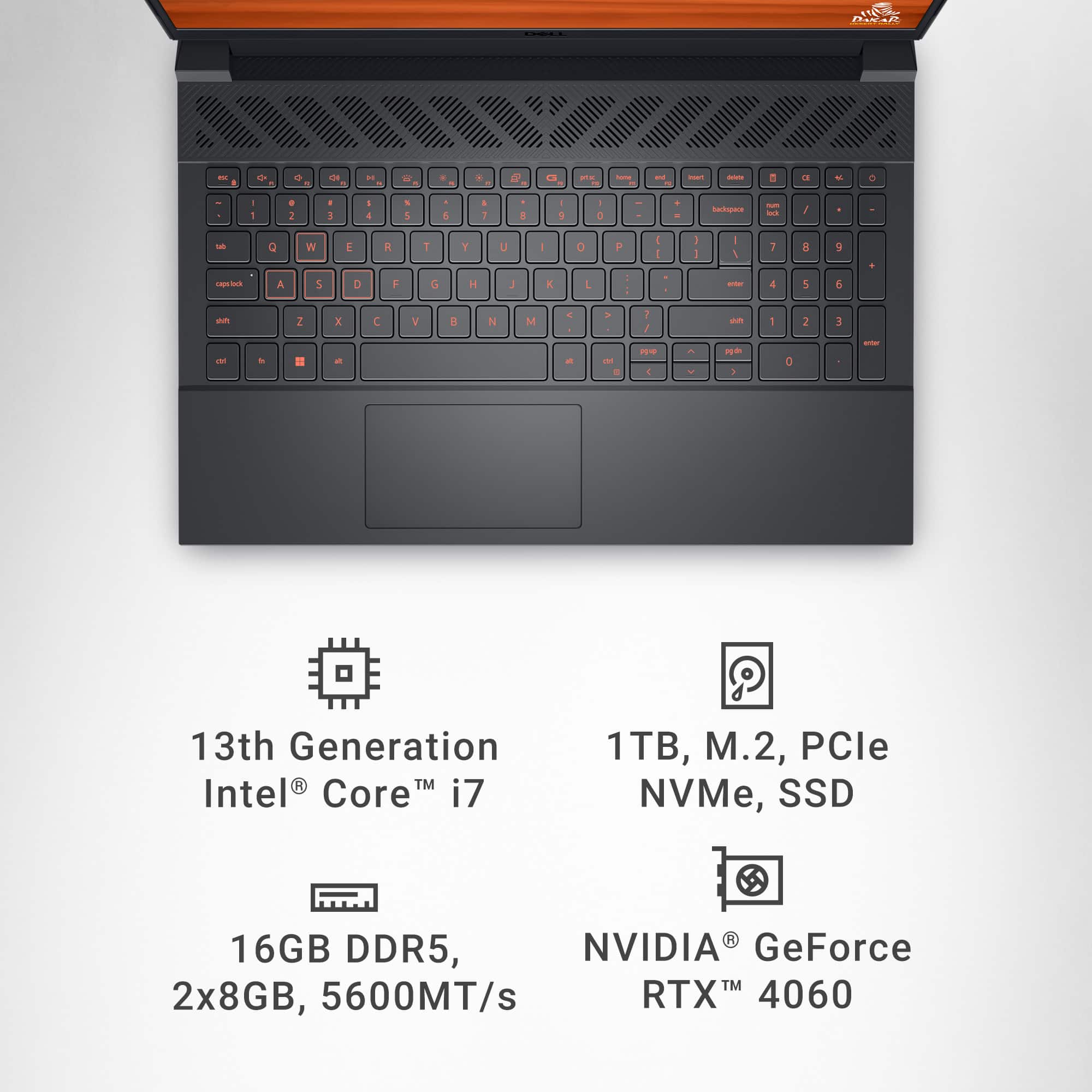
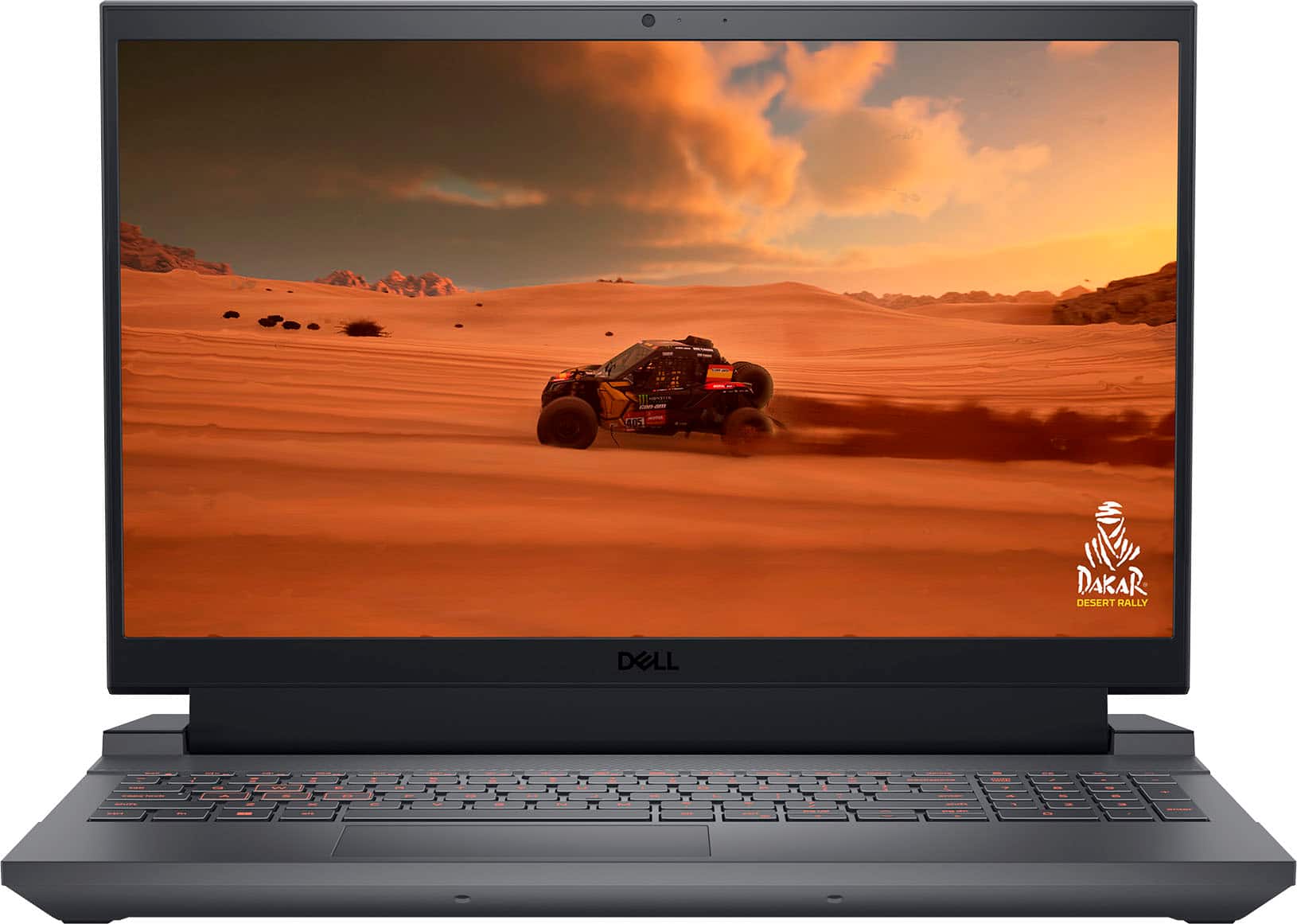
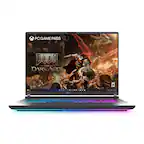
A:Answer Like with any computer, your resolution range is dependent on the capacity of both the graphics and the monitor, but can be changed within this resolution, although sometimes the software might "argue" with you about your choice. Just right click on an empty part of the screen, select "Display settings," and then the "Display resolution."