Questions & Answers
- Model:
- C11CJ67201
- |
- SKU:
- 10840184
Highly rated by customers for: Print Quality, Ease of use, Overall Performance
$189.99$189.99
Page Showing 21-40 of 97 questions
Q: QuestionWondering if this printer works with Avery labels
Asked by Soaper.
- A:Answer Yes it does just get the correct print labels (inkjet/laser) I just printed some for my aromatherapy sticks and they came out great I did 2 pages at a time just because I didn’t need that many of each.
Answered by His6905
Q: QuestionCan the Epson - EcoTank ET-2400 Wireless Color All-in-One Cartridge-Free Supertank Printer print on 110lb cardstock ?
Asked by polly53.
- A:Answer Hello polly53. The thickest paper the ET-2400 can print on is Epson Premium Photo Paper Glossy which weighs 79 lb. For cardstock, we have tested similar Epson paper that weighs around 44 lb. These recommendations are for Epson paper only, you can try a cardstock that falls between that range, but your results can vary when using other brands and heavier paper. Regards, Kevin - The Epson Team.
Answered by Epson
Q: QuestionCan I run this printer strictly by a USB connection if I choose, and do I need a disc drive to start up the printer?
Asked by RonJ.
- A:Answer Hello RonJ. Yes, the ET-2400 can be used with your computer via a USB connection. All installation files can be found on our official Epson Support page; no disc drive is required. Regards, Kevin - The Epson Team.
Answered by Epson

Q: QuestionIs this printer capable for double sided printing?
Asked by Knucklefuct.
- A:Answer You have to manual flip the pages to print the other side it does not resend the papers back through on its own.
Answered by His6905
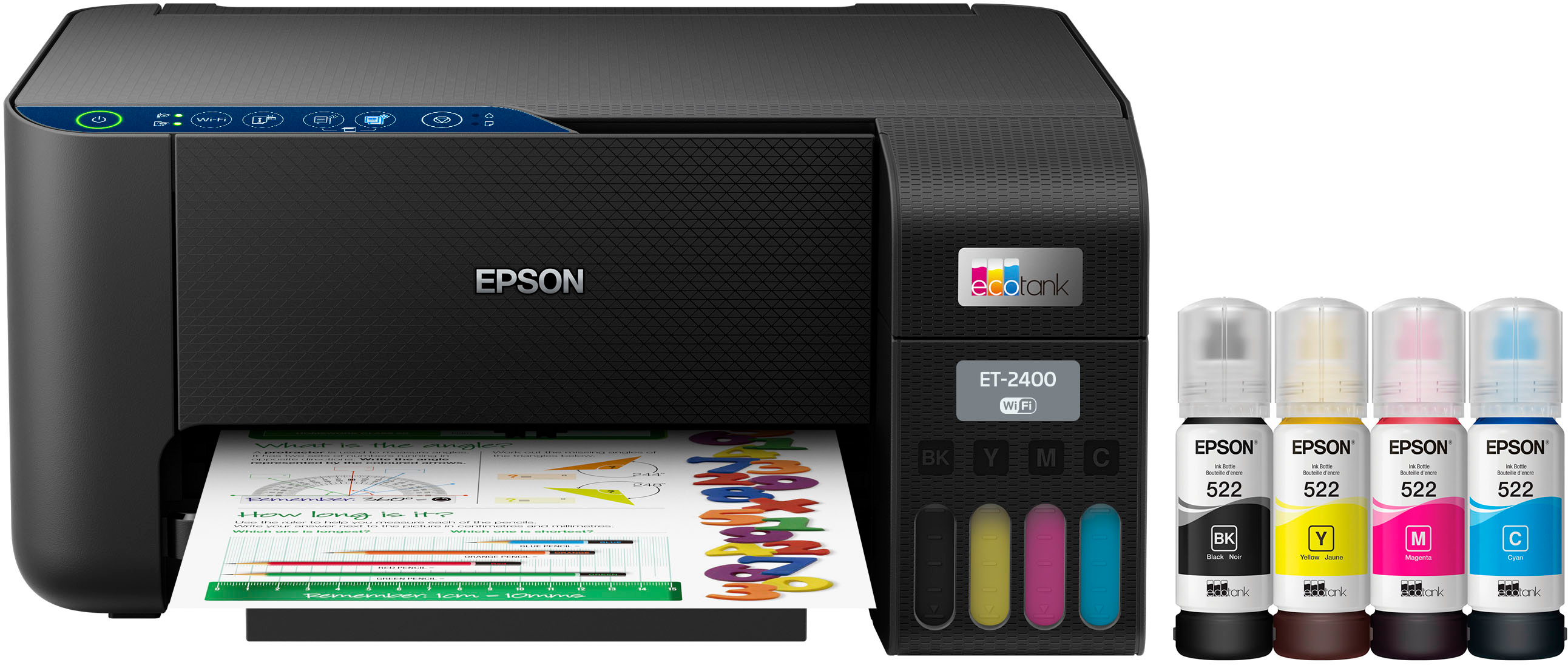
Q: QuestionDoes it come with the ink?
Asked by Lights.
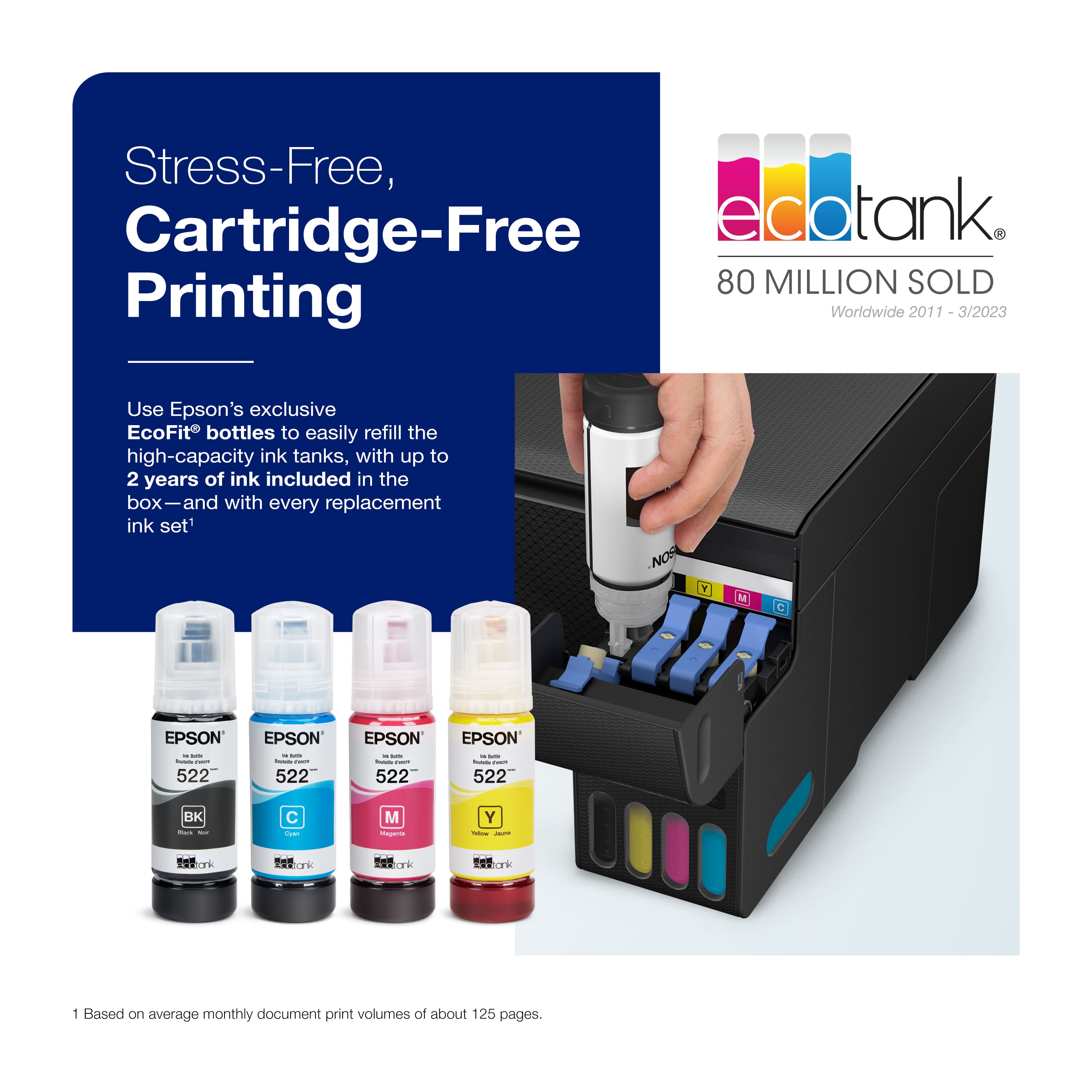
- A:Answer Yes it does. They are regular size, not not some other printers that give you just enough to print a few pages.
Answered by Debby
Q: QuestionHello- is this a sublimation printer or compatible for conversion?
Asked by Emily.
- A:Answer Hi Emily, The EcoTank ET-2400 is designed to documents and photos using Epson 522 ink. It is not a sublimation printer. Other brands or types of ink supplies are not compatible and, if described as compatible, may not function properly or continuously. Regards, Mark - The Epson Team.
Answered by Epson

Q: QuestionCan it take 4x6 photo paper?
Asked by DonJ.
- A:Answer Hello DonJ. Yes, the ET-2400 can print on 4" x 6" photo paper. The printer supports printing on paper sizes ranging from 3.5" x 5" to 8.5" x 14". Regards, Kevin - The Epson Team.
Answered by Epson

Q: QuestionDoes it scan to email?
Asked by Rick.
- A:Answer Hi Rick, Yes, you can scan and email the scanned file directly from the EcoTank ET-2400. In order to use the scan to email feature, you must sign up for a Free Epson Connect account and connect the ET-2400 to the Internet. Epson Connect also allows you to send an email from any device directly to the ET-2400 for printing. Regards, Mark - The Epson Team.
Answered by Epson

Q: QuestionIs this printer compatible with a HP Chromebook OS desktop computer?
Asked by John.
- A:Answer Hi John, The EcoTank ET-2400 is compatible with Windows from XP through the latest - Windows 11. If your laptop is running a version of Windows within that range, it should work. You can download drivers from the Epson support site. Regards, Mark - The Epson Team.
Answered by Epson

Q: Questiondoes the Epson XP-2400 support USB connection? Its not listed in "specs".
Asked by Anonymous.
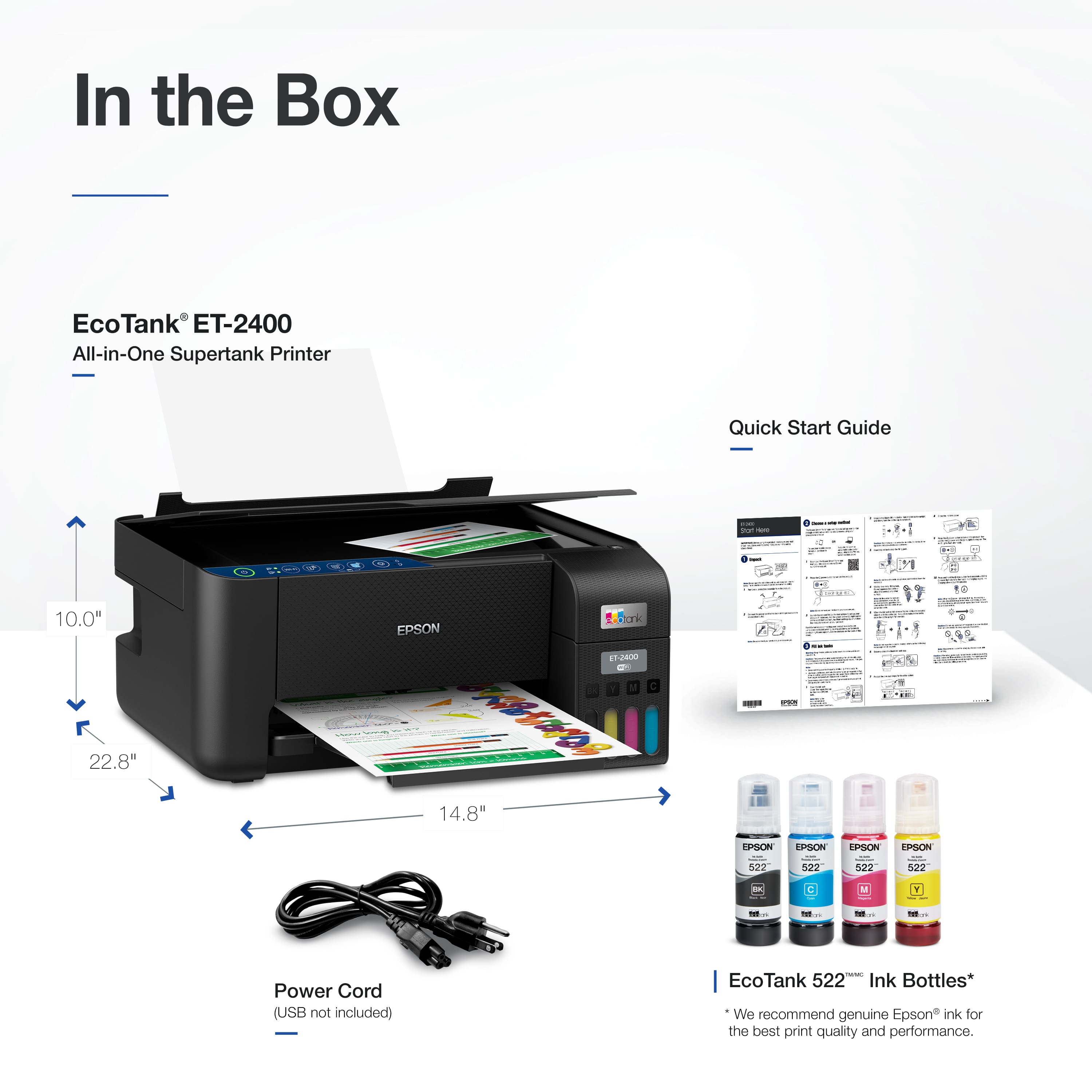
- A:Answer Hi, Yes, the EcoTank ET-2400 has a Hi-Speed USB port for connection to a computer. The ET-2400 does not include a USB cable in the box. It requires a standard Type-A to Type-B USB 2 cable. Regards, Mark - The Epson Team.
Answered by Epson

Q: QuestionWill this printer do duplex printing?
Asked by Rexbo.
- A:Answer Hello Rexbo. The ET-2400 can only print double-sided by manually flipping the page. Unfortunately, automatic 2-sided printing is not available for this model. Regards, Kevin - The Epson Team.
Answered by Epson
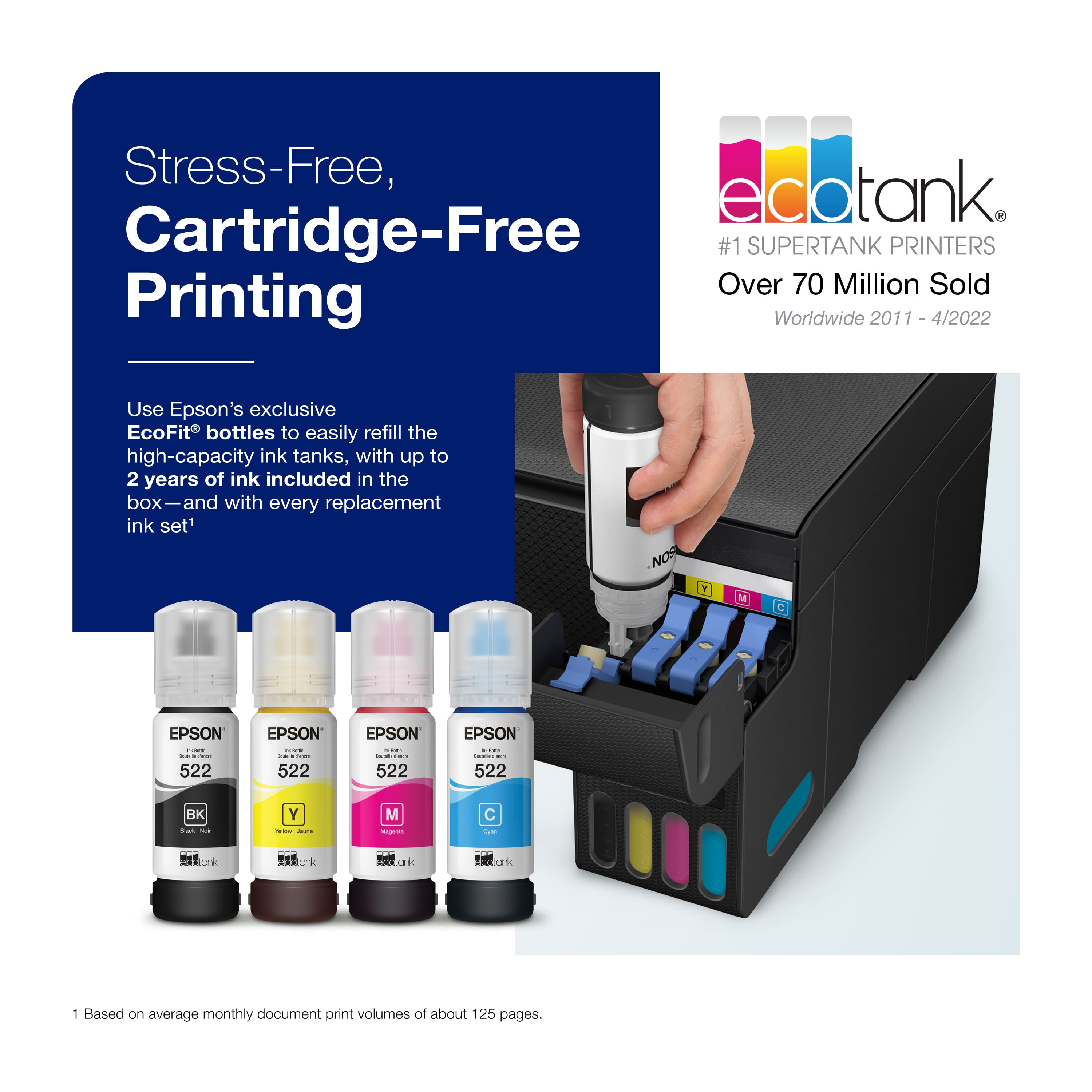
Q: QuestionHOW TO CHANGE THE INK
Asked by Anonymous.
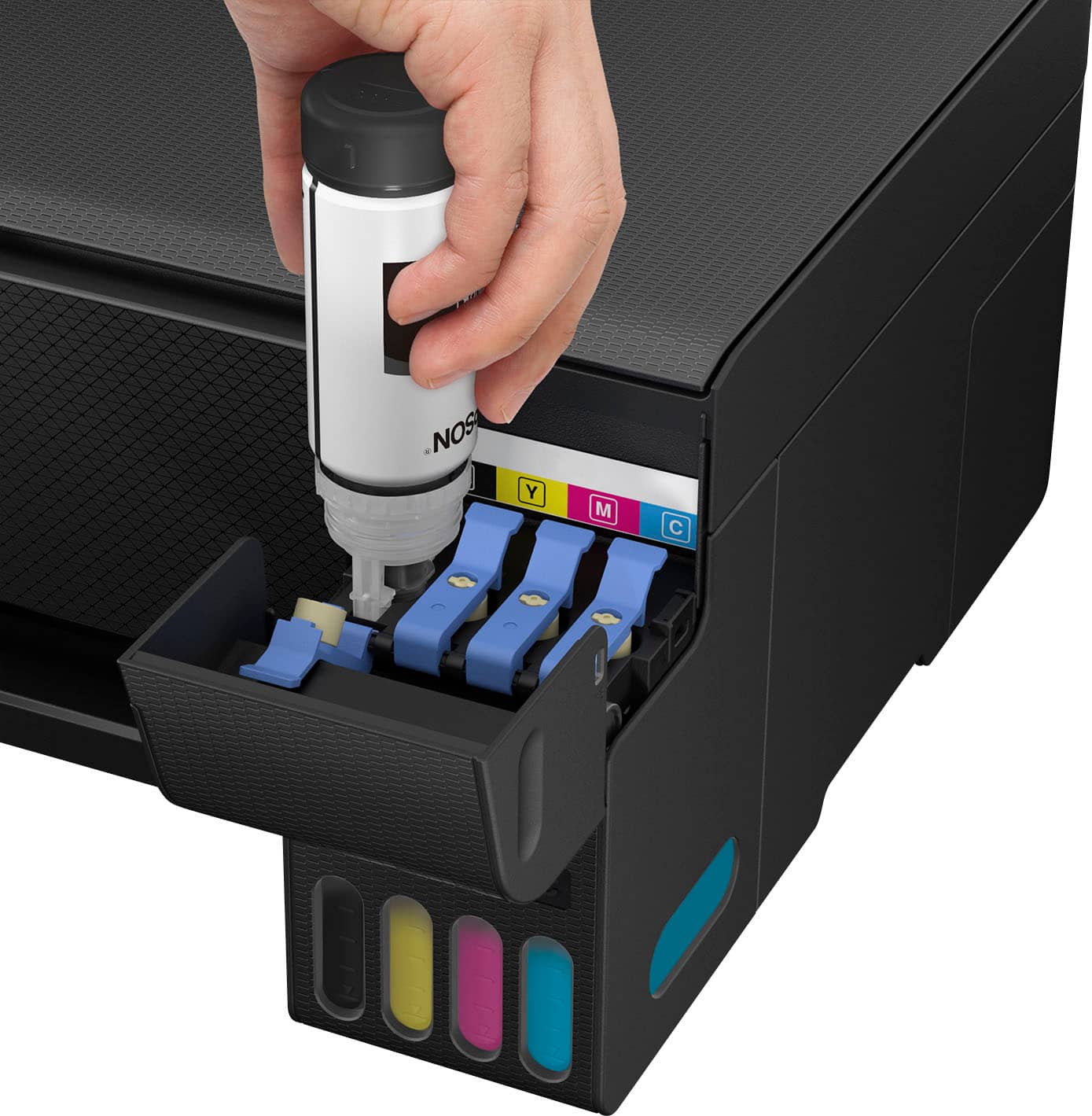
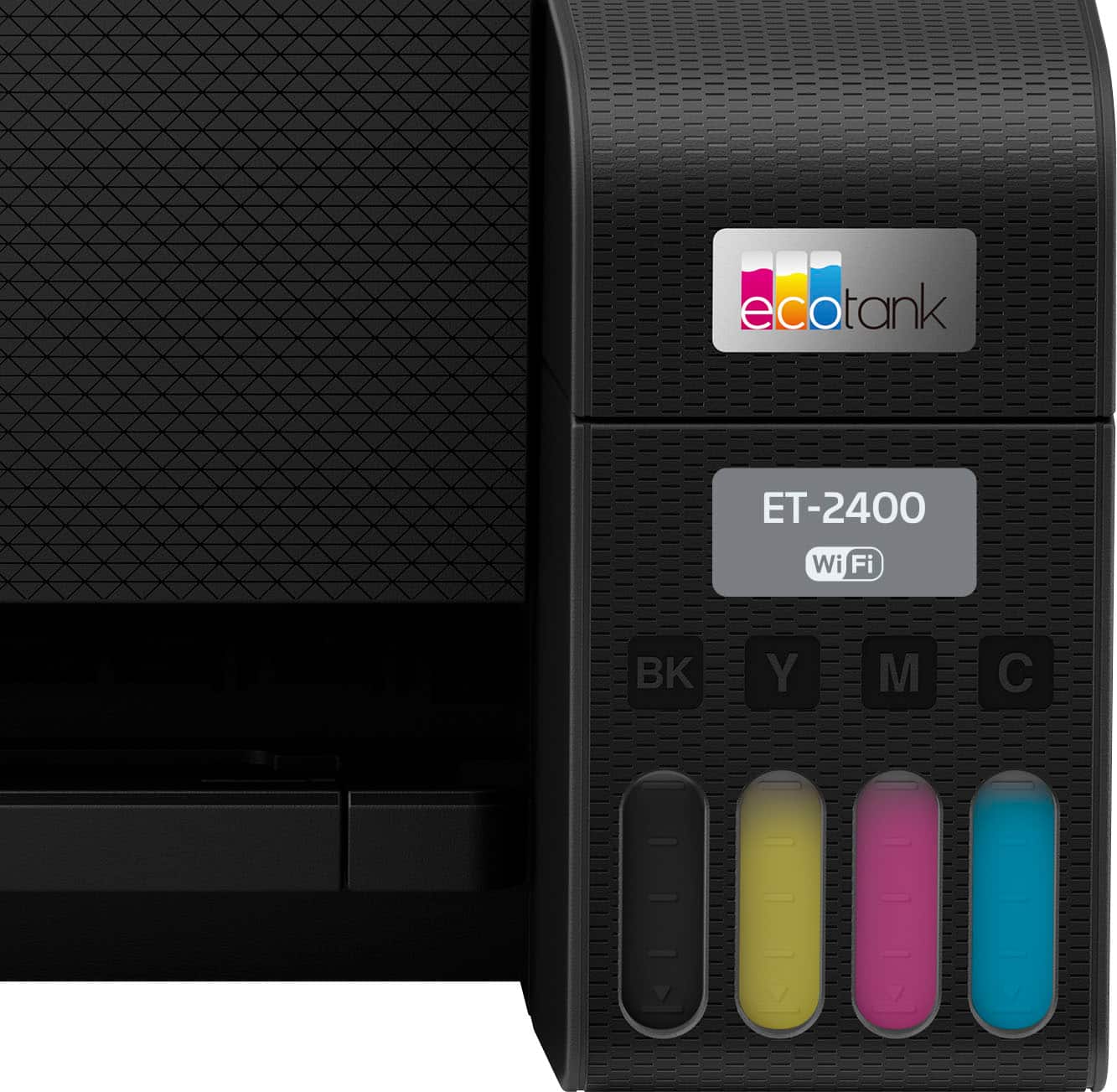
- A:Answer You refill ink with correct bottle for machine into the top where all the ink ports are. Ink fill will stop when that portion of color is full.
Answered by Lattegirl
Q: QuestionDoes it have a paper cassette or do you need to load paper every time you need to print?
Asked by Nando.
- A:Answer Paper is loaded in the top back
Answered by Lattegirl
Q: QuestionHard to fill ink tanks?
Asked by Sharknato.
- A:Answer No, the tanks are easy to fill and less mess than changing cartridges.
Answered by Ken154421
Q: QuestionWill the Epson ET 2400 printer work on a Samsung Chromebook?
Asked by Anonymous.
- A:Answer It works fine with a Chromebook BUT if there are any issues with the printer then you'll need a regular PC or MAC because the support doesn't support Chromebooks. I had to replace the printer because a firmware update completely disabled the printer and even using the tools on a PC from Epson would not solve the problem.
Answered by SalvatoreT
Q: Questiondoes this printer print CD's?
Asked by bristowperson.
- A:Answer Hello alexis. The ET-2400 can print on compatible label sheets, but it does not support direct disc printing. Regards, Kevin - The Epson Team.
Answered by Epson
Q: QuestionET-2400 New March 24, 2025. . Today it stopped printing anything in color. Grayscale/B&W is OK. I ran the ink charging 3 times without success. Should I contact manufacturer or Best Buy?
Asked by jonnie.
- A:Answer None of these questions meet my expectations for the printer, as it is currently working well and producing good images.
Answered by ClaribelJ
Q: Questionwill function as a photo printer
Asked by Anonymous.
- A:Answer Yes, that's correct!
Answered by NancyH
Q: Questiondoes it come with paper or is that separate
Asked by Angel.
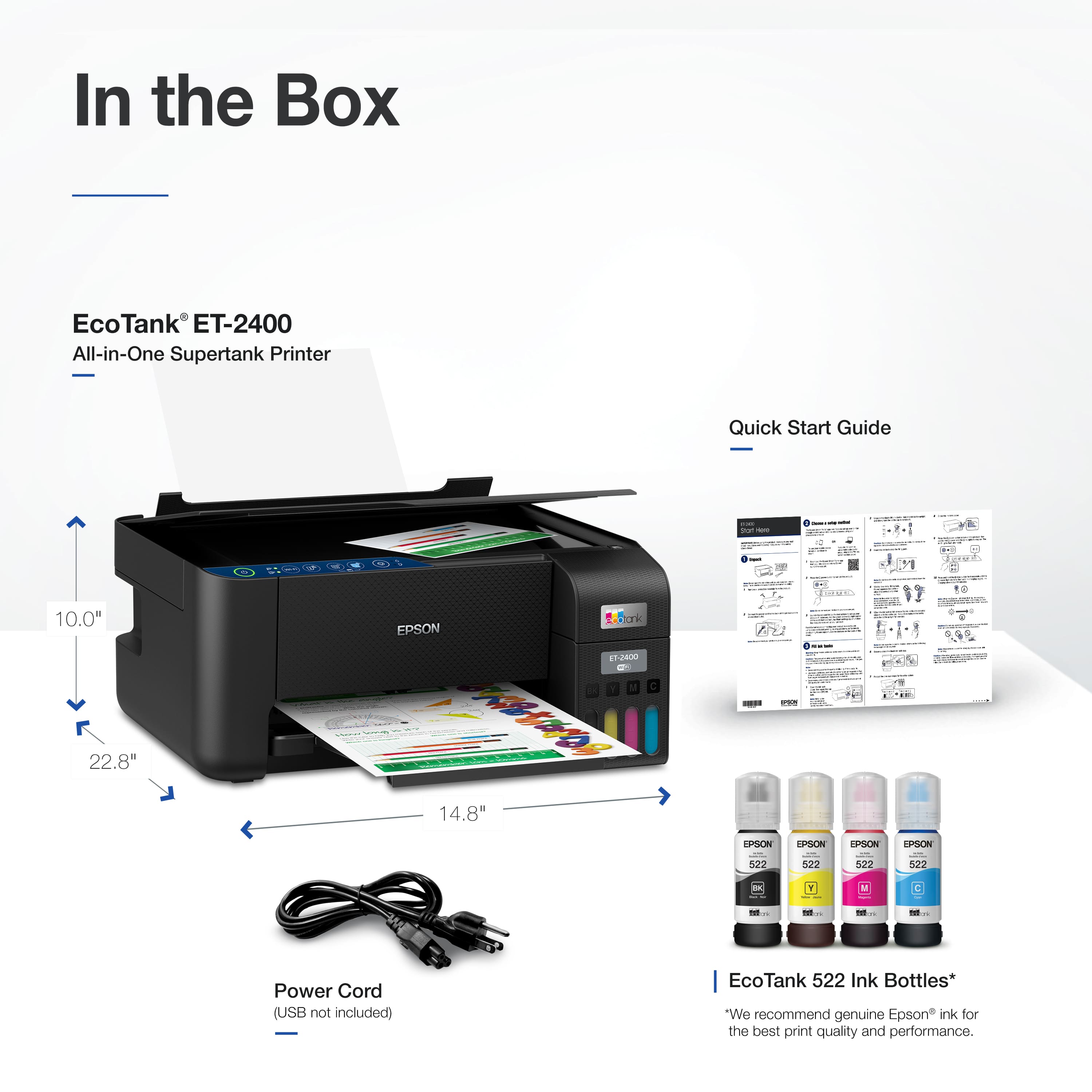
- A:Answer Hello Angel. The ET-2400 comes with four ink bottles, giving you plenty of ink to start printing right away. Paper is sold separately, so you can choose the type that best fits your needs. Regards, Kevin - The Epson Team.
Answered by Epson
Q: QuestionIS THE ET2400 COMPATABLE W/ A MAC SEQUOIA 15.6.1 OS?
Asked by LARRY.
- A:Answer Hello LARRY. Yes, the ET-2400 will work with macOS Sequoia. You can find the driver on our official Epson Support page. Regards, Kevin - The Epson Team.
Answered by Epson
Best-selling supertank printers
- $409.00$409.00The price was $419.99
- $349.99$349.99The price was $389.99
- $699.00$699.00The price was $749.99
- $629.99$629.99The price was $699.99
- $799.99$799.99The price was $849.99
- $469.99$469.99The price was $499.99
- $249.00$249.00The price was $323.00
- $266.66$266.66The price was $317.55
- $531.34$531.34The price was $539.99

.](https://pisces.bbystatic.com/image2/BestBuy_US/images/products/28afc8f0-f7e1-4a65-9a99-b4755f04ff64.jpg;maxHeight=54;maxWidth=54;format=webp)


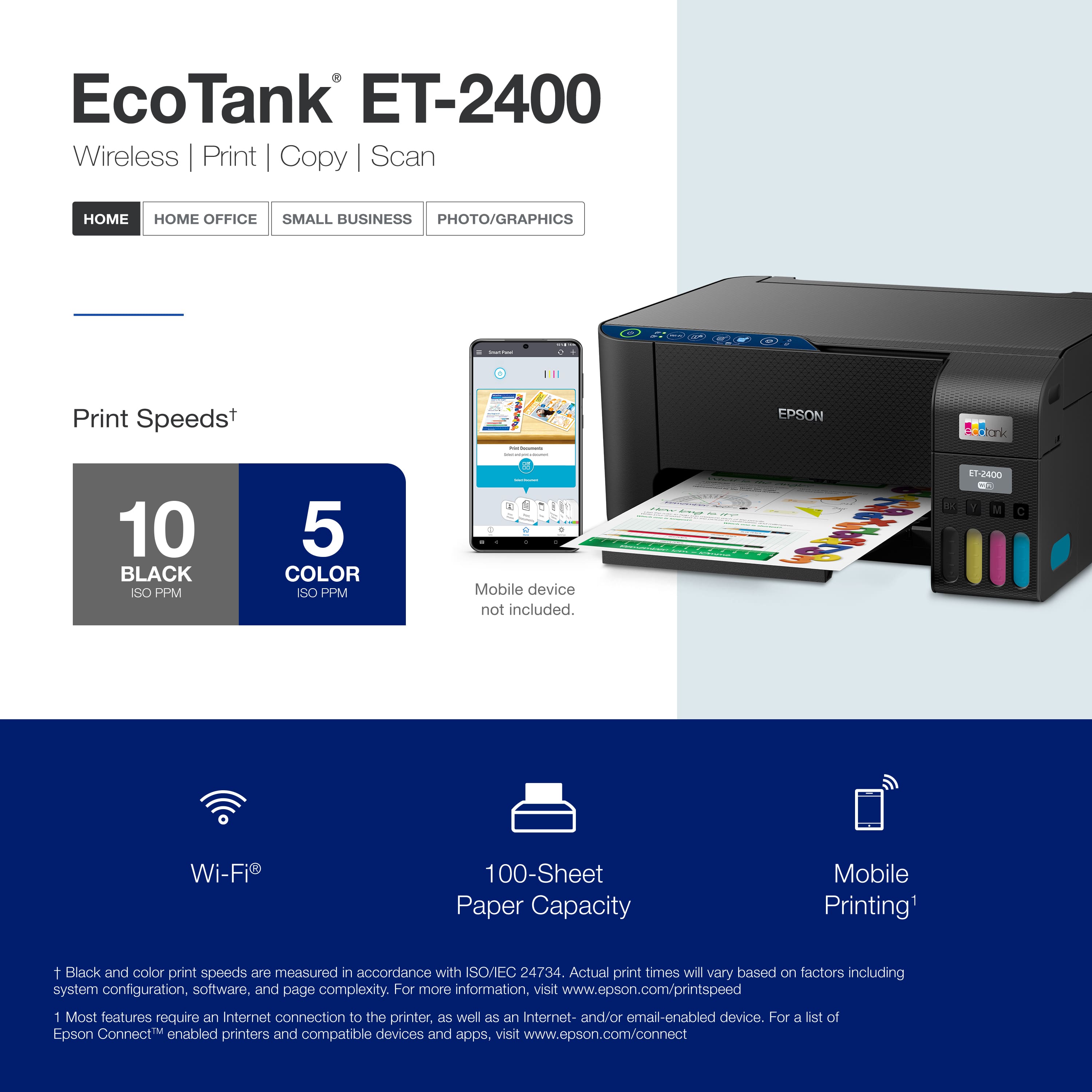
. 1 Most features require an Internet connection to the printer, as well as an Internet- and/or email-enabled device. For a list of Epson Connect enabled printers and compatible devices and apps, visit [www.epson.com/connect](http://www.epson.com/connect).](https://pisces.bbystatic.com/image2/BestBuy_US/images/products/cf74ddb8-bf34-4aee-be55-646a62d0ed34.jpg;maxHeight=54;maxWidth=54;format=webp)