Questions & Answers
- Model:
- C11CL41201
- |
- SKU:
- 12235803
Q: QuestionIs there easy access to clean the rubber paper rollers on this model? My epson et-2800 stopped feeding paper and I found it nearly impossible to access and clean the rollers.
Asked by Colin.
- A:Answer Had the same problem with my printer. Ran Office Depot "laser/inkjet printer - Cleaner Sheets" through a few times. It solved the problem.
Answered by Anonymous
Q: QuestionHow far away can the printer be located for it to work wirelessly. I have Spectrum 5G internet
Asked by eddieoh.
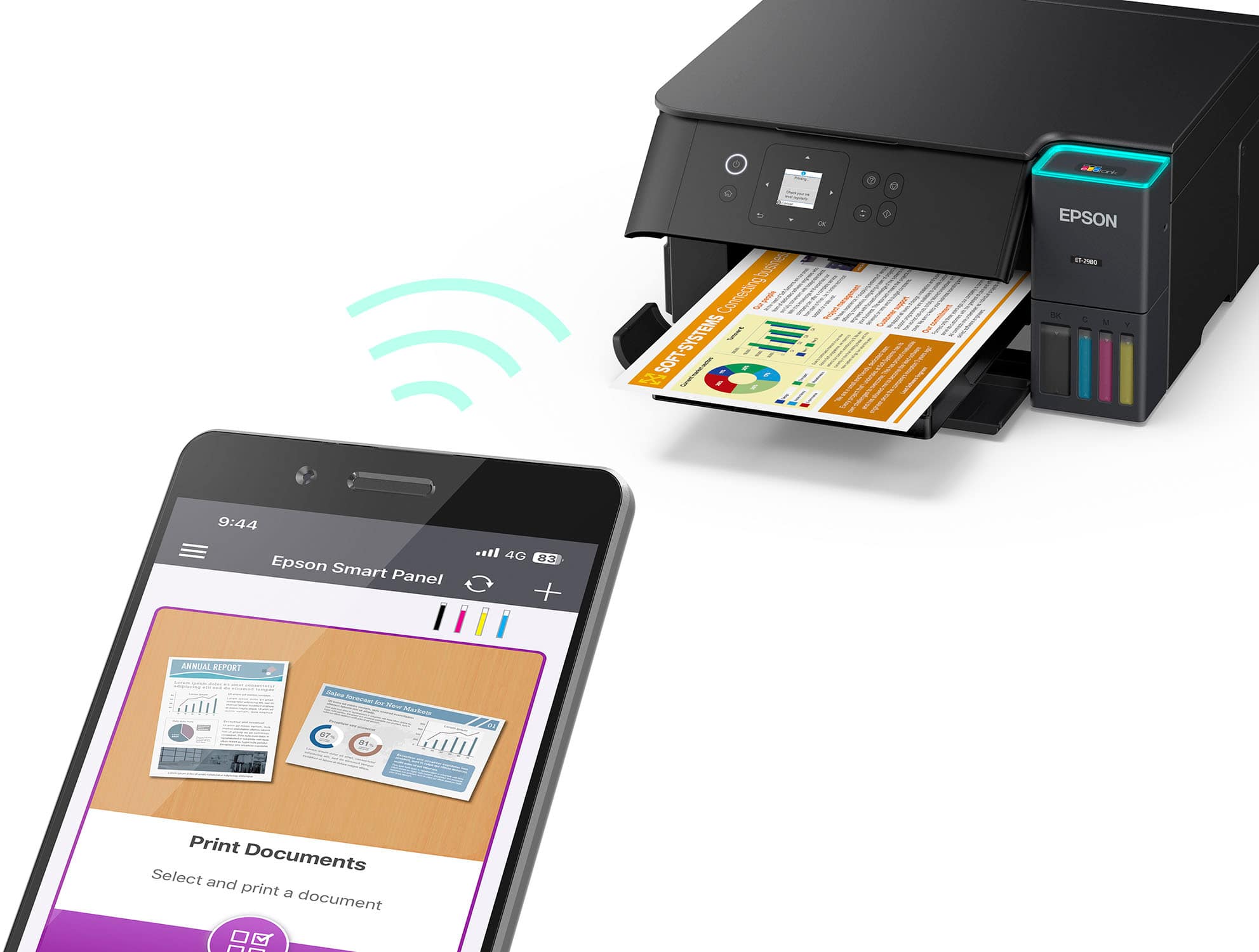
- A:Answer With my ET-2980 it appears to be about 10 feet with no obstructions between the printer and the SPECTRUM modem. Our home office is directly next to the living room where the modem is located which puts the printer about 10 feet away with a wall in between. Everything else in the office connects just fine, but this printer cannot maintain a connection which makes it kind of worthless.
Answered by Doug
Q: QuestionIs it photo quality?
Asked by Anonymous.
- A:Answer Hello. The ET‑2980 uses a mix of dye and pigment‑based inks to produce sharp, vibrant photos. Keep in mind that print quality can vary based on the source image, your print settings, and the paper you choose. If high photo quality is your main priority, we recommend exploring models from our Expression Premium line. Regards, Kevin - The Epson Team.
Answered by Epson
Q: QuestionDoes this printer have to be hardwired into the modem/router in order for it to operate. Or can it be connected to the wifi from another room in order to operate?
Asked by Baleriebinx.
This question was asked about the related product: Epson - EcoTank ET-2980 Wireless All-in-One Color Supertank Inkjet Printer - Black
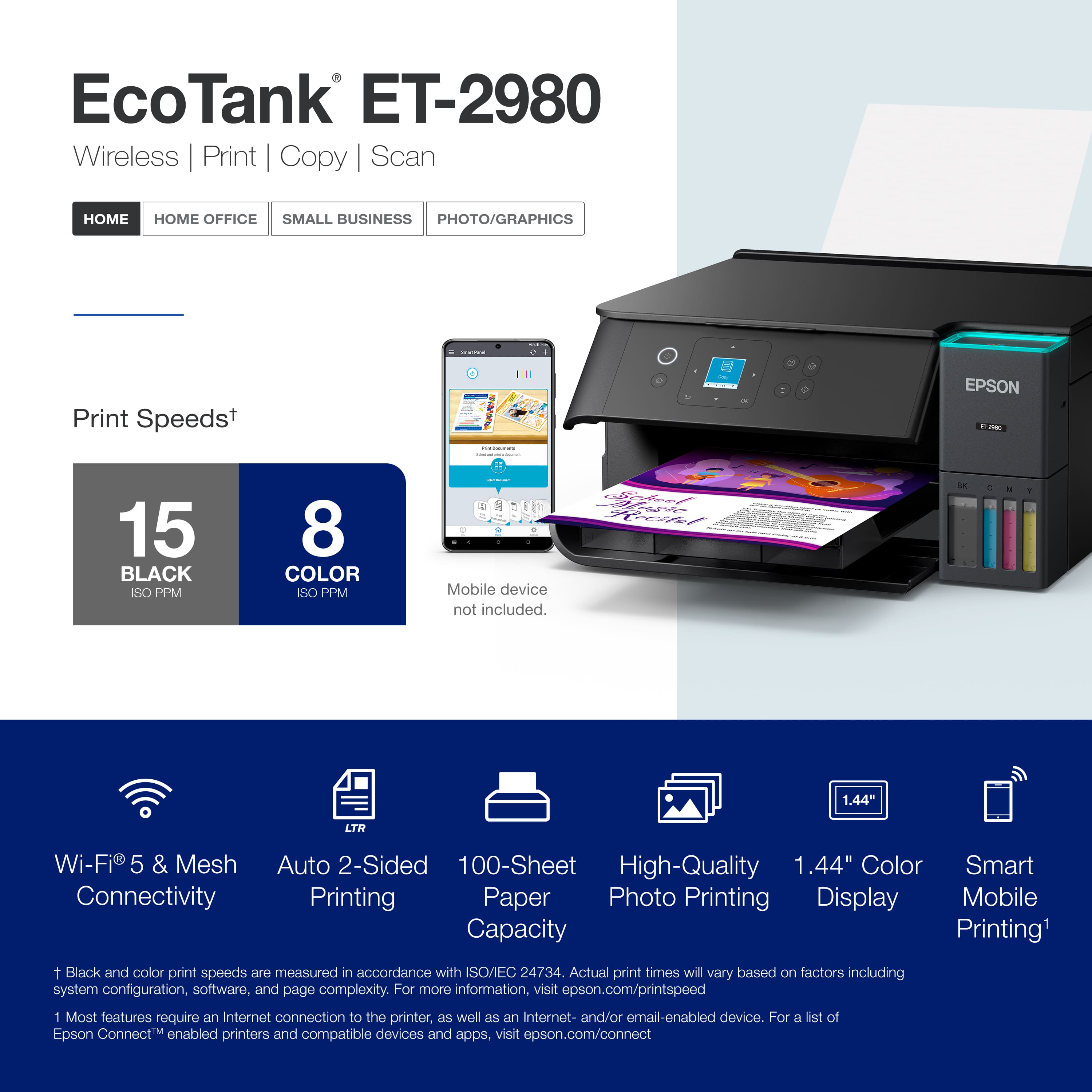
- A:Answer Hello Baleriebinx. The ET-2980 can be used via Wi-Fi or a physical USB connection. If you want to use it wirelessly, you can connect the printer to a computer, smartphone, or tablet. Regards, Kevin - The Epson Team.
Answered by Epson
Q: QuestionWhat color format does this print in? (cmyk, rbg, etcetc) does it print well with sticker paper?
Asked by renee.
- A:Answer Hello renee. Most image editing apps use an RGB color workspace, and while the ET‑2980 receives RGB data from your computer, it prints using CMYK inks. The printer works well with standard inkjet‑compatible label sheets, like Epson Photo Quality Self‑adhesive Sheets. Inkjet sticker paper can also be used, though results may vary when using third‑party paper. For best performance, we recommend checking with the paper manufacturer to confirm compatibility with our printers. Regards, Kevin—The Epson Team.
Answered by Epson
Q: Questiondoes it make copies and have a scanner
Asked by kar.
This question was asked about the related product: Epson - EcoTank ET-2980 Wireless All-in-One Color Supertank Inkjet Printer - Black
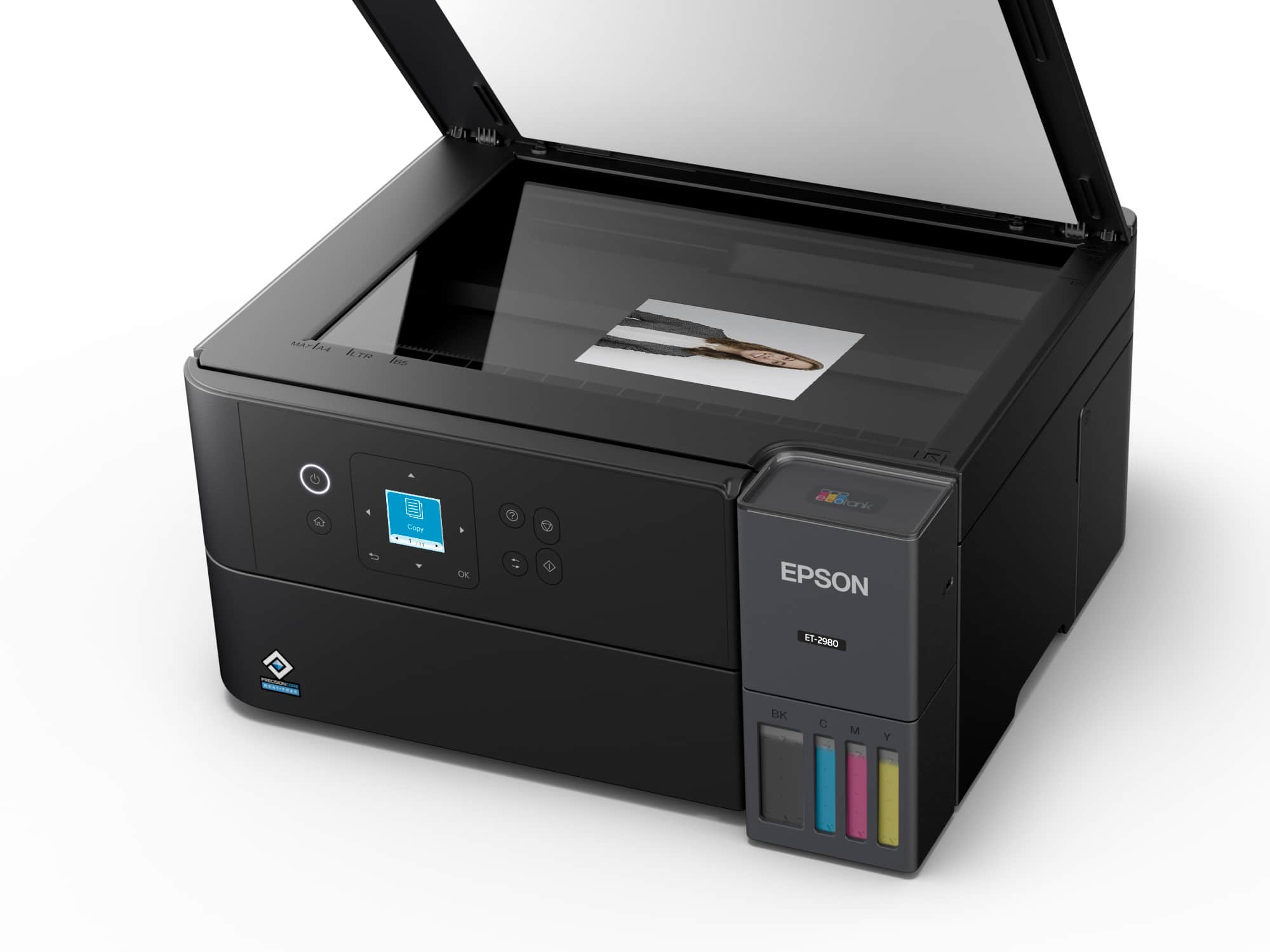
- A:Answer Yes it does
Answered by Raphael
Q: QuestionIs this a dual band printer? I need to come t to a 5G network.
Asked by Marco.
- A:Answer No clue.
Answered by Anonymous
Q: QuestionCan I use heat transfer paper for sublimation printing ?
Asked by Kelsey.
- A:Answer Hello Kelsey. The ET-2980 is not designed for sublimation. Using any ink or ink-like substance other than 502 Epson Ink Bottles may damage the print head and affect warranty coverage. Regards, Kevin - The Epson Team.
Answered by Epson
Q: QuestionDoes this printer have a USB port that I can use to print documents?
Asked by Sharleen.
- A:Answer Yes
Answered by RobertR
Q: QuestionI want a printer that will remain on. Does this printer gave auto shut off like a Canon?
Asked by Meema08.
This question was asked about the related product: Epson - EcoTank ET-2980 Wireless All-in-One Color Supertank Inkjet Printer - Black
- A:Answer The printer can remain on 24/7
Answered by PrinterStatus
Q: QuestionCan this printer (2980) print to 3x5 index cards?
Asked by Gillian.
- A:Answer Hello. The ET-2980 can print on 3" x 5" index cards. However, print quality and reliability may vary depending on the card type and thickness, and feed issues can occur. For best results, use the plain white side of the card when printing. Regards, Kevin - The Epson Team.

Answered by Epson
Q: QuestionCan a flash drive be used with this printer?
Asked by JMN4391.
- A:Answer Hello. Unfortunately, the ET-2980 does not include a separate port for flash drives. Regards, Kevin - The Epson Team.

Answered by Epson
Q: QuestionDoes this print edge to edge?
Asked by Anonymous.
- A:Answer Hello. Yes, the ET-2980 can print borderless. Please be aware that borderless printing is only available when selecting specific paper types and sizes. For more details, see the "Borderless Paper Type Compatibility" section in the User Guide. Regards, Kevin - The Epson Team.

Answered by Epson
Q: QuestionCan the Epson printer print photos?
Asked by TM.
- A:Answer Hello. The EcoTank ET-2980 is primarily designed for home and light-office document printing, but if you use Epson photo or photo matte paper and set it to high quality, the ET-2980 prints good photos. If you want excellent-quality photos, consider a printer from the Epson Expression line. Regards, Kevin - The Epson Team.

Answered by Epson
Q: QuestionWill this printer link with laptops, smart phones, and iPads?…. also, can you confirm the measurements of this printer 22 inches deep seems a little bit big… Thank you Cathy Ryan
Asked by Anonymous.
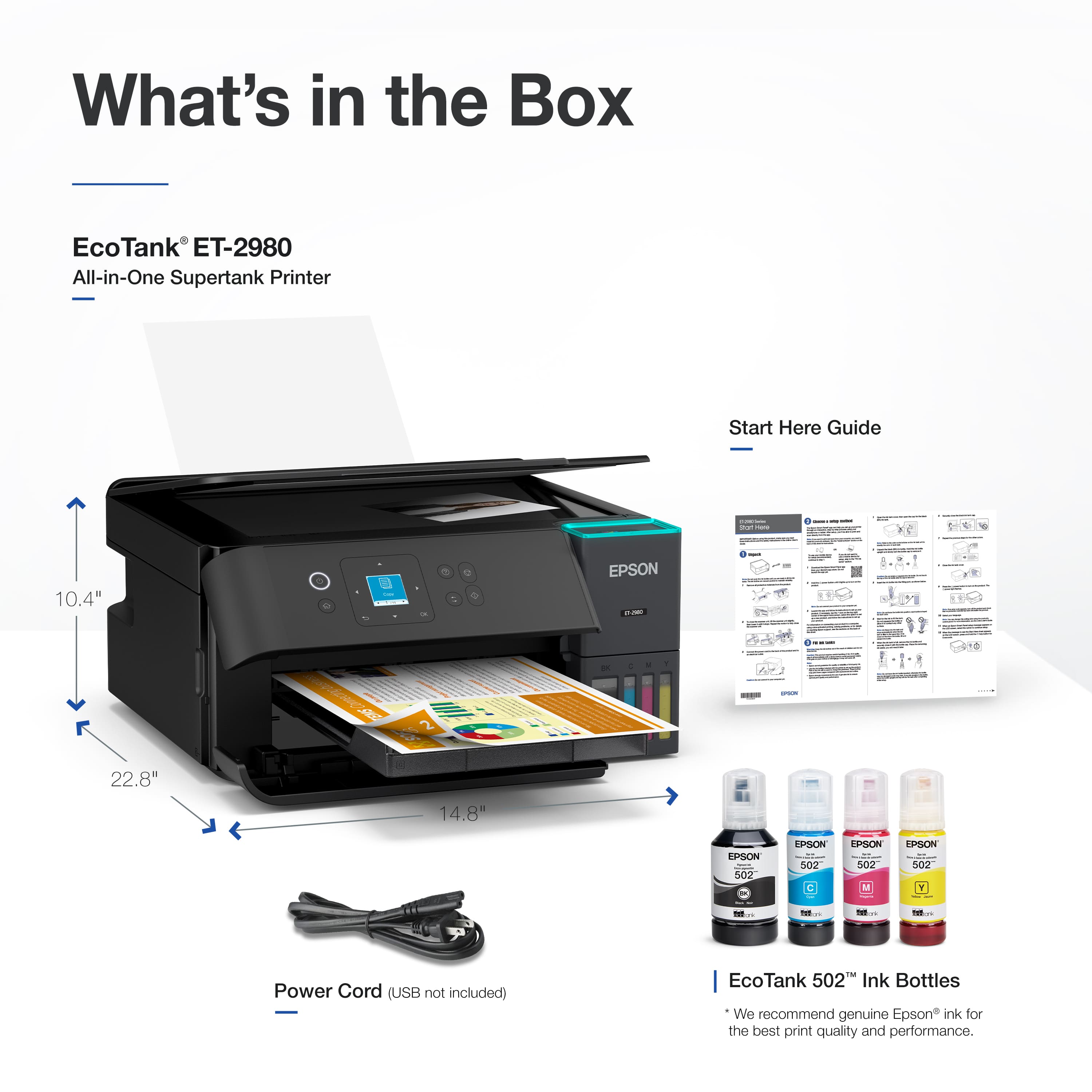
- A:Answer We have no problem printing from our phone and the printer is 13 1/2 inches deep plus the paper holder which sticks up in the back which would add about 3 inches
Answered by LarryW
Q: QuestionWill this printer print booklet format on statement size paper?
Asked by Golfer.
- A:Answer Hello Golfer. Yes, the ET-2980 can print 5.5" x 8.5" in booklet format. However, it is not directly supported by the Epson print driver. So, you would have to use 3rd party software that supports booklet printing. Regards. Kevin - The Epson Team.

Answered by Epson
Q: QuestionDoes this printer work with more than 1 computer
Asked by Vince.
- A:Answer Hello Vince. Yes, you can use the printer with multiple computers via Wi-Fi. You can also connect the device to a smartphone and tablet. Regards, Kevin - The Epson Team.

Answered by Epson
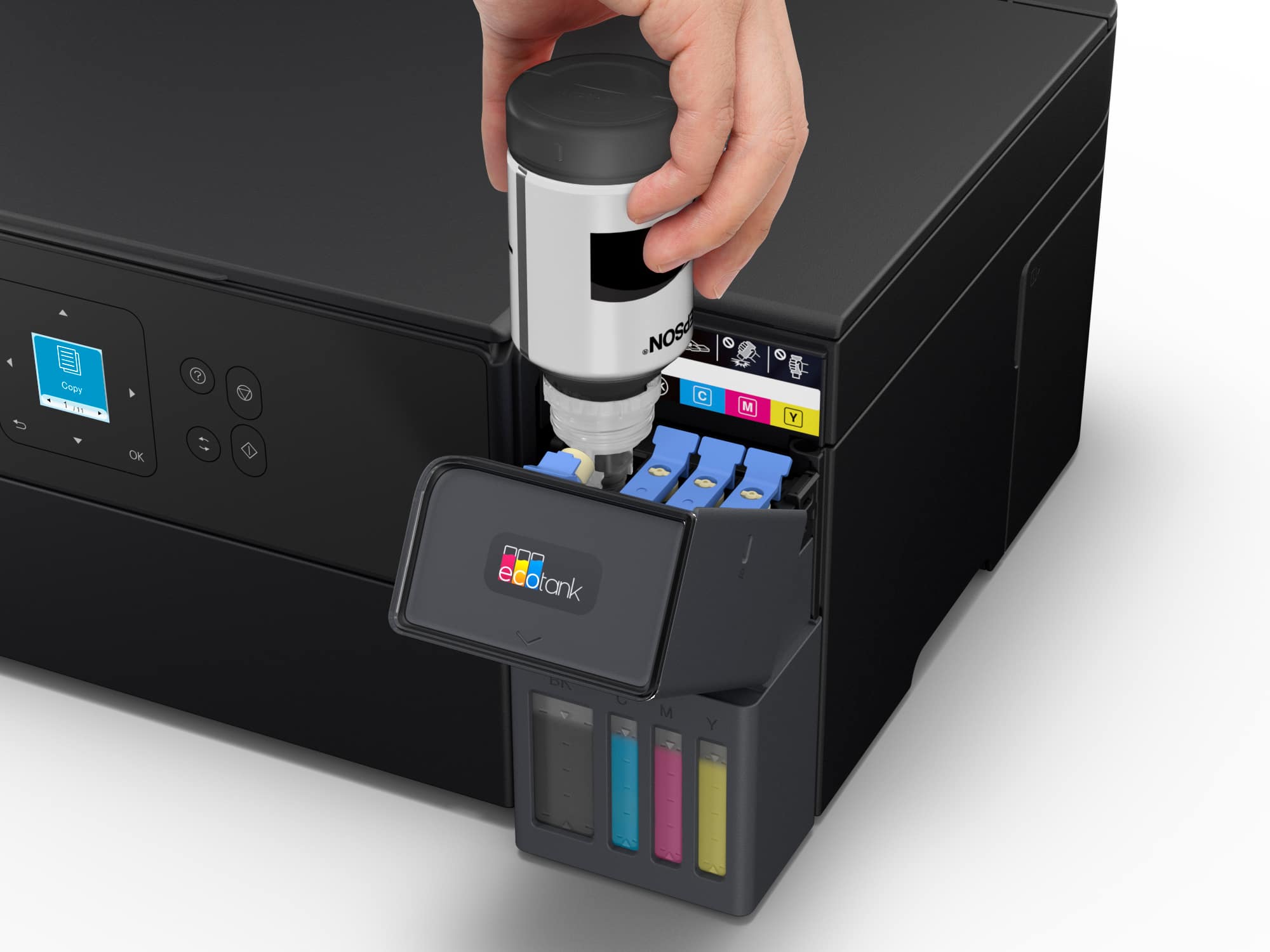
Q: QuestionDoes the ink come in the box with the printer?
Asked by danno.
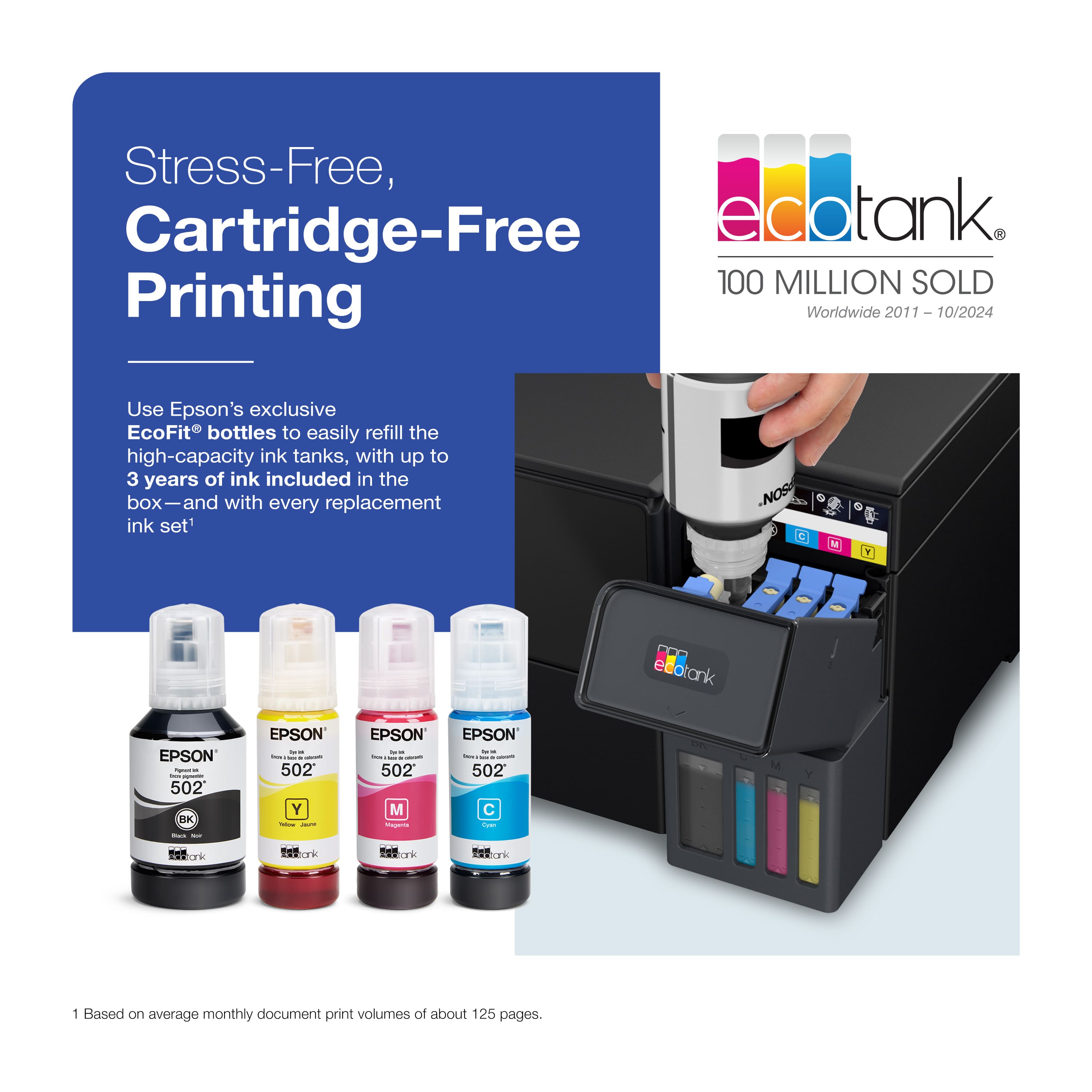
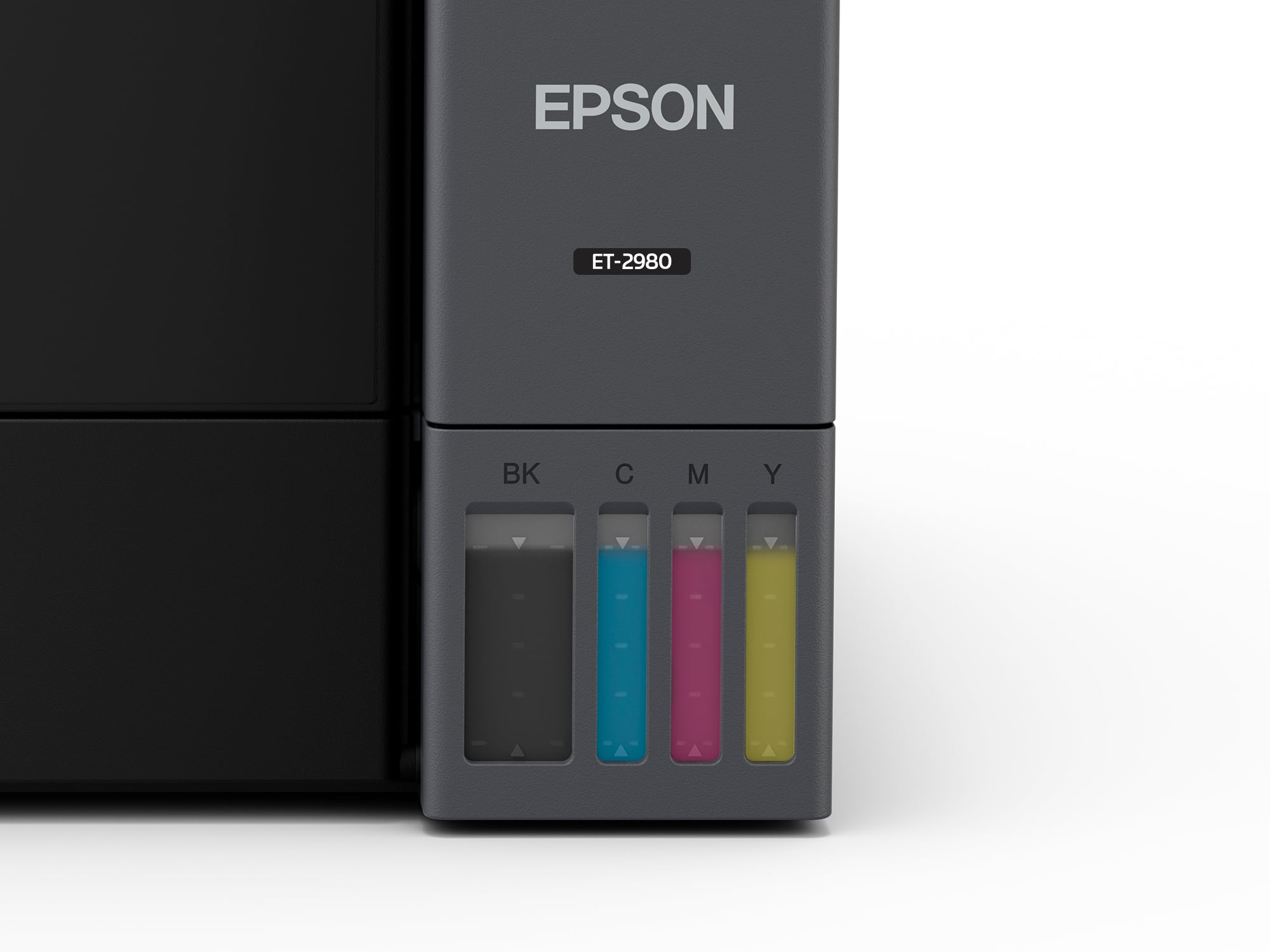
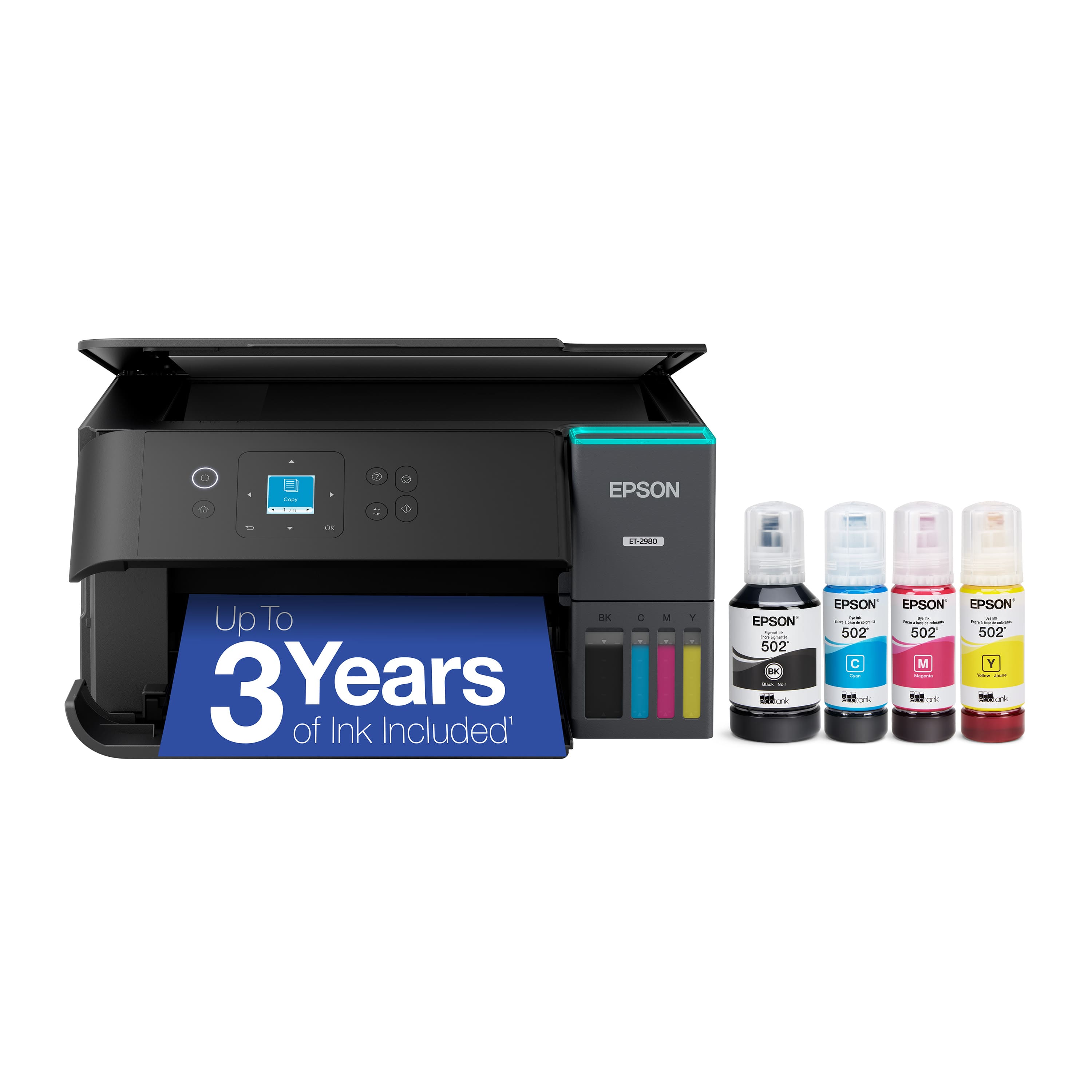
- A:Answer Hello danno. Yes, the Epson ET-2980 includes ink bottles. Some of the ink will be used for the initial setup, and the remaining ink will be available for printing. Regards, Kevin - The Epson Team
Answered by Epson
Q: QuestionCan I use sublimation ink instead?
Asked by Starr195.
- A:Answer Hello. The Epson ET-2980 was not designed for dye-sublimation printing or the use of non-genuine Epson ink cartridges. Regards, Kevin - The Epson Team.

Answered by Epson
Most-viewed items
- $199.99$199.99The price was $239.99
- $249.00$249.00The price was $323.00
- $549.99$549.99The price was $699.99
- $149.99$149.99The price was $169.99
- $799.99$799.99The price was $849.99
- $326.99$326.99The price was $356.99
- $269.99$269.99The price was $317.55
- $522.00$522.00The price was $639.34