Questions & Answers
- Model:
- C11CL41202
- |
- SKU:
- 12685716
Q: QuestionCan I use sublimation ink instead?
Asked by Starr195.
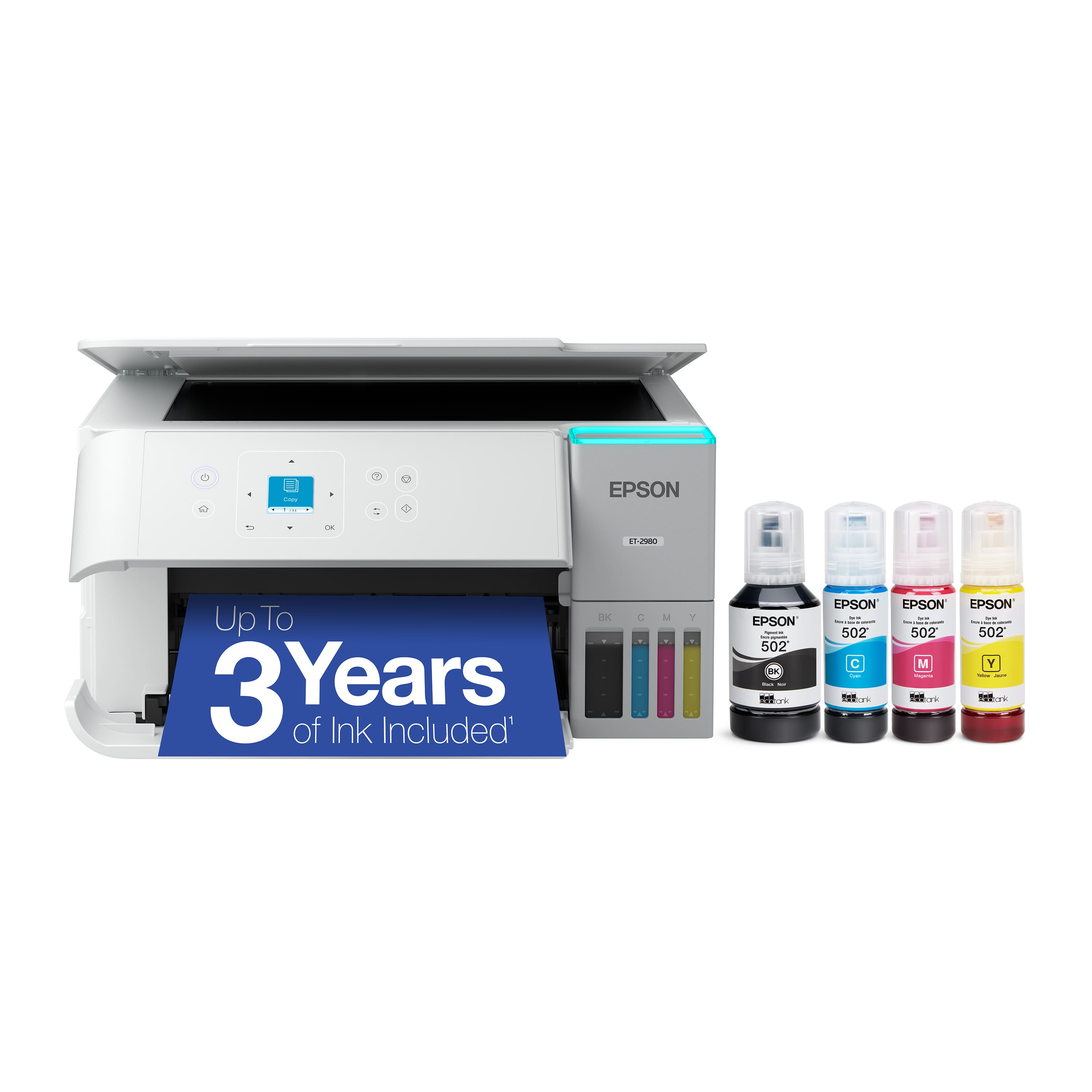
- A:Answer Hello. The Epson ET-2980 was not designed for dye-sublimation printing or the use of non-genuine Epson ink cartridges. Regards, Kevin - The Epson Team.
Answered by Epson
Q: QuestionCan I print on fabric?
Asked by Anonymous.
This question was asked about the related product: Epson - EcoTank ET-2980 Wireless All-in-One Color Supertank Inkjet Printer - Black
- A:Answer Hello. The ET-2980 is not designed to print on fabric. For a list of supported paper types, please see the User Guide. Regards, Kevin - The Epson Team.
Answered by Epson
Q: QuestionCan this printers do sublimation printering
Asked by Anonymous.
- A:Answer Hello. The ET-2980 is not designed for dye-sublimation printing or the use of non-genuine Epson Ink Cartridges. We recommend using Genuine Epson Ink for optimal print quality and performance. Non-genuine ink could cause damage and void the printer’s limited warranty. Regards, Kevin - The Epson Team.
Answered by Epson
Q: QuestionDoes this printer work on chromebooks?
Asked by Anonymous.
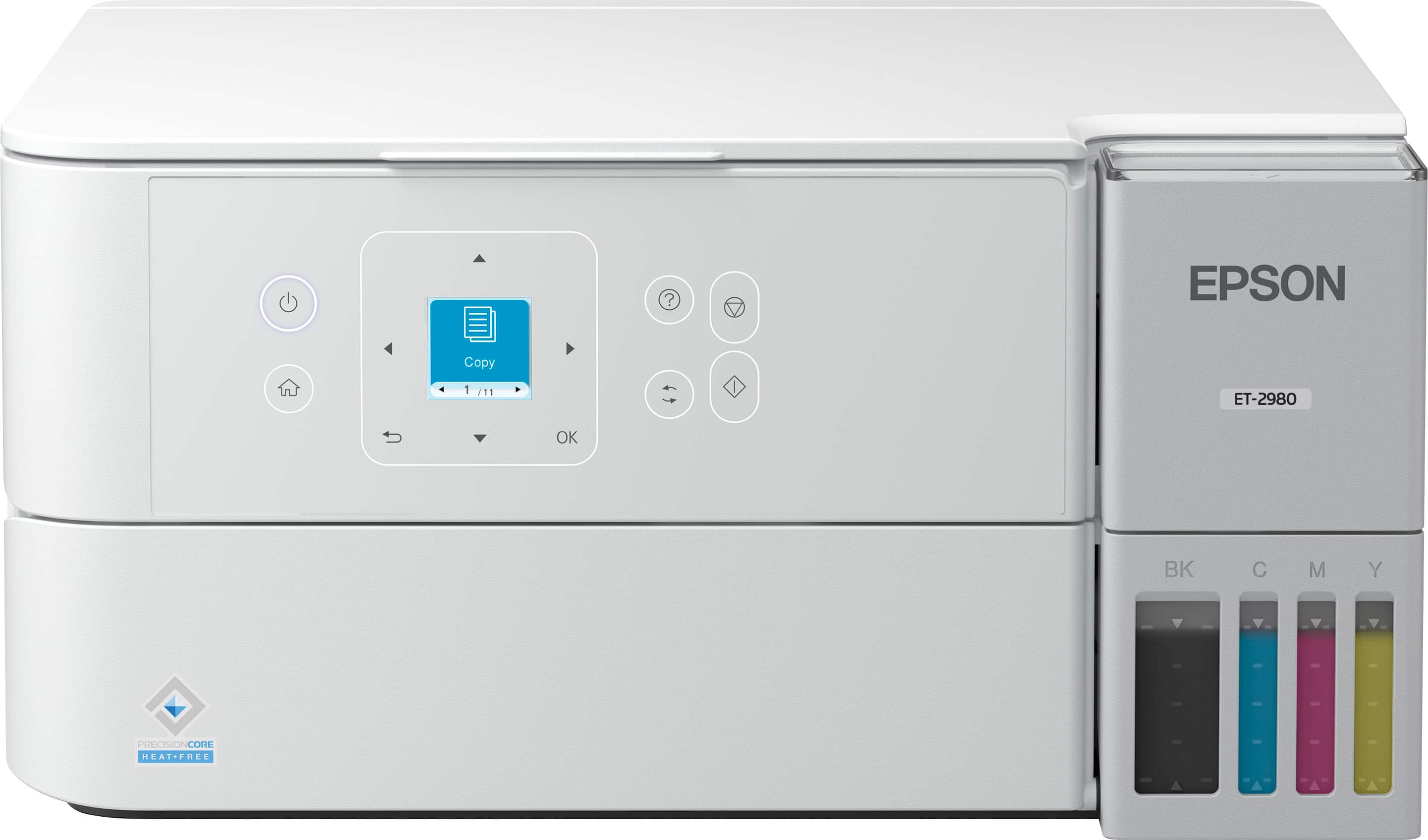
- A:Answer Hello. The ET-2980 can be used with a Chromebook via Wi-Fi or USB connection without needing to install drivers. However, when using a Chromebook, functionality is limited to printing only. To use all of the printer's features, including scanning and copying, you'll need to use a PC, Mac, smartphone, or tablet. Regards, Kevin - The Epson Team.
Answered by Epson
Q: QuestionDoes this fax?
Asked by Ndugujj.
- A:Answer Hello Jj. The ET-2980 does not include fax functionality. For a similar printer with fax features, we recommend the ET-4950. Regards, Kevin - The Epson Team.
Answered by Epson
Q: QuestionDo I use the Smart Panel app when printing only from my computer?
Asked by Anonymous.
- A:Answer Hello. The Smart Panel app is designed to be used on your smartphone or tablet. You can install our standard print driver from the official Epson Support page if you're printing on the computer. Regards, Kevin - The Epson Team.
Answered by Epson
Q: QuestionMy Epson 2980 printer demanded I fill the tanks even though the the tanks showed they were at least 2/3 full. Now the printer prints part of the page and stops. It mentioned the maintenance box located in the back right corner of the printer. Where do
Asked by mjwilkinson51.
- A:Answer Hello. We're sorry to hear you're having printing issues. We would like to get more details to better assist you. Please visit our official Epson Support page to find phone numbers to contact our technical support team. Regards, Kevin - The Epson Team.
Answered by Epson
Q: QuestionWhat is the cost to replace the ink
Asked by PBCB.
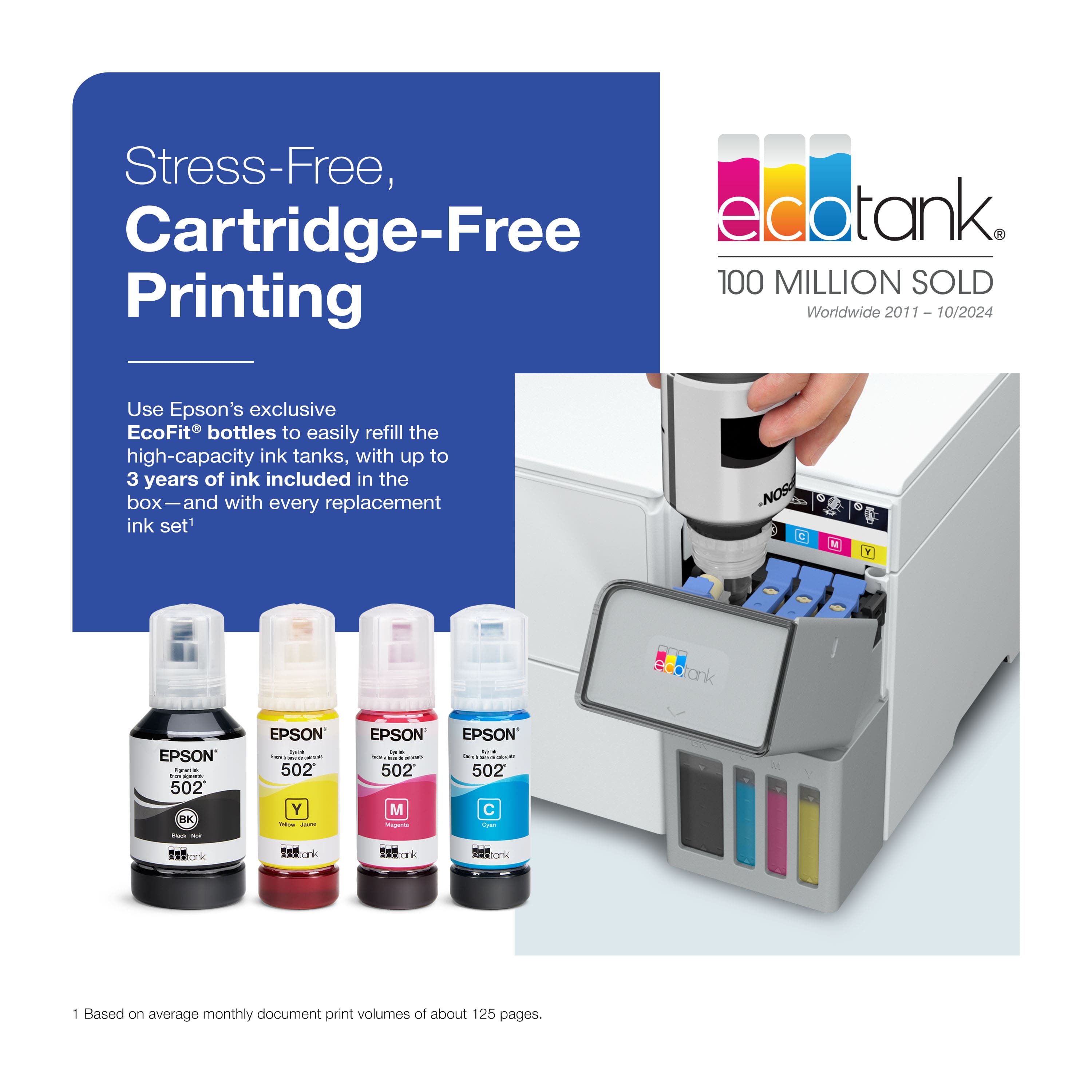
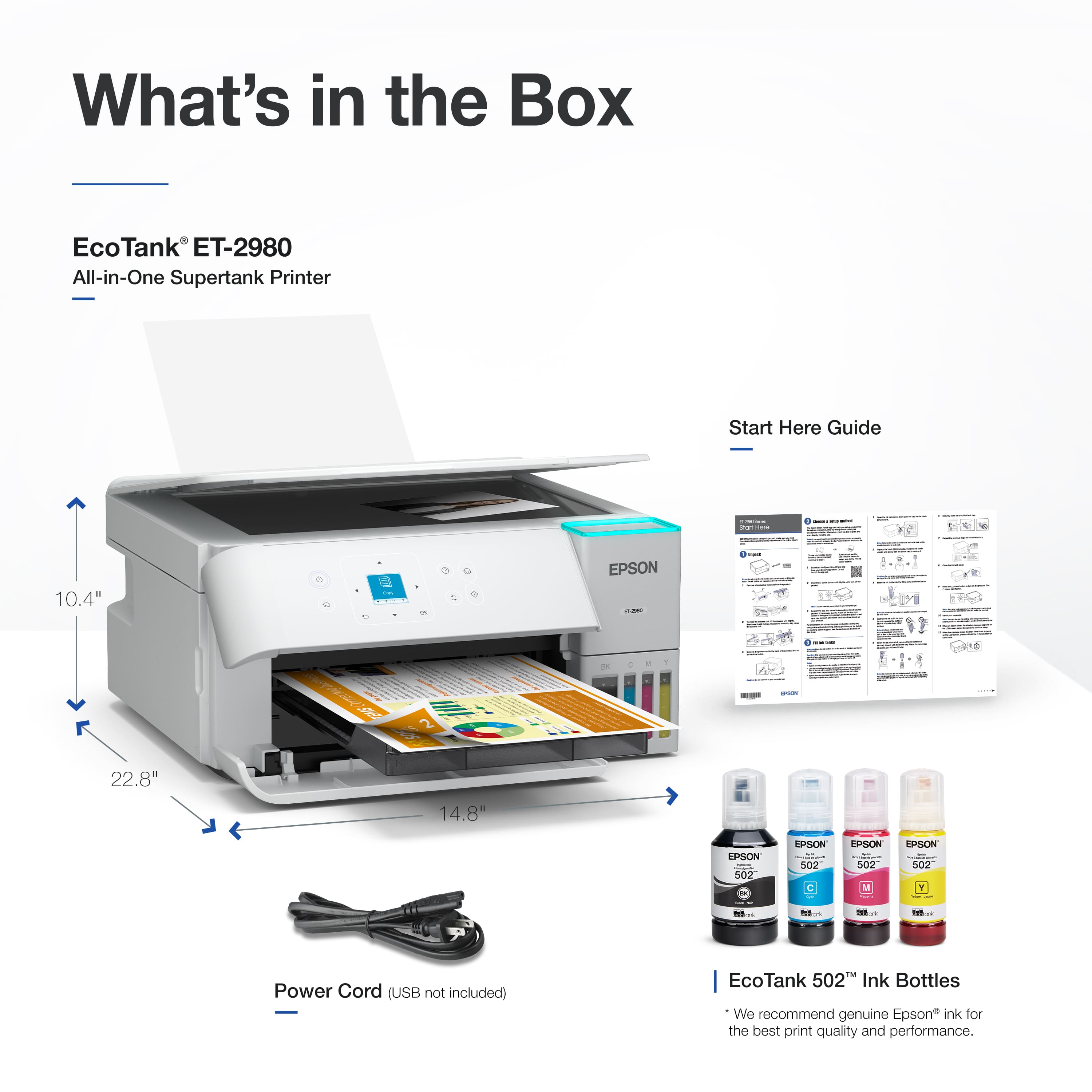
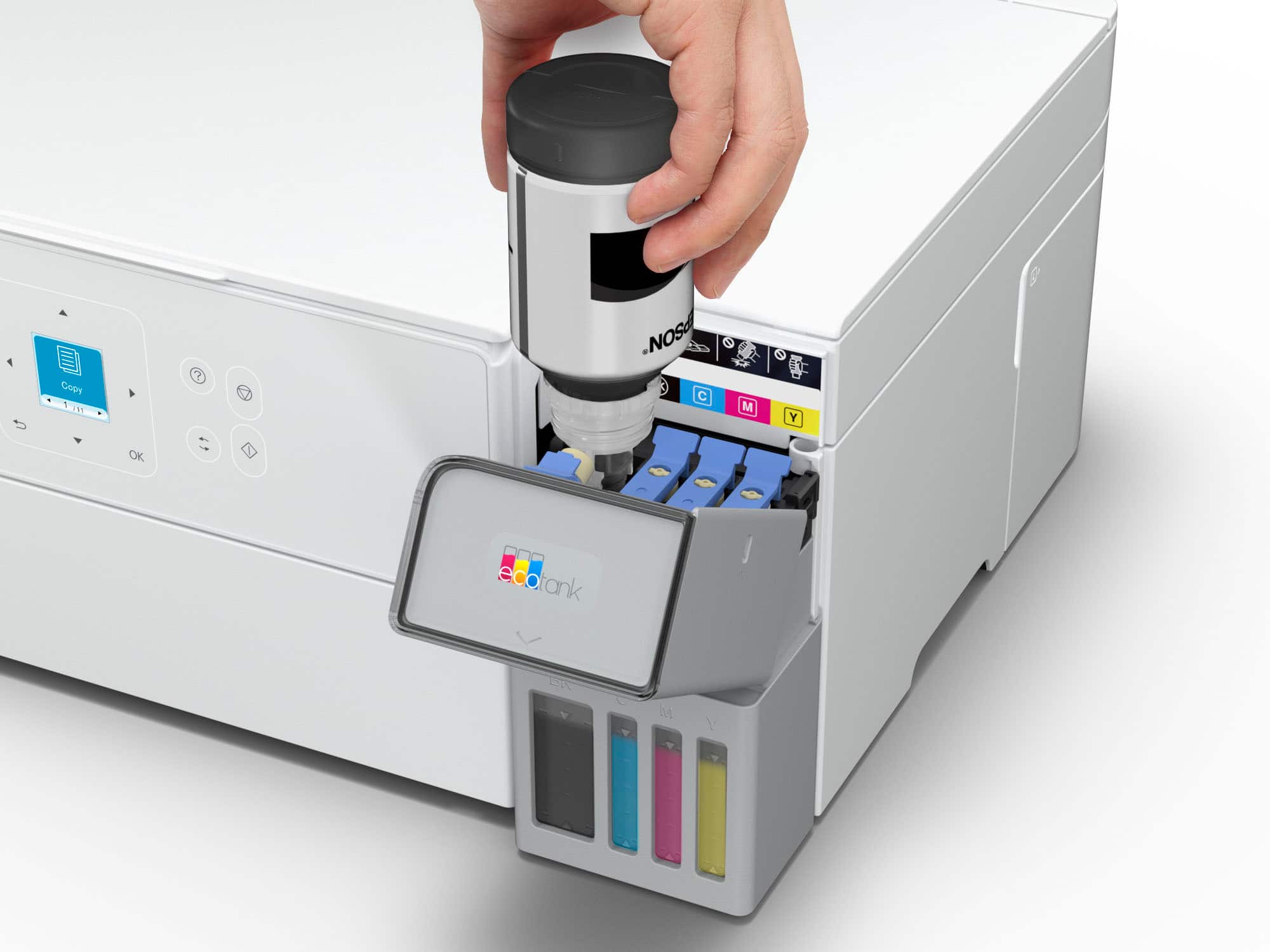
- A:Answer Search the Best Buy website or app for "Epson T502". As of today (5/6/2026), individual bottles range in price from $23 to $25.49 depending on color. The 4 pack is $75.95. A 3 pack (minus Black) is $50.95. BK
Answered by BobK
Q: QuestionWill it work with the Windows 10 operating system?
Asked by Mrmeyagii.
- A:Answer Hello. Yes, the ET-2980 will work with Windows 10. You can find the latest print driver on our official Epson Support page. Regards, Kevin - The Epson Team.
Answered by Epson
Q: QuestionDoes this paper have autosense (paper size ie. envelope vs letter paper)? Does it have a cancel icon on the screen (as opposed to computer's print queue)? Does copying have the ability (+ or -) to reduce or enlarge size on the printer's screen?
Asked by TNGirl4Life.
This question was asked about the related product: Epson - EcoTank ET-2980 Wireless All-in-One Color Supertank Inkjet Printer - Black
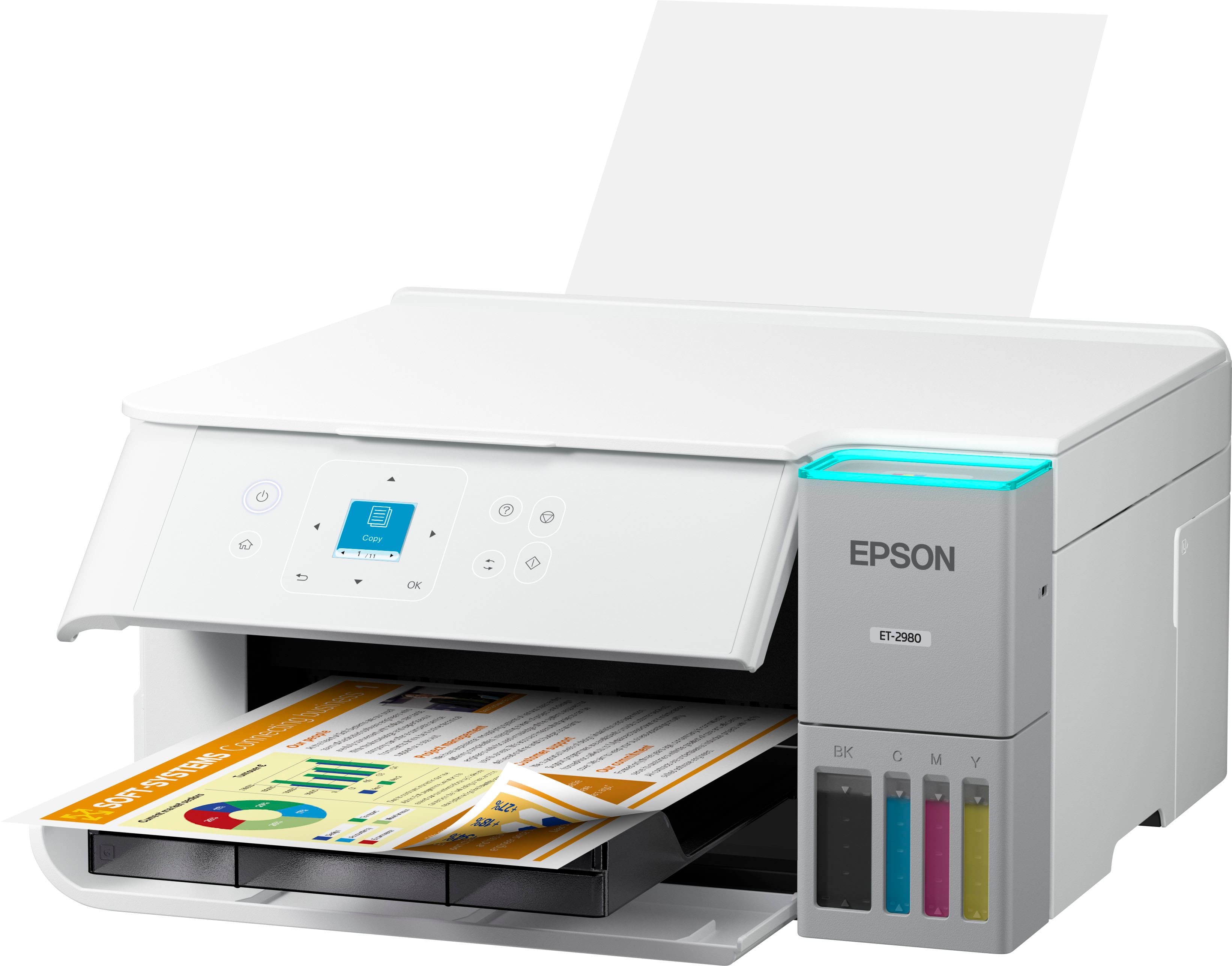
- A:Answer Hello. You would have to select the paper size manually as the printer does not have an auto-sense feature. It can reduce and enlarge copies between 25% up to 400% directly from the control panel copy options. Regards, Kevin - The Epson Team.
Answered by Epson
Q: QuestionDoes this printer have a sleep mode or do you have to turn it all the way off?
Asked by Gracie.
This question was asked about the related product: Epson - EcoTank ET-2980 Wireless All-in-One Color Supertank Inkjet Printer - Black
- A:Answer Sleep Mode only. It powers off only by holding the Power Button.
Answered by BobK
Q: QuestionDoes this printer have a scanner function?
Asked by Melissa.
This question was asked about the related product: Epson - EcoTank ET-2980 Wireless All-in-One Color Supertank Inkjet Printer - Black
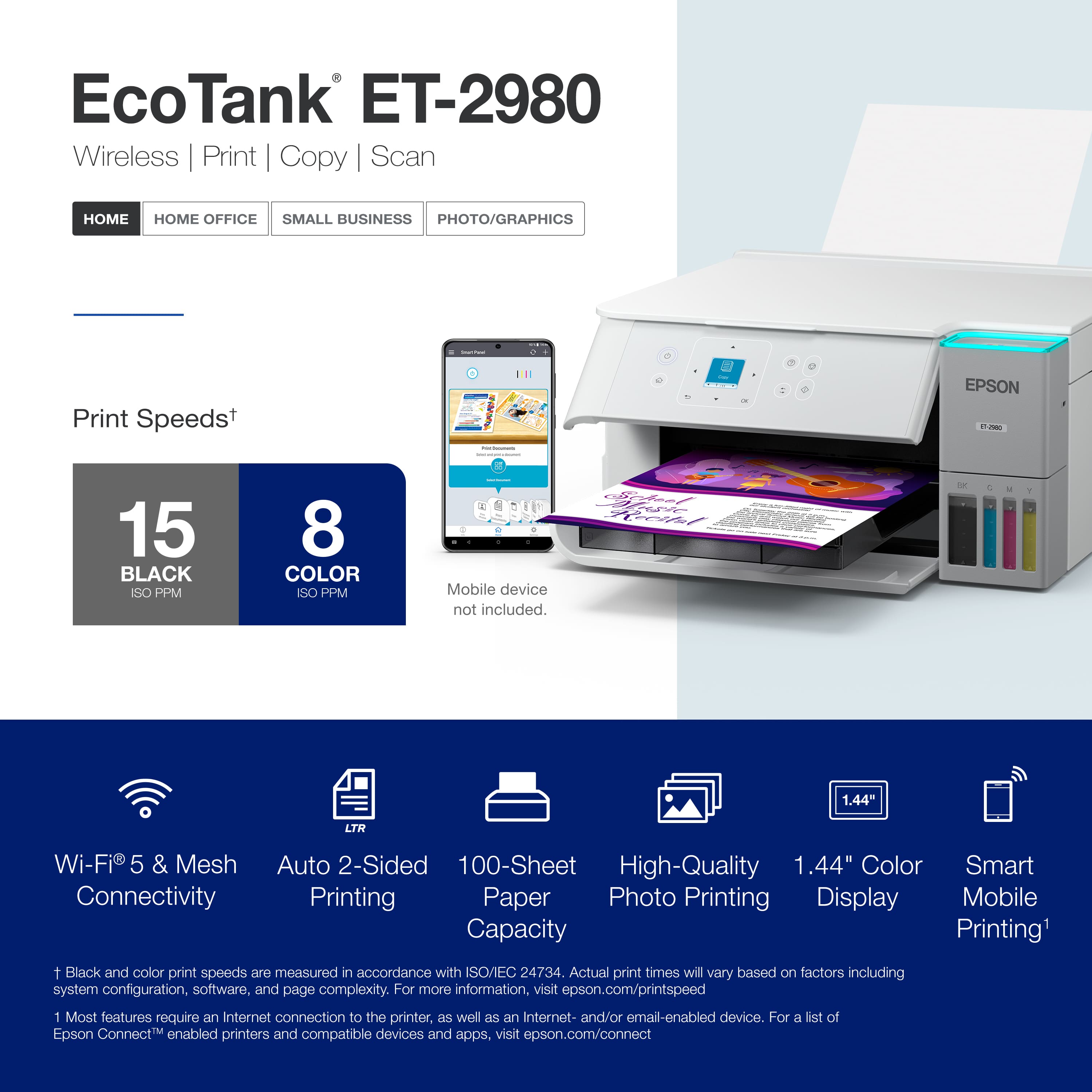
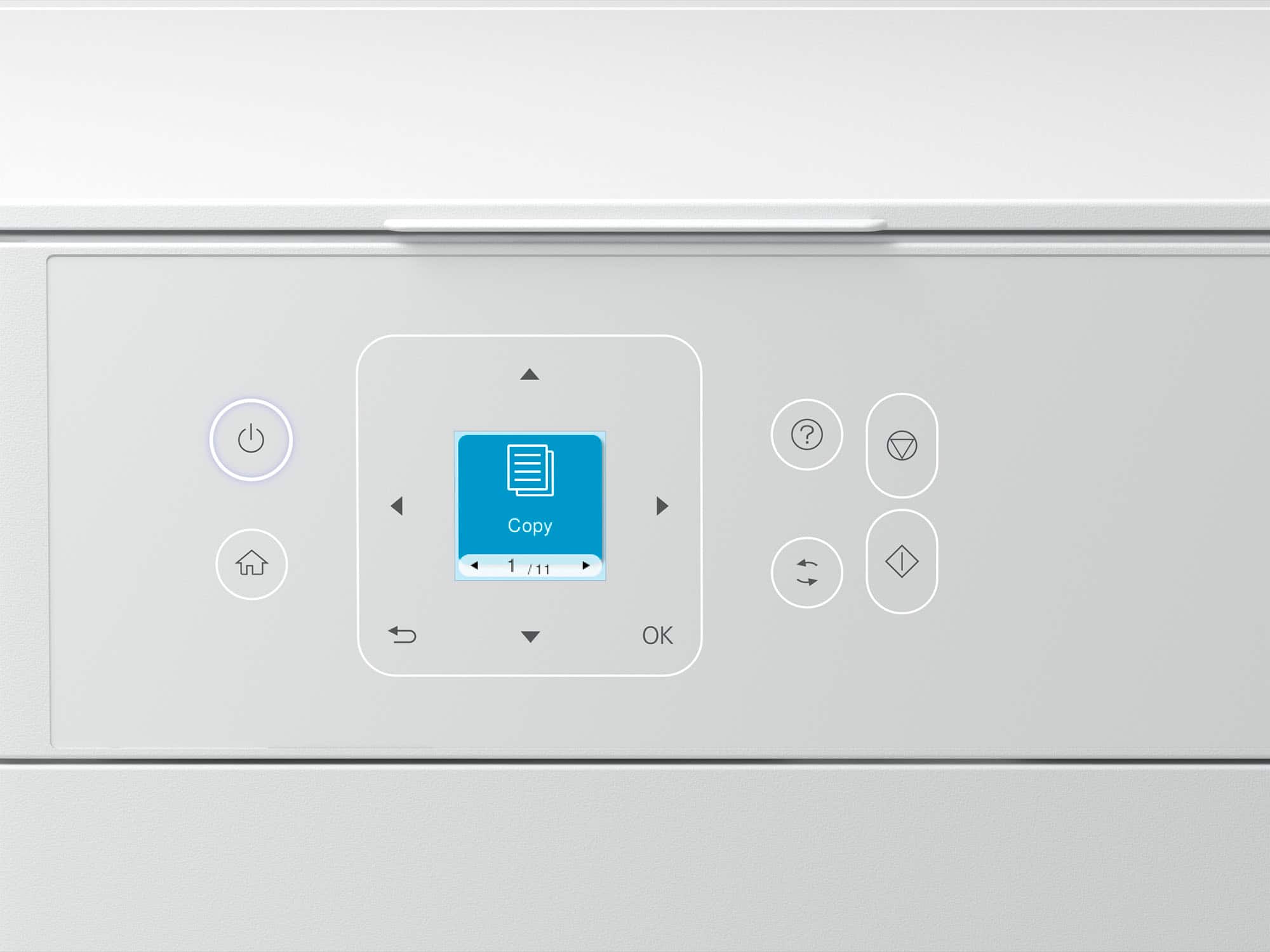
- A:Answer Hello Melissa. Yes, the ET-2980 includes print, copy, and scan functionality. Regards, Kevin - The Epson Team.
Answered by Epson
Q: QuestionCan it scan multiple pages automatically?
Asked by NiborOyam.
- A:Answer No. It's a flat bed so you have to scan one page at a time.
Answered by Sunflower
Q: QuestionCan this printer print envelopes?
Asked by Leslie.
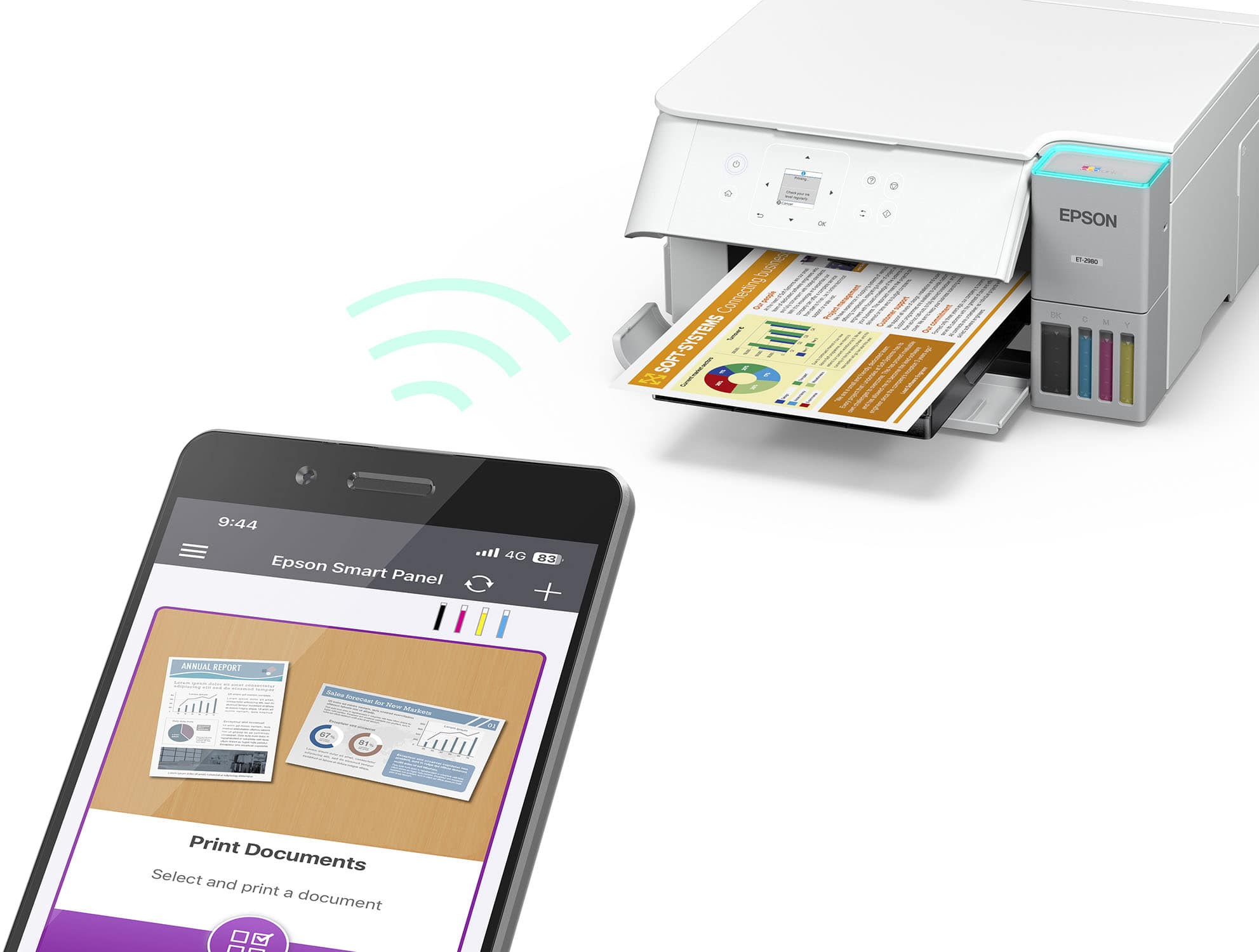
- A:Answer Hello Leslie. Yes, the ET-2980 can print on No.10 envelopes only. Regards, Kevin - The Epson Team.
Answered by Epson
Q: QuestionDoes this printer support 5 ghz wireless connection?
Asked by Pilipina.
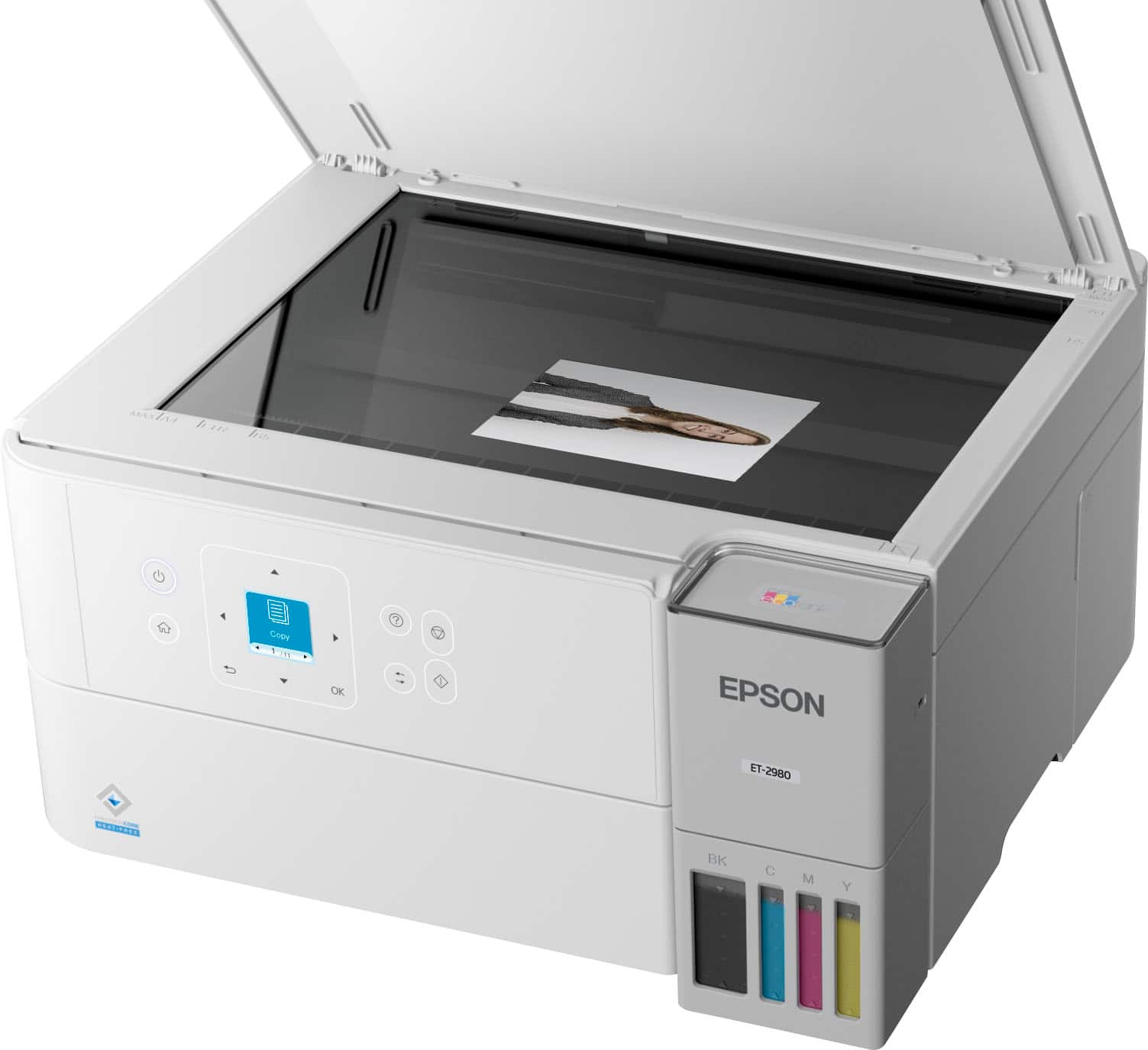
- A:Answer Hello. Yes, the ET-2980 can connect to both 2.4 & 5 GHz wireless networks. Regards, Kevin - The Epson Team.
Answered by Epson
Q: QuestionIs this printer able to communicate with an Apple Computer and Apple Cell Phones ?
Asked by Raymond.
- A:Answer Absolutely. The reason I bought it. Wireless print from laptop and phone.
Answered by ssjr34
Q: QuestionDoes this printer print on cardstock?
Asked by Anonymous.
- A:Answer Yes! It is one of the best printers I have found for crafting!
Answered by Anonymous
Q: QuestionCan I use third party ink with it?
Asked by Tiff.
- A:Answer Would not recommend. The ink nozzles fit exactly and trying to guess fit seems it would be very messy.
Answered by ssjr34
Most-viewed items
- $349.99$349.99The price was $389.99
- $799.99$799.99The price was $849.99
- $249.00$249.00The price was $323.00
- $199.00$199.00The price was $248.00
- $599.99$599.99The price was $699.99
- $619.99$619.99The price was $699.99
- $149.99$149.99The price was $169.99
- $179.99$179.99The price was $229.99
- $599.99$599.99The price was $863.99