Questions & Answers
- Model:
- C11CL41202
- |
- SKU:
- 12685716
Q: QuestionWhat size is the scanner?
Asked by Bellots.
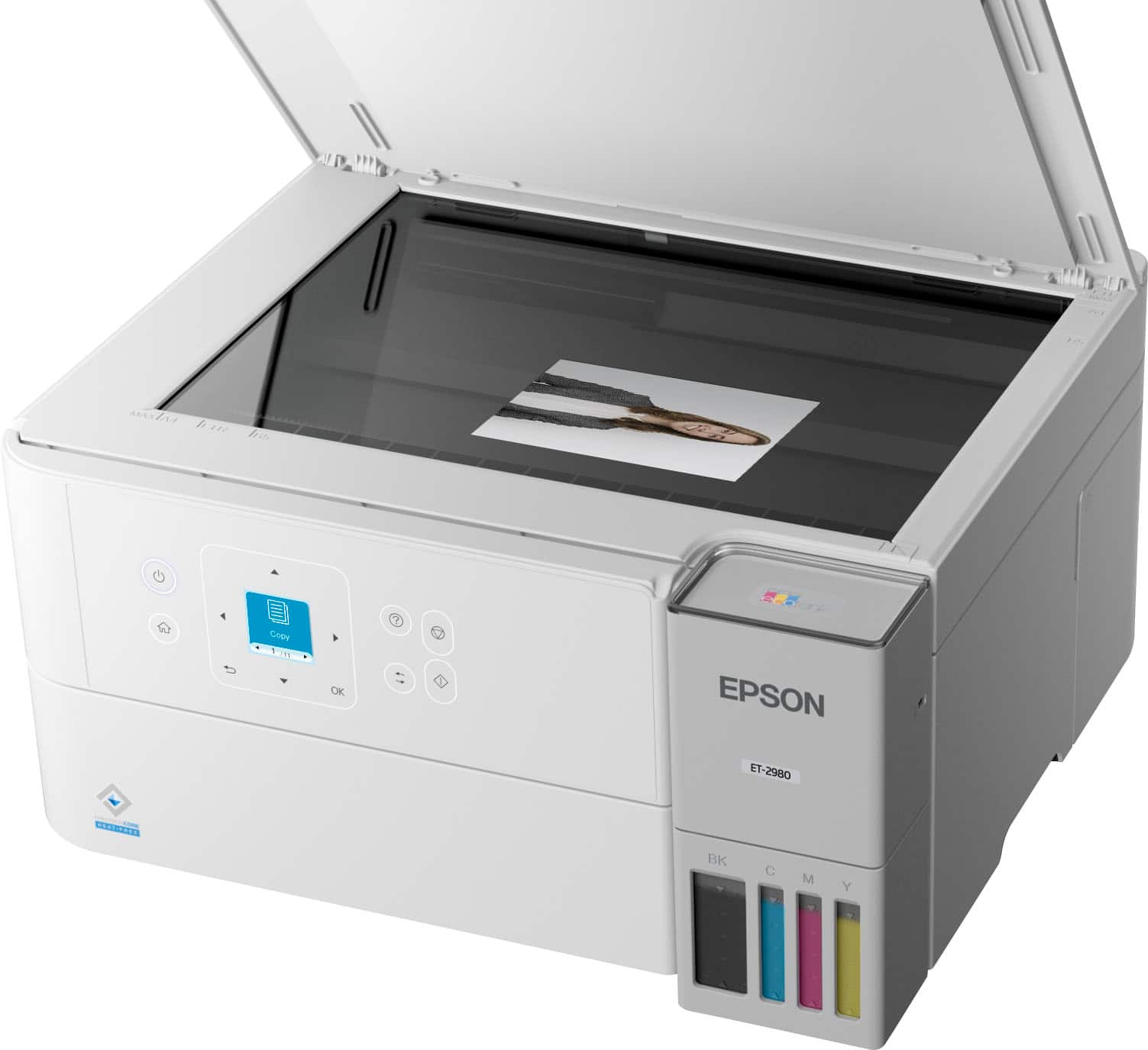
- A:Answer Hello. The scan bed size on the ET-2980 is 8.5" x 11.7". Regards, Kevin - The Epson Team.
Answered by Epson
Q: QuestionCan this printer print on both front and back on the same sheet of paper?
Asked by JayTee.
This question was asked about the related product: Epson - EcoTank ET-2980 Wireless All-in-One Color Supertank Inkjet Printer - White
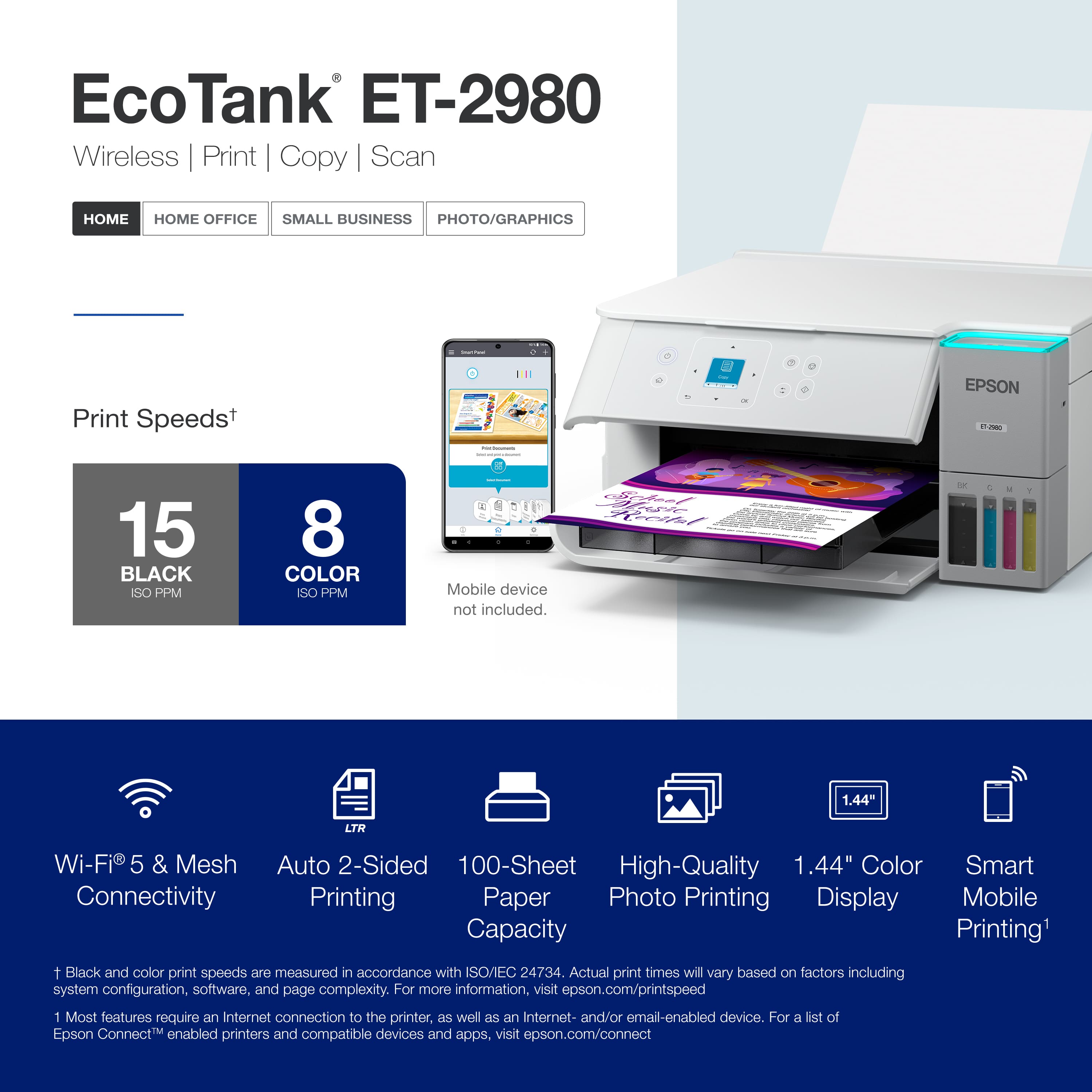
- A:Answer Hello JayTee. Yes, the ET-2980 includes automatic 2-sided printing. Regards, Kevin - The Epson Team.
Answered by Epson
Q: QuestionCan the Geek Squad install the printer
Asked by David.
- A:Answer Yes. The Geek Squad was able to install the printer for me.
Answered by CyrillaF
Q: QuestionWhat wired connection does this printer use to connect to my computer?
Asked by danjay.
This question was asked about the related product: Epson - EcoTank ET-2980 Wireless All-in-One Color Supertank Inkjet Printer - White
- A:Answer Hello danjay. Depending on your computer, this printer can be used with a "USB A to B" or "USB B to C" cable. Regards, Kevin - The Epson Team.
Answered by Epson
Q: QuestionDoes this printer print on cardstock?
Asked by SG304.
This question was asked about the related product: Epson - EcoTank ET-2980 Wireless All-in-One Color Supertank Inkjet Printer - White
- A:Answer Hello. The ET-2980 can print on cardstock, but feeding reliability can vary when using third-party paper based on the brand, texture, thickness, and weight. We recommend testing a sample first to make sure it works well, since Epson doesn’t guarantee compatibility with all paper types. Regards, Kevin - The Epson Team.
Answered by Epson
Q: QuestionWhat are the dimensions? The photo and the specs are very different.
Asked by Rock.
This question was asked about the related product: Epson - EcoTank ET-2980 Wireless All-in-One Color Supertank Inkjet Printer - White
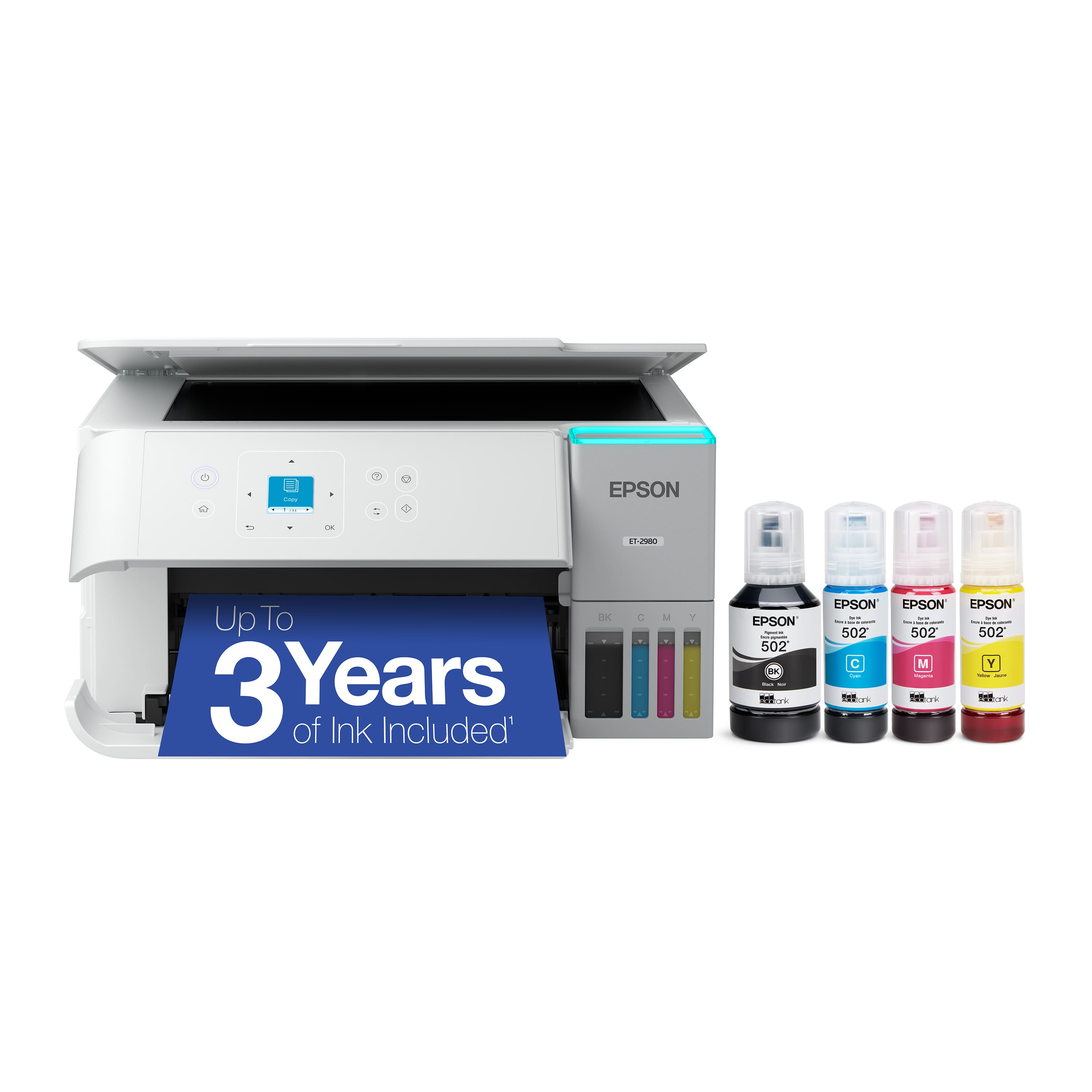
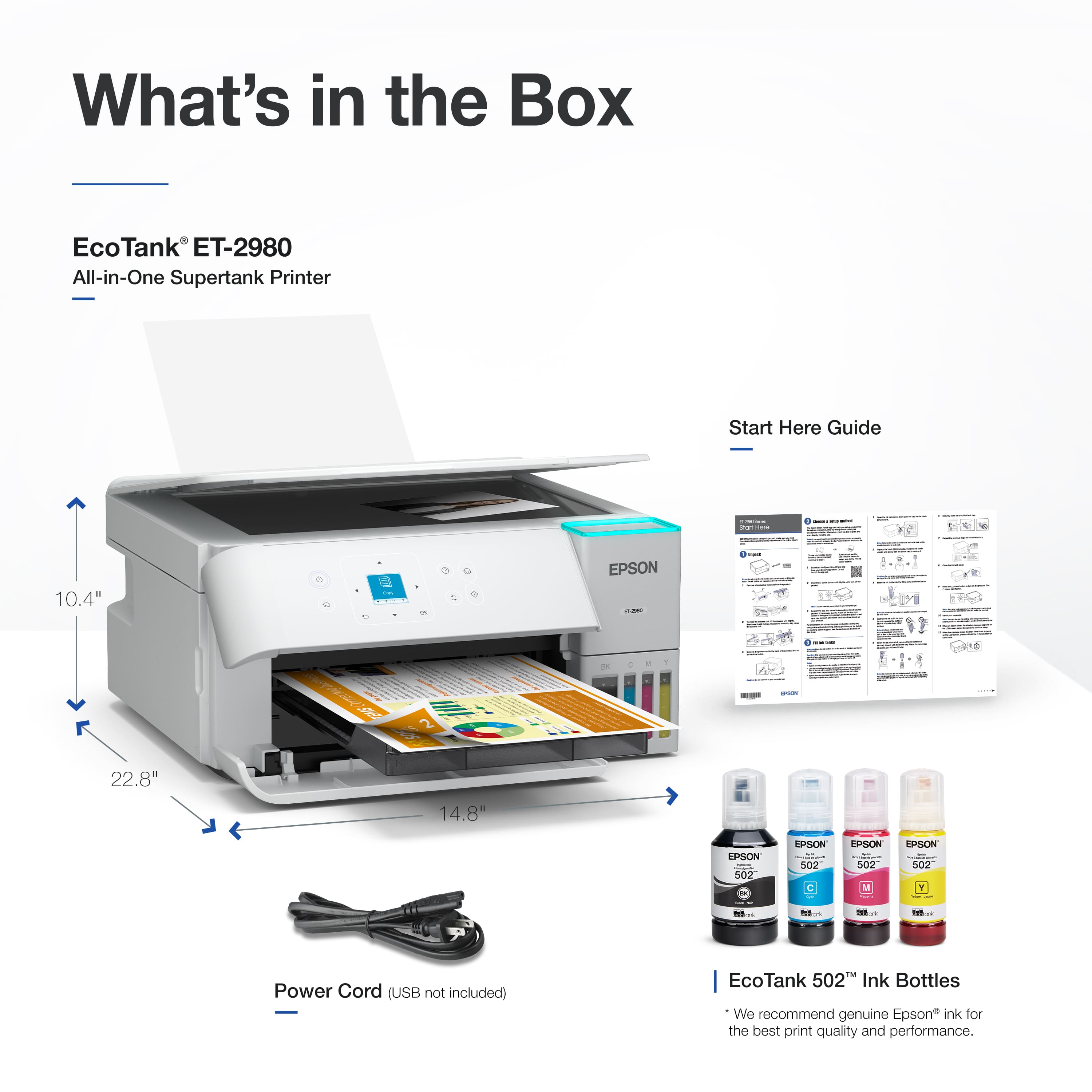
- A:Answer Hello Rock. The ET-2980 measures 7.4 inches (H), 14.8 inches (W), and 13.7 inches (D) when not in use. With all trays extended, the dimensions are 10.4 inches (H), 14.8 inches (W), and 22.8 inches (D). Regards, Kevin - The Epson Team.
Answered by Epson
Q: QuestionHow does the bonus free ink program work?
Asked by BonusInk.
This question was asked about the related product: Epson - EcoTank ET-2980 Wireless All-in-One Color Supertank Inkjet Printer - White
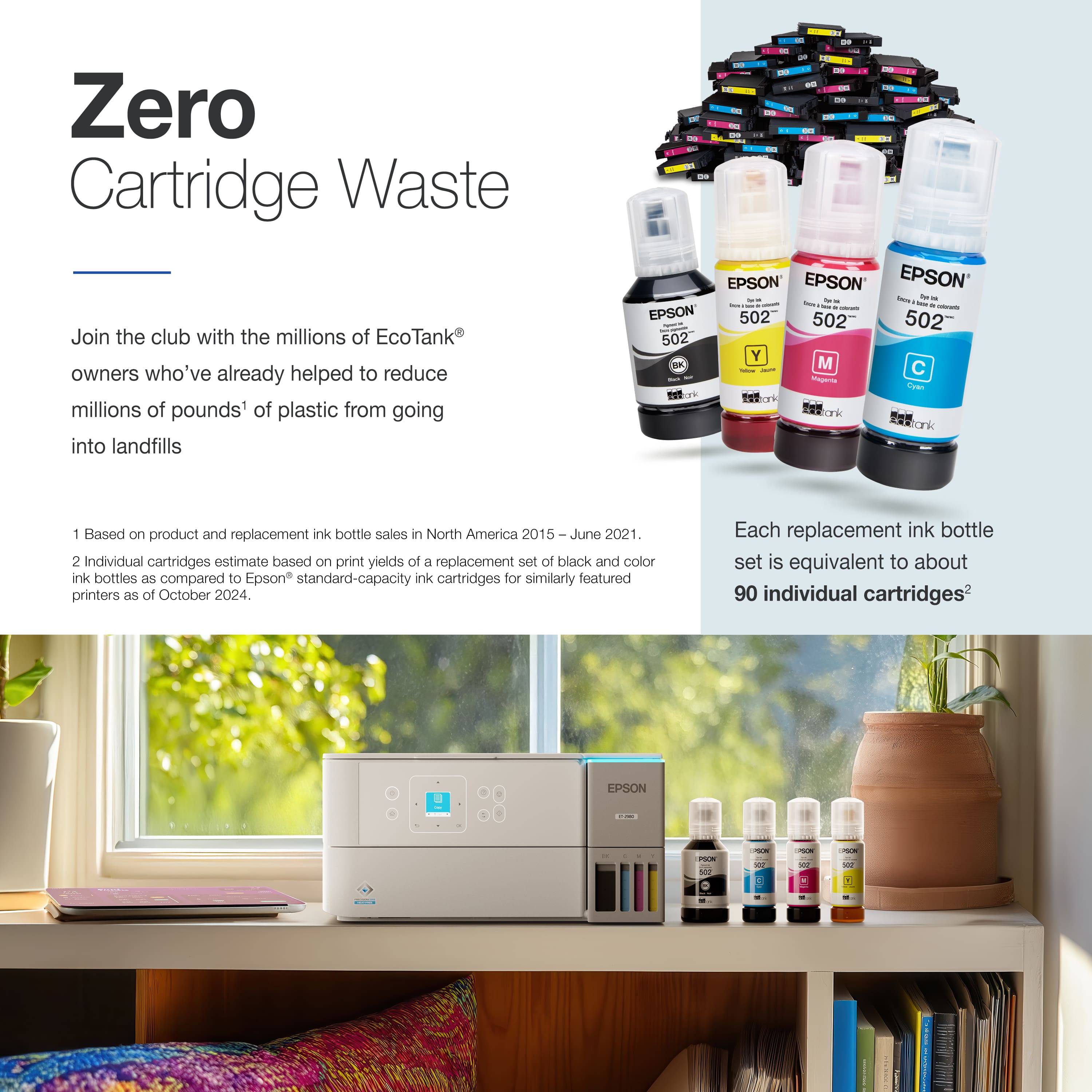
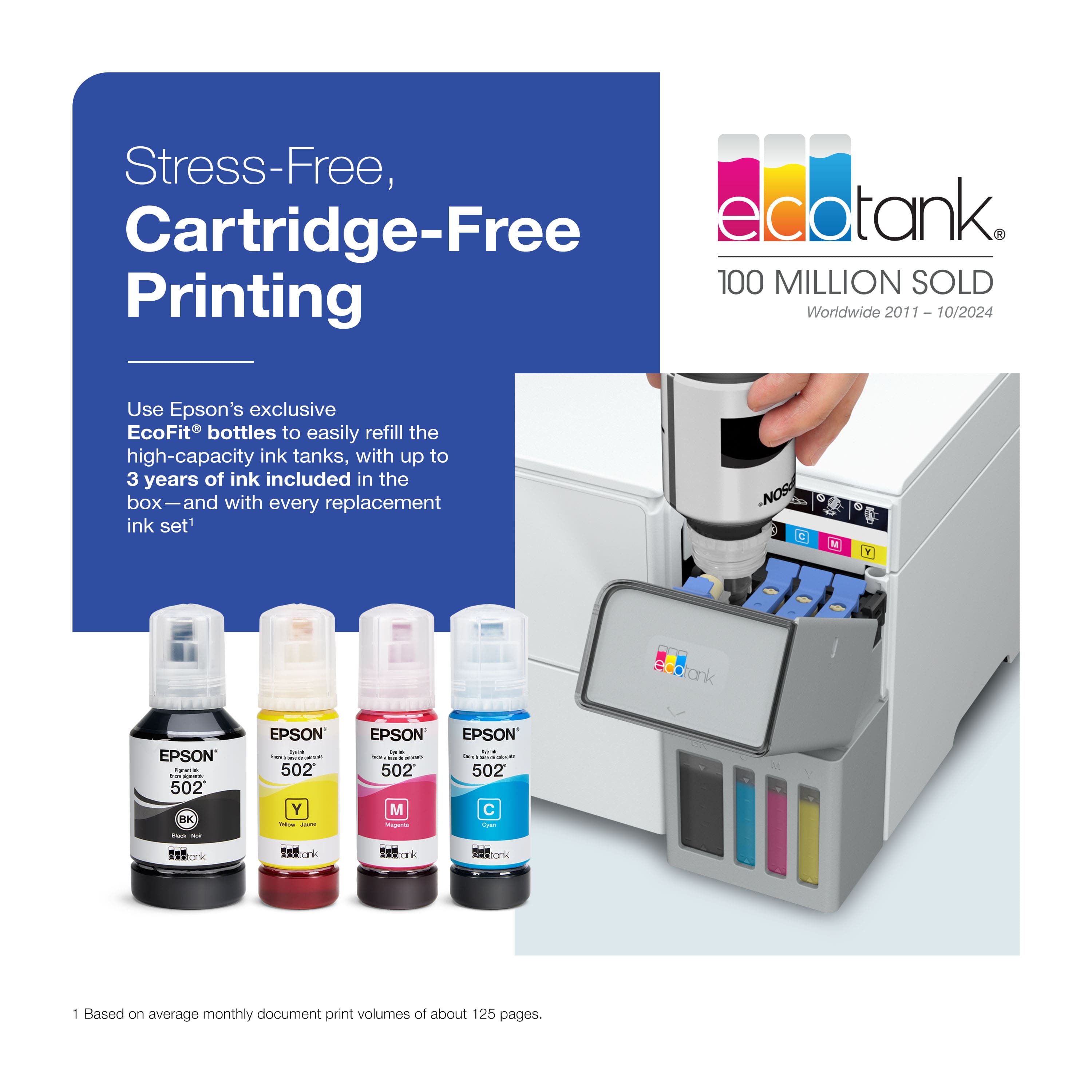
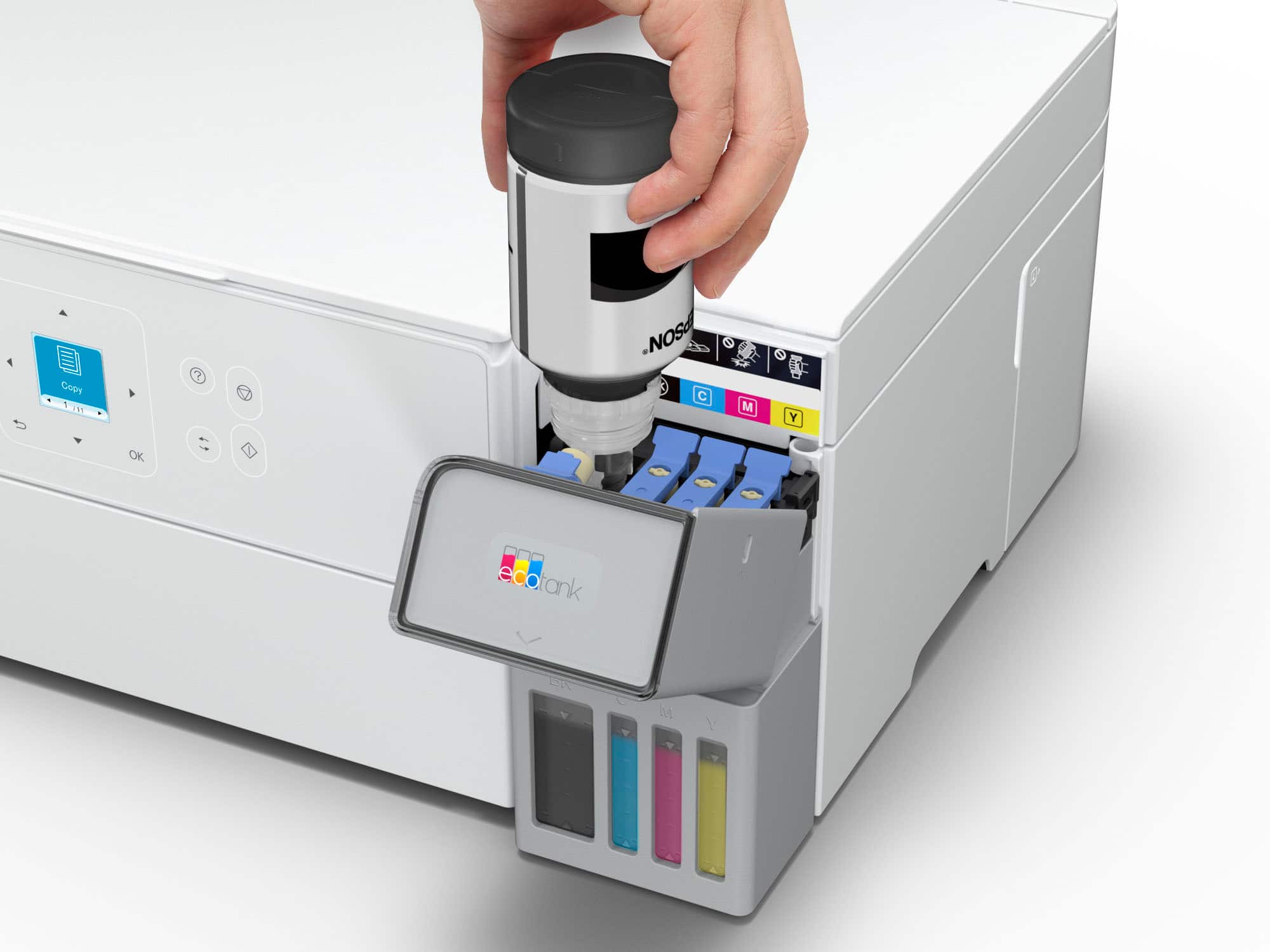
- A:Answer Bonus Ink is included In box with computer. After it is used up then have to start to purchase ink cartridges.
Answered by CynthiaS
Q: QuestionDoes it print on thick card stock paper
Asked by HuskyJim.
This question was asked about the related product: Epson - EcoTank ET-2980 Wireless All-in-One Color Supertank Inkjet Printer - White
- A:Answer Hello. The ET-2980 can print on cardstock, but feeding reliability can vary when using third-party paper based on the brand, texture, thickness, and weight. We recommend testing a sample first to make sure it works well, since Epson doesn’t guarantee compatibility with all paper types. Regards, Kevin - The Epson Team.
Answered by Epson
Q: QuestionIs the printer compatible with airprint on Mac OS 26 (Tahoe)
Asked by 4PupDad.
This question was asked about the related product: Epson - EcoTank ET-2980 Wireless All-in-One Color Supertank Inkjet Printer - White
- A:Answer Hello 4PupDad. Yes, the ET-2980 will work with macOS 26. You can find the latest driver on our official Epson Support page. Regards, Kevin - The Epson Team.
Answered by Epson
Q: QuestionIs this printer compatiable with an I mac Mac os Sequoia 15.6.1 with a chip computer with 8gb
Asked by Ricky.
This question was asked about the related product: Epson - EcoTank ET-2980 Wireless All-in-One Color Supertank Inkjet Printer - White
- A:Answer Yes, compatible with my MacBookAir with Sequoia 15.7.1 Apple chip M2 with 8gb
Answered by user722076
Q: QuestionIs a subscription required for the replacement ink?
Asked by Subscription.
This question was asked about the related product: Epson - EcoTank ET-2980 Wireless All-in-One Color Supertank Inkjet Printer - White
- A:Answer There is an option to subscribe when you register your printer with Epson. It may be automatically checked. Uncheck it. I did not subscribe to have the ink automatically sent to me when they see that it is running low. I don't want them to have that much access to my printer. Because I don't always need colored ink, and it may come on sale, I plan to buy it when I decide to buy it. It is available at Best Buy and also in other stores and online. I hope this helps.
Answered by ElementarySchoolTeacherK
Q: QuestionIs this printer compatible with 5g wifi?
Asked by Bmt.
This question was asked about the related product: Epson - EcoTank ET-2980 Wireless All-in-One Color Supertank Inkjet Printer - White
- A:Answer Yes
Answered by AlejandroZ
Q: QuestionWill this printer work on a 5 G network?
Asked by Jane.
This question was asked about the related product: Epson - EcoTank ET-2980 Wireless All-in-One Color Supertank Inkjet Printer - White
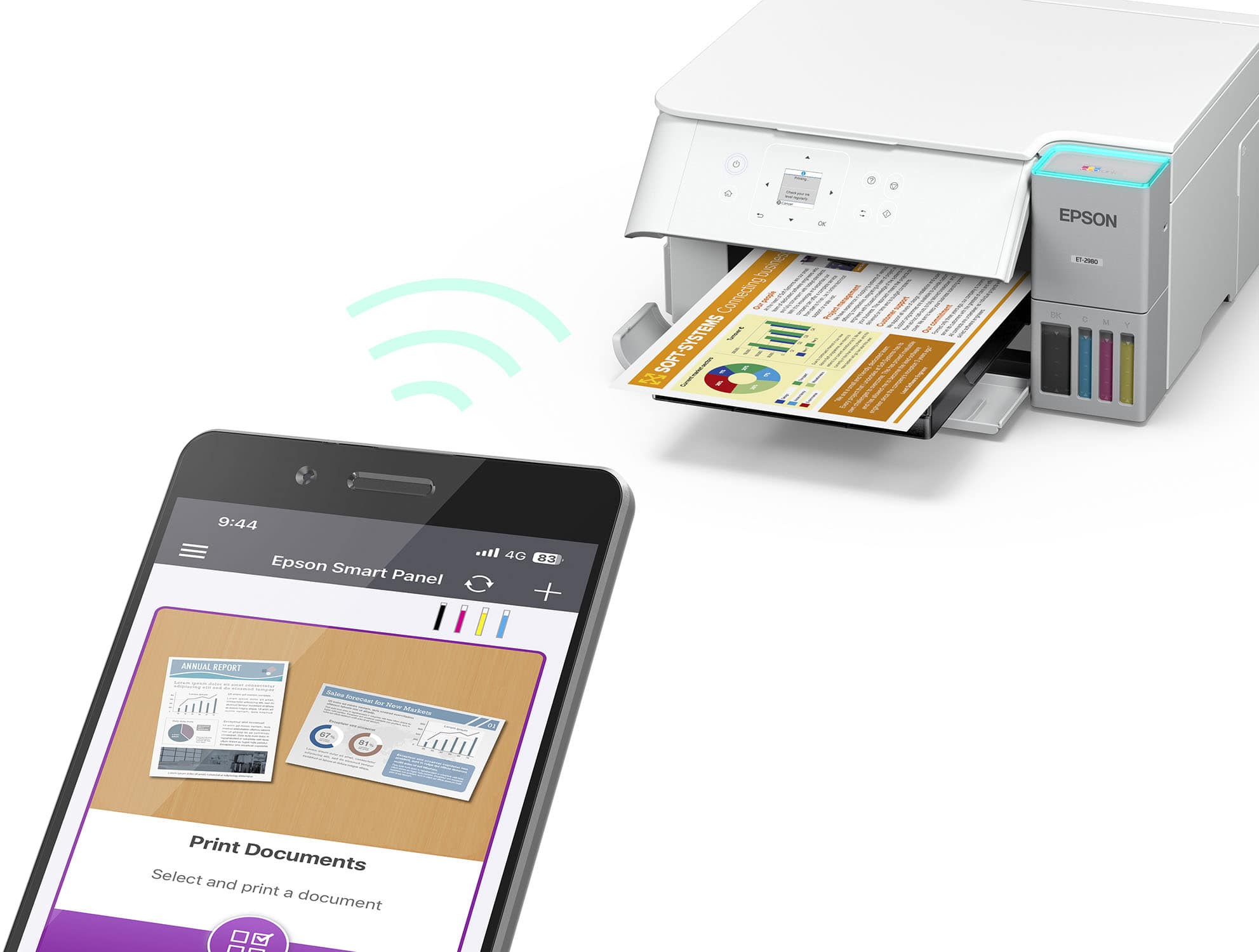
- A:Answer Hello Jane. The ET-2980 is designed to work with a home Wi-Fi network, including 5GHz routers. You may be referring to '5G,' which typically relates to mobile data networks used by smartphones and tablets. If you're trying to connect the printer to a mobile device, it will work over Wi-Fi. Just download the Epson Smart Panel app to set it up and manage printing from your phone or tablet. Regards, Kevin - The Epson Team.
Answered by Epson
Q: QuestionDoes this printer work with Windows 10?
Asked by Beyondfrustrated.
This question was asked about the related product: Epson - EcoTank ET-2980 Wireless All-in-One Color Supertank Inkjet Printer - White
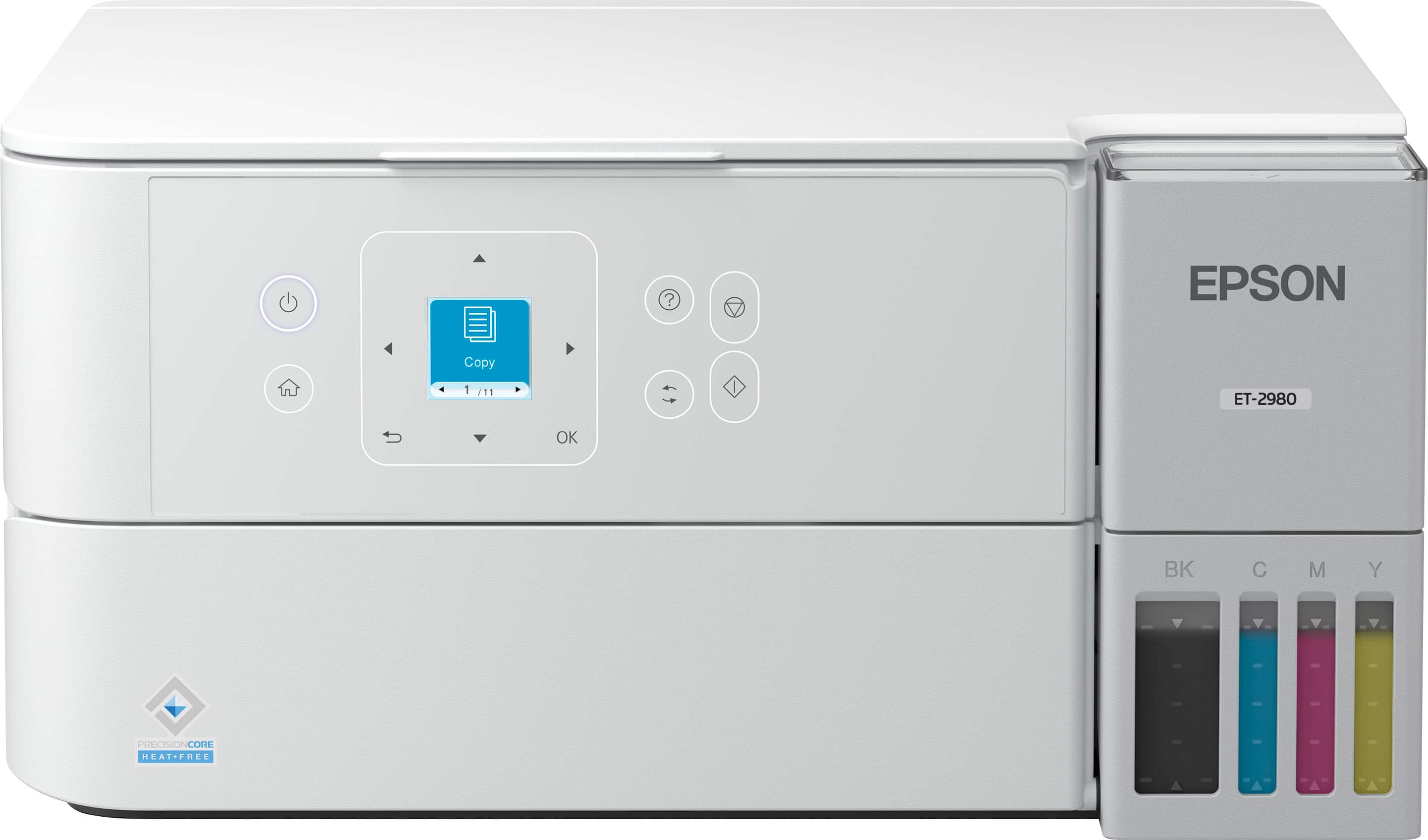
- A:Answer Hello wondering. Yes, the ET-2980 is compatible with Windows 10. The latest printer driver is available on our official Epson Support page. Regards, Kevin - The Epson Team.
Answered by Epson
Q: QuestionIs this printer compatible with Apple laptops or desktop computers?
Asked by Curt.
This question was asked about the related product: Epson - EcoTank ET-2980 Wireless All-in-One Color Supertank Inkjet Printer - White
- A:Answer I have been printing from my Apple MacBook Air and it prints beautifully. I have the macOS Sonoma Version 14.8 on my laptop. Intel Core i5. I hope this helps.
Answered by ElementarySchoolTeacherK
Q: QuestionDoes it fax?
Asked by Sherri.
This question was asked about the related product: Epson - EcoTank ET-2980 Wireless All-in-One Color Supertank Inkjet Printer - White
- A:Answer No, it does not have faxing capabilities. It does scan and scan to computer. Its a great printer.
Answered by Diane
Q: QuestionCan you print from an android phone?
Asked by Patty.
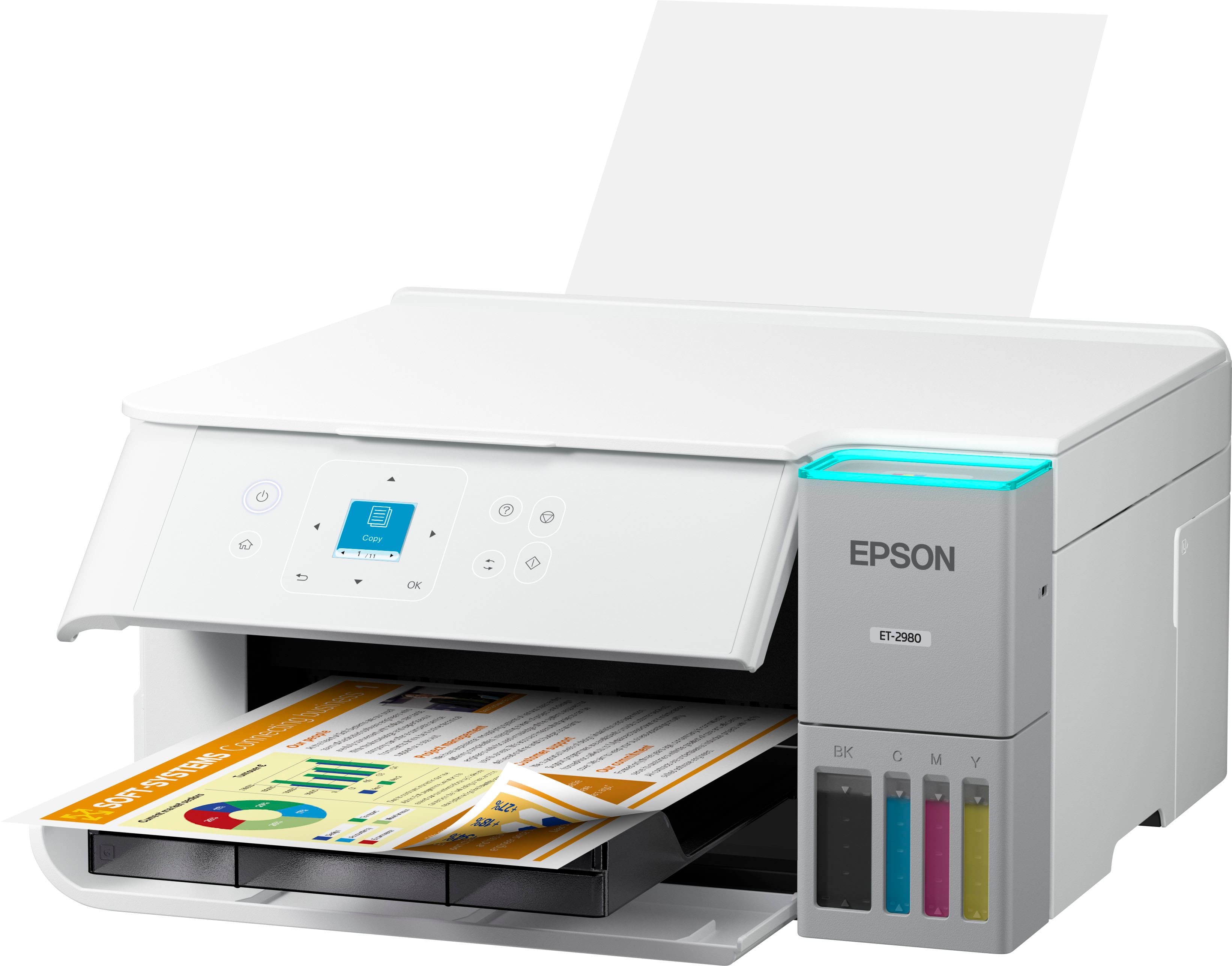
- A:Answer Hello Patty. Yes, the ET-2980 will work with your Android phone. You can download the "Epson Smart Panel" app from the Google Play Store to use the printer on your device. Regards, Kevin - The Epson Team.
Answered by Epson

Q: QuestionCan this printer print to envelopes?
Asked by JG3.
- A:Answer Hello JG3. Yes, the ET-2980 can print No.10 envelopes only. You can load approximately 10 envelopes at a time. Regards, Kevin - The Epson Team.
Answered by Epson

Q: QuestionCan this printer print documents and photos from a flash drive?
Asked by Anonymous.
This question was asked about the related product: Epson - EcoTank ET-2980 Wireless All-in-One Color Supertank Inkjet Printer - White
- A:Answer would have to go through your computer
Answered by DaveW
Q: Questionwhat is the warranty
Asked by Anonymous.
- A:Answer Hello. The ET-2980 includes a 1-year limited warranty and technical support for the life of the printer. Regards, Kevin - The Epson Team.
Answered by Epson

Most-viewed items
- $349.99$349.99The price was $389.99
- $799.99$799.99The price was $849.99
- $249.00$249.00The price was $323.00
- $199.00$199.00The price was $248.00
- $599.99$599.99The price was $699.99
- $619.99$619.99The price was $699.99
- $179.99$179.99The price was $229.99
- $599.99$599.99The price was $863.99
- $539.98$539.98The price was $639.34