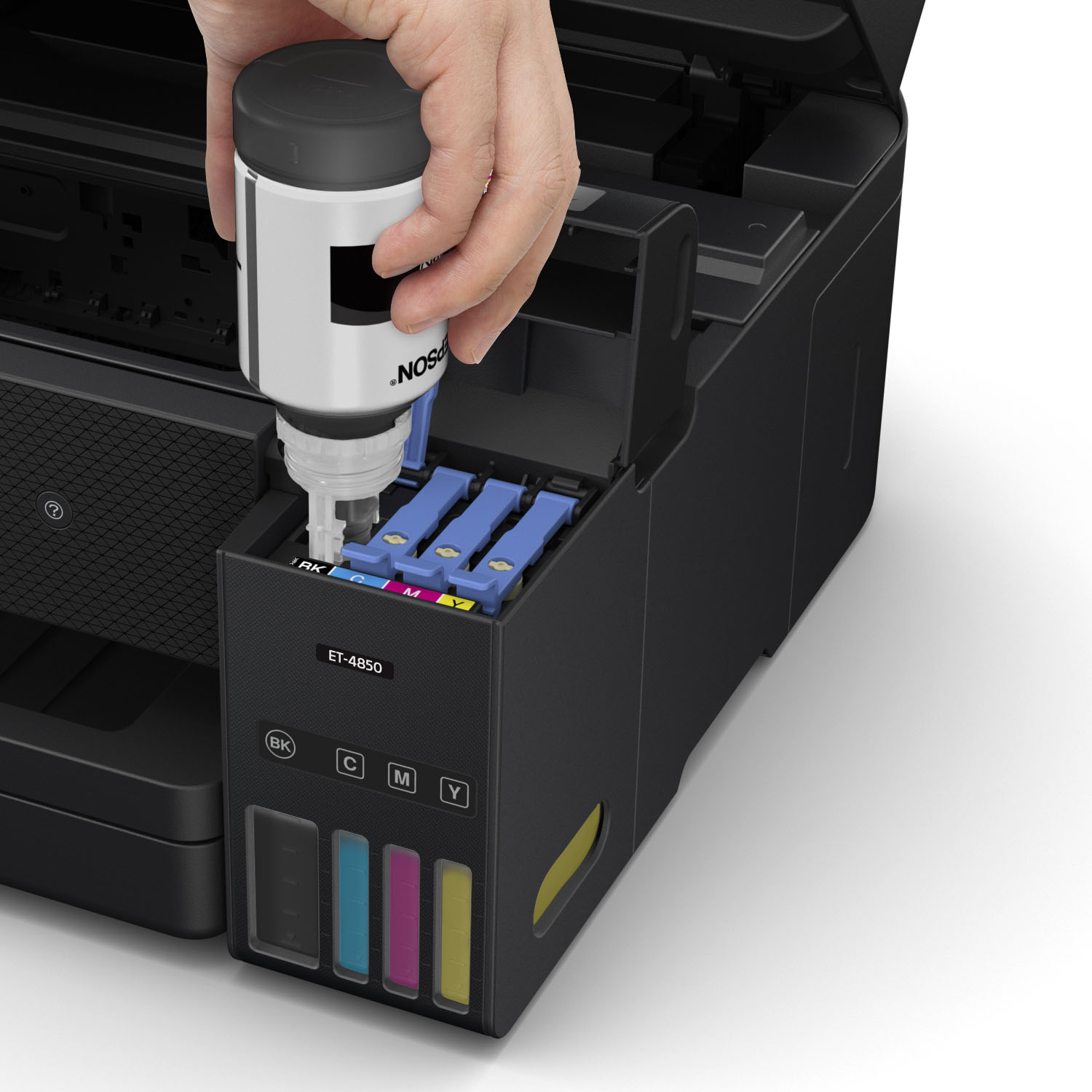
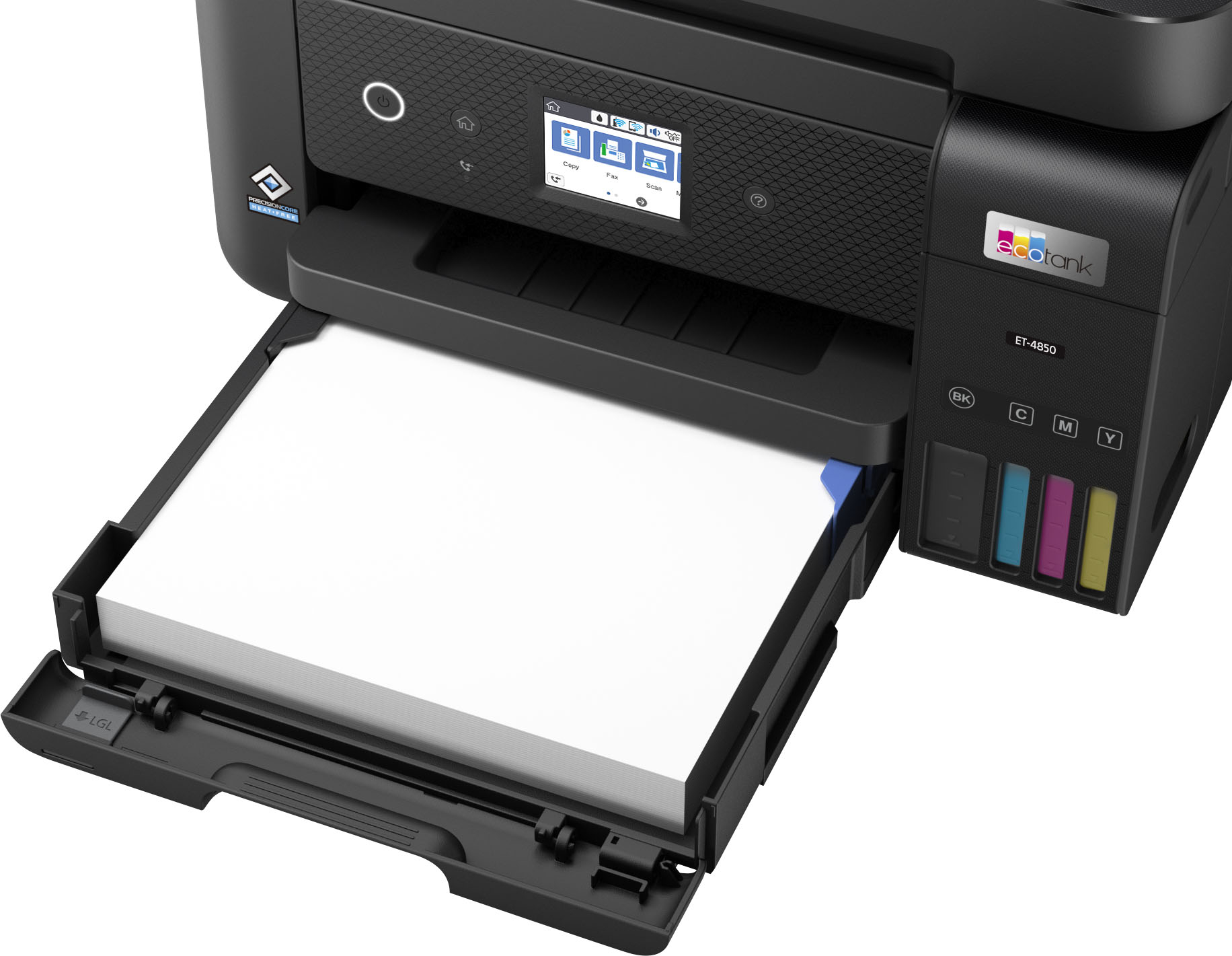
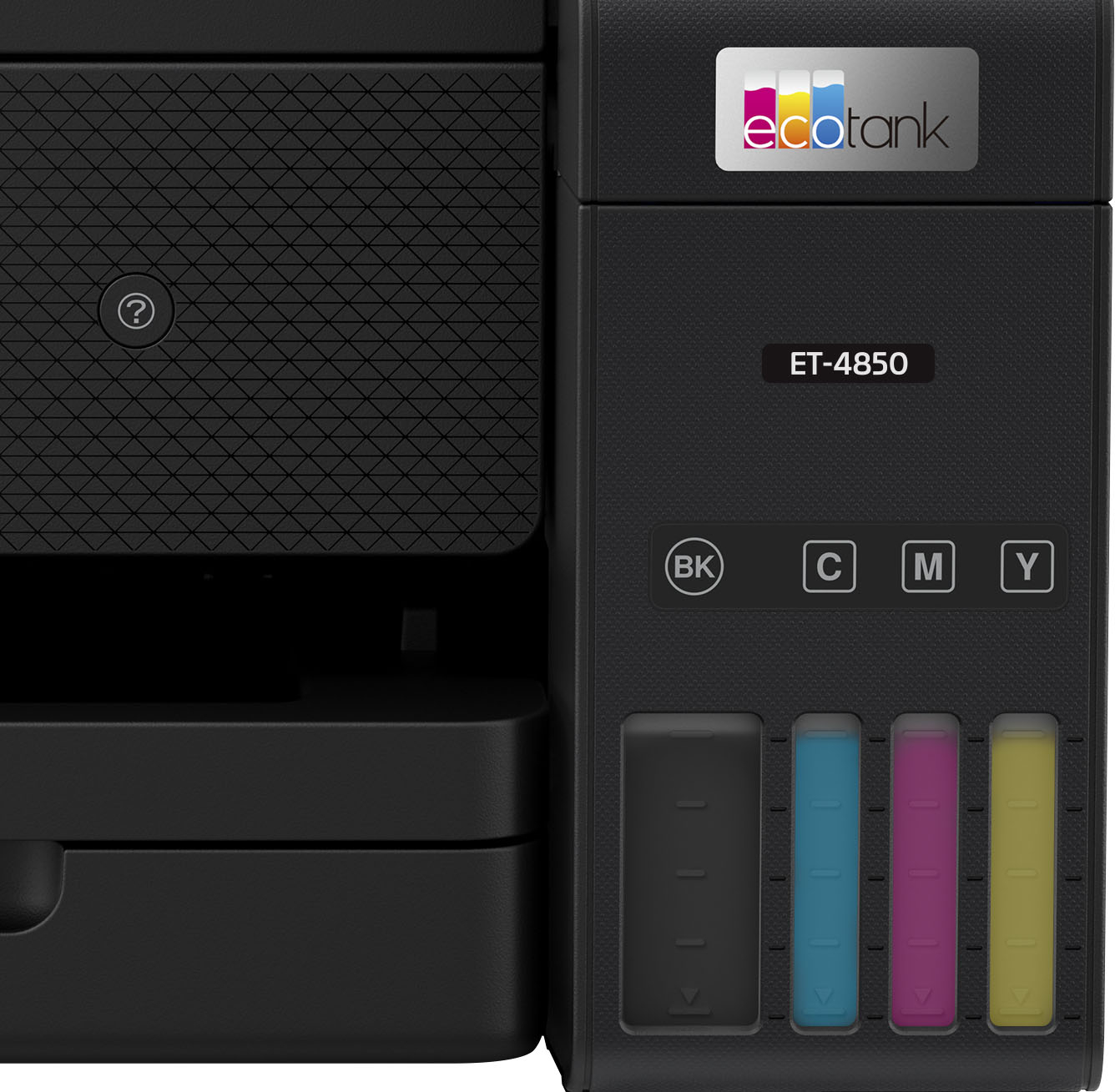
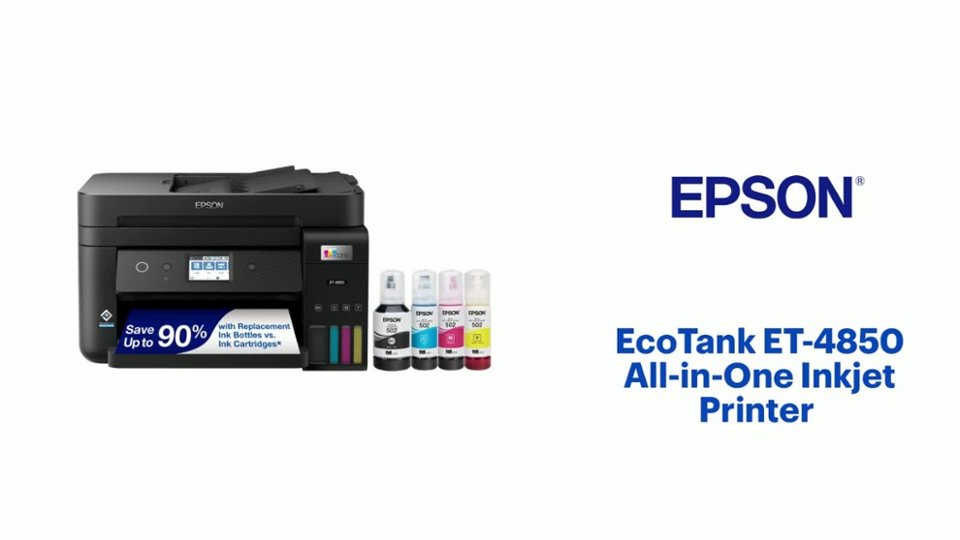
A:Answer Ink jet. It only takes liquid ink bottles, not toners like laser printers do, but I found it to be really easy to fill the ink containers.
So far the ink has been pretty good, but will sometimes needs an adjustment.
I have not used it on hard printing jobs like the Epson 8700 that I loved, but sadly, errored out after the 2 year warranty with a "moisture" problem, even though I disconnected those sensors.
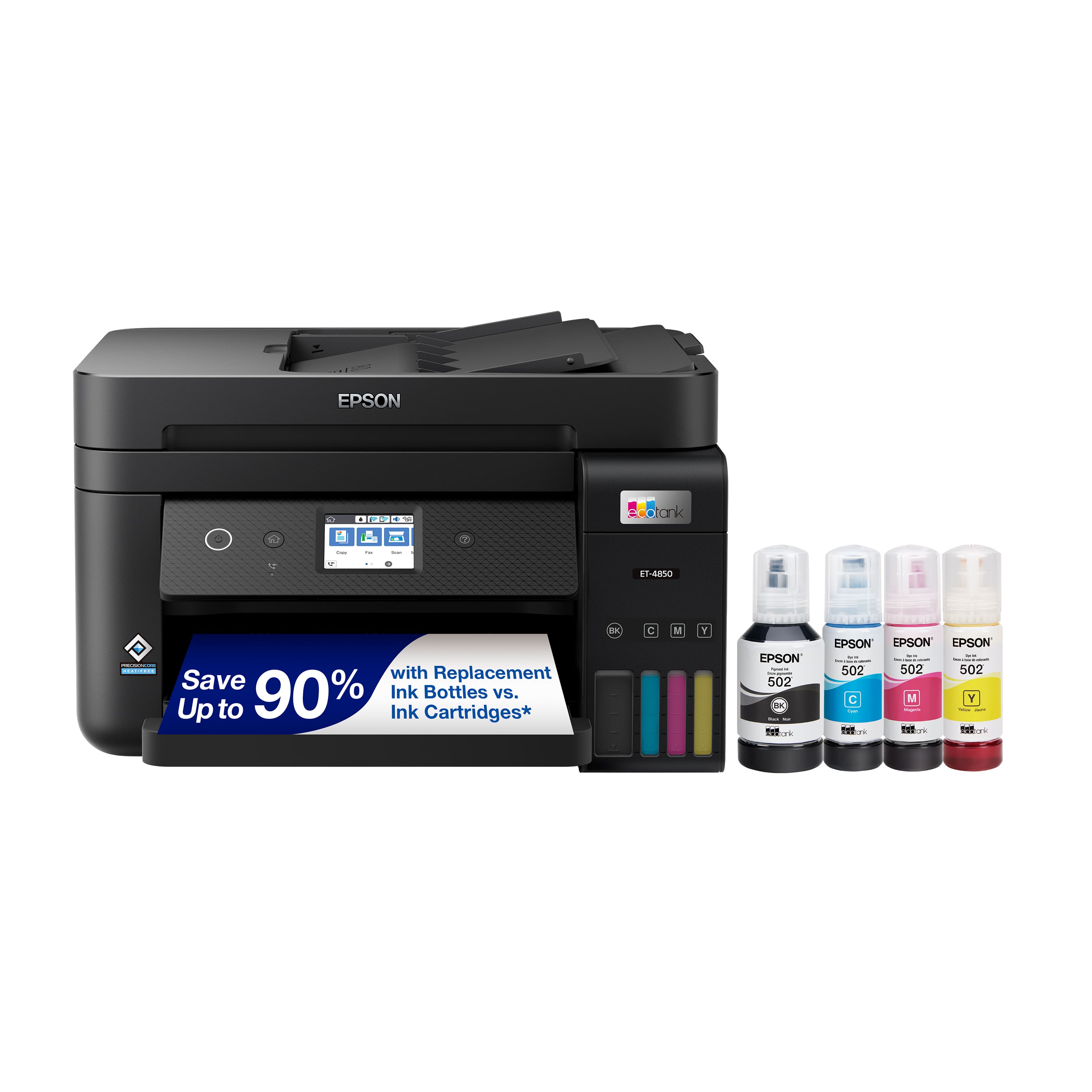
.](https://pisces.bbystatic.com/image2/BestBuy_US/images/products/a01213e6-2fa2-47d6-b2f3-64e0bf48e22f.jpg)
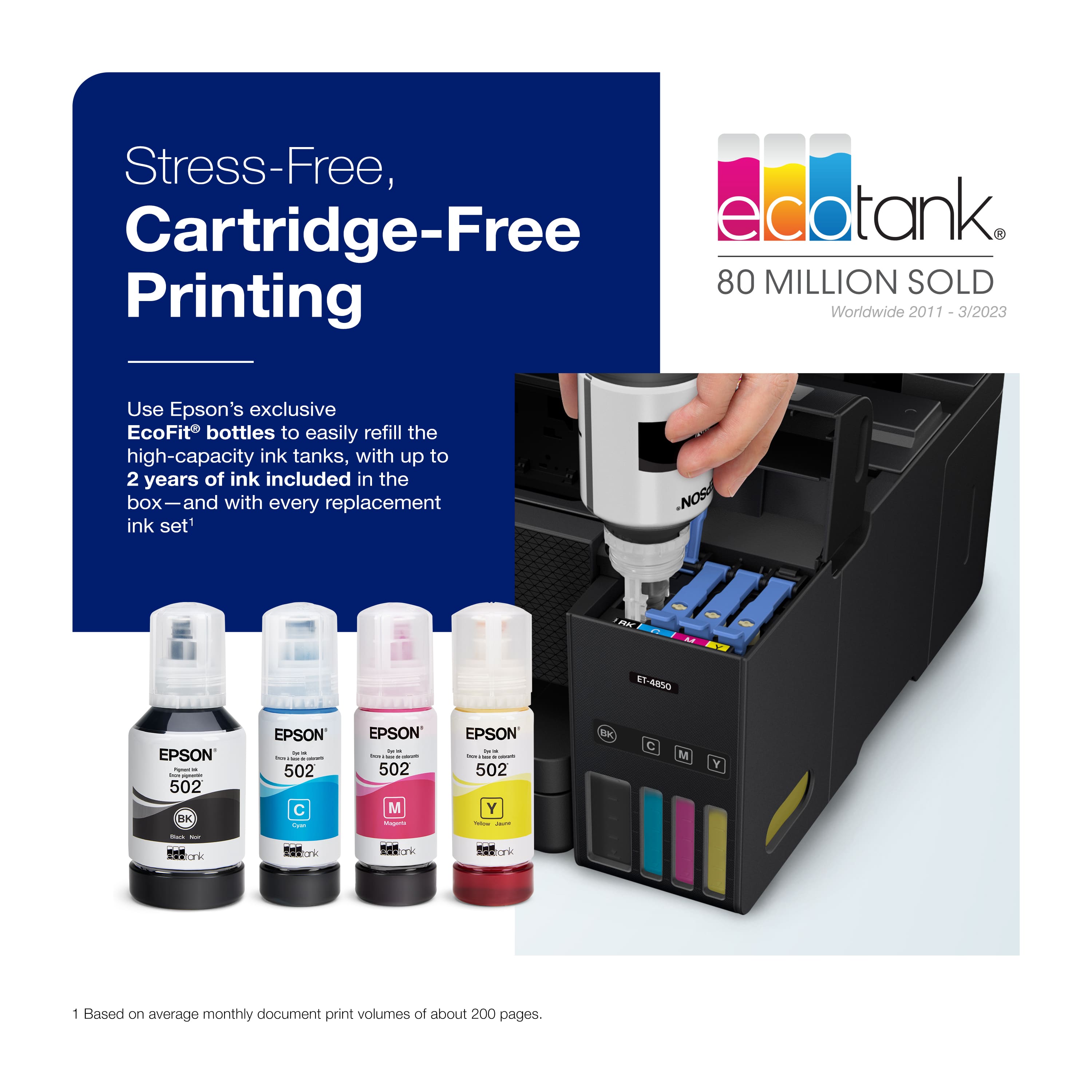
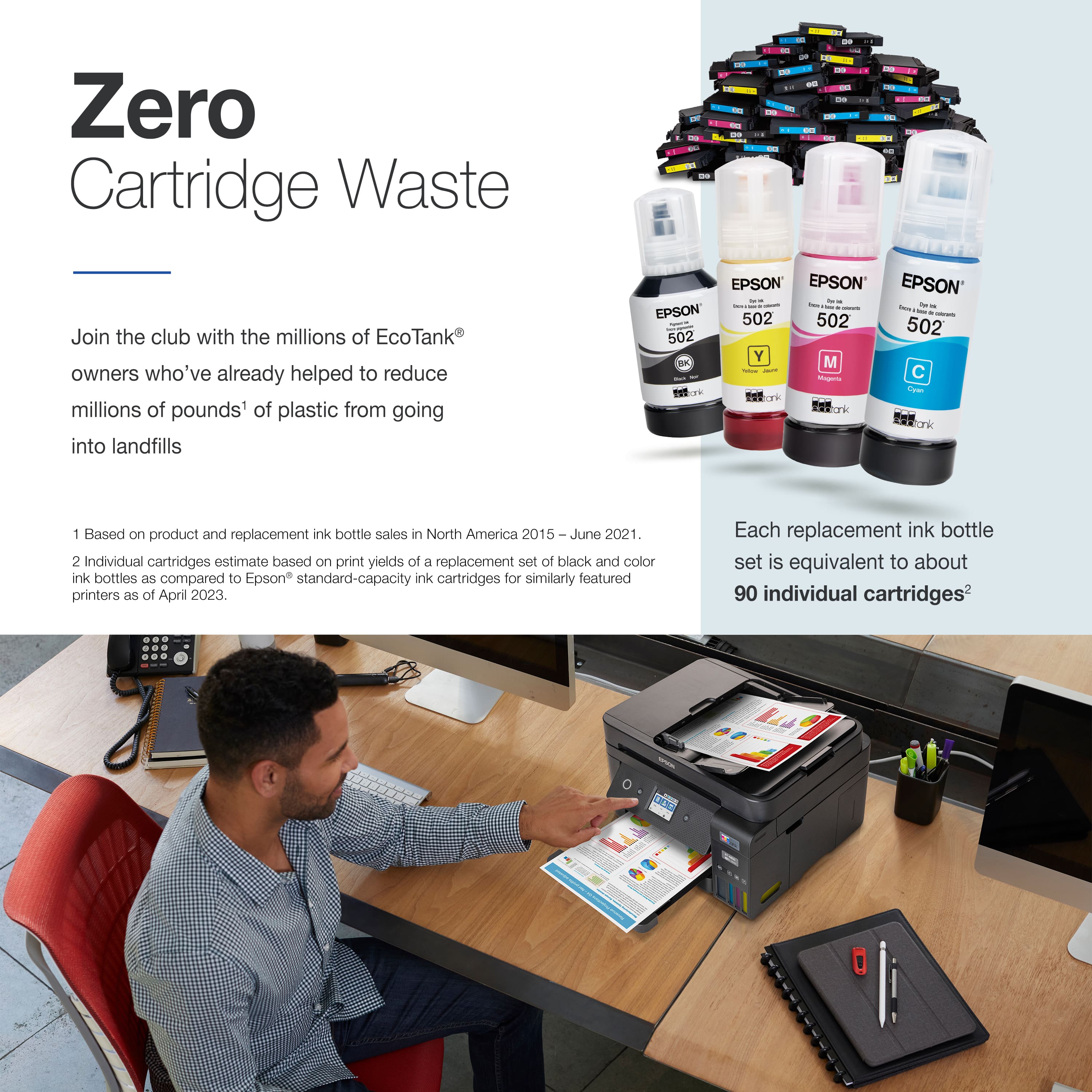
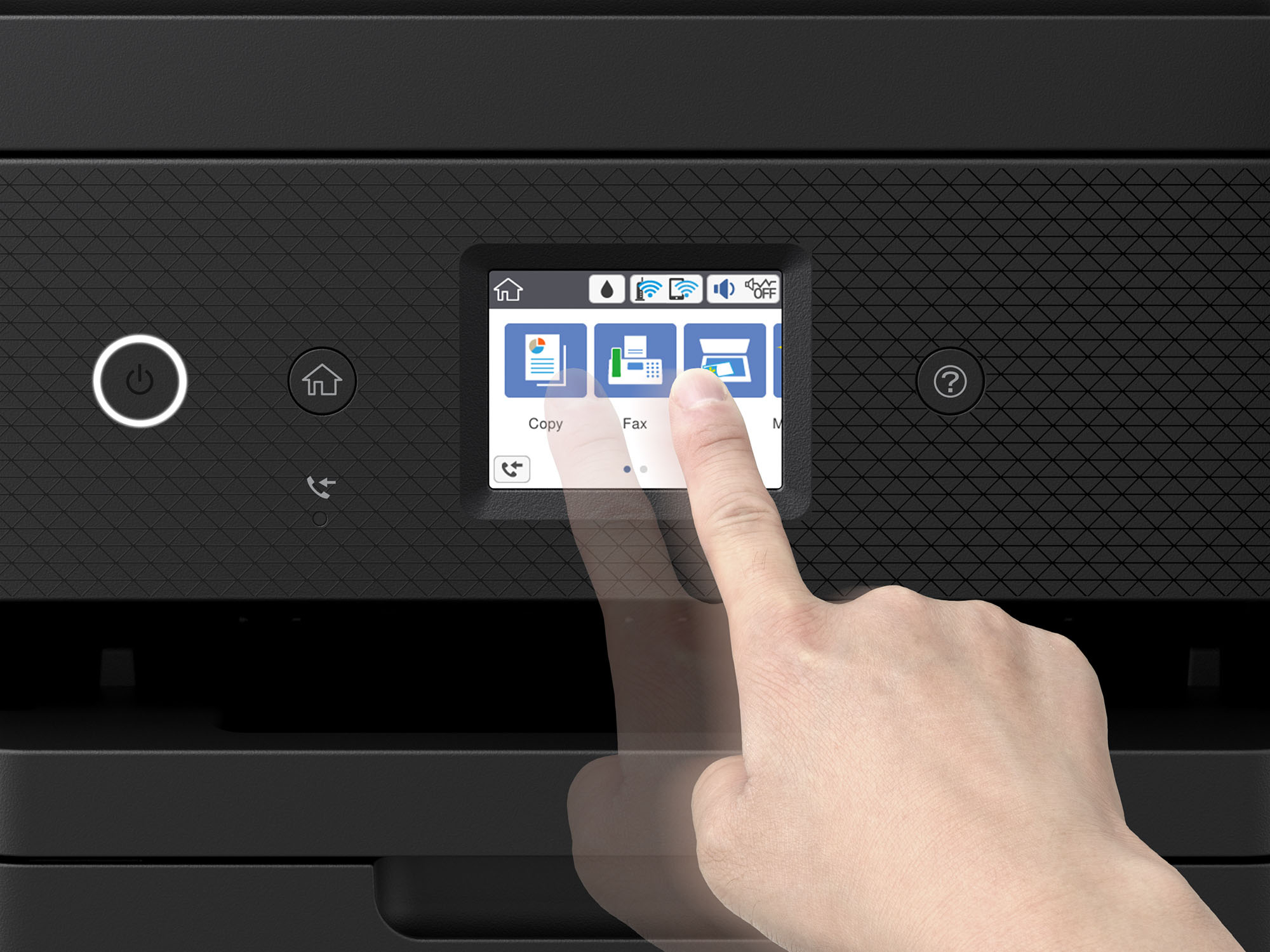
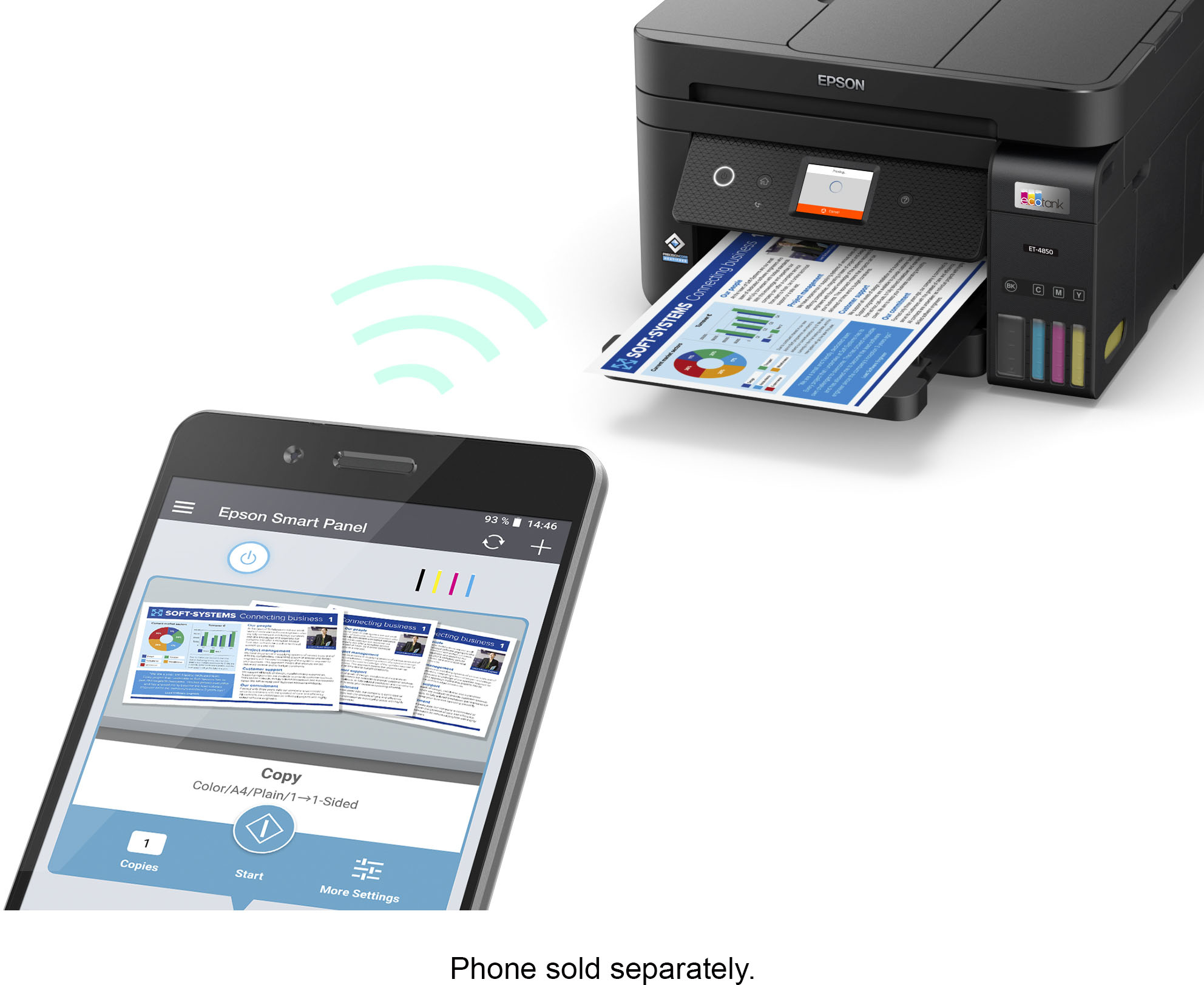
. Most features require a Internet connection to the printer, as well as an Internet- and/or email-enabled device. For a list of Epson Connect enabled printers and compatible devices and apps, visit [www.epson.com/connect](http://www.epson.com/connect).](https://pisces.bbystatic.com/image2/BestBuy_US/images/products/9d12aa07-d773-4dd1-9c3f-6223e2e99909.jpg)