Questions & Answers
- Model:
- C11CL40201
- |
- SKU:
- 6630482
Highly rated by customers for: Print Quality, Setup Ease
$499.99Your price for this item is $499.99
Page Showing 1-13 of 13 questions
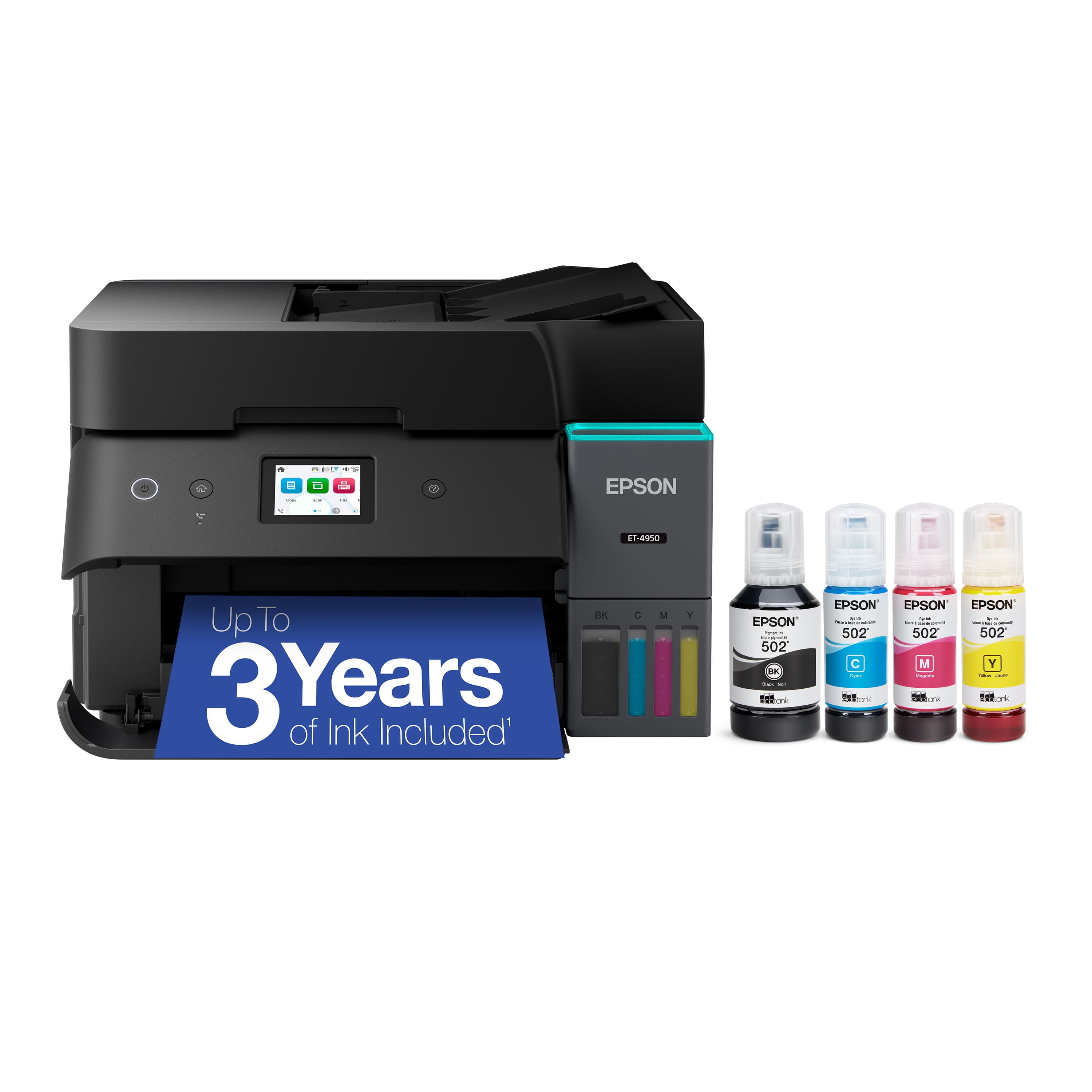
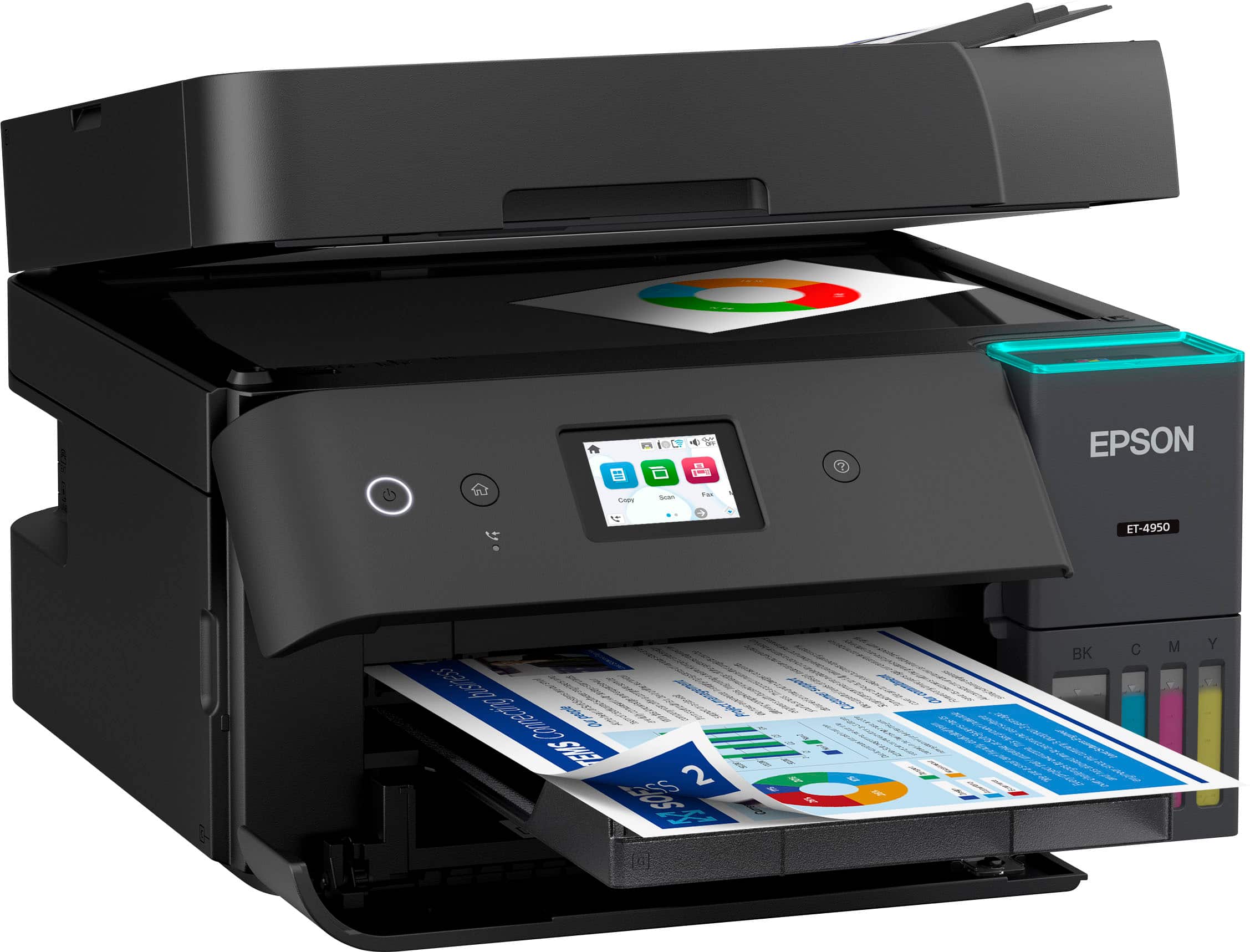
Q: QuestionDoes the Epson EcoTank ET-4950 have a USB outlet to save scanned items to from the flatbed scanner????
Asked by WTD65.
- A:Answer Hello WTD65. Yes, the ET-4950 includes a USB port so that you can save scanned files to your computer. Depending on your computer, you will need to use a "USB A to B" or "USB B to C" connection. Regards, Kevin - The Epson Team.
Answered by Epson
Q: QuestionDoes the ET-4950 do double-sided scanning?
Asked by Stevec.
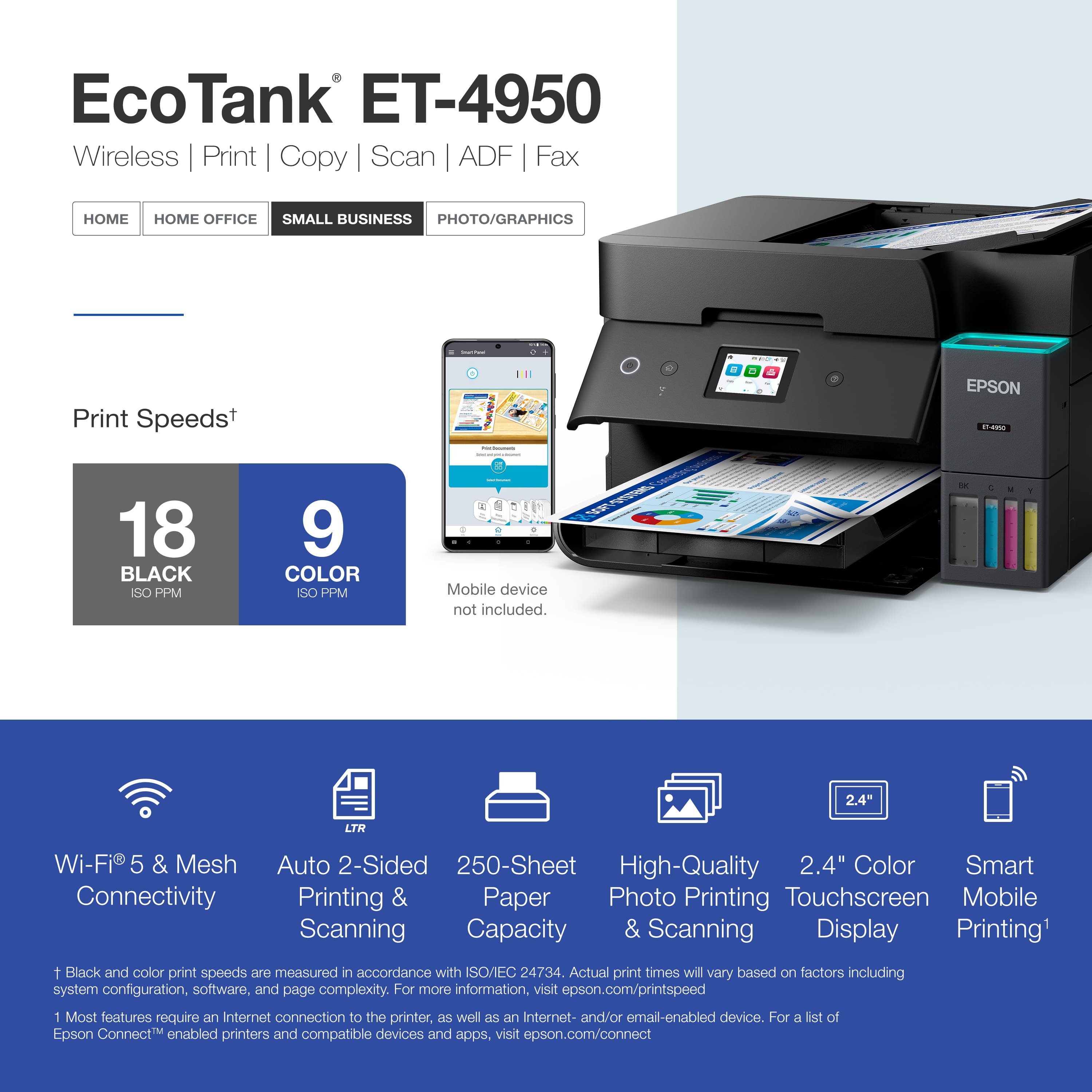
- A:Answer Hello Stevec. Yes, the ET-4950 includes automatic 2-sided printing, copying, and scanning. Regards, Kevin - The Epson Team.
Answered by Epson
Q: QuestionDoes this Model ET-4950 allow you to scan multiple pages from the flatbed scanner to one file on your computer? The last Epson I had each page you would scan it would automatically send it directly to the computer.
Asked by RJKY.
- A:Answer Yes it does. You just need to choose that option when you scan.
Answered by Anonymous
Q: QuestionDo you have to use the fax option on this printer? As we don't have a in house telephone. Only cellphones.
Asked by Anonymous.
- A:Answer No. I have this printer and do not use the fax option. It does a great job on printing and scanning though!
Answered by tommyb3
Q: QuestionET-15000 and the ET-4950 are both roughly the same price and features. Can you help me understand why I should choose one over the other?
Asked by SonyaB.
- A:Answer Hello Sonya. Both printers offer similar functionality. However, if printing on larger paper sizes matters to you, we recommend the ET‑15000. As a Supertank printer, it can handle paper sizes up to 13" × 19". Regards, Kevin - The Epson Team.
Answered by Epson
Q: QuestionHello paper - can this printer support 110 card stock?
Asked by Anonymous.
- A:Answer Hello. The ET-4950 can print on cardstock, but feeding reliability can vary when using third-party paper based on the brand, texture, thickness, and weight. We recommend testing a sample first to make sure it works well, since Epson doesn’t guarantee compatibility with all paper types. Regards, Kevin - The Epson Team.
Answered by Epson
Q: QuestionDoes this printer have a USB Drive port where I can print files directly from my USB drive?
Asked by Connie.
- A:Answer Hello Connie. The ET-4950 does not include a separate USB port for USB drives. The printer can only be used via Wi-Fi or a direct USB connection. Regards, Kevin - The Epson Team.
Answered by Epson
Q: QuestionWhere do you load envelopes and cardstock? Does it curl the cardstock?
Asked by CatWoman.
- A:Answer Hello CatWoman. Envelopes and cardstock must be loaded in the lower paper cassette. Cardstock may curl depending on its thickness and material, so testing a few sheets beforehand is recommended. Regards, Kevin - The Epson Team.
Answered by Epson
Q: QuestionWhere is the paper loaded from ?
Asked by paper.
- A:Answer Hello paper. The ET-4950 has a lower paper tray to load paper. You will need to pull the paper tray out, adjust the guide paper tray, and insert the print-side down. Regards, Kevin - The Epson Team.
Answered by Epson
Q: Questionwill this also fax 2-sided documents?
Asked by faxing.
- A:Answer Hello faxing. Yes, the ET-4950 features automatic two-sided printing, copying, scanning, and faxing. Regards, Kevin - The Epson Team.
Answered by Epson
Q: QuestionCan you link thru ethernet
Asked by WHR43.
- A:Answer Any way to the internet is a go. If on a wired home network between printer and PC should also be a go!
Answered by Anonymous
Q: QuestionCan it be configured to scan directly to a network folder on a server without using a laptop or PC to initiate the scan?
Asked by Patrick.
- A:Answer Hello Patrick. Unfortunately, the ET-4950 does not have a scan to network folder option. However, you can scan to a cloud service (like Dropbox, OneDrive) via Epson Connect, or to a computer using Epson Scan software. Regards, Kevin - The Epson Team.
Answered by Epson
Q: Questioncan this printer scan 2 sided
Asked by dk.
- A:Answer Hello. Yes, the ET-4950 includes automatic 2-sided printing, copying, and scanning functionality. Regards, Kevin - The Epson Team.
Answered by Epson

Page 1, Showing 1-13 of 13 questions
Most-viewed items
- $189.89Your price for this item is $189.89$259.89The comparable value for this item is $259.89
- $239.99Your price for this item is $239.99
- $269.89Your price for this item is $269.89$369.89The comparable value for this item is $369.89
- $319.99Your price for this item is $319.99$389.99The comparable value for this item is $389.99
- $449.99Your price for this item is $449.99$699.99The comparable value for this item is $699.99
- $379.99Your price for this item is $379.99$419.99The comparable value for this item is $419.99
- $159.99Your price for this item is $159.99$189.99The comparable value for this item is $189.99
- $749.99Your price for this item is $749.99
- $214.00Your price for this item is $214.00$323.00The comparable value for this item is $323.00
- $699.99Your price for this item is $699.99$849.99The comparable value for this item is $849.99
- $229.99Your price for this item is $229.99$329.99The comparable value for this item is $329.99
- $329.89Your price for this item is $329.89
- $697.00Your price for this item is $697.00$699.99The comparable value for this item is $699.99
- $299.99Your price for this item is $299.99$356.99The comparable value for this item is $356.99
- $299.99Your price for this item is $299.99$429.99The comparable value for this item is $429.99
- $229.99Your price for this item is $229.99$269.99The comparable value for this item is $269.99
- $429.99Your price for this item is $429.99$579.99The comparable value for this item is $579.99
- $189.99Your price for this item is $189.99$269.99The comparable value for this item is $269.99