A:AnswerHi, The EcoTank ET-3760 cannot fax. The next printer series up, which includes the EcoTank ET-4850, does include fax capabilities. As of this posting, it was available on Bestbuy.com. Regards, Mark - The Epson Team.
A:AnswerHello jd. Yes, the ET-3760 is compatible with Chromebook computers. Our Epson Support page has information on how to set up the printer with your device. Regards, Kevin - The Epson Team.
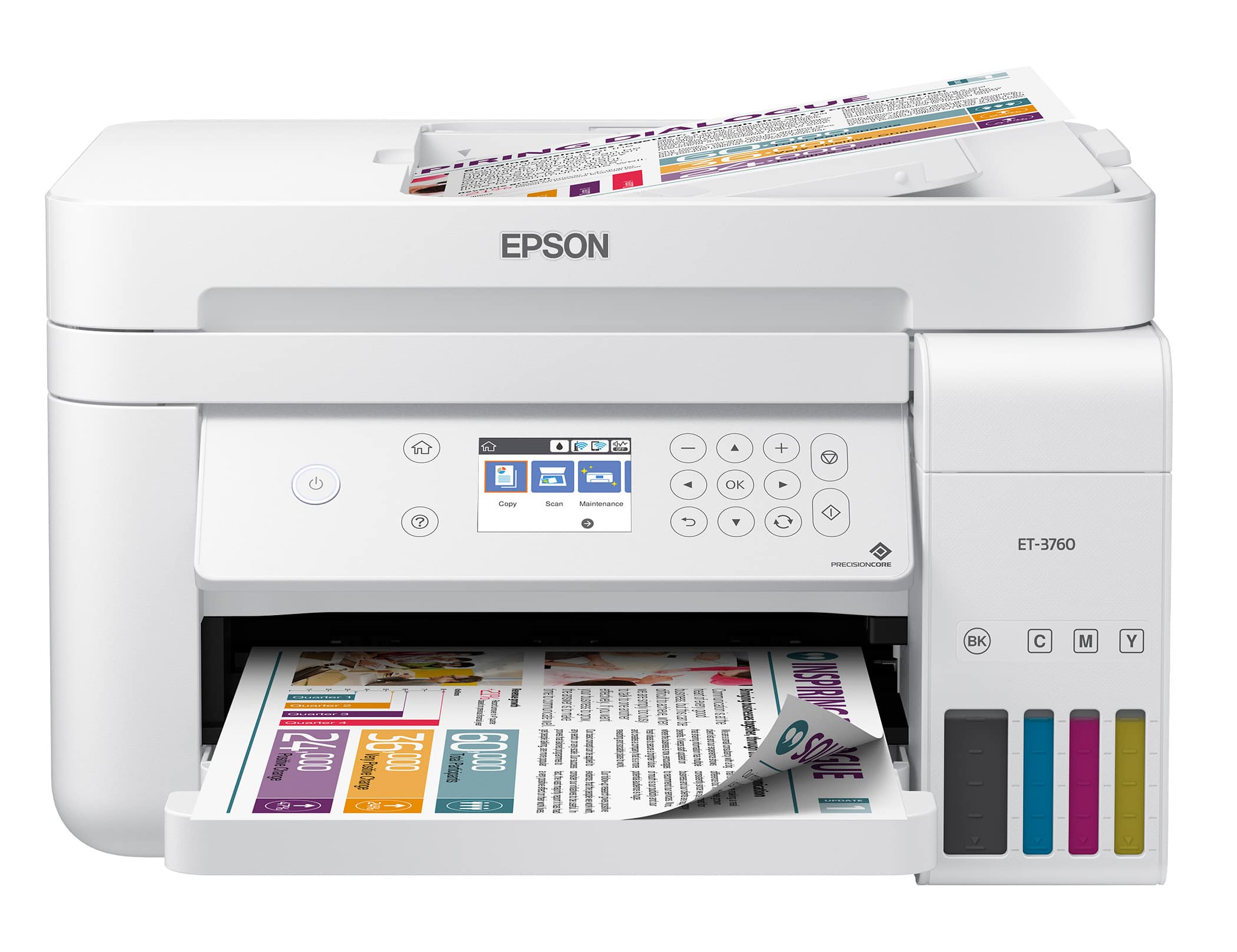
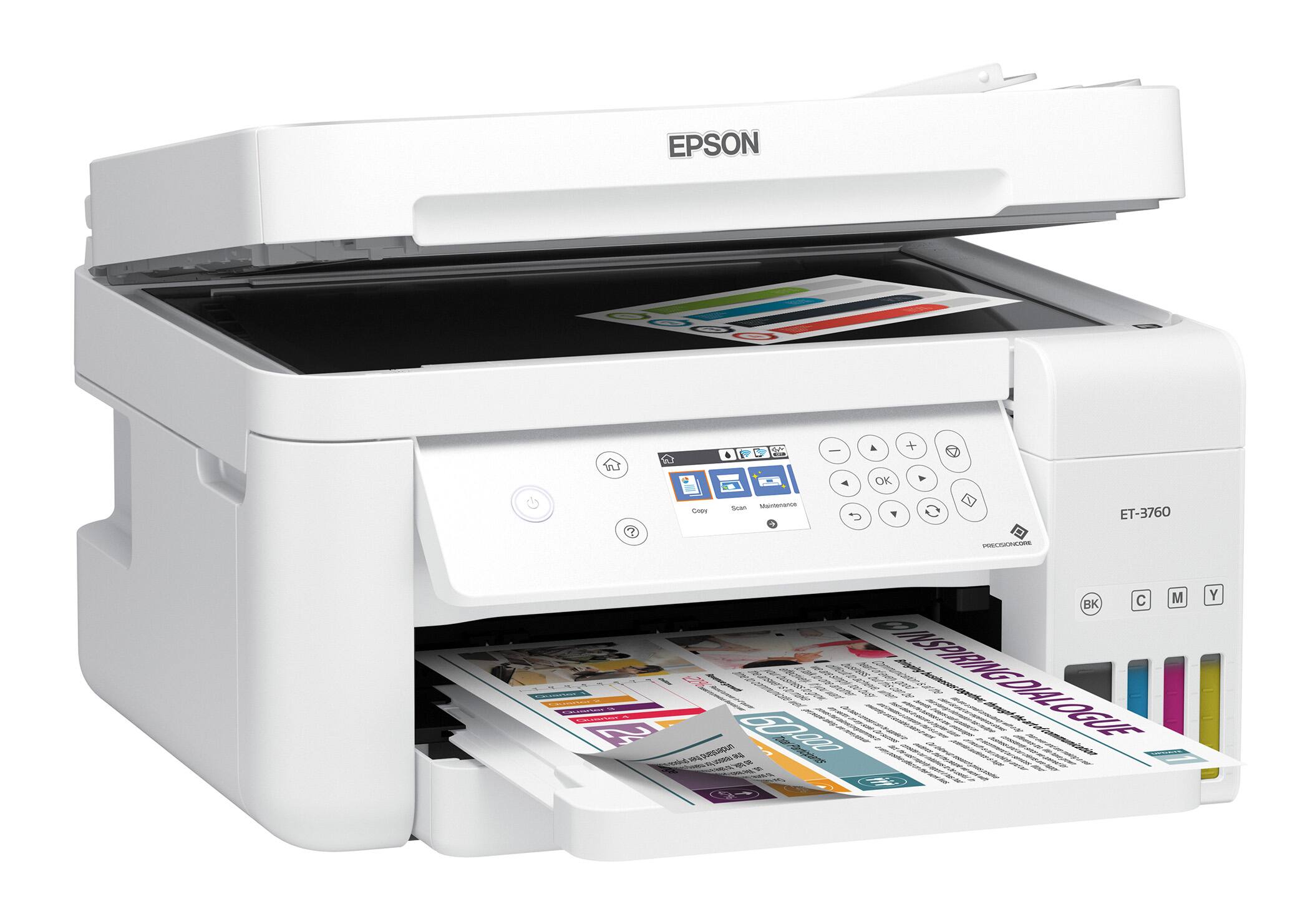
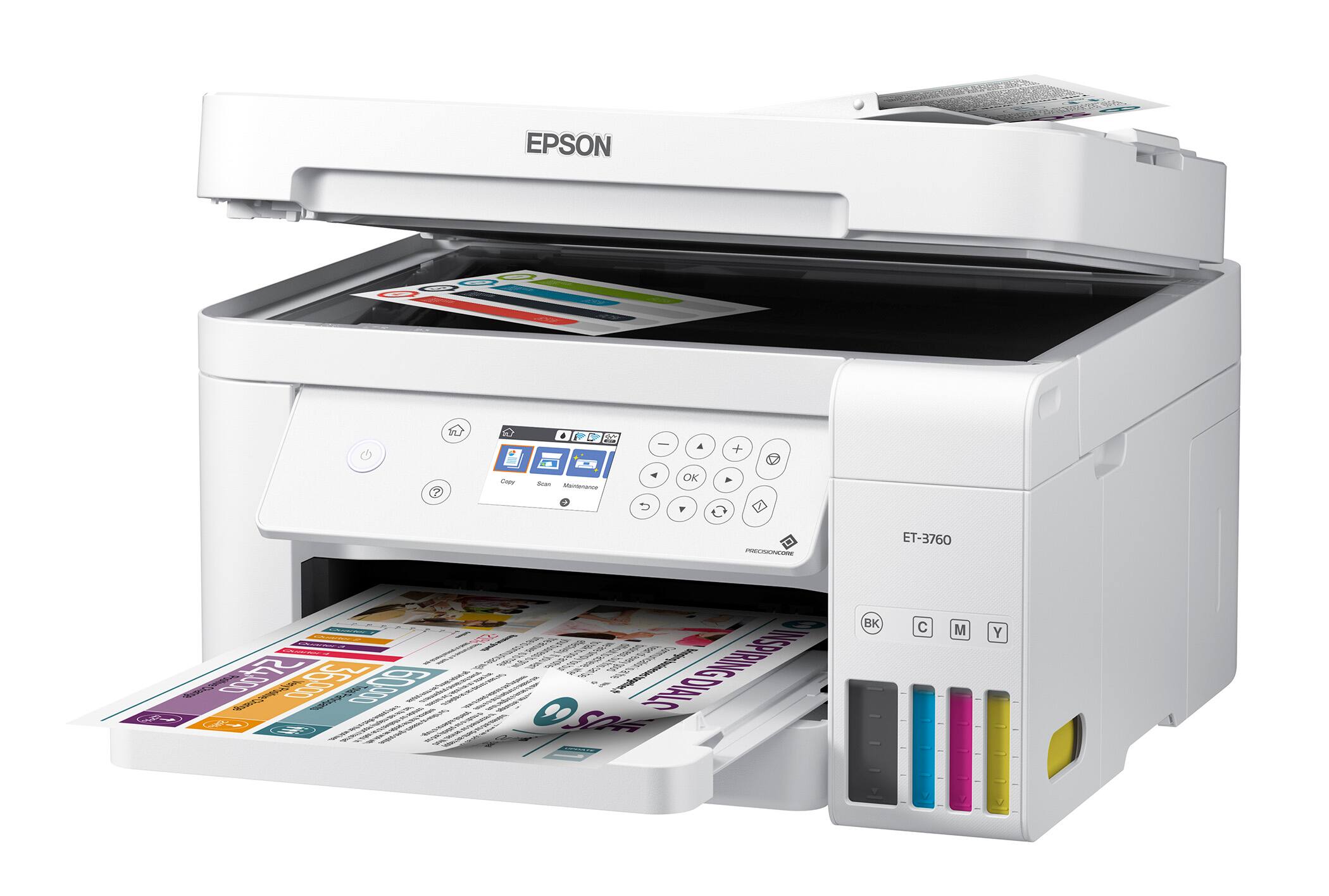
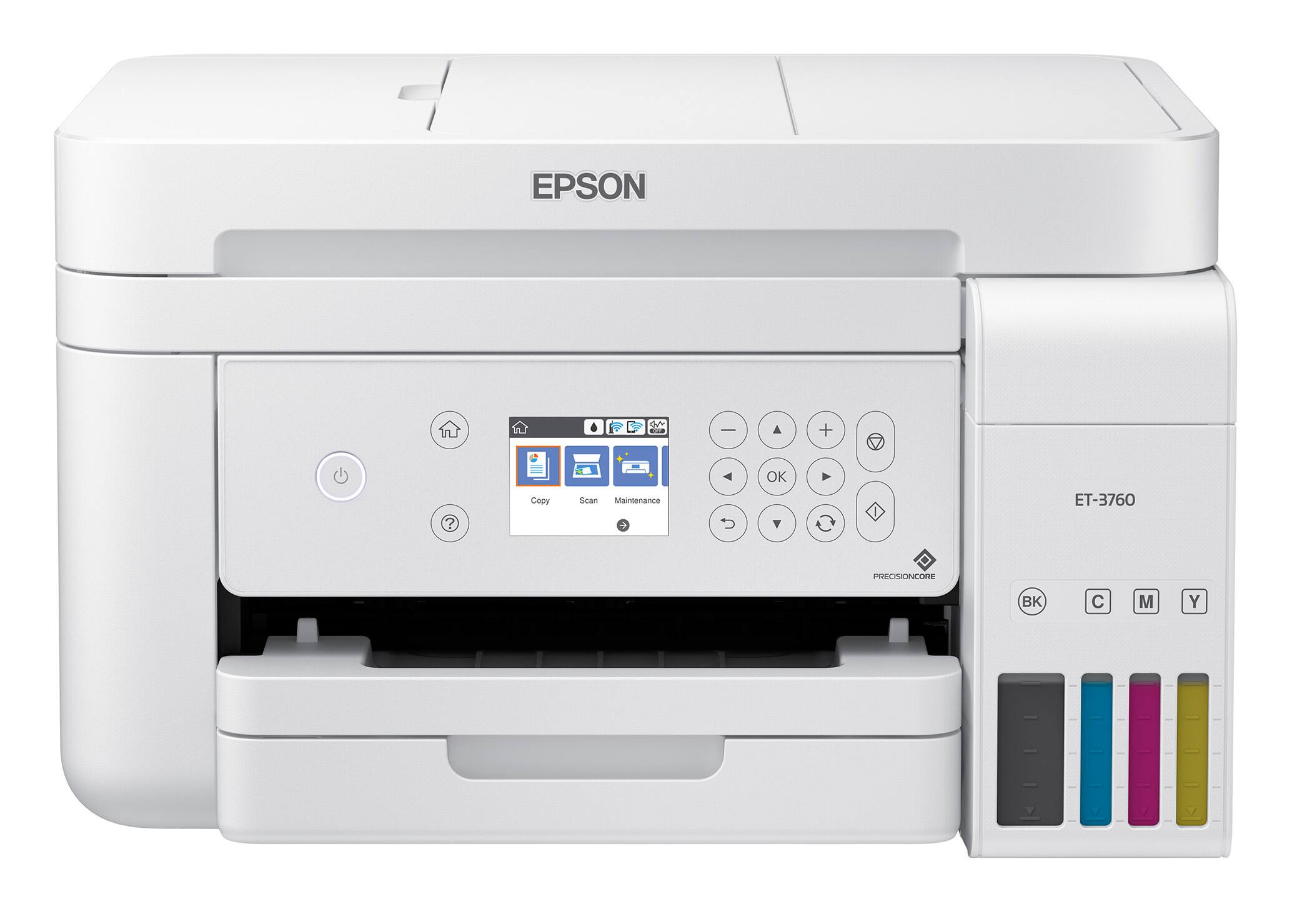
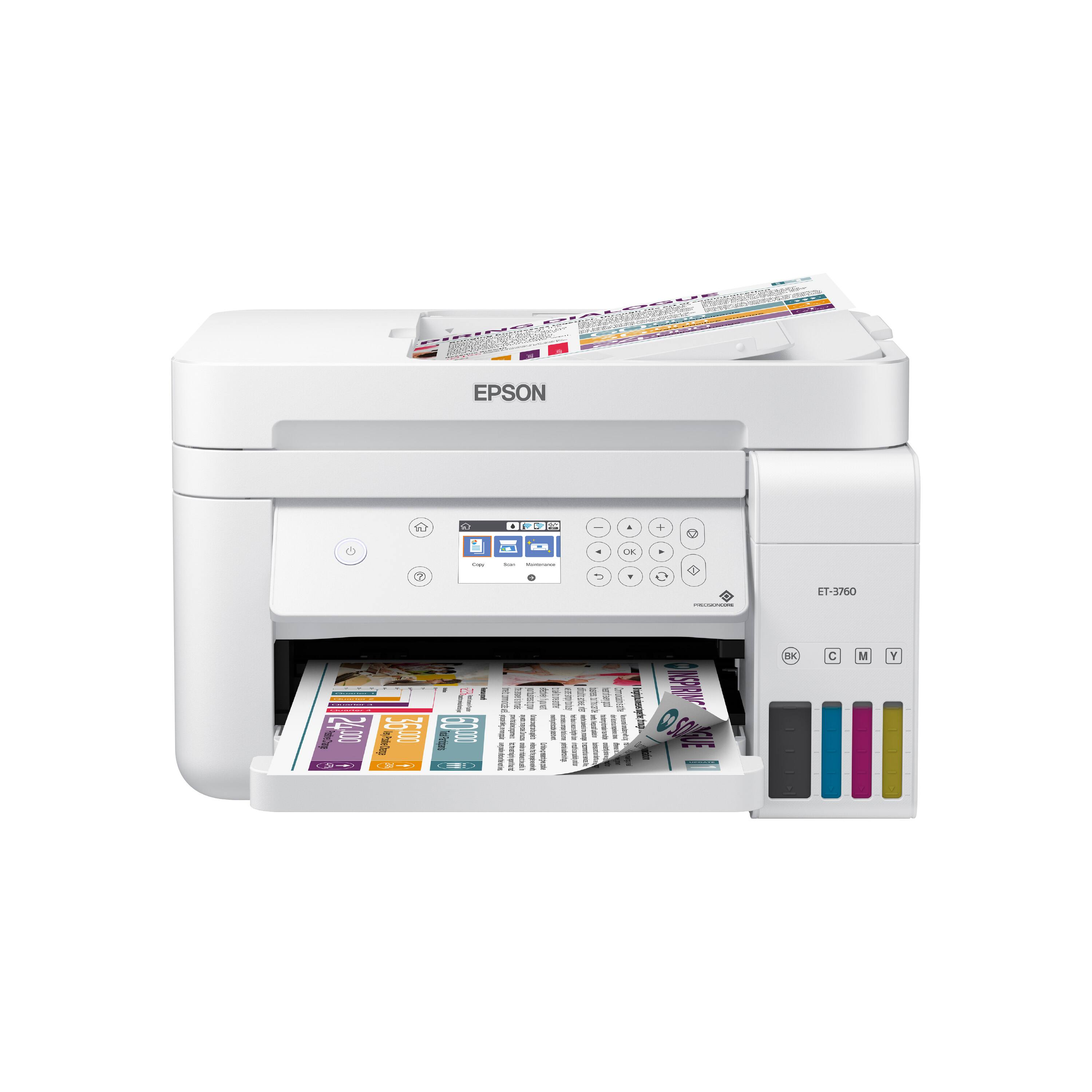
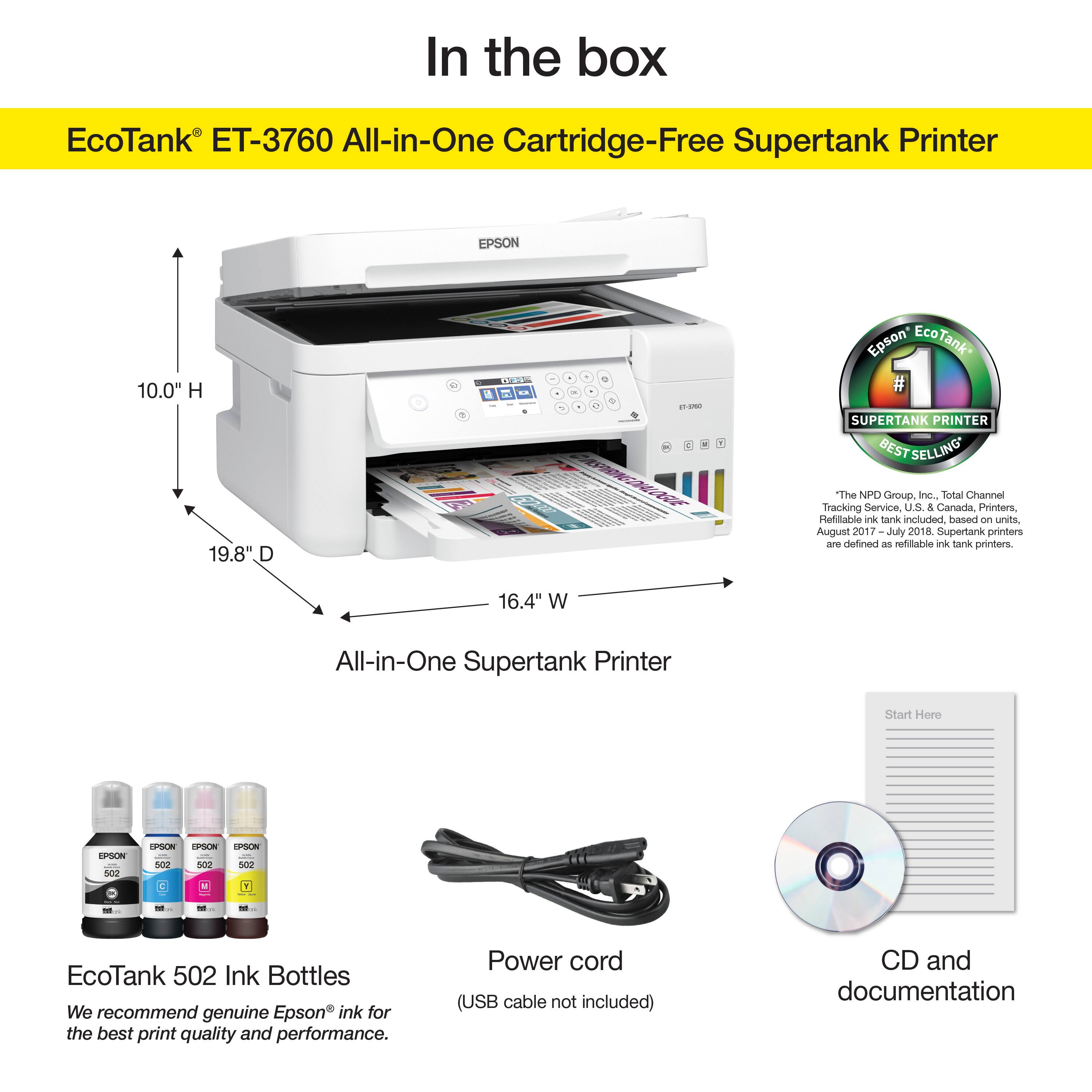
A:AnswerHello Erin, The ET-3760 measures 16.48"(W) x 19.8"(D) x 10"(H) while trays are extended during printing. When stored and not in use, the printer measures 14.8"(W) x 13.7"(D) x 9.1"(H). Regards, Kevin - The Epson Team.
A:AnswerHello. To adjust the size of your copy, you can go into the copy settings from the control panel of the ET-4760 and choose advance settings. You will see an option to Reduce/Enlarge where you can adjust the image size between 25 to 400%. Regards, Kevin - The Epson Team.
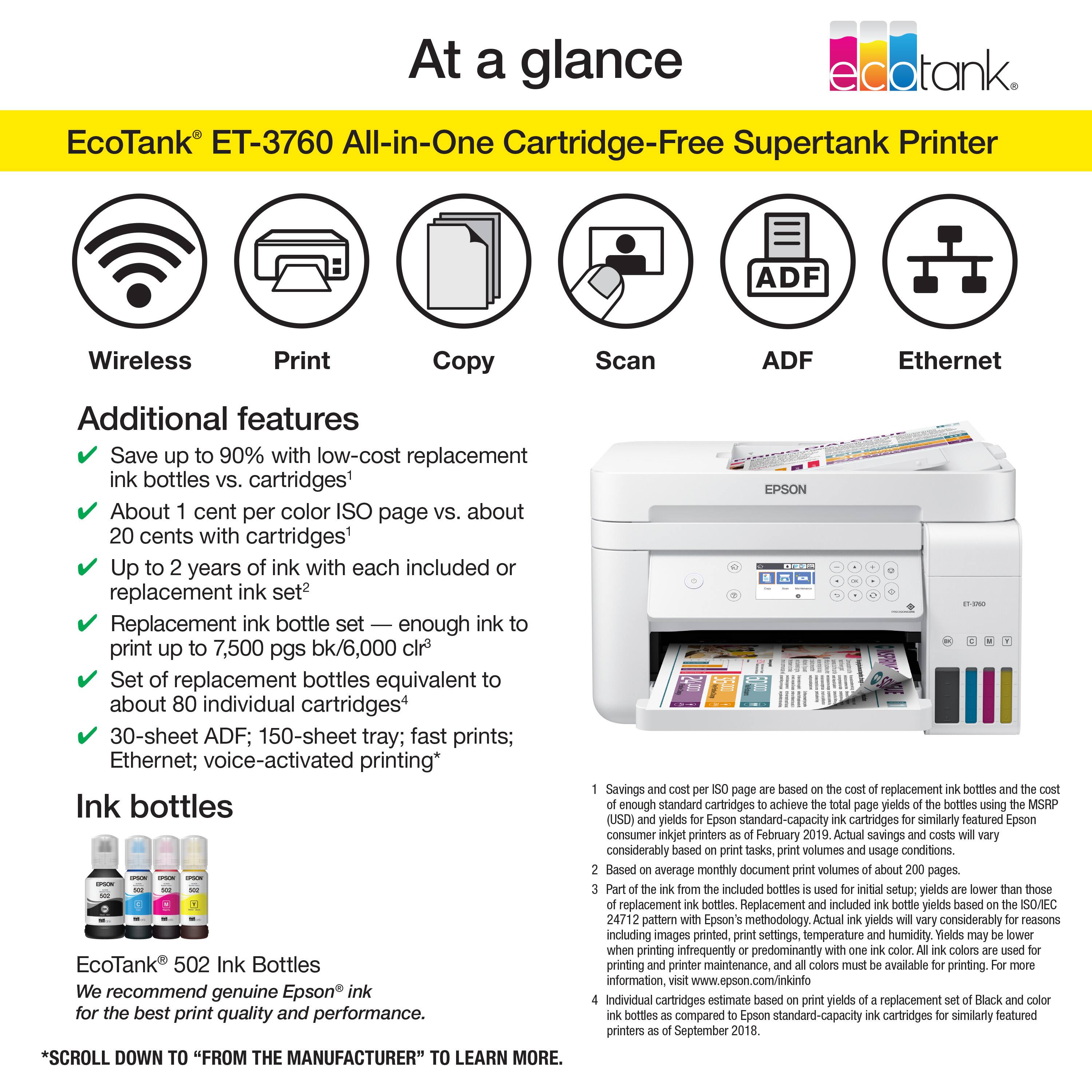
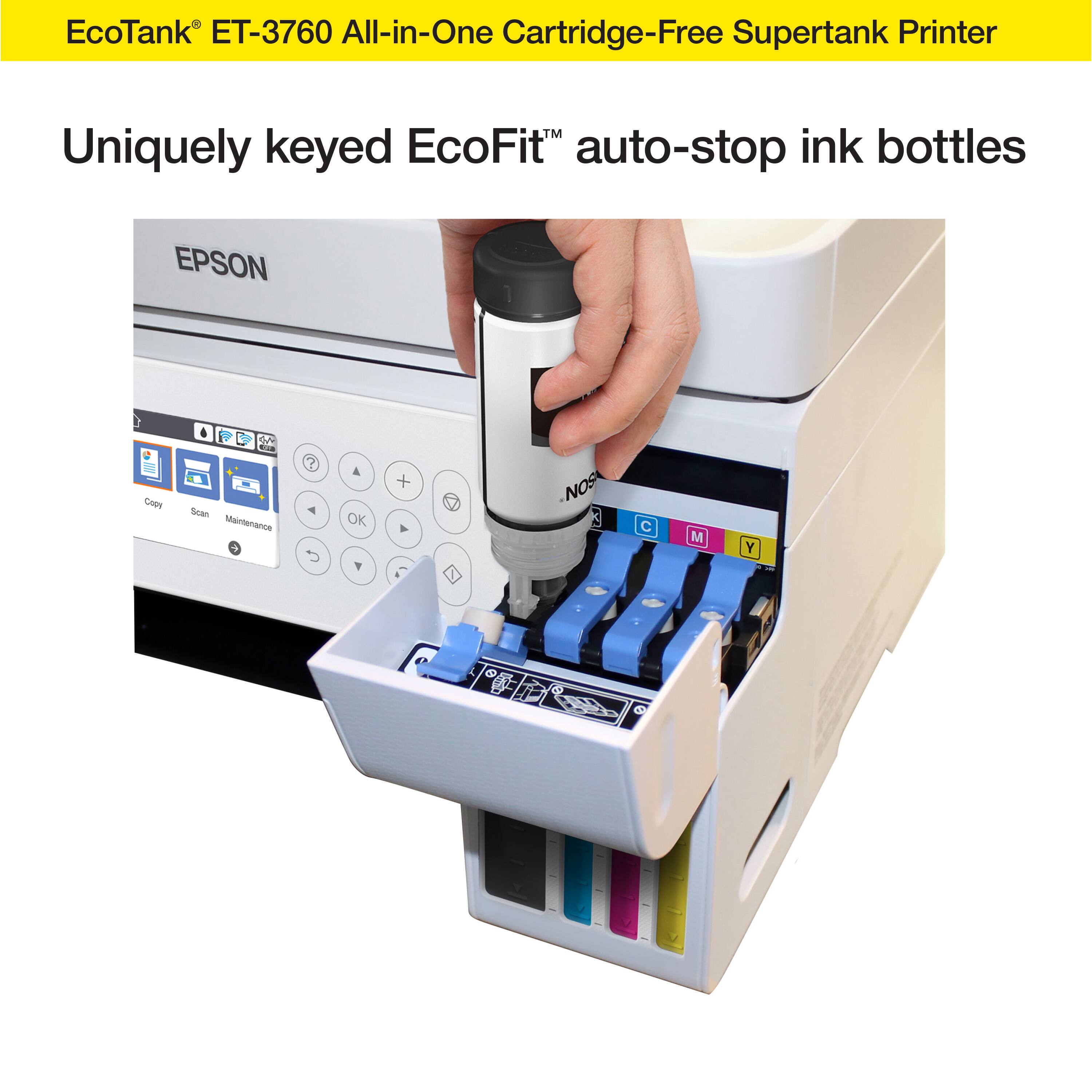
A:AnswerHello ali. Yes, the ET-3760 comes with four bottles of ink to get started. This includes Cyan, Magenta, Yellow, and Black. Regards, Kevin - The Epson Team.
A:AnswerHello Lchoate. We're sorry to hear about your overall experience with the ET-3760. We would like to see if we can further assist you with the paper roller issue you are experiencing. If you would like to give us another chance to resolve your issue, please don't hesitate to contact our Advanced Technical Support team for assistance. We look forward to hearing from you. Regards, Kevin - The Epson Team.
A:AnswerHello Ann. You can access the print head cleaning feature from the maintenance menu. Additionally, you can run test prints and print head cleanings from the printer driver settings on the computer as well. This can be handy if you have remote access to your computer, as you might be able to perform these tasks while away. Unfortunately, there isn't a feature for the ET-3760 to complete scheduled or automated head cleanings. Regards, Kevin - The Epson Team.
A:AnswerHi ddevans, The EcoTank ET-3760 includes new 502 ink bottles in the box. The included ink should be enough for about two years of printing. Regards, Mark - The Epson Team.
A:AnswerHello Ed. Yes, the ET-3760 can be set up with a Chromebook computer. Please visit our official Epson Chromebook Support page for more information on setting up the printer. Regards, Kevin - The Epson Team.
A:AnswerHi unclemark64, EcoTank printers are not designed for sublimation, they are for document and photo printing. Using sublimation ink may damage the print head and affect warranty coverage. Regards, Mark - The Epson Team.
A:AnswerHi BuckeyeBen, The EcoTank ET-3760 can print on 52 lb. Epson Ultra Premium Presentation Paper Matte, so cardstock of a similar weight should feed through the printer. If you use cardstock with the ET-3760, please make sure it is compatible with inkjet printers. Regards, Mark - The Epson Team.
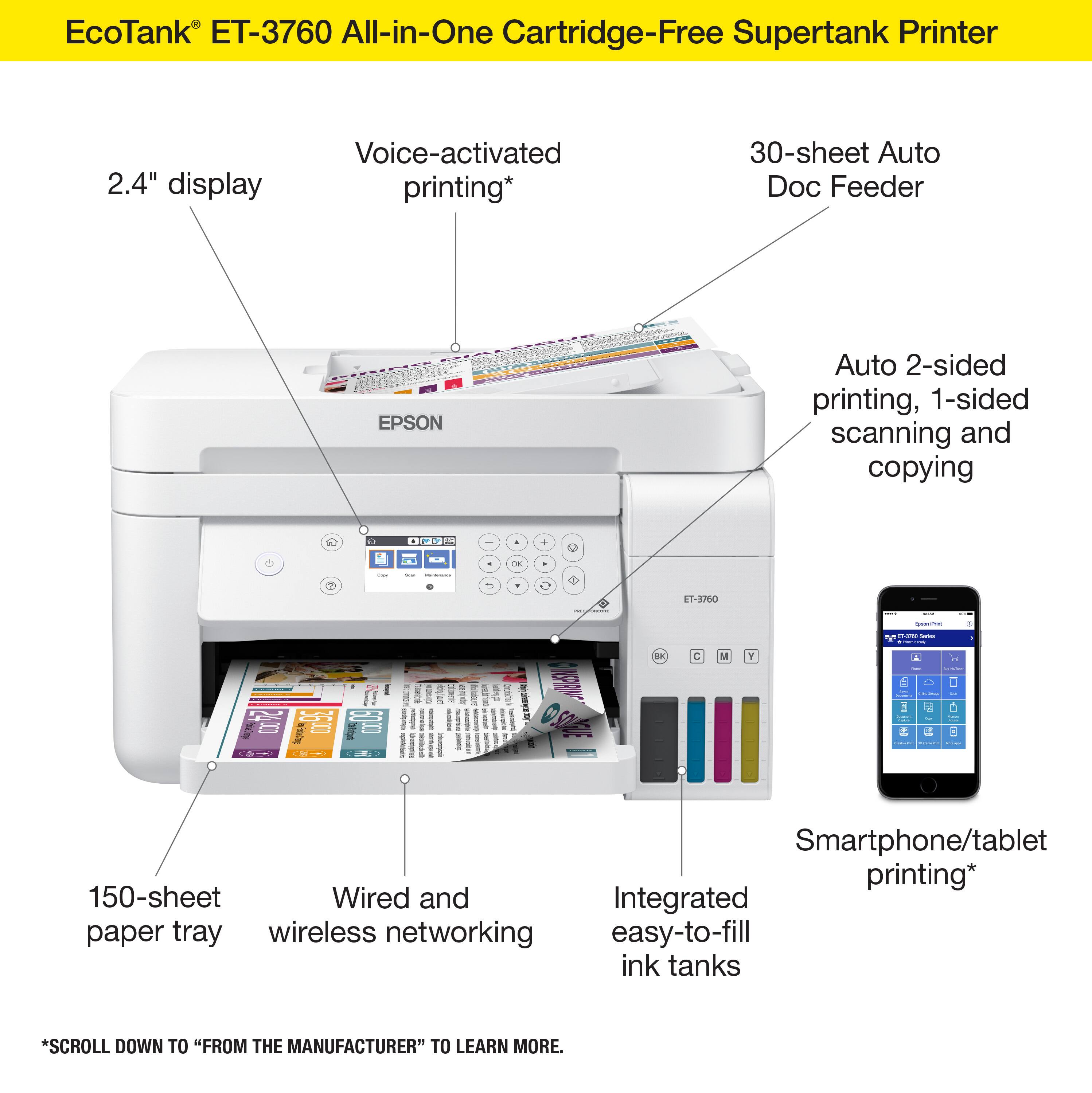
A:AnswerHello. The ET-3760 can load approximately 150 sheets of 8.5" x 11" sized plain paper in the paper cassette. It also accepts 8.5" x 14" sized paper, but you are limited to loading one sheet at a time. Regards, Kevin - The Epson Team.
A:AnswerHello. The ET-3760 is designed to work with T502 Ink Bottles. The ink bottles are available for purchase directly through BestBuy's website. Regards, Kevin - The Epson Team.