A:AnswerHello Gwejor. Unfortunately, the XP-6100 cannot print on 11" x 17" paper; the maximum supported paper size is 8.5" x 11". Regards, Kevin - The Epson Team.
A:AnswerHi radc5335, The Expression Premium XP-6100 has a permanent, non-removable print head that lasts the life of the product. You clean it using the front-panel controls, or the printer driver utility. Regards, Mark - The Epson Team.
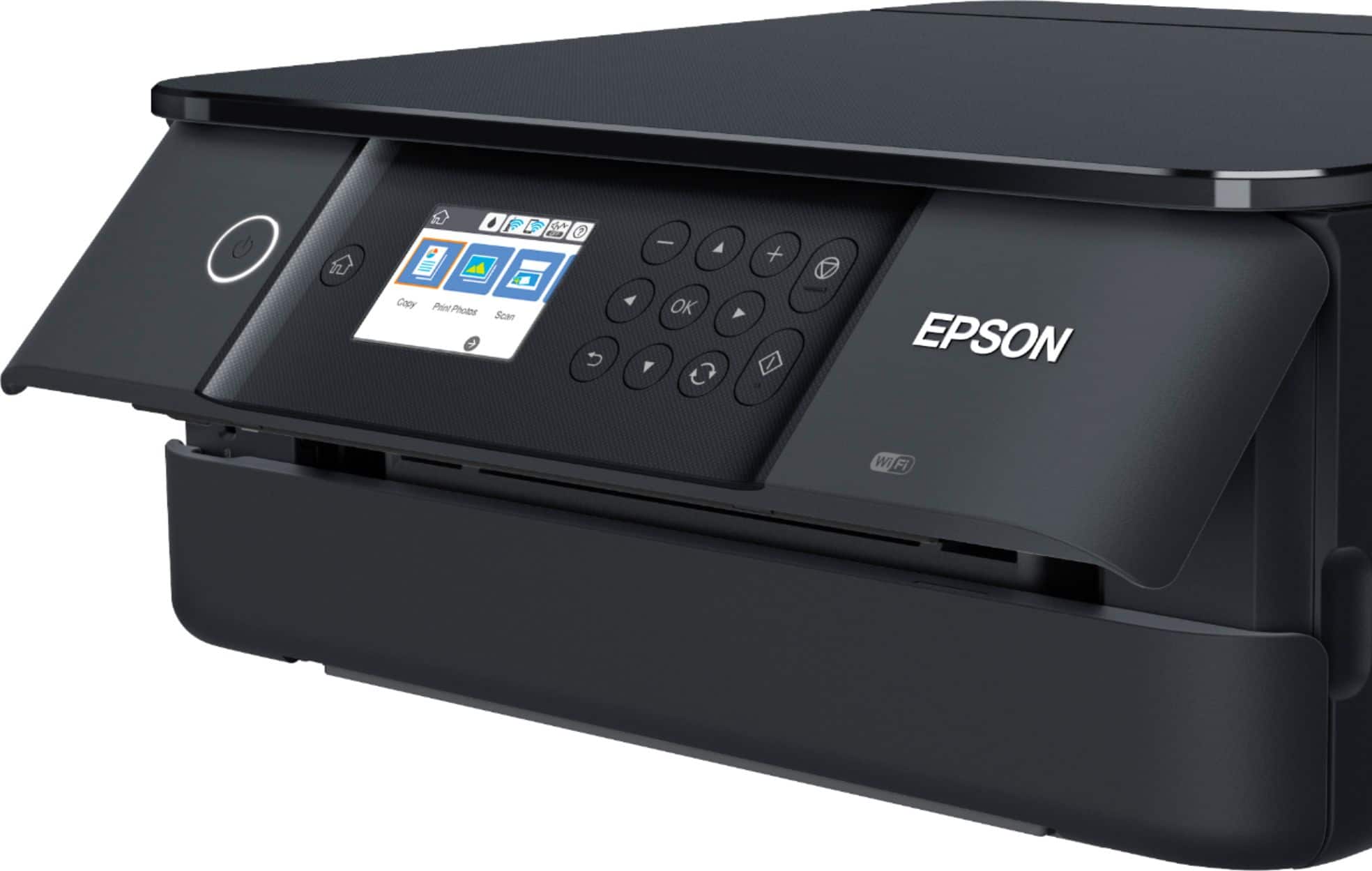
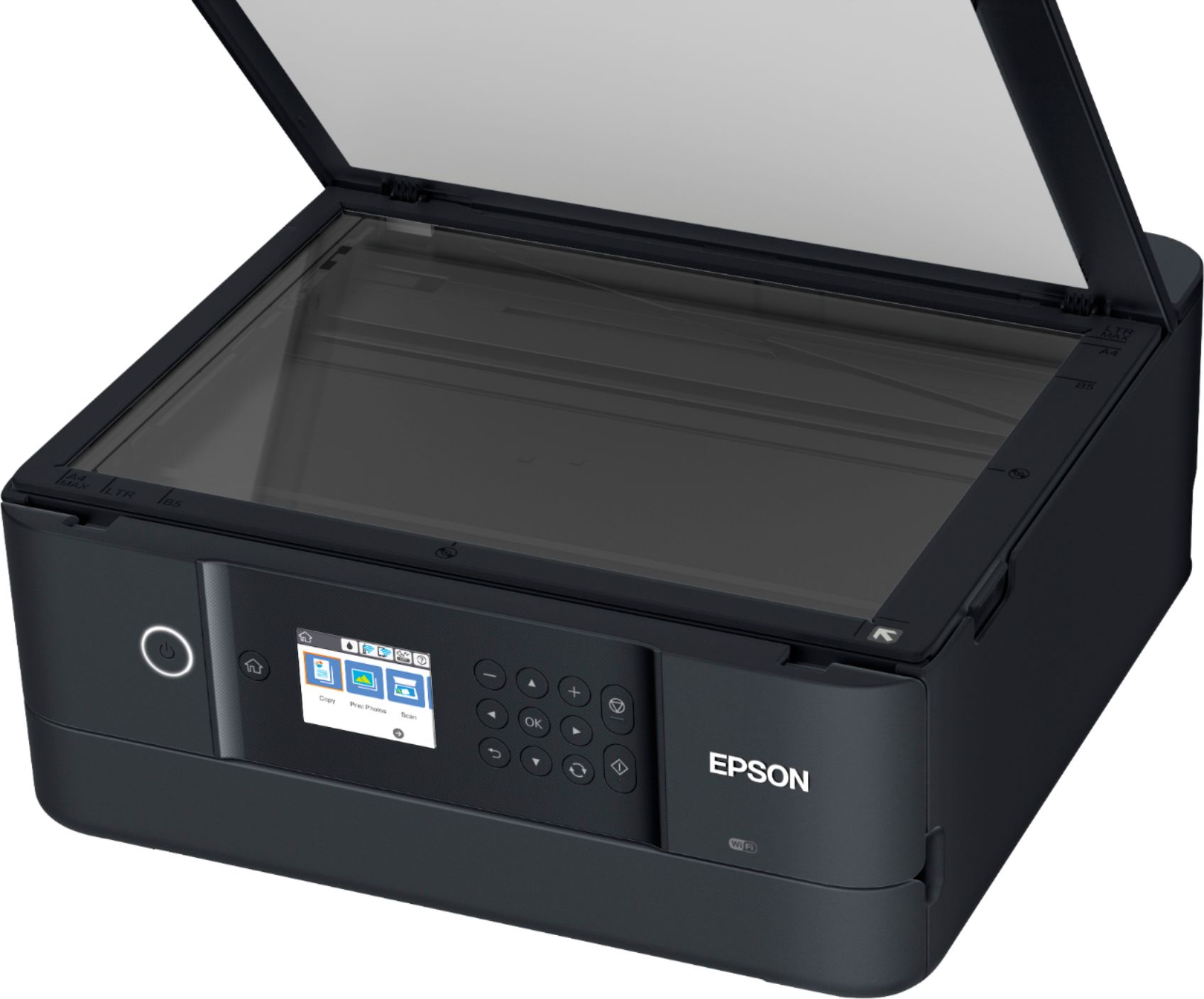
A:AnswerHello Deelong. The XP-6100 printer includes print, scan, and copy functionality. Unfortunately, the printer does not have fax features. Regards, Kevin - The Epson Team.
A:AnswerHello Deon. Yes, the WF-6100 includes a memory card slot that allows you to scan documents to a memory device. For more information on using this feature, please visit our official Epson Support page. Regards, Kevin - The Epson Team.
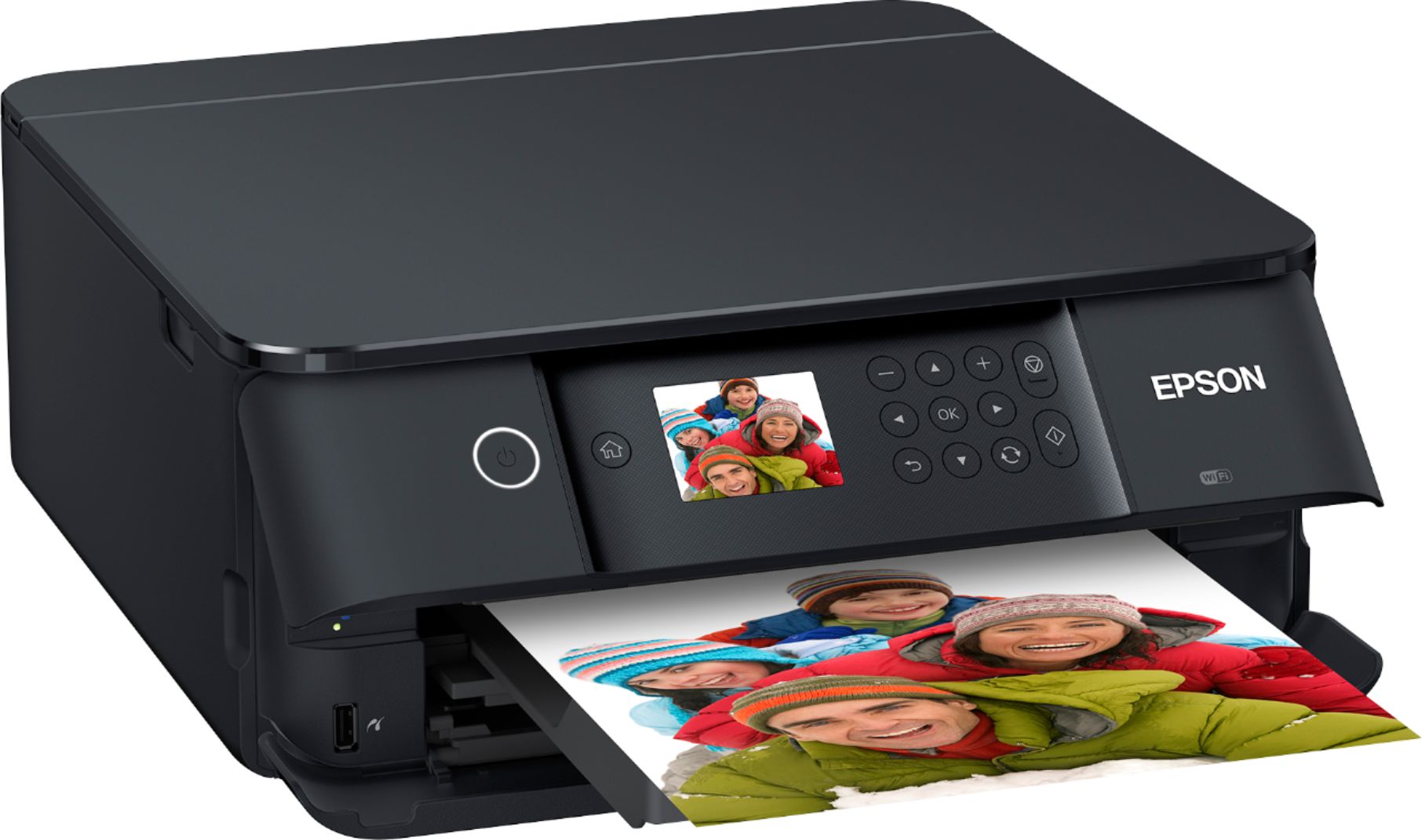
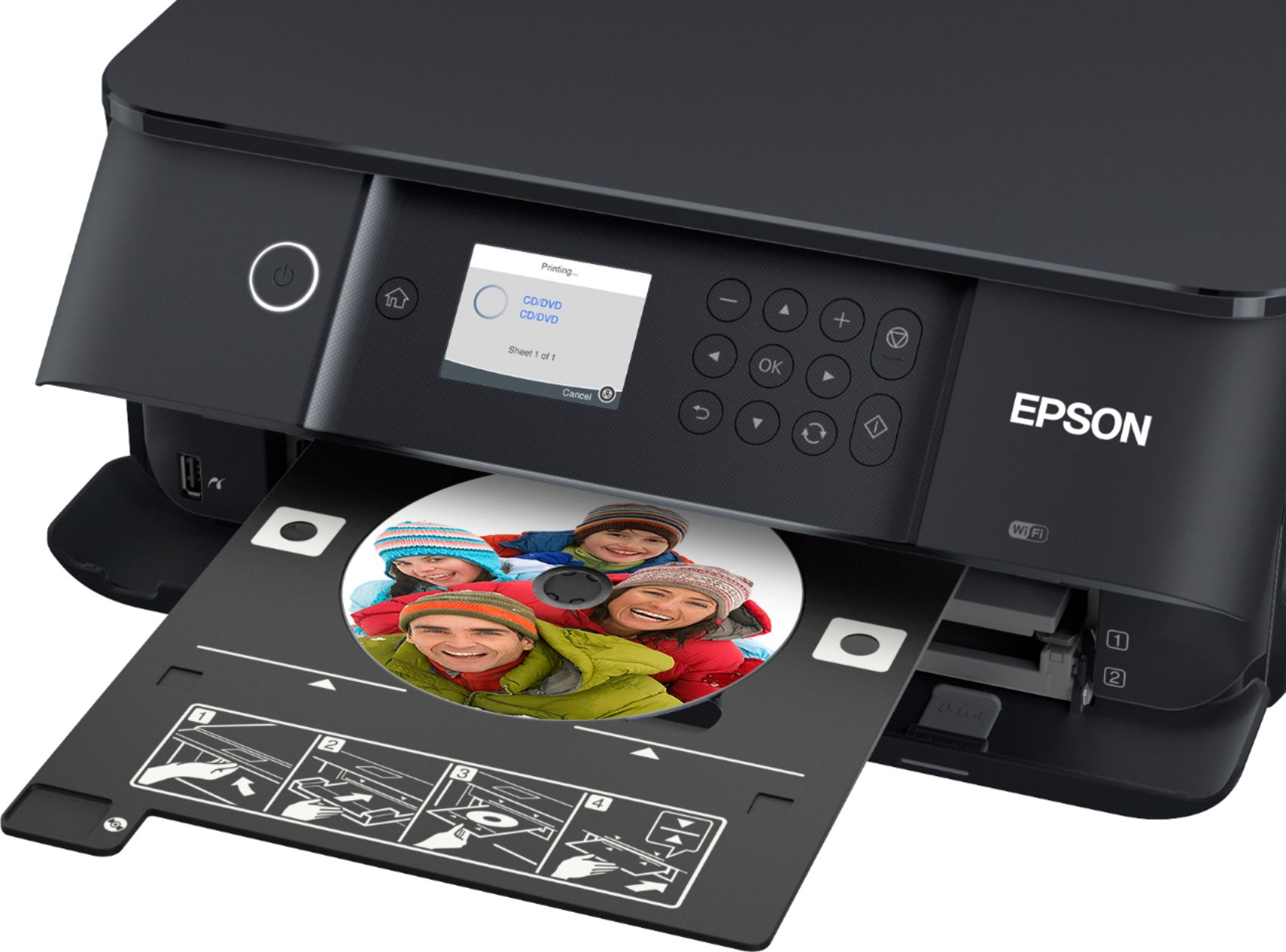
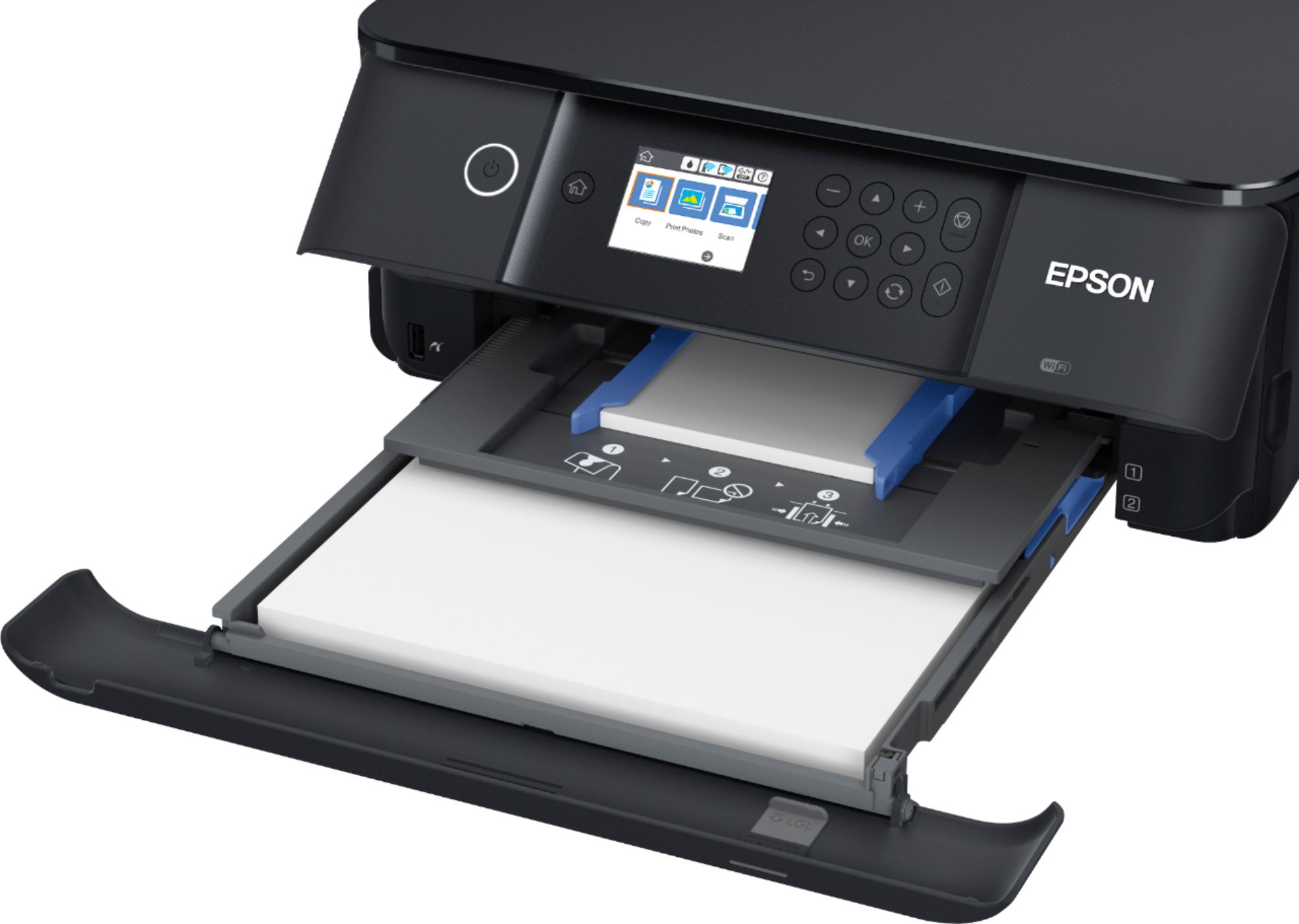
A:AnswerHi Lacy5k, Yes, the XP-6100 has dedicated input trays for plain and for photo paper. It also has a tray for CDs/DVDs. CDs and DVDs must be ink jet printable. Regards, Mark - The Epson Team.
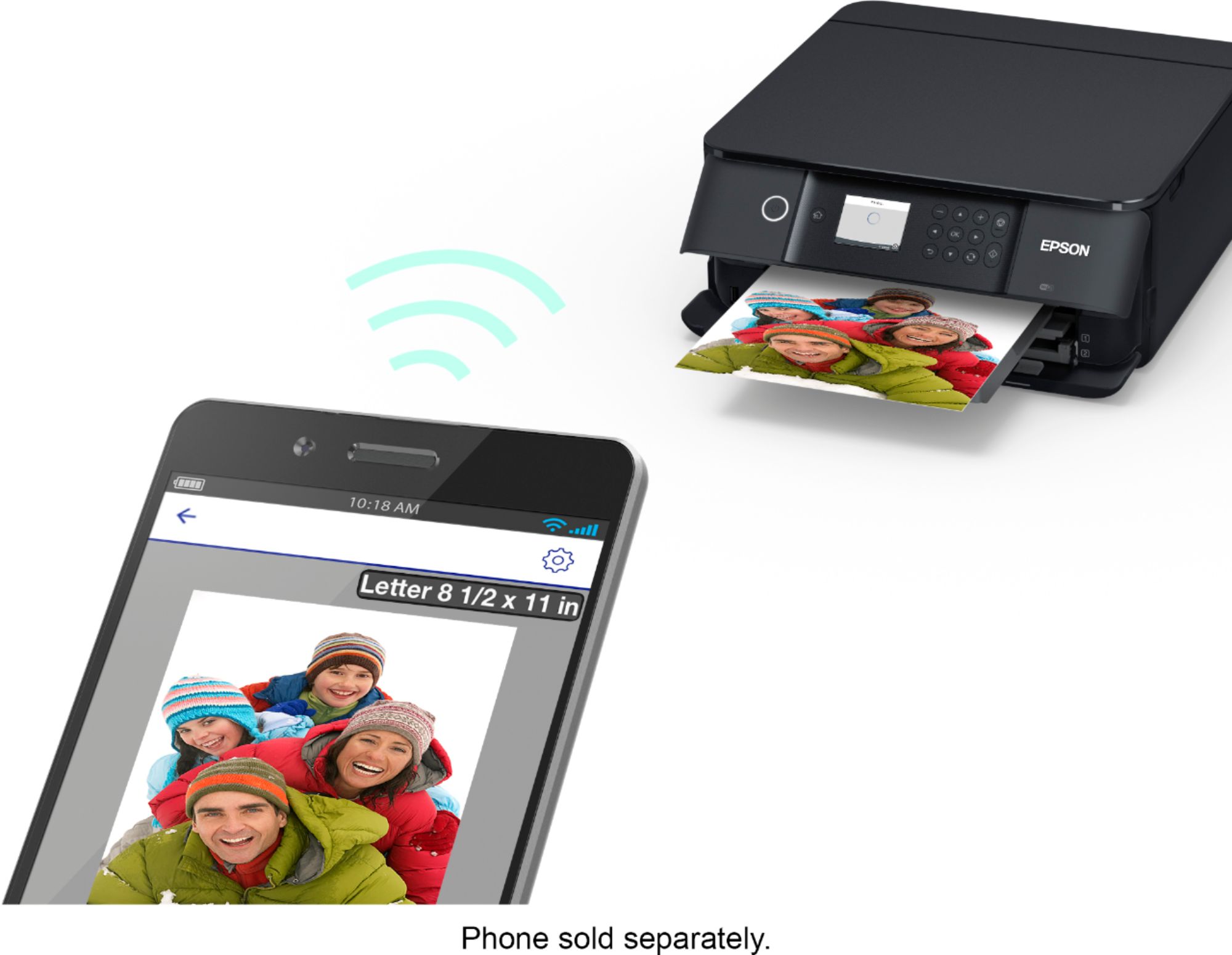
A:AnswerHello LP. Yes, the XP-6100 is compatible to work with your Apple iPad. You can either use your printer through Airprint or download the Epson iPrint app from the App Store for additional options. Please see the User's Guide on the official Epson Support page for more information. Regards, Kevin - The Epson Team.
A:AnswerHello Bel. The XP-6100 can be connected via a USB cable or Wi-Fi connection. Regardless of the connection used, all functions of the printer are available through either option. Regards, Kevin - The Epson Team.
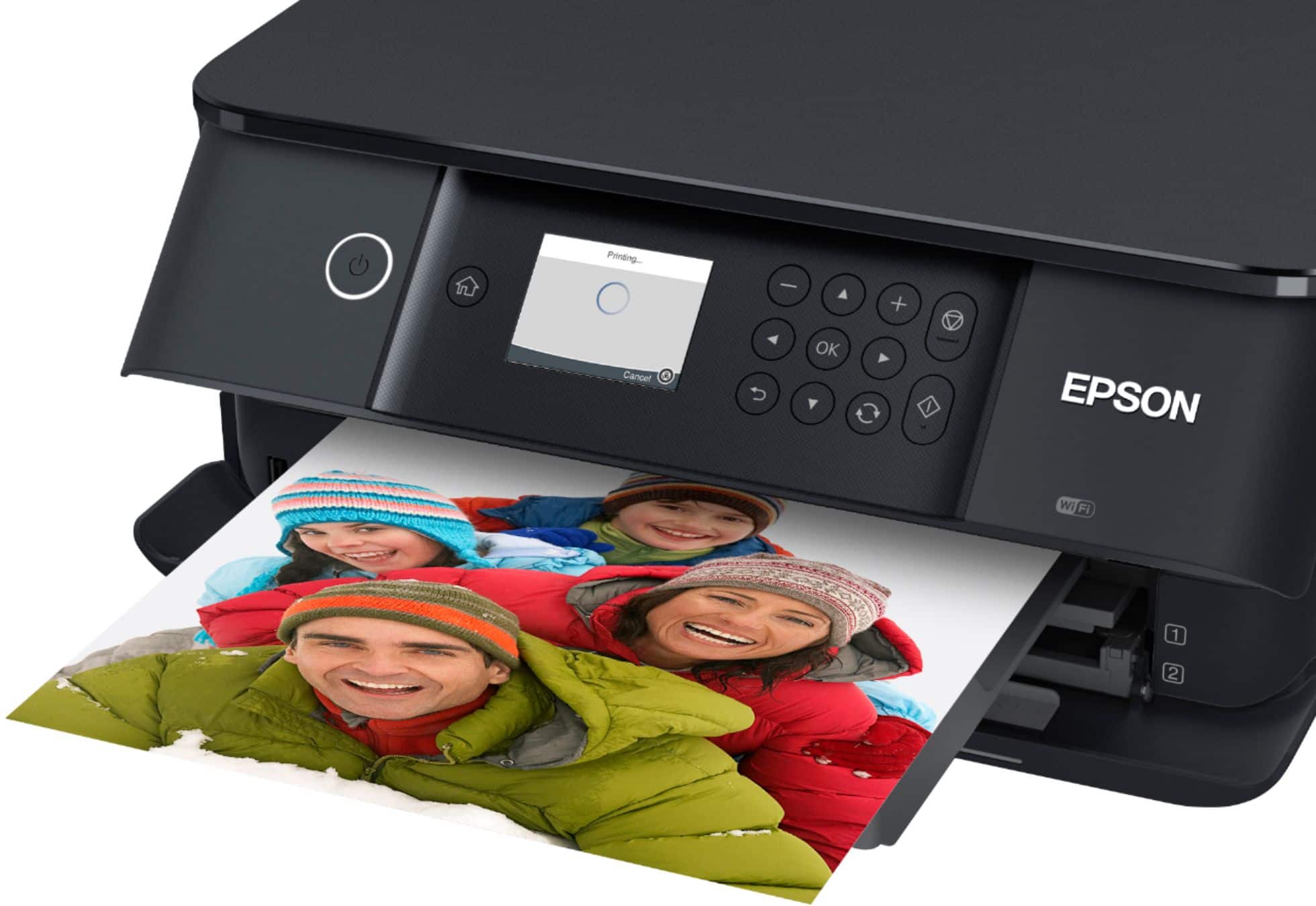
A:AnswerHello. The XP-6100 can print on photo paper sizes ranging from 3.5" x 5" " to 8.5" x 11". For more information on supported paper sizes and types, please visit our official Epson Support page. Regards, Kevin - The Epson Team.
A:AnswerHello question. Unfortunately not, the XP-6100 is designed to use an ink configuration of 5 colors. All Ink Cartridges need to be in the machine to work, including Black, Photo Black, Cyan, Magenta, and Yellow. Regards, Kevin - The Epson Team.
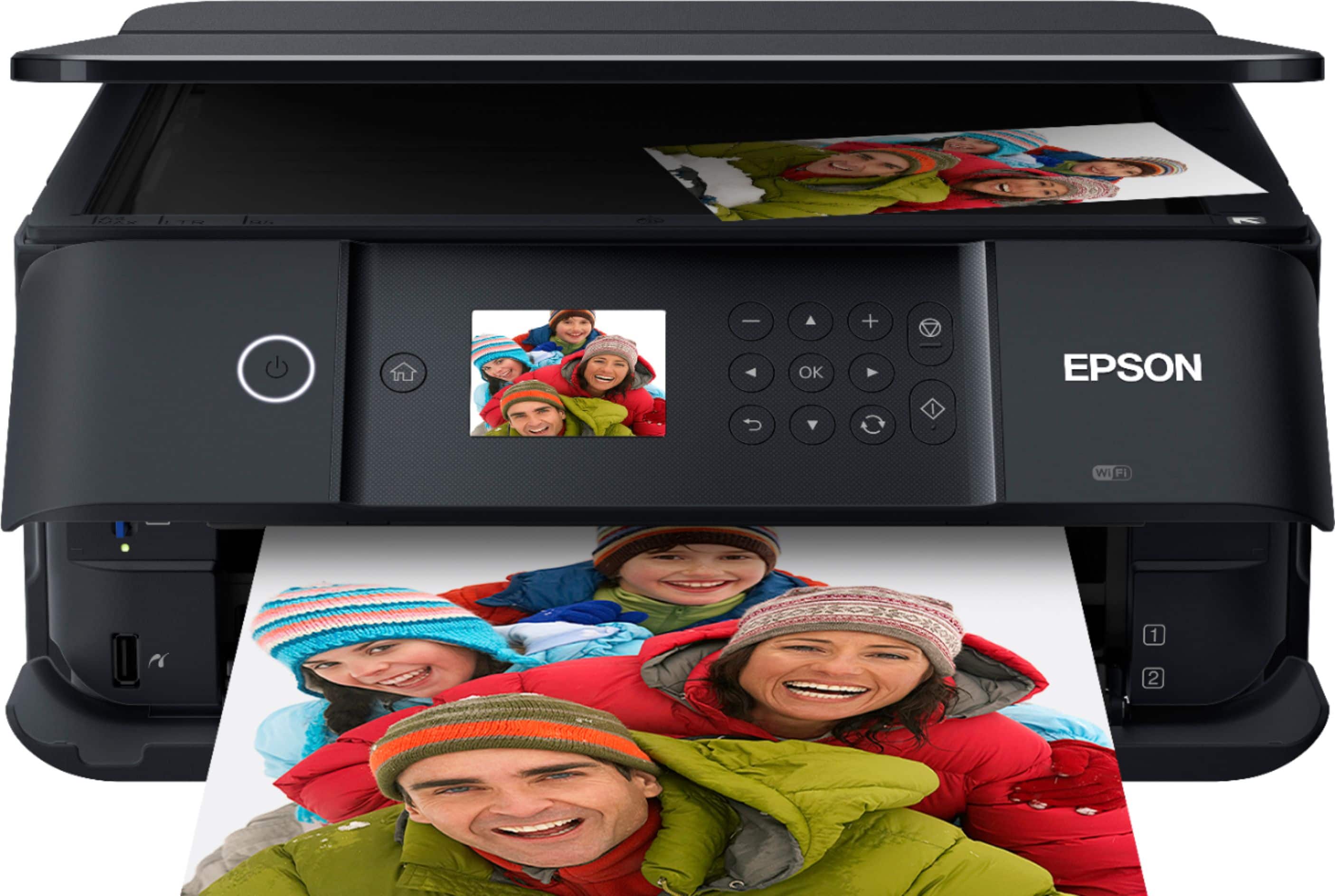
A:AnswerHello Linda. The XP-6100 can be connected to a wireless network router. If your router uses a single network name (SSID) for both the 2.4 GHz and 5 GHz band, give each band its own network name (SSID) instead, such as Home Network 2.4 GHz and Home Network 5 GHz, and make sure you are connecting to the 2.4 GHz band. Please visit our official Epson Support page for more information on connecting your printer to a wireless network. Regards, Kevin - The Epson Team.
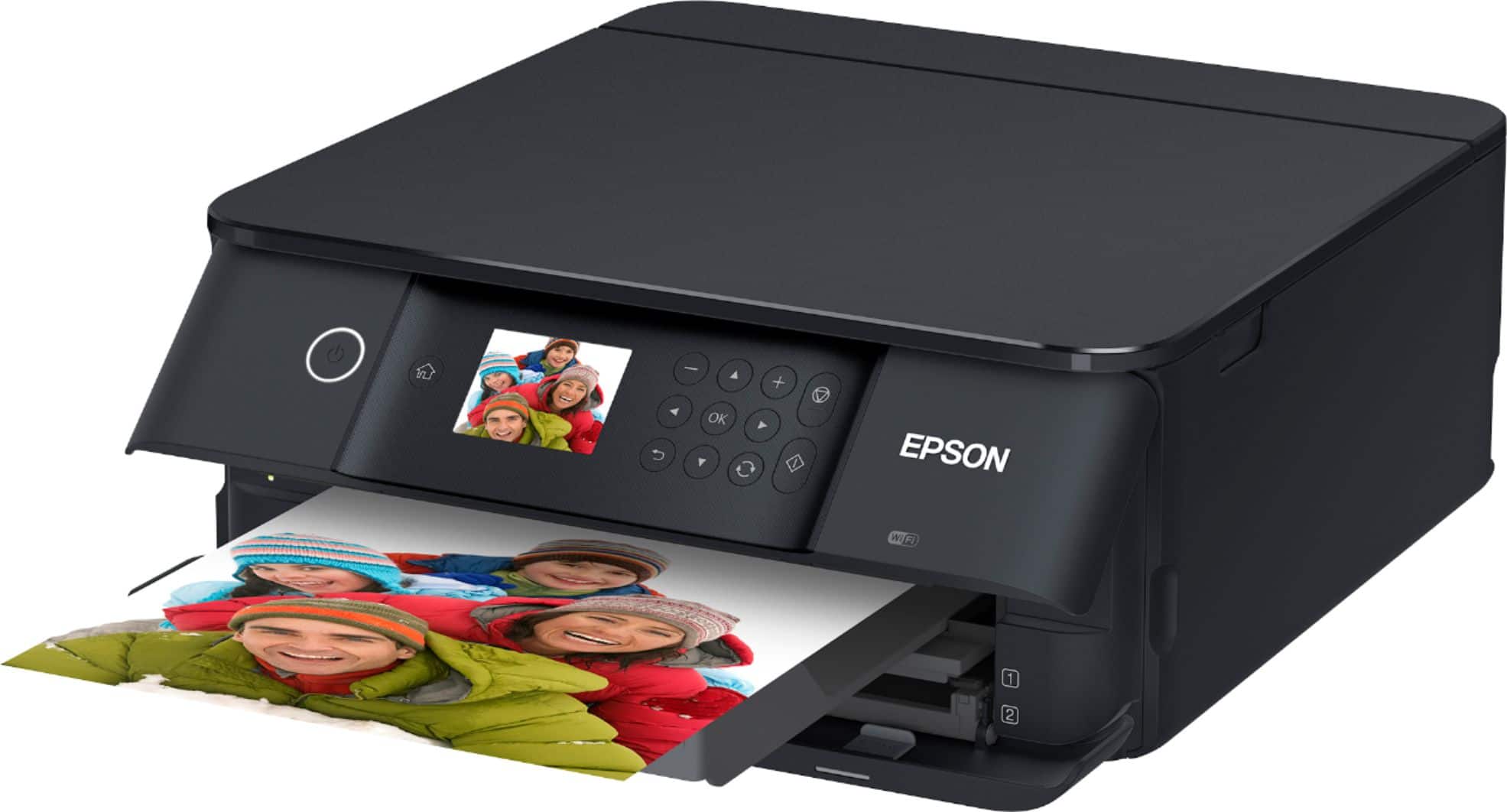
A:AnswerHi azuresands, The Expression Premium XP-6100 includes standard ink cartridges. The first time you load cartridges, the printer is primed, so this uses some of the ink. The remainder of the ink can be used for printing. The printer only needs to be primed once. Regards, Mark - The Epson Team.
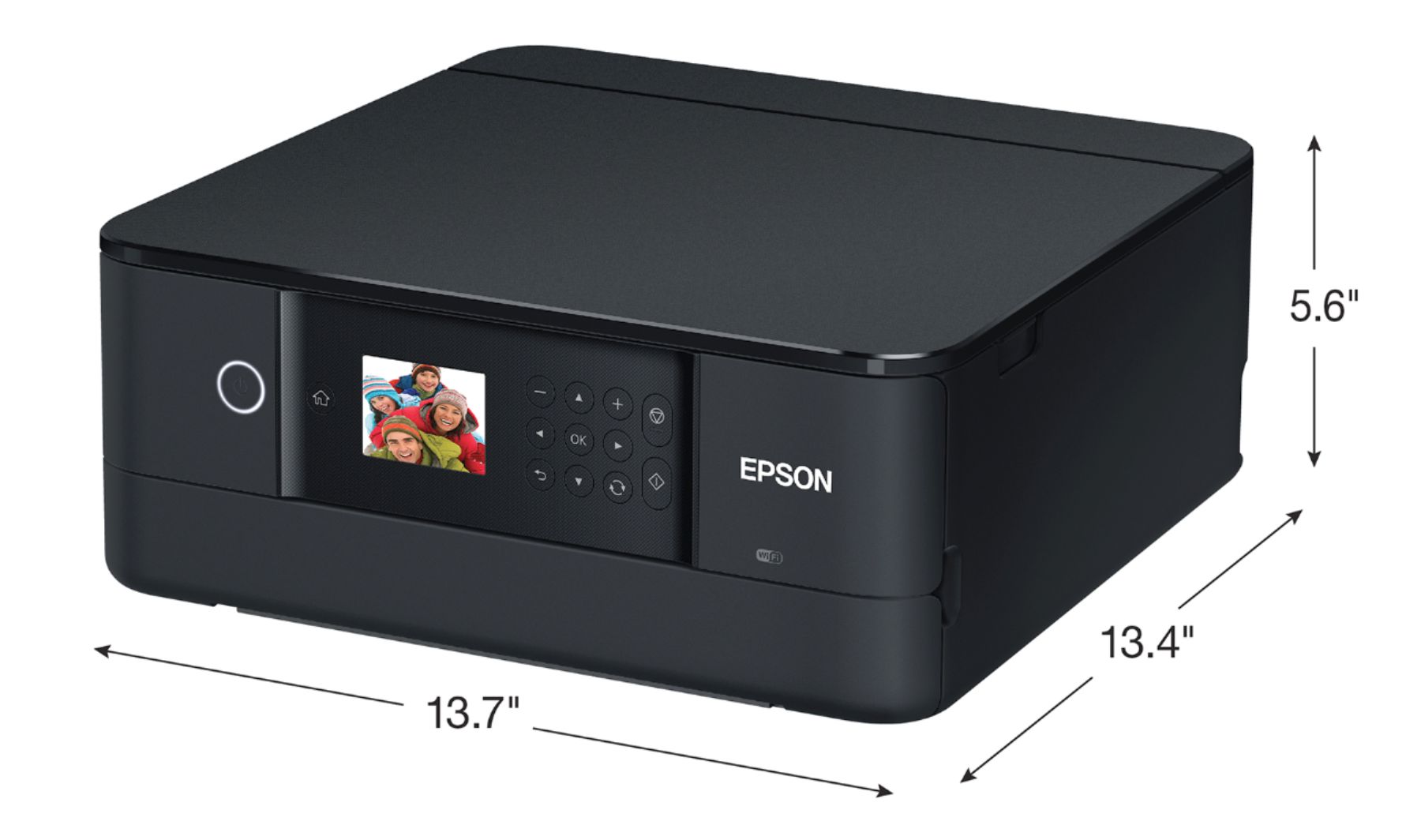
A:Answer5.6 inches x 13.7 inches x 19.8 inches . . . it really is a desktop printer (small desktop), but probably too big to be realistically / regularly carried in a backpack.
A:AnswerHi Ettekc0rb, The Expression Premium XP-6100 is 2.4 GHZ compatible. If you have a 5 GHz router, it must be set for dual bands (5 GHz/2.4 GHz). It does have a USB 2.0 port. Regards, Mark - The Epson Team.
A:AnswerHello NoTechSavvy. Yes, the XP-6100 is compatible to work with your Android device. To set up your printer, download the Epson iPrint app from the Google Play app store and make sure you are connected via Wi-Fi. Regards, Kevin - The Epson Team.
A:AnswerHi Jenniper. Unfortunately not, the Epson XP-6100 was not designed for dye-sublimation printing nor the use of non-genuine Epson ink cartridges. Regards, Kevin - The Epson Team.