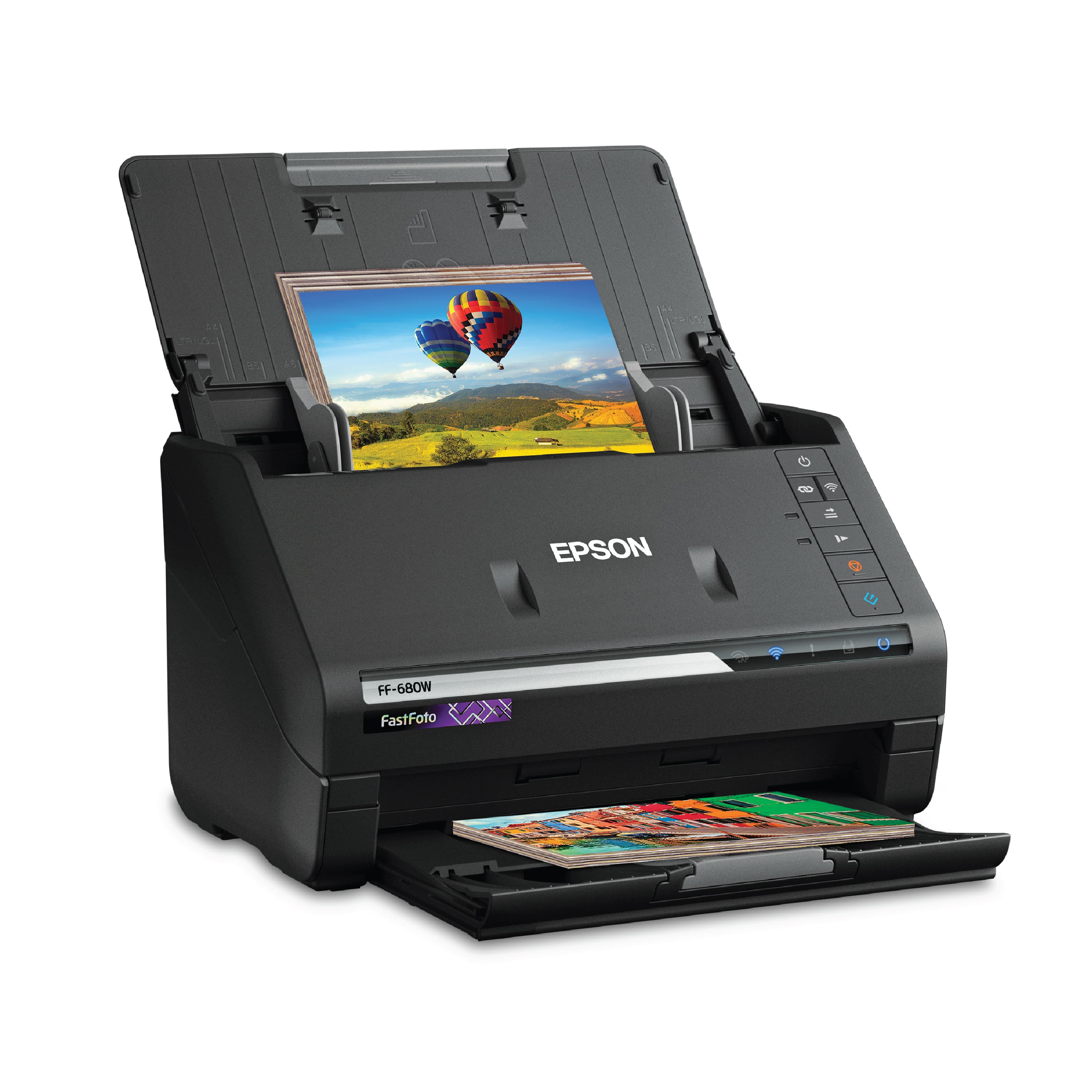
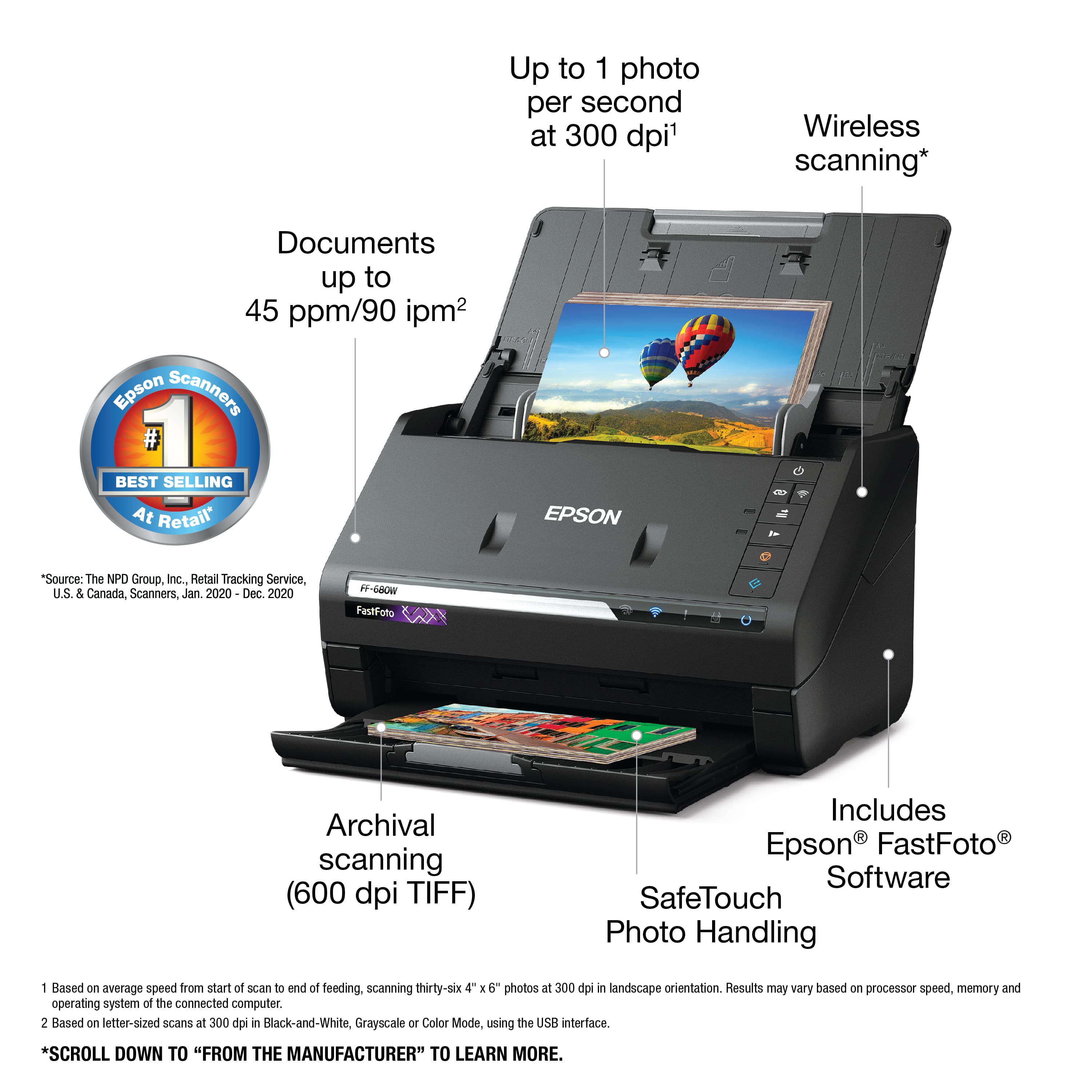
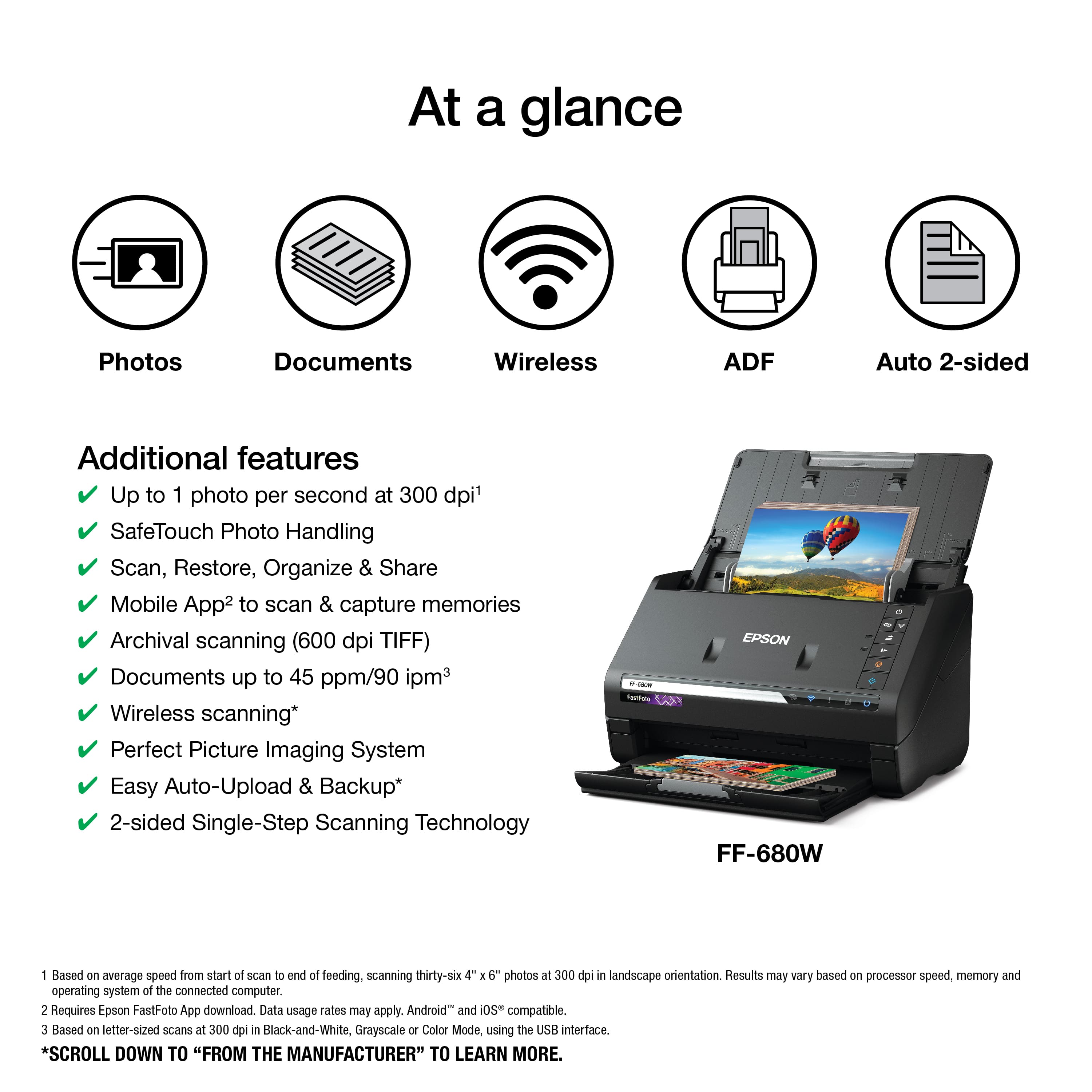
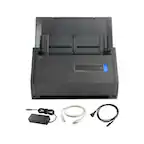
A:AnswerNo, it feeds photos through rollers. With 1,000-1,500 photos that I’ve scanned, none were damaged, but I wouldn’t remove a collectable card from and top loader and send it through the scanner.
A:AnswerIt would not tolerate Polaroid type photos BUT the old square instamatic prints were no problem. The 1960's heavy paper professional prints worked beautifully as well.
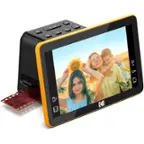
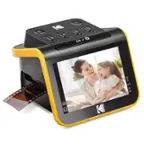
A:AnswerNo, this is strictly for hard copy photographs, documents and receipts. If you want to scan color and B&W negatives and 35 mm slides, I highly recommend the KODAK Slide N Scan 7" digital film scanner. You will need a SD card to transfer the scanned images to your computer. The scanner comes with what you need to transfer your images. Imaging manipulation software is NOT included.
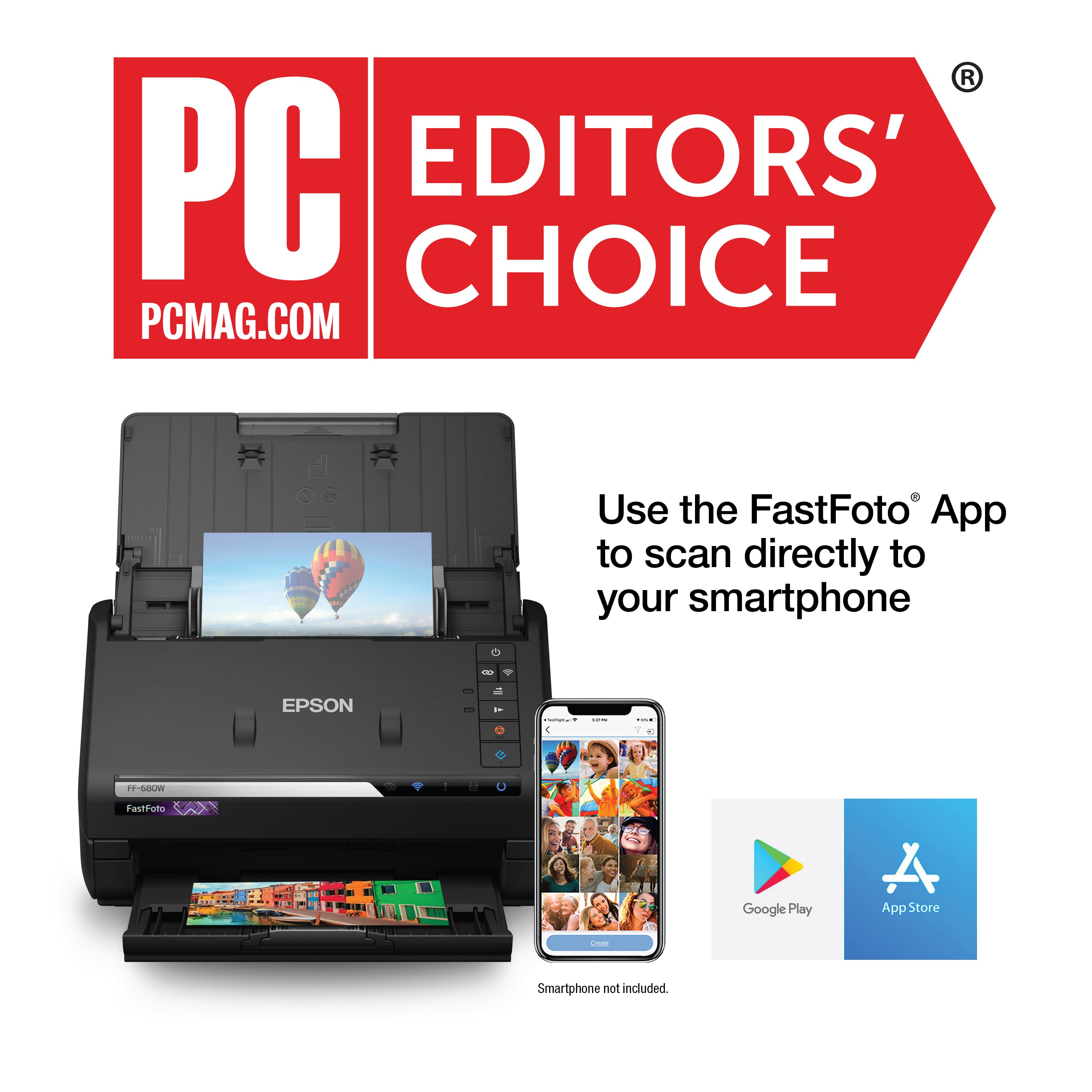
A:AnswerIt connects via wi fi. Epson supplies software for it. You’d have to check if there’s an IOS version or if other scanning software you can get for an iPad would control the machine.
A:AnswerI don't see why not, just organize your receipts in like sized packets to prevent potential jamming. Organize your scans by date of event for easy retrieval later.
A:AnswerNot as far as I know. It’s an input device. Its software creates a digital file that I import into my computer’s photo app. The softwarw gives each file a unique name. I doubt it would have a way of knowing if you’d scanned the same photo twice. A computer’s photo app might have a way of doing that after the import.
A:AnswerPhotos are stored on your connected computer. There is an option to specify where you want your photos to go, I highly recommend that you specify your destination prior to scanning, otherwise you'll have a mess to sort through. You can specify years, seasons and so forth prior to scanning.