Questions & Answers
- Model:
- B11B268201
- |
- SKU:
- 6546531
Highly rated by customers for: Scan Quality, Ease of use, Size
$109.99Your price for this item is $109.99
Comp. Value: $129.99
The comparable value price is $129.99
Page Showing 41-60 of 74 questions
Q: QuestionAt what percent can you enlarge scanned photos
Asked by David314.
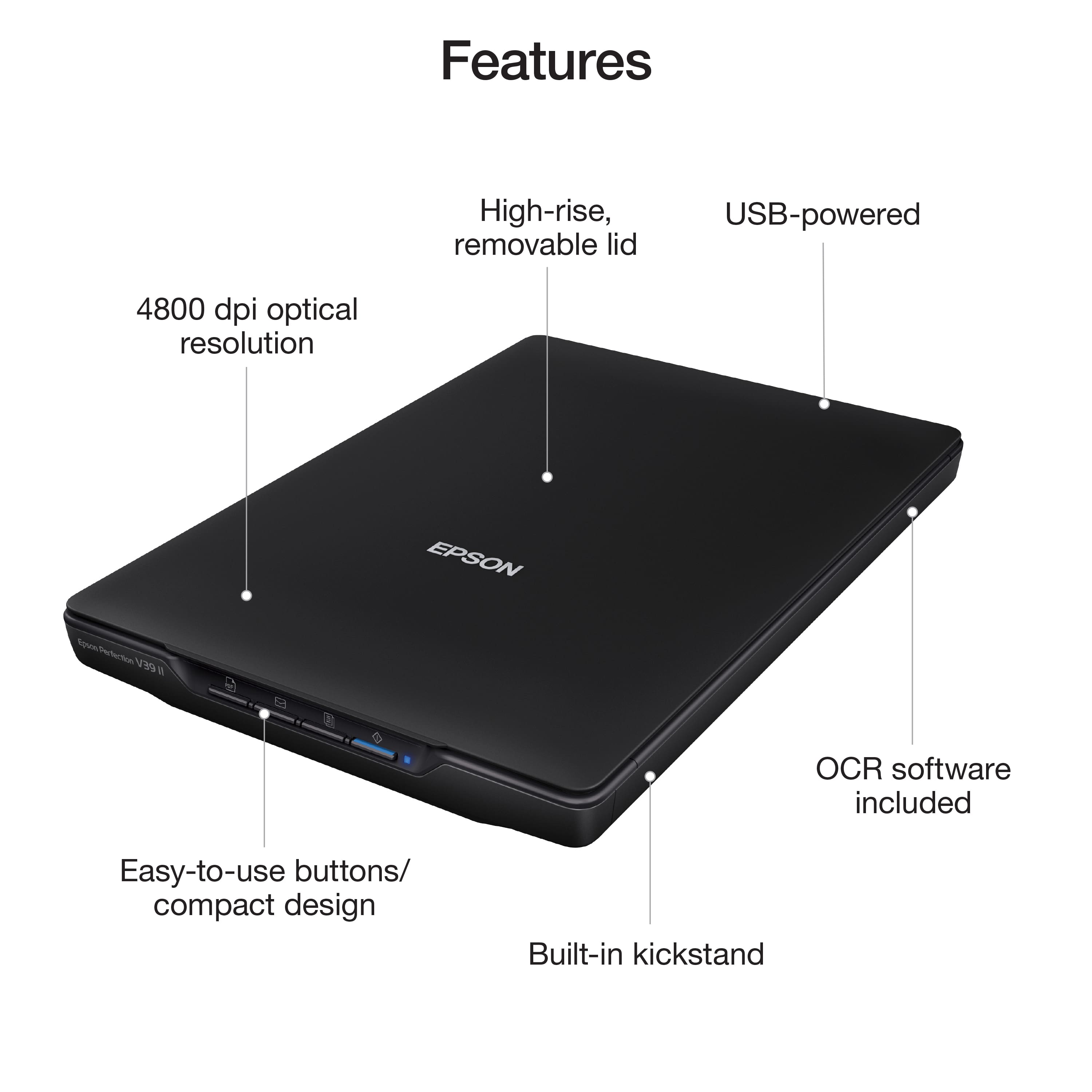
- A:Answer Hello David314. The largest percentage supported by the software is 100%. However, if you plan to enlarge a scanned image so you can print it at a larger size, you can increase the resolution from the default resolution set by the Epson Scan software. The highest resolution you can choose is 4800 dpi. Regards, Kevin - The Epson Team.
Answered by Epson

Q: Questionwill this scan 11x14 inch items? Epson GT-15000 Large-Format Flatbed Scanner
Asked by jaacl.
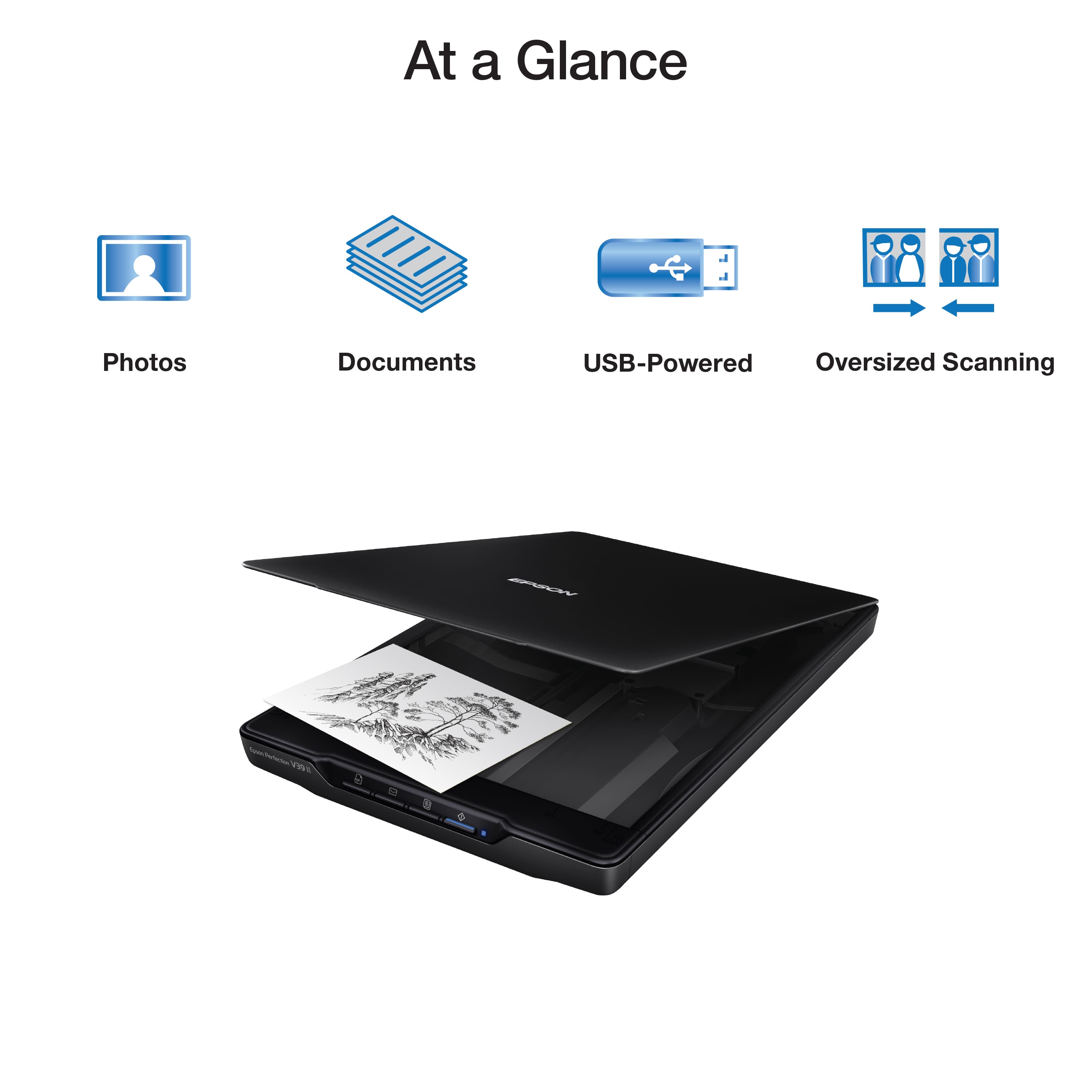
- A:Answer The description says that you can, "as well as stitch together oversized images." Scan twice then stitch with your computer and the provided software. I don't know why you can't do this with any modern scanner and software on a computer.
Answered by Anonymous
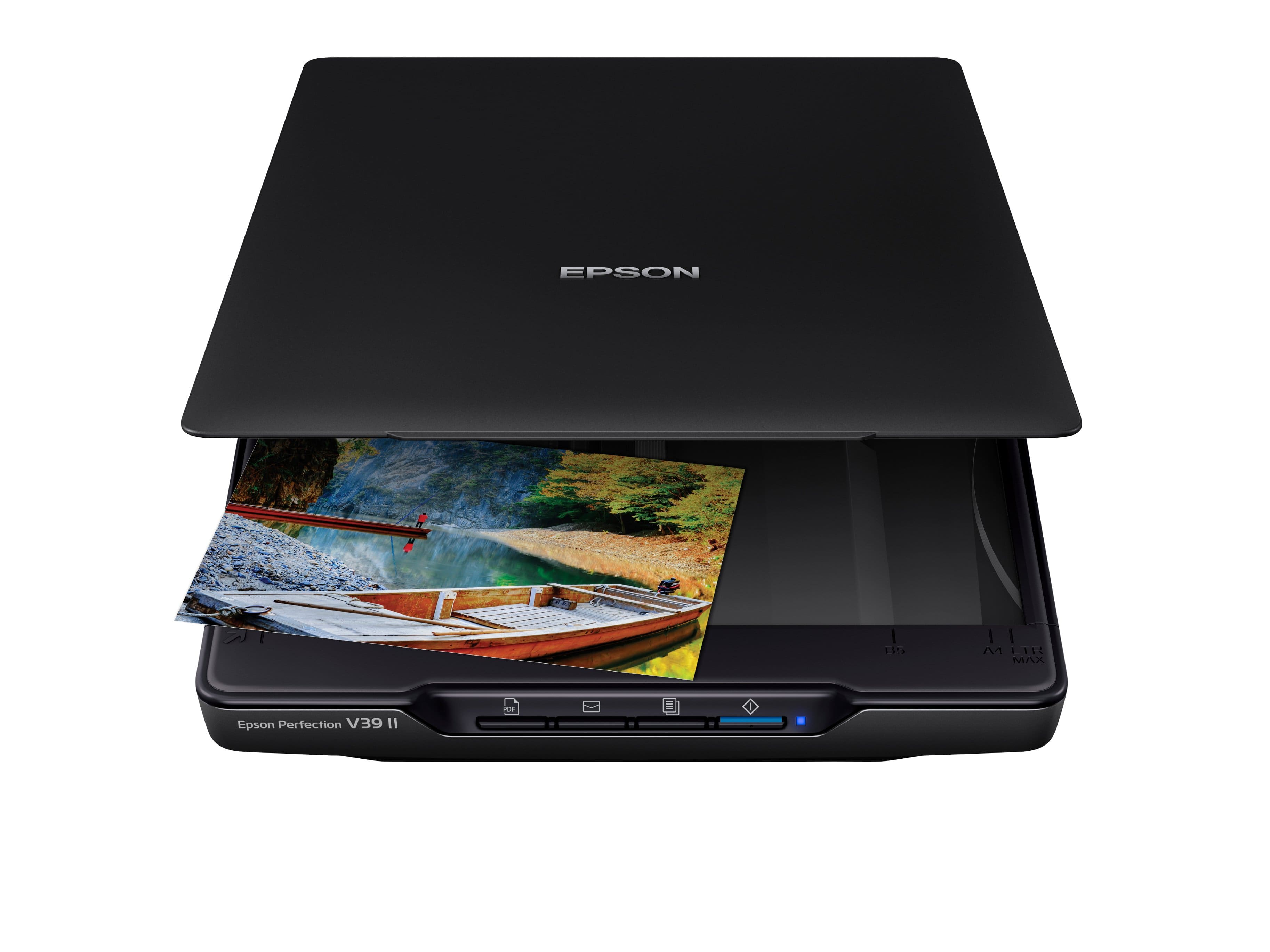
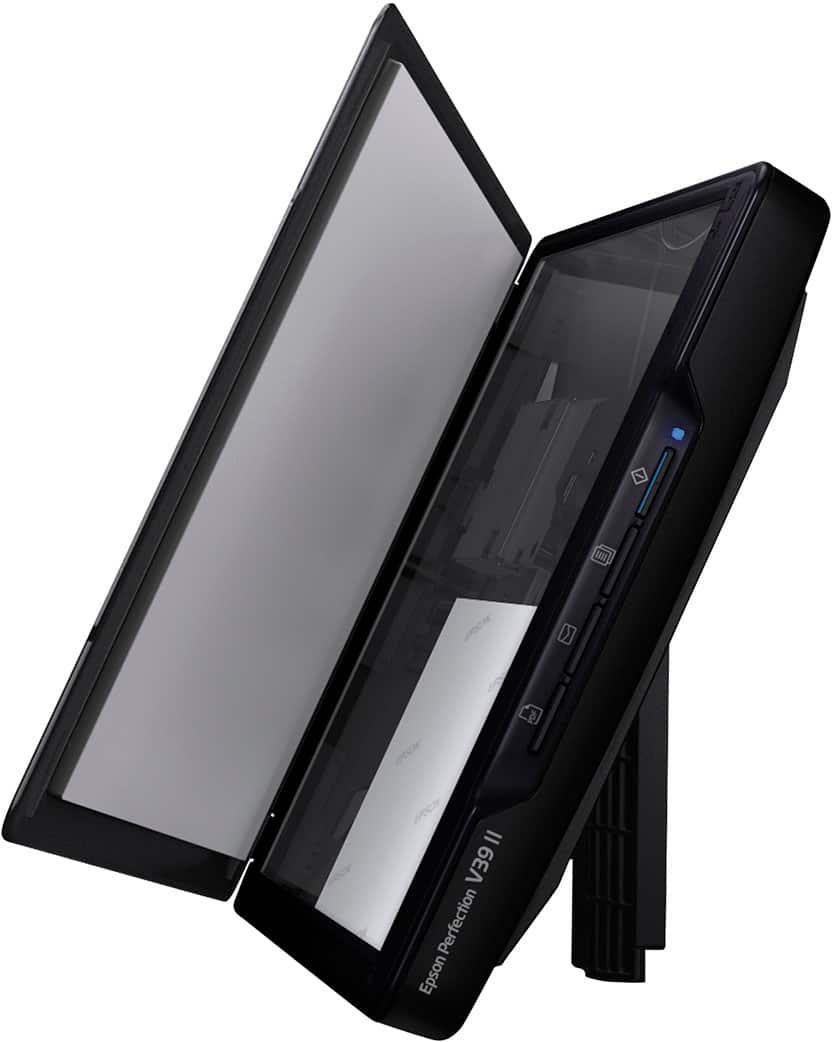
Q: QuestionIt seems that the Epson Perfection V39 II is no different than the Epson V19 II - are there differences that I just don't see that make the V39 worth the extra $40?
Asked by Amateur.
- A:Answer Hello Amateur. There is a slight difference in the color trim of both models and the V39 includes additional document scanning software. Regards, Kevin - The Epson Team.
Answered by Epson

Q: QuestionWill I be able to crop a scanned photo?
Asked by Ron.
- A:Answer Hello Ron. Yes, you can crop scanned originals with the included Epson software. Regards, Kevin - The Epson Team.
Answered by Epson

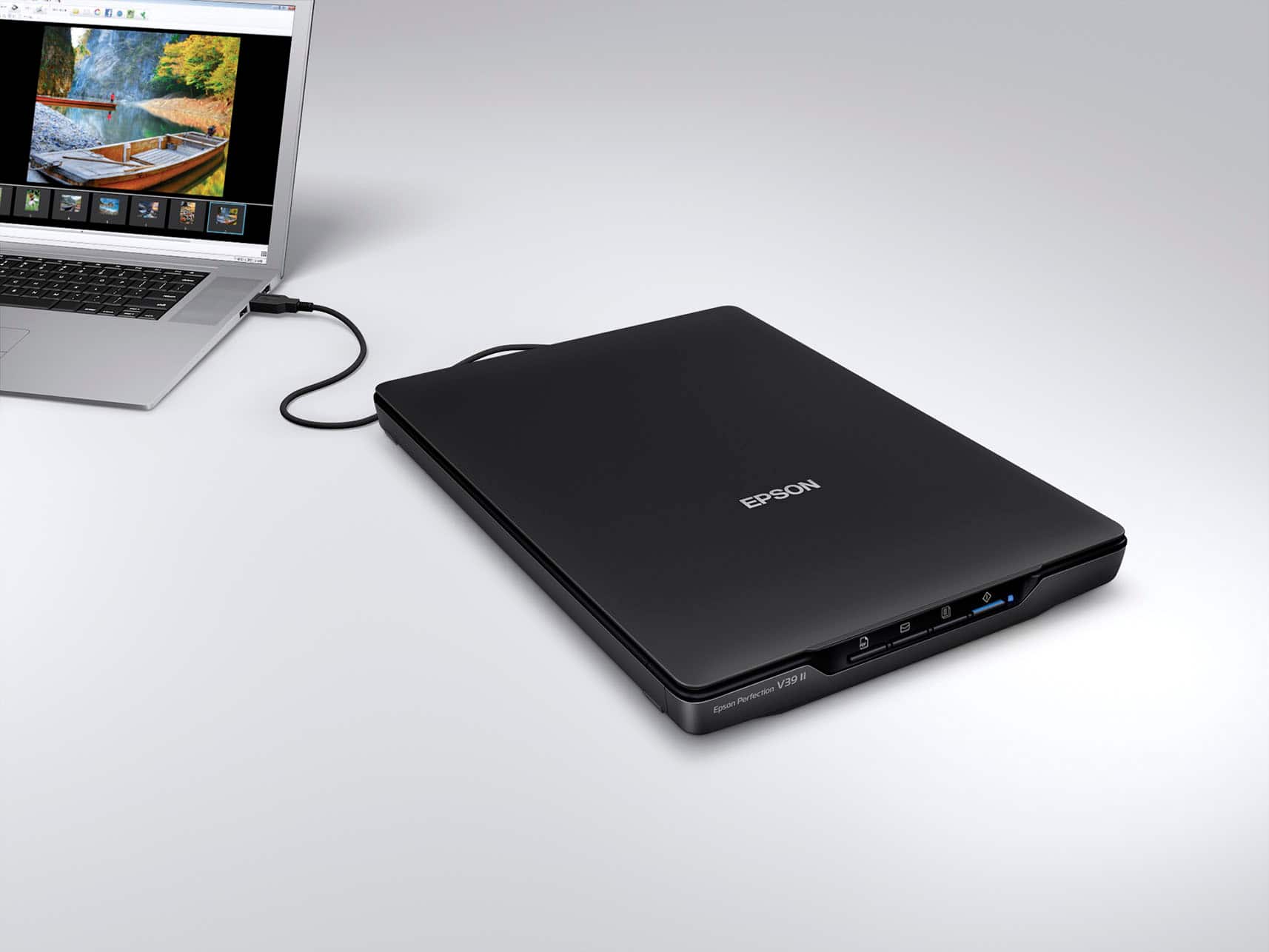
Q: Questionwhat software comes with unit? How do I connect to my computer ? Is there a disk to load into my computer ?
Asked by marley.
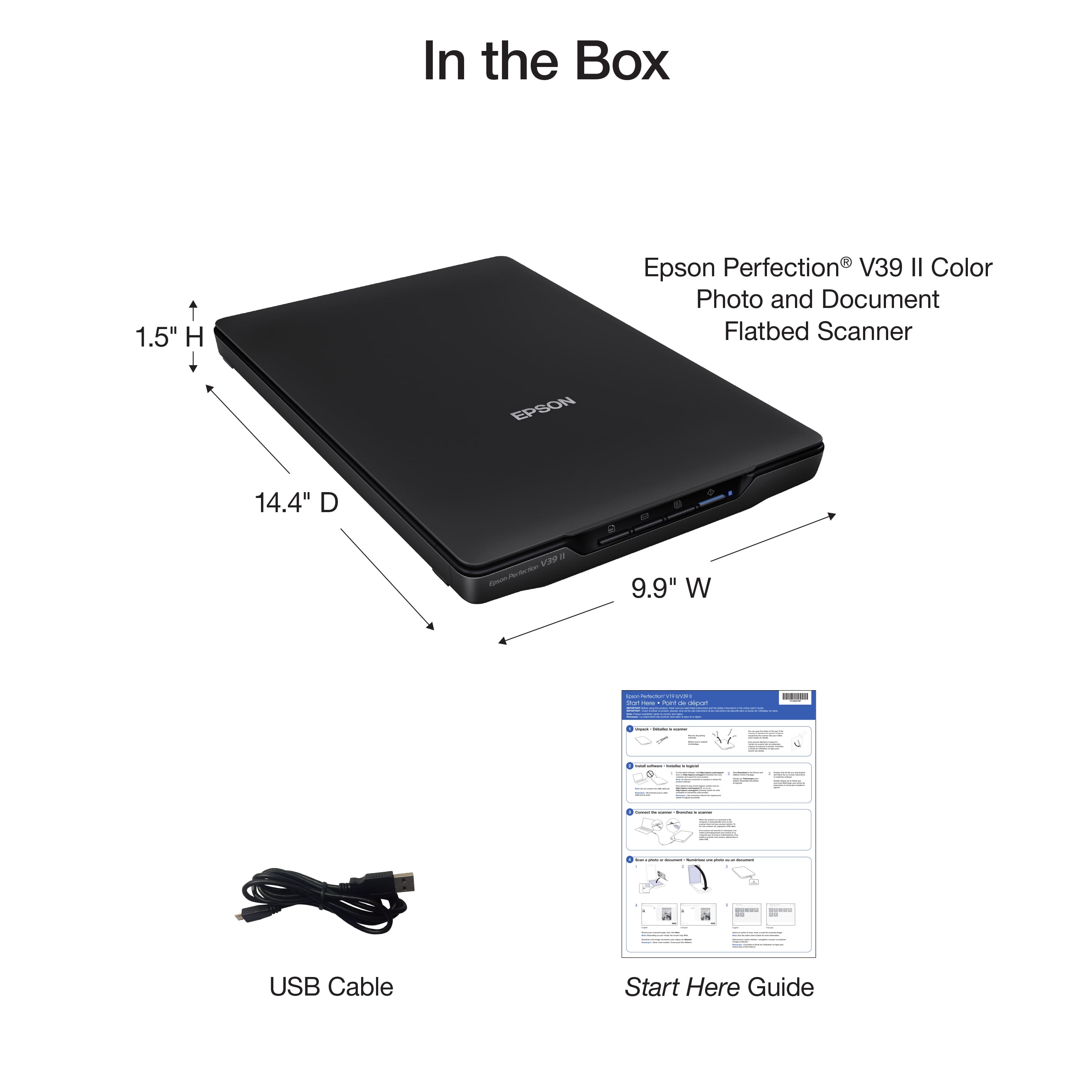
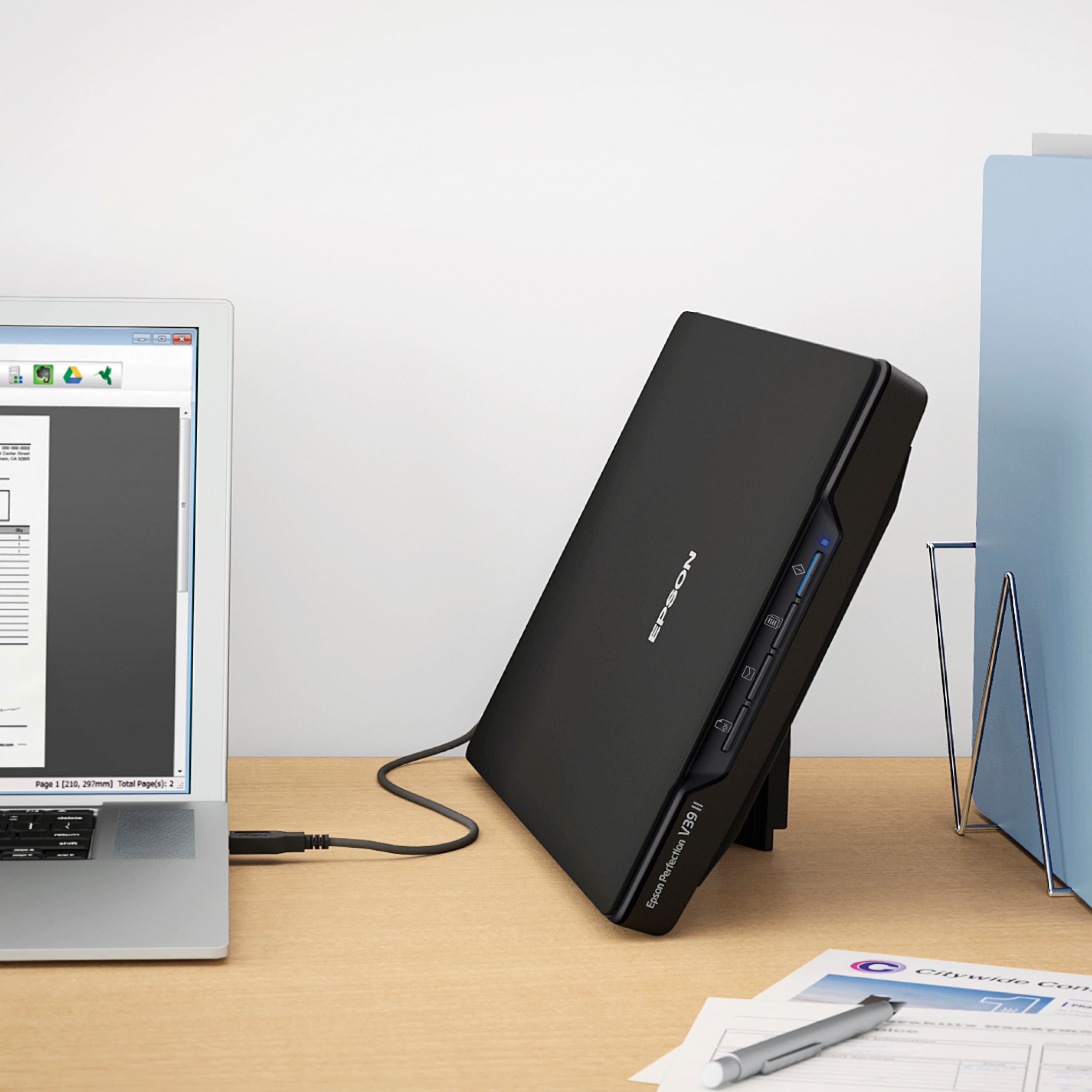
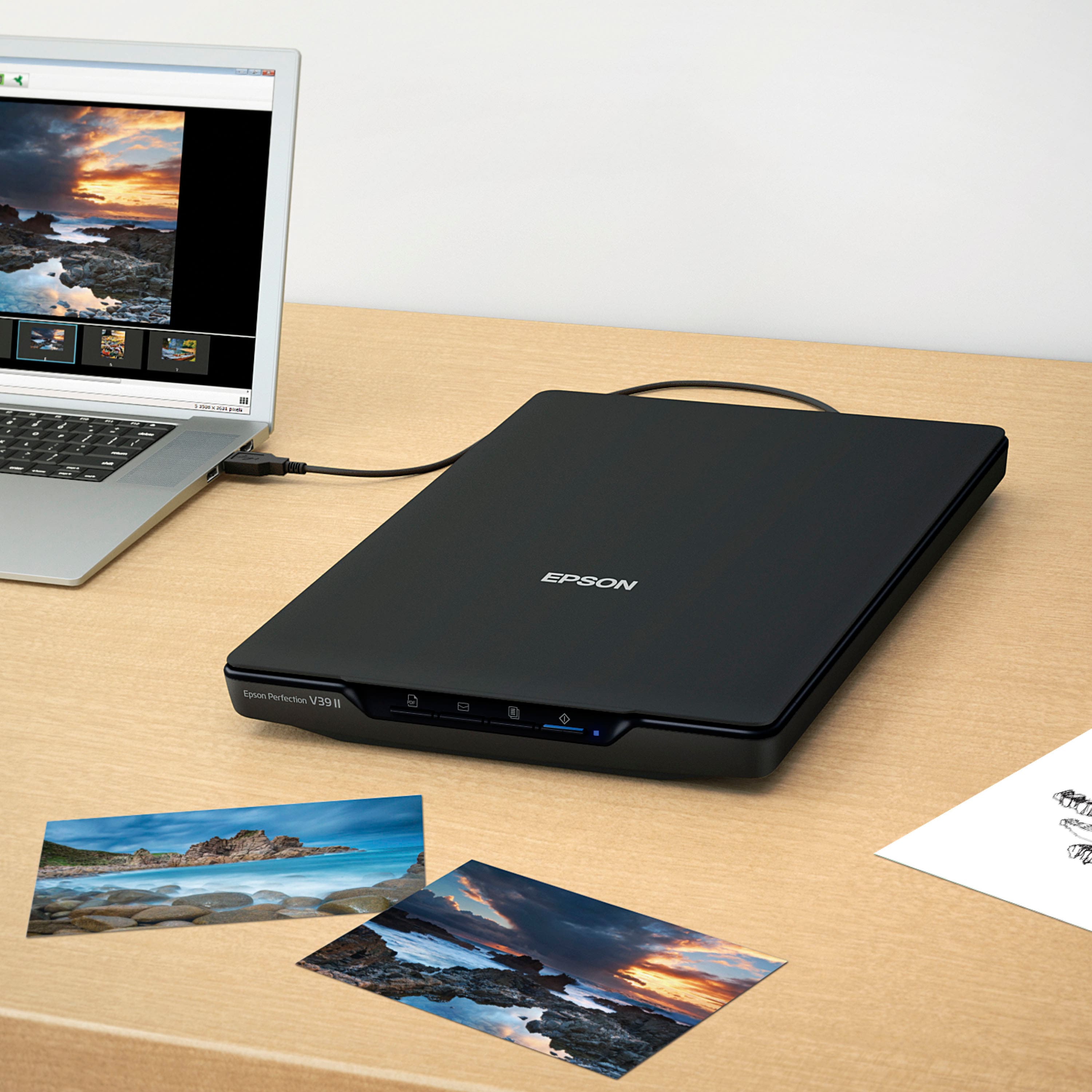
- A:Answer There is no disc. You plug into your computer with the supplied usb cable and it will automatically install the program on your computer. The scanner is very basic and easy to use.
Answered by Cindog2008
Q: QuestionCan you scan 35 mm slides?
Asked by Anonymous.
- A:Answer Hello. Unfortunately, the V39 is not ideal for scanning slides. We recommend looking at the V600, which includes a built-in transparency unit that scans slides, negatives, and film in both 35mm and 120mm formats. It is currently in stock on BestBuy's website, but please be aware that inventory can change. Regards, Kevin - The Epson Team.
Answered by Epson

Q: QuestionHello! Can you scan artwork cards to 1200dpi on this scanner? And can you save the scan files as both jpg and tiff file types? Please kindly let me know and thank you for your consideration.
Asked by Scandpi.
- A:Answer It can scan up to 4800dpi, I only have use it for jpg, or text files.
Answered by Larry
Q: QuestionIs this scanner compatible with a Chromebook laptop
Asked by Joanne.
- A:Answer Hello Joanne. The V39 Photo Scanner will only work with computers running Microsoft Windows or macOS. Unfortunately, the scanner will not work with Chromebooks. Regards, Kevin - The Epson Team.
Answered by Epson

Q: QuestionWill this work with a 2024 IMac ( Sonoma )
Asked by Johnnyboy777.
- A:Answer I'm not sure, but it worked great on my 8 year old MacBook Pro!
Answered by RichProducts
Q: Questionwill this machine produce jpg docs?
Asked by Piso.
- A:Answer Yes, jpeg files can be created.
Answered by DANDN
Q: QuestionDoes this scanner work with IPad Pro if I use a adaptor to connect them?
Asked by Artart.
- A:Answer Hello Artart. The V39 Photo Scanner can only be used with a computer. Unfortunately, it will not work with an iPad pro. Regards, Kevin - The Epson Team.
Answered by Epson

Q: QuestionDoes this scanner work with a dell inspiron with windows 11?
Asked by saturdaychick.
- A:Answer Yes, it works mine.
Answered by RobertT
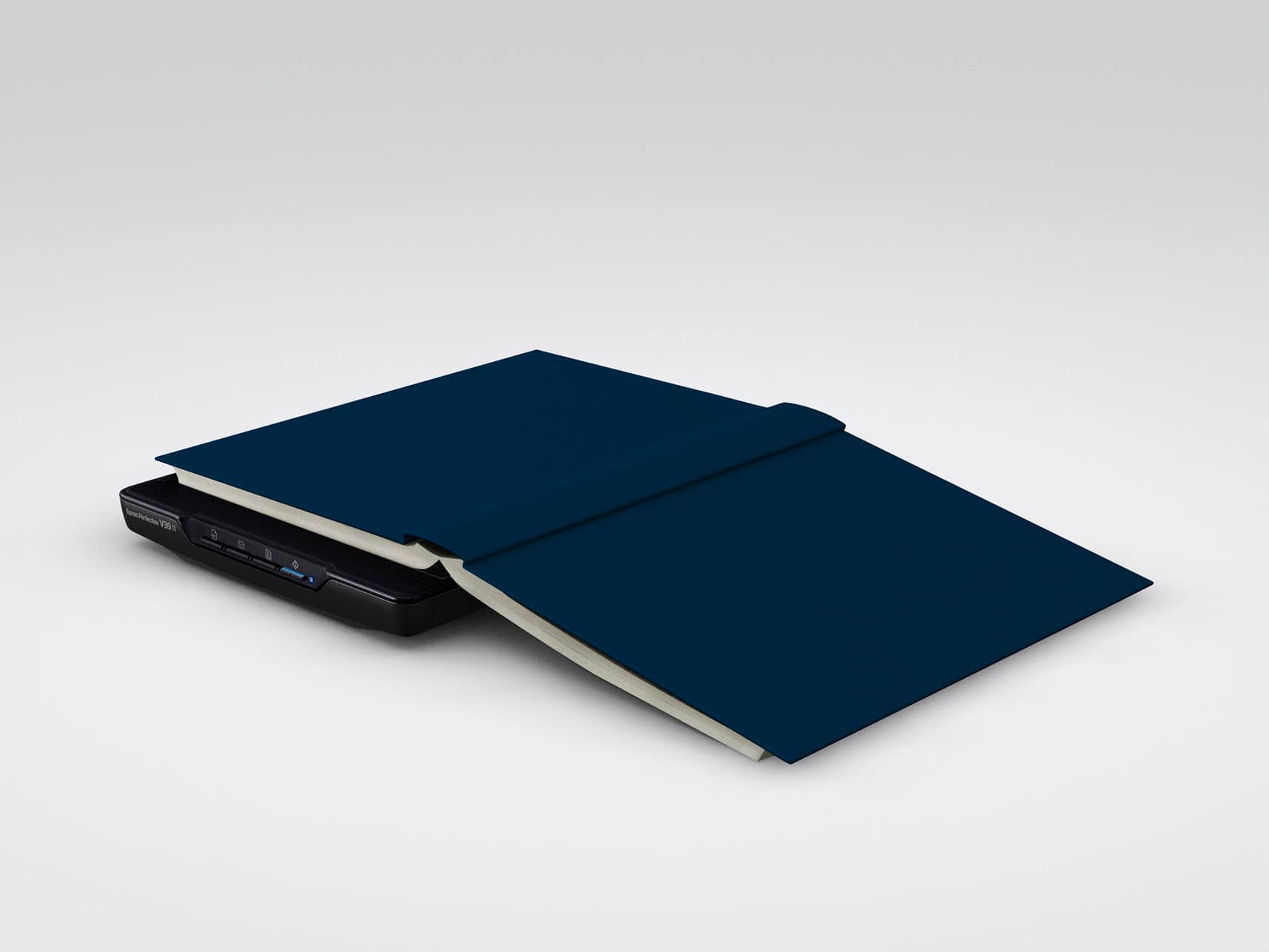
Q: QuestionIs the flatbed big enough to scan documents on legal-sized, or larger, paper?
Asked by Wondering.
- A:Answer Hello Wondering. The V39 has a maximum scan area of 8.5" x 11.7". Unfortunately, any documents larger than that would not work. Regards, Kevin - The Epson Team.
Answered by Epson

Q: QuestionDoes the Epson V39 scanner speak with a Mac laptop?
Asked by MacUser62.
- A:Answer I am using a Mac Mini and it works well with that.
Answered by mike
Q: QuestionDoes this scan to email?
Asked by SFDH.
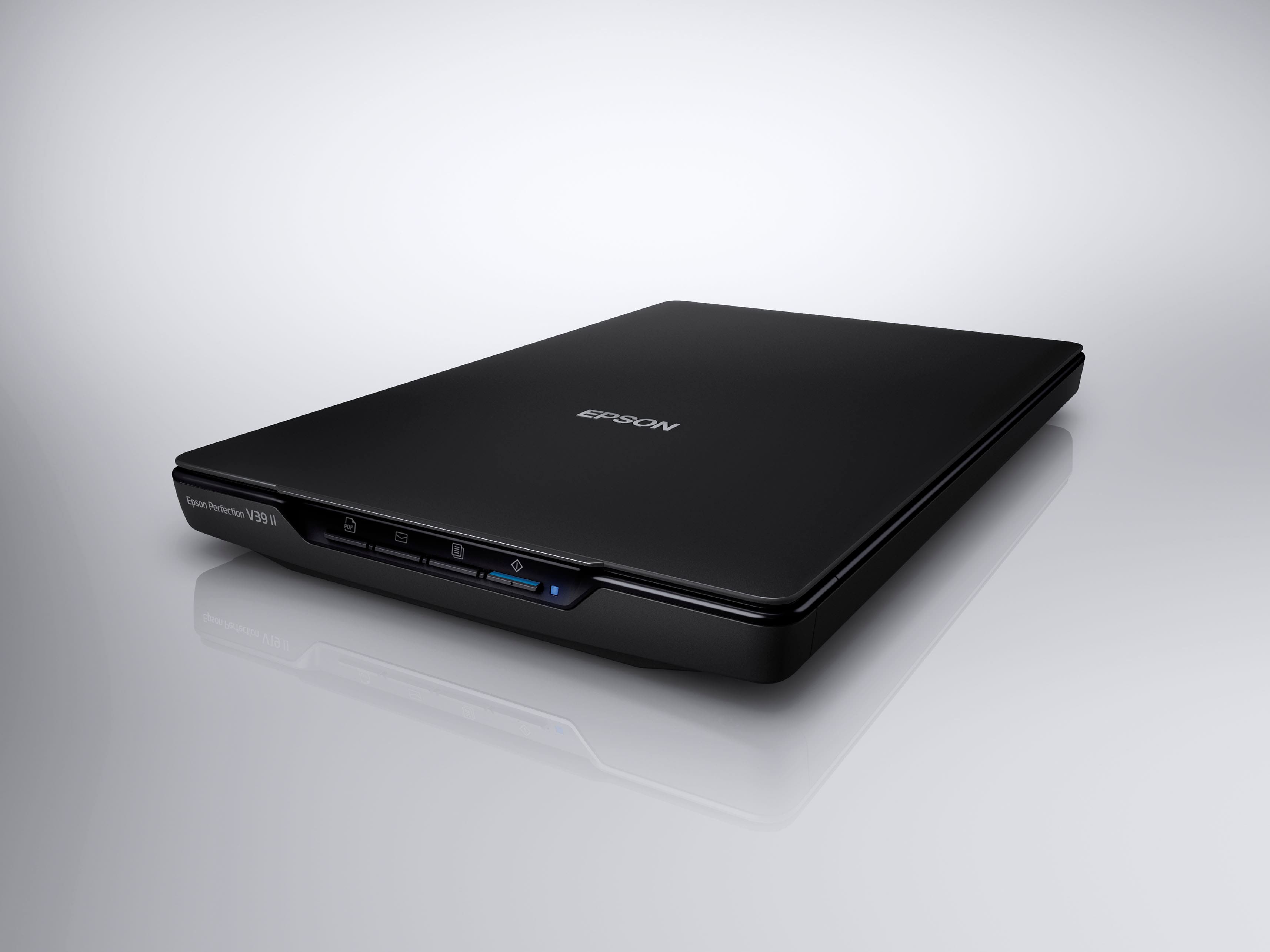
- A:Answer Yes. The Email button (2nd from left on the front of your scanner) starts a scan, then opens the email client on your computer and attaches the scanned images to an email. Note: Epson ScanSmart supports only Outlook or e-mail software that supports MAPI. The following Outlook versions are supported by Epson ScanSmart: Microsoft Outlook 2003/2007/2010/2013/2016/2019/2021 (32-bit). Check the help for your e-mail software to confirm if your software supports MAPI. Note: Your e-mail app and account settings should be configured before scanning. You must install a MAPI-type e-mail program such as Outlook Express, Windows Live Mail, Entourage, or Mac Mail. Attach to E-mail only supports 32-bit MAPI-compatible mail apps. Web-based e-mail services such as Gmail are not supported. If you see an error message, your e-mail app may not be compatible and you will need to save the scans and manually attach the file to an e-mail. 1. Make sure your originals are scanned and reviewed. 2. In the Select Action window, click Attach to E-mail. 3. Change the settings as follows: • The document type and scan date for the file name are automatically detected. You can change them as necessary. • You can save the scanned image in a variety of formats. • If you also want to save a copy of the scanned image to your computer, make sure the checkbox is selected and select the folder on your computer in which to save the file. 4. Click Attach to E-mail. Your e-mail program opens with the file attached to a new e-mail. Additionally, you can use this link for a PDF of the complete user guide. https://files.support.epson.com/docid/cpd4/cpd42186.pdf
Answered by abraxis
Q: QuestionCan this scanner send to a thumb drive.
Asked by Crainey.
- A:Answer No unfortunately. You need a computer or laptop to send your doc to thumb drive.
Answered by Zobair76
Q: QuestionCan a scan be proportional reduced in size?
Asked by Reductiions.
- A:Answer Yes you can reduce the size proportionally
Answered by Zobair76
Most-viewed items
- Black Friday Deal$599.99Your price for this item is $599.99
- $499.99Your price for this item is $499.99$629.99The comparable value for this item is $629.99
- $299.99Your price for this item is $299.99$379.99The comparable value for this item is $379.99
- $149.99Your price for this item is $149.99$199.99The comparable value for this item is $199.99
- $159.99Your price for this item is $159.99
- $354.99Your price for this item is $354.99$449.99The comparable value for this item is $449.99
- $104.99Your price for this item is $104.99$134.99The comparable value for this item is $134.99
- $399.99Your price for this item is $399.99$529.99The comparable value for this item is $529.99
- $100.93Your price for this item is $100.93$105.99The comparable value for this item is $105.99
- $279.99Your price for this item is $279.99
- $934.00Your price for this item is $934.00$1,599.00The comparable value for this item is $1,599.00
- $719.99Your price for this item is $719.99$959.00The comparable value for this item is $959.00
- $289.99Your price for this item is $289.99
- $89.99Your price for this item is $89.99$99.99The comparable value for this item is $99.99
- $349.99Your price for this item is $349.99$419.99The comparable value for this item is $419.99
- $219.99Your price for this item is $219.99$279.99The comparable value for this item is $279.99
- $209.99Your price for this item is $209.99
- $319.99Your price for this item is $319.99$399.99The comparable value for this item is $399.99