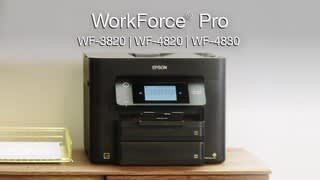
A:AnswerHello kar. Yes, the printer includes an Ethernet port for a wired connection, but the cable is sold separately. To complete the setup, you will need to download the latest drivers from the official Epson Support page. A setup guide is included, and if you need help, you can also contact our Technical Support team by phone. Regards, Kevin - The Epson Team.
A:AnswerHi Tater0723. Yes, the Epson WF-4820 is compatible with computers running the Chrome OS. If you need more information, visit the official Epson Support website. Regards, Kevin - The Epson Team.
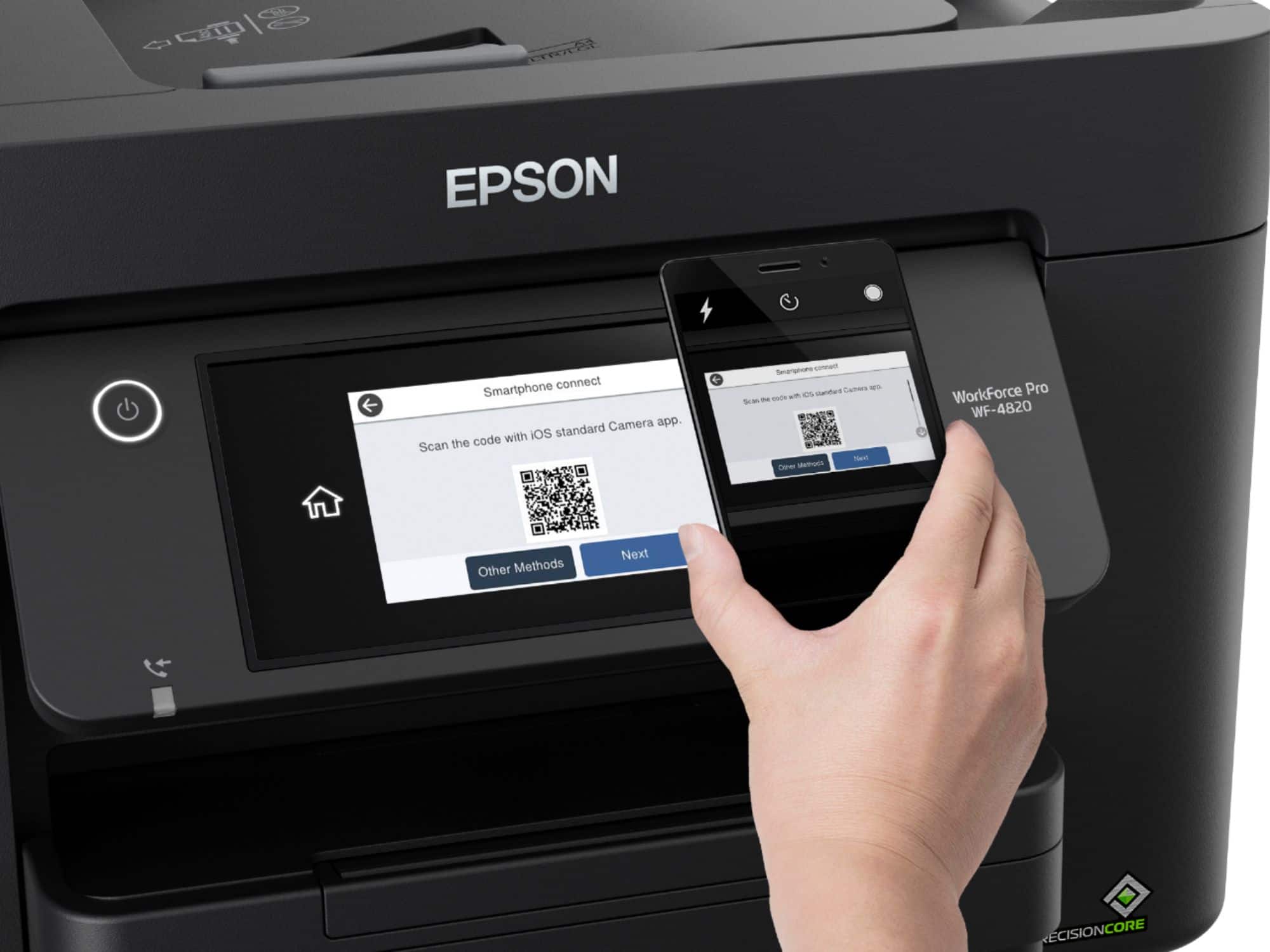
A:AnswerHi Maggie. No, you can download the Epson Control Panel app for the WorkForce Pro WF-4820 directly from the Apple App Store. Regards, Bobby - The Epson Team.
A:AnswerHello Andisa. Yes, the WF-4820 is compatible with Microsoft Windows 11. You can find the latest print drivers available for download on our official Epson Support page. Regards, Kevin - The Epson Team.
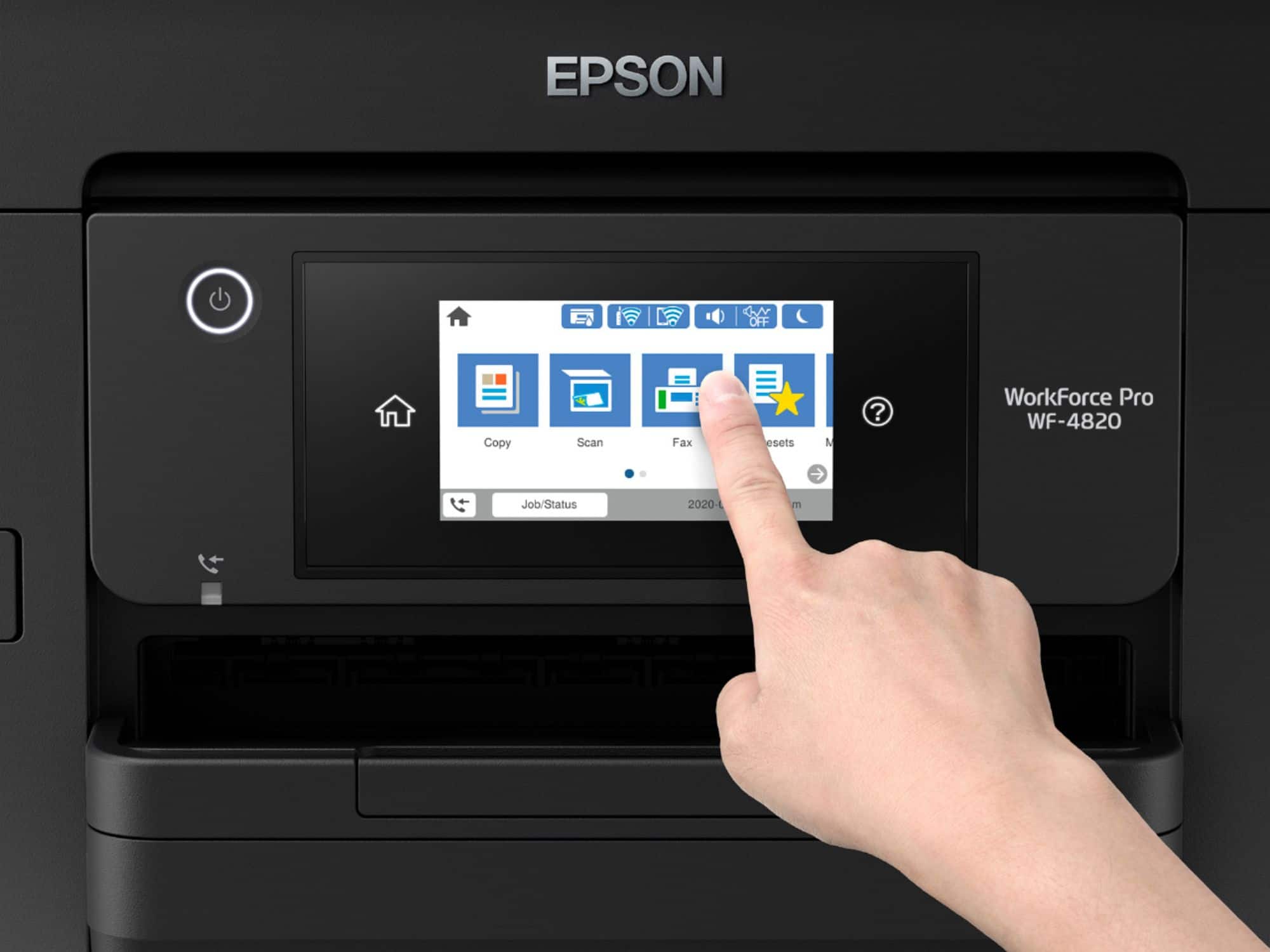
A:AnswerHi CB. Yes, you can reduce or enlarge copies from 25% to 400% using the WF-4820's front control panel. If you are printing from a computer, you can adjust the "Reduce/Enlarge Document" settings under "more options" in the printer driver. Regards, Kevin - The Epson Team.
A:AnswerHi beachgirl, The WorkForce Pro WF-4820 is compatible with Windows 11. Visit the Epson support site for the WF-4820 to download the latest Windows drivers. Regards, Dylan - The Epson Team.
A:AnswerHi Yogi, Yes, the WorkForce Pro WF-4820 has a USB port on the front that allows you to connect USB memory devices like memory sticks or portable USB drives. Regards, Mark - The Epson Team.
A:AnswerHi Bendel2, Yes, the WorkForce Pro WF-4820 works like a conventional fax machine. You set it to answer after multiple rings to allow you to answer the phone before the fax machine picks up the call. Regards, Mark - The Epson Team.
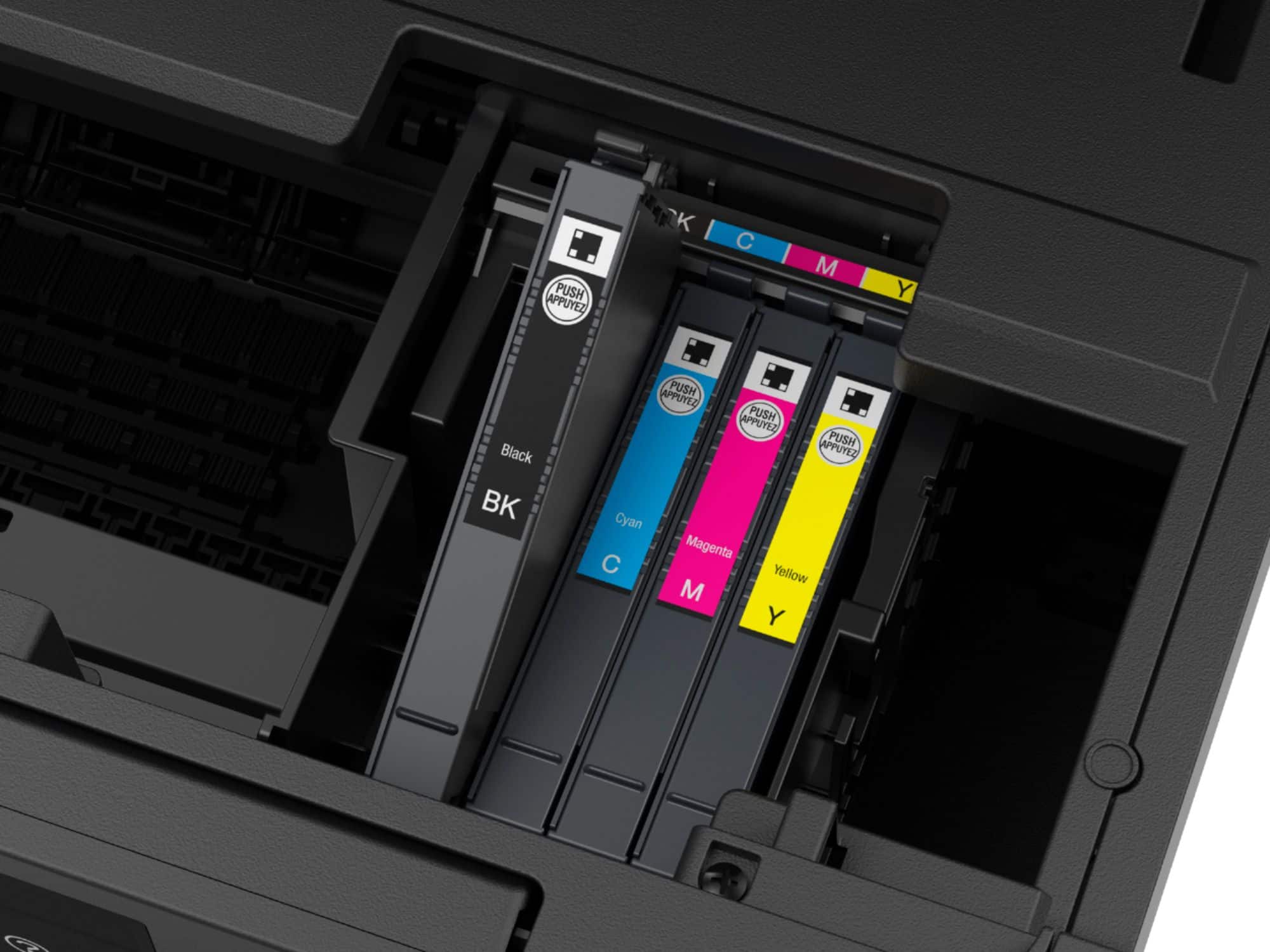
A:AnswerHello Sandy. The WF-4820 is designed to work with T822 and T822XL Epson Ink Cartridges. Unfortunately, 252XL Ink Cartridges are not compatible. Regards, Kevin - The Epson Team.
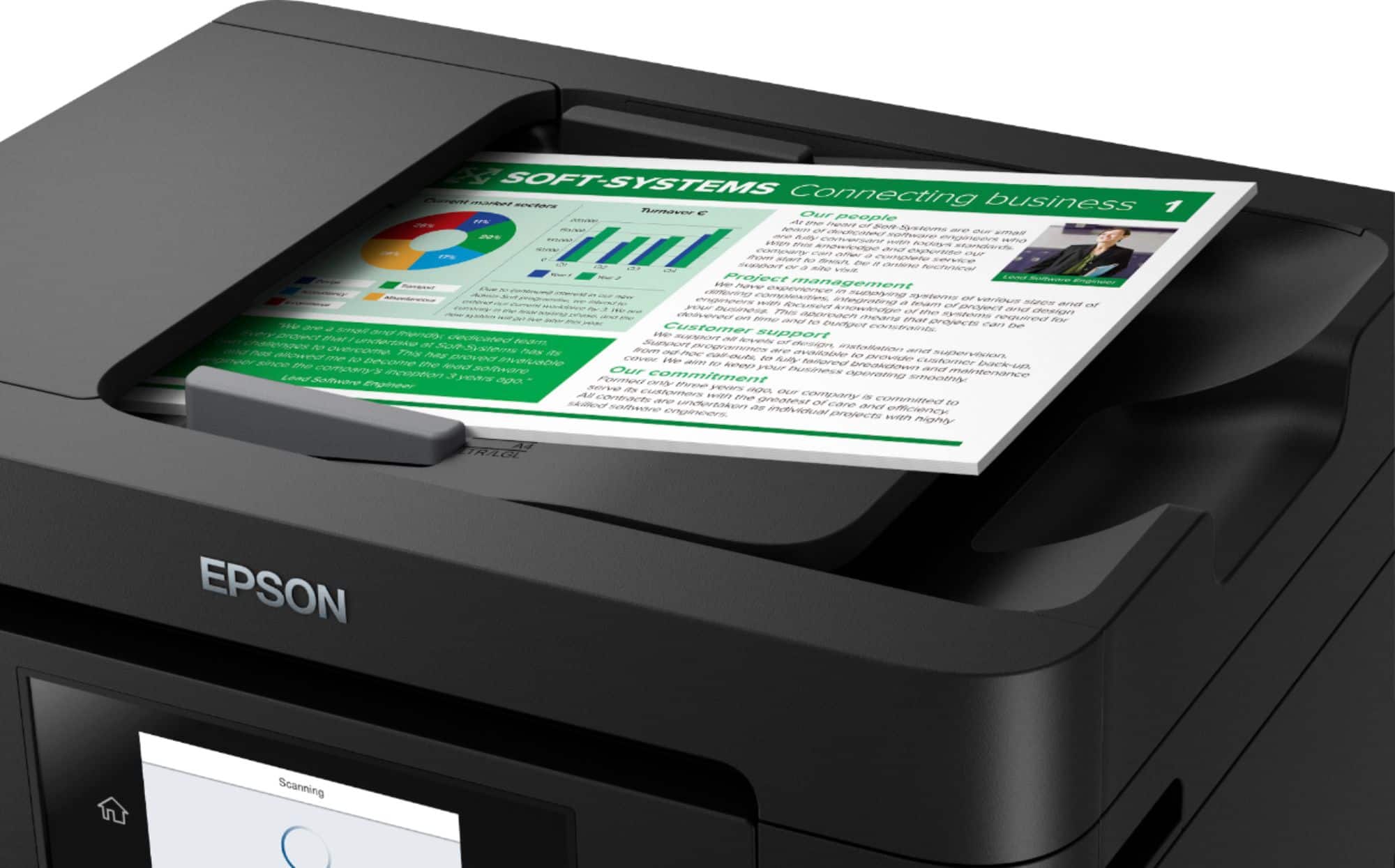
A:AnswerHello Teapot. Once a multipage scan has started, you cannot change the source in the middle of a job. So at the beginning, you would have to choose the flatbed or auto document feeder from the software. Regards, Kevin - The Epson Team.
A:AnswerHi Doug54, The WorkForce Pro WF-4820 does not print on CDs. However, the Expression Premium XP-6100 does, and it is currently available at Bestbuy.com. Inventory levels can change. Regards, Mark - The Epson Team.
A:AnswerHi jdenet63, The WorkForce Pro WF-4830 can print about 350 pages black using a standard-capacity 822 cartridge or 1,100 pages black using a high-capacity 822XL cartridge. regards, Mark - The Epson Team.
A:AnswerHi powerlifter. The smallest sheet size that can be feed through the Epson WorkForce Pro WF-4820 can is 3.5 x 5 inches. However, this printer does support printing on 4" x 6", 5" x 7", and custom paper sizes up to 8.5" x 47". For more information, visit the official Epson Support website. Regards, Bobby - The Epson Team.
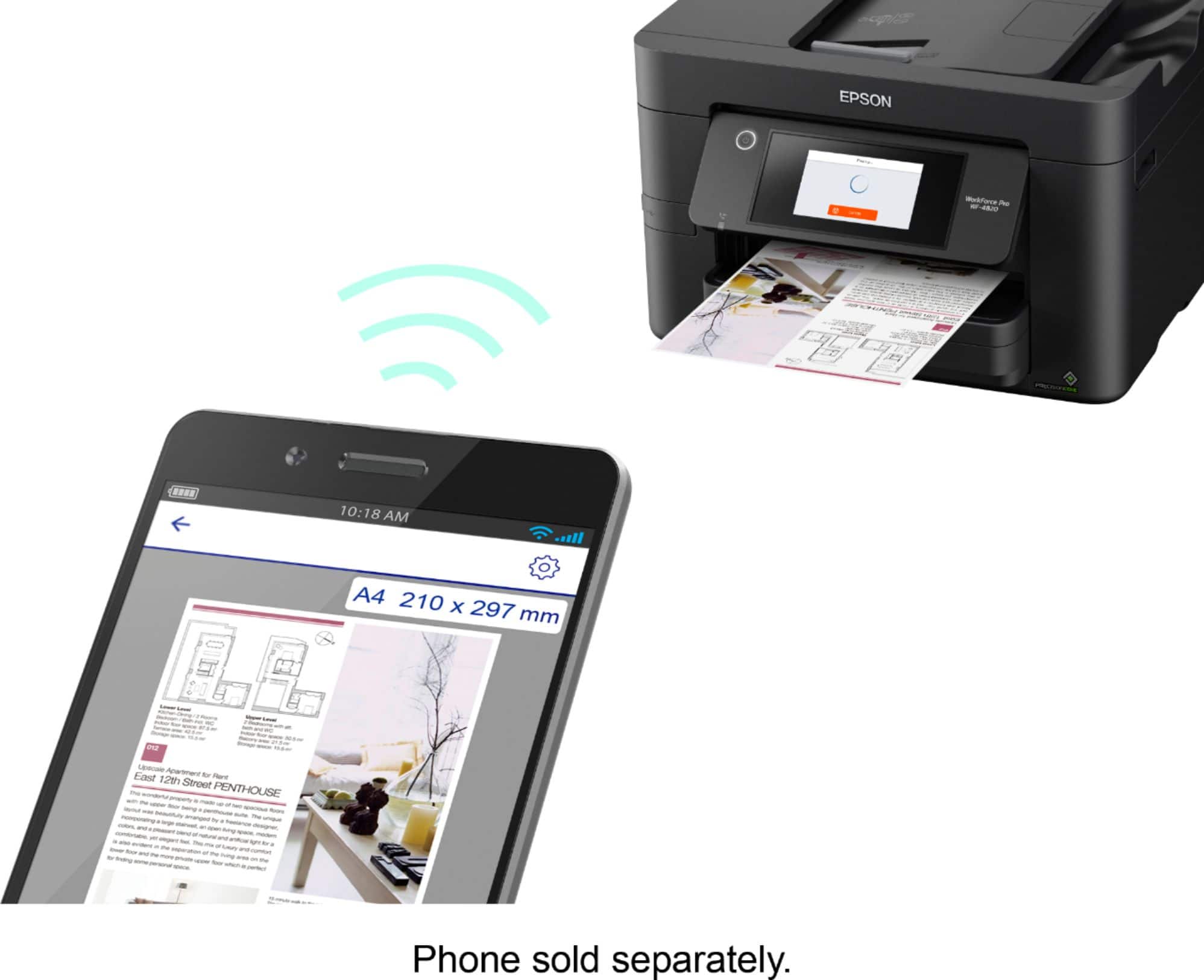
A:AnswerHi Judd. The Epson WorkForce Pro WF-4820 is compatible with computers running the Windows 10 operating system and Android mobile devices. For more information on the setup, visit the official Epson Support website. Regards, Bobby - The Epson Team.