A:AnswerIt’s a “learning” thermostat so if comfortable simply adjust manually by turning dial or via app and it will turn off the heating/cooling function until schedule changes or you change it.
A:Answeryou can program it from anywhere you like you just need to have service or wifi... even if you are a Voyager on a mission to next earth likely planet lol
A:AnswerProbably not. The real value in this comes from the automatic programming and ability to control your thermostat remotely. If your home is normally a comfortable temperature anyways, I'm not sure that it'd be that easy to justify the 250$ price tag.
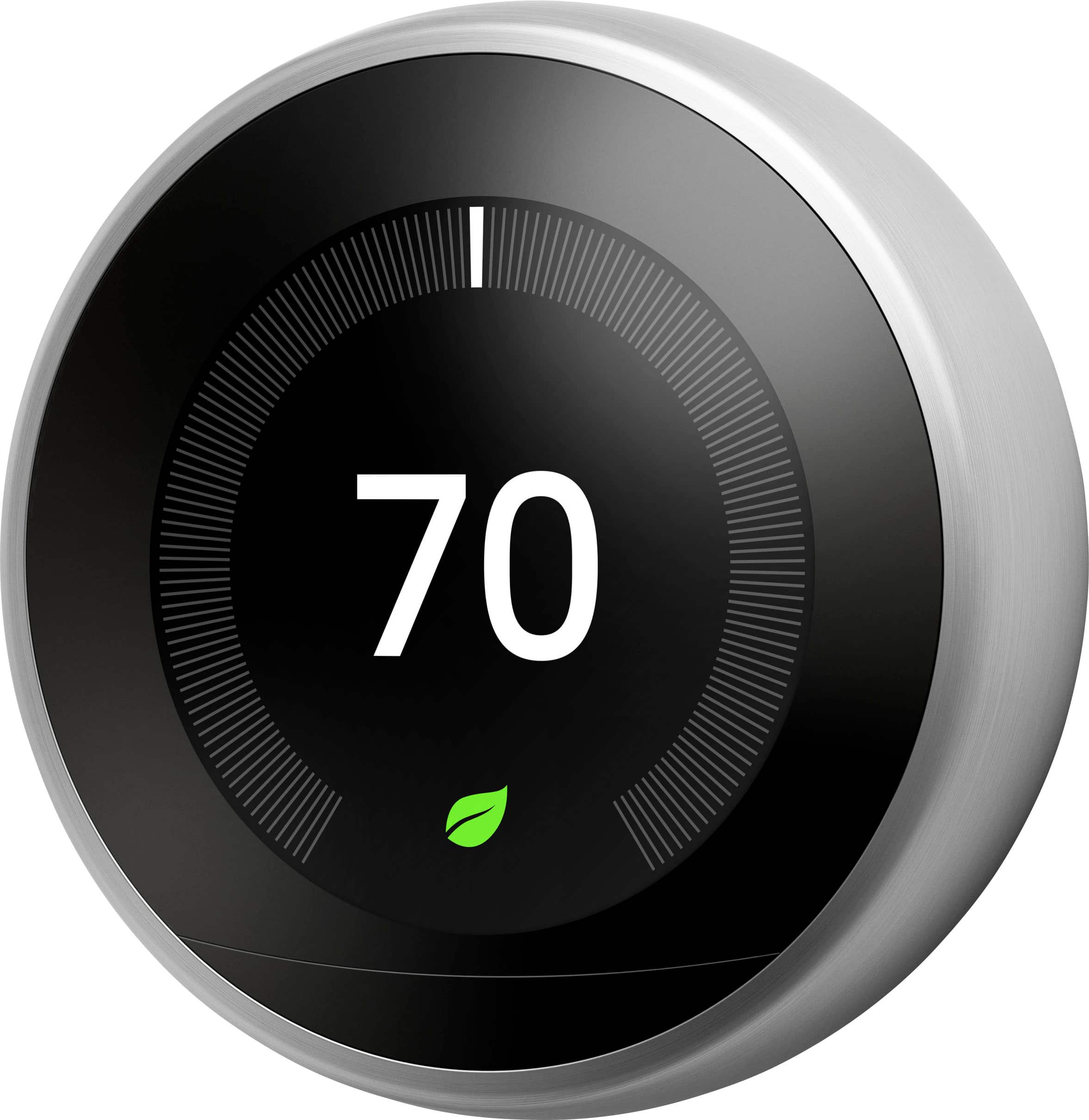
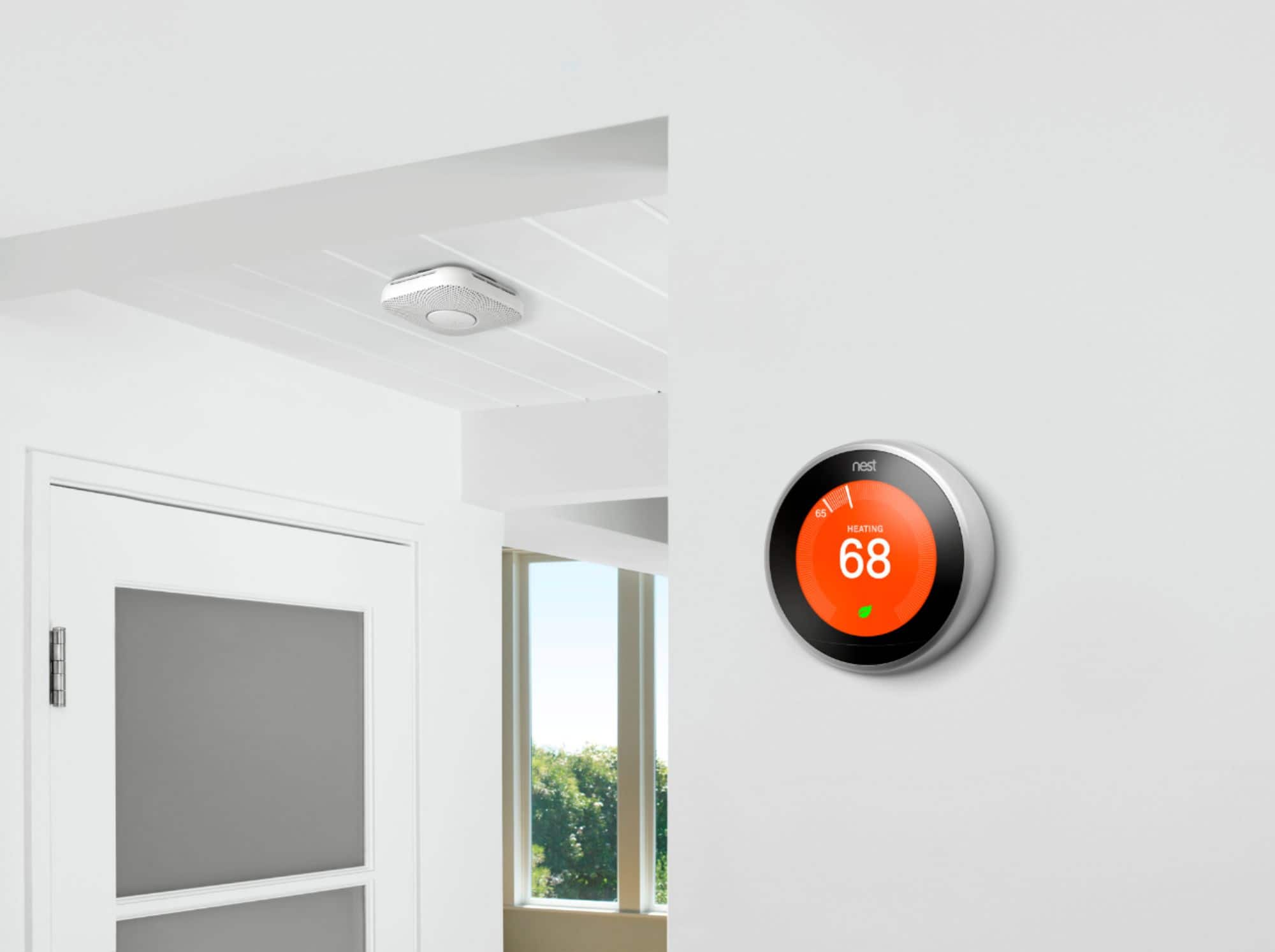
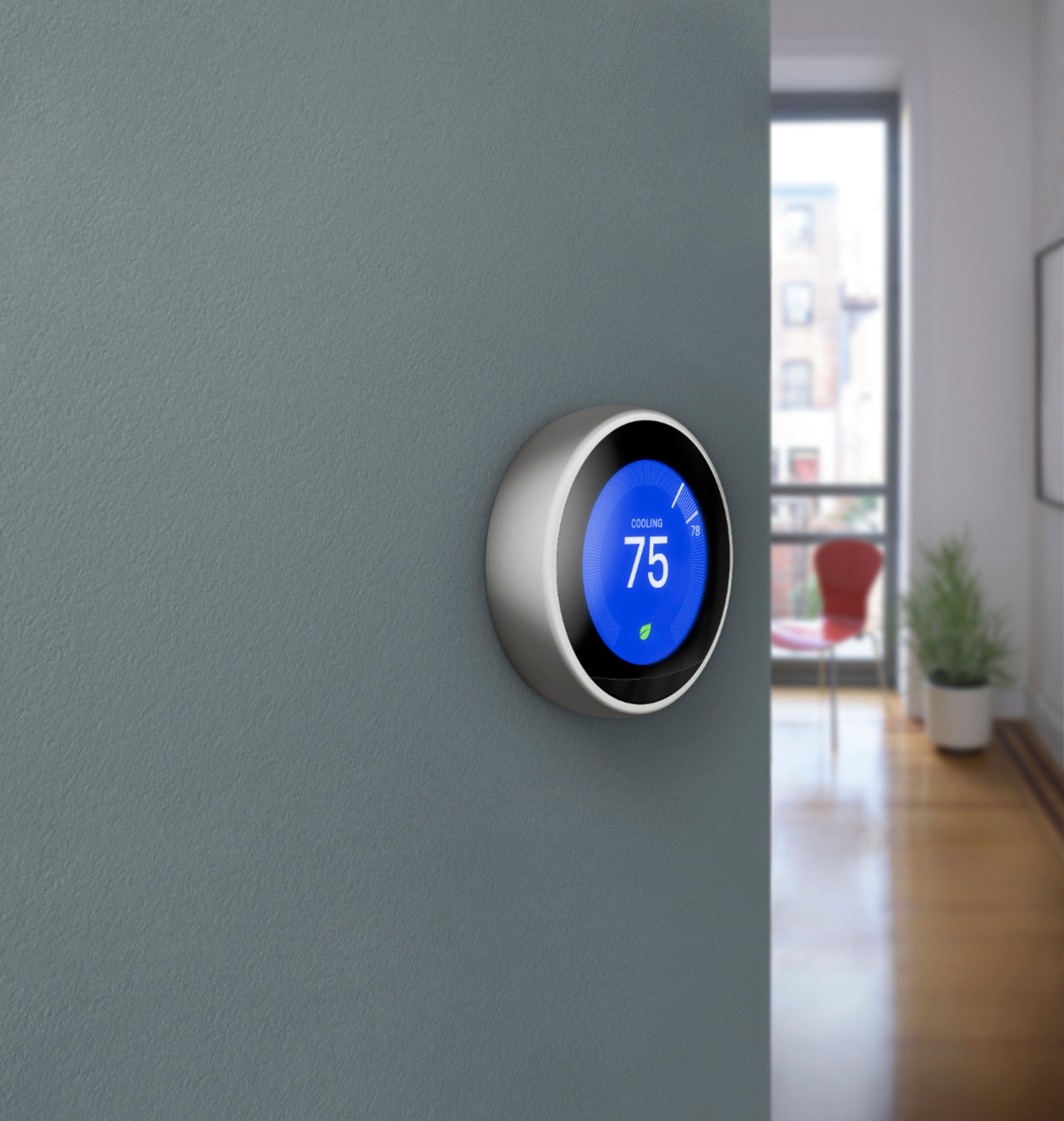
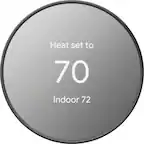
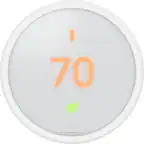
A:AnswerNo, at least from what I've been able to determine. The base is the base, and the display is white on black, though it changes color when it's heating (and, I presume, cooling).
A:AnswerA C-Wire is not required in the Nest thermostat (as it is required in the Lyric Thermostat) because Nest has managed to have the unit pull power from one of the other wires ... in other words, Nest has found a way to get just enough power from the existing setup without a C-Wire. Although having a C-Wire makes it very easy to install and operate. The Lyric, on the other hand, requires a separate C-Wire connection, or you must use highgrade, and expensive, lithium AAA batteries, which can be costly and have to be replaced at varying rates depending on your heating/cooling system. I had the Lyric and had to replace the battery every 3 weeks. It was annoying and expensive. The Nest, though, has worked with no problems now for three months straight using the existing wiring on my home system and without a C-Wire
A:AnswerThey have sales from time to time and and many utilities have rebates for smart thermostats. I am unaware of any two pack sales. I had to buy two for my dual zone system. The money I saved on heating and cooling bills is worth it. Unless you know of a sale coming up, I wouldn't wait.
A:AnswerCall and ask. Amazon has install services available in many areas. I found it very easy to replace my old thermostat myself and you can probably find a video tutorial on YouTube that will cover the process.
A:AnswerI'd just inquire online about the NEST THERMOSTAT. We used a You Tube video to show us how to set it up & that would be very helpful to you, as it explains how to maneuver thru the screens, etc.
A:AnswerNo, You can replace one at a time it will not effect the T stat in any way as they are separate zones. I purchase and installed mine one at a time to make sure I was happy with the product and the cost.
A:AnswerWe lost power for some time during a storm. while we were on vacation,
WiFi reset, but not the Nest. I had to have a neighbor go in and reset Nest to WiFi.
A:AnswerNo, the unit is not always illuminated. It lights up when you walk near and displays the current temp and also when you change the settings. That is all.
As for voltage, I don't know. Set up is EASY though. Depending on your wiring situation, you refer to a chart on a setup up page on line, select the wires your AC has (which are inserted in labeled slots in your existing unit), and then displays the where they are to be inserted in the unit. If you don't have a C wire, you may need a certified installer to wire it.
A:AnswerTheoretically it could work with a 2 wire 24v which is what I have, but my system would not work with it as I have 3 zones and it was too much of a drain. If you have a 1 zone system it may work, just be aware of any clicking or other strange noising from the heating system (you'll notice it pretty quickly after installation) control board.
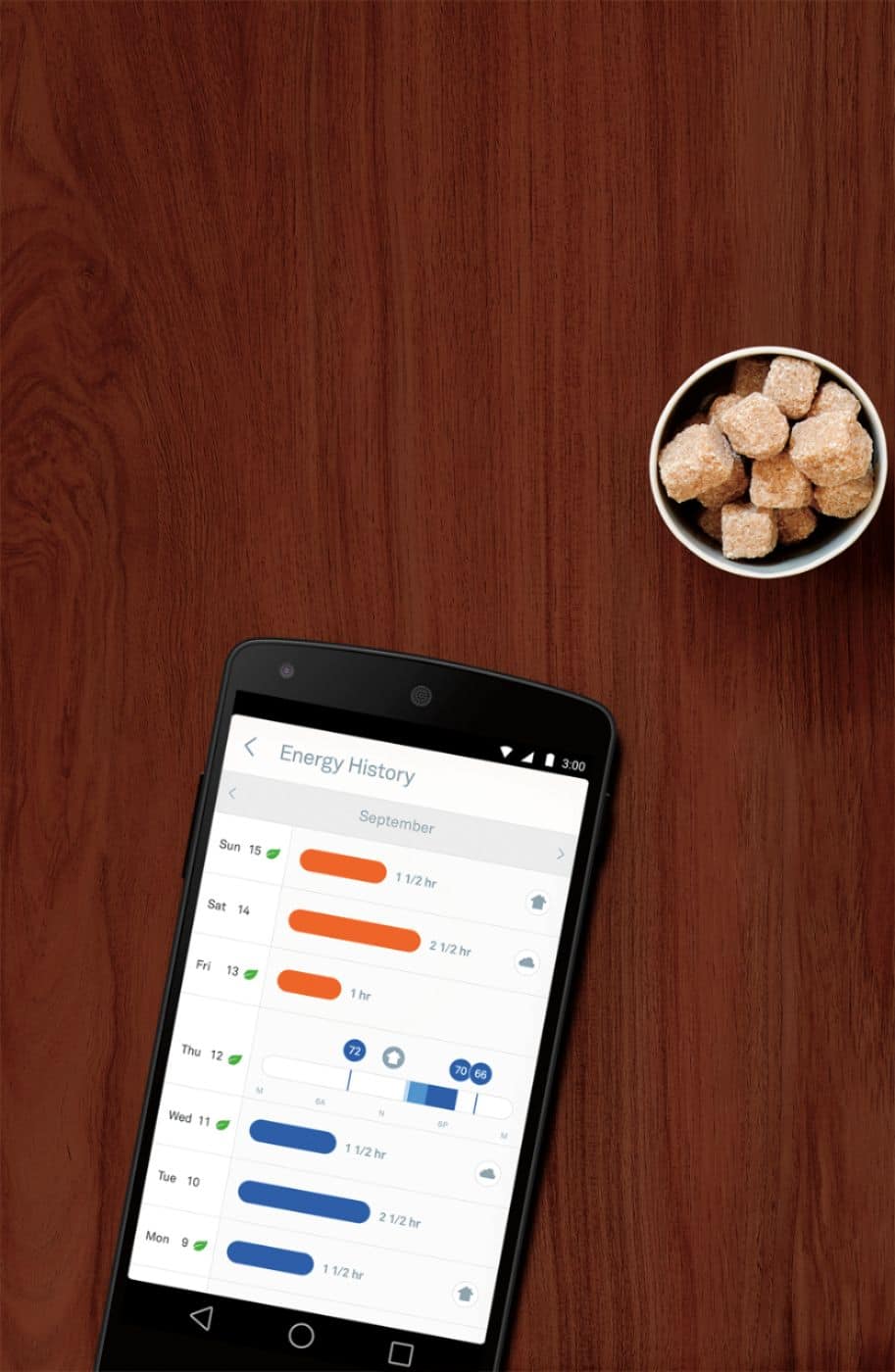
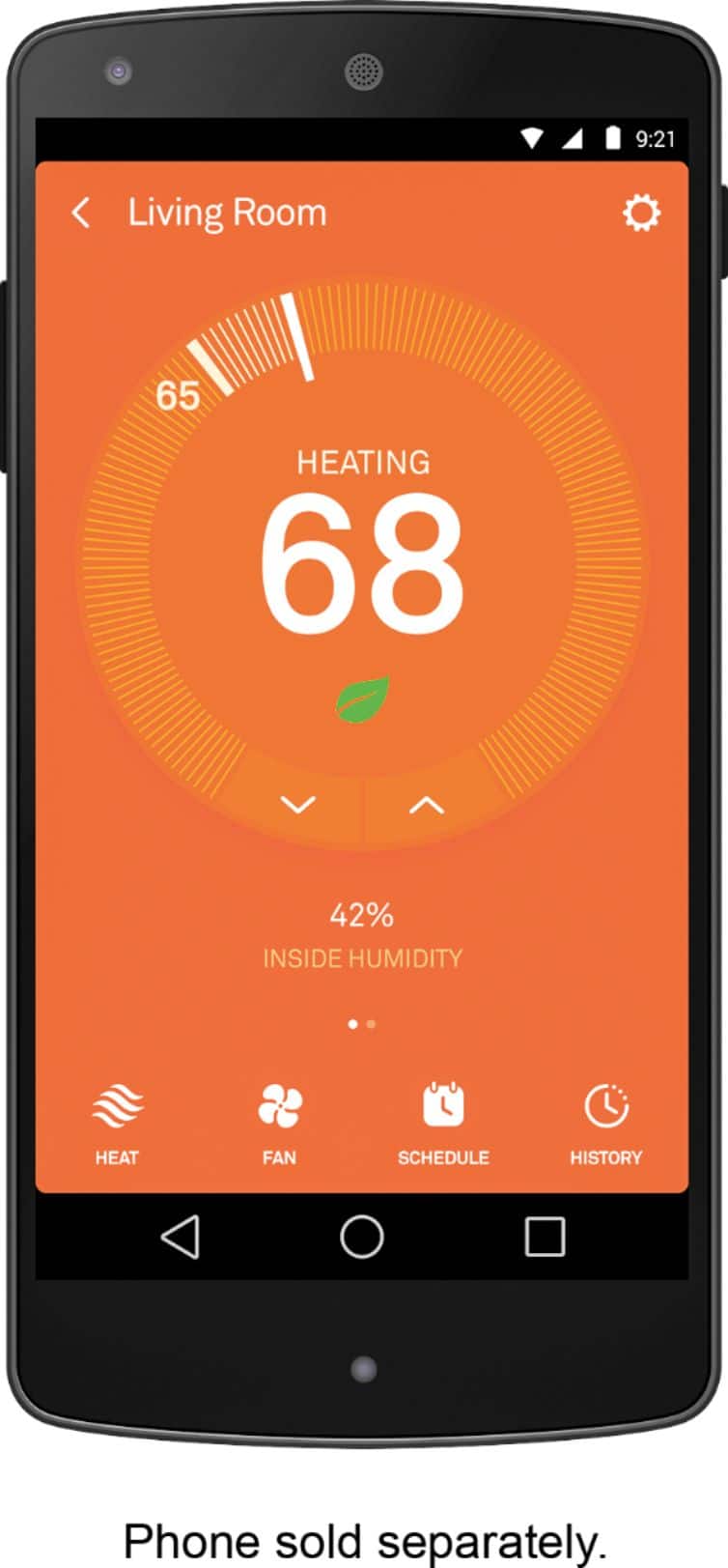
A:AnswerA lot of things can be happening. First, not sure how familiar your friend is with the thermostat. If you walk near it, the first thing that pops up is the actual temperature, not the setting. If it was a cooler day or evening and he walked by the thermostat, it would initially show the current temp which may have been 75. Also, are you sure you set it to ECO temp setting or just turned it down? If you just turned it down, the timer will take it to the next setting at the next time. Finally, do you have a smart phone App? You can check it, change it any time you want as long as your phone is connected and the Wi-Fi is on at your Florida place.
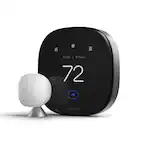
A:AnswerYou can purchase a separate temperature reader and place it in the room that will take priority and it will adjust the temperature accordingly. If you’re speaking of an apartment style building then I’m not too sure on that. I would contact the Nest support.