A:AnswerI bought external speakers for my new computer. They are plug and play. You just plug the wire provided into any of the USB outlets in the computer.
A:AnswerTry to check your USB to HDMI adapter, I think the cause of the problems source from this guy. may be it is need a driver update, use the producer's web site for more support.
Before this try to reduce your mac's refresh rate or frequency and decrease the resulation.
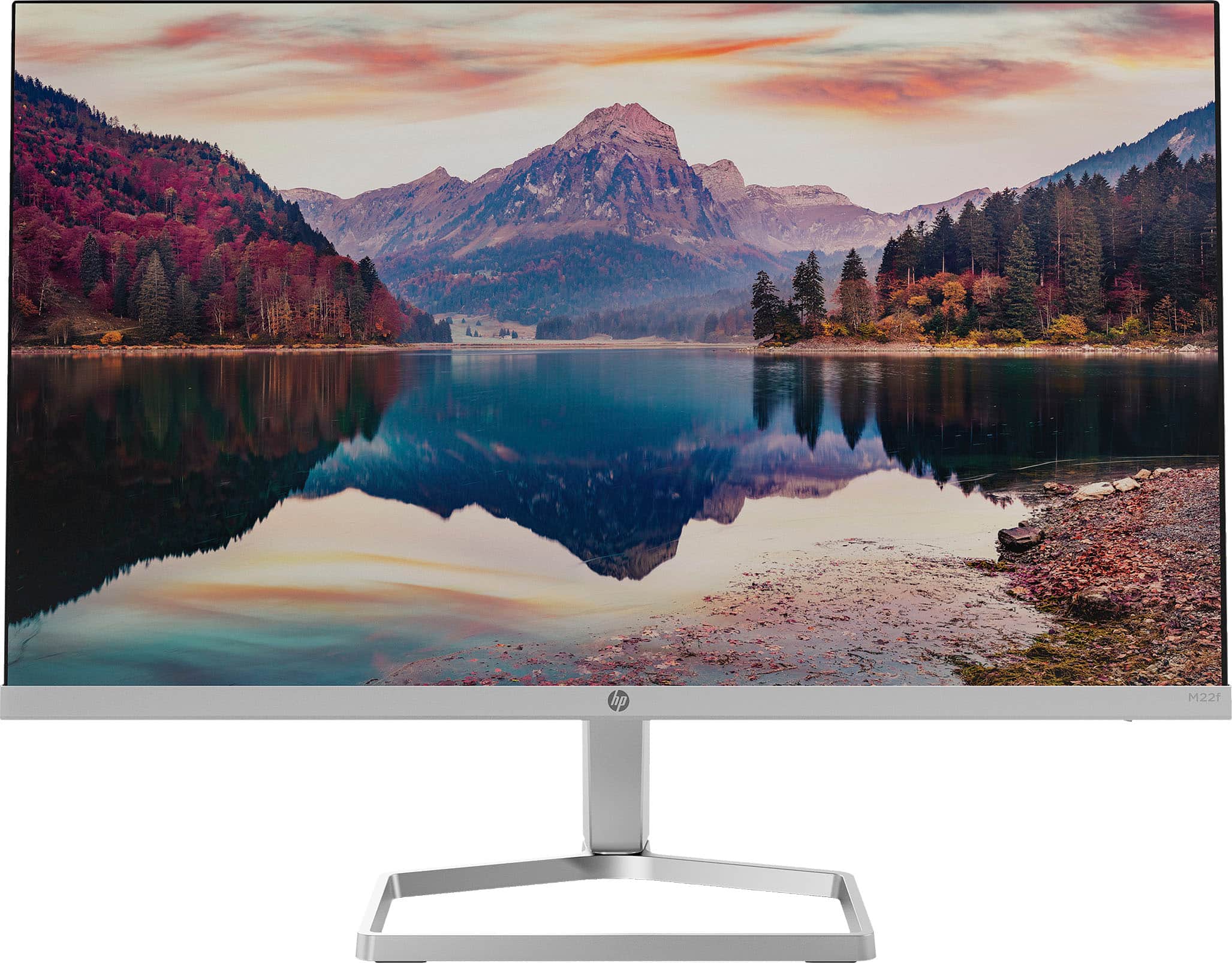
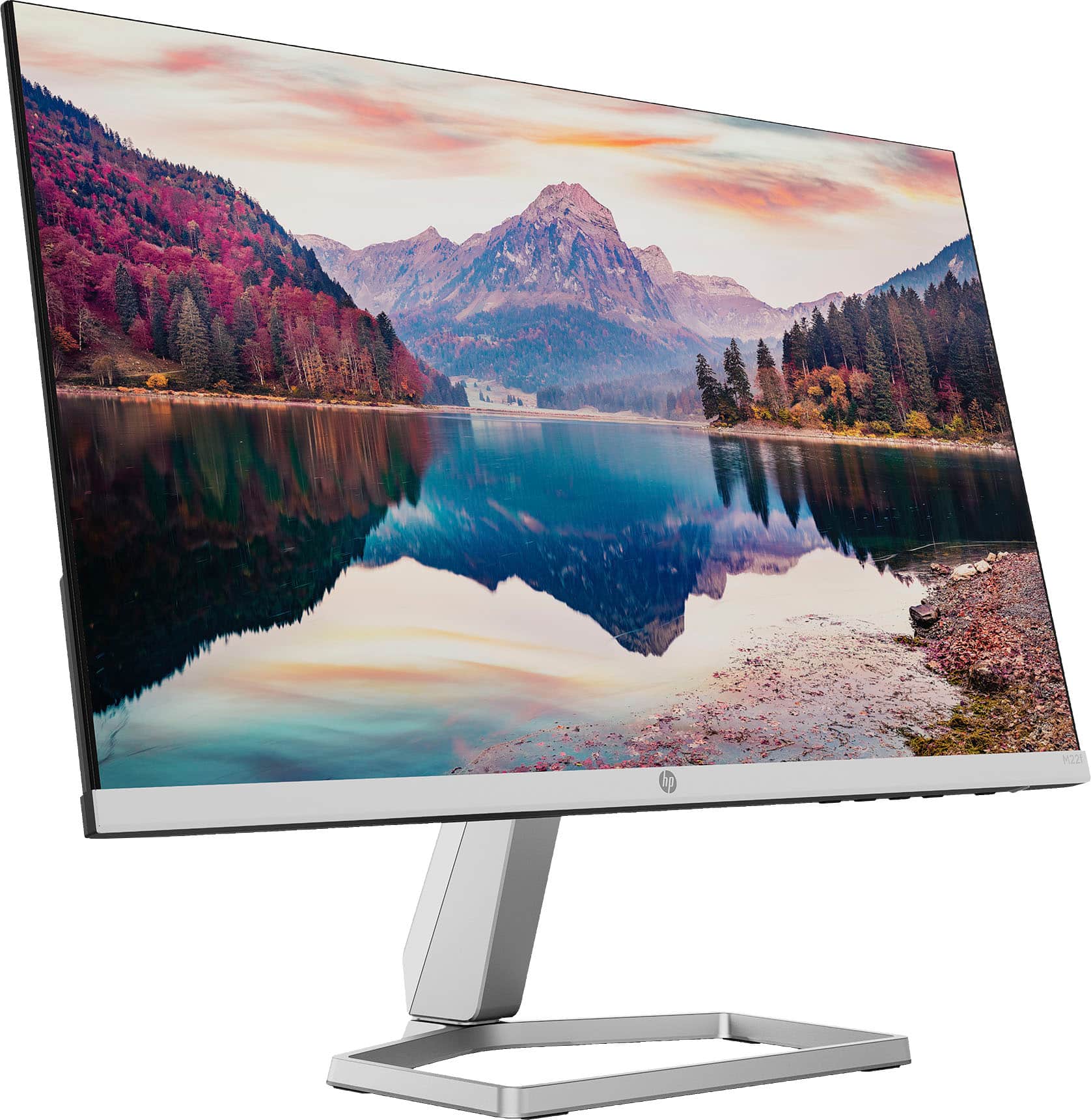
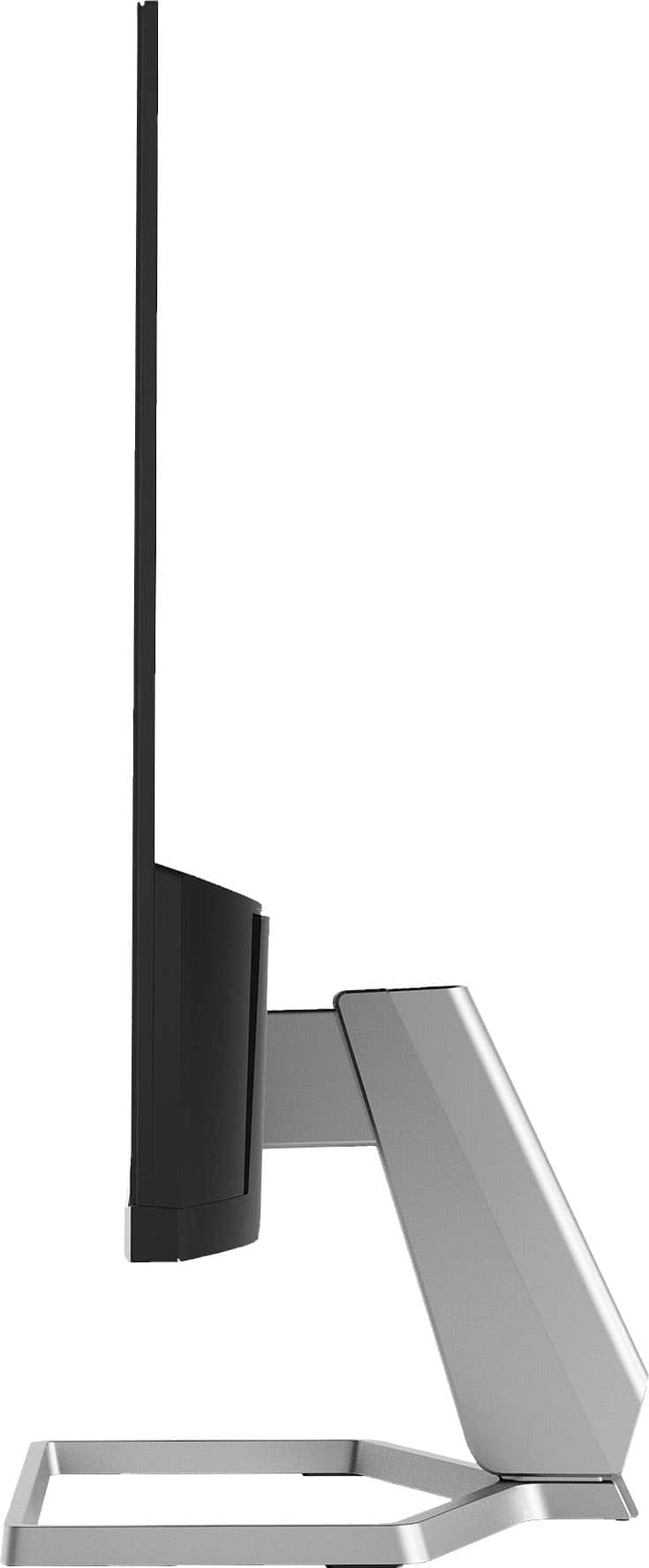
A:AnswerThank you for your question about this HP monitor! I am sorry to hear about the display issue with this. You can contact either Best Buy Geek Squad or HP Support and they can look into it. Best Buy is an authorized HP service provider and can do warranty work.
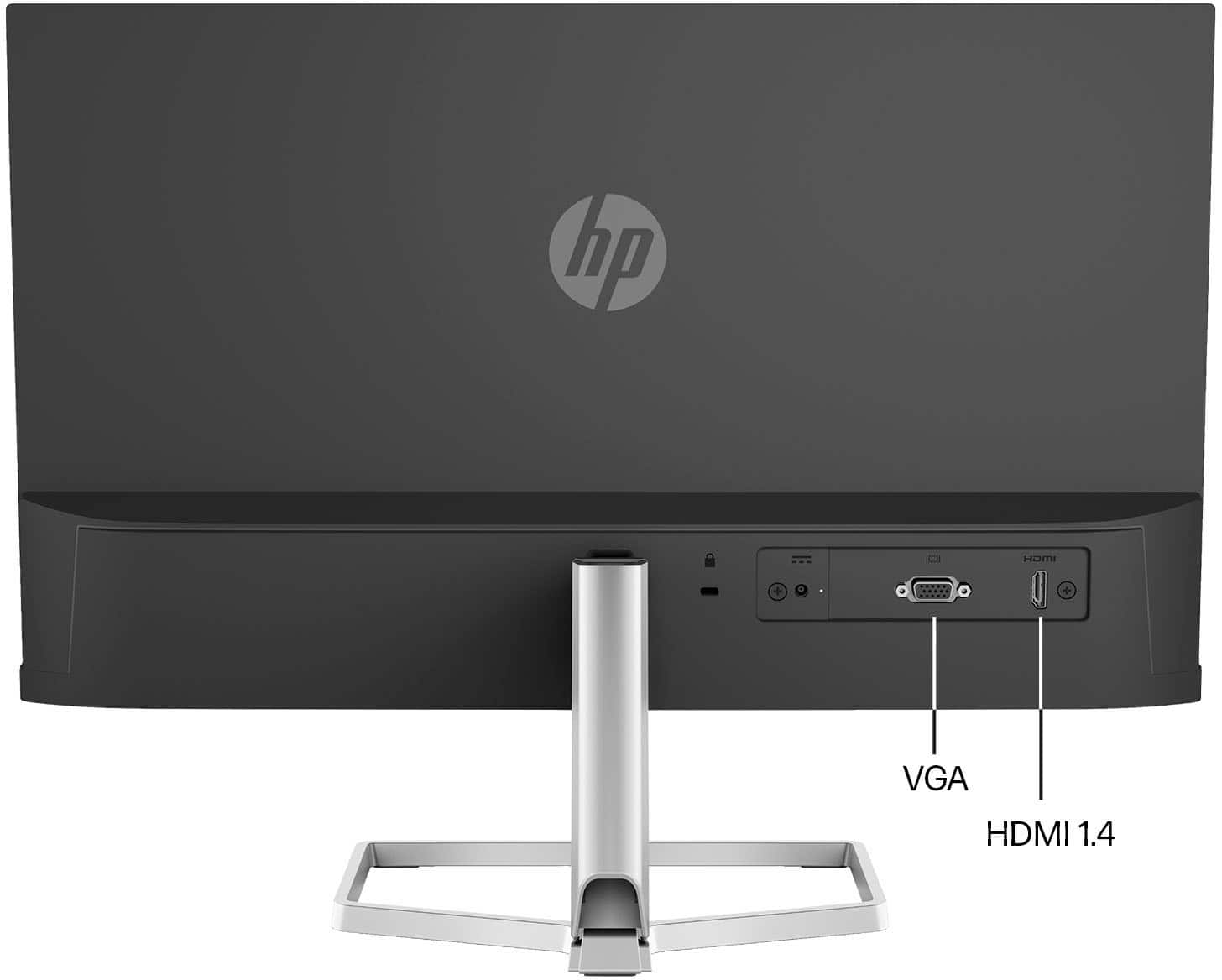
A:AnswerKevin, thank you for your question about this monitor! This will not work with the Elite Desktop because the monitor is not equipped with a DisplayPort input. You will need a model that has a DisplayPort input and HP offers those options through Best Buy.