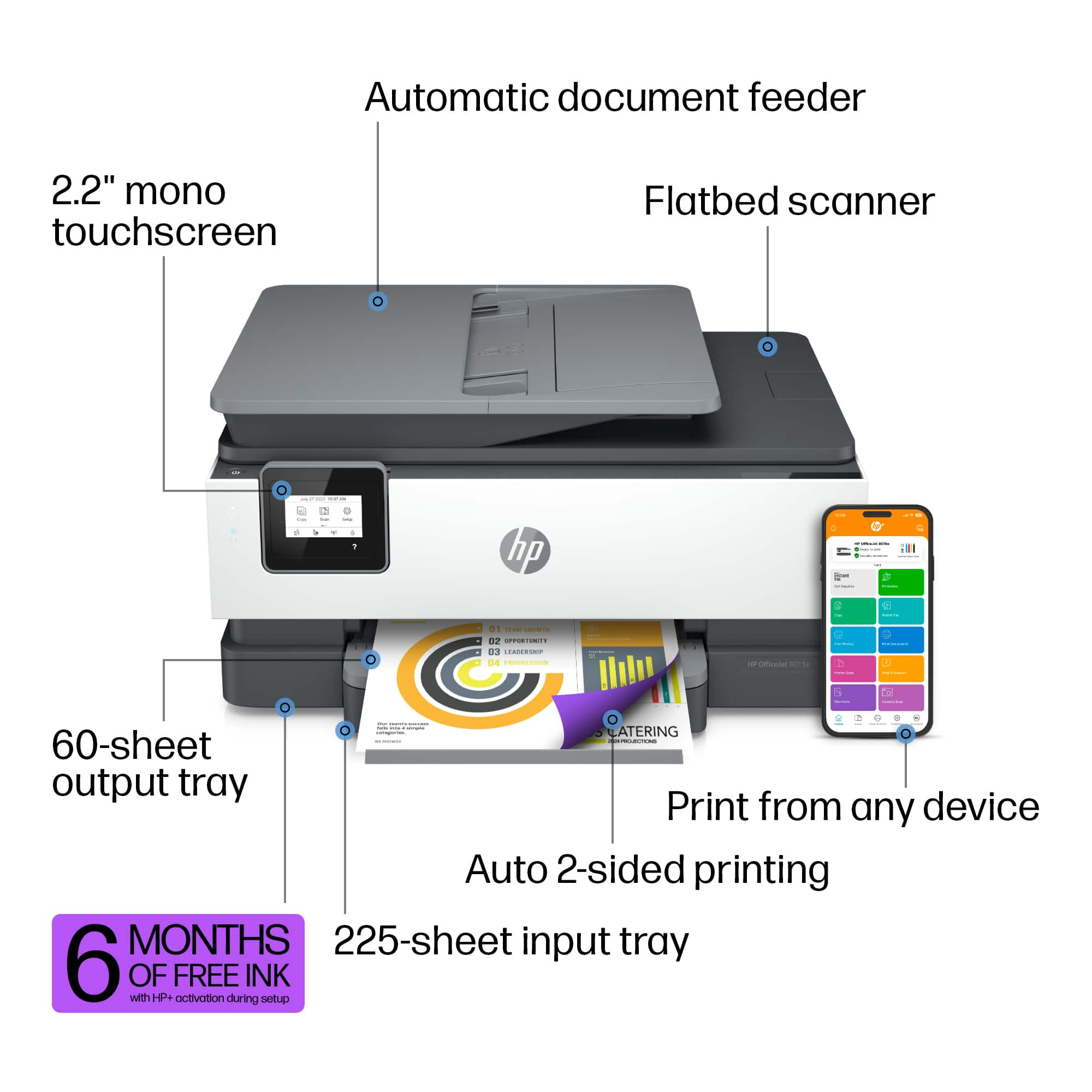
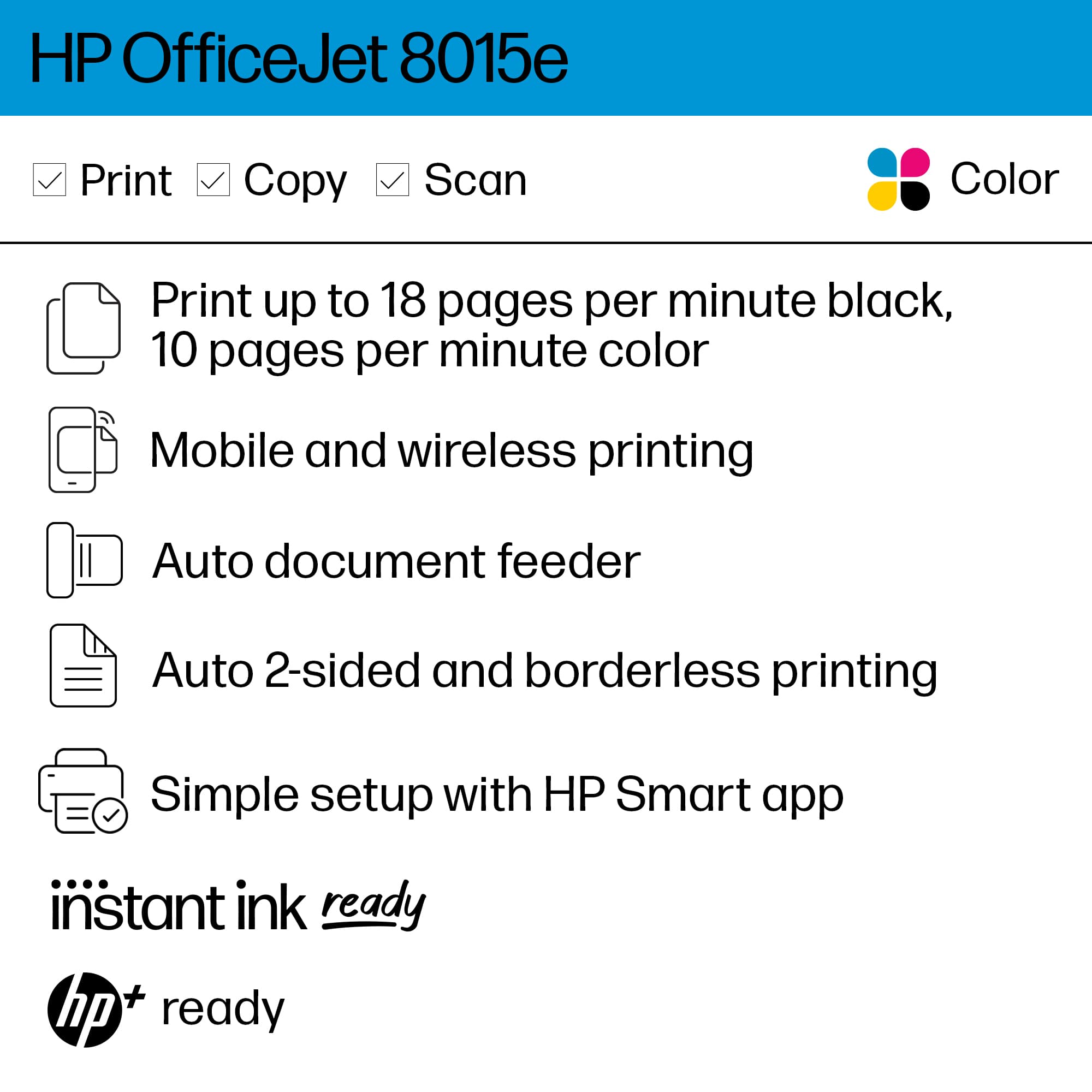
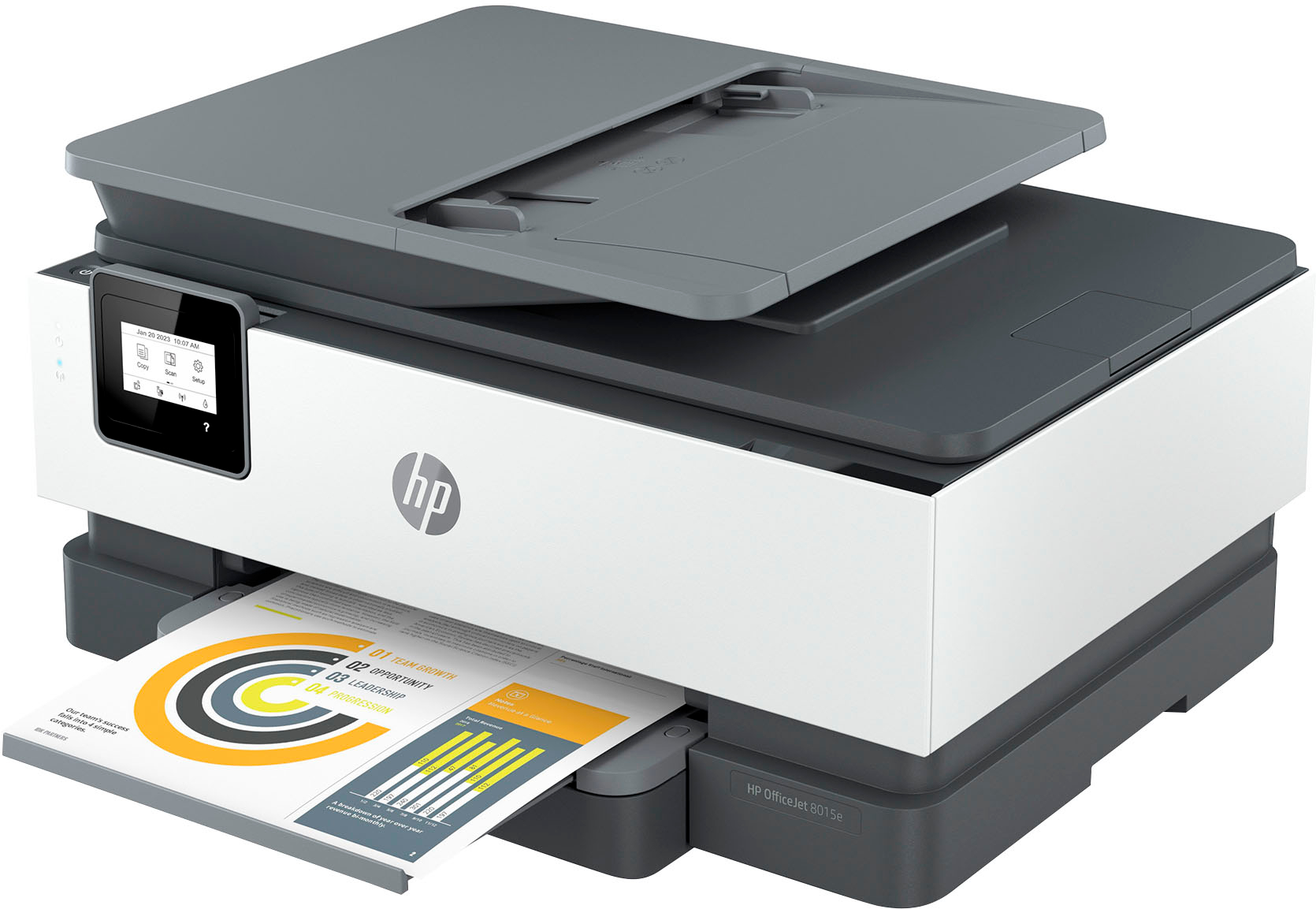
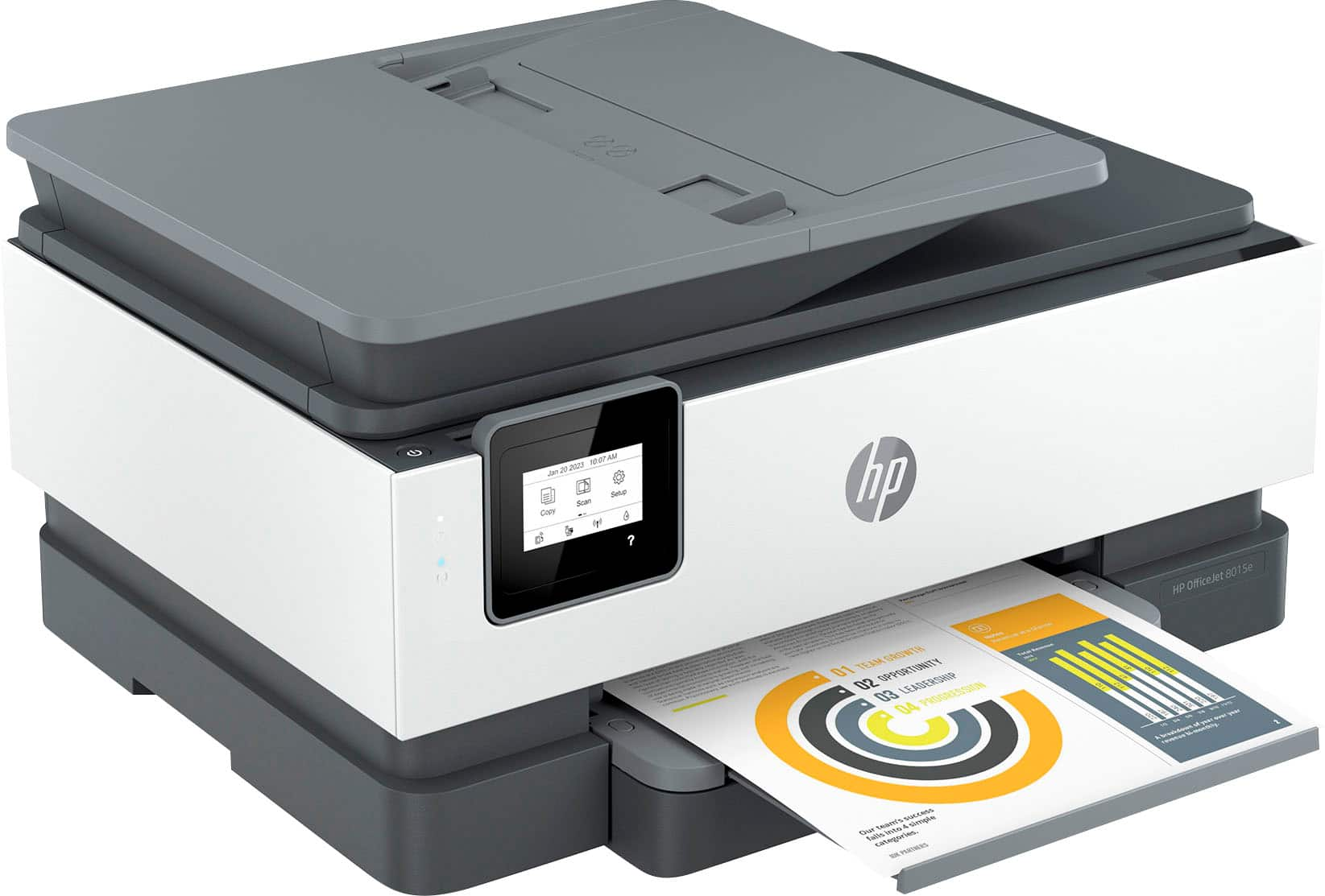
A:AnswerHello, and thank you for the question! This printer does not have the scan-to-email feature. You can scan the document to the computer, and then attach it in an email to send.
A:AnswerHi there. Thank you for your question! This printer will work with Mac computers running macOS High Sierra (v10.13). It will work with Mac computers running at least macOS v10.12 or newer.
A:AnswerThank you for the question. The Envy Photo 7855 can print resolutions up to 1200 x 1200 (black) and 4800 x 1200 (color) as well as the new model, the Envy Inspire 7955e, and the OfficeJet 8015e. The higher the resolution (dpi), the better the print quality. However, the resolution of the image you're printing is important. You can tweak the image resolution within the software you're using (Photoshop, for example) and adjust the print resolution with the HP printer software.
A:AnswerIf you are having issues with your printer, don't hesitate to reach out to HP Support or your Best Buy Geek Squad for more information on what can be done to resolve this issue for you!
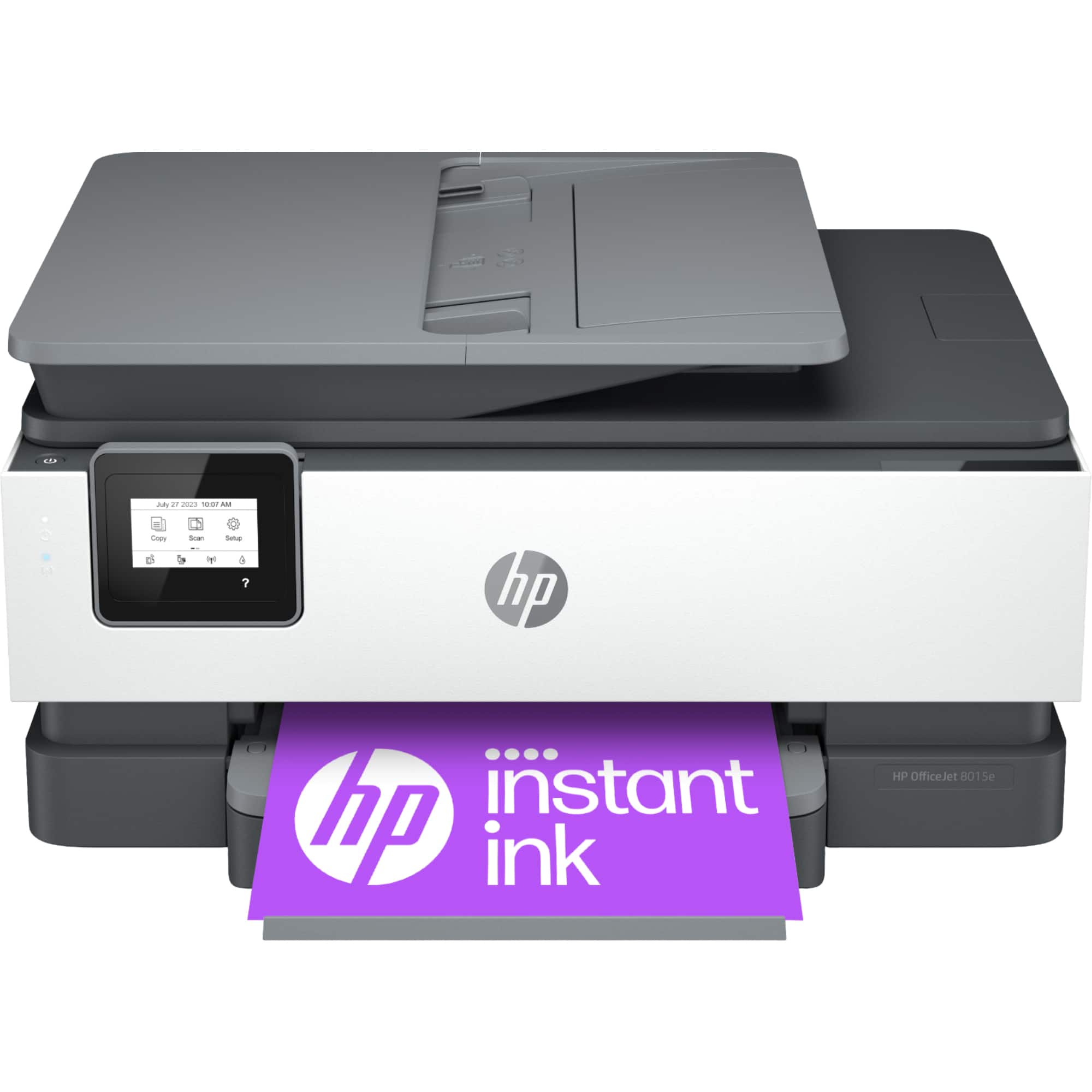
A:AnswerThank you for the question. The OfficeJet 8015e is compatible with your computer running Windows 8,1, 8.7, Server 2008 R2 64-bit, and Windows 10 and 11.
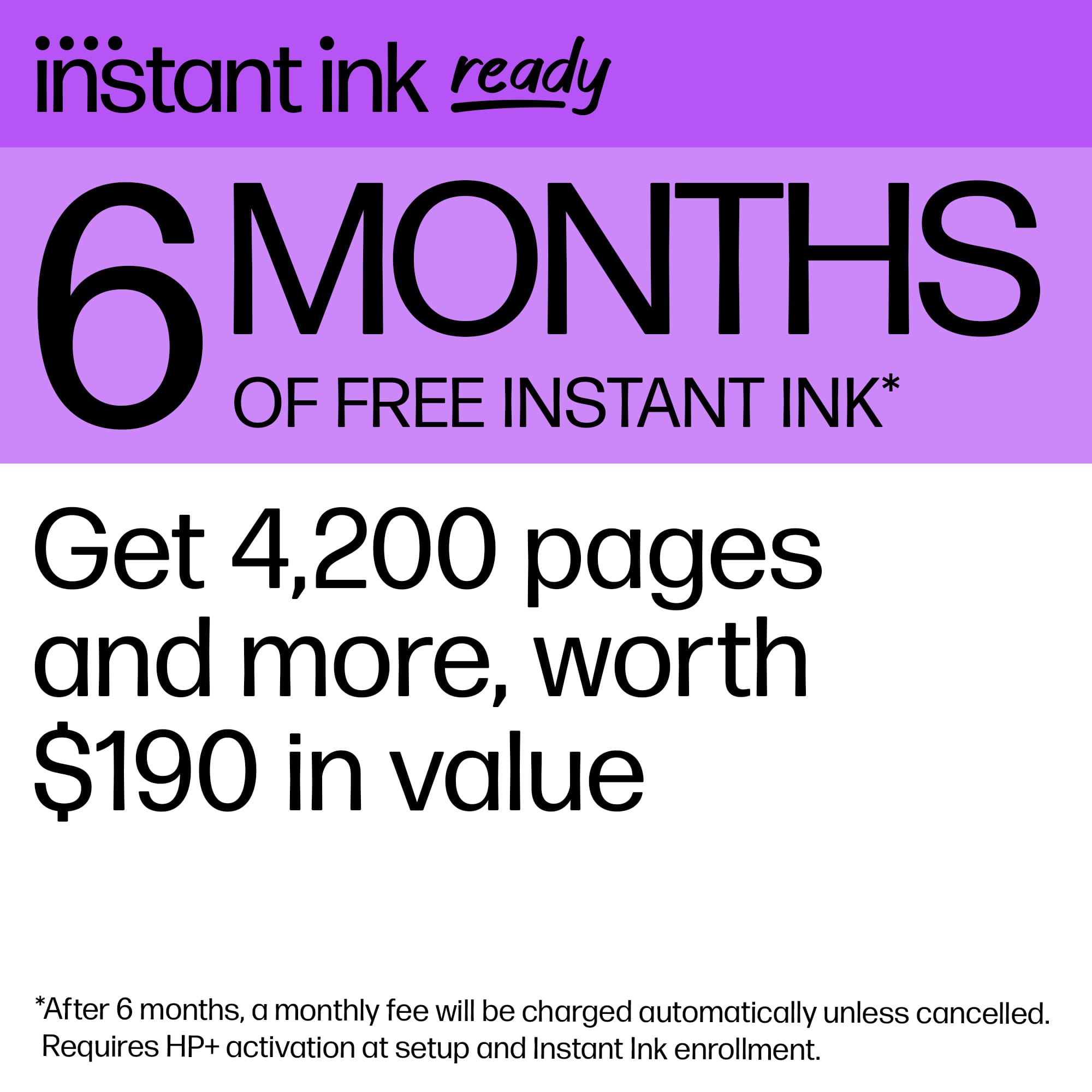
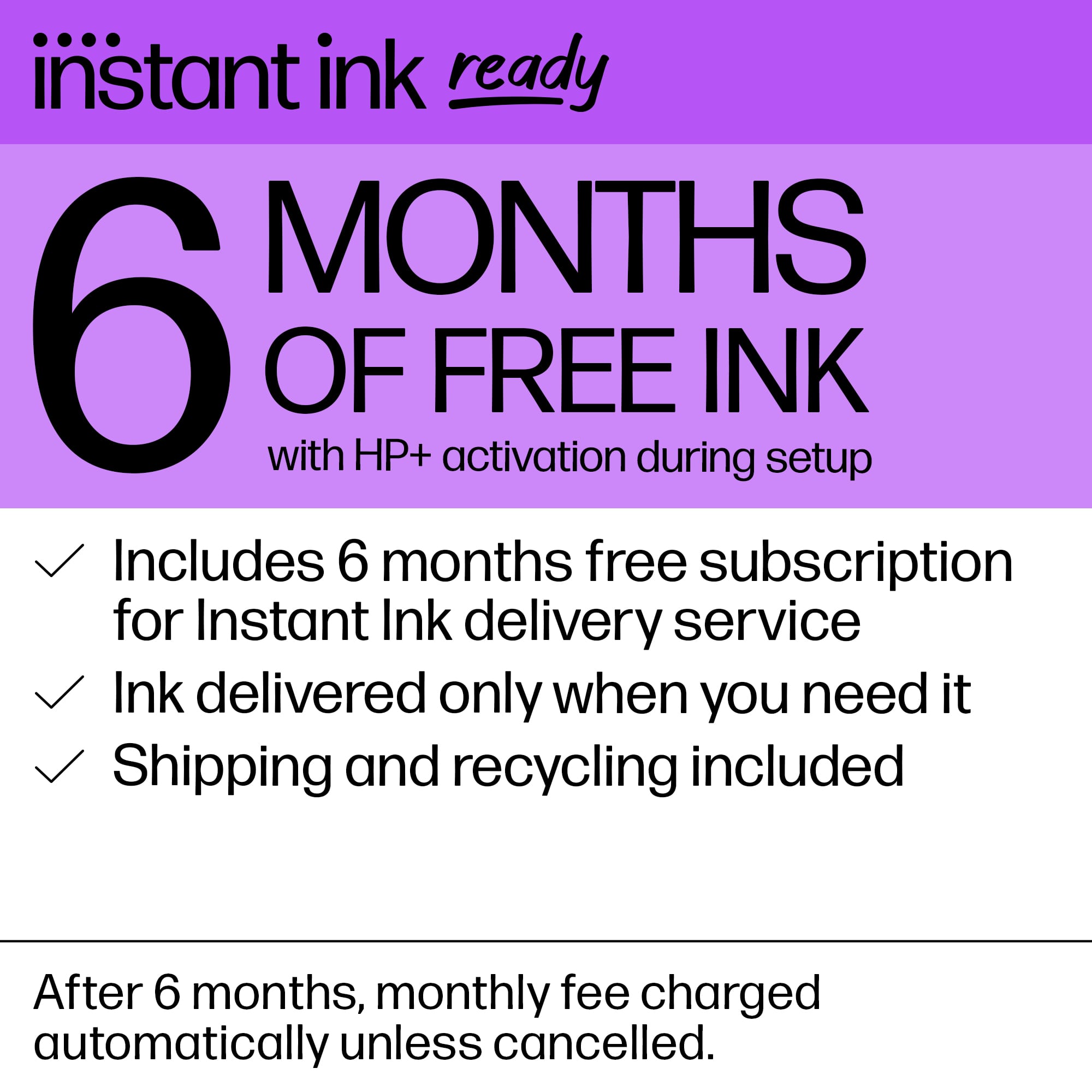
A:AnswerThe ink cartridge levels are only approximate. Part of the Instant Ink program is to send you ink before your current cartridges run out, which is why you get sent ink while you still have ink-so that when it does run out, you can pop out the old cartridge, install the new one, and continue printing with a minimum amount of disruption.

A:AnswerYes, it can. By far the easiest thing would be to download the free HP Smart app to the computer and have it handle the installation and setup.