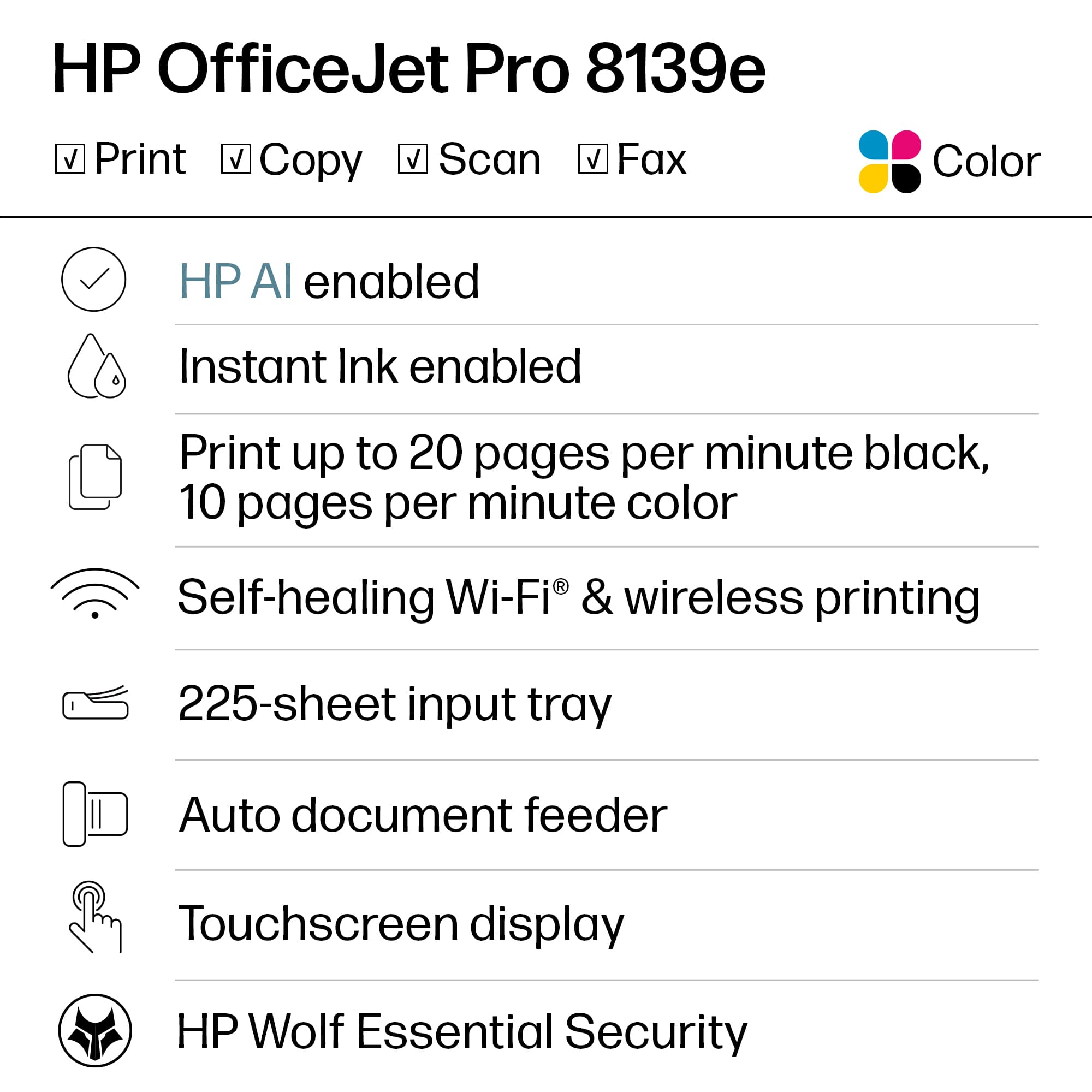
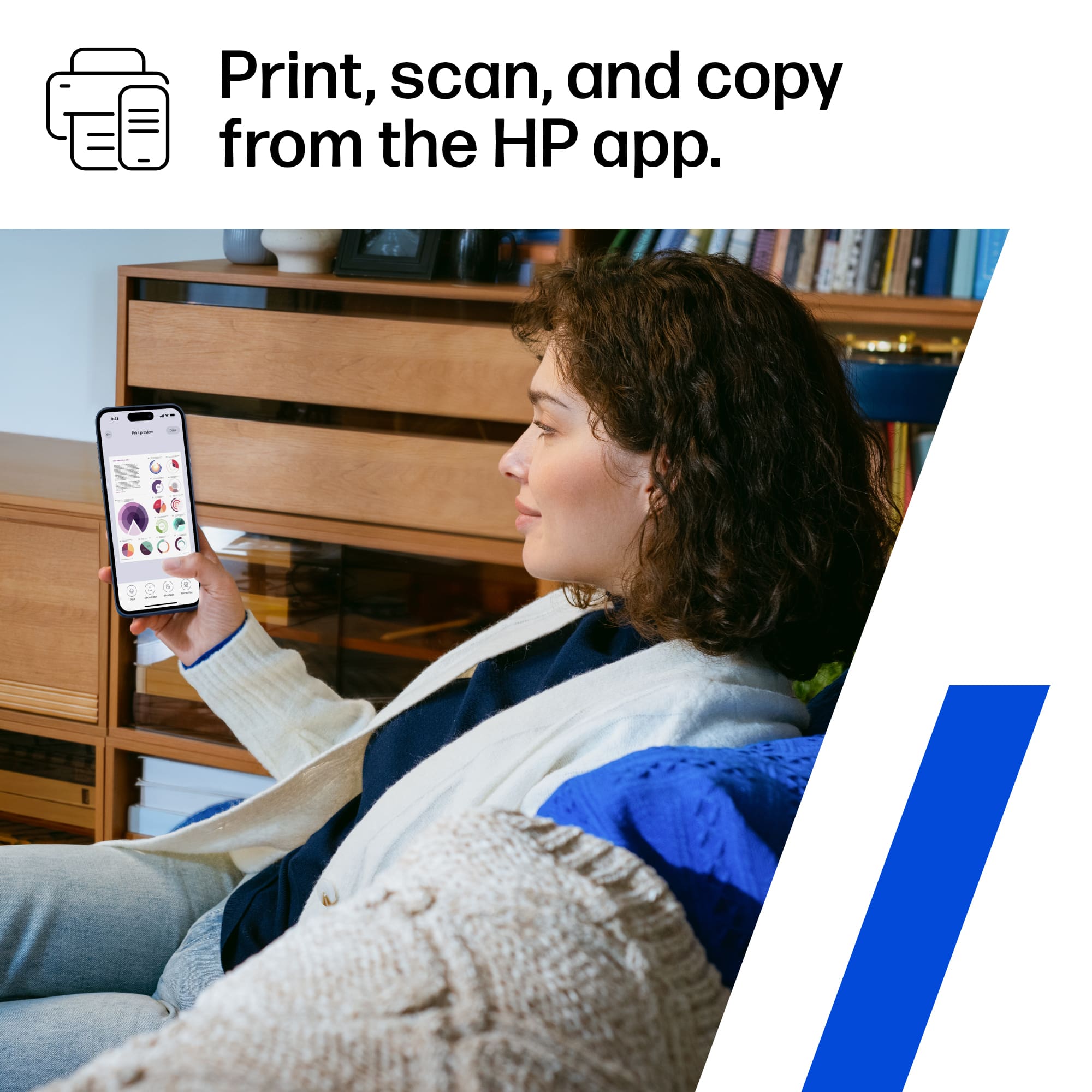
A:AnswerThank you for the question. HP+ offers many benefits, including: automatically keeping the printer up to date, identifying and fixes connection issues by itself, printing from any device, any app, anywhere, sending mobile faxes from wherever you are, pro-grade phone scanner with the Smart App, enhanced security, never run out of ink with Instant Ink, and an extra year of warranty when you use Genuine HP Ink. HP plants, protects, or restores forests for every page you print - no matter what brand of paper you use.
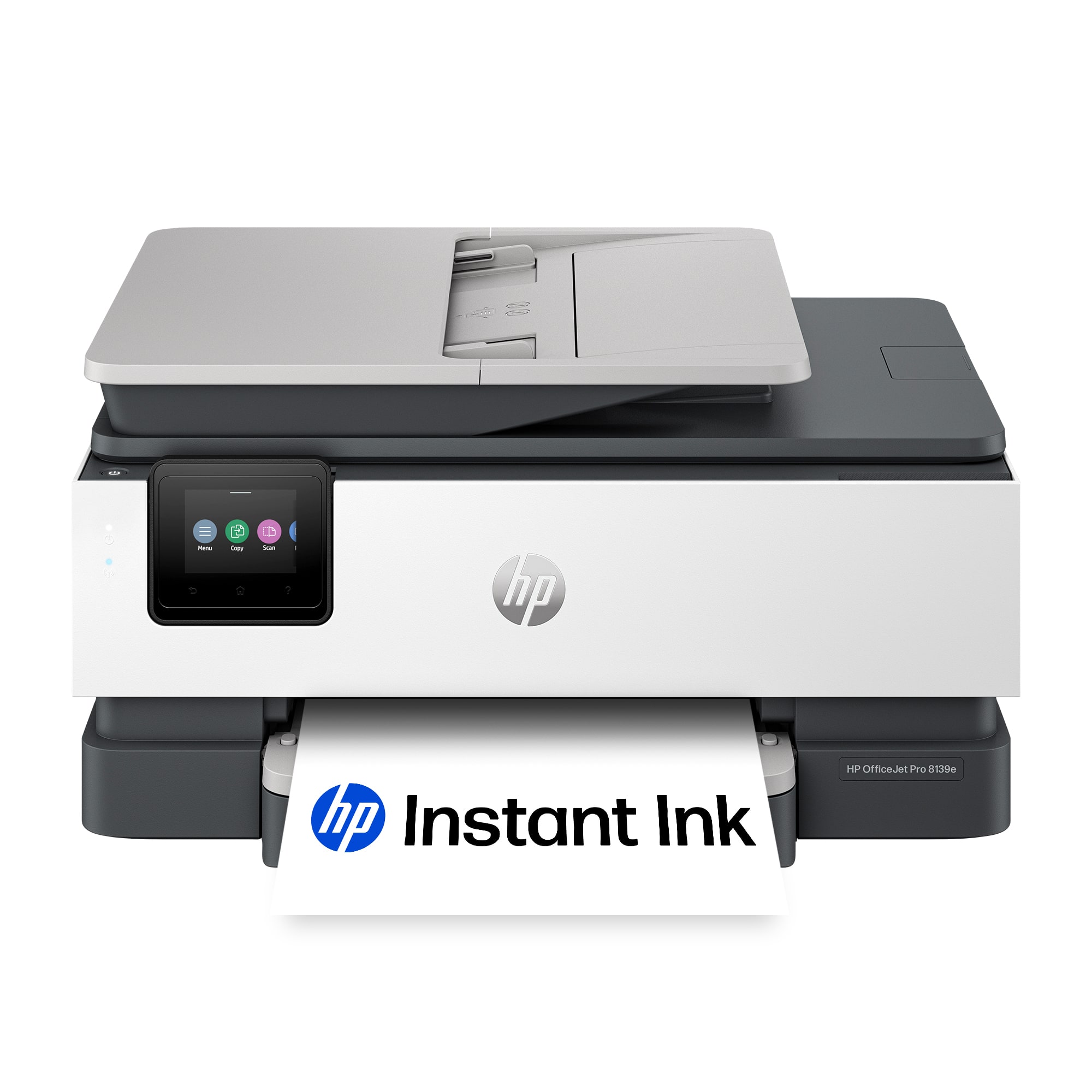
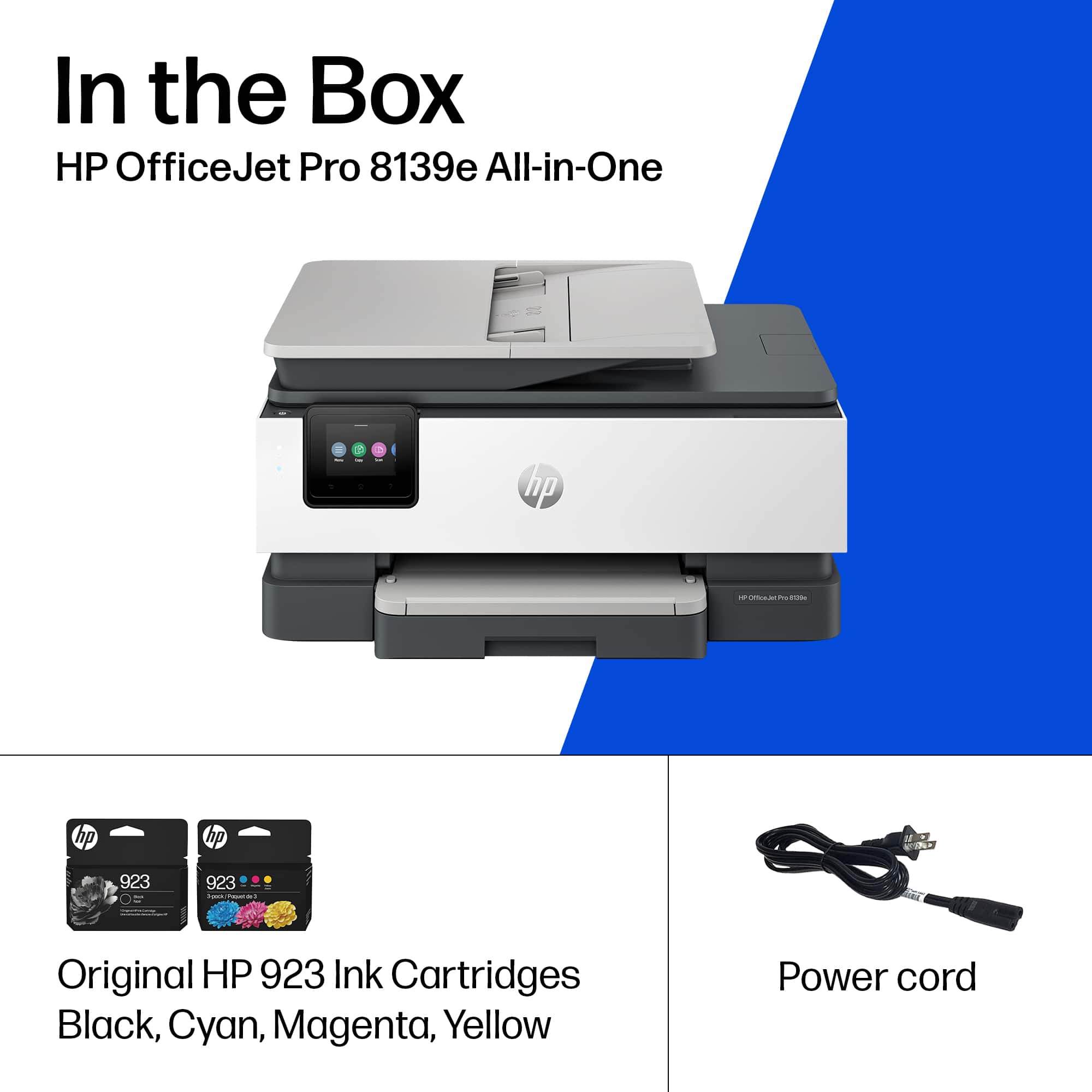
A:AnswerThank you for the question. The OfficeJet Pro 8139e accepts HP 923 standard yield black and color cartridges, and HP 923e Evomore high-yield black and color cartridges.
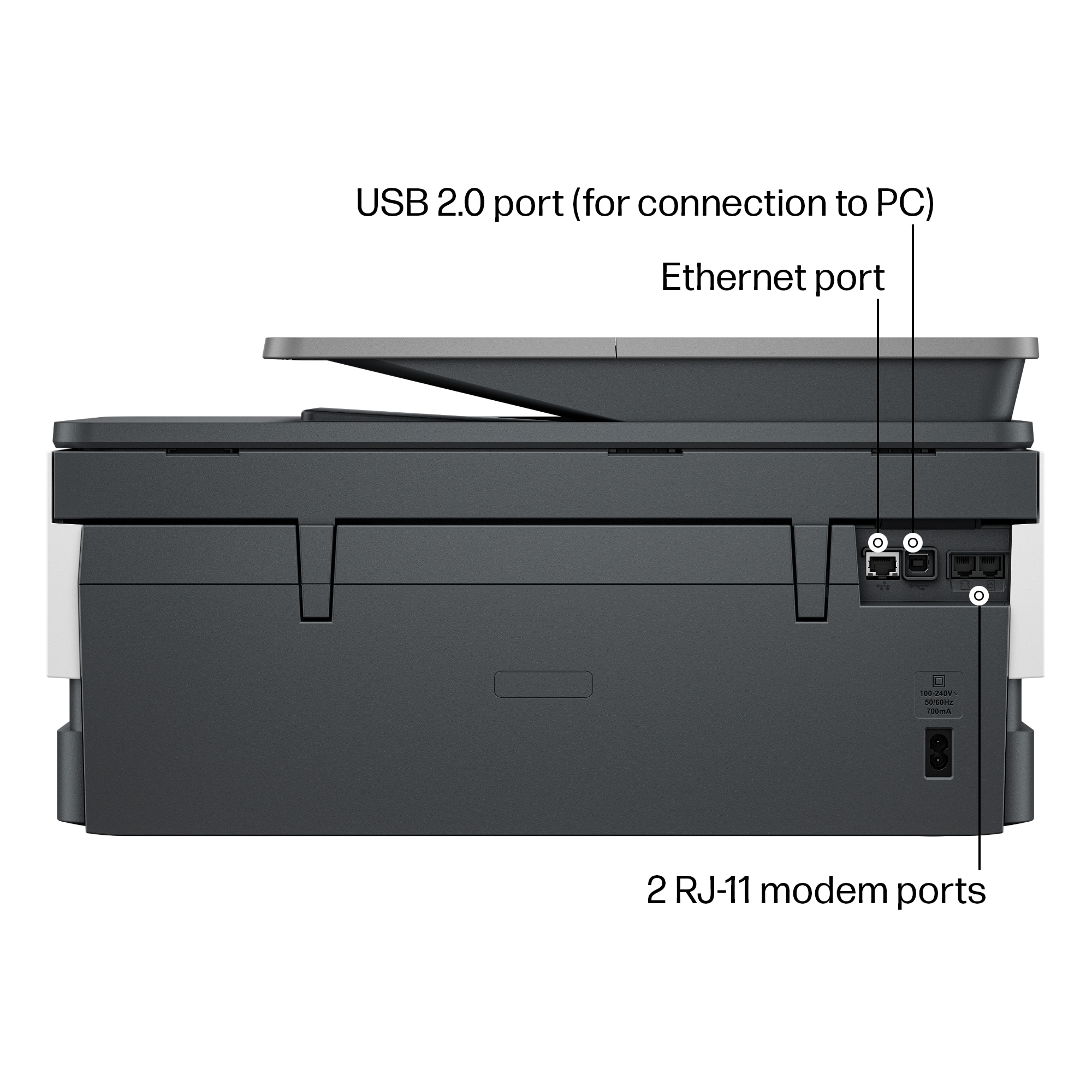
A:AnswerMike, thank you for your question about faxing via Ooma VOIP. Ooma does support traditional and virtual faxing through its service. A traditional fax would be through this machine's phone jack. You can contact Ooma support for more details about faxing through their service.

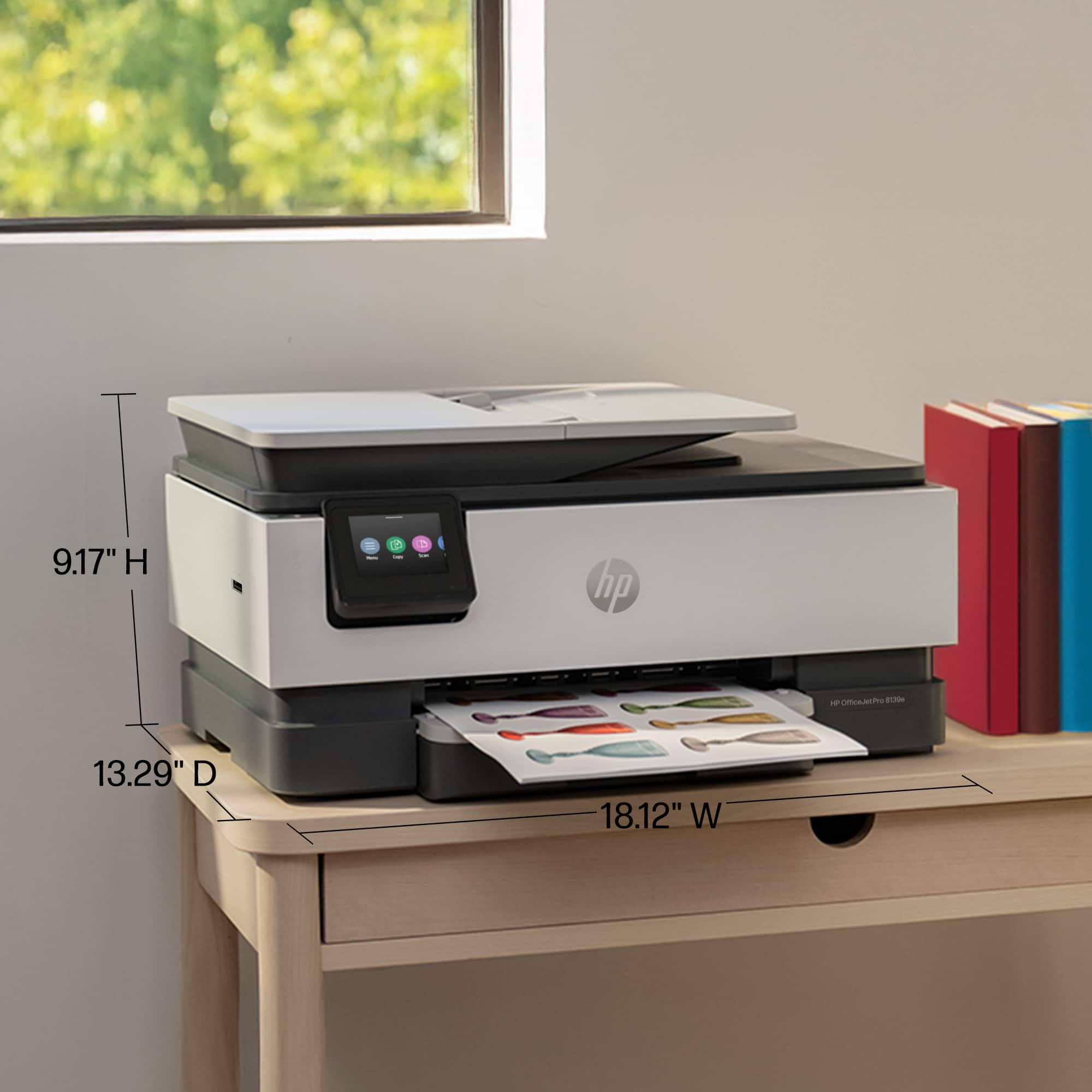
A:AnswerThank you for the question. Did you mean OfficeJet Pro 8028? The footprint is almost identical. The 8135e measures 18.12 x 13.29 x 9.17 inches, and the 8028 measures 18.11 x 13.43 x 9.21 inches.
A:AnswerThank you for the question. The OfficeJet Pro 8139e was introduced for selective availability on approximately November 30, 2023, and for general availability on approximately February 18, 2024.
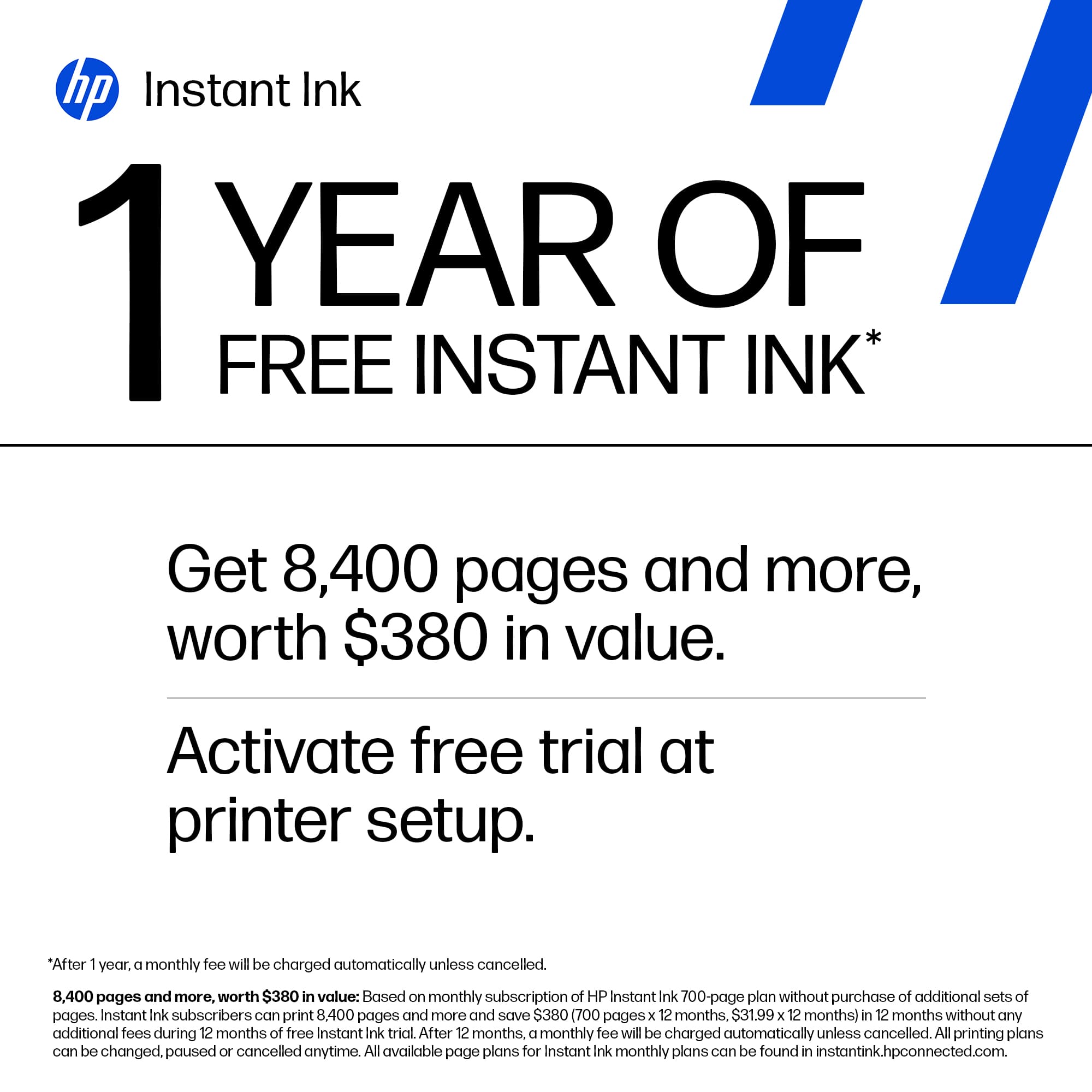
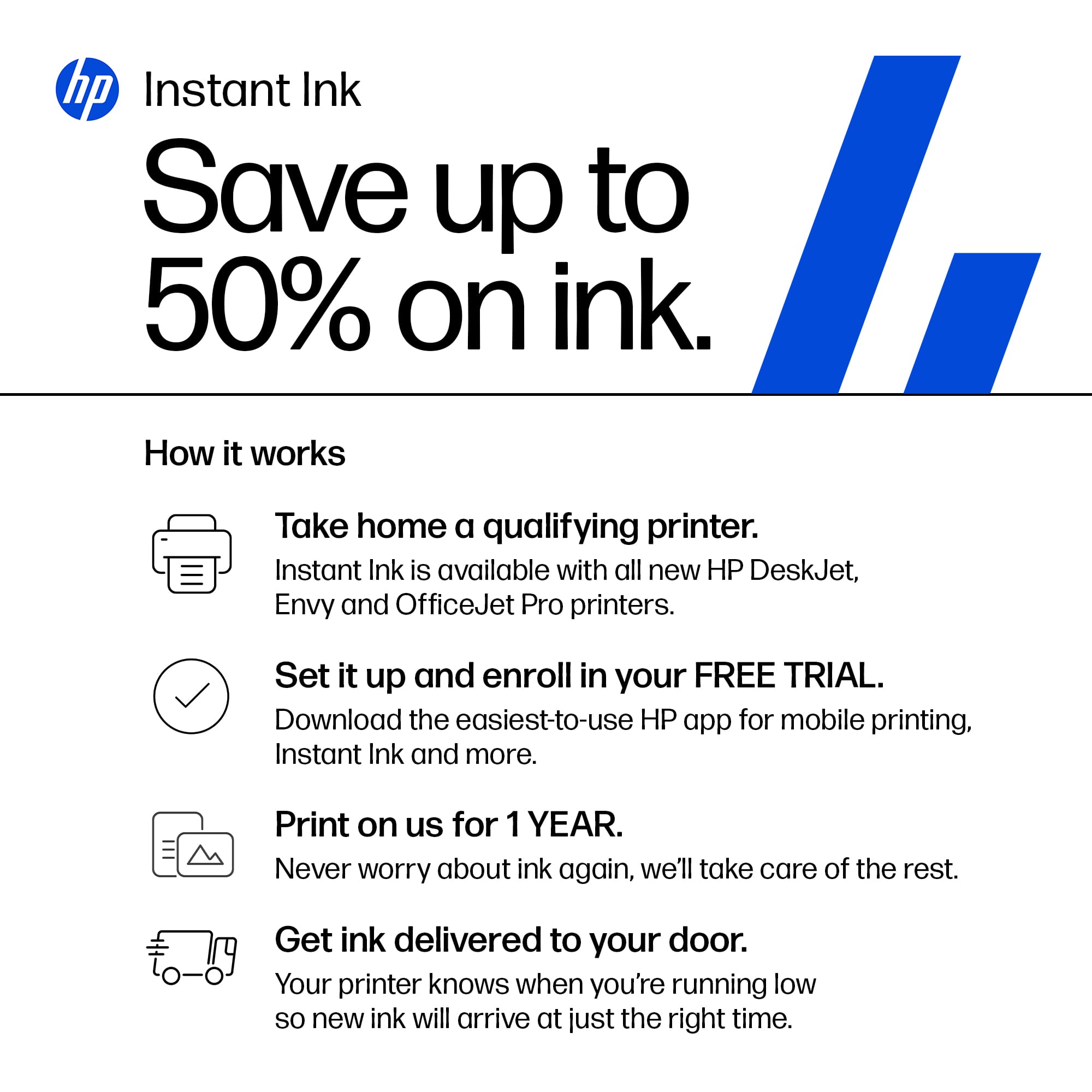
A:AnswerThank you for the question. The 12-month free ink offer is subject to a monthly page limit of 700. Users must complete the HP Instant Ink signup within 7 days of setting up the printer with the HP-recommended setup process as indicated in the instructions that came with your printer. Use of in-box ink cartridges is included in the period of the offer. (The set-up cartridges are required to initiate the printer).
A:AnswerThank you for the question. You can print and scan without using HP Smart. Install the Full Feature Software -- and use HP Scan (part of the software). However, with an HP account, you can access your HP product information from My Dashboard or the HP Smart app: HP Customer Support My Dashboard: Add all your HP products to the HP Customer Support website account dashboard to access product information and status, support options, warranty information, and more.
A:AnswerThank you for reaching out. Apologies, printers that use HP 950 cartridges have been discontinued, and 950 cartridges are not compatible with any of our currently active printers. Our latest assortment features Instant Ink service, and when you subscribe and use it as intended, you won't run out of ink, and you won't be caught with surplus cartridges in the unlikely event the printer fails.
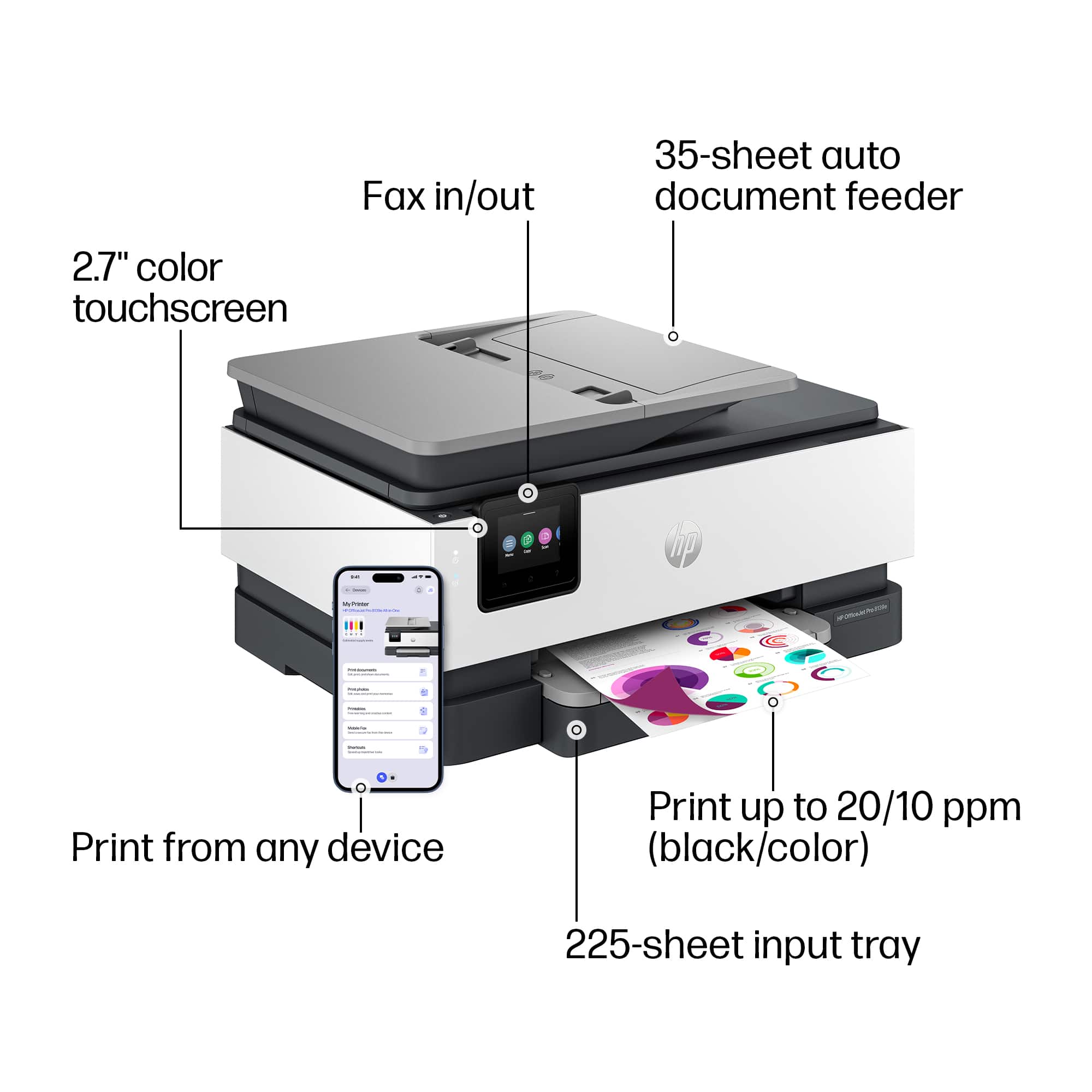
A:AnswerHello and thank you for your question. The HP Officejet Pro 8139e does have a USB flash drive port for a flash drive. You can scan to a drive or print photos from a drive.
A:AnswerHello there! The HP OfficeJet Pro 8139e does support printing on 4 x 6" and 5 x 7" glossy/matte photo paper. And you are able to enlarge/reduce sizes of copies from 25 to 400%. Thank you for your question!