A:AnswerInstall and Use Norton Utilities to fix the issues. I had over 12,000 issues from the HP factory OS and it resolved them all, and I have the same model number as you. Mine works fine now. Bluetooth as well. Hope this helps.
A:AnswerYour answer, "This is actually a very heavy-duty and well-built tower. Is it possible you are talking about the removable protective film? If so, that should be peeled off and discarded." tells me you and I have varied definitions of well-built. The plastic clips holding the face plate is very fragile. And no, it is NOT the plastic adhesive sheet I am talking of. This tower did not come with such a protective sheet. And such a protective sheet won't have clips going into the frame.
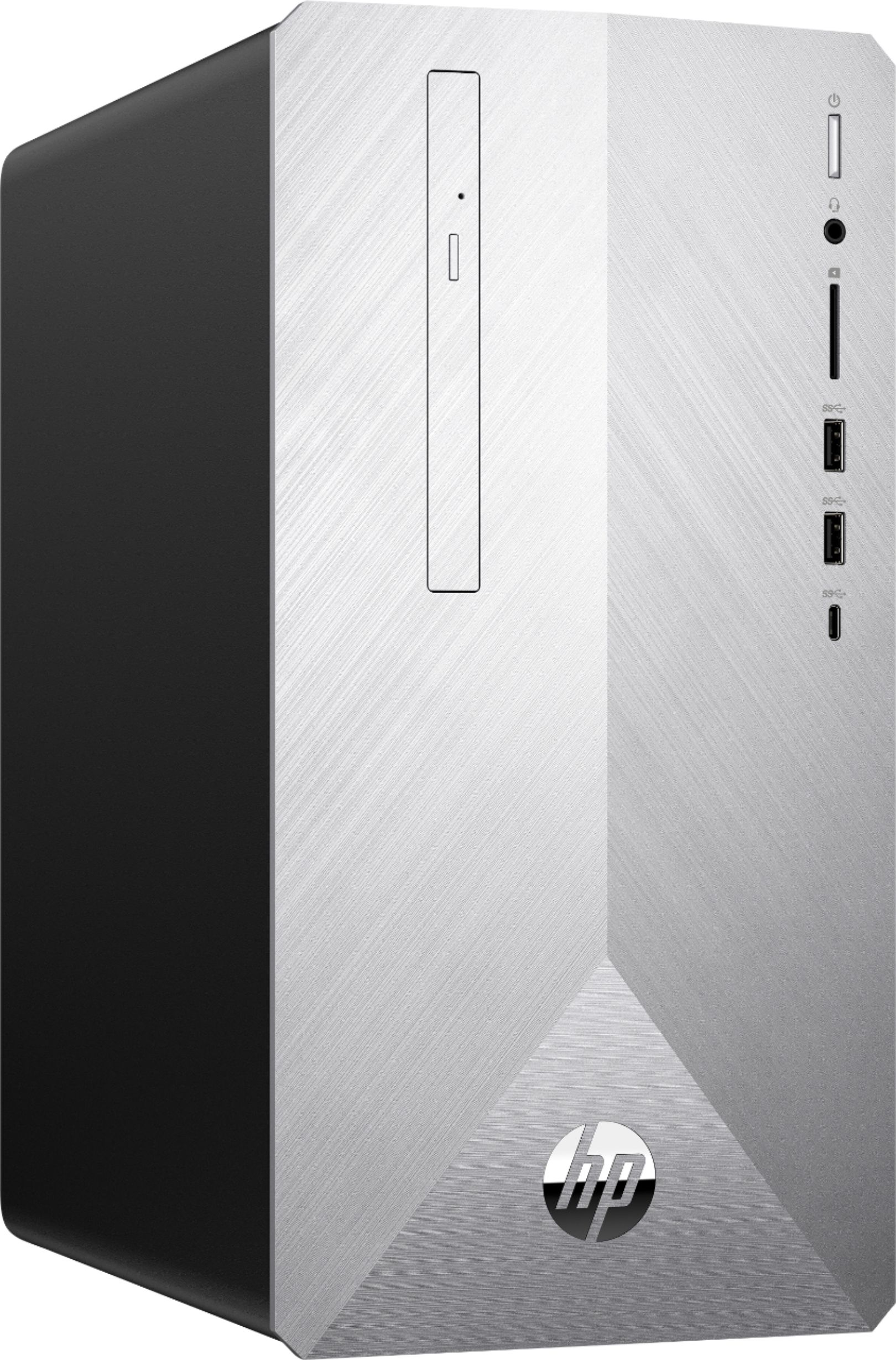
A:AnswerThank you for your question. You could certainly run three monitors on this computer if you wanted. You would not be able to run super high resolutions without having a GPU.
A:AnswerThank you for reaching out. I do not have a picture of the back but you can see a picture of all the back I/O ports. https://support.hp.com/nz-en/document/c05999917
A:AnswerHP has not tested this model with various GPUs. I recommend reaching out to your preferred GPU manufacturer to see which models they recommend.
A:AnswerThe power supply has a proprietary connection to the motherboard. You cannot buy an aftermarket upgrade for the power supply. You are essentially stuck with a limited PSU and no route to upgrade.