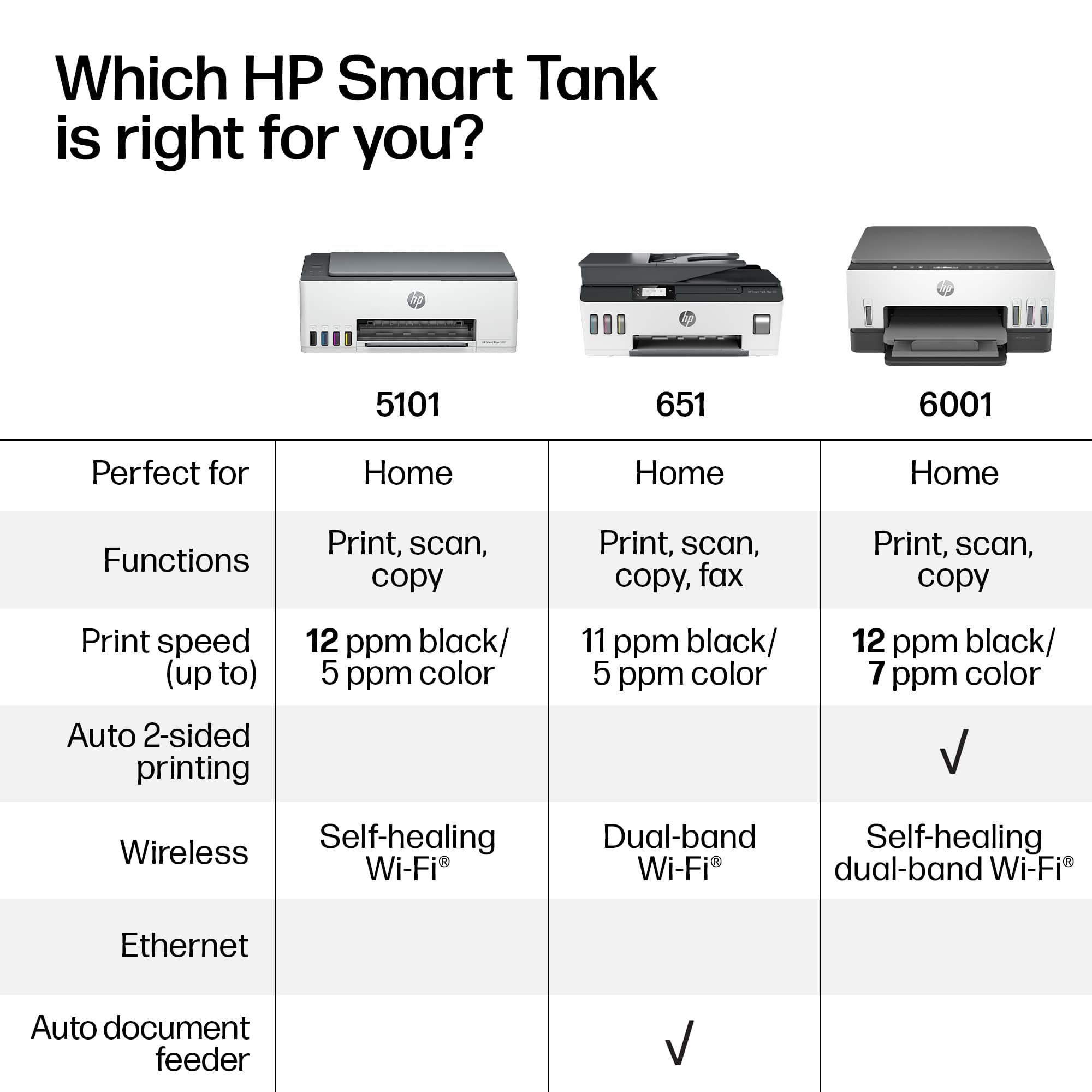
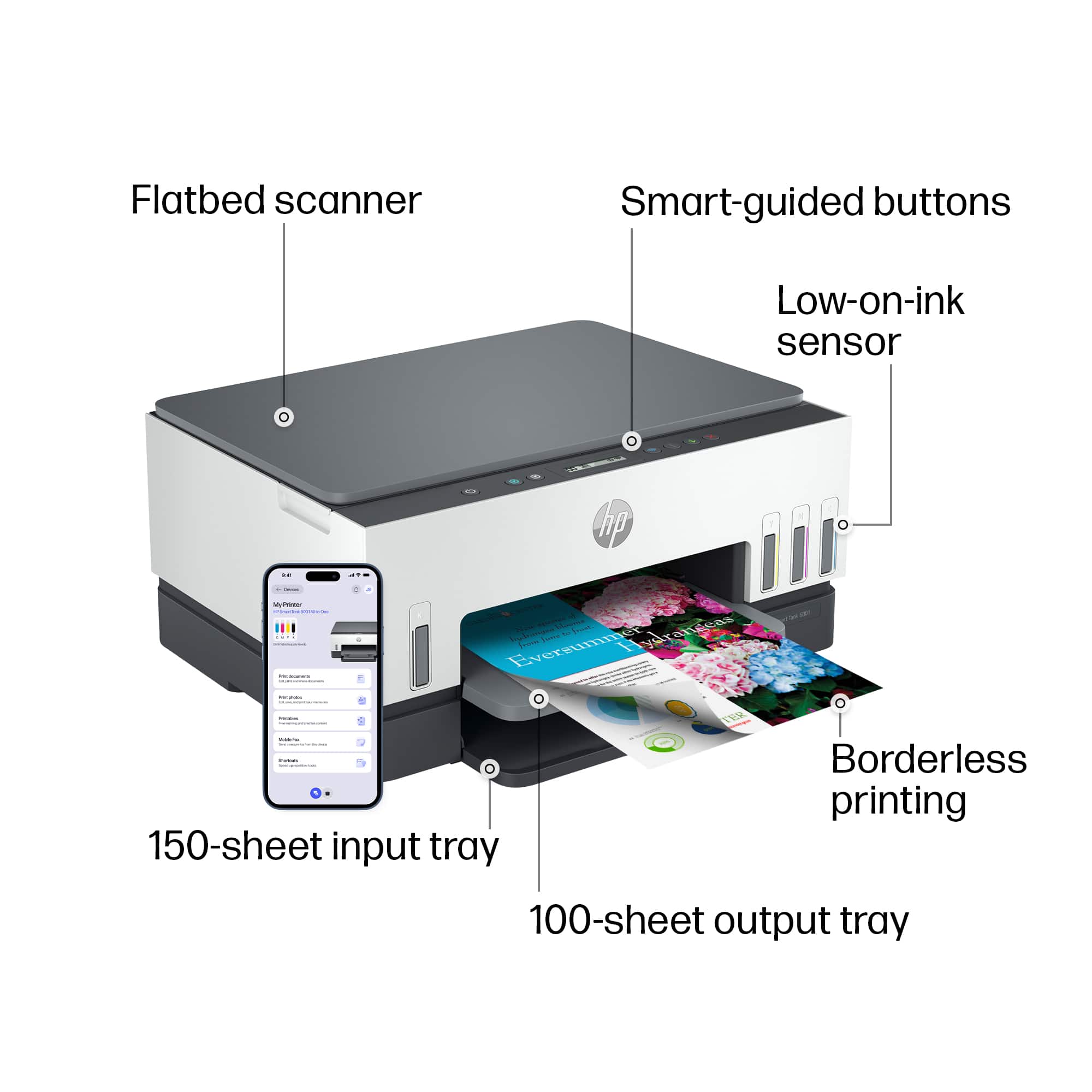
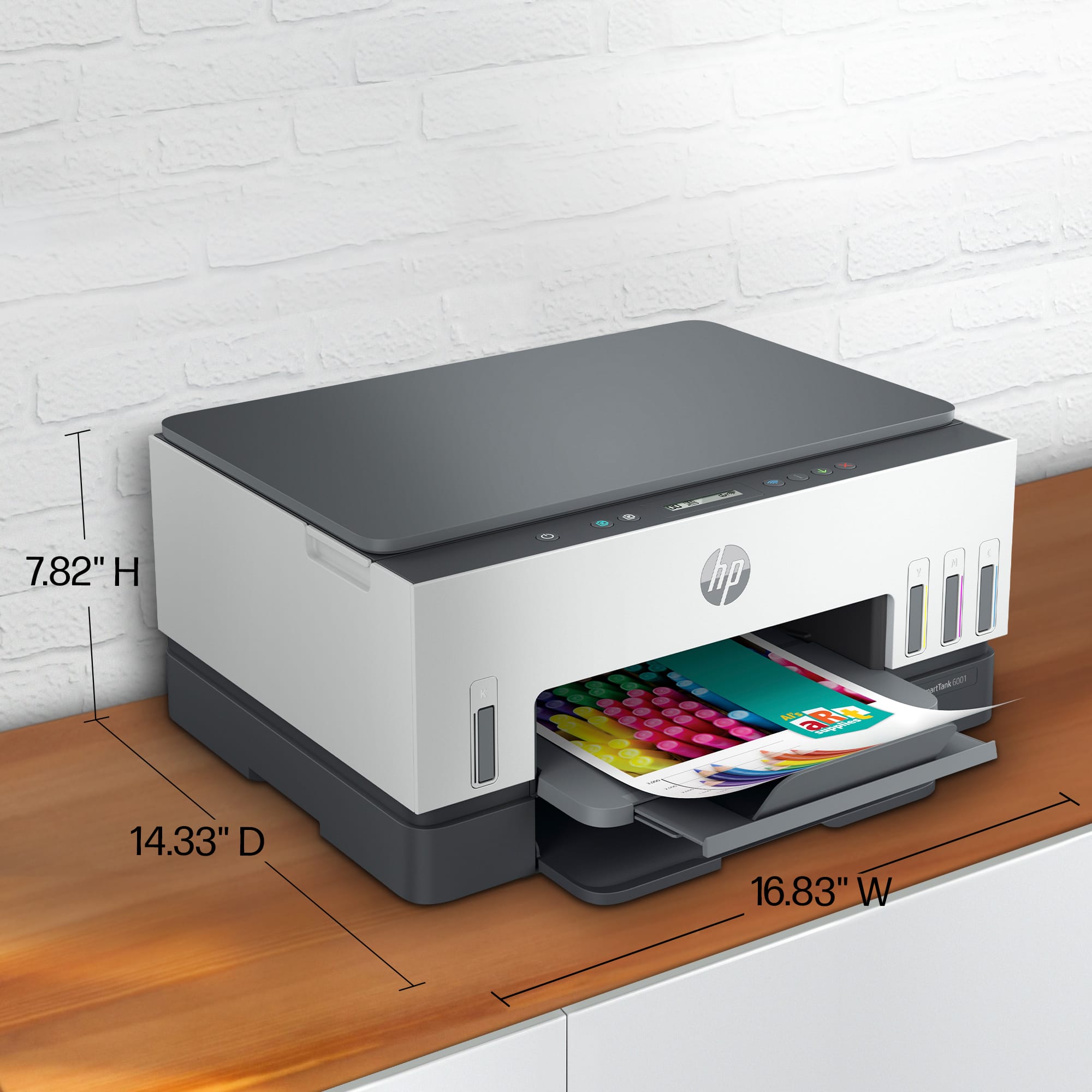
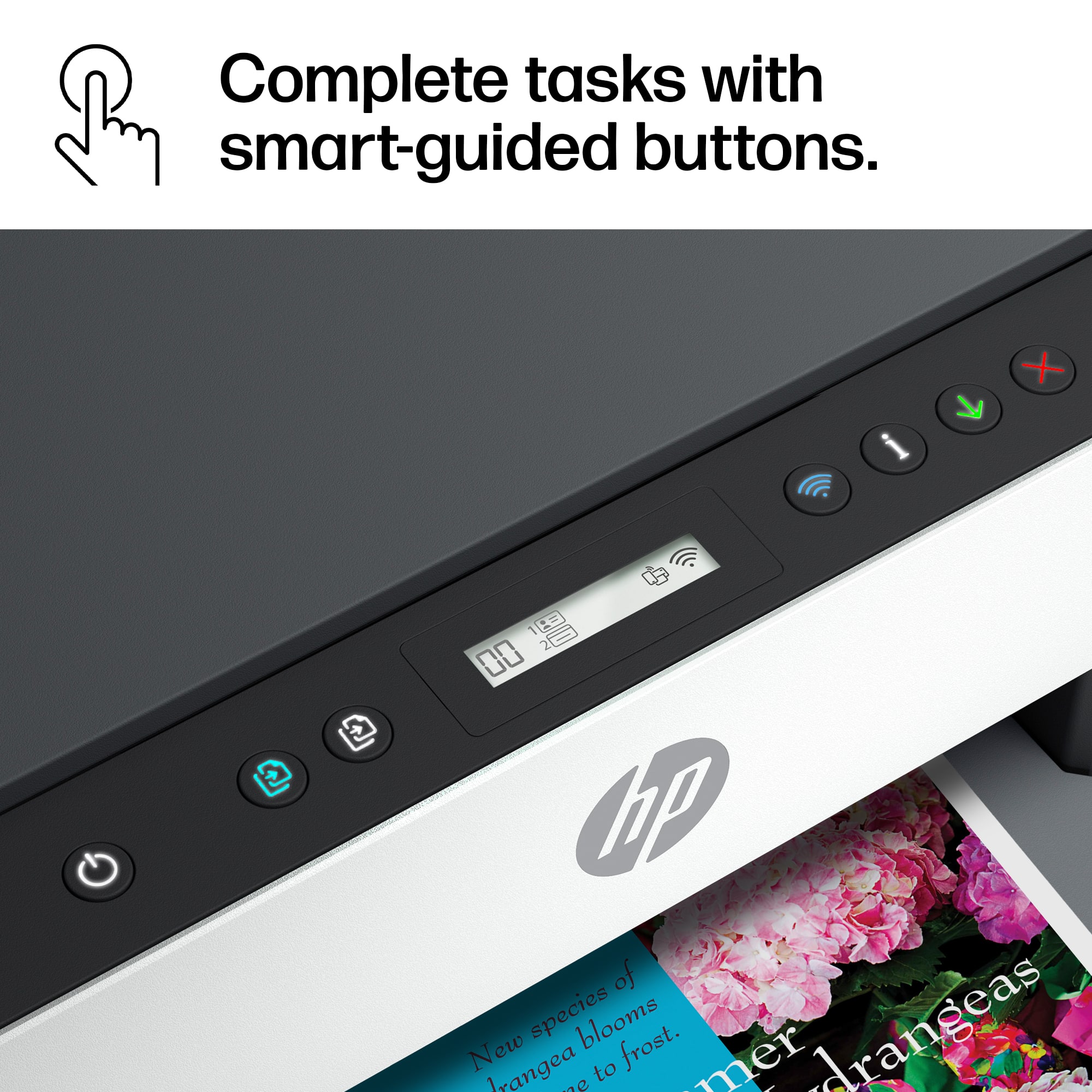
A:AnswerFor double-sided printing, you will want to select the duplex or double-sided option in the print or page settings of the software you are printing from. Here is a link to the user manual for this printer. It has the descriptions and functions of the buttons. http://h10032.www1.hp.com/ctg/Manual/c07762999.pdf
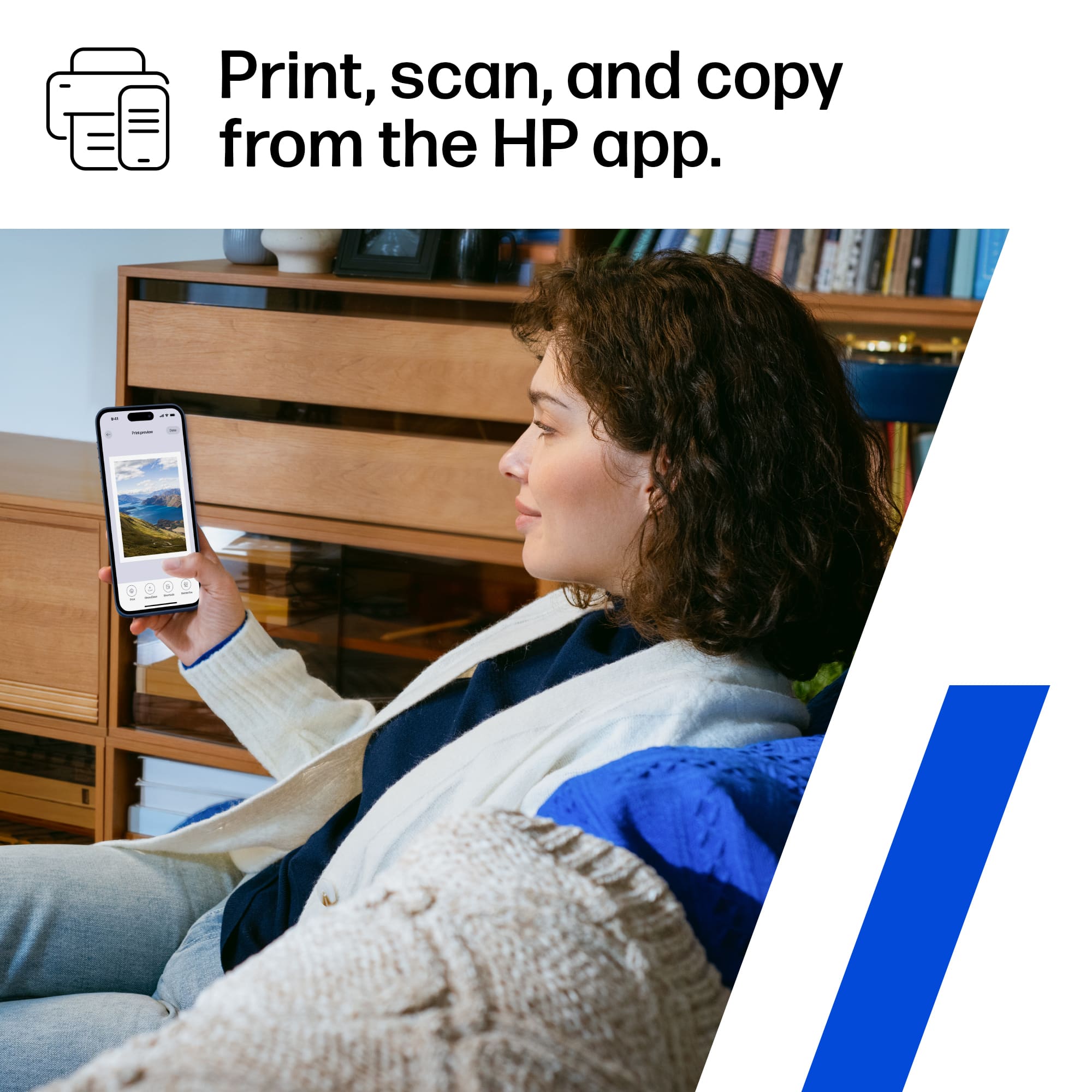
A:AnswerHi there! Thanks for your question on this HP Smart Tank 6001. This model can enlarge up to 400% and reduce down to 25% from the control panel when using the copy or scan features. Alternatively, you can use the HP Smart app to edit your scanned pages as well before printing.
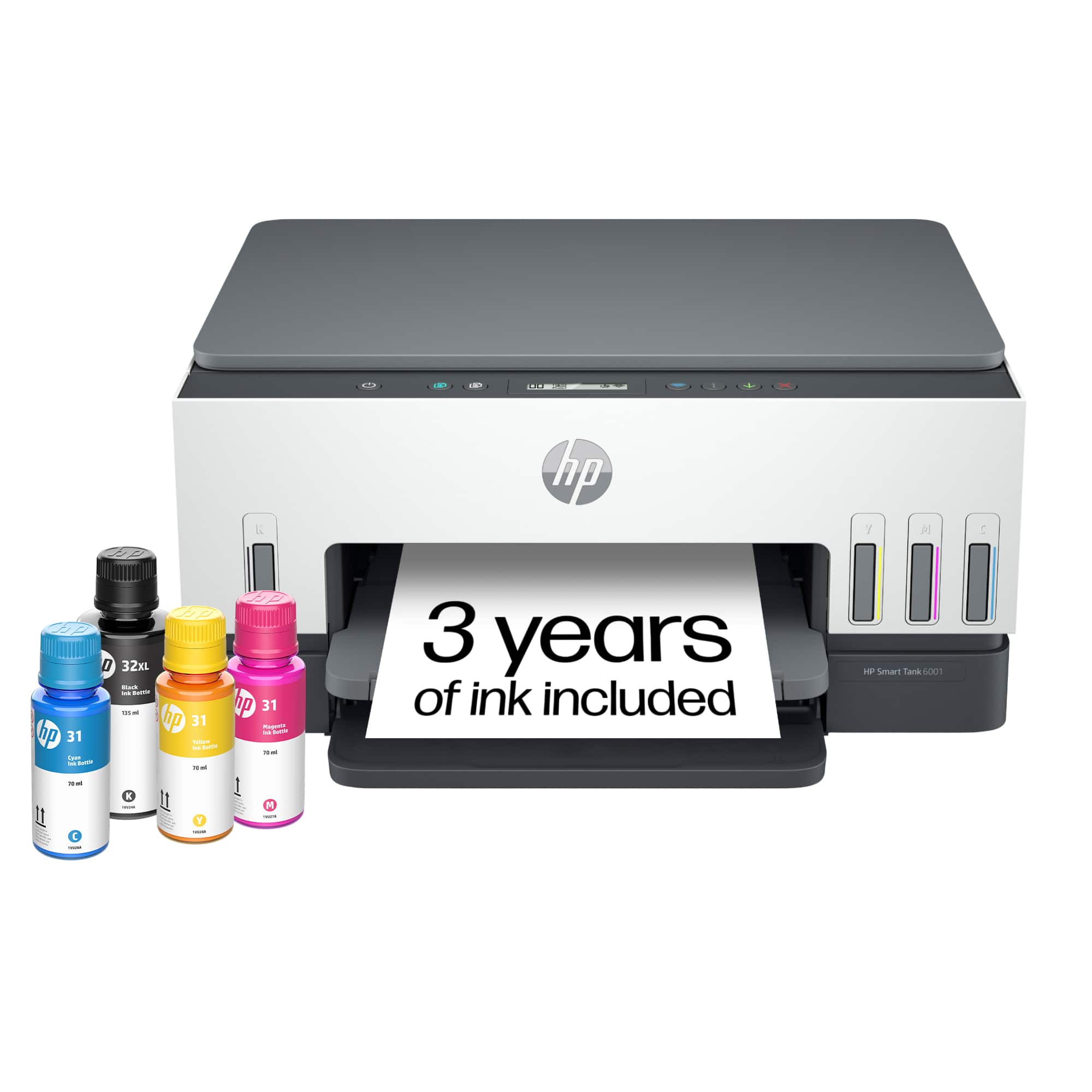
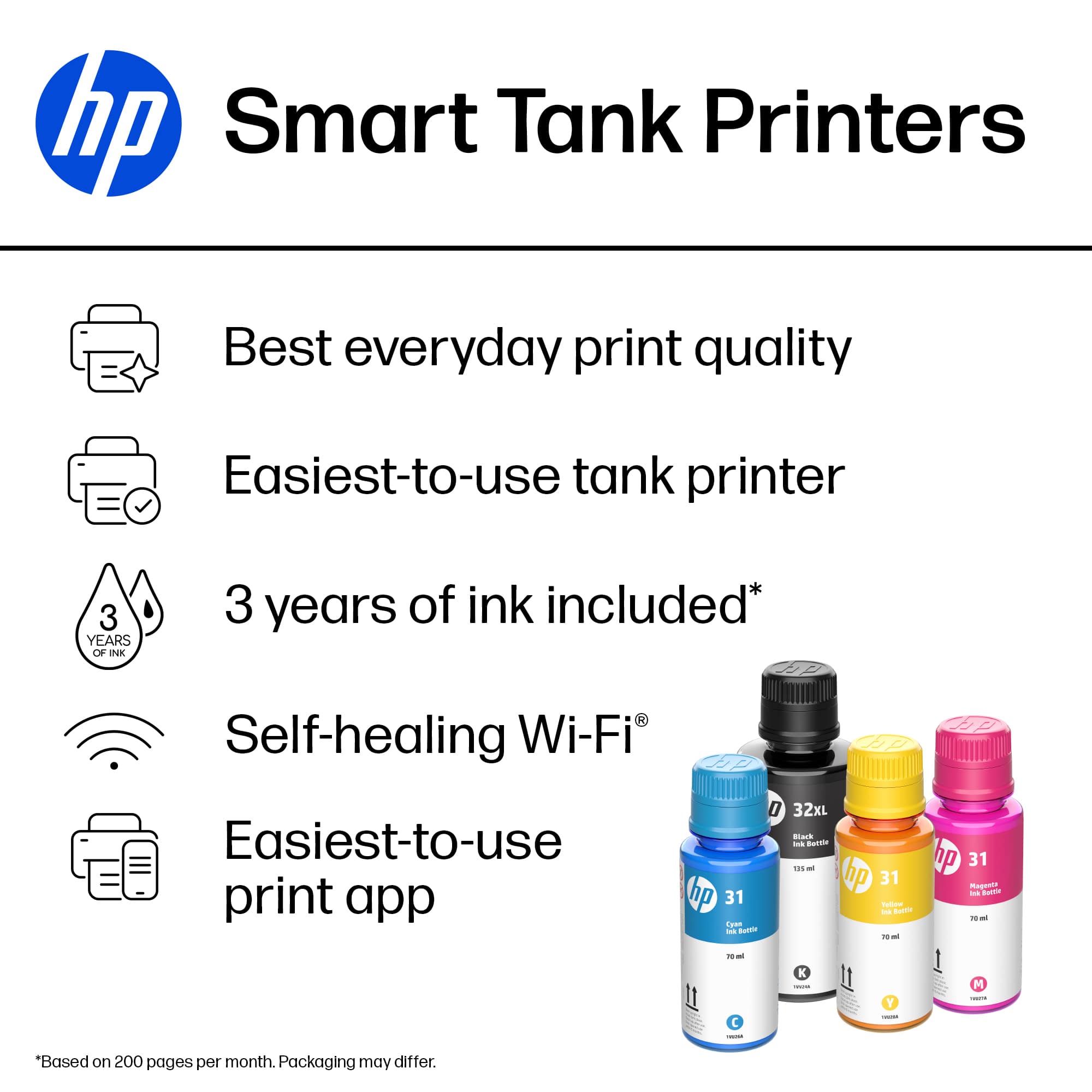
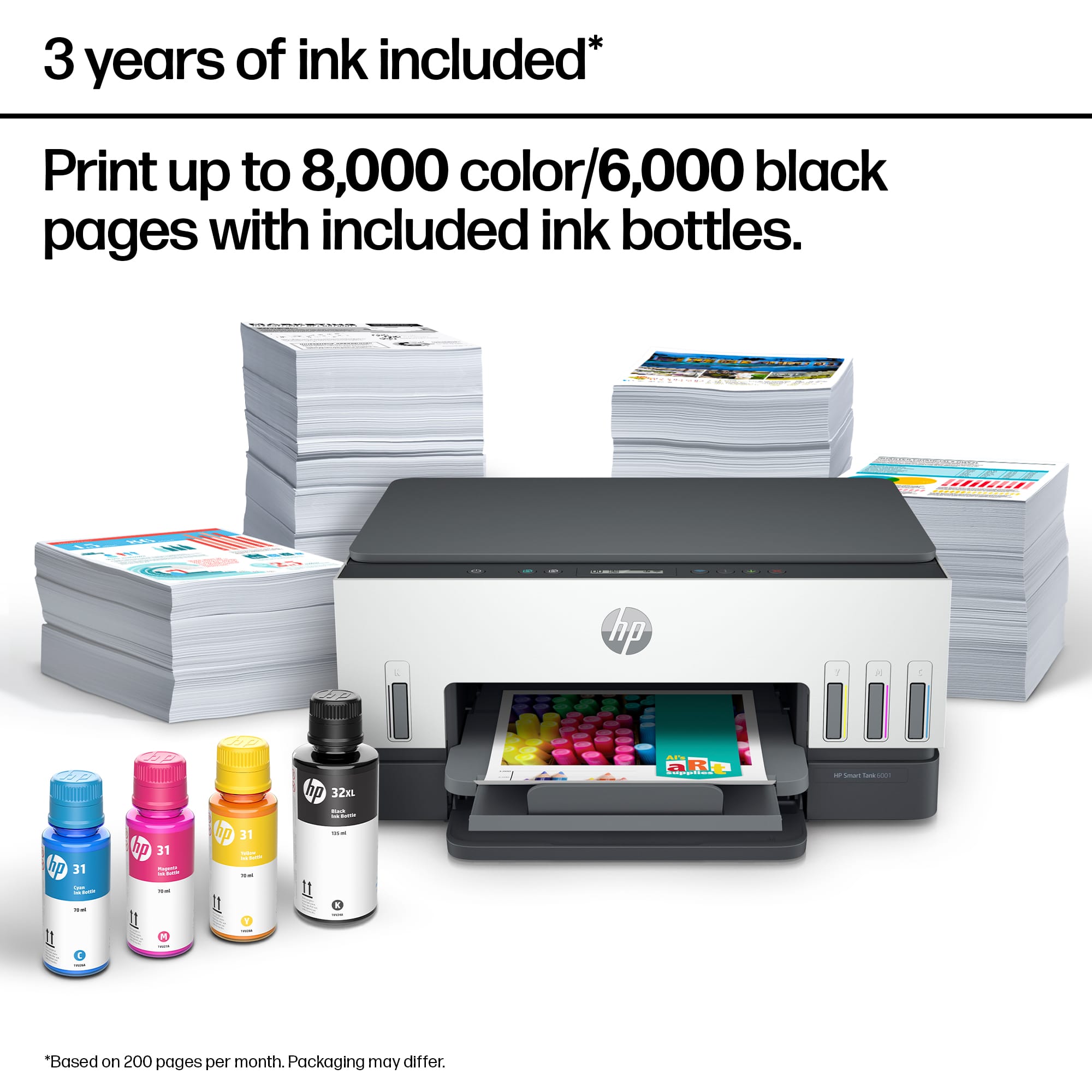
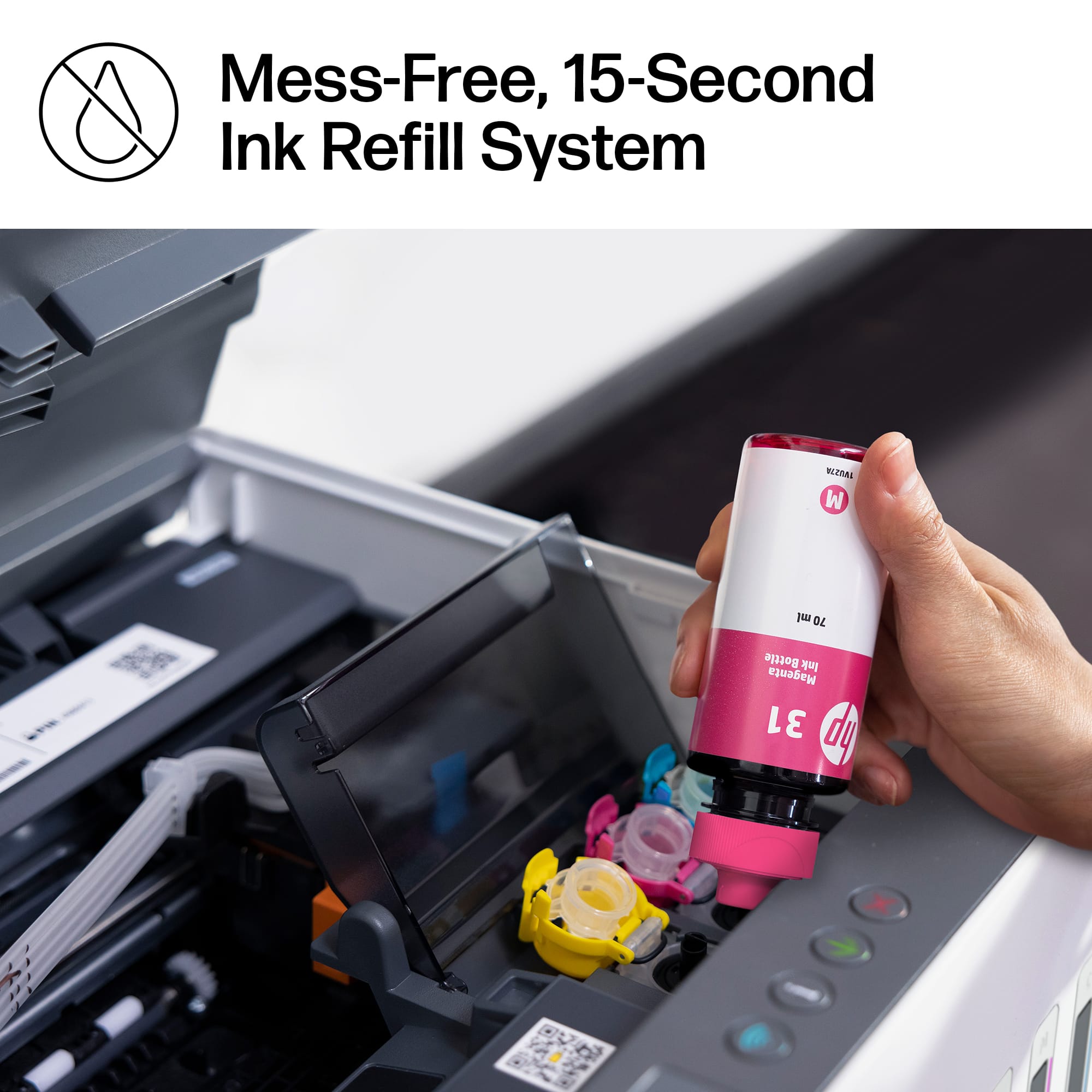
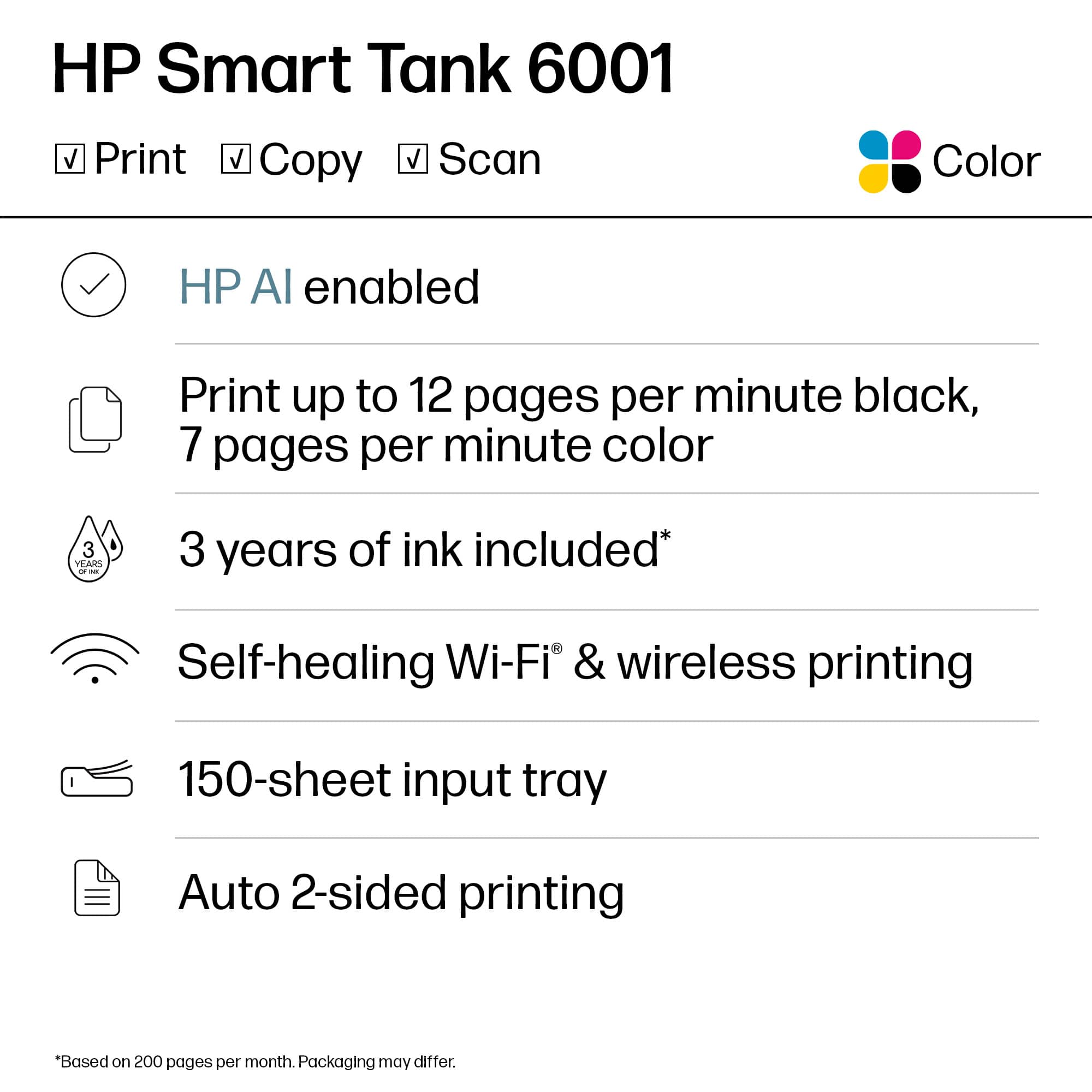
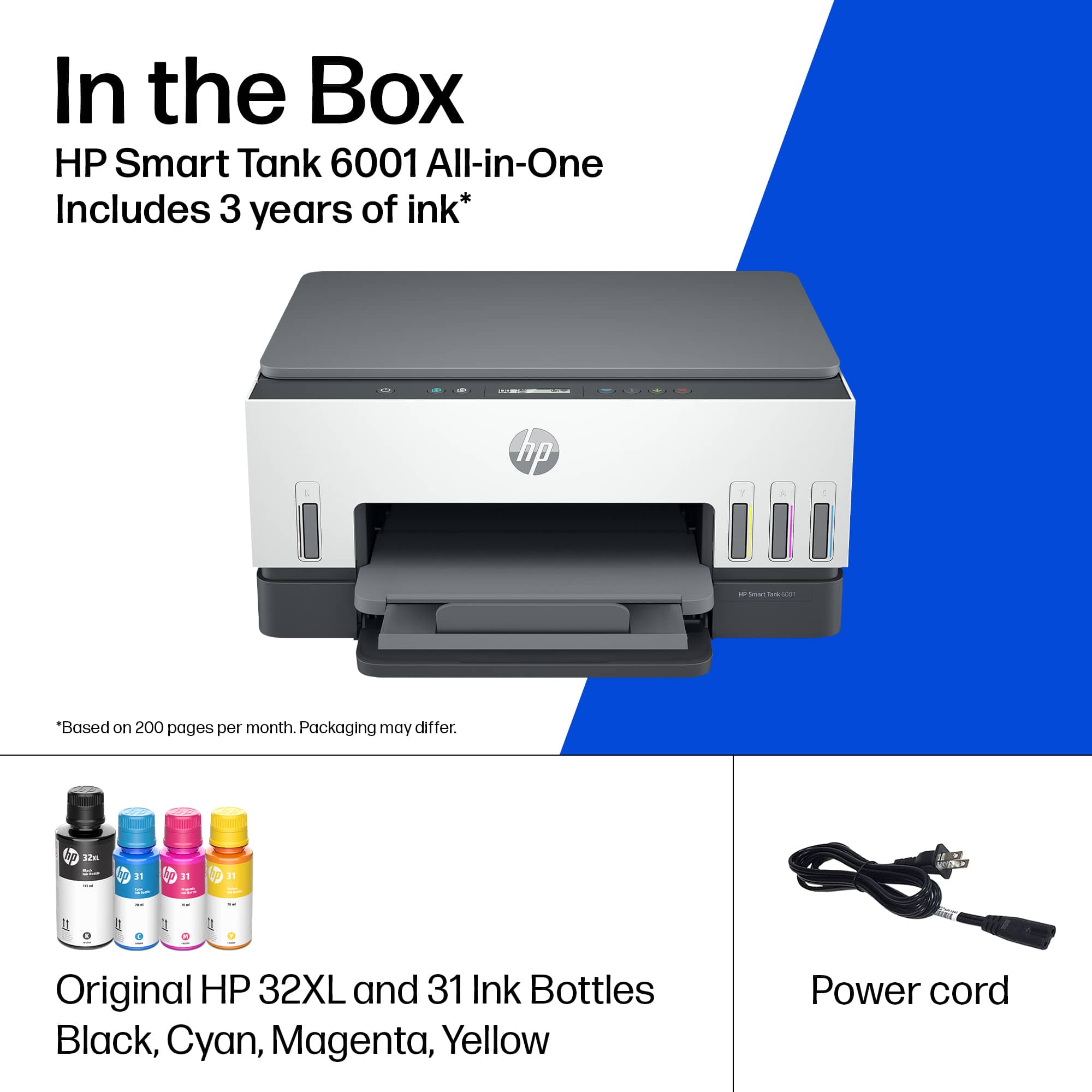
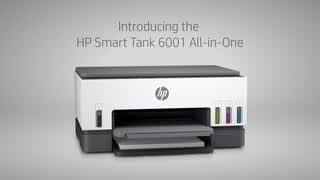
A:AnswerHello. Thanks for your question. This HP Smart Tank 6001 printer comes with up to 2 years of Original HP Ink Bottles included; get up to 8,000 color pages and 6,000 black pages right out of the box.
A:AnswerHello. Thanks for your question. This HP Smart Tank 6001 printer does not a fax. We recommend looking at the HP Smart Tank 7602 printer which does have a fax.
A:AnswerHello, Jeff. Thanks for your question. The HP Smart Tank 6001 printer has a scanner. It does not have a fax function. We recommend looking at the HP Smart Tank 7602 printer if you want a printer with a fax and scanner.
A:AnswerHello and thank you for your question. The HP Smart Tank 6001 all-in-one printer copy/scan function will reduce down to 25% and enlarge up to 400% of the original image size.
A:AnswerHello, Here is an article from HP on cleaning the print heads. https://www.hp.com/us-en/shop/tech-takes/how-to-clean-printhead . There is also a video on YouTube from HP Support titled "Clean the Printhead". Thank you for being an HP customer.