Save up to 50% on 3-Day Sale deals.Ends 12/7.Shop now

Skip to content
Gift Ideas
Main Content

Questions & Answers

Your price for this item is $319.89
The comparable value price is $469.89
Page Showing 21-40 of 139 questions
  • QuestionCan this printer copy front to back from the document feeder? And can it print documents from files on the computer front to back or two sided?

    Asked by huskerfan.

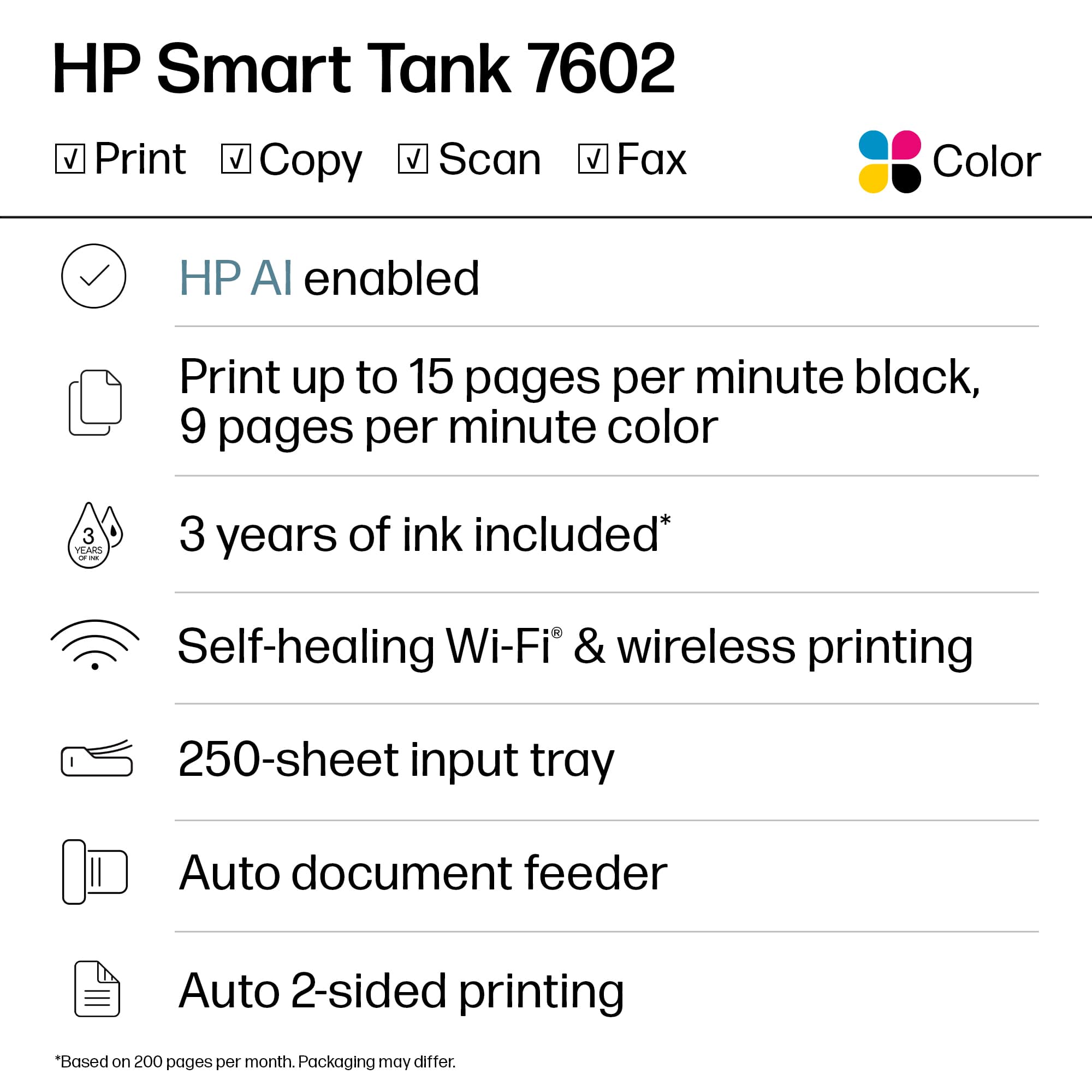
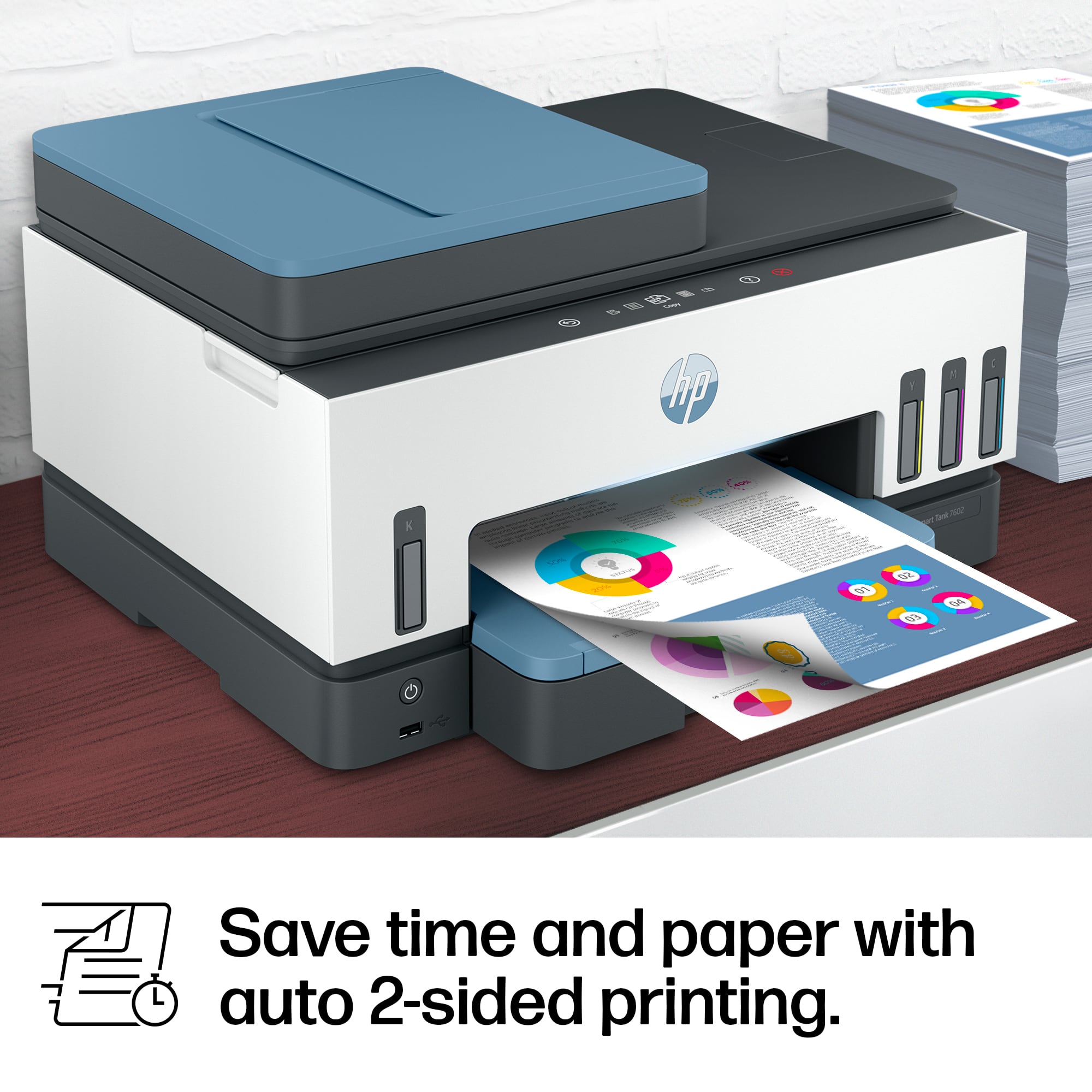
    • Answer The Document feeder does not support double sided (Duplex) scanning or copying. It will require you to feed the page in again manually. It DOES support printing on both sides (Duplex).

      Answered by Teknologist

  • QuestionCan this printer be used for sublimation? Can it use sublimation inks? I only use HP products and would hate to have to get an Epson UGH

    Asked by SUBLIMATION.

    • Answer Hello. Thanks for your question. This HP Smart Tank 7602 printer cannot be used for sublimation. It also cannot use sublimation ink.

      Answered by HP Team

  • QuestionDoes the ink dry out if we don't use the printer on a regular basis?

    Asked by Hihispi.

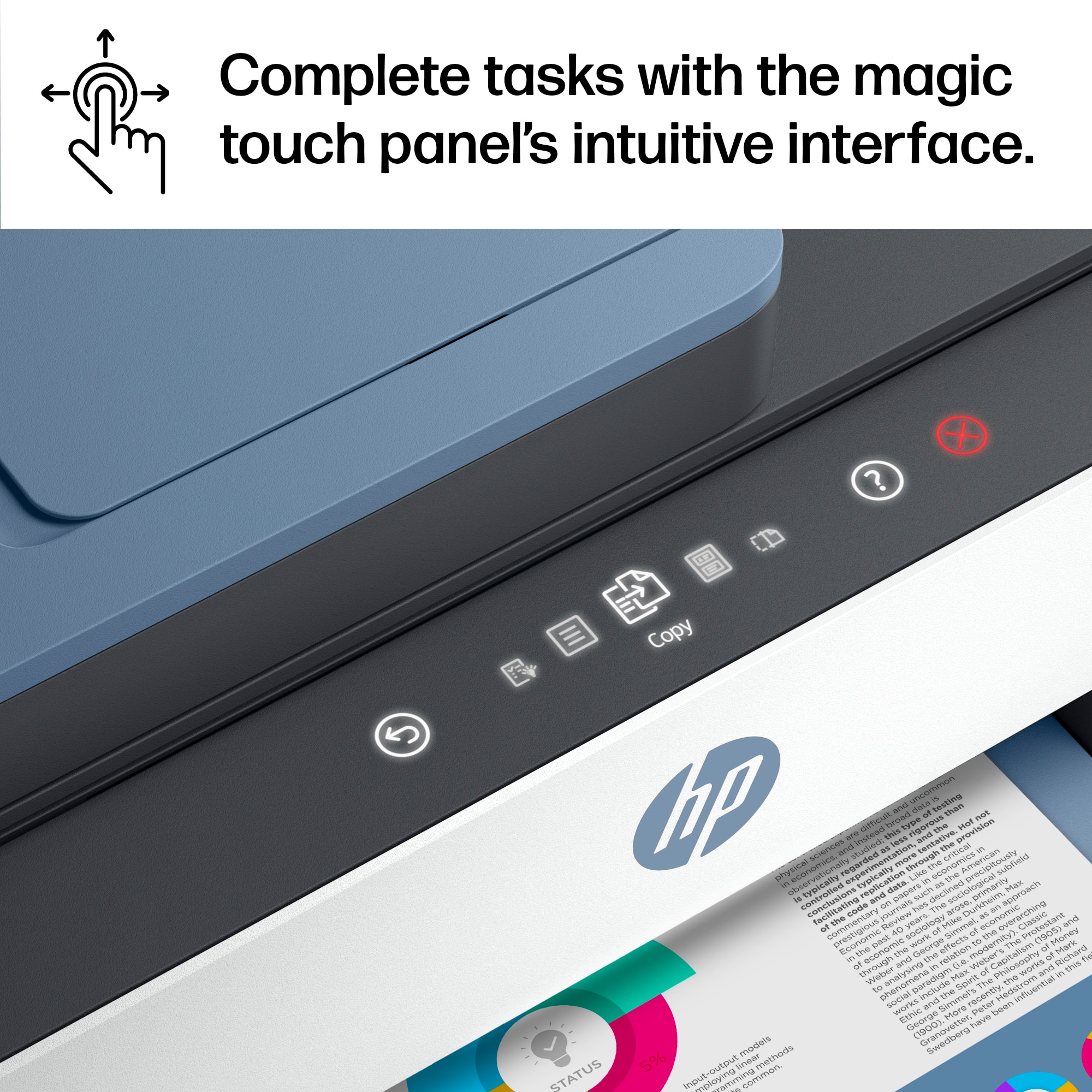
    • Answer The HP Smart Tank 7602 Wireless All-In-One Supertank Inkjet Printer uses a supertank system with liquid ink stored in large, refillable tanks, which is less prone to drying out compared to traditional inkjet cartridges. However, if the printer is left unused for extended periods (e.g., several months), there is still a risk of ink drying in the printhead, potentially causing clogs. Here’s a concise breakdown: Low Risk with Occasional Use: The printer’s design, including sealed ink tanks and automatic maintenance cycles, minimizes drying. If you print even once every few weeks, the built-in cleaning cycles should keep the printhead clear. Long-Term Inactivity: If unused for 3-6 months or more, ink in the printhead may dry, leading to clogs. HP’s maintenance system circulates ink periodically, but this requires the printer to be powered on occasionally. Mitigation Tips: Run a test print or cleaning cycle (via the HP Smart app or touchscreen) every 2-4 weeks to keep ink flowing. Keep the printer powered on to allow automatic maintenance. Store it in a cool, dry environment to reduce evaporation. User Experiences: Some Best Buy reviews note no issues with ink drying after months of light use, but others report clogs after long inactivity, requiring cleaning cycles or, in rare cases, professional servicing. To prevent issues, print a small document or run a maintenance cycle monthly. If clogs occur, the HP Smart app’s cleaning function usually resolves them, though severe cases may need multiple cycles or HP support. 25.1s

      Answered by KennethR

  • QuestionHi This printer will print photos on glossy paper and how’s quality?

    Asked by Noorulldin.

    • Answer Yes I get best results, setting photo paper and on my computer put the setting to photo paper as well. I use glossy sticker paper and photo flyer paper from Amazon I love it if you have questions u can email me [email protected] I run a small business using these printers

      Answered by CristinaG

  • QuestionDoes it supports legal size duplex printing?

    Asked by HF12.

    • Answer Thanks for your question. The HP Smart Tank 7602 supports legal size printing, but only Letter and Executive size duplex printing. You would want to look at the HP OfficeJet Pro 9135e for duplex legal size printing.

      Answered by HP Team

  • QuestionDoes this printer allow you to feed to scan? Only flatbed scan?

    Asked by Smurf.

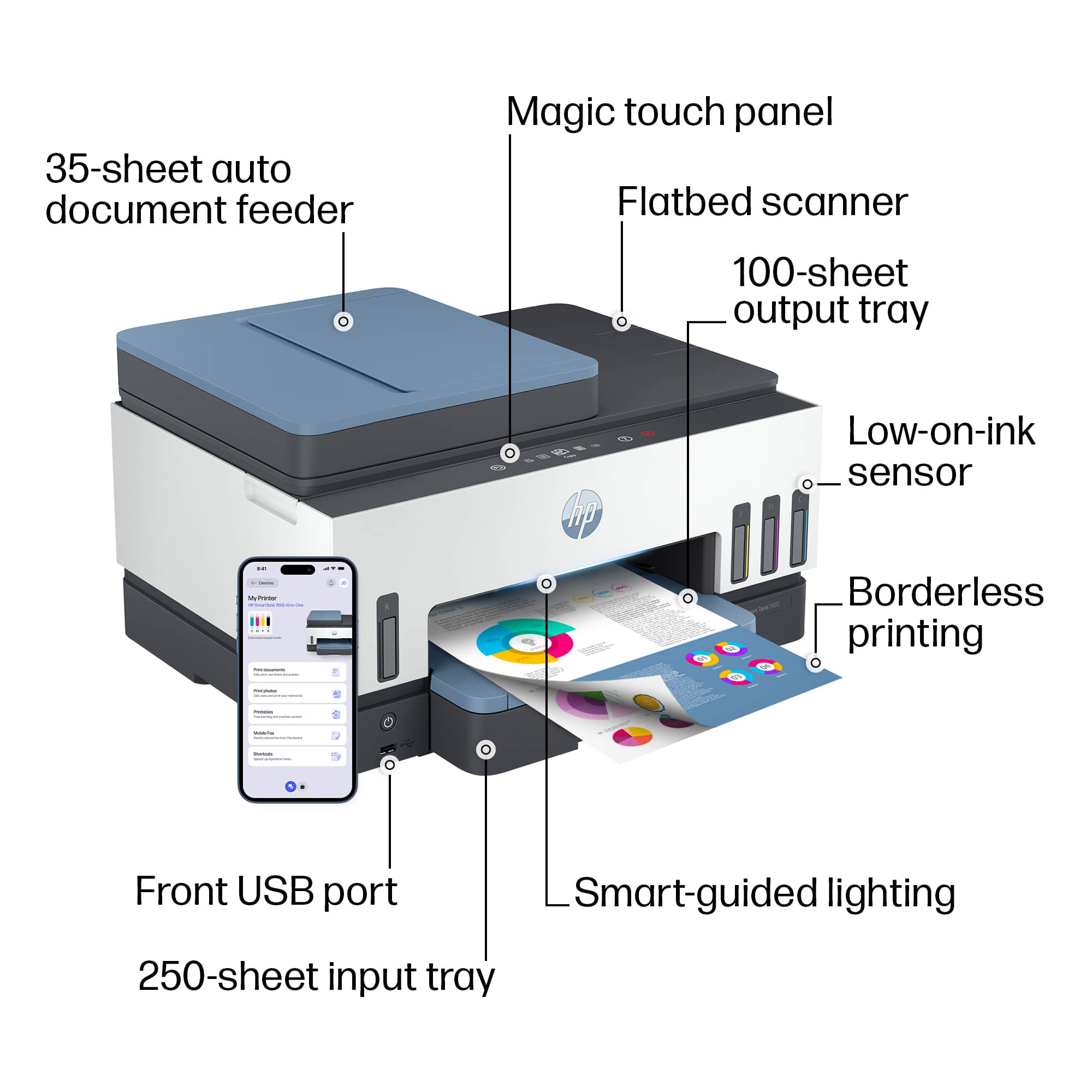
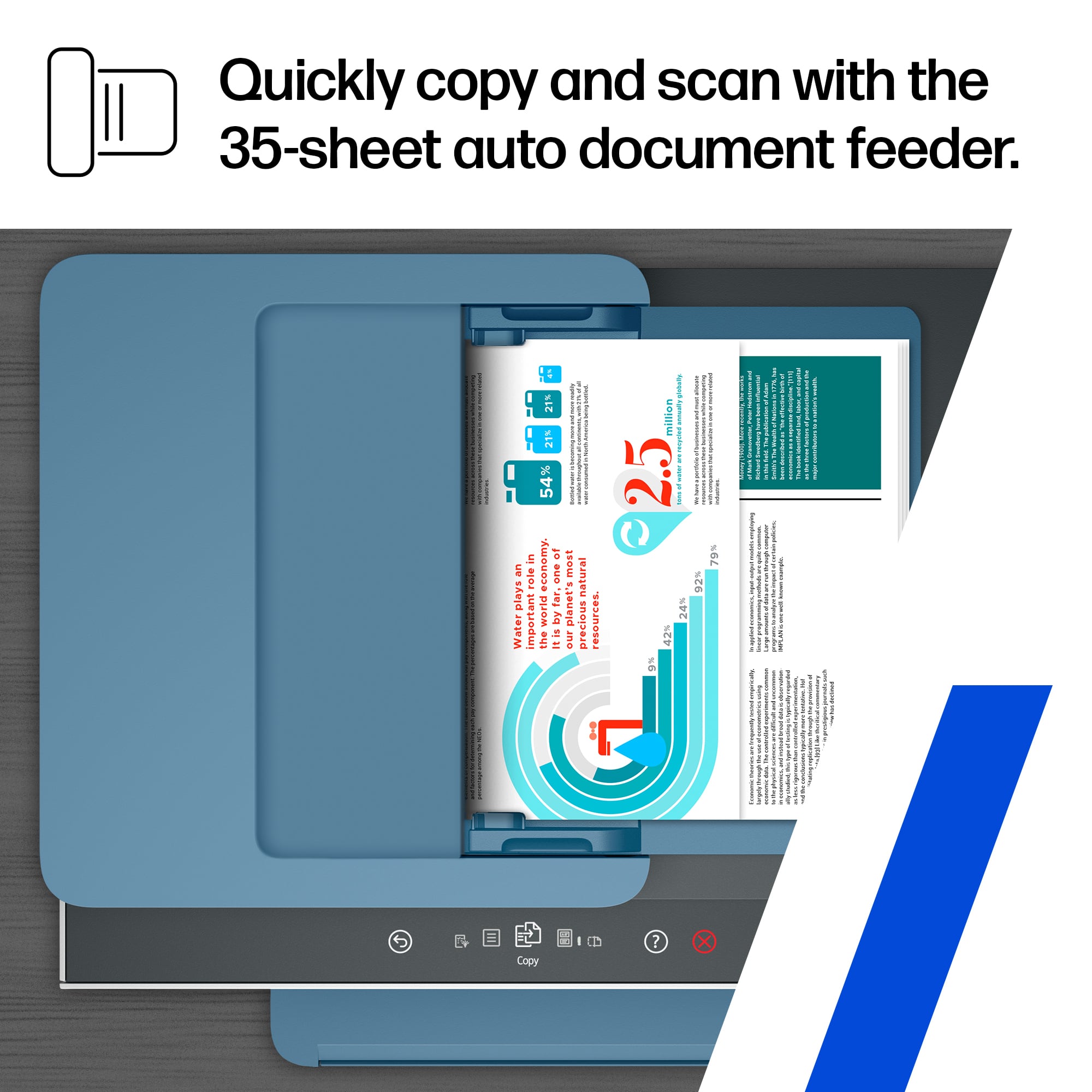
    • Answer The Smart Tank 7602 printer has a 35-page auto document feeder for copying/scanning.

      Answered by HP Team

  • QuestionWill the HP Smart Tank 7602 accept and print well with 110 pound card stock?

    Asked by Sugar2.

    • Answer The HP Smart Tank 7602 printer supports the following media types and weights: Plain paper: 16 to 28 lb; Envelopes: 20 to 24 lb; Cards: up to 110 lb; Photo paper: up to 66 lb.

      Answered by HP Team

  • QuestionHOW DO I SCAN A PICTURE?

    Asked by AIRBORNE.

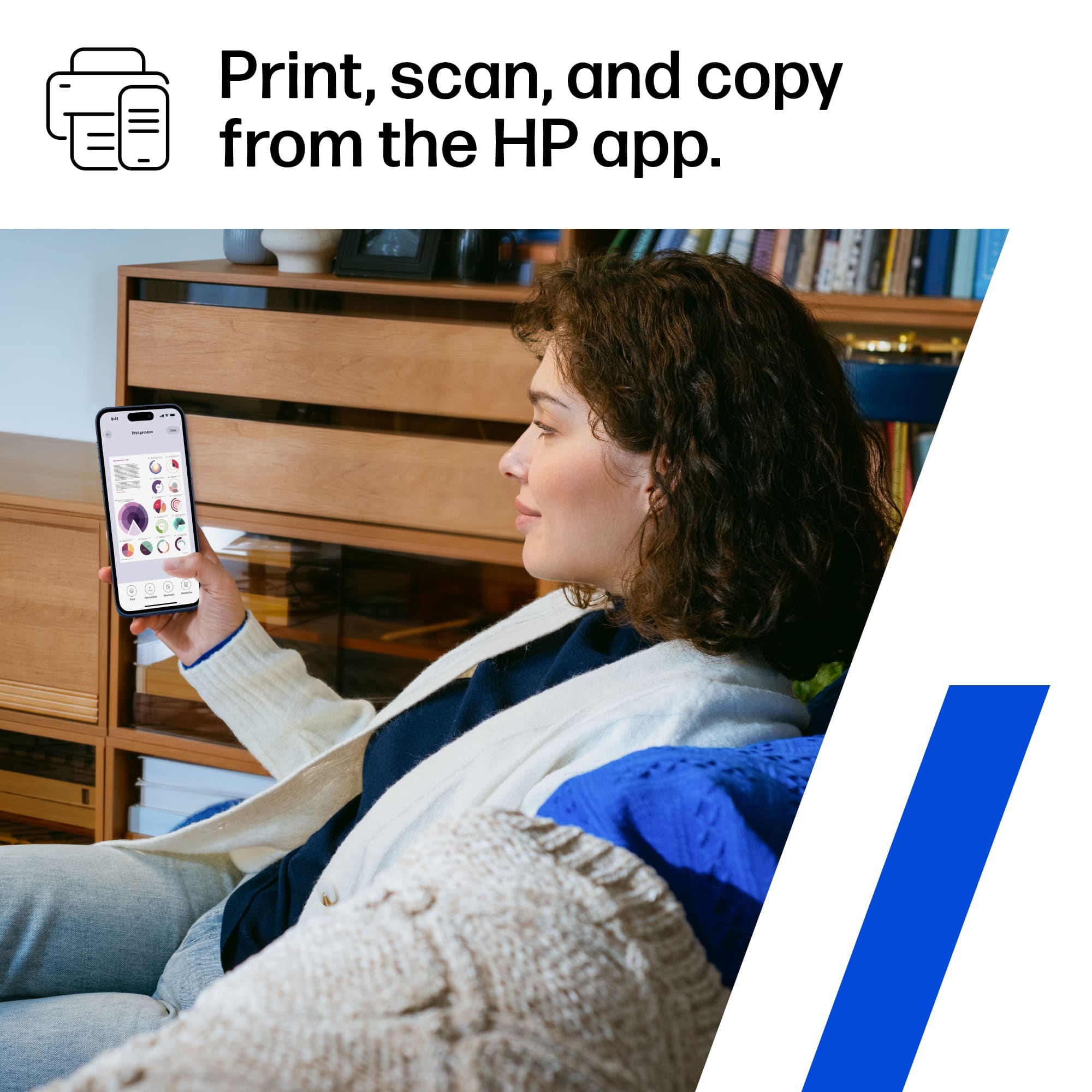
    • Answer Thank you for the question. Place the original face-up in the document feeder, or face-down on the glass. Press the copy button. You can also use advanced options with the HP Smart App on your PC or smartphone.

      Answered by HP Team

  • QuestionDoes the HP 7602 scan to e-mail?

    Asked by Chuck.

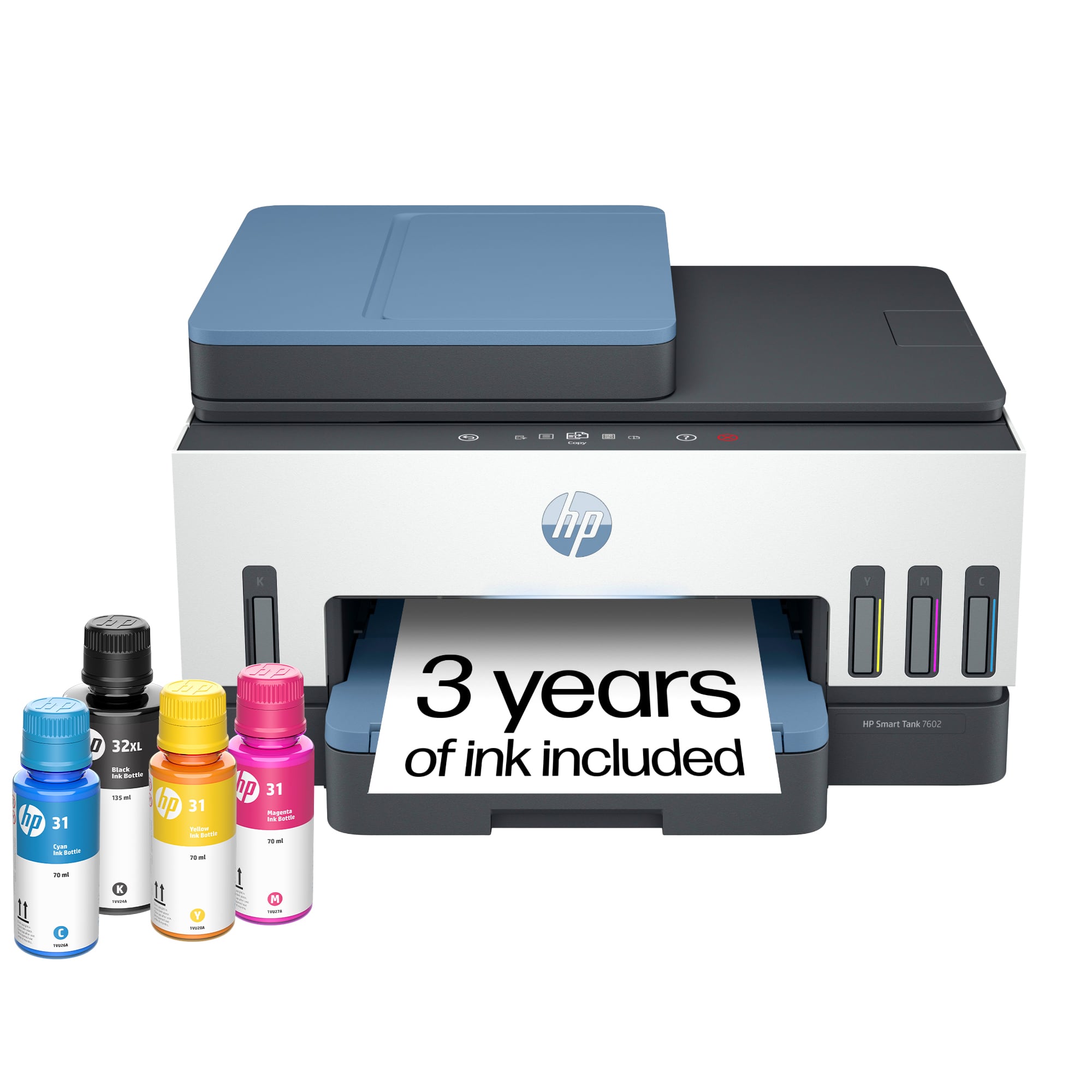
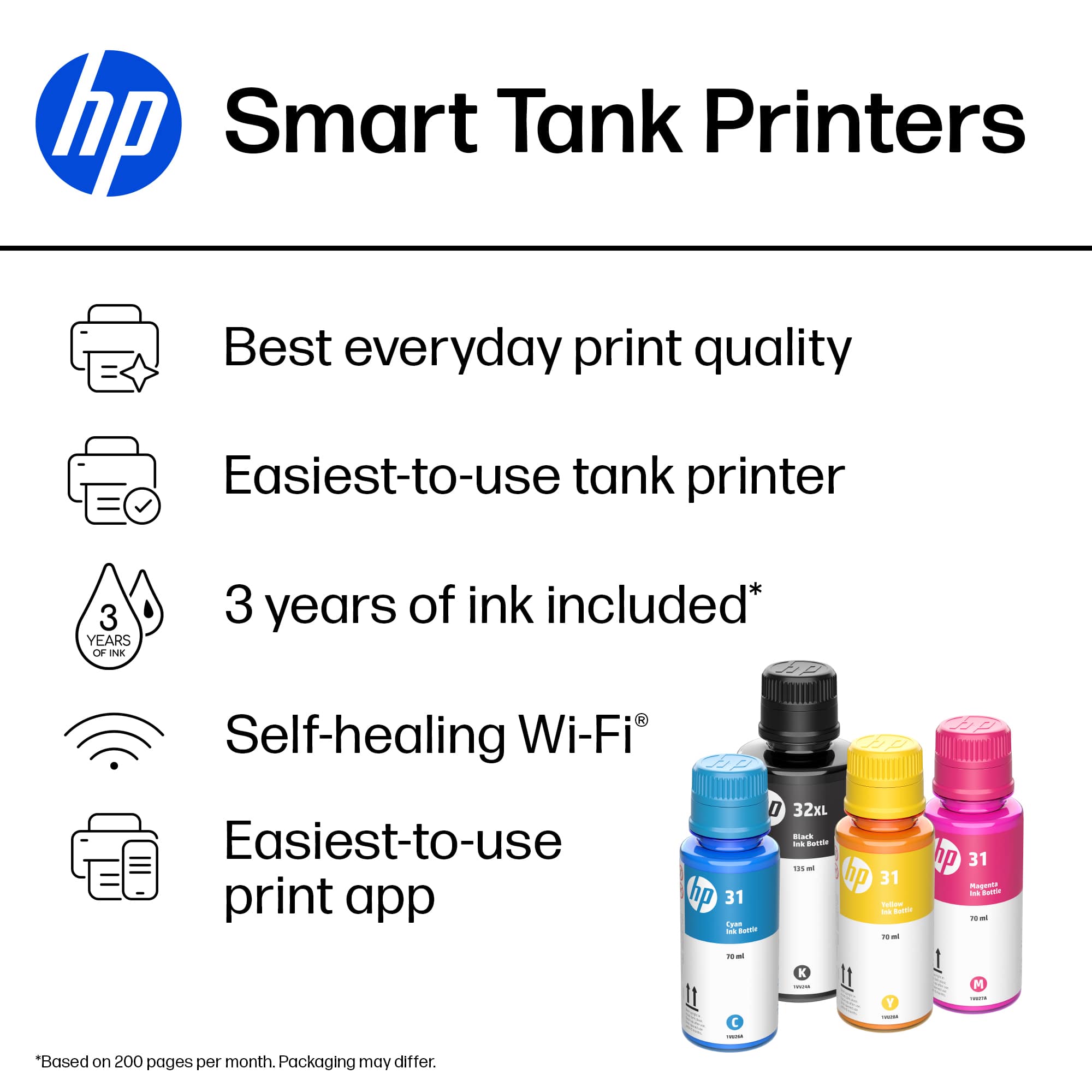
    • Answer Hello, Chuck. Thanks for your question. We recommend using the HP Smart app to scan to email. You would use the scan option on the HP Smart app to share via email. To make it easier the next time, we recommend using Shortcuts. It allows you to make a Shortcut, i.e. a scanned item to be emailed to this email address. Here is the info on the HP Smart app: https://support.hp.com/rs-en/document/ish_1716406-1413451-16 and on the HP Shortcuts: https://support.hp.com/us-en/document/ish_4129352-4129404-16
      Answered by HP Team

  • QuestionWhere can I get help setting my printer up?

    Asked by Monalisa.

    • Answer Thank you for asking. You can find setup instructions here: https://support.hp.com/us-en/printer-setup/hp-smart-tank-7600-series/2100178738/model/2100178921?sku=28B98A

      Answered by HP Team

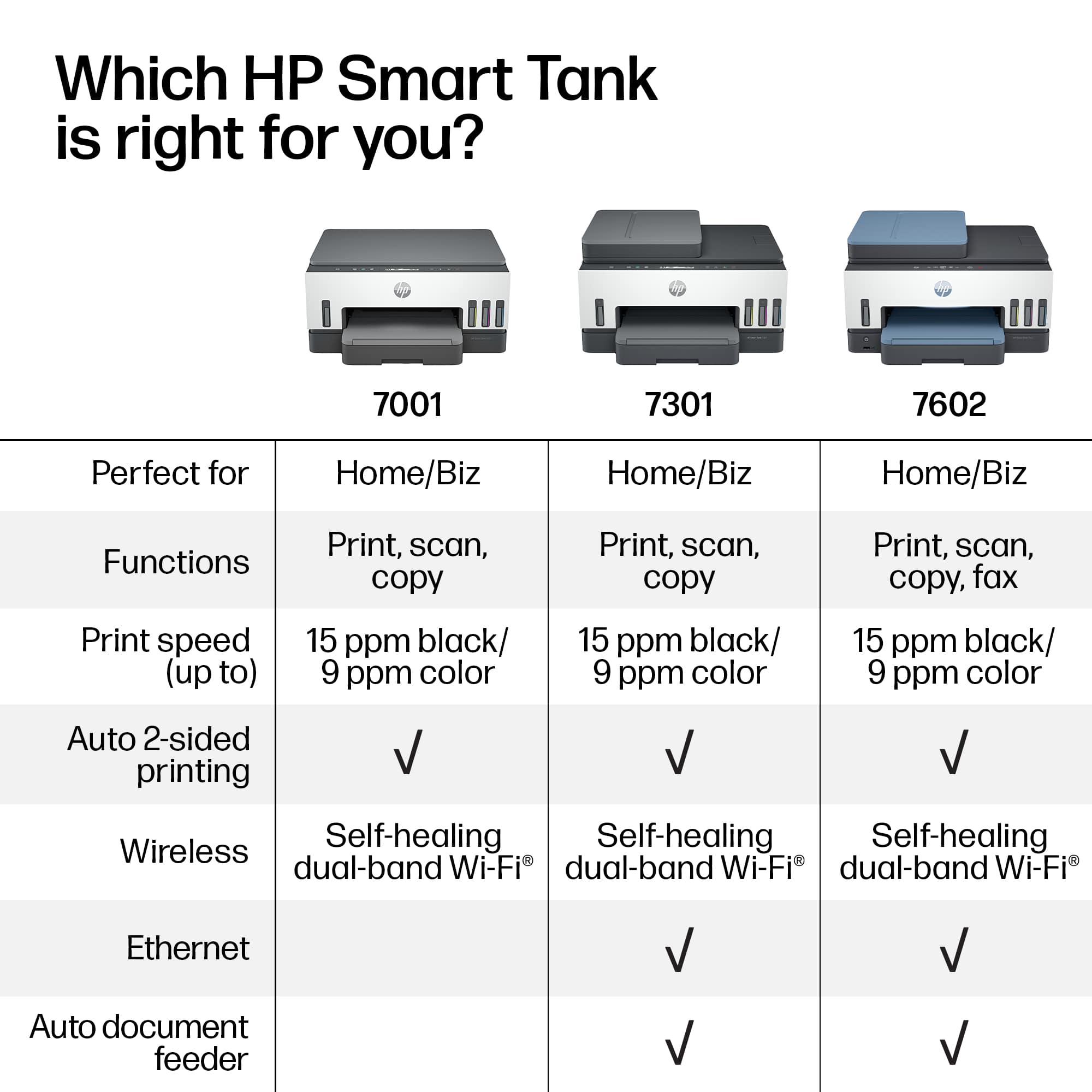
  • QuestionDoes this printer have a document feeder?

    Asked by Dave.

    • Answer Yes

      Answered by CTR1948

  • QuestionLargest size paper used in this printer

    Asked by Dano.

    • Answer It will handle paper up to legal size (8.5x14)

      Answered by HP Team

  • Questionhow many scanner pages per minute and can scanner use auto feeder?

    Asked by Jerry.

    • Answer Yes, that's actually what the auto feeder is used for. The scanning speed is up to 8 pages per minute.

      Answered by HP Team

  • QuestionI do a lot of work on EXCEL. Once installed will this printer show up on the print menu in EXCEL?

    Asked by Silvia.

    • Answer Yes…. Any Microsoft program can print to this printer. I really don’t know what you mean otherwise. A printer is installed on the operating system of your computer… not into a particular program on the computer. So if you have windows 10 or 11 this printer will install just fine. I am sure older versions will work as well…. But if you have something older than 10, you need to upgrade!

      Answered by Laura

  • QuestionHow is the picture quality on printing photos?

    Asked by CDuji.

    • Answer Hello, I print pics all of the time and have found the quality to be quite good! I prefer printing on matte photo paper, in my opinion, this prints the best photo !! Hope this information was useful! HP products are truly a “Best Buy”!

      Answered by DinaLynn

  • QuestionCan I print only vie wired connection. I don't want to rely on wifi printing as HP has control over your printer & remotely lock it. I subscribed to their scamming ink service and got locked out for forgetting to update my card info after I had lost it.

    Asked by Red.

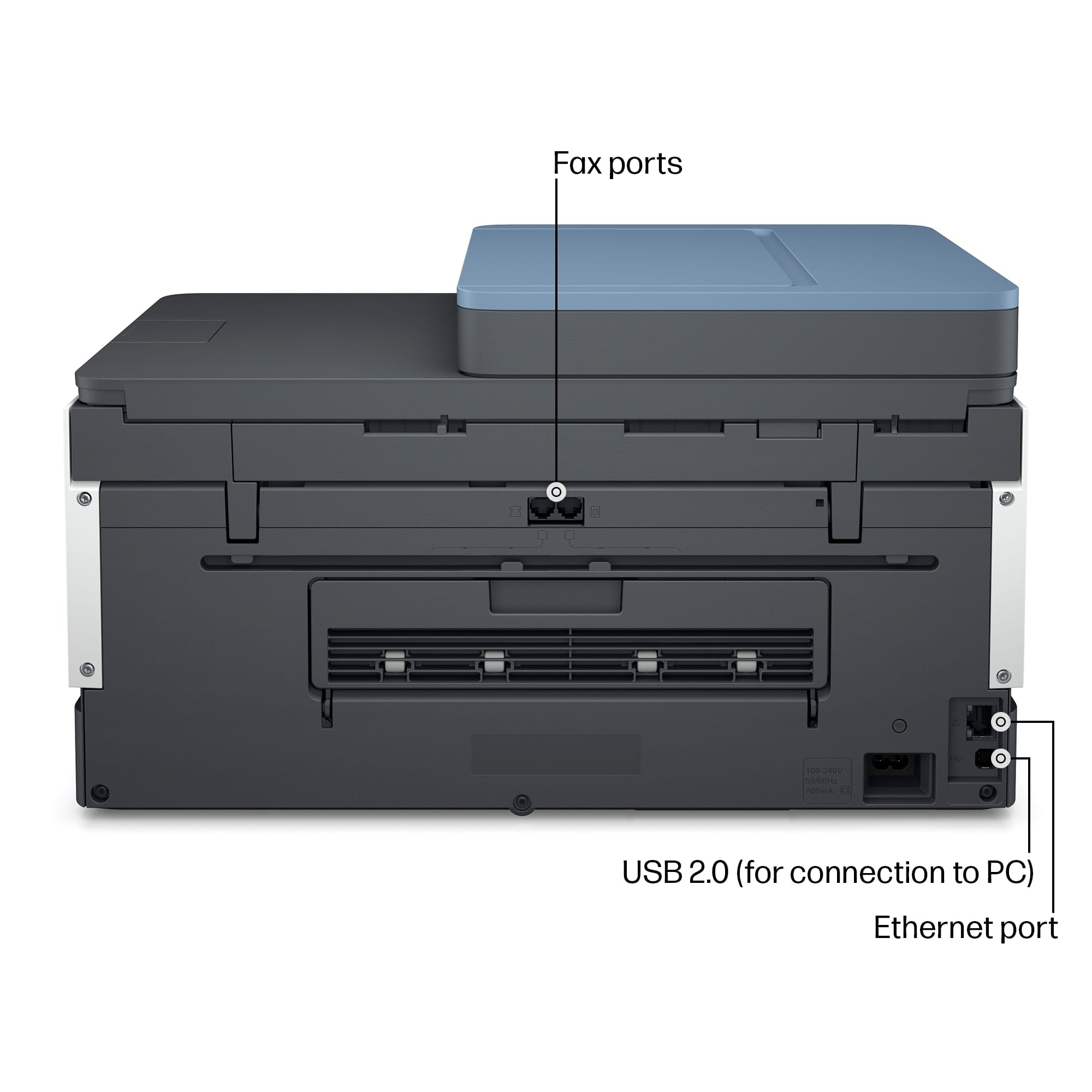
    • Answer Hello and thank you for asking. The HP Smart Tank 7602 printer supports both wireless and wired/USB connections to your computer.

      Answered by HP Team

  • QuestionDoes the 7602 have double sided scanning?

    Asked by Scanning.

    • Answer Hi there. Thank you for your question! The HP Smart Tank 7602 does not support automatic double-sided scanning, but it will support manual double-sided scanning. You would be able to scan one side of a document, and then manually flip the page over, and scan the other side.

      Answered by HP Team

  • Questiondo you have any printers that enlarg

    Asked by sparky.

    • Answer The HP 7602 can enlarge or reduce the size of a document when copying. Just select the resize option under the copy function. Resizing can be between 25 and 400 %.

      Answered by Wally

  • QuestionDoes this printer work with Apple products and use AirPrint?

    Asked by chazkov.

    • Answer Thank you for the question. Yes, the Smart Tank 7602 works with most current Mac operating systems and is compatible with AirPrint.

      Answered by HP Team

  • QuestionCan I print envelopes on this printer?

    Asked by guest.

    • Answer You will be able to print on envelopes with this printer.

      Answered by HP Team