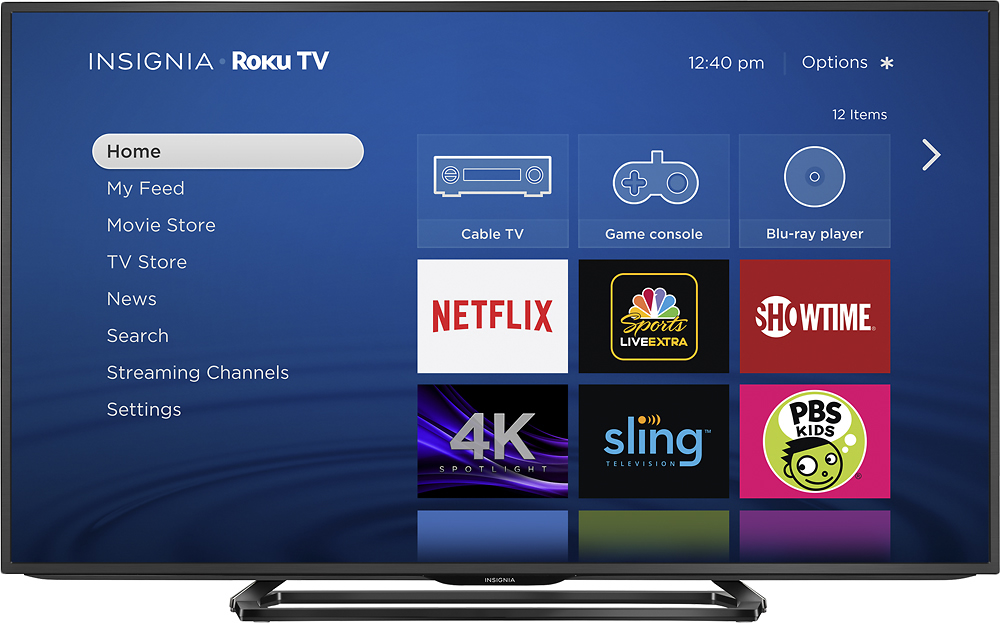
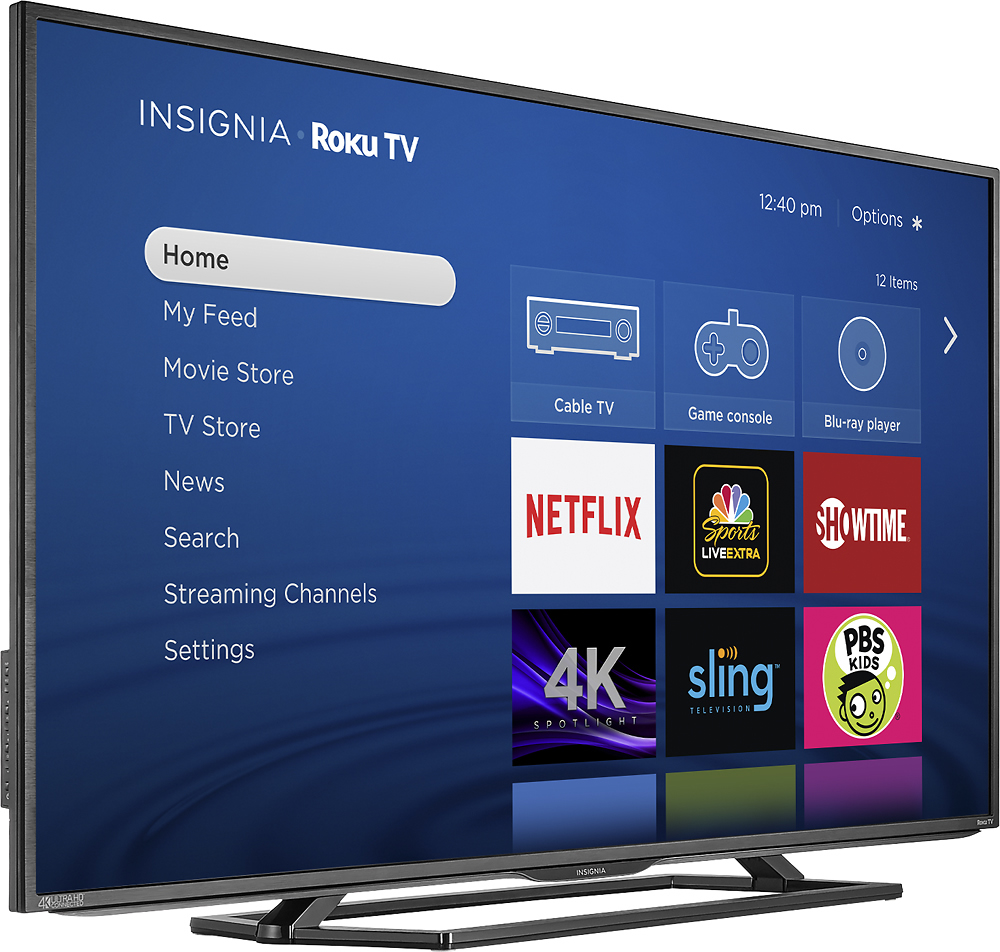
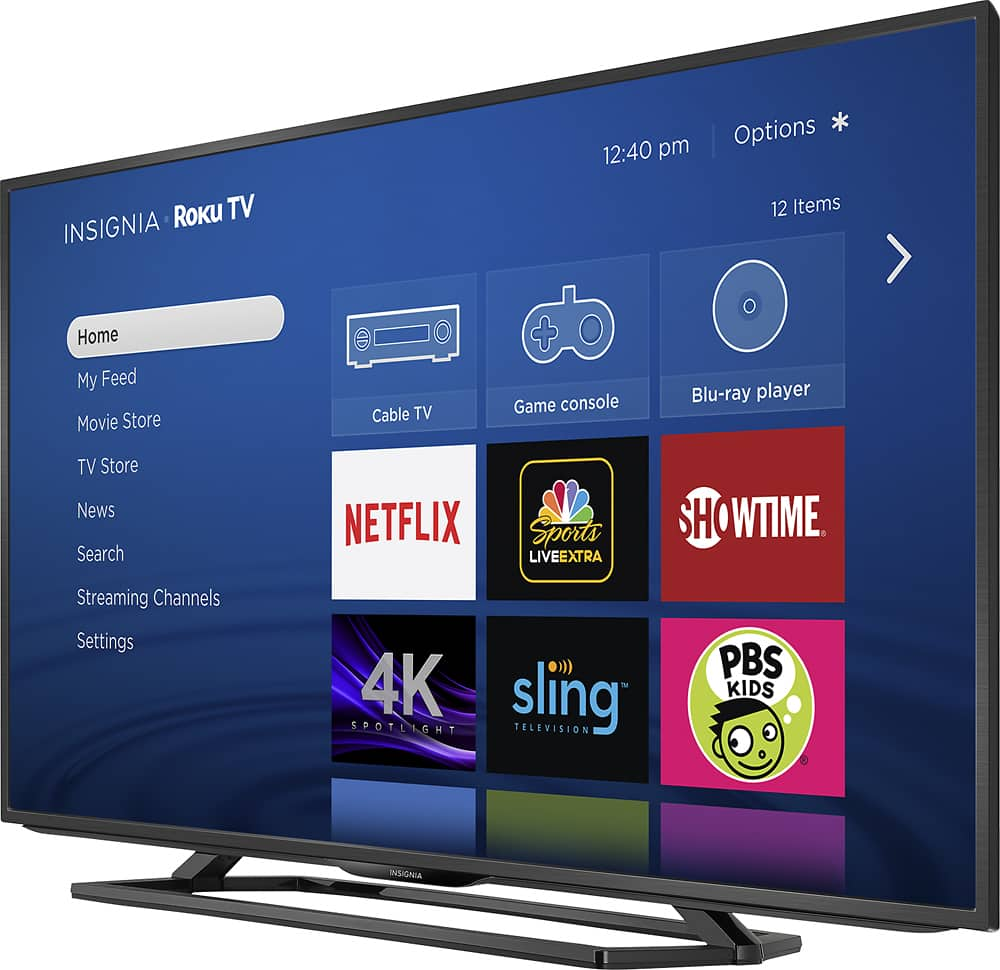
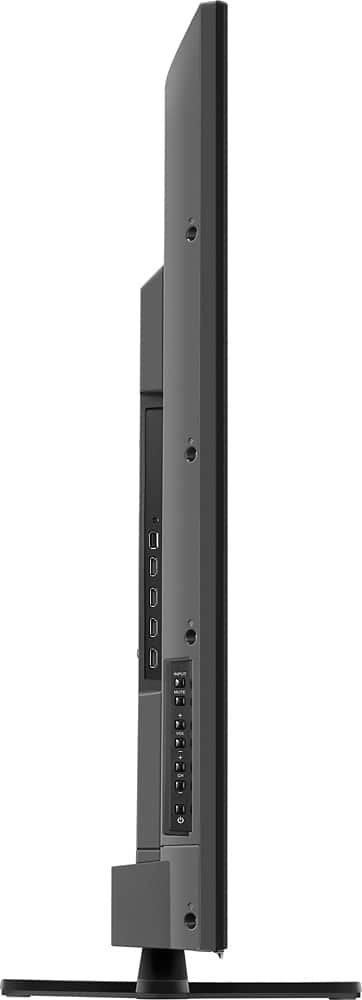
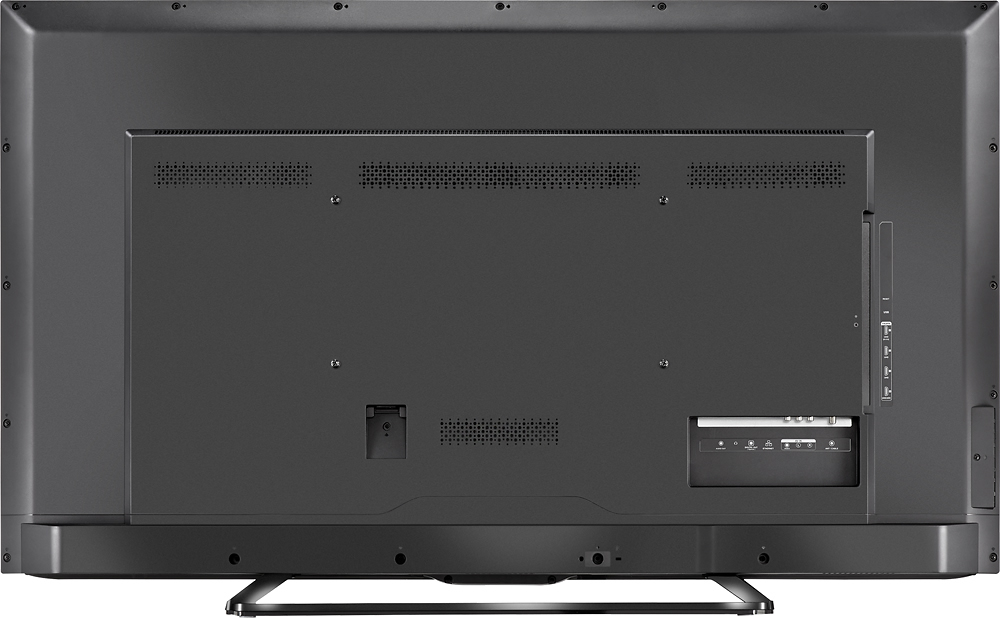
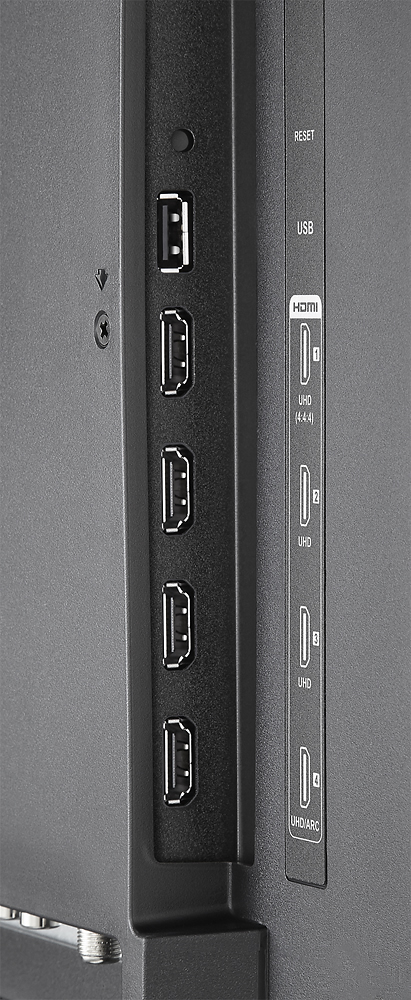
A:Answer " .The Roku Media Player channel allows you to watch your own personal video files, listen to your music files, and view your photos right on your TV via your home's PC, DLNA server or the Roku's USB port.
The Roku Media Player channel enables you to play back personal video, music and photo files from a USB drive on your TV. The following USB drive formats are supported: FAT16, FAT32, NTFS and HFS+."
https://support.roku.com/article/208754908-roku-media-player-playing-your-personal-videos-music-photos
On your specific TV you can try a USB stick and an MKV ,VOD ,You tube download ,DVD rip ,video clip or other compatible video file first if you like but any 4K TV *should have enough memory to play videos if it can push 2160p pixels whereas a lot of 1080p sets will only play stills from a USB stick .
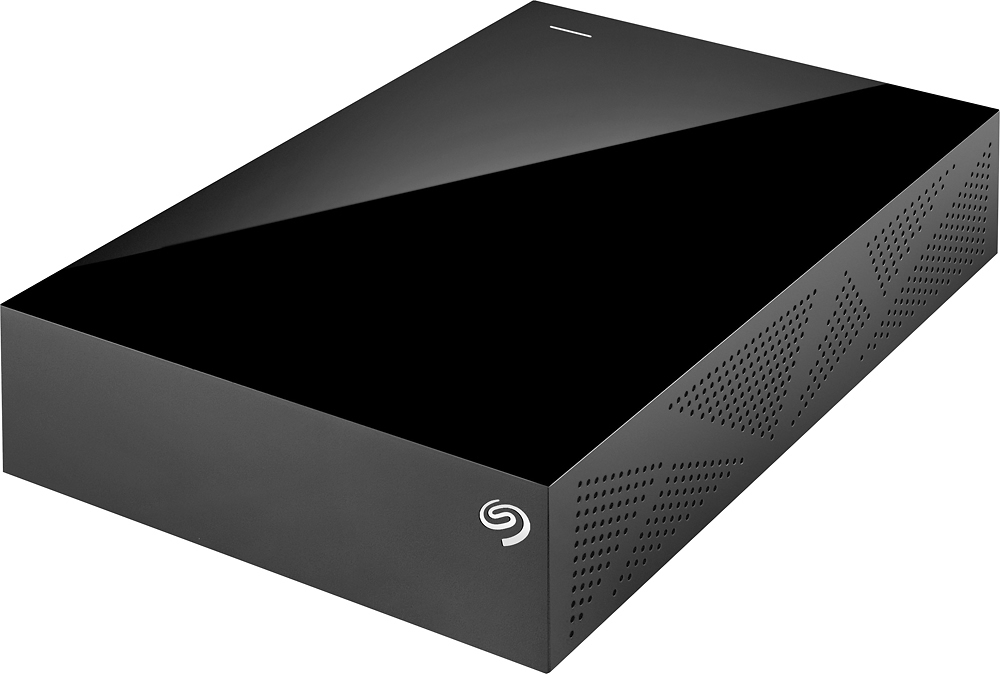
I use the Android Kodi app and a Sea-gate NTFS format expansion desk UDSD HDD I installed from the Google play store in my Sony XBR 4K HDR TV to play movies ,DVD rips , video downloads and PC videos . The Seagate expansion desk HDD came pre formatted to NTFS .