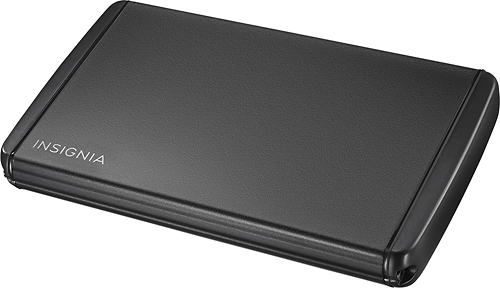
A:Answer This enclosure has standard SATA data and power connections that will fit any SATA-compliant drive. You can _absolutely_ use it "bare" (i.e. without re-assembling the enclosure and screwing it together); in fact, this is how I usually use it - temporarily holding a client's old HDD while I clone it to a new SSD*.
The enclosure itself will accommodate just about any 2.5" drive, but some early-generation HDDs _may_ be too fat to fit. (The length and width of 2.5" drives is completely standardized, but their thickness has varied over the years.) Any SATA SSD, though, will be absolutely fine.
So: you can 100% use this to connect a SATA-compliant drive to a computer; as far as being able to permanently enclose the drive, you (with your Samsung 870 QVO) will be just fine, but folk with really old drives might not be.
*A word of warning about using this enclosure "off-label" - the power/data connections are the same for 2.5" (laptop) and 3.5" (desktop) drives, so you may be tempted to use this to clone a desktop drive. Beware, though! The power required to spin up a desktop drive is greater than a laptop drive; you just might get away with it, but you also might damage the drive and/or your USB port. It's not worth it! If you need to clone a 3.5" drive, get a SATA enclosure that's built for it - it will have a dedicated power adaptor rather than running from USB. You can even use it with a 2.5" drive, though it'll flop around inside the enclosure.