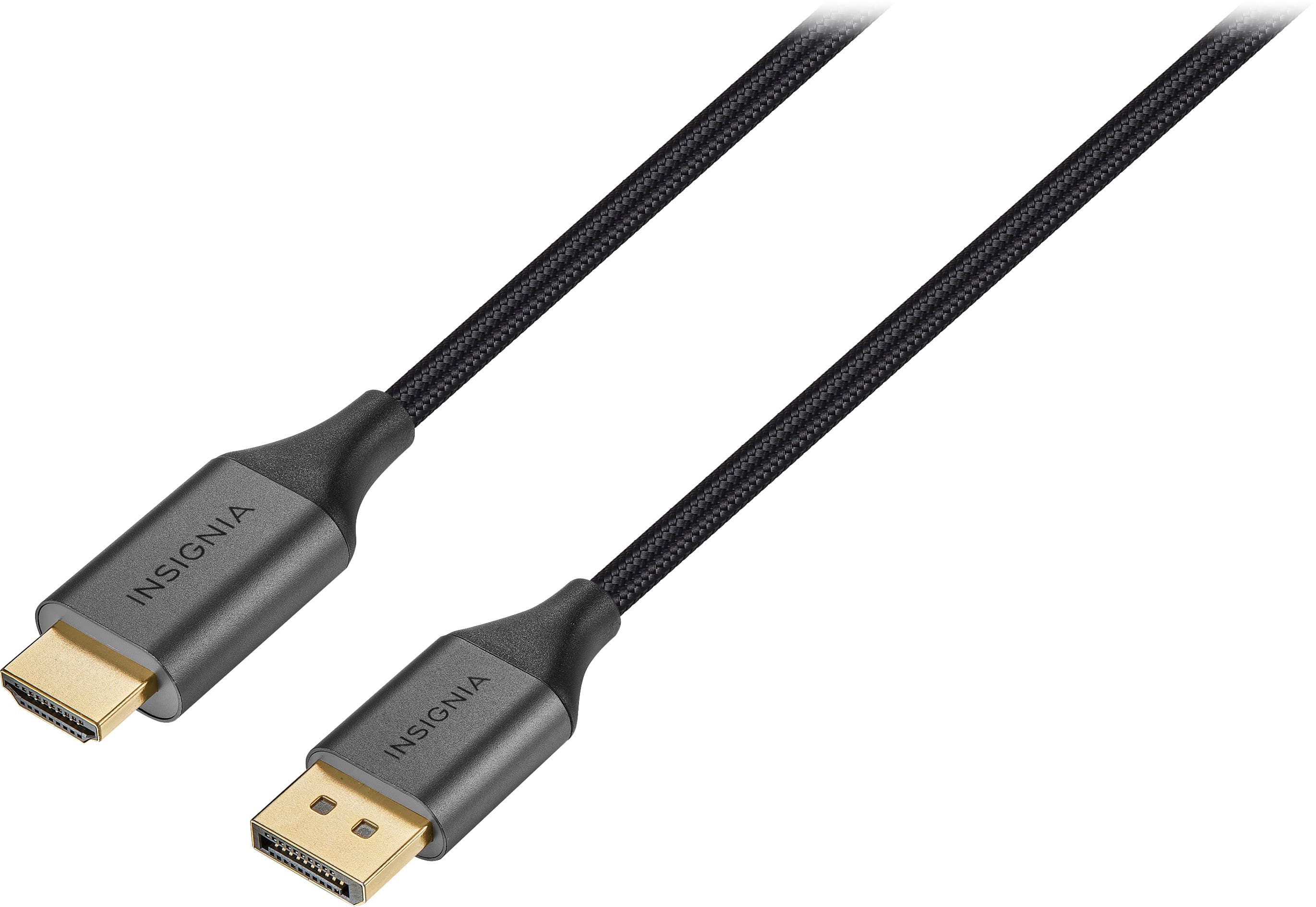
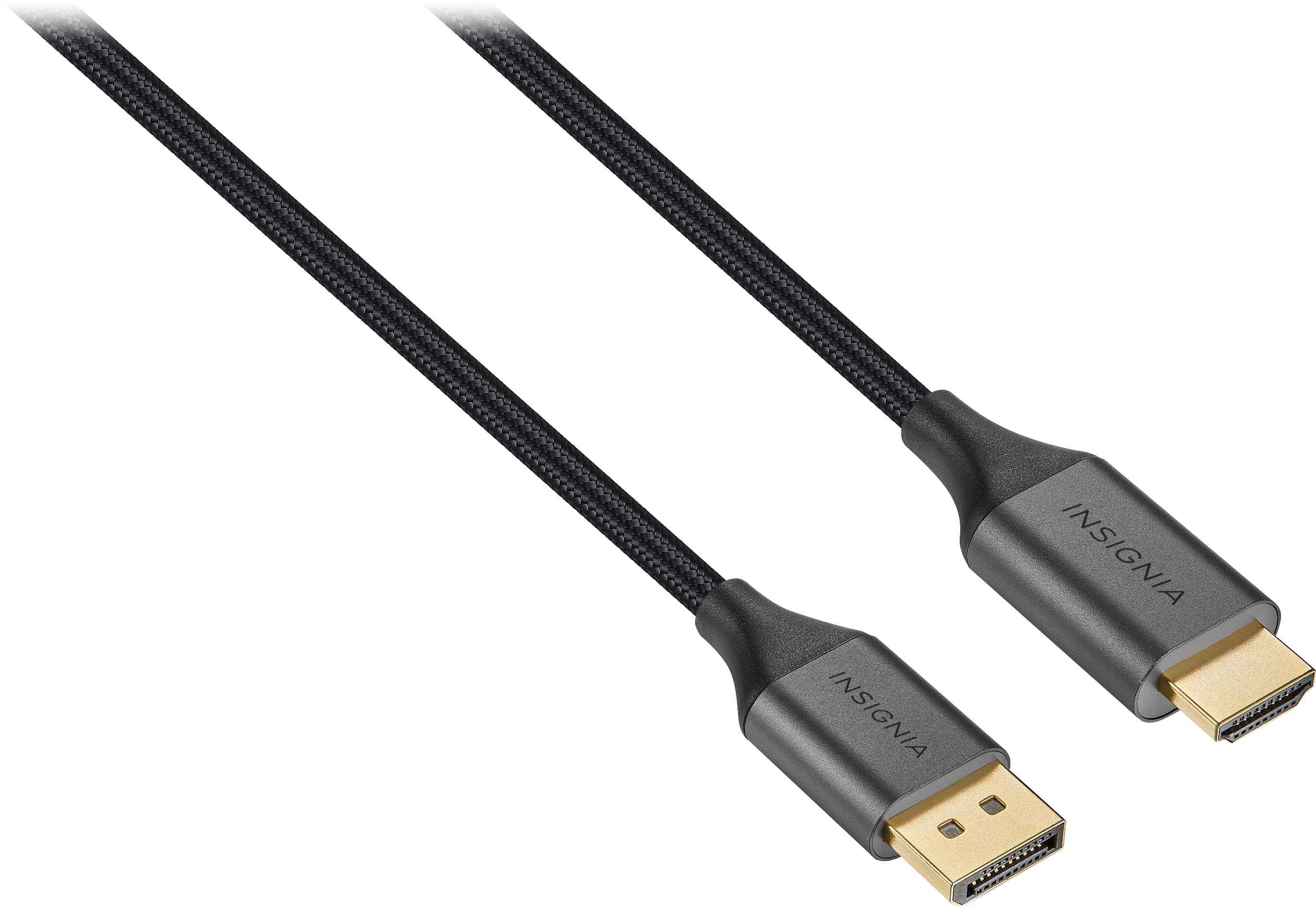
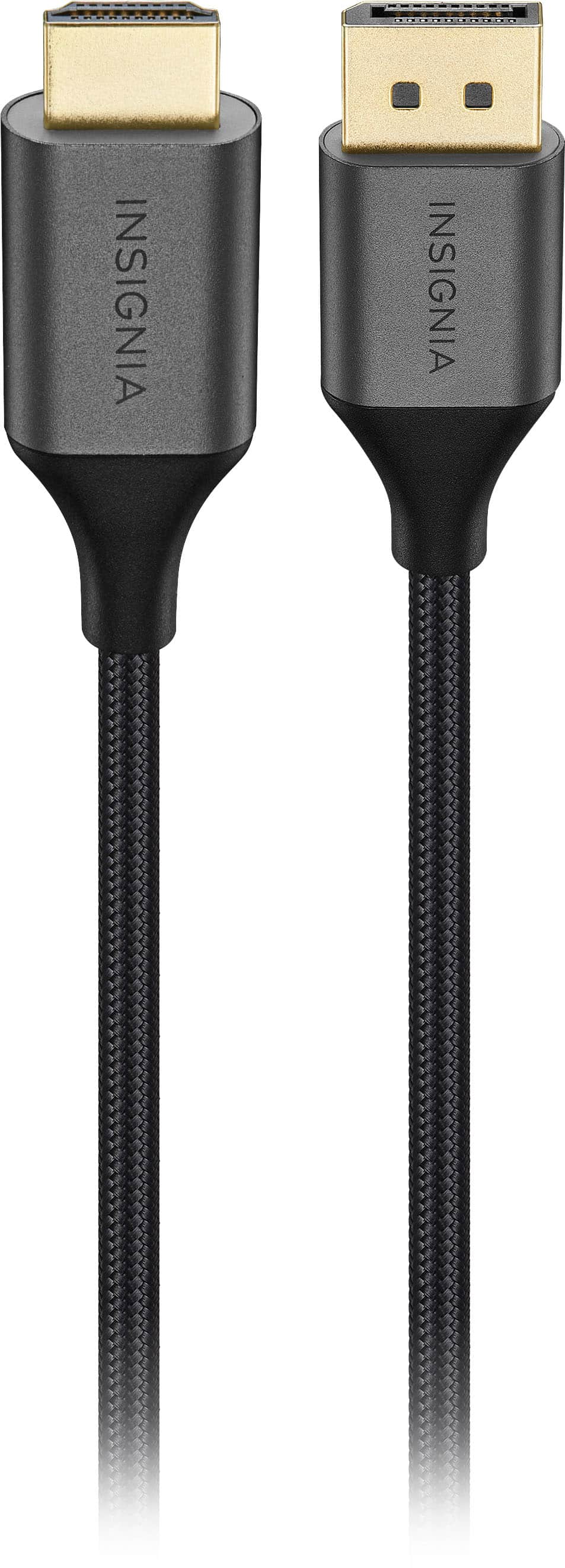
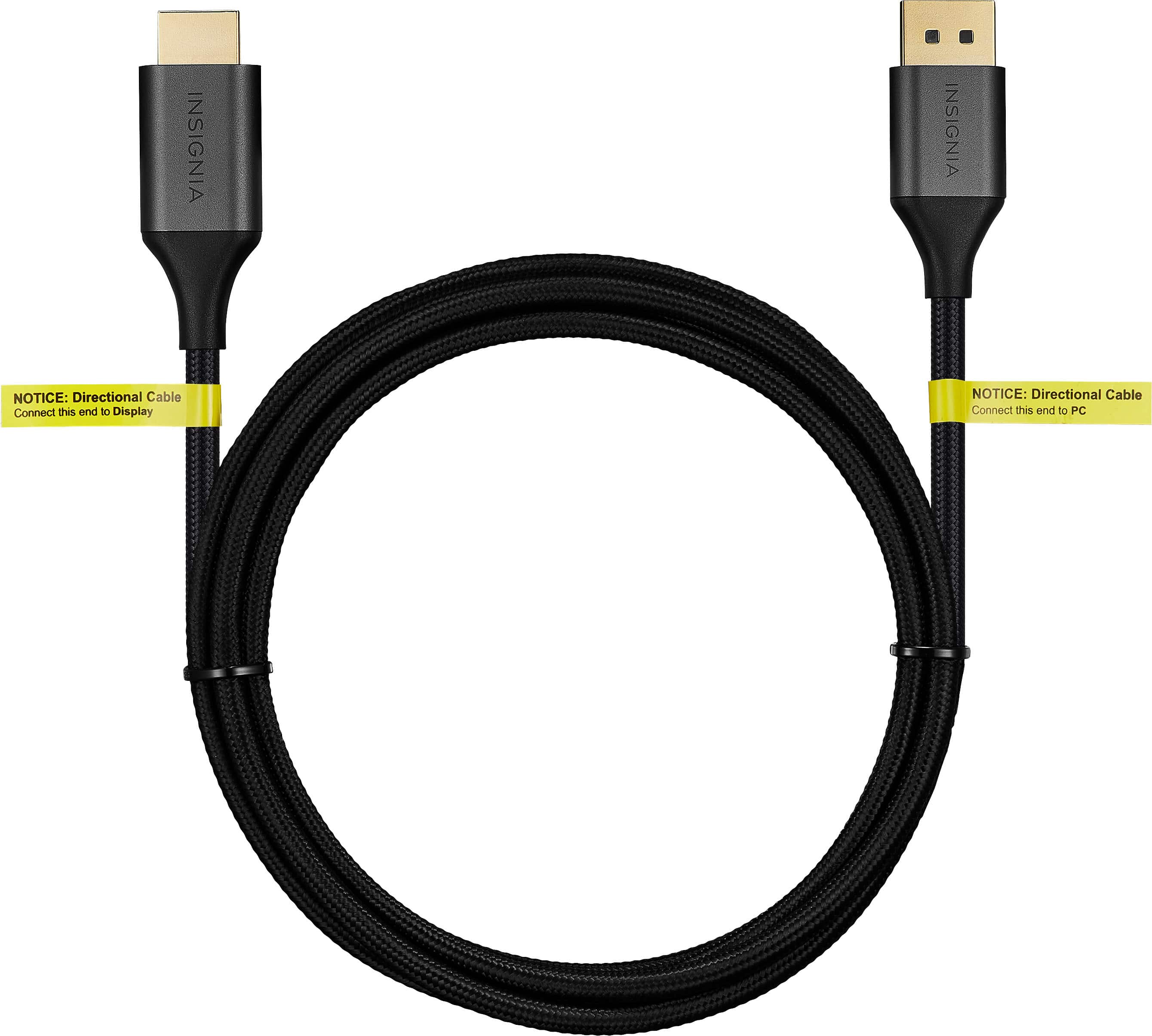
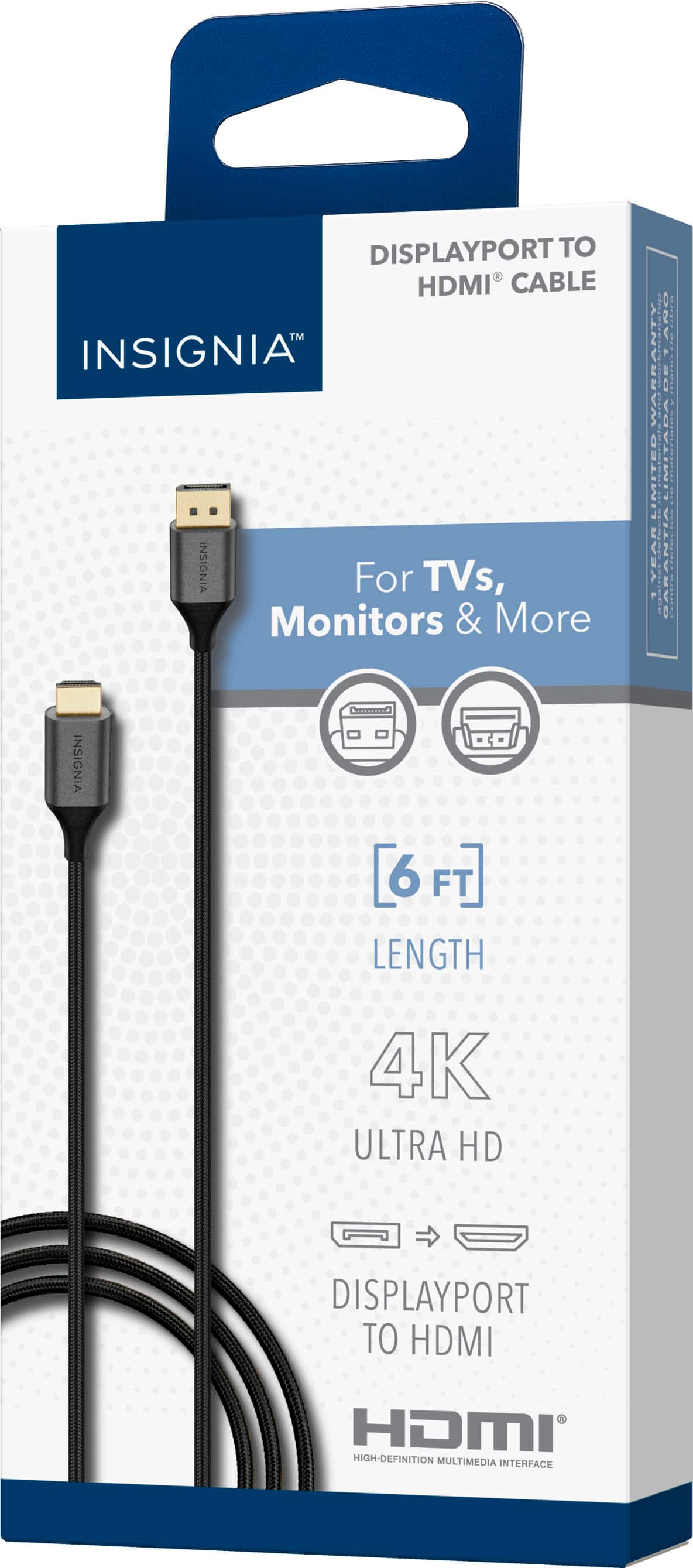
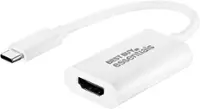
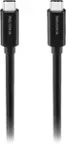
A:Answer Thank you for your inquiry! Yes, the Insignia™ 6' DisplayPort to HDMI Cable - Black can be used to connect an Acer computer to a monitor if your Acer computer has a DisplayPort output and your monitor has an HDMI input. This cable allows you to connect a DisplayPort source (your Acer computer) to an HDMI display (your monitor). To set it up, first ensure that your Acer computer has a DisplayPort output and your monitor has an HDMI input. Then, plug the DisplayPort end of the cable into the DisplayPort on your Acer computer and the HDMI end into the HDMI input on your monitor. On your monitor, use the input/source button to select the HDMI input if it doesn’t automatically detect the signal. If your Acer computer or monitor has different ports, such as HDMI on both ends or DisplayPort on both ends, you might need a different type of cable or adapter, like an HDMI-to-HDMI cable or a DisplayPort-to-DisplayPort cable. Using the Insignia™ 6' DisplayPort to HDMI Cable is a good solution for connecting an Acer computer with DisplayPort to a monitor with HDMI. Keith | Insignia Support https://www.bestbuy.com/site/insignia-6-displayport-to-hdmi-cable-black/6471865.p?skuId=6471865