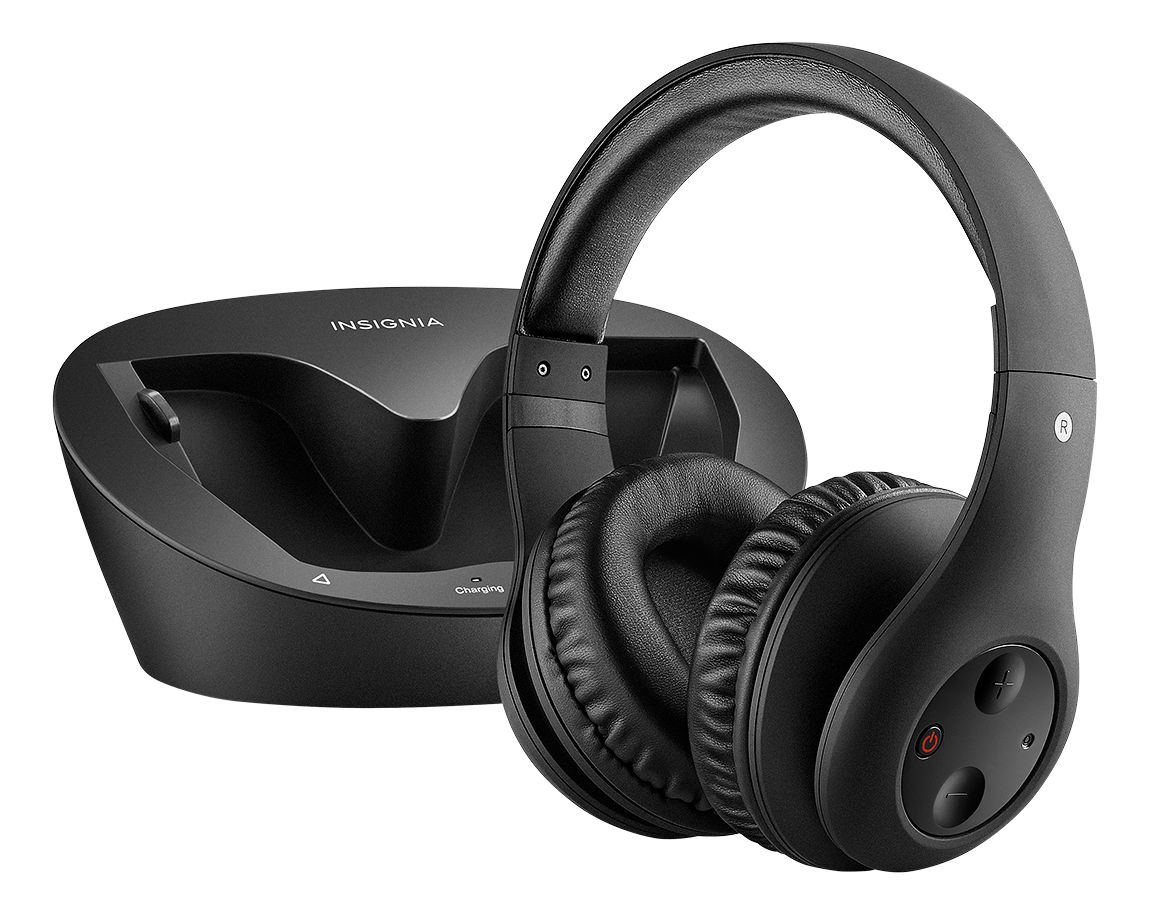
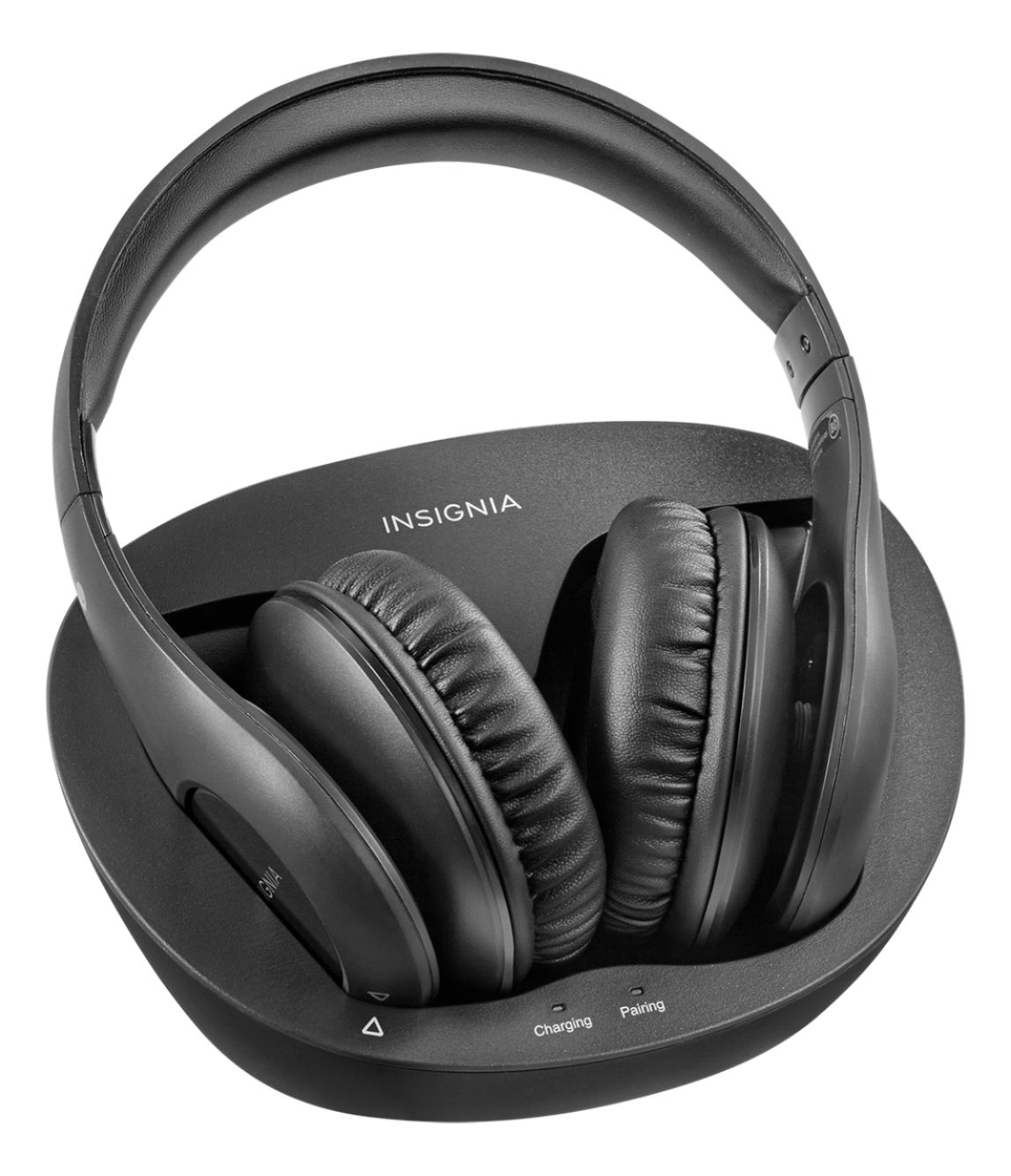
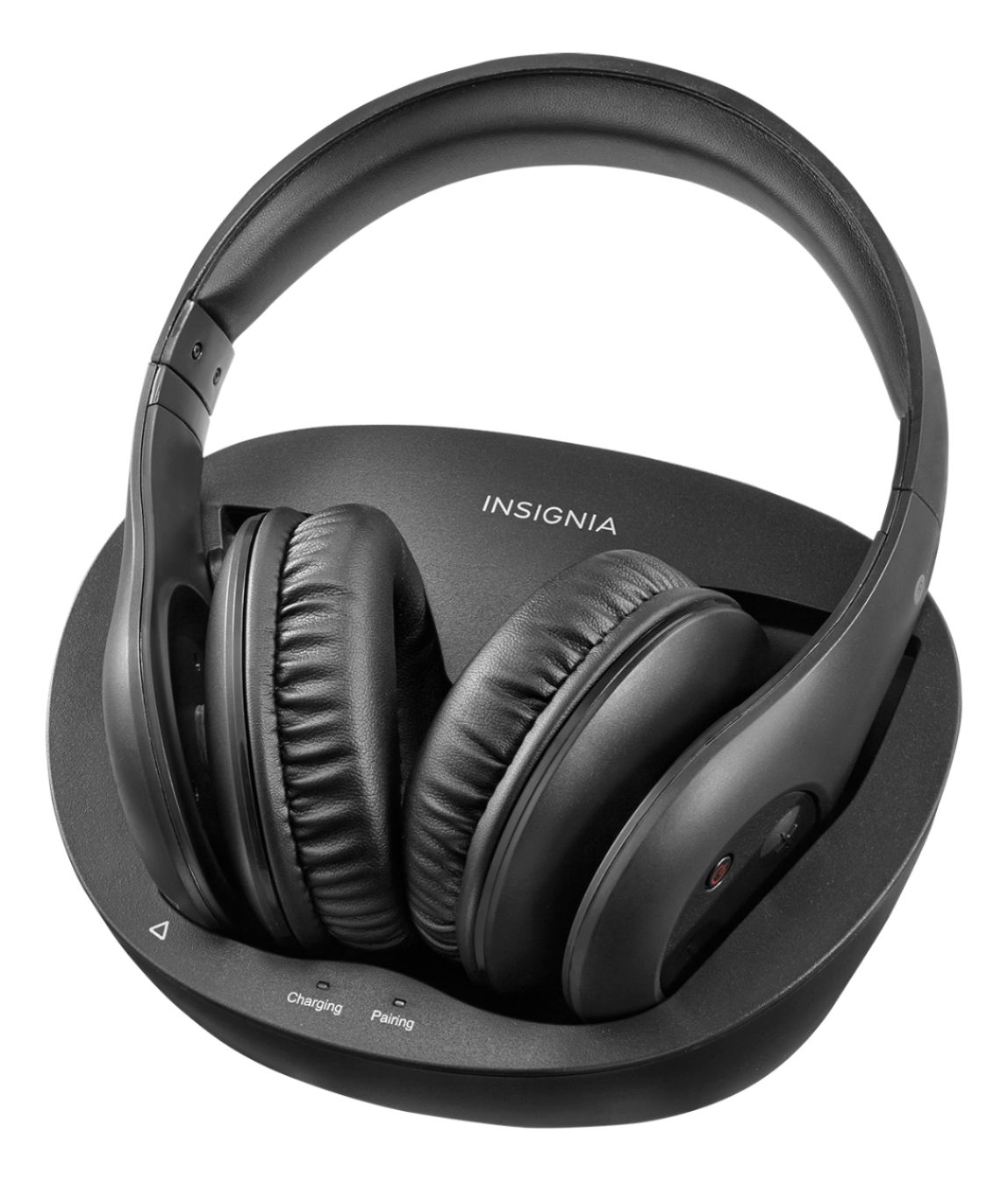
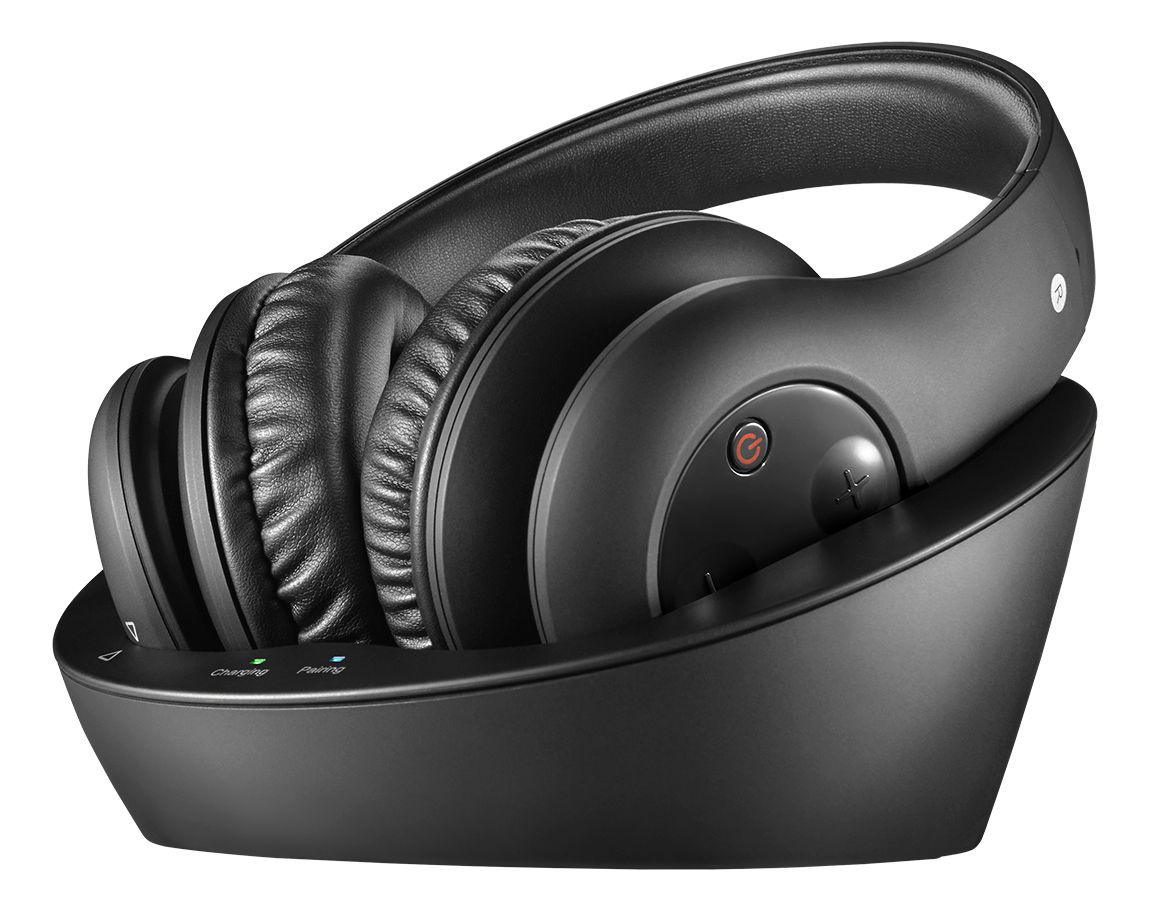
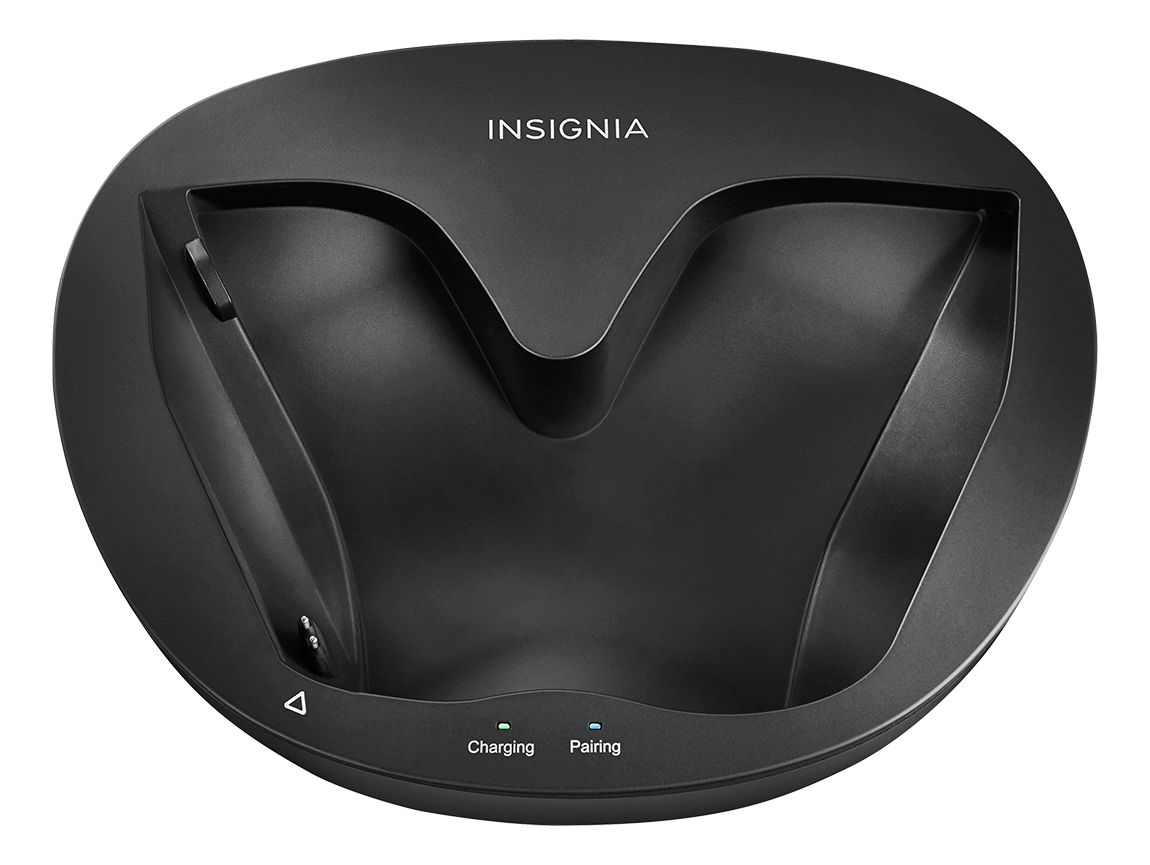
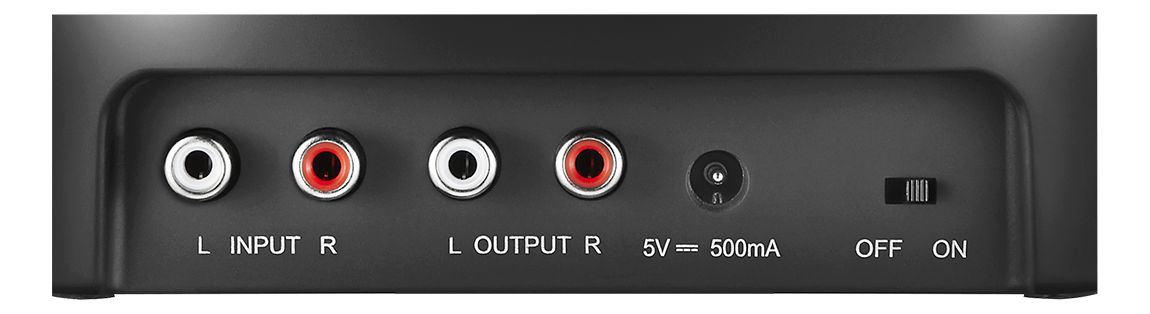
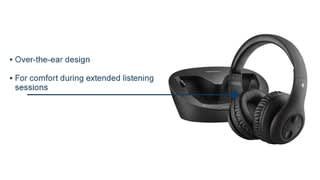
A:AnswerThe charging station is also the transmitter. RCA cables that come with the unit will connect the charging station directly to your cable box.
Simple set up.
A:AnswerYes and no (at least the way I hooked them up); but you can lower the tv sound as you wish. Makes it easy to boost one person's sound with the headphones while others listen, too, at different volume
A:AnswerThey will work great for you in all noise conditions. They block outside noise well and have great volume.
Also very easy to hook up. If you have a DVR They hook to that if not then the TV.
A:AnswerThis is not a Bluetooth device. It is an RF (Radio Frequency) device. The transmitter plugs into an analogue audio output jack on your TV, Receiver or other audio device and transmits an RF signal up to 45 feet to the headphones. Hope this answers your question.
A:AnswerThere is no setting to decrease background noise. I'm hearing impaired & love these. The sound is so crystal clear that I've been able to turn the volume down. Something I've not been able to do in years. I'm very glad I bought these.
A:AnswerDon't mute the TV or turn down the volume, that way both would be able to hear (You can hear through the headphones and the non-headphone user can hear the normal volume of the TV)
A:AnswerSame problem. I purchased a pair of rca splitters and hooked them to the base station and then ran rca plugs from the cable box and another set from the dvd player. You just have to make sure the cable box is turned off when listening to dvd and that the dvd is turned off when listening to cable.
A:AnswerThis is not a function of the headphones but the TV itself. There may be an option in the audio menu to switch between TV and external speakers. You may be able to get an adapter (male RCA to female mini) jack and use an audio out on the TV which doesn't mute the speakers. If you have a surround speaker system you may find an output on your amplifier which will work.