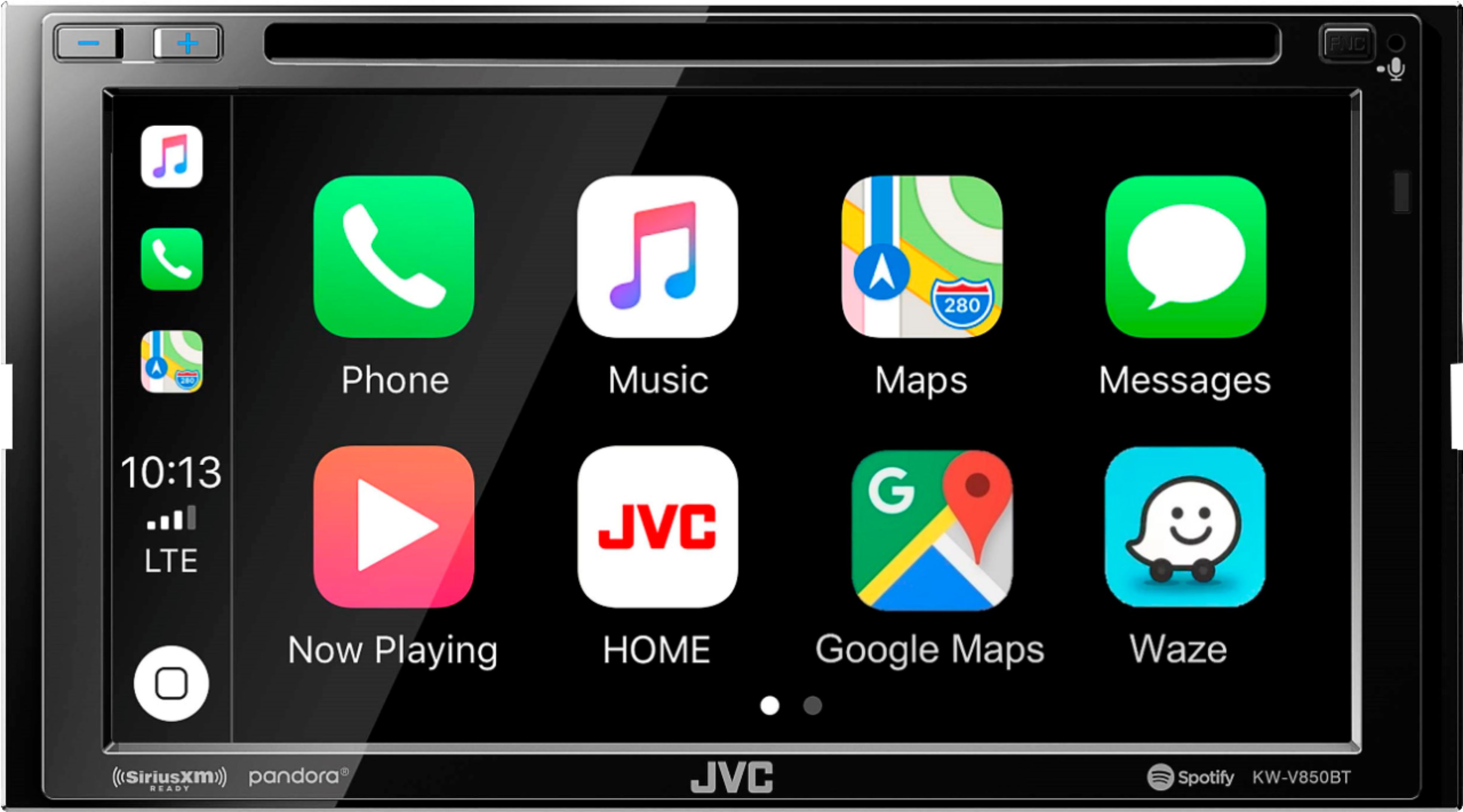
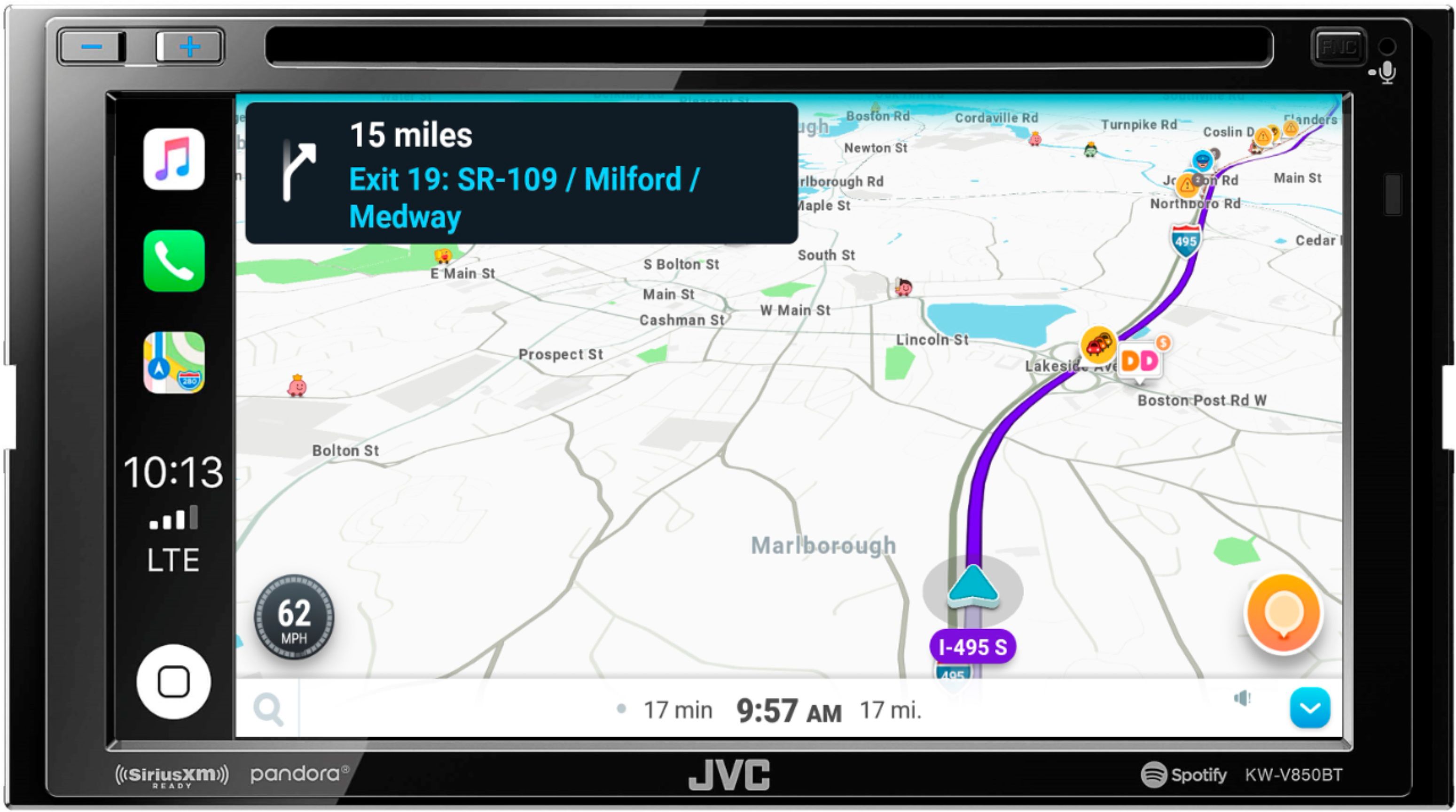
A:AnswerYes you can listen to the radio while using maps. Whenever the map voice command comes on to tell you To turn left or turn right the radio volume goes down so that you can hear the map command. It does this automatically. It’s a great radio
A:AnswerYou leave your car at the bestbuy location that offers this and they give you a call when it’s ready to pick up. You are allowed to wait with it or you can leave and come back.
A:AnswerThis classically means that you are now overpowering your speakers and amp with new radio. Aftermarket radio has more power than factory. You will need to keep volume lower or look into upgrading car speakers and amp.
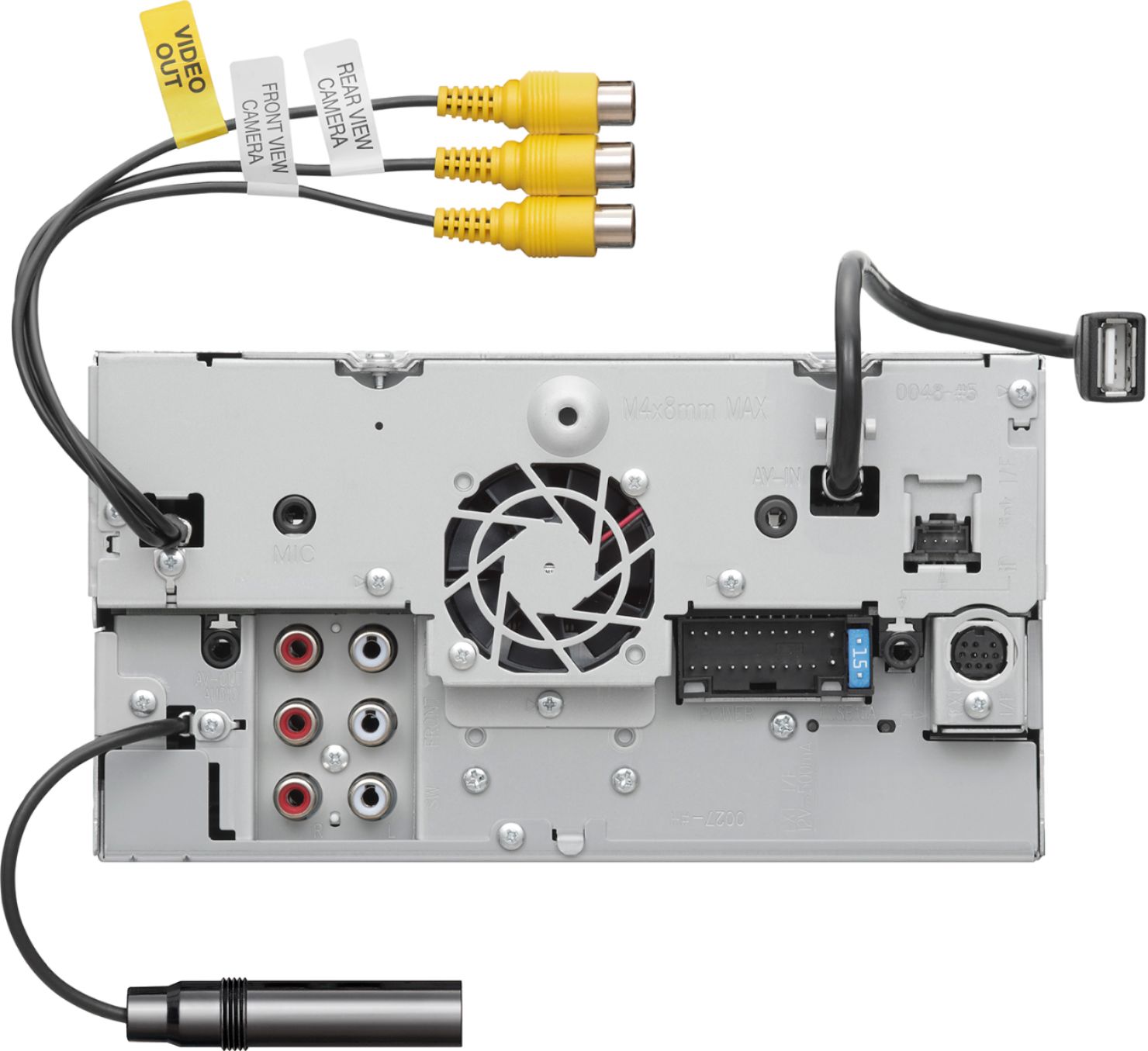
A:AnswerYes. I had a factory back up camera and it works great. They may have to get the wiring diagram from their tech support to find which wires are the back up camera. They did a great job installing mine at Best Buy.
A:AnswerThe system includes an external microphone in the box. It plugs into the back of the unit, you run the wire through the dash, and mount the mic on the dash or steering column.
A:AnswerYou should be able to play it through the usb input or Bluetooth. I would imagine you can select the playlist you want from the player. I use my iPhone and iPod nano to play music through Apple CarPlay and it allows me to pick an individual song or playlist. Try to take the Sandisk player to Best Buy and see if they can connect it to the radio for you that way you’ll know for sure.
A:AnswerI installed the JVC KWV850BT in my 2004 Camry. It will work in any car. Love it. Absolutely great sound. Would recommend this radio for any car.