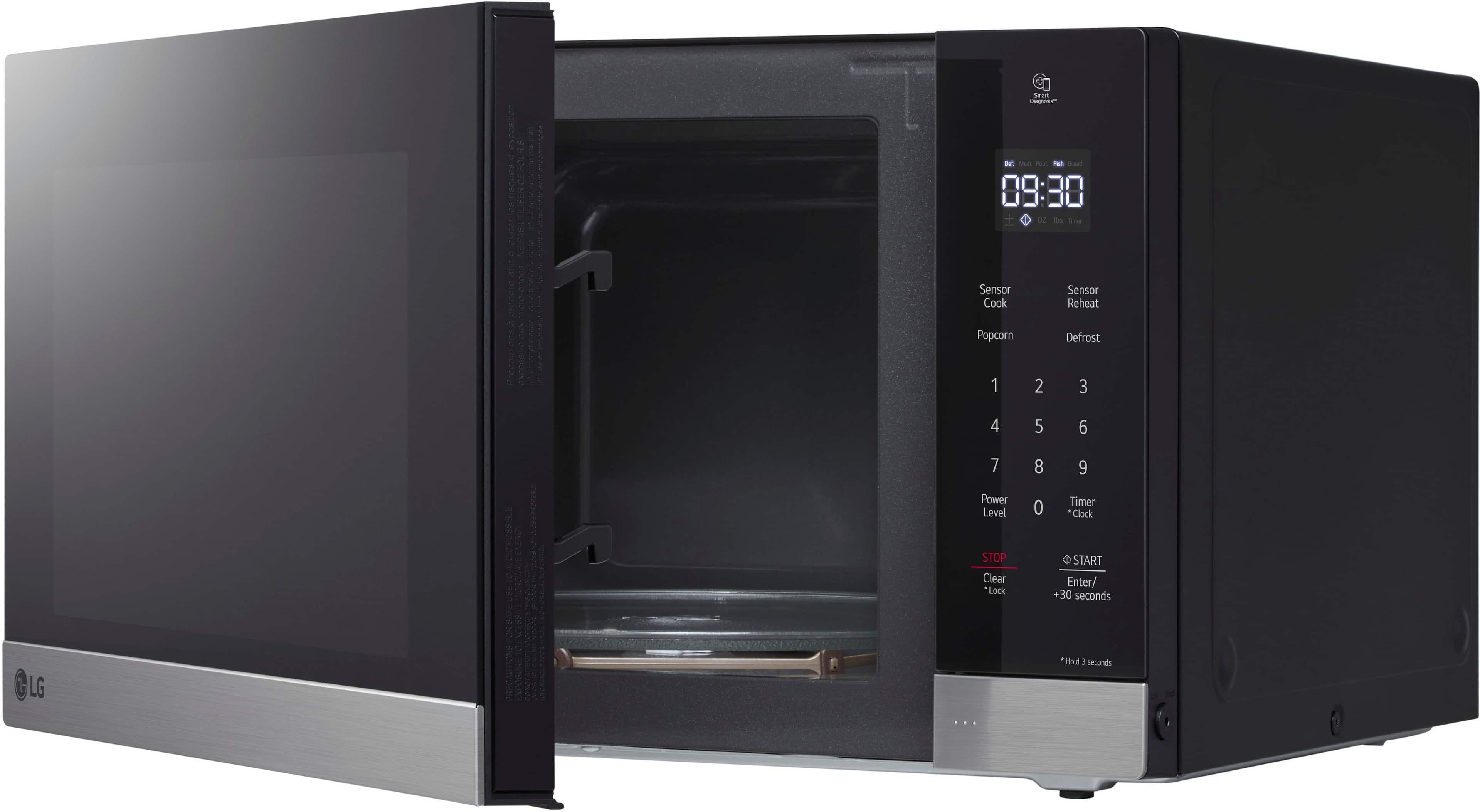
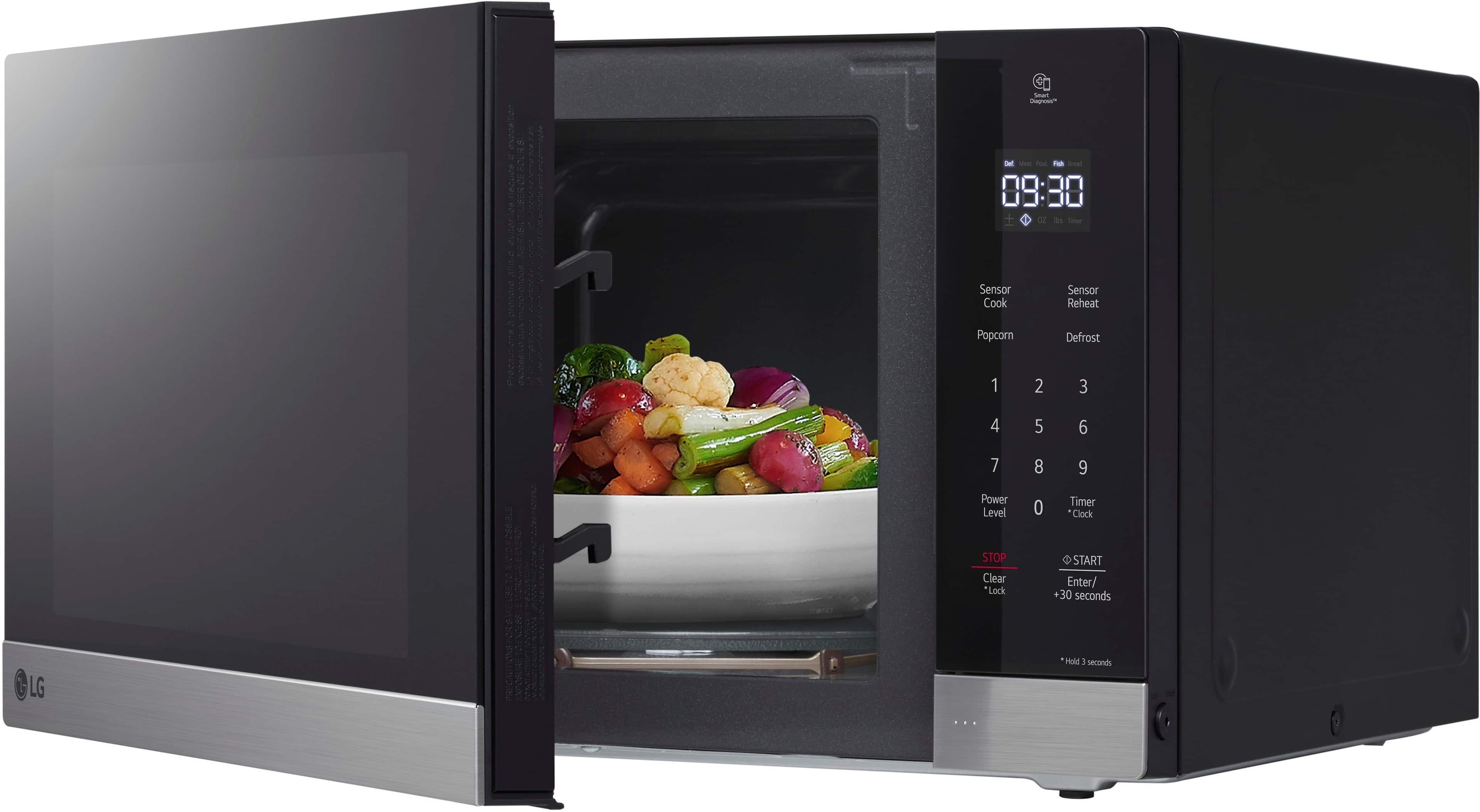
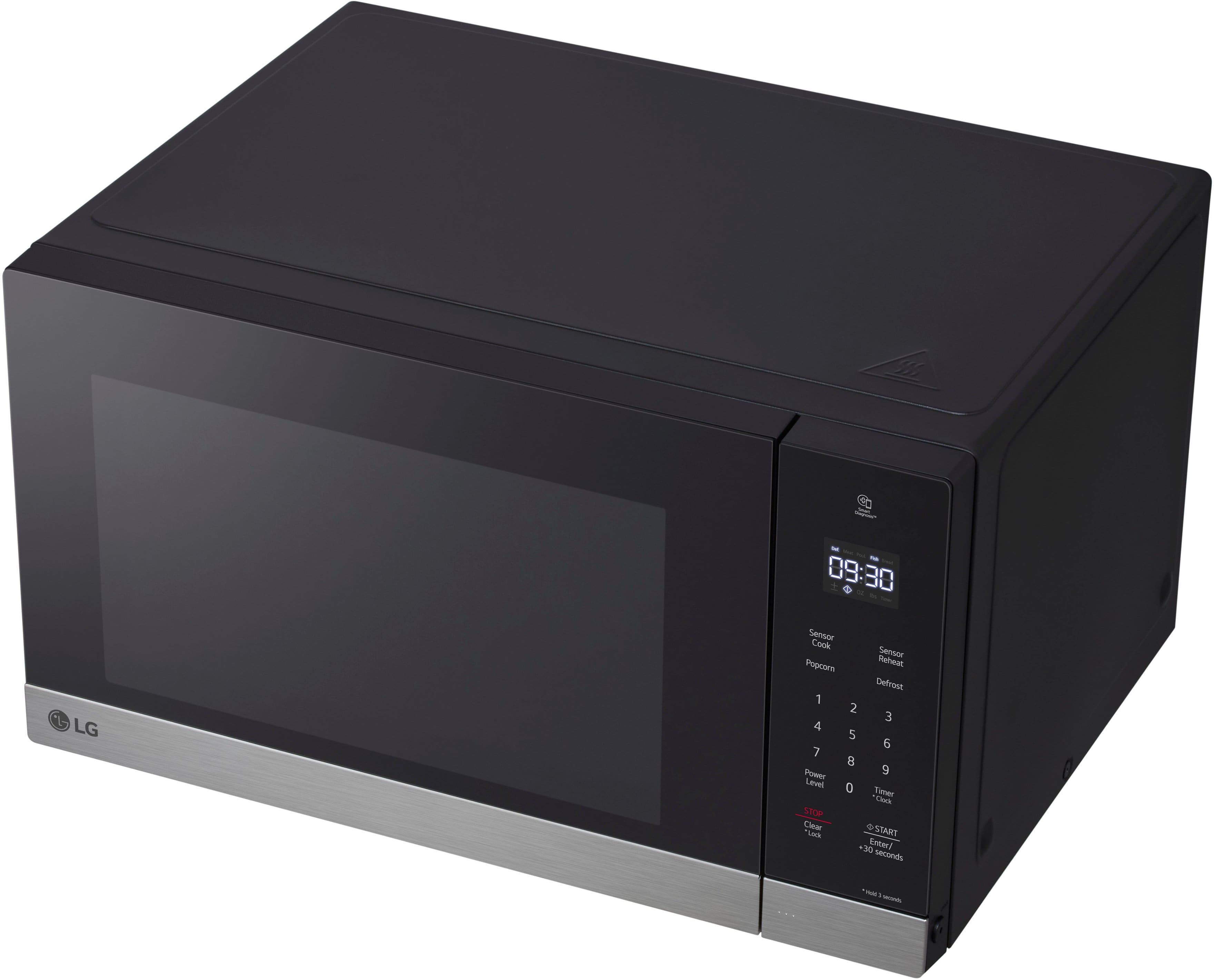
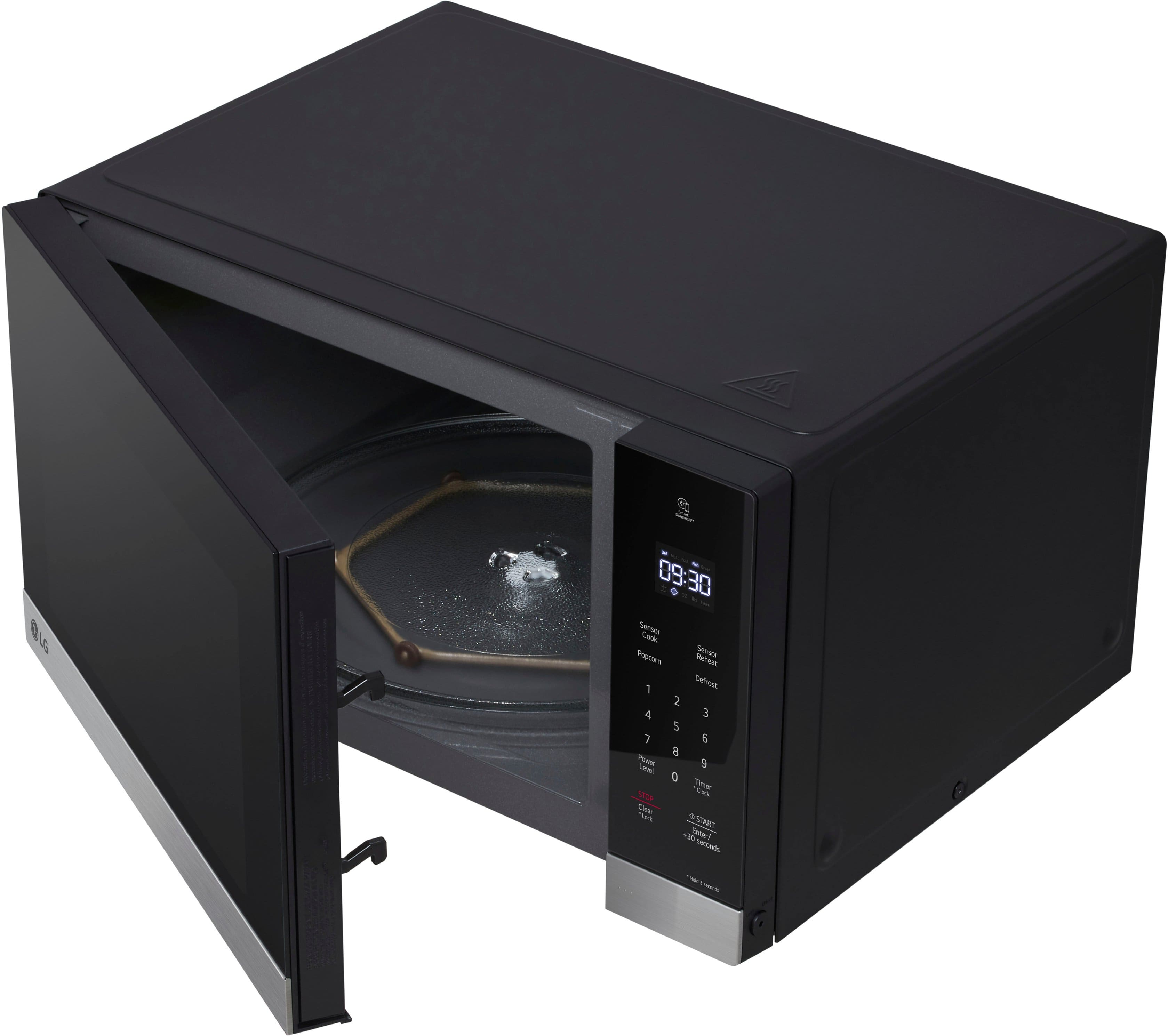
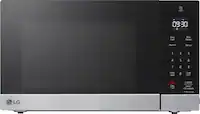
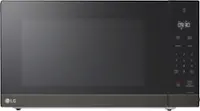
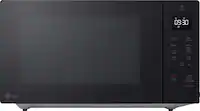
A:AnswerHi there! Thank you for sharing your experience with the MSER1590S microwave. We understand that a loud and fluctuating noise can be quite concerning. While some noise is normal during operation, it shouldn’t sound like a diesel engine or be excessively loud.
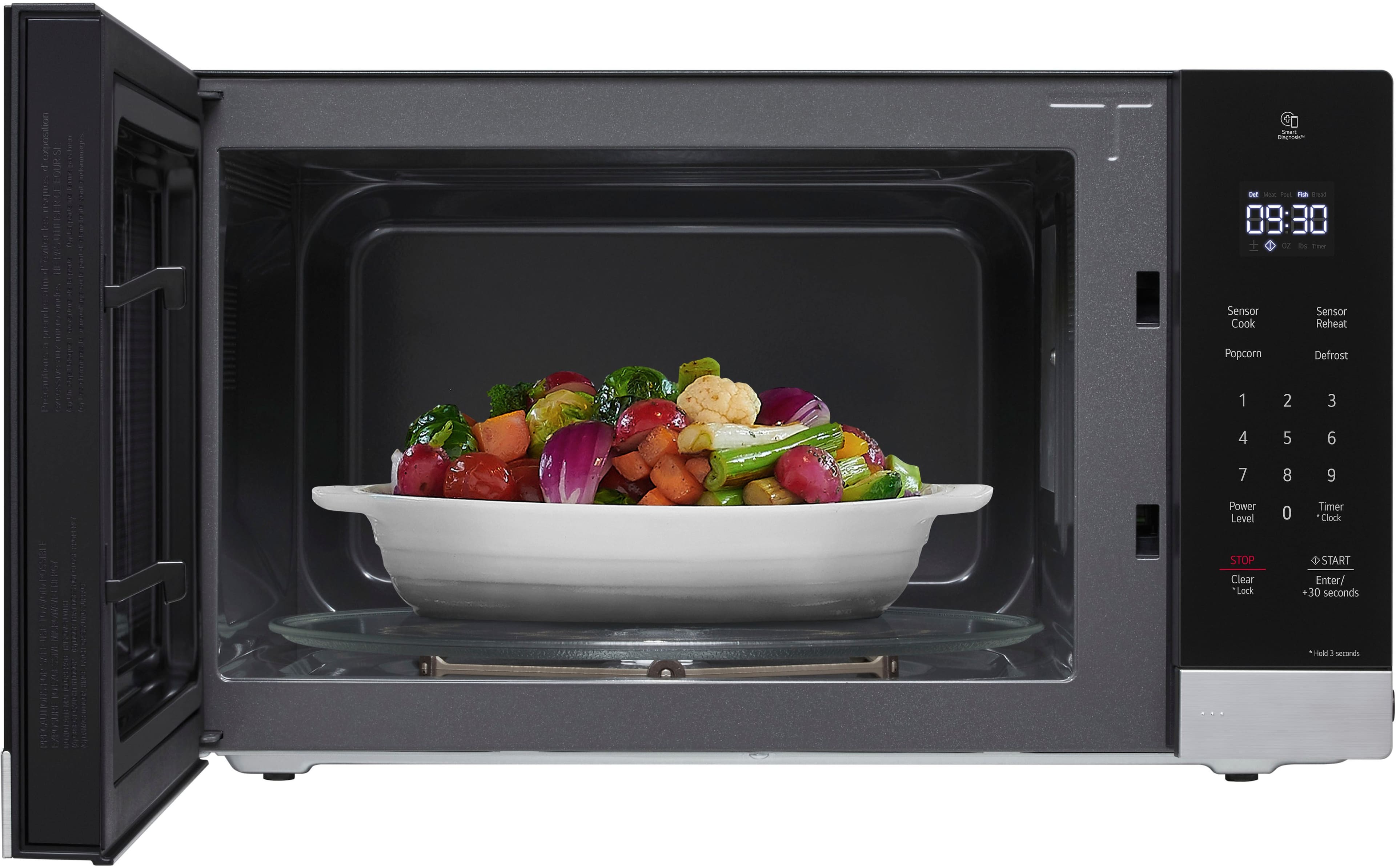
It’s possible that something might be causing the irregular noise, such as an improperly seated turntable or an object that could be obstructing the operation. We recommend checking to ensure the turntable is correctly positioned and that there are no items obstructing it. If the noise continues and seems unusual, it may indicate an issue with the unit. You may access this link related to your concern: https://www.lg.com/us/support/help-library/lg-microwave-troubleshooting-noises--20152329269153.
Please send us a private message on Social Media @LGUSSupport so we can assist you further and ensure your microwave is functioning as it should. We're here to help! —Avril
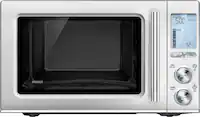
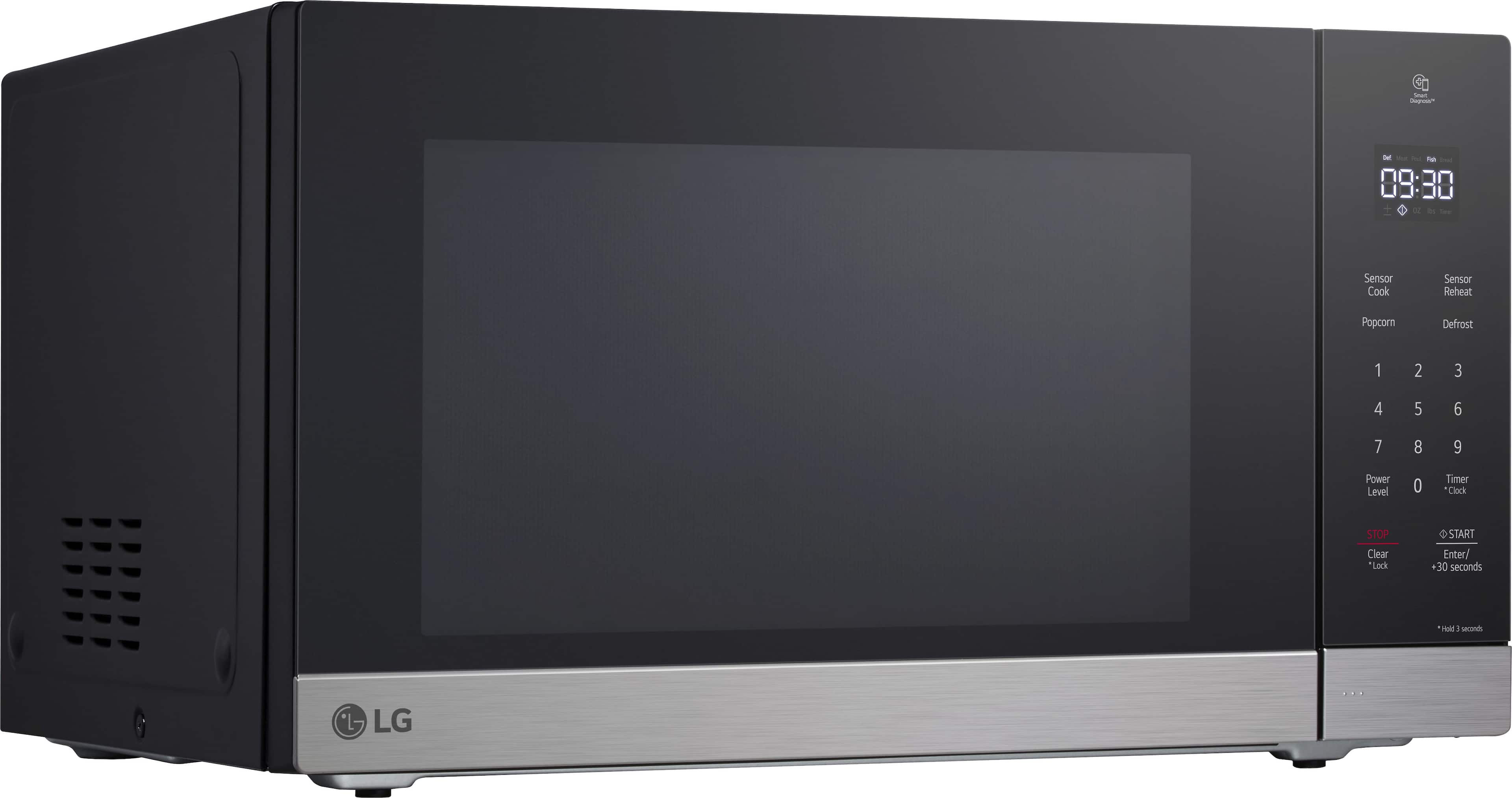
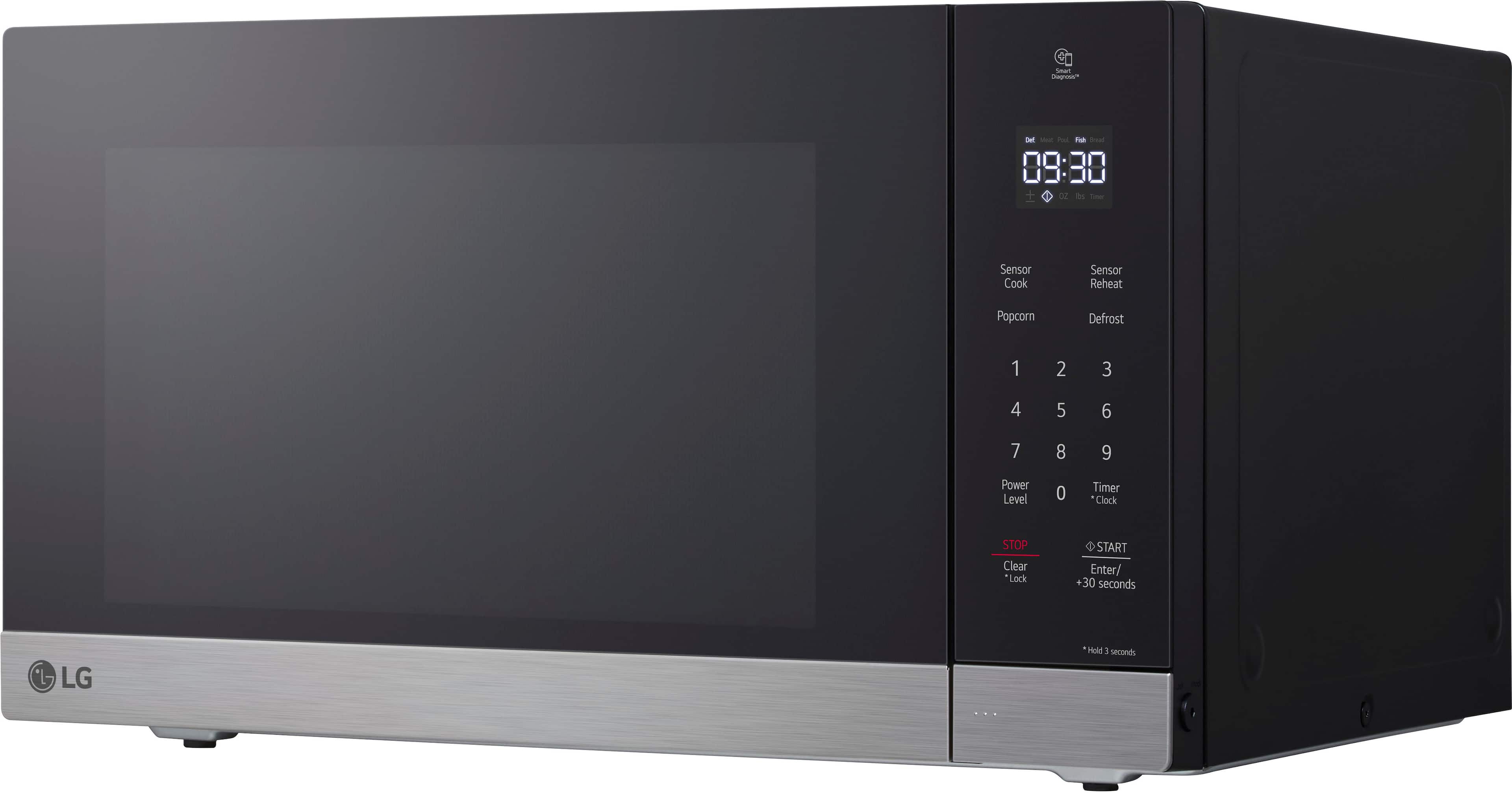
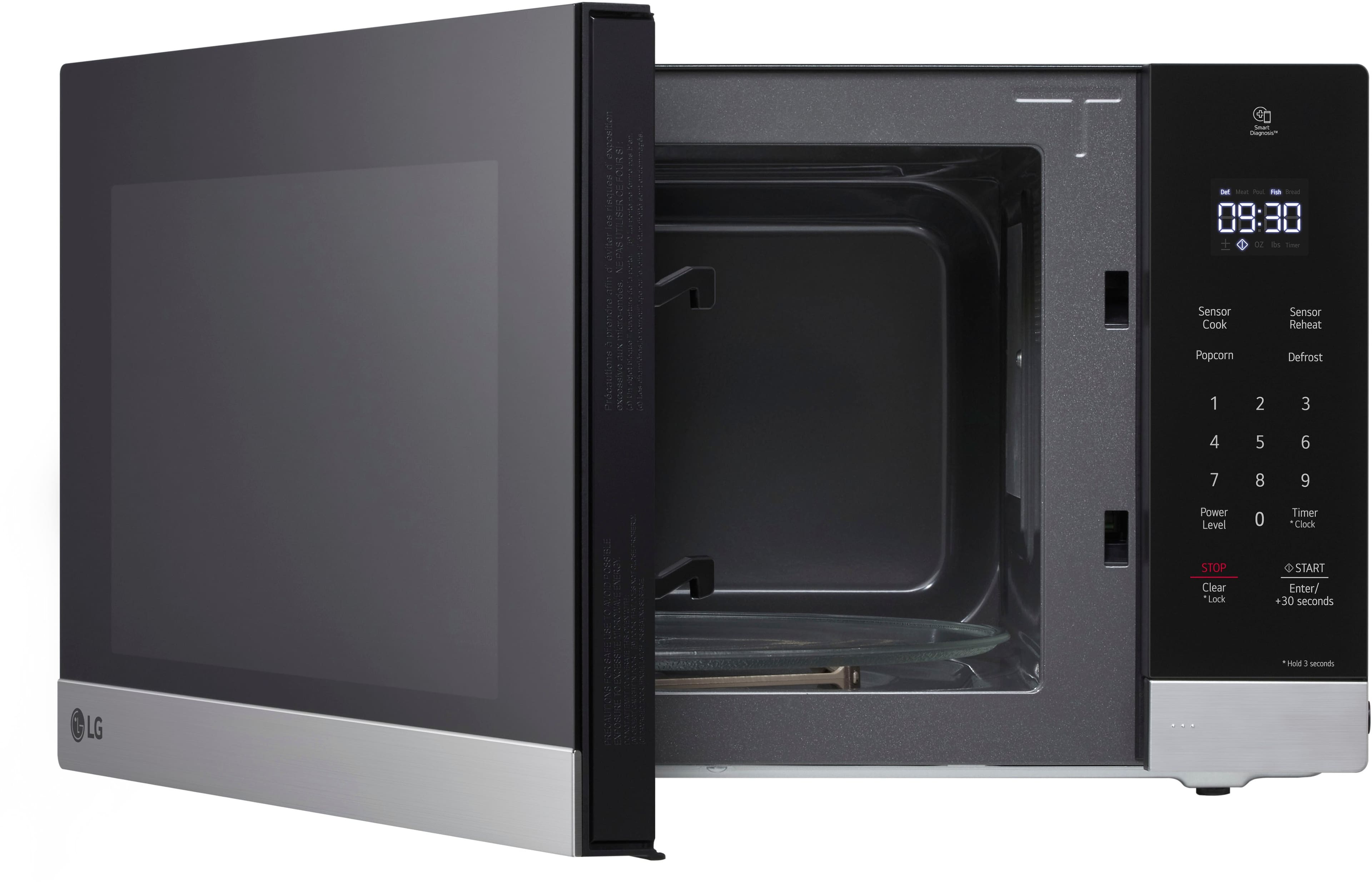
A:AnswerThank you for reaching us regarding LG Microwave. No, the LG MSER1590S microwave is not designed to work as a built-in model. You can download its owner's manual through this link for more information: https://www.lg.com/us/support/product/lg-MSER1590S.BSTELGA. If problem persist, please reach out to us on social media @LGUSSupport so we can help you further. ^Cris
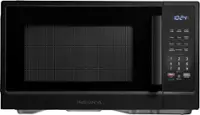
A:AnswerThanks for the reply
HOWEVER...
Your information is incorrect.
The actual length of the power cord is 39 inches.
AND
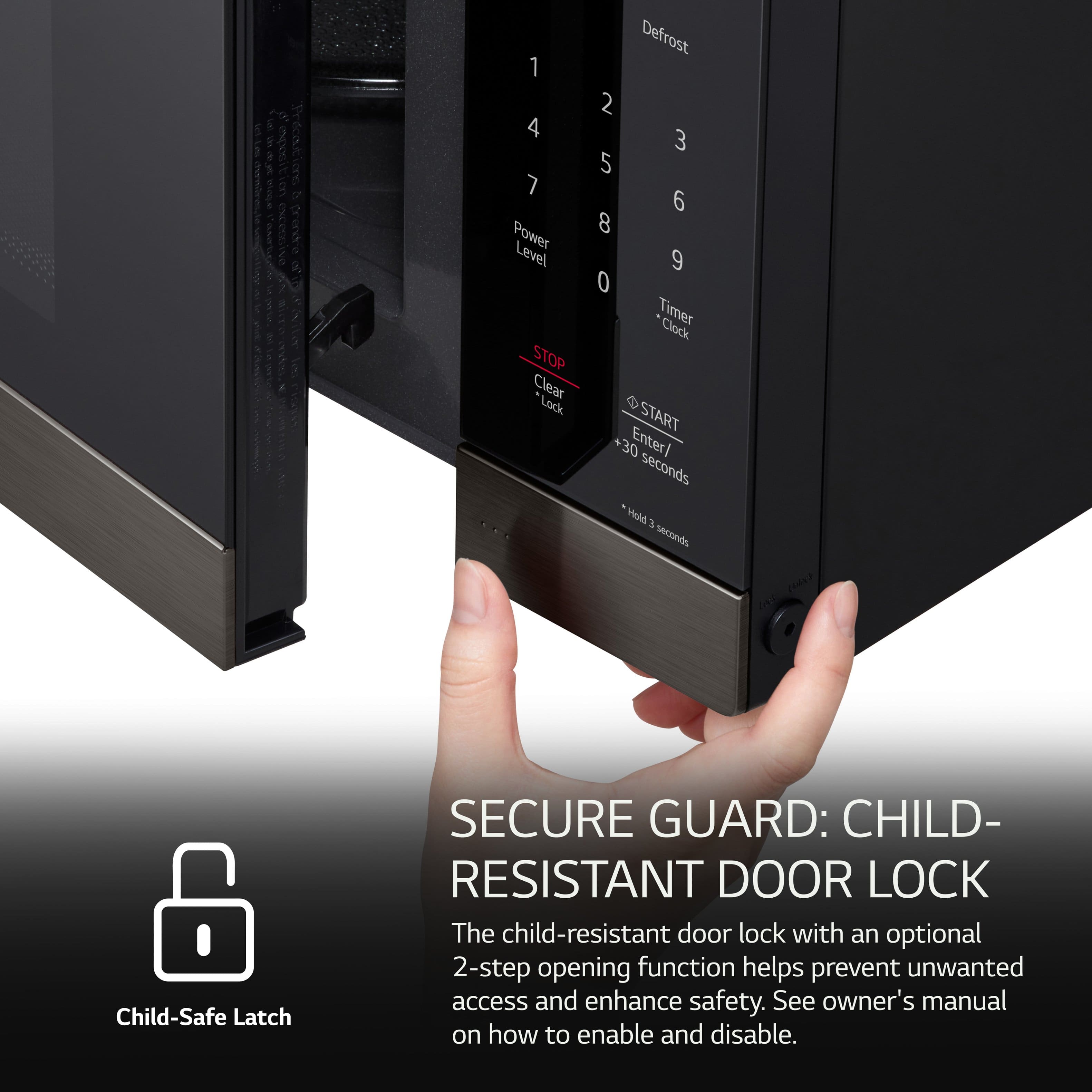
The plug is ANGLED such that is the blades of the plug are perpendicular to the cord.
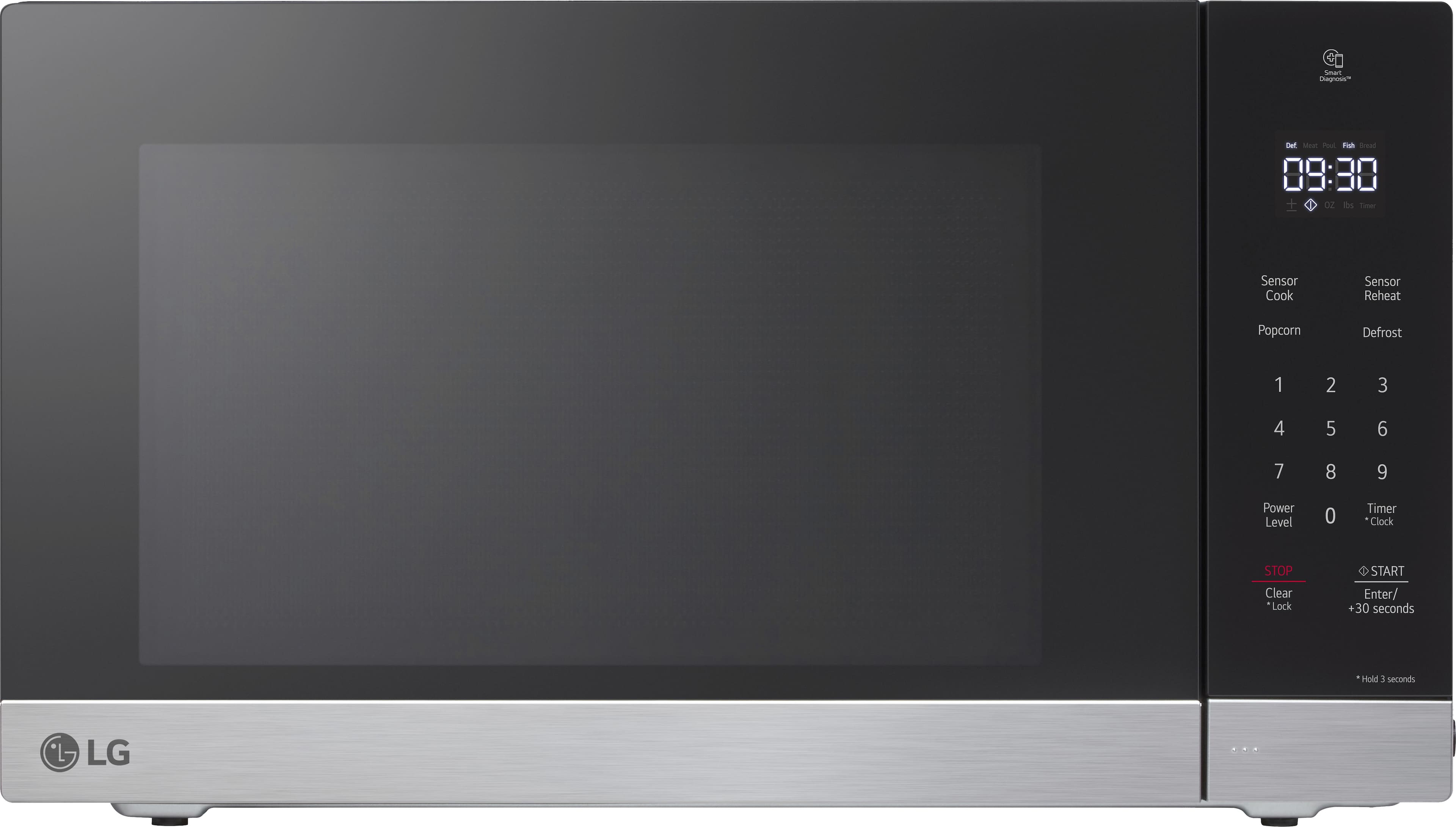
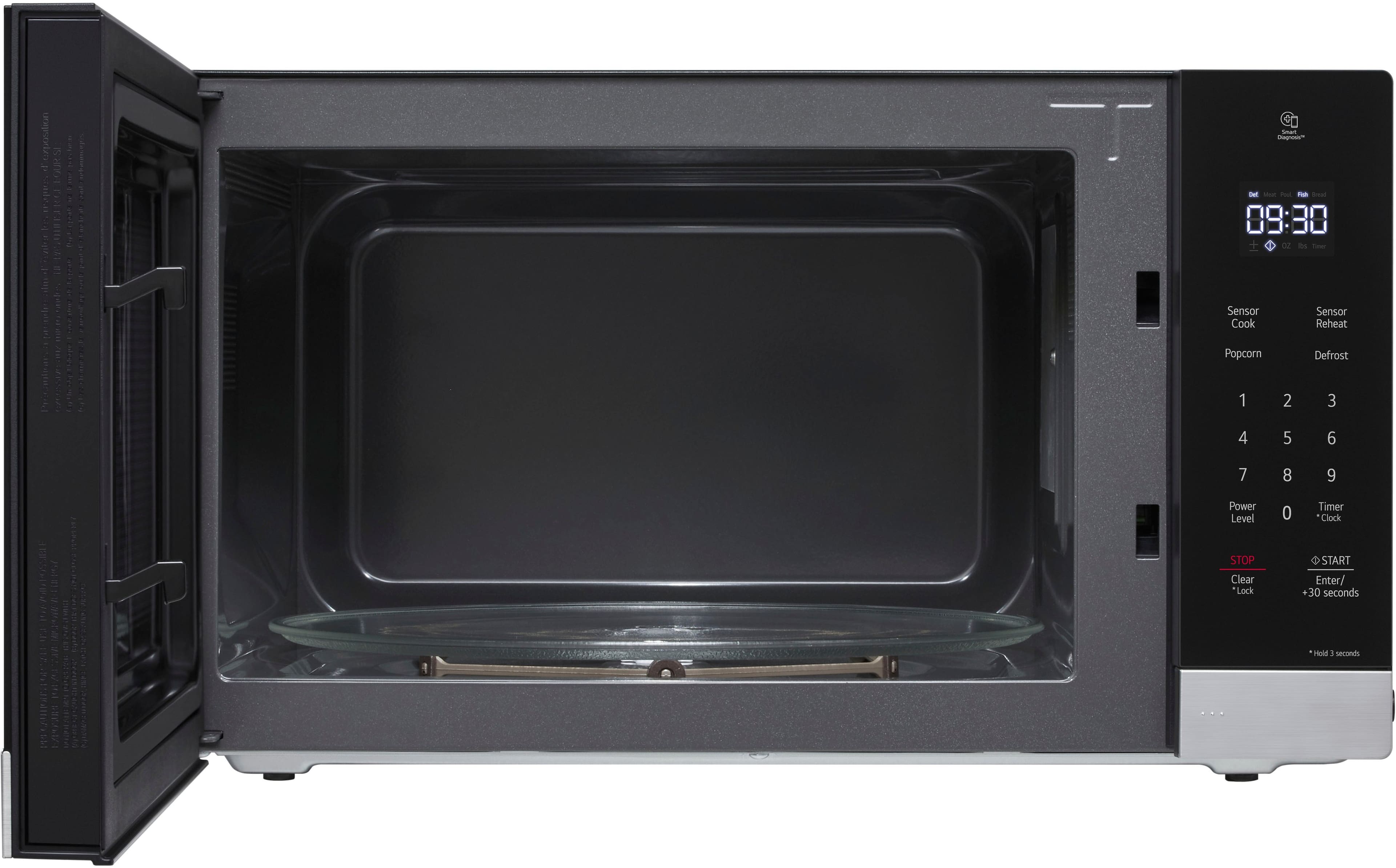
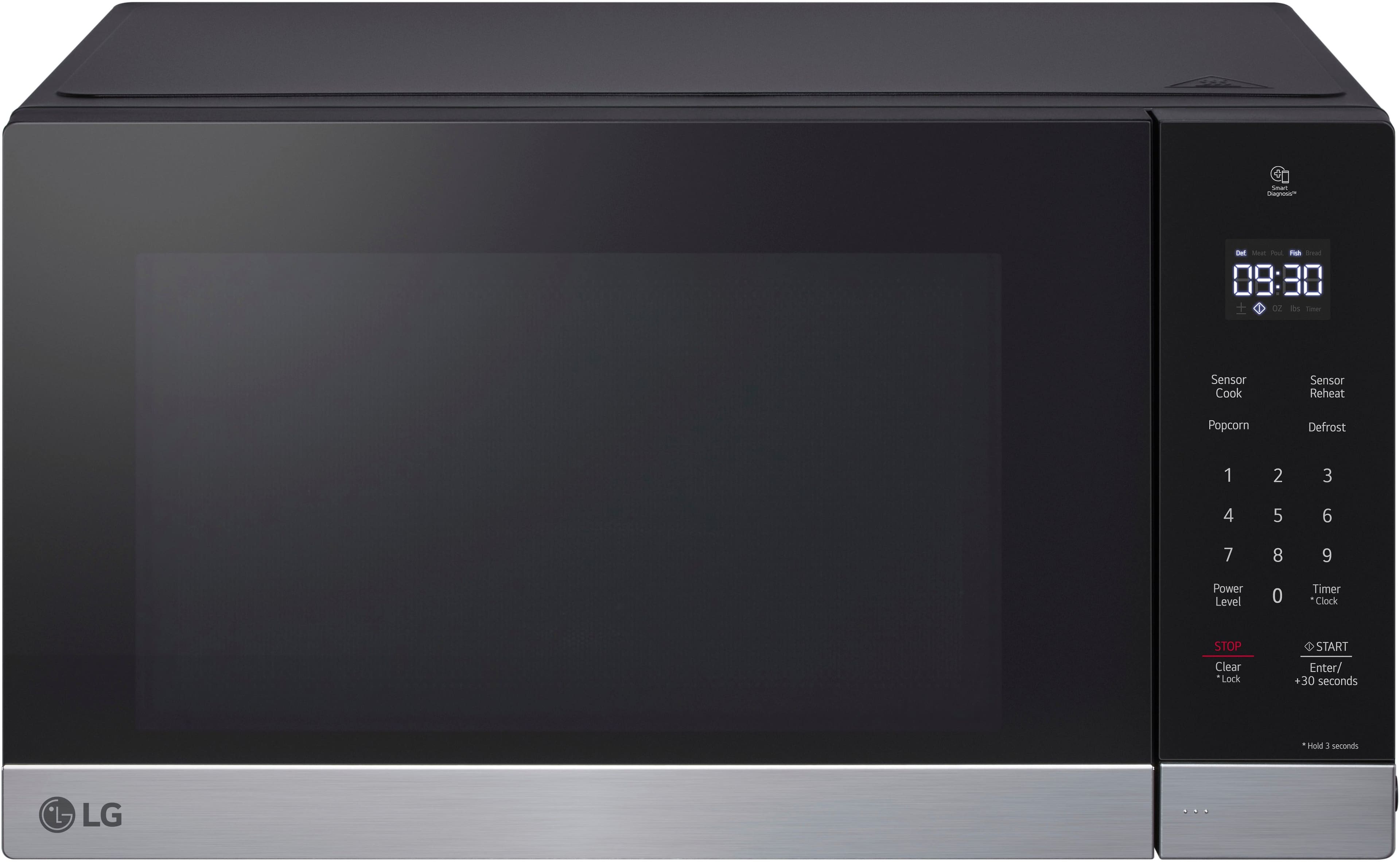
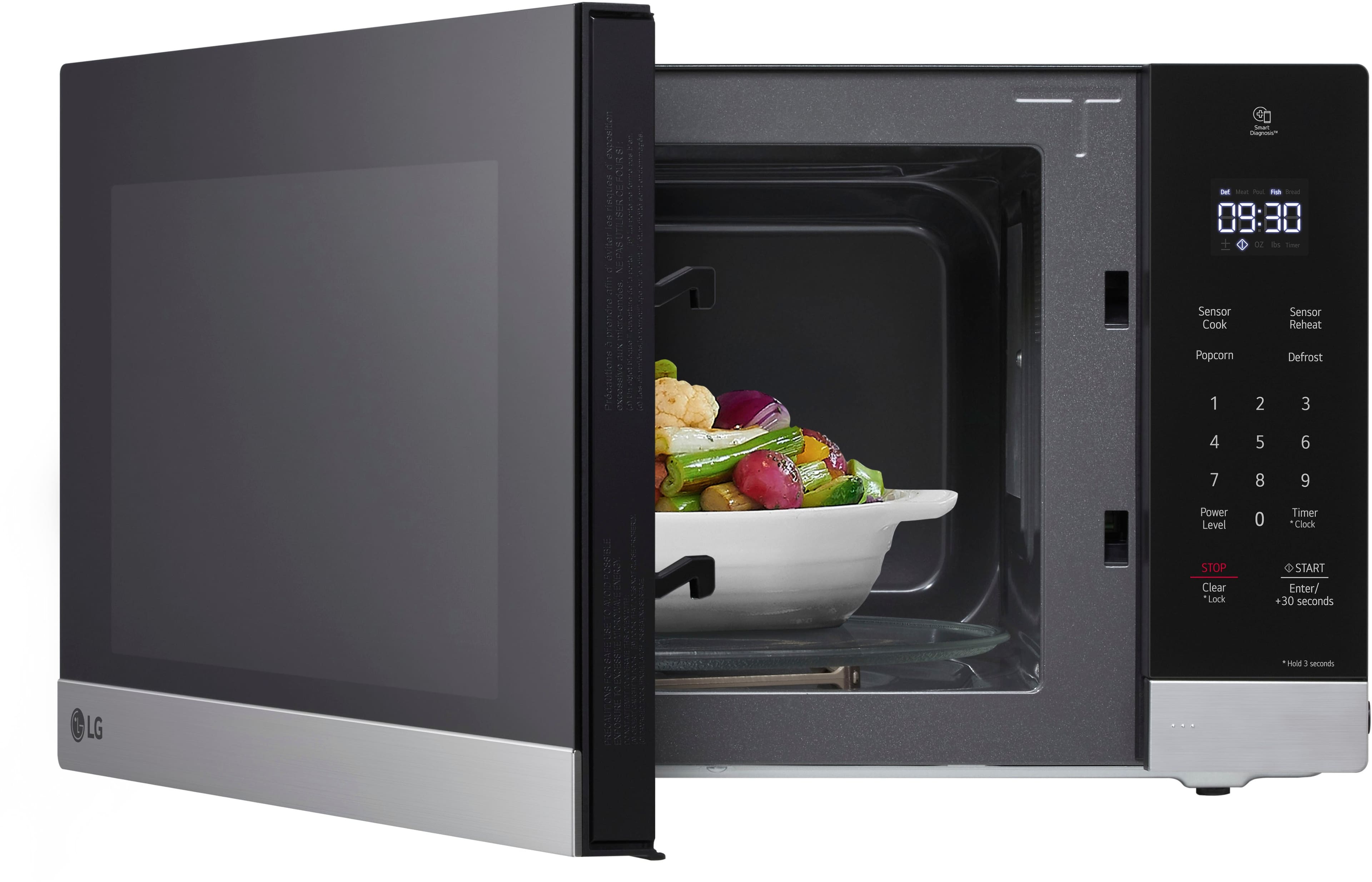
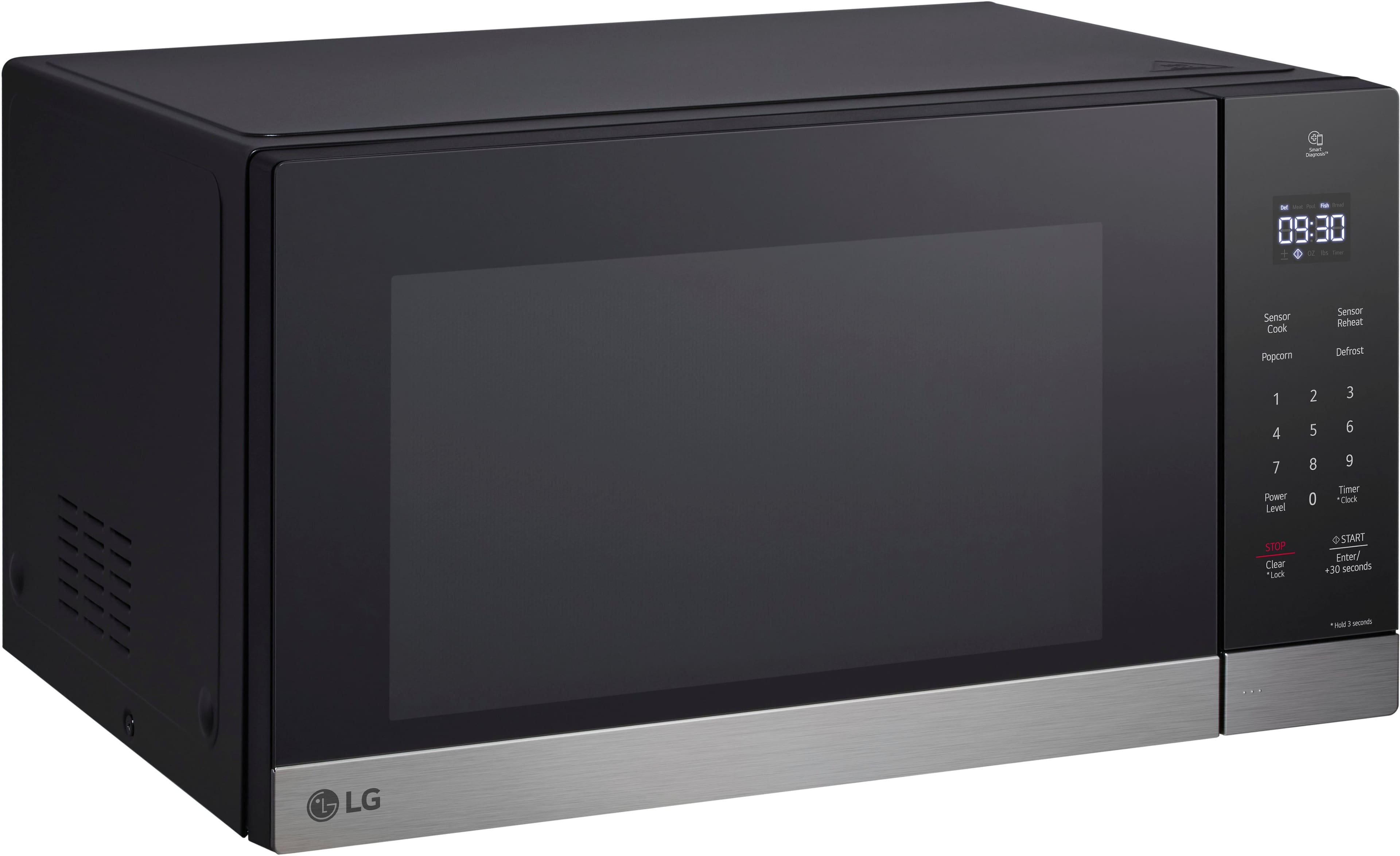
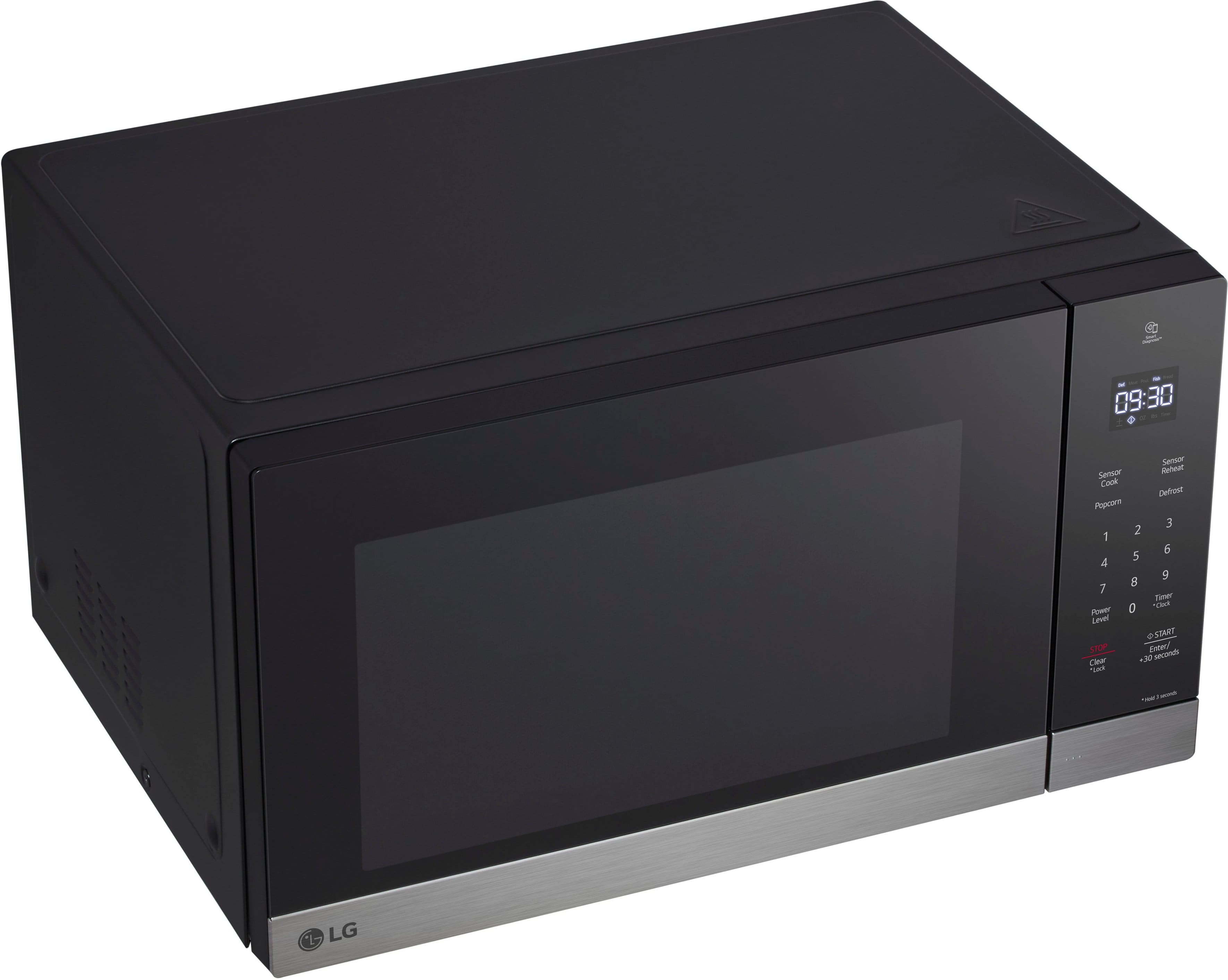
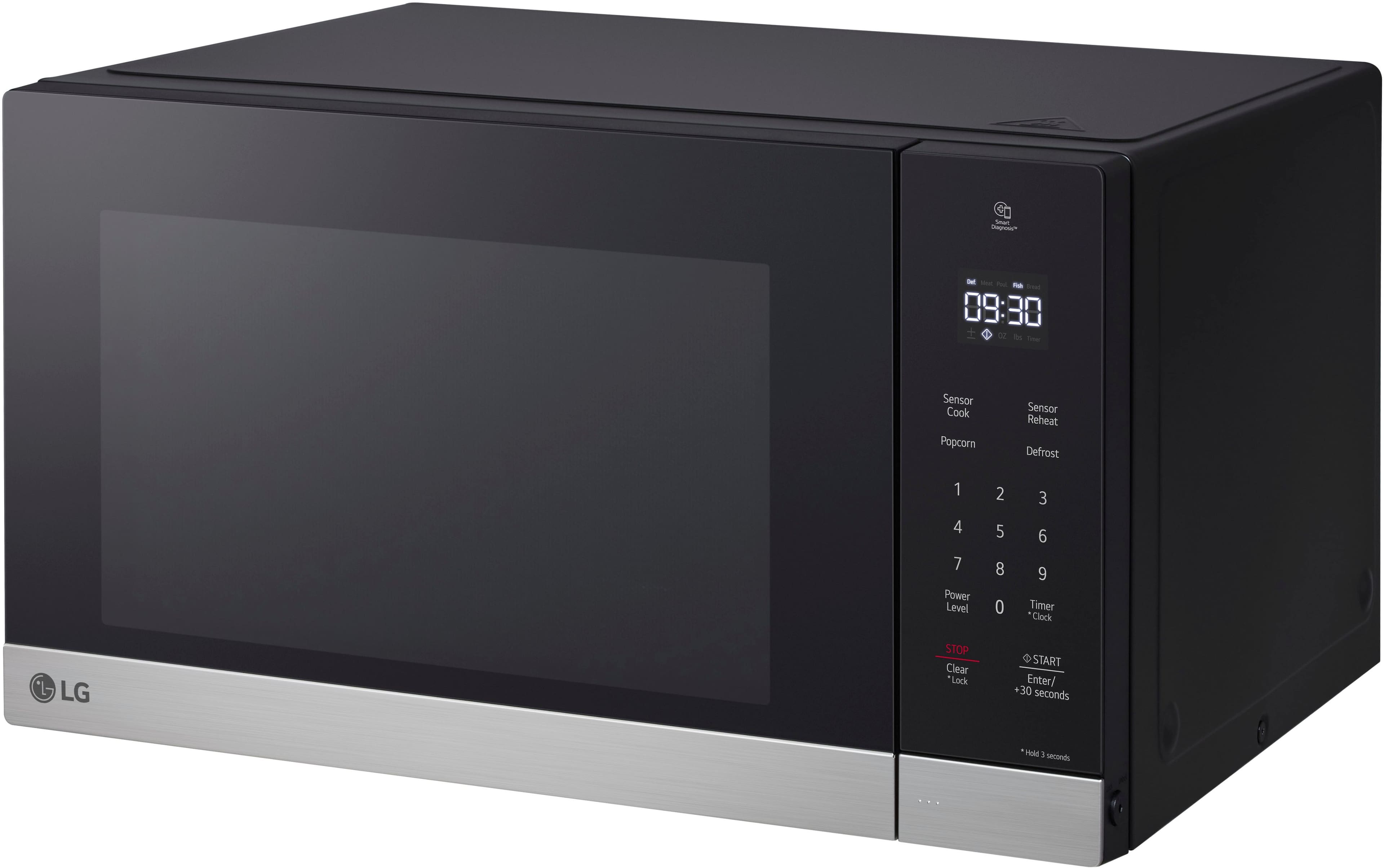
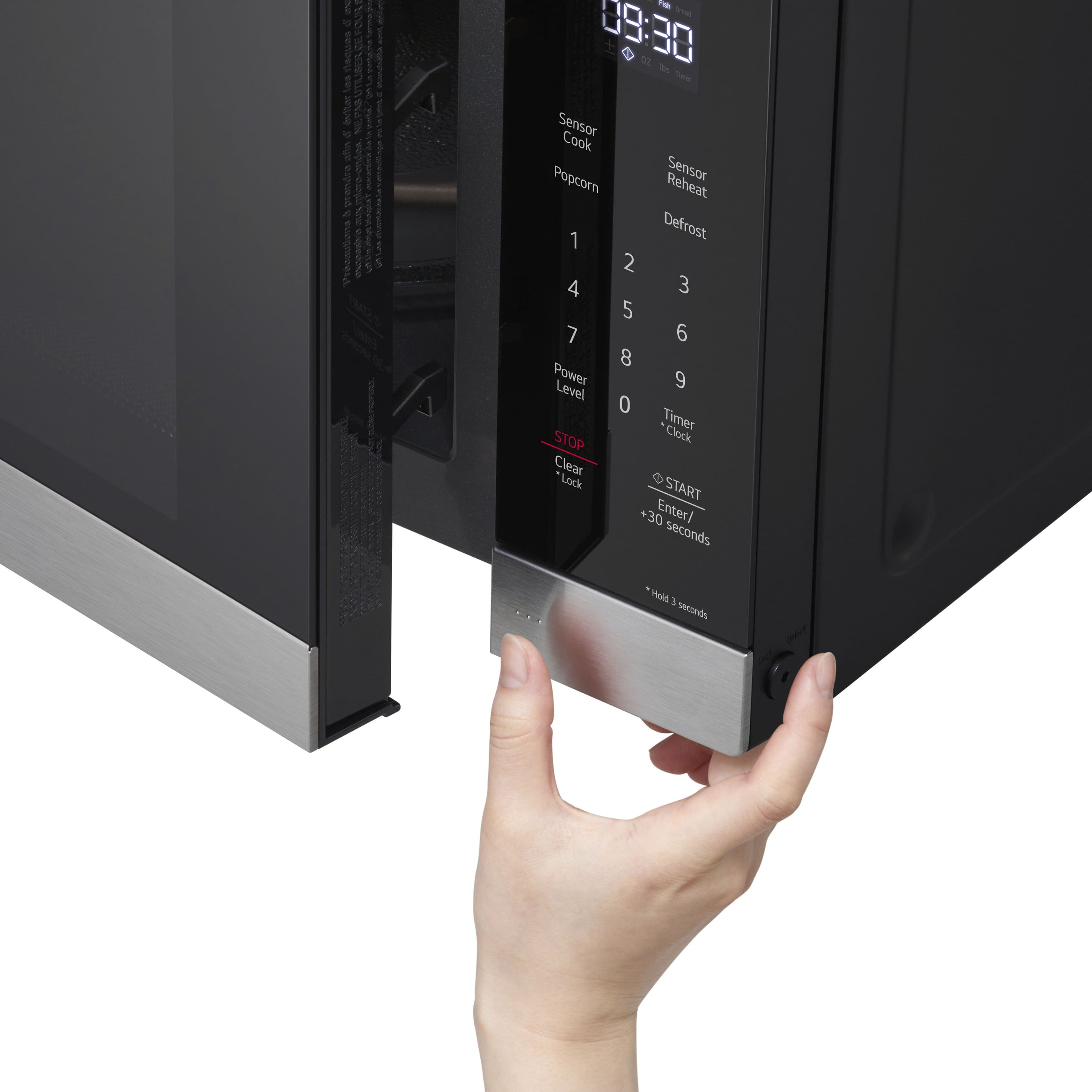
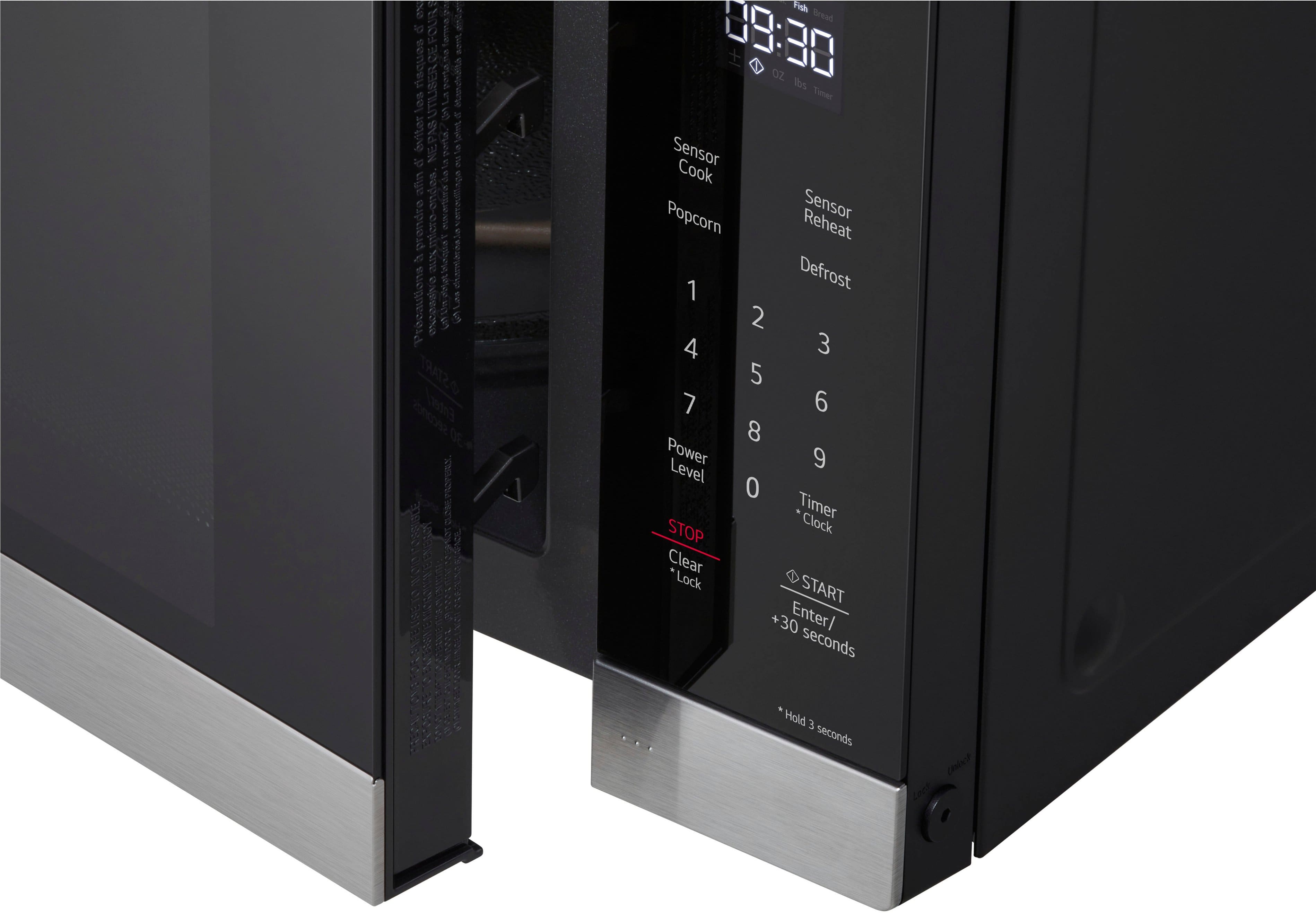
A:AnswerTo mute the beep and chimes of this microwave, simultaneously press and hold the "stop" and "clock" buttons for three seconds. The display will show "off", and the sounds will be muted. Do the same thing again to reverse the process and re-enable sounds (if you want, which I do not).
A:AnswerThank you for reaching us regarding LG Microwave. To adjust the alert tone volume on your LG MSER1590S microwave, follow these simple steps:
1. Find the Control Panel: Look for the control panel on the microwave.
2. Press the Signal Button: Locate the "Signal" button.
3. Adjust the Volume: Press the Signal button several times to switch between low, medium, and high volume options. Stop at your preferred level.
You can download its owner's manual through this link for more information: https://www.lg.com/us/support/product/lg-MSER1590S.BSTELGA. For additional assistance, please reach out to us on social media @LGUSSupport so we can help you further. ^Cris
A:AnswerThe other answer regarding a settings button is incorrect. That does not apply for this microwave.
To disable the sounds, SIMULTANEOUSLY press and hold the "stop" button and the "clock" button. After three seconds or so, the display should show "OFF", and the sounds will then be disabled.
To turn them back on again, do the same thing - simultaneously press & hold the "stop" and "clock" buttons, and the display should show "ON".
This should be documented in the manual and is not.