A:AnswerMy hunch is many people who want this technology are seeking larger television screens.
People seeking 48 inch televisions are likely much more budget minded and picture may not be as important. So this TV is kind of been no man’s land with respect to their marketing audience.
so you’re a great TV and a good price.
A:AnswerHi there. Thank you for your question! We understand that you're curious about the differences between the OLED48B4PUA and OLED48C4PUA models. While both offer stunning 4K OLED displays and 120Hz refresh rates, here are a few key differences:
Processor:
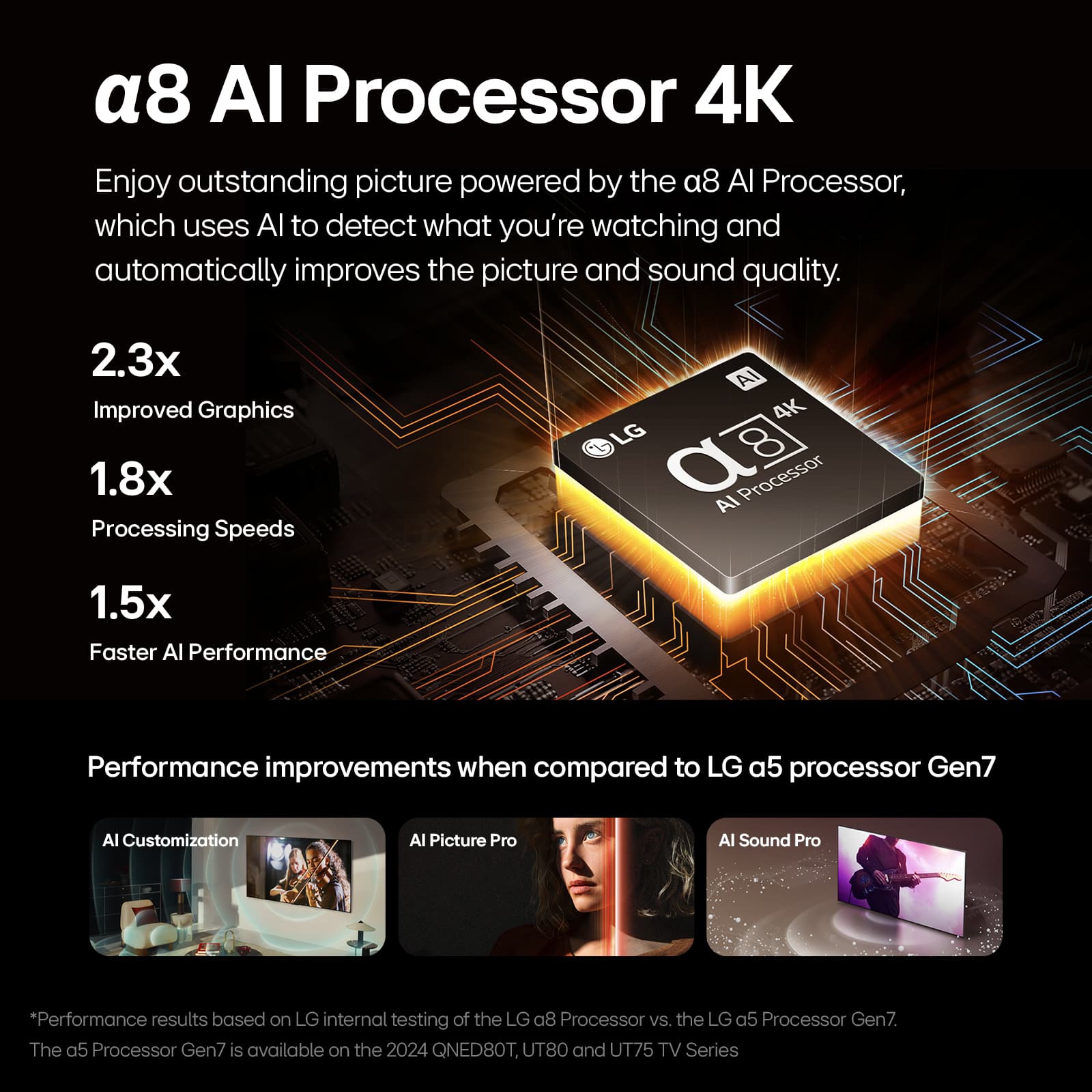
The OLED48B4PUA features the α8 AI Processor, while the OLED48C4PUA is equipped with the more advanced α9 AI Processor Gen7, which provides better image processing and AI upscaling for enhanced picture quality.
Gaming Features:
The C4 model supports VRR (Variable Refresh Rate) up to 144Hz, AI Upscaling, and Game Optimizer, making it a better choice for gamers. The B4 model is still great for gaming but maxes out at 120Hz for VRR.
AI Features:
The C4 model also includes additional AI features like AI Picture Pro, AI Sound Pro, and AI Concierge, which are not present in the B4 model. These enhance sound, picture, and overall user experience.
Audio:
The C4 model has a more advanced 2.2 channel speaker system with Dolby Atmos and AI Sound Pro for a richer sound experience. The B4 model offers a standard 2.0 channel system.
Both models are excellent choices, but if you're looking for a more premium experience with advanced processing, enhanced gaming, and AI features, the C4 model might be the way to go!
OLED48B4PUA - https://www.bestbuy.com/site/lg-48-class-b4-series-oled-4k-uhd-smart-webos-tv-2024/6584787.p?skuId=6584787
OLED48C4PUA - https://www.lg.com/us/tvs/lg-oled48c4pua-oled-4k-tv#pdp_specs
For any further assistance, please send us a private message on social media @LGUSSupport, and we’d be happy to help.
—Renzo
A:AnswerHello there! While OLED technology, including the LG OLED48B4PUA, can be prone to burn-in issues due to its nature of using organic compounds, LG has incorporated several features to help mitigate this risk. These include pixel shift, screen savers, and automatic brightness adjustments.
To further reduce the risk of burn-in, it's a good idea to avoid displaying static images for extended periods and use the TV's built-in settings to manage screen usage.
If you have any concerns or need more details on managing burn-in, please send us a private message on Social Media @LGUSSupport, and our team will be happy to assist you. We appreciate your attention to maintaining your TV's performance. —Renzo
A:AnswerHi there! Thank you for reaching out. We understand you're inquiring about the LG Model #OLED48B4PUA and its compatibility with next-gen tuners.
The OLED48B4PUA model does not come with a built-in next-gen tuner, which is required to receive certain advanced TV signals. To access next-gen features, you would need to use an external tuner or set-top box that supports these functions.
If you have any more questions or need further assistance, please send us a private message on Social Media @LGUSSupport. Our team will be happy to provide additional information and support. We appreciate your patience. —Renzo
A:AnswerHey there Bryan! To achieve 120Hz on the OLED48B4PUA, you can follow these steps:
1. Press the Settings button on your remote control.
2. Go to the Picture settings.
3. Look for the TruMotion option and set it to Custom.
4. Under the Custom option, you should be able to adjust the refresh rate to 120Hz.
We hope this helps. Let us know if you need further assistance. ^Anthony
A:AnswerWhen the Energy Saving Step in the settings menu for the LG 48-inch Class OLED B4 Series TV with webOS 24, Model # OLED48B4PUA is set to 'auto', the TV's sensor detects the ambient lighting and automatically adjusts the screen brightness...^Ivan.
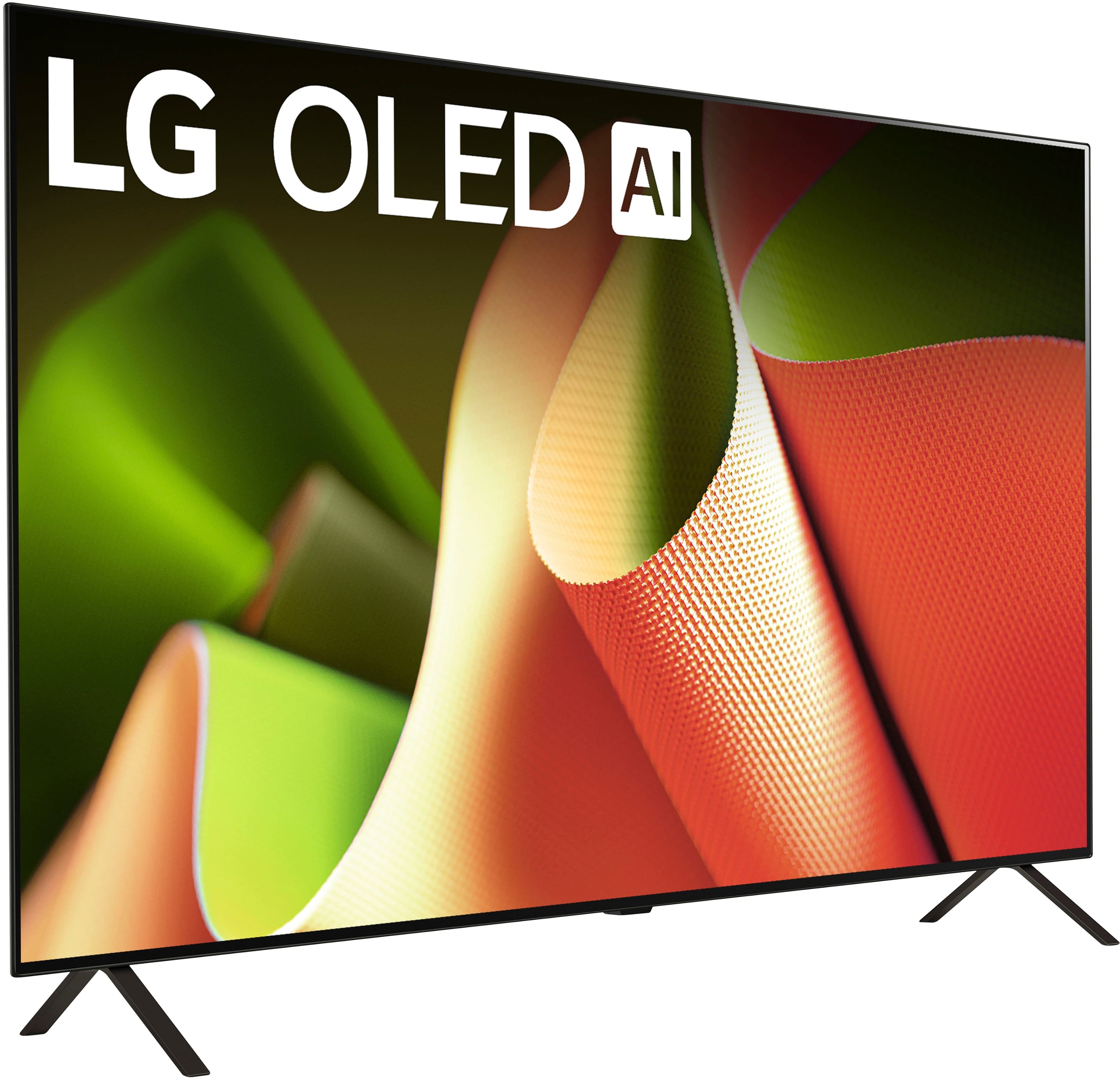
A:AnswerMy old 47 inch LG TV came with a center stand and fit on top of my chest of drawers in my bedroom. My new 48 inch LG TV has double legs and would not fit on my chest of drawers. I ordered the Perlegear Universal Swivel TV Stand for 32–70 inch TVs from Amazon. Problem solved.
A:AnswerWhile the response from LG is all true, OLED burn-in has not been eradicated. If you use any OLED for long periods with static images, it is definitely possible (likely) to get permanent image retention/burn-in.
To some degree, you are trading long-term screen integrity for stellar image quality. Nothing is free.
https://www.rtings.com/tv/tests/longevity-burn-in-test-updates-and-results
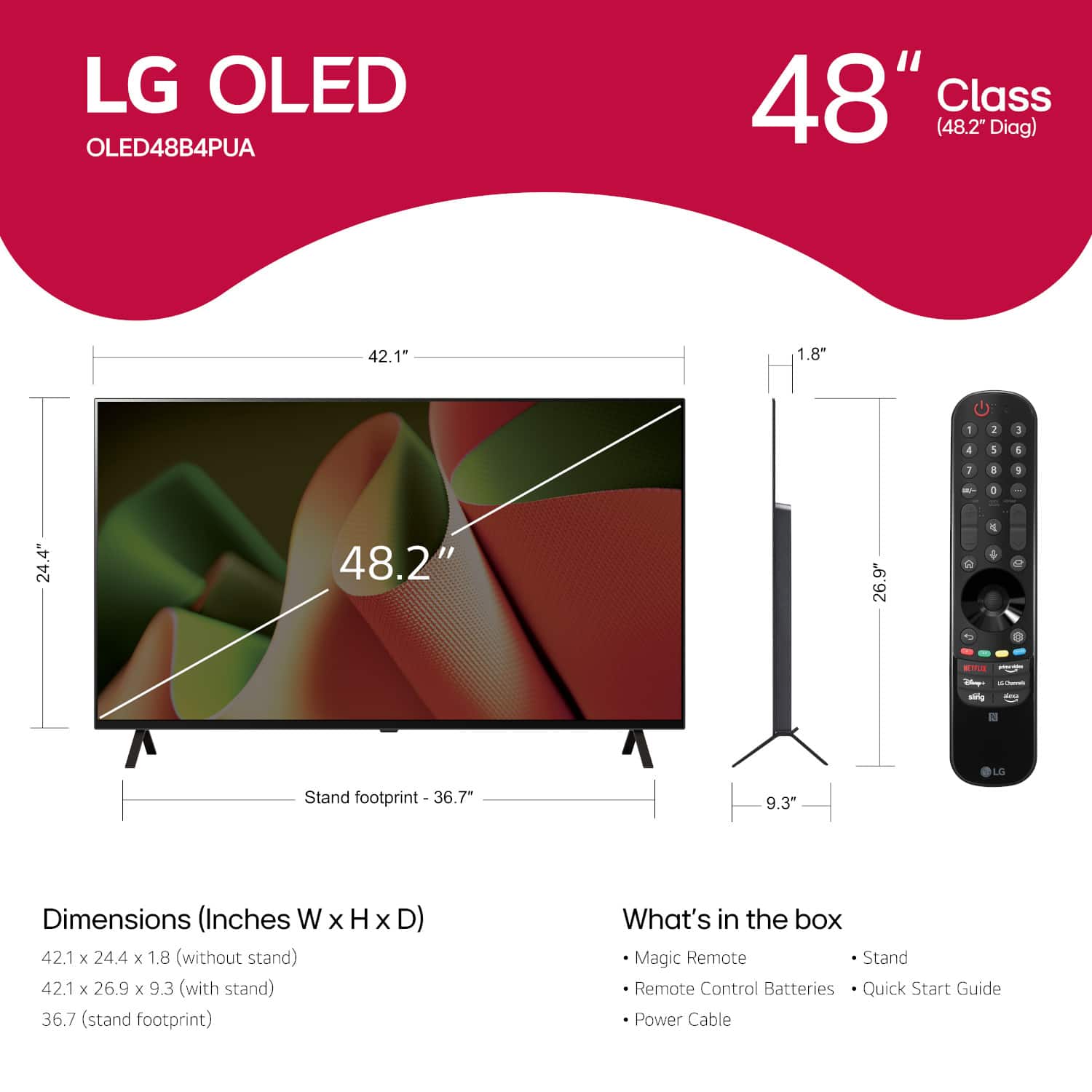
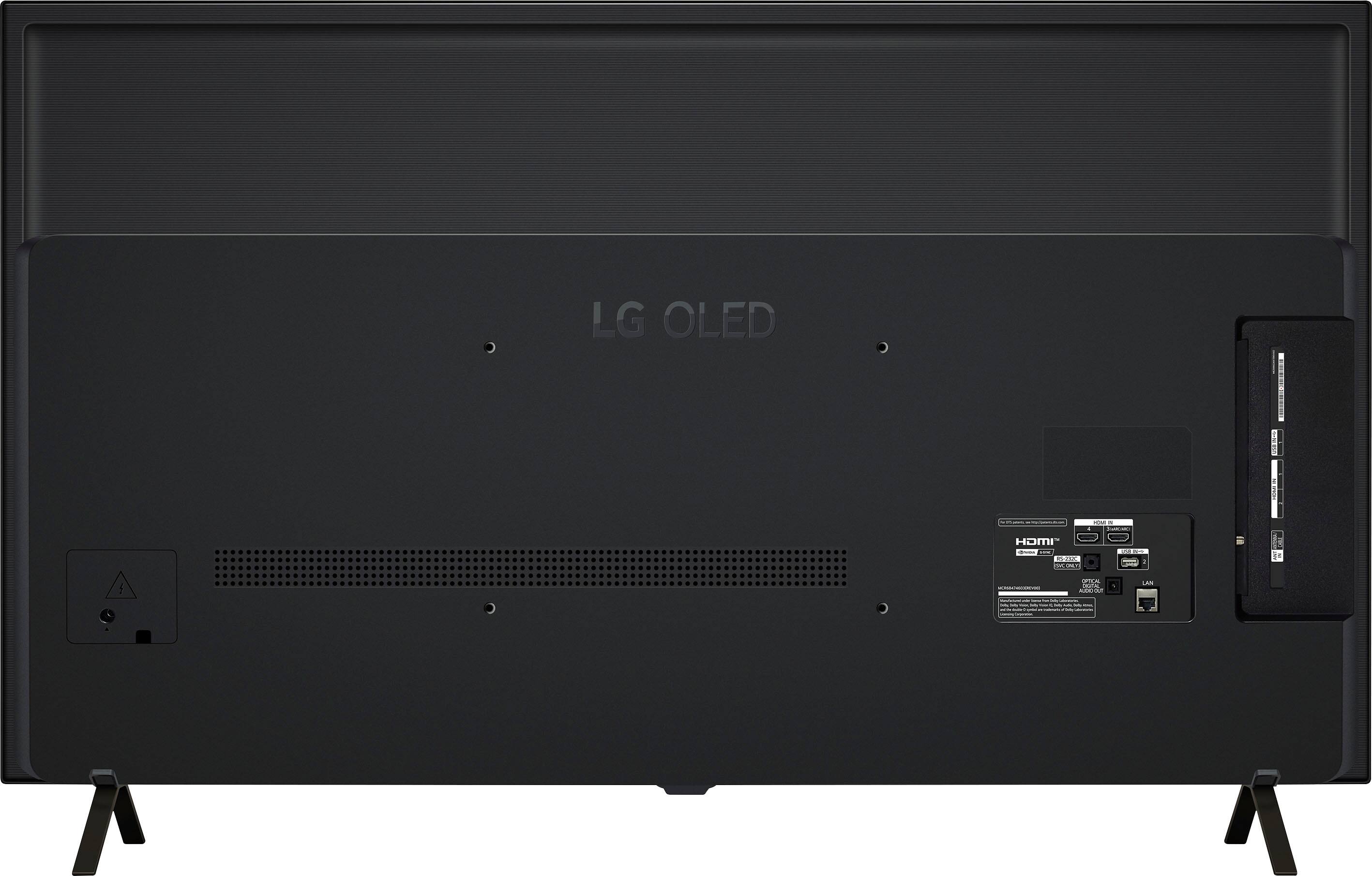
A:AnswerHi there! Thank you for your question. For mounting the OLED48B4PUA model, you should use M6 bolts that are approximately 20mm in length. This length is generally recommended to ensure a secure and stable connection with the wall mount.
If you need any more assistance or have additional questions, please send us a private message on Social Media @LGUSSupport. Our team will be more than happy to help you further. We appreciate your patience and understanding. —Avril
A:AnswerHello, Samuel263.
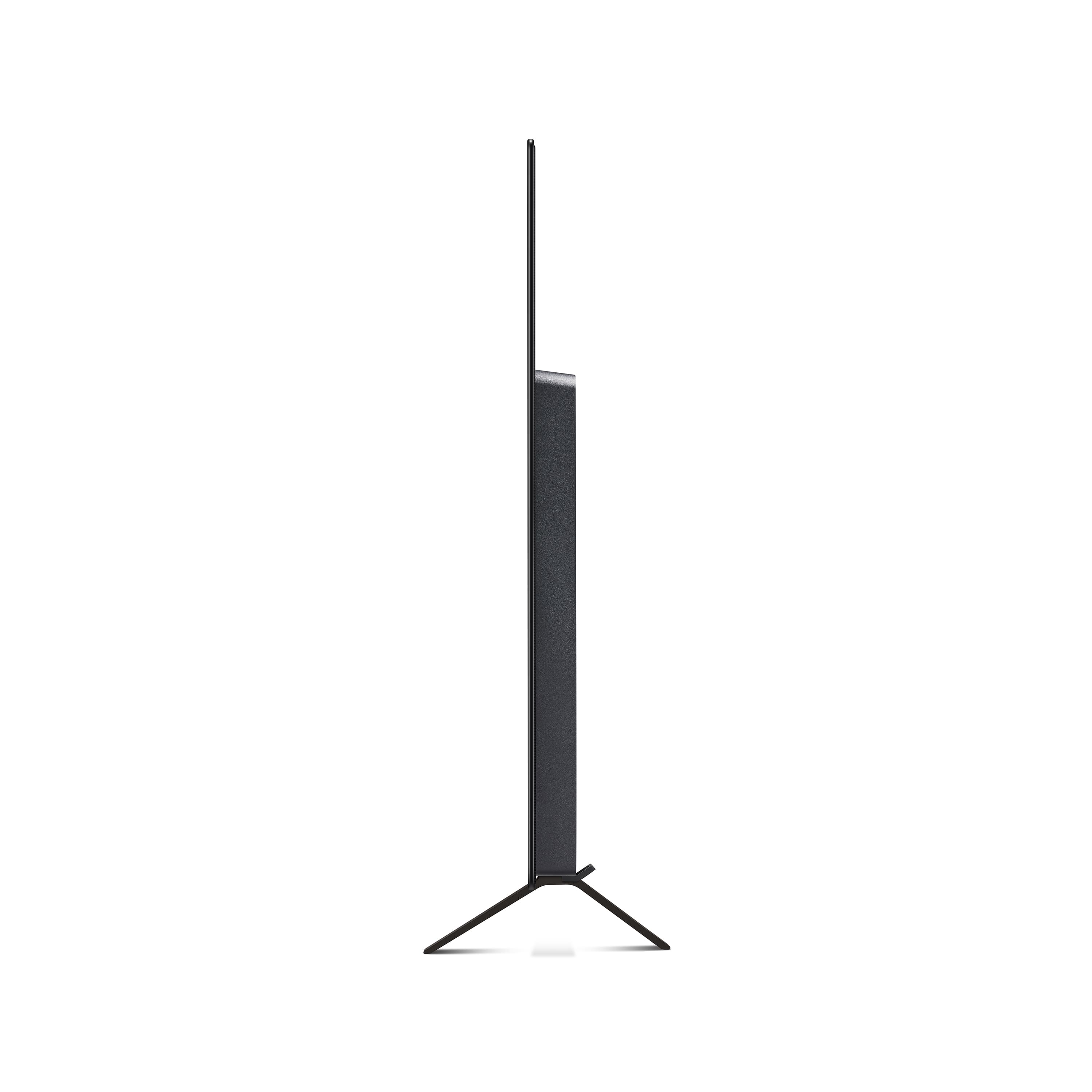
The included stand legs for the LG 48-inch Class OLED B4 Series TV with webOS 24, Model # OLED48B$PUA do not come attached to the TV.
You would have to attach them to the TV after you unbox it, and you can remove them whenever you like. However, there is only one slot in which each stand leg can be attached to the TV, so the width between the stand legs cannot be adjusted, and we do not make alternative stand legs for the TV...^ Ivan.
A:AnswerThe polite answer is...why wouldn't it be. Given that "used with" is a very broad term.
If you're concerned about specifics like dual tuners for satellite connection directly to tv or does it have the newer ATSC 3.0 tuner (appears not), LG could answer those in case the latest B4 versions are somehow different (probably not).
Satellite doesn't offer the best picture because the signal has to be compressed for broadcasting and can't be customized for your tvs abilities, but the B4 appears to be good at upscaling. Make sure the tv and Direct are set to receive 4k content. Based on the wording of your question, I'm guessing you will personally not notice the difference. Streaming is better. Channels with 4k (Prime, Disney+, etc) content have the ability to customize the bit rate for your tv/service and give a better picture.
This is a great tv for the majority of users. You won't gain much by spending more (at least that you'll notice), especially if you're not a gamer. If you're worried about burn-in, don't leave a channel on for long periods that have banners on the screen and burn-in should not be an issue with the new LG enhancements.
Just buy it and enjoy it.
https://www.rtings.com/tv/reviews/lg/b4-oled
A:AnswerHi there, John. Thank you for reaching out! We understand that you'd like to connect your Sonos soundbar and surround speakers to your LG 48” Class B4 Series OLED TV (OLED48B4PUA). Your TV supports multiple connection options for external audio devices, and here’s how you can set it up:
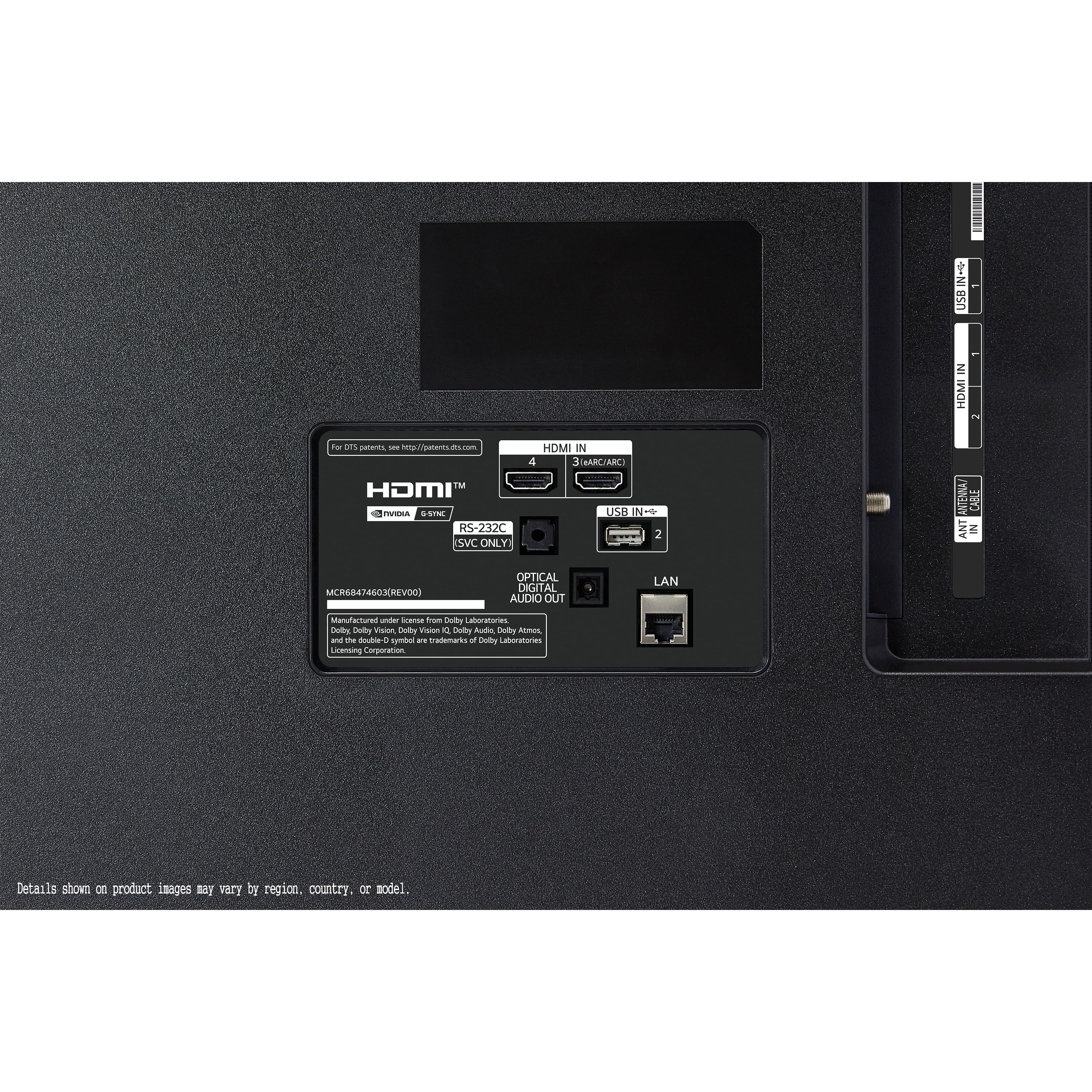
HDMI eARC (Recommended for Best Audio Quality)
Connect your Sonos soundbar to the HDMI eARC port on your TV using a high-speed HDMI cable.
Go to Settings > Sound > Sound Out and select HDMI (eARC) for audio output.
Enable eARC under Advanced Settings for high-quality Dolby Atmos support.
Optical (TOSLINK) Connection
If your Sonos system supports optical input, connect it to the TV’s optical digital audio output using an optical cable.
In Settings > Sound > Sound Out, select Optical as the audio output.
Bluetooth Connection (For Limited Use)
Some Sonos speakers support Bluetooth, but for best performance, HDMI eARC is recommended.
If using Bluetooth, pair your Sonos system through Settings > Sound > Sound Out > Bluetooth Device Selection.
https://www.bestbuy.com/site/lg-48-class-b4-series-oled-4k-uhd-smart-webos-tv-2024/6584787.p?skuId=6584787
If you need further assistance with setup or settings, please send us a private message on social media @LGUSSupport, and our team will be happy to assist you further. Enjoy your immersive audio experience!
—Renzo