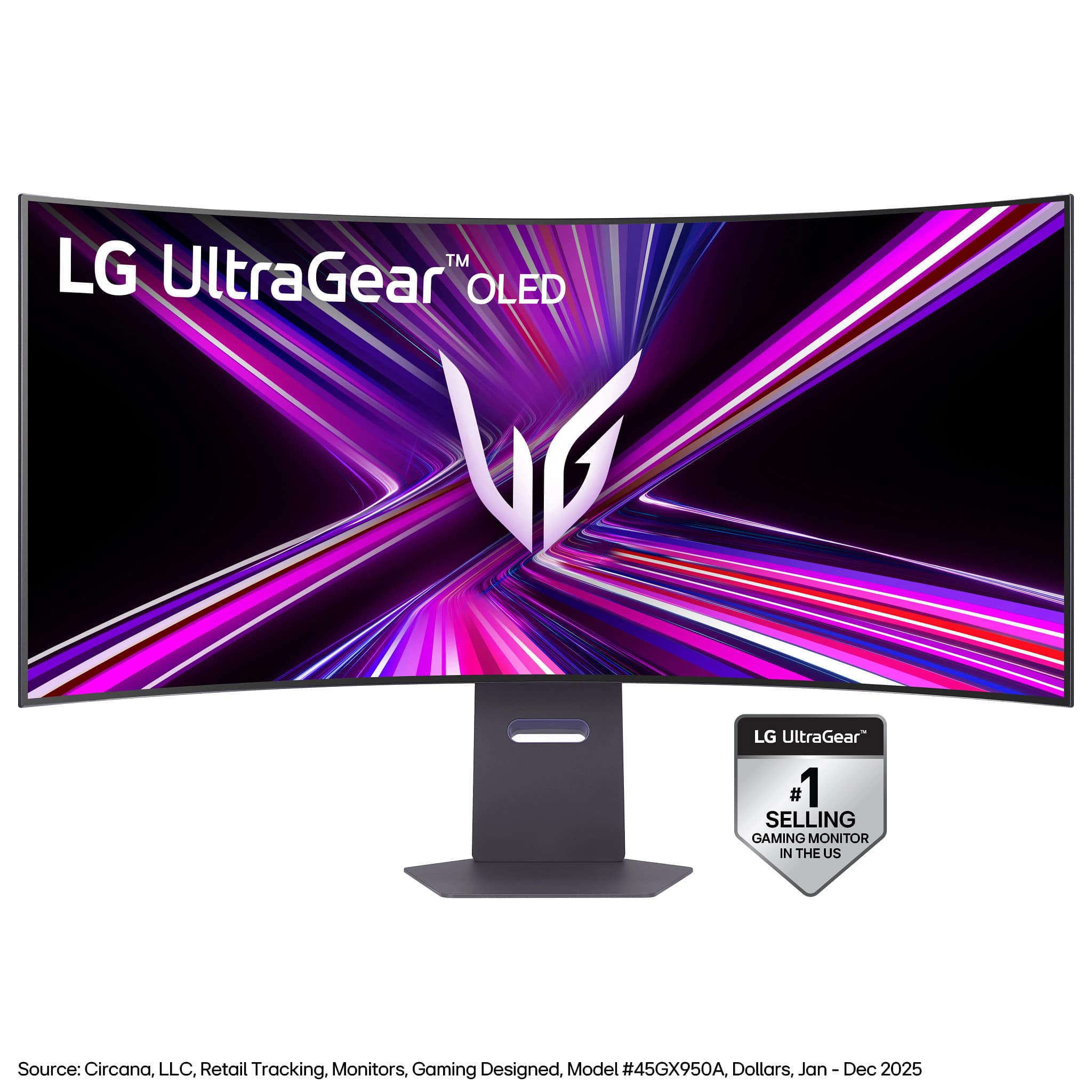

Save up to 50% on 3-Day Sale deals.Ends 12/7.Shop now

Main Content

Questions & Answers

Your price for this item is $1,999.99
Page Showing 1-20 of 37 questions
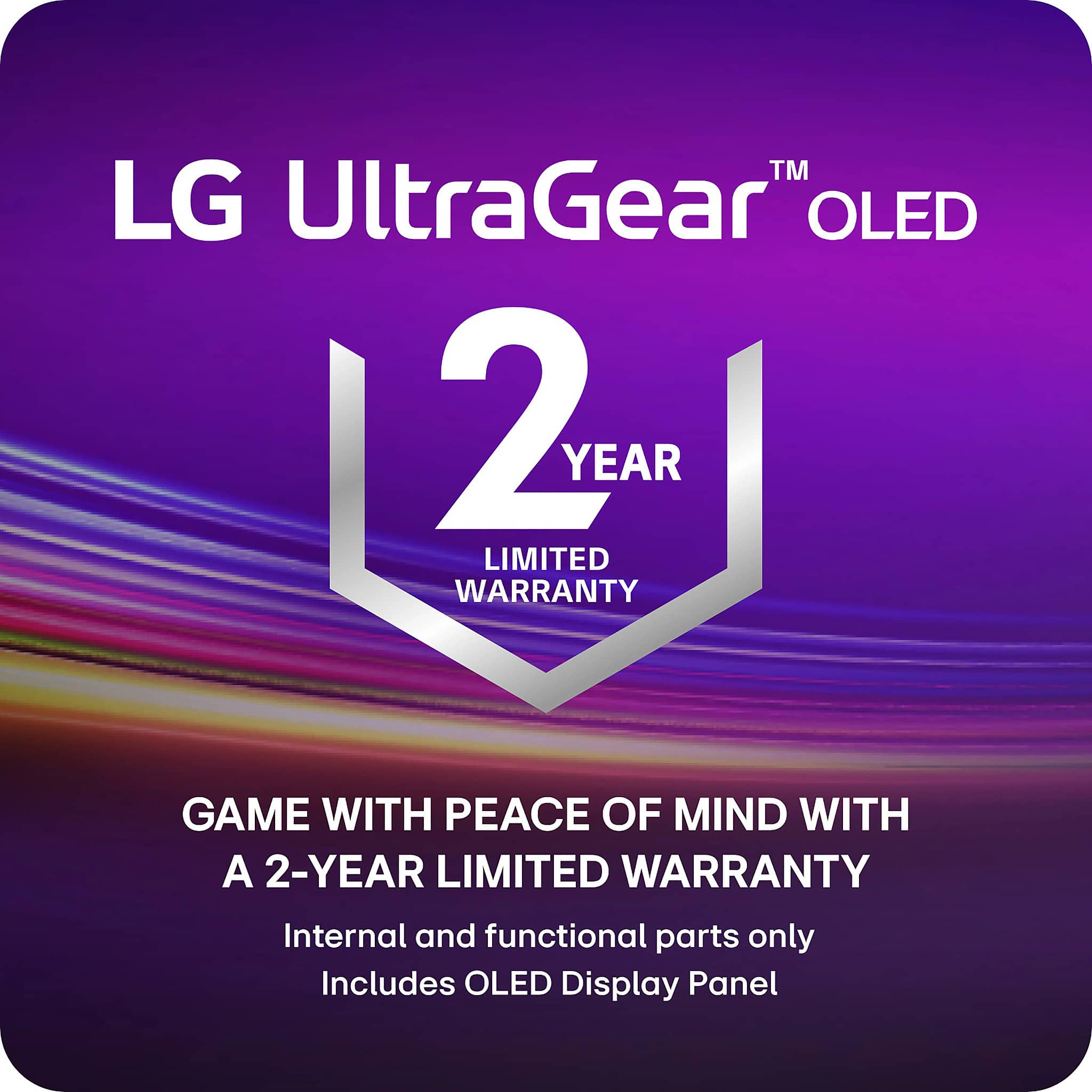
  • QuestionWhat is the warranty period for this monitor?

    • Answer This monitor comes with a 2-year limited warranty covering key components, including the OLED panel.
    This question and answer was generated by AI based on customer and product data.
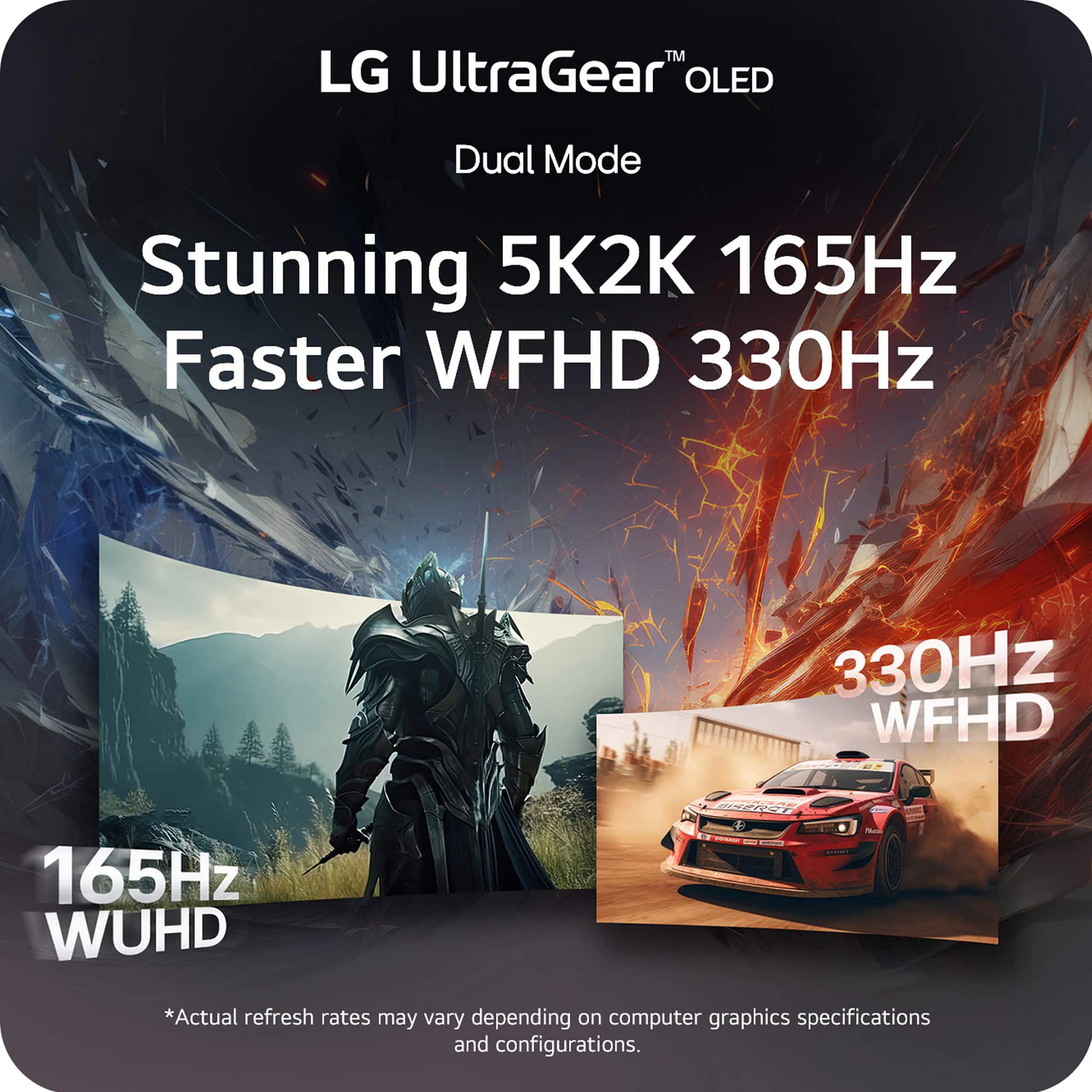
  • QuestionHow does Dual Mode enhance the gaming experience?

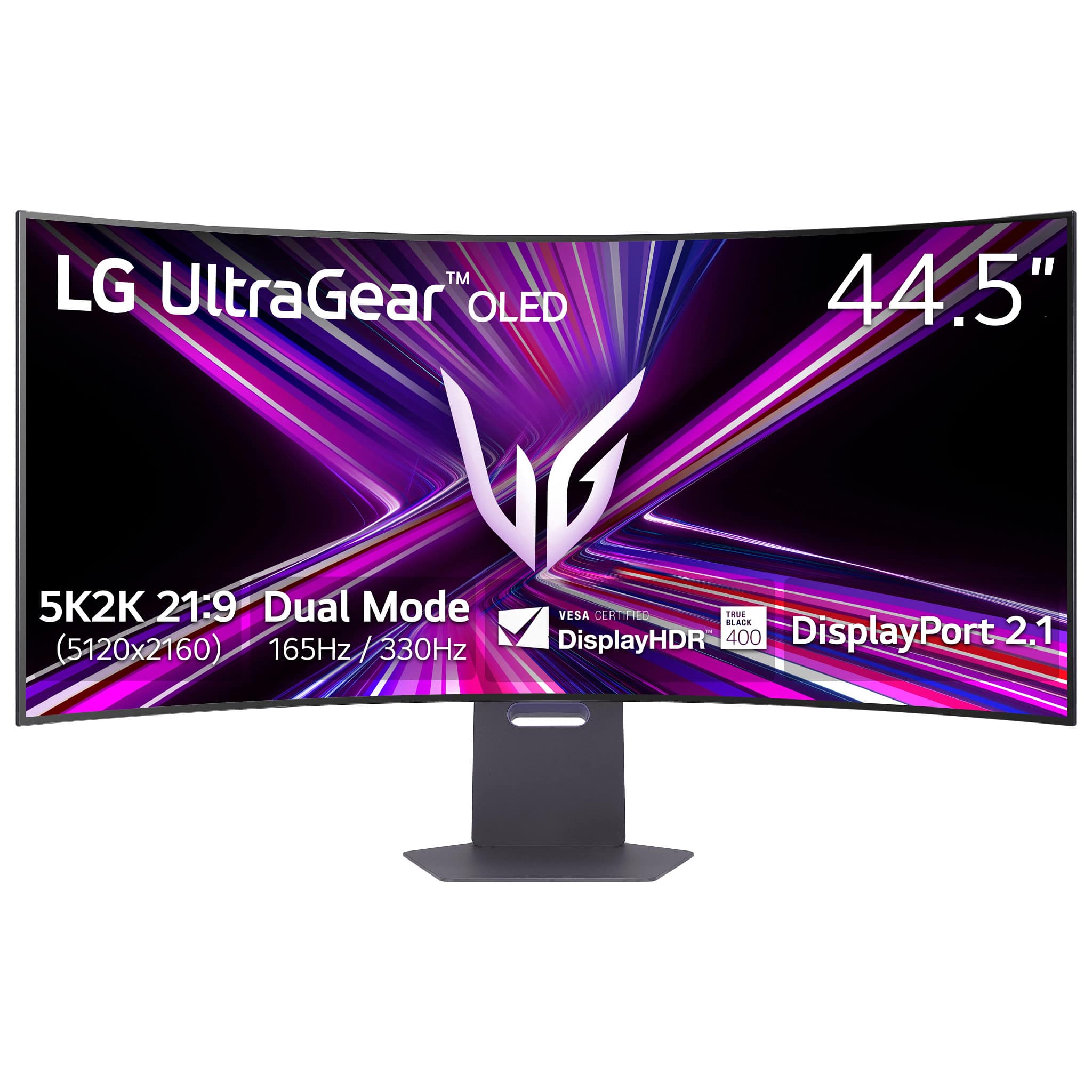
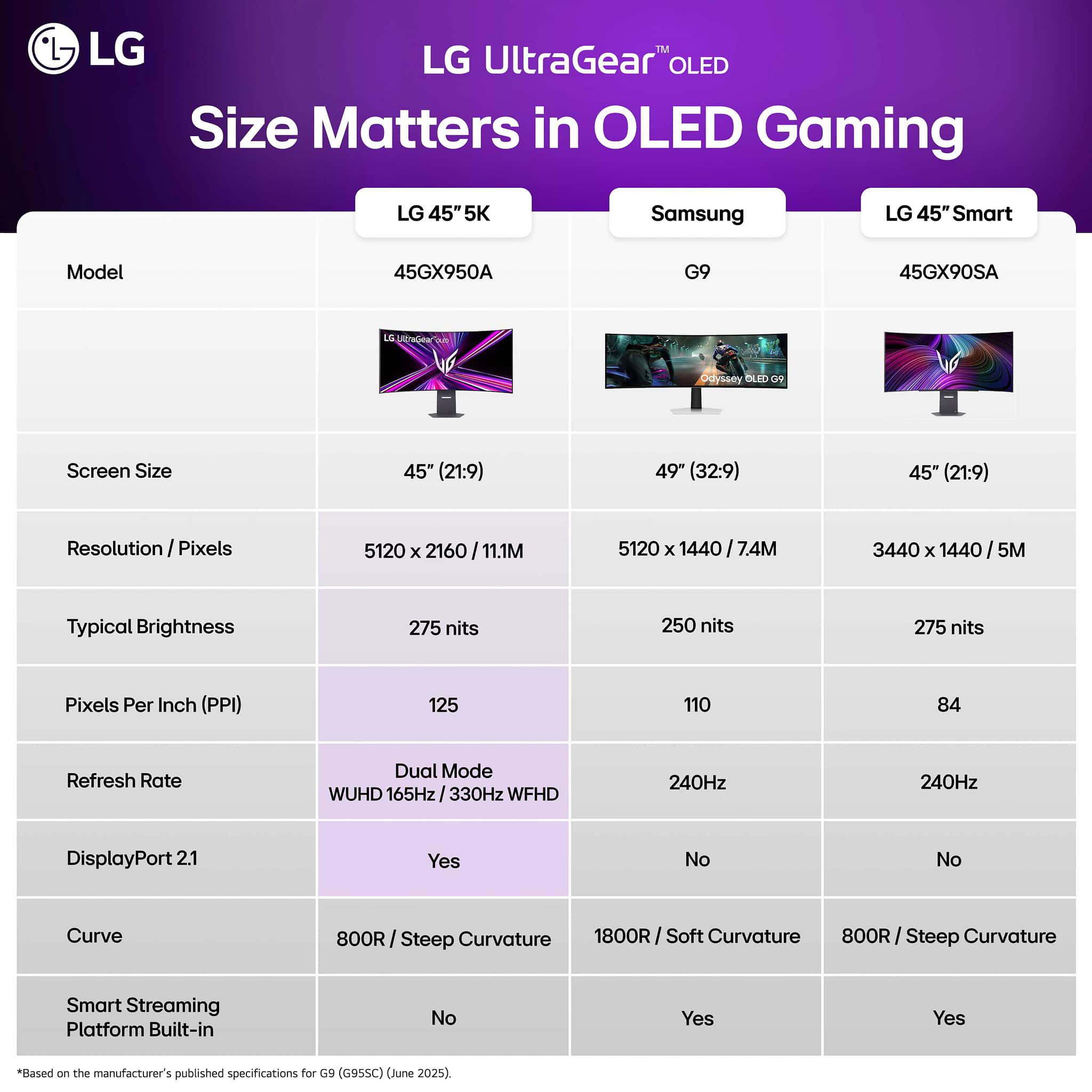
    • Answer Dual Mode allows switching between 5K2K resolution at up to 165Hz and Wide Full HD at 330Hz for optimal performance in different game genres.
    This question and answer was generated by AI based on customer and product data.
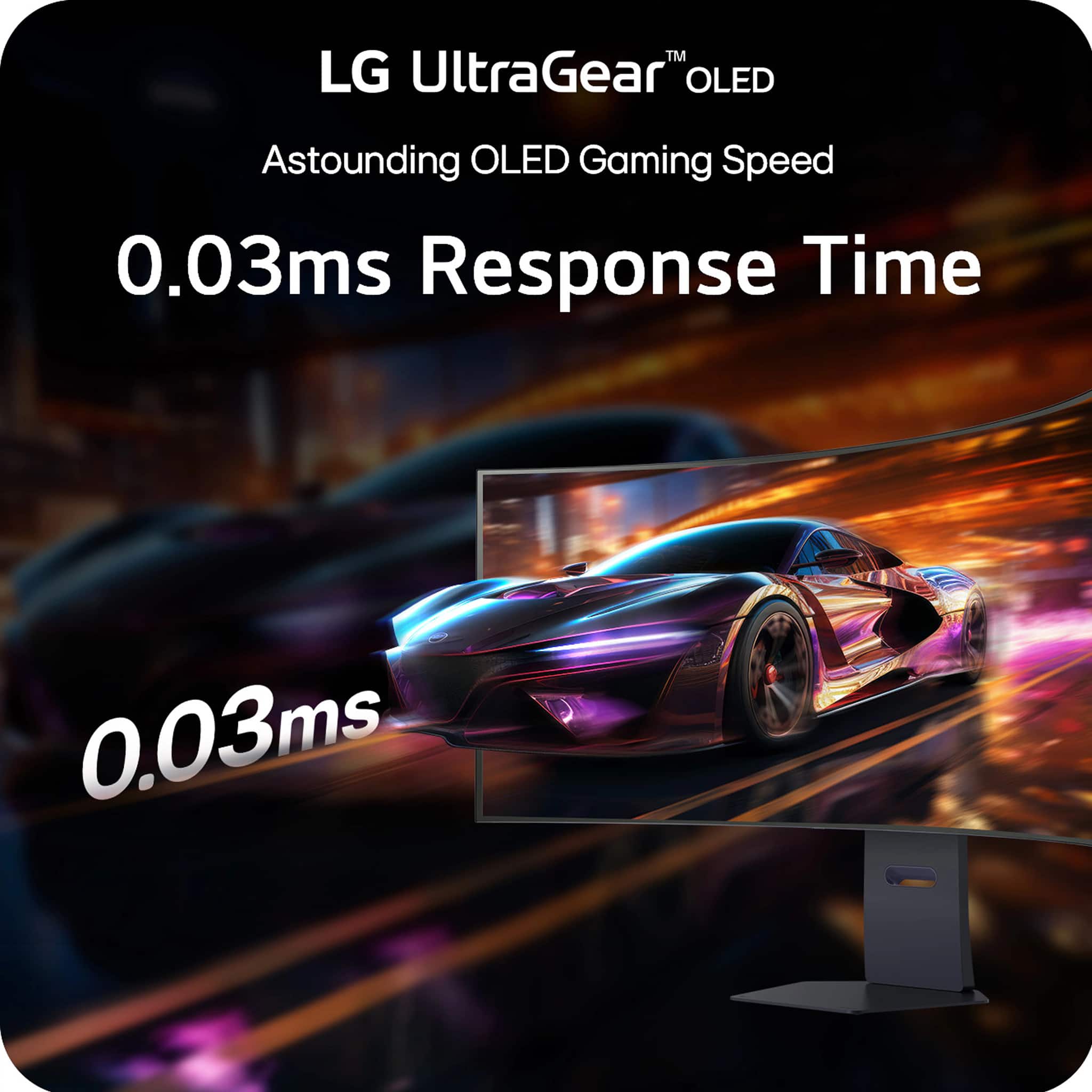
  • QuestionWhat is the response time of this monitor?

    • Answer This monitor boasts a near-instantaneous 0.03ms response time.
    This question and answer was generated by AI based on customer and product data.

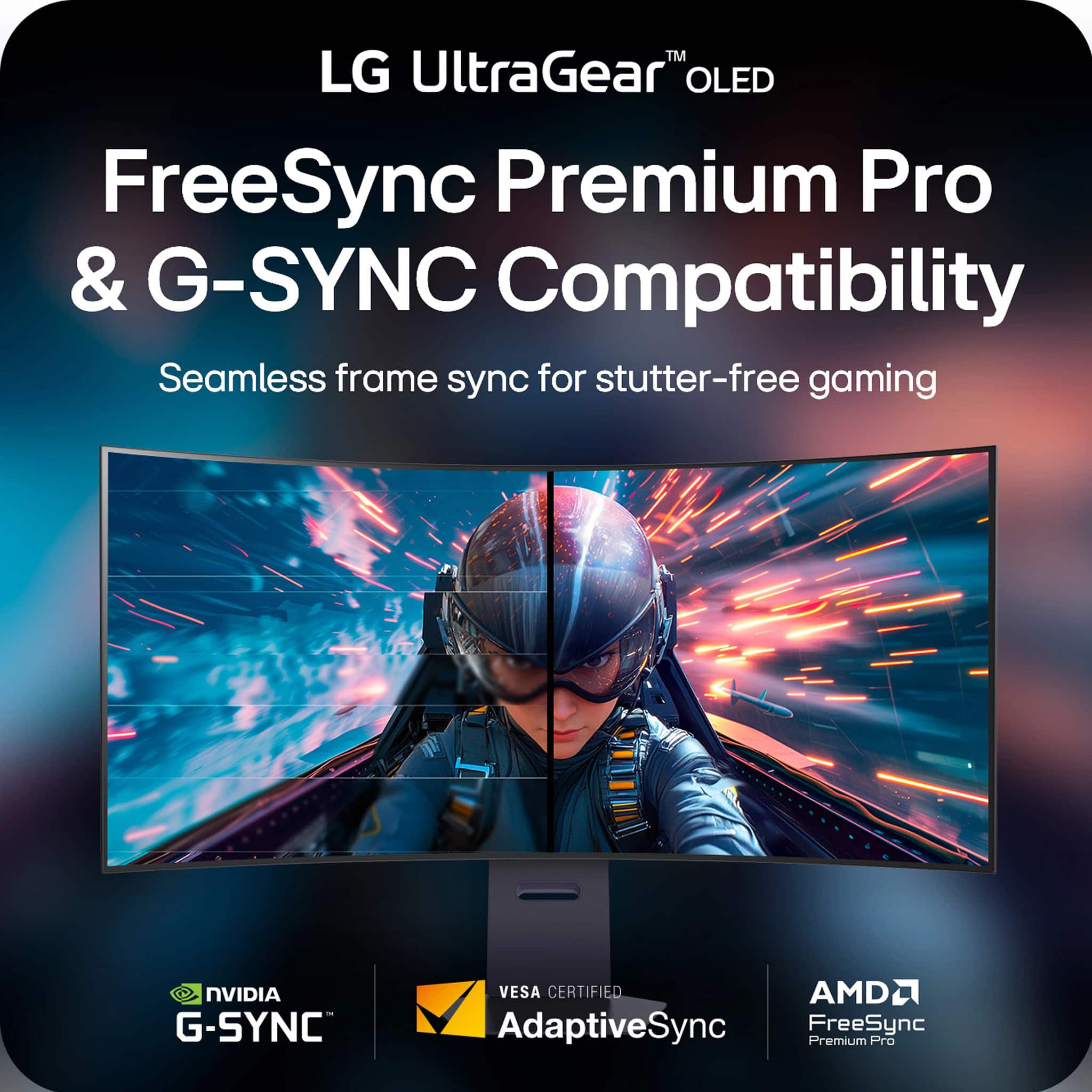
  • QuestionIs this monitor compatible with G-SYNC and FreeSync?

    • Answer Yes, this monitor is compatible with both NVIDIA G-SYNC and AMD FreeSync Premium Pro.
    This question and answer was generated by AI based on customer and product data.

  • QuestionDoes this monitor have built-in speakers?

    • Answer Yes, it has built-in speakers with DTS HP:X.
    This question and answer was generated by AI based on customer and product data.

  • QuestionWhat type of display does this monitor use?

    • Answer This monitor uses OLED display technology.
    This question and answer was generated by AI based on customer and product data.

  • QuestionWhat is the peak brightness of this monitor?

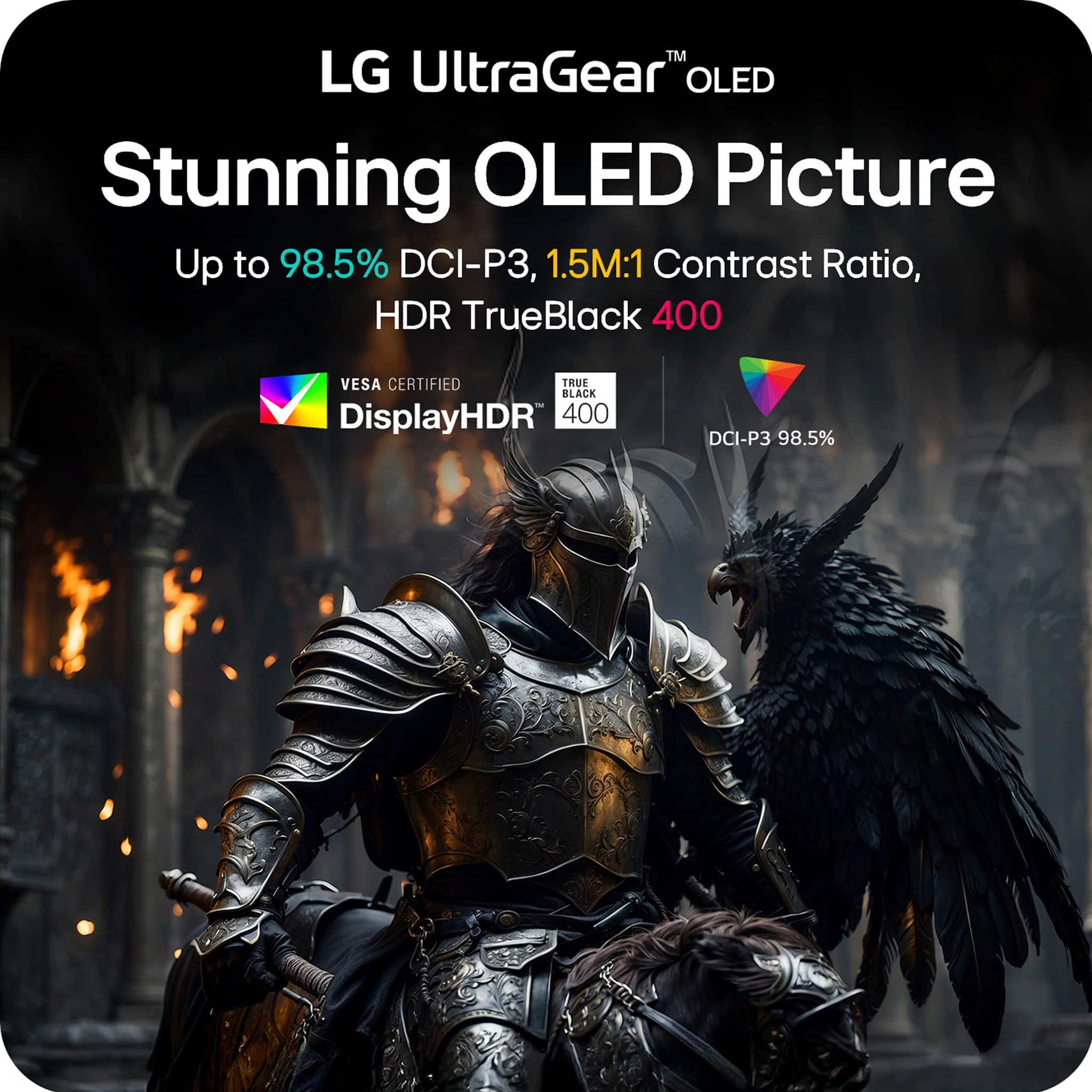
    • Answer The monitor reaches up to 1300 nits peak brightness.
    This question and answer was generated by AI based on customer and product data.

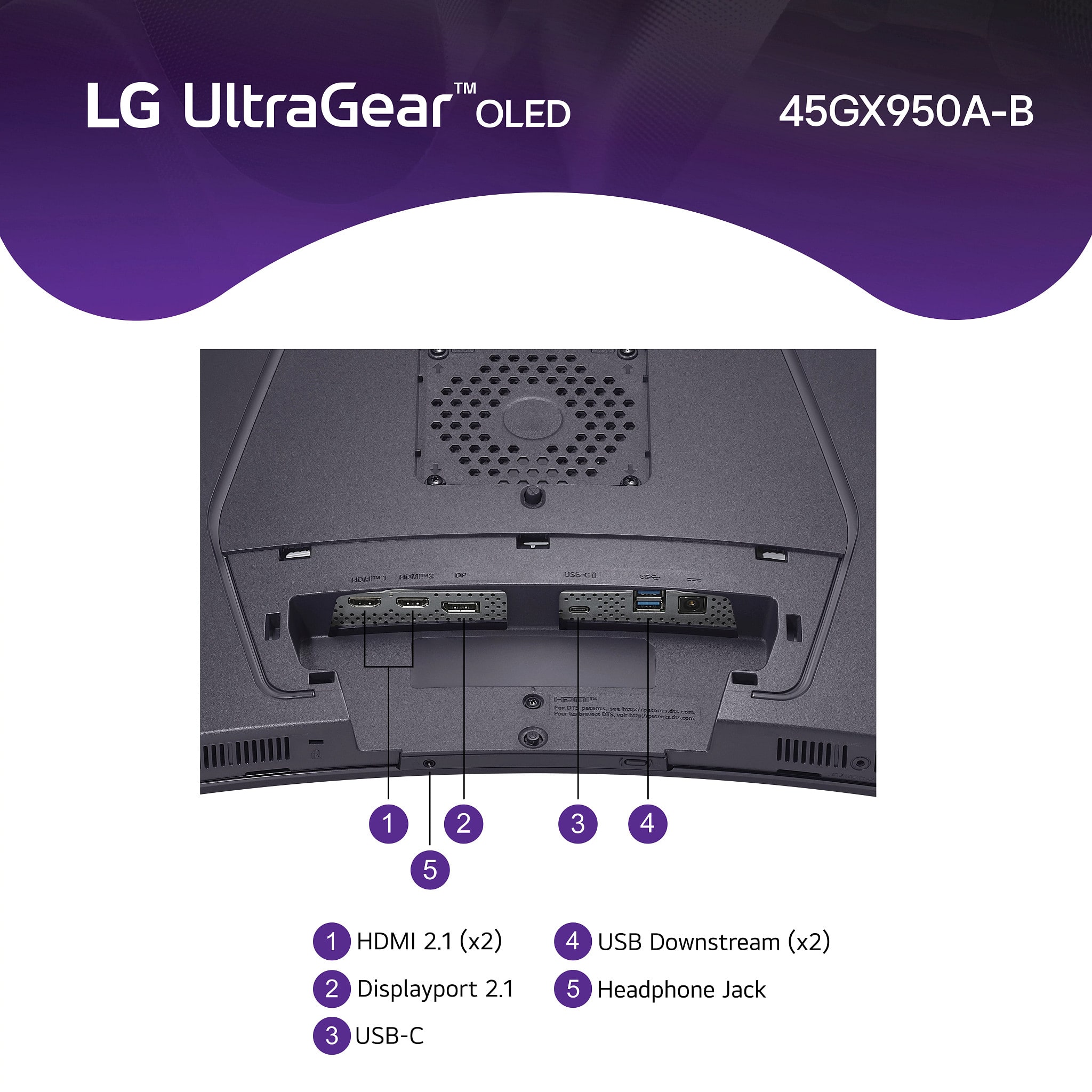
  • QuestionWhat is the best way to connect this to a MacBookPro M4 Max, considering the DisplayPort doesn't handle the full bandwidth of the 2.1 spec? Should I use the HDMI cable or the USB-3 plugged into my ThunderBolt 5 port for the best throughput?

    Asked by sysengr.

    • Answer I have personally used the Thunderbolt 5 cable straight to the back of the monitor. You will get full resolution with HDR and 165Hz using that cable straight from the laptop to the USB-C port on the back of the monitor. Tested with my 16-inch M4 max

      Answered by JordanC

  • QuestionI have a 3090Ti GPU. What quality will I be able to get on this monitor? Will I reach maximums on this monitor? If so, can you please provide the details?

    Asked by GEVSea.

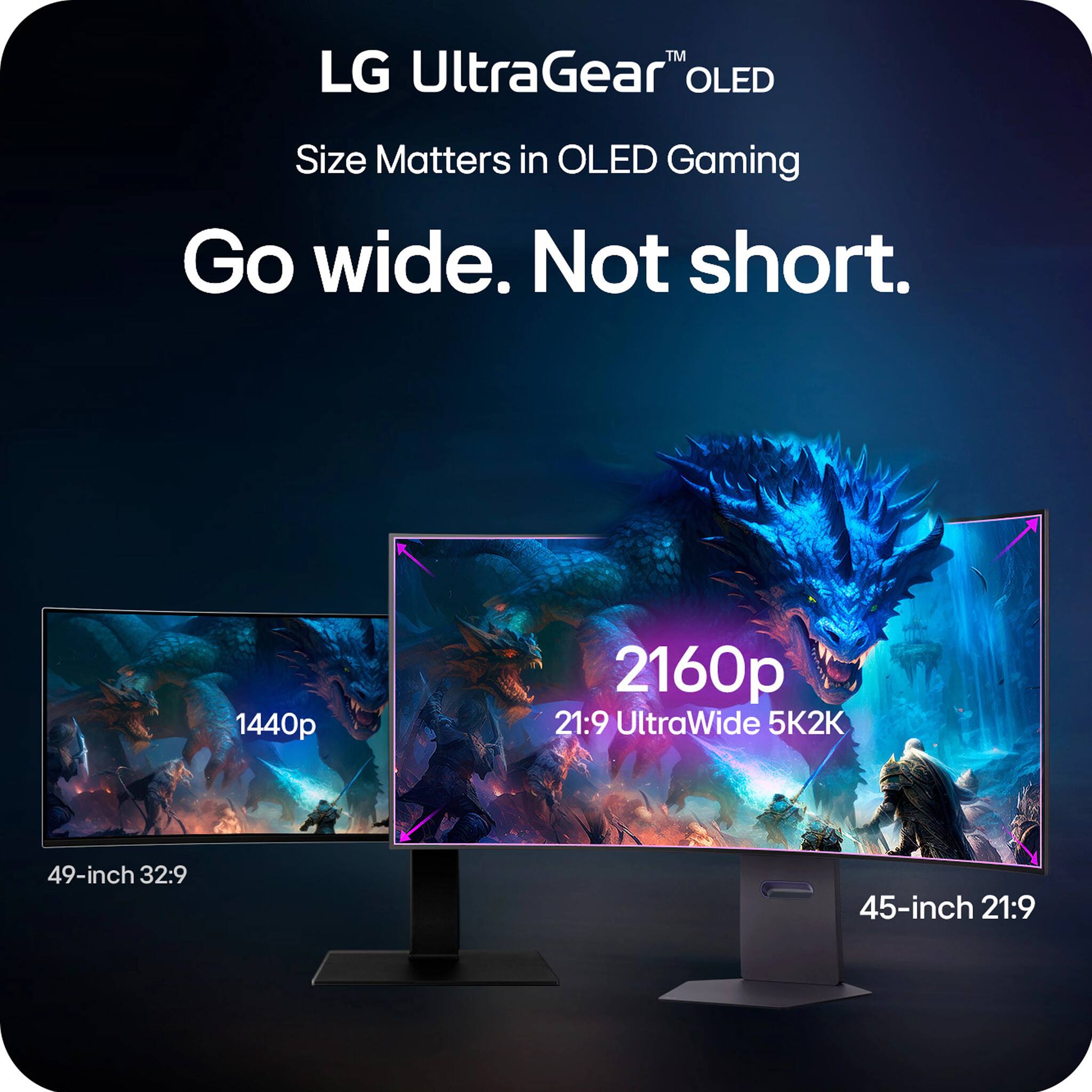
    • Answer The LG customer care person doesn't know what product they are referring to and the capabilities of the 3090 Ti. This is a ultrawide 4k monitor 5120x2160 WUHD, not a dual QHD 5120x1440. Your card only supports display port 1.4a and hdmi 2.1. Both of those support ultra wide 4K or UHD at 165 hz, however, for demanding games you will not reach 165 hz. You will likely reach 60-120 hz with DLSS turned on. The newer 4090's sweet spot will be around 120 hz while the newest 5090 would more easily sustain 165 hz performance and supports display port 2.1. All of these will still need to utilize DLSS to keep the frame rates high on a 5120x2160 (WUHD) resolution.

      Answered by GregD

  • QuestionCan this monitor connect to an m1 macbook pro via thunderbolt / usb-c?

    Asked by Anonymous.

    • Answer I have a MacBook Air M1 with 16GB of RAM connected via USB-C from the cable included with the monitor. The highest settings available to me are 5120x2160 resolution with 100Hz.

      Answered by Cirsce

  • QuestionCan i wall mount this monitor using a https://www.amazon.com/dp/B00SFSU53G?ref=ppx_yo2ov_dt_b_fed_asin_title&th=1

    Asked by Ken.

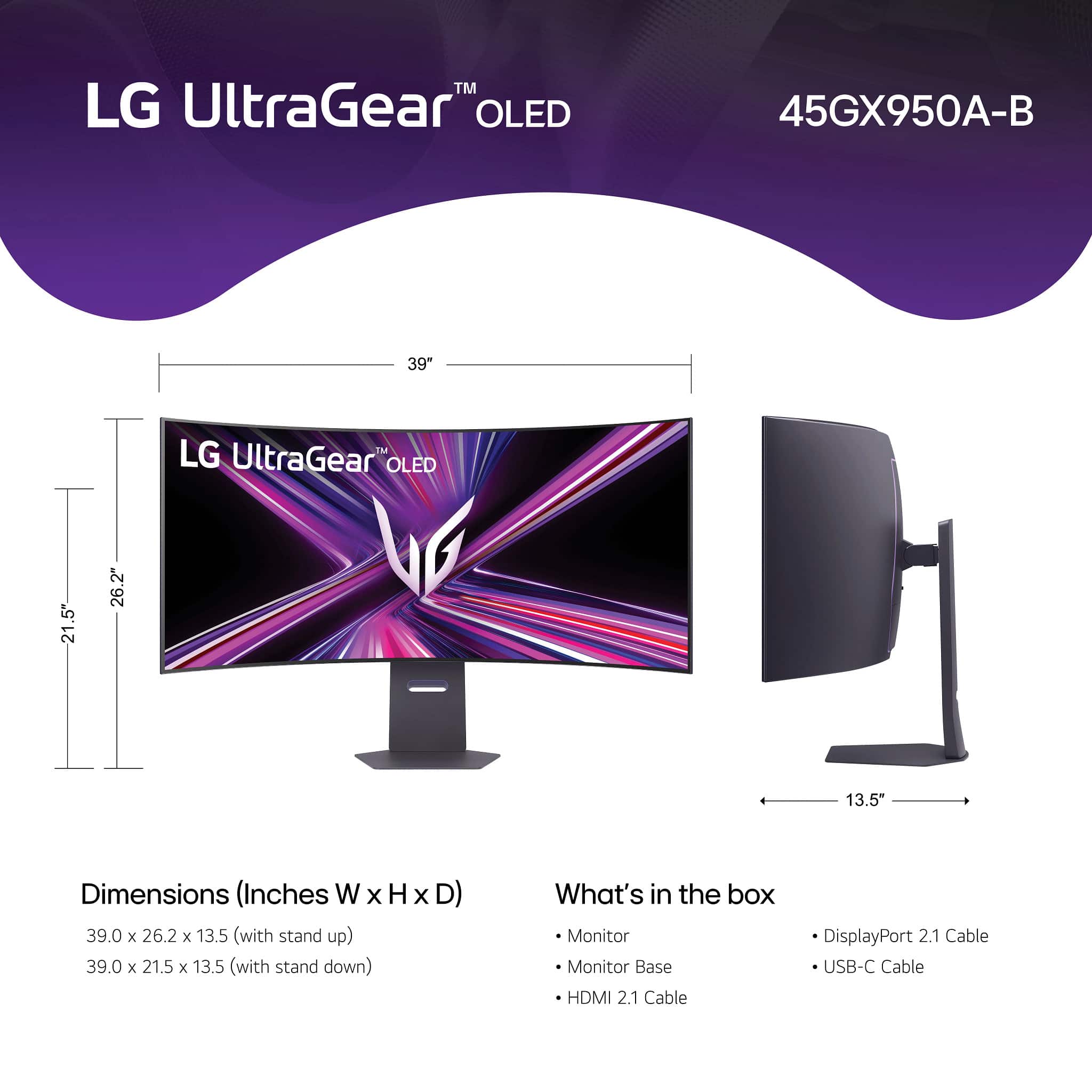
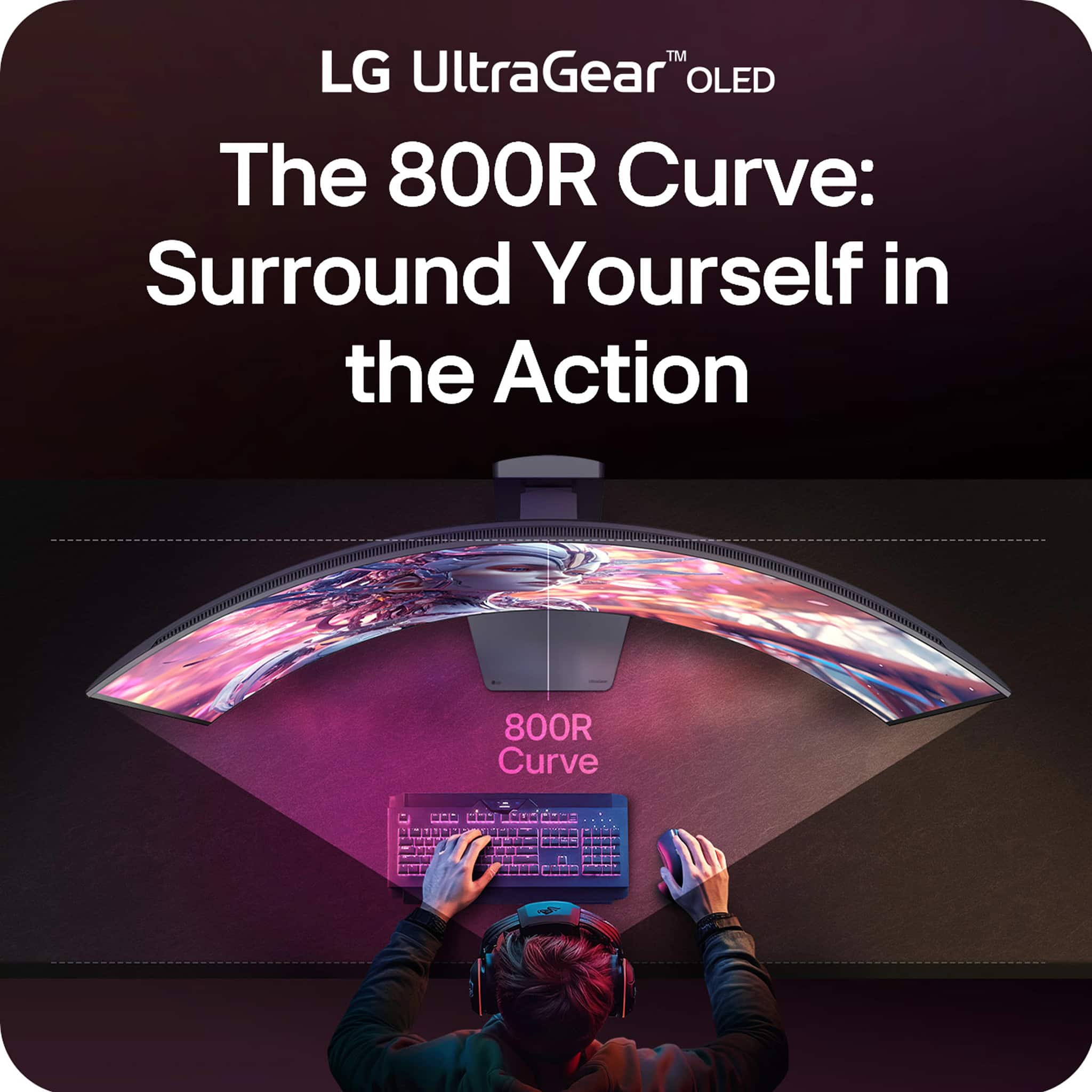
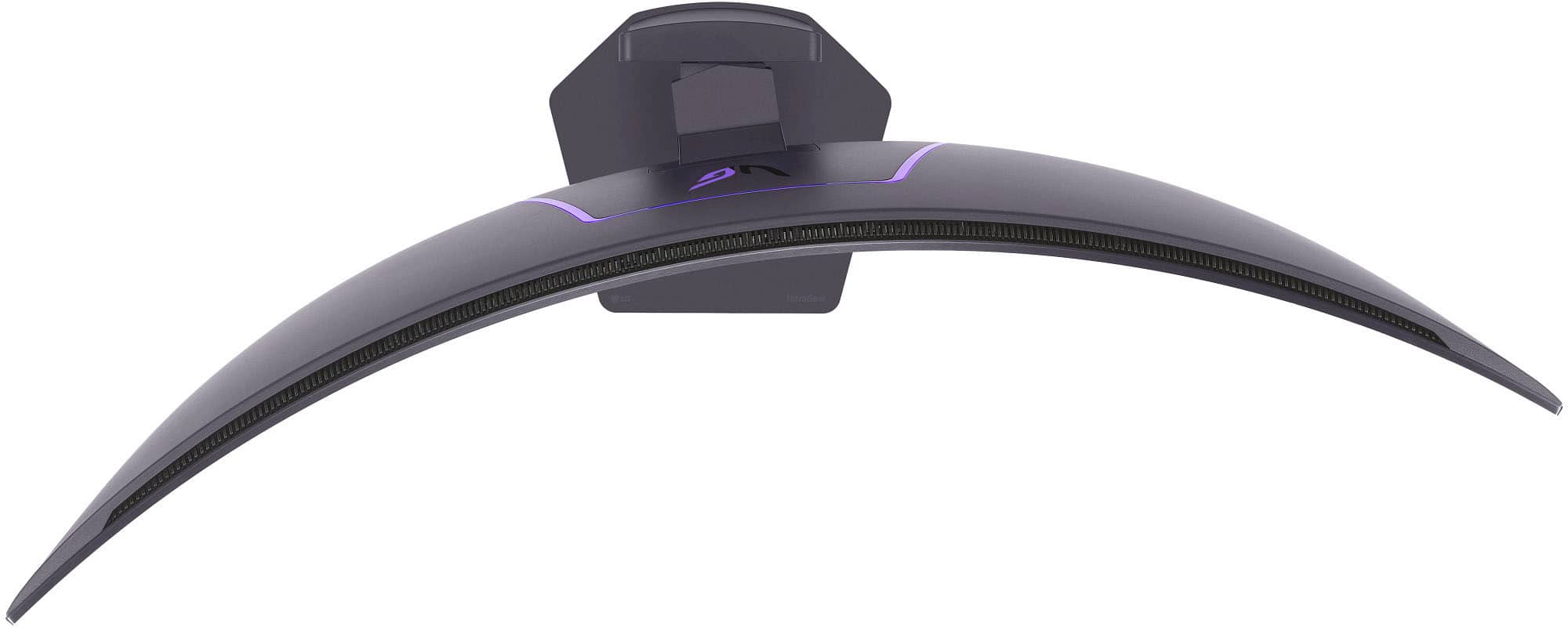
    • Answer Hi there, Ken. Thank you for your question regarding the LG 45GX950A-B UltraGear OLED gaming monitor. We understand your situation and the importance of finding a reliable wall mount for your setup. This monitor is VESA wall mount compatible with a 100 x 100mm pattern, which is a standard mounting size. The wall mount you've shared on Amazon appears to support 100 x 100mm VESA configurations, so it should physically work with the monitor. However, we highly recommend ensuring the mount is rated to hold at least 20.7 lbs, which is the monitor’s weight without the stand. Also, make sure it offers the appropriate support and clearance for the monitor’s curved 800R design. https://www.lg.com/us/monitors/lg-45gx950a-b-gaming-monitor#pdp_specs For further guidance or confirmation, please send us a private message on social media @LGUSSupport. Our team will be happy to help you double-check compatibility and walk you through installation tips if needed. —Renzo

      Answered by LG Digital Customer Care

  • QuestionWhat is the overall height of this monitor at it's lowest setting on its base? I have a bookshelf over my desk and it needs to fit in that space.

    Asked by GaryL.

    • Answer I measure exactly 21 and a quarter inches from the bottom of the base to the tippy top of the monitor on the lowest height

      Answered by JordanC

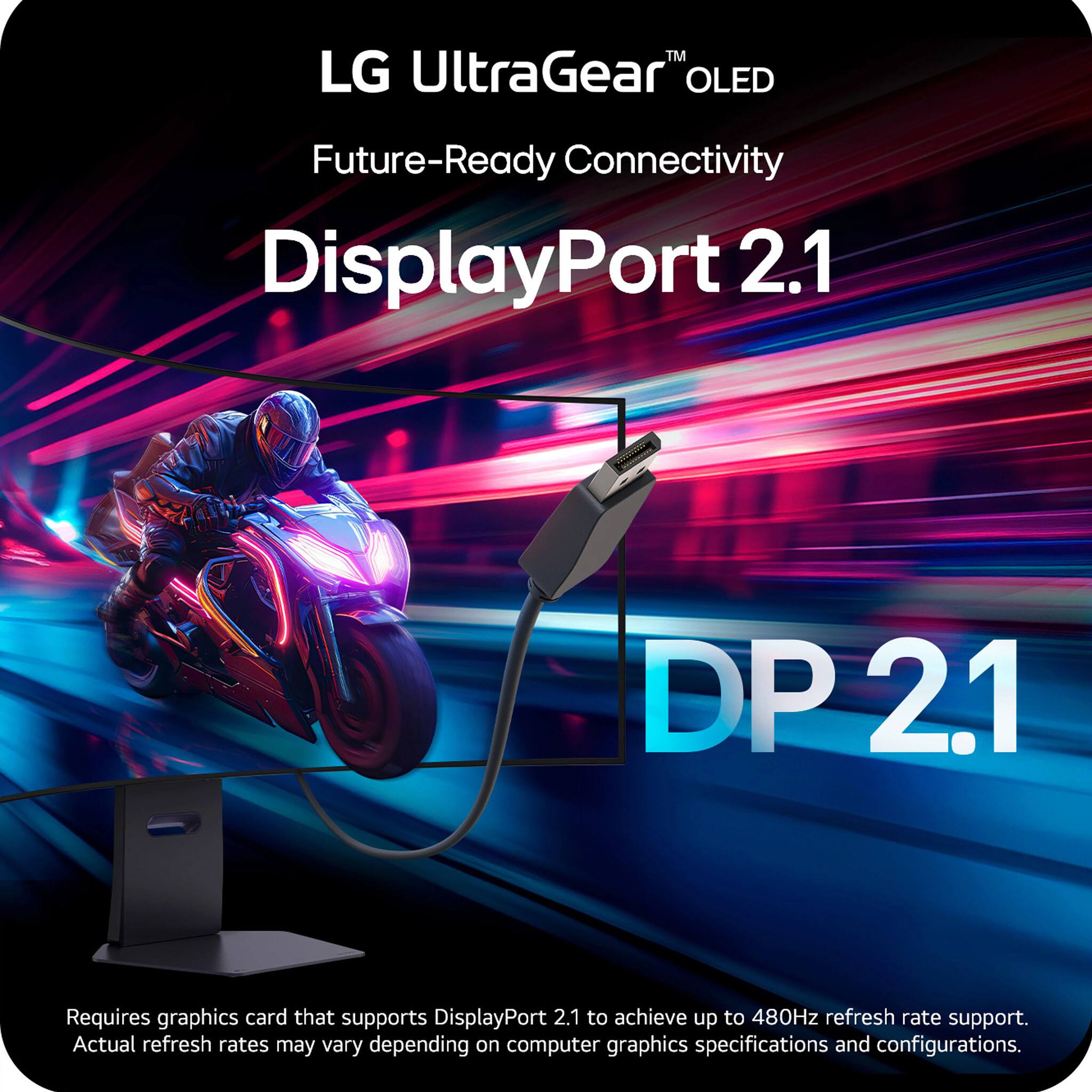
  • QuestionWhat is the spec of the DisplayPort 2.1 input - UHBR10, UHBR13.5, or UHBR20? I would like to know if I have to use display stream compression to push the monitor's max resolution of 5120x2160 and refresh rate 165Hz using 10-bit HDR.

    Asked by UltrawideLover.

    • Answer Hello there. We understand your inquiry about your LG 45GX950A-B’s DisplayPort 2.1 input. Your monitor’s single DisplayPort 2.1 connector is rated for UHBR13.5 (13.5 Gbps per lane, 54 Gbps total), not full UHBR20 bandwidth. To drive the panel at its maximum 5120 × 2160 resolution, 165 Hz, and 10-bit HDR, you’ll need Display Stream Compression (DSC), since the uncompressed data rate (~60.18 Gbps) exceeds the 54 Gbps link. Tip: Be sure to use a certified DisplayPort 2.1 UHBR13.5 cable and enable DSC support both on your graphics card’s driver panel and in the monitor’s OSD for the best, artifact-free performance. https://www.bestbuy.com/site/lg-ultragear-45-oled-dual-mode-5k2k-wuhd-165hz-wfhd-330hz-0-03ms-g-sync-freesync-premium-pro-gaming-monitor-black/6619492.p?skuId=6619492 If you need further assistance with setup or cable recommendations, please send us a private message on social media @LGUSSupport and our team will be more than happy to explore possible solutions. We appreciate your patience and thank you for choosing LG. —Renzo

      Answered by LG Digital Customer Care

  • QuestionAre there any docks that support this monitor (5k)?

    Asked by Miguel.

    • Answer Hello there, Miguel. We understand your inquiry about using a dock with your LG UltraGear 45GX950A-B 5K2K monitor. Your feedback is important, and we’d be happy to help you find the right solution. First, here’s a troubleshooting step you can try to ensure compatibility: • Verify DisplayPort Alt Mode support and firmware – Make sure the dock you choose offers Thunderbolt 4 or USB-C with DisplayPort 1.4 Alt Mode at 40 Gbps bandwidth. This ensures it can carry the full 5120 × 2160 @165 Hz signal. – Check that both your monitor’s firmware and the dock’s firmware are up to date—this can resolve handshake or bandwidth-limiting issues when driving 5K2K resolutions. Many users have had success with docks such as the CalDigit TS4 or the OWC Thunderbolt Dock, which provide Thunderbolt 4 ports capable of dual DisplayPort 1.4 passthrough. These docks will let you plug in your monitor’s USB-C cable directly and achieve the full 5K2K resolution and refresh rate. https://www.bestbuy.com/site/lg-ultragear-45-oled-dual-mode-5k2k-wuhd-165hz-wfhd-330hz-0-03ms-g-sync-freesync-premium-pro-gaming-monitor-black/6619492.p?skuId=6619492 If you still experience any bandwidth or display issues after confirming Alt Mode support and updating firmware, please send us a private message on social media @LGUSSupport so our team can explore further solutions tailored to your setup. We appreciate your patience and look forward to helping you maximize your gaming experience with your LG UltraGear 45GX950A-B. —Renzo

      Answered by LG Digital Customer Care

  • QuestionHello, I wonder if this monitor will work with my HP Elitebook 845 G8 laptop (AMD Ryzen 5 PRO 5650U with Radeon Graphics 2.30 GHz) at 60 Hz. I want to use it for general productivity purposes (not for gaming). Thanks.

    Asked by Oleg.

    • Answer Hi there, Oleg. Thank you for your interest in the LG 45GX950A-B UltraGear™ OLED gaming monitor. We understand you're looking to use it for productivity with your HP EliteBook 845 G8, and we’d be happy to clarify. Yes, your HP EliteBook 845 G8 with AMD Ryzen 5 PRO 5650U and Radeon Graphics should be compatible with the 45GX950A-B monitor for general use at 60Hz. While this monitor is capable of a much higher refresh rate of 165Hz, it can still operate comfortably at 60Hz for tasks like browsing, word processing, and multitasking. To ensure compatibility, we recommend connecting via HDMI or USB-C using DisplayPort Alternate Mode (if your laptop supports it). If using HDMI, make sure your cable supports high resolutions like 5120 x 2160. You can also adjust the refresh rate in your Windows Display Settings if needed. For best performance, we suggest enabling "Reader Mode" through the monitor’s settings, which is designed to reduce eye strain—perfect for productivity. https://www.lg.com/us/monitors/lg-45gx950a-b-gaming-monitor#pdp_specs Should you have any further questions, please don’t hesitate to send us a private message on Social Media @LGUSSupport, and we’ll gladly assist you further. —Renzo

      Answered by LG Digital Customer Care

  • Questiondoes it come with a remote?

    Asked by great.

    • Answer Hello there! Thank you for reaching out with your question about the LG 45GX950A-B Gaming Monitor. We understand your interest in knowing if the monitor comes with a remote. This model does not come with a remote control. However, it offers a range of convenient controls through the built-in on-screen menu and the LG Switch feature, which allows you to adjust settings and manage inputs seamlessly. You can also control various functions with the User Define Key. https://www.lg.com/us/monitors/lg-45gx950a-b-gaming-monitor If you have any other questions or need additional assistance, please send us a private message on Social Media @LGUSSupport, and our team will be happy to help! —Renzo

      Answered by LG Digital Customer Care

  • QuestionHi, does this monitor have the same limitations as its previous version when it comes to enabling G sync and the screen going blank? Not that it’s really necessary considering the speeds already but I was just wondering before I buy. Thanks.

    Asked by JayBee.

    • Answer The reason I ask is that supposedly there is a known issue with the previous incarnation of this monitor (not the 5k2k version) but the 45” one that was sold last year where G Snyc was not operating correctly because of the OLED but it appears that having checked out information on Reddit and your confirmation that this monitor(5k2k) actually does everything. Congratulations on your purchase. It’s a winner.

      Answered by JayBee

  • QuestionDoes it have a ear HDMI plug or a dedicated plug to hook up a soundbar or speakers other than a 3.5mm plug/headphone jack? If not why and this thing is $2000

    Asked by Styles3way.

    • Answer It has speakers built in, they arent the greatest but do the job well, it has 2 usb ports you might be able use.

      Answered by GavMan

  • QuestionDo you need a 4090 or 5090 in order to effectively use this monitor? It doesn't seem like even a 5070 Ti could fully utilize the 4K potential with high FPS.

    Asked by Danny.

    • Answer It has a 2K @ 330Hz mode you can use.

      Answered by Scot

  • QuestionWhy is this monitor listed as OLED and IPS. They are two different types of panels

    Asked by Atlec91.

    • Answer I think you might be looking at 2 different monitors, this one is only OLED.

      Answered by GavMan