

Main Content

Questions & Answers

$999.99
Save $700
The comparable value is $1,699.99
Page Showing 1-20 of 44 questions
  • QuestionDoes this monitor have built-in speakers?

    • Answer Yes, the monitor has integrated speakers.
    This question and answer was generated by AI based on customer and product data.
  • QuestionIs this monitor compatible with G-SYNC?

    • Answer Yes, this monitor is compatible with NVIDIA G-SYNC technology.
    This question and answer was generated by AI based on customer and product data.

  • QuestionHow does the Black Stabilizer feature enhance gameplay?

    • Answer The Black Stabilizer feature brightens dark scenes, allowing you to see hidden details and gain an advantage in games.
    This question and answer was generated by AI based on customer and product data.

  • QuestionWhich streaming services are accessible directly through this monitor?

    • Answer You can access Netflix, Prime Video, the Apple TV app, Disney+, HBO Max, and over 300 free LG Channels directly on the monitor.
    This question and answer was generated by AI based on customer and product data.

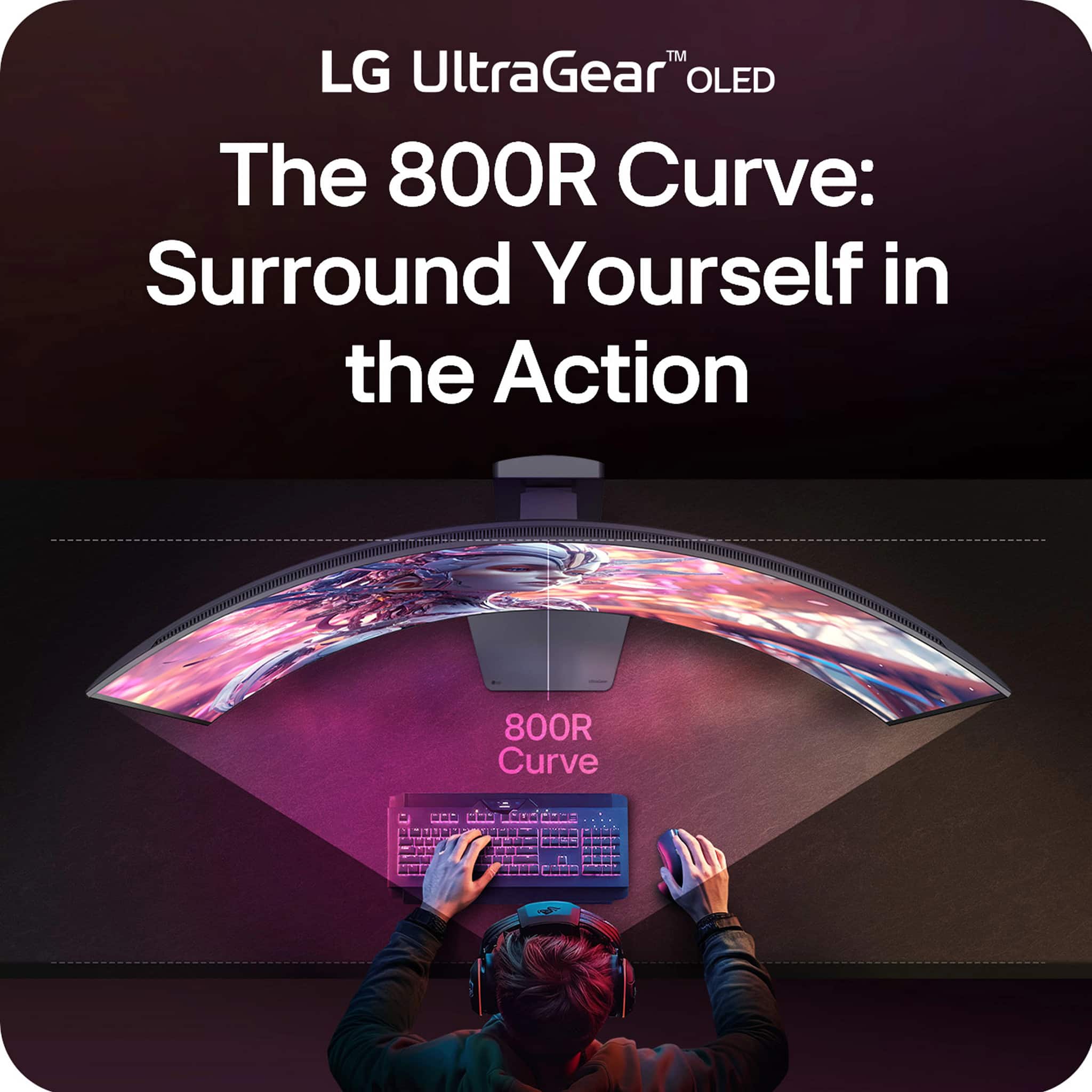
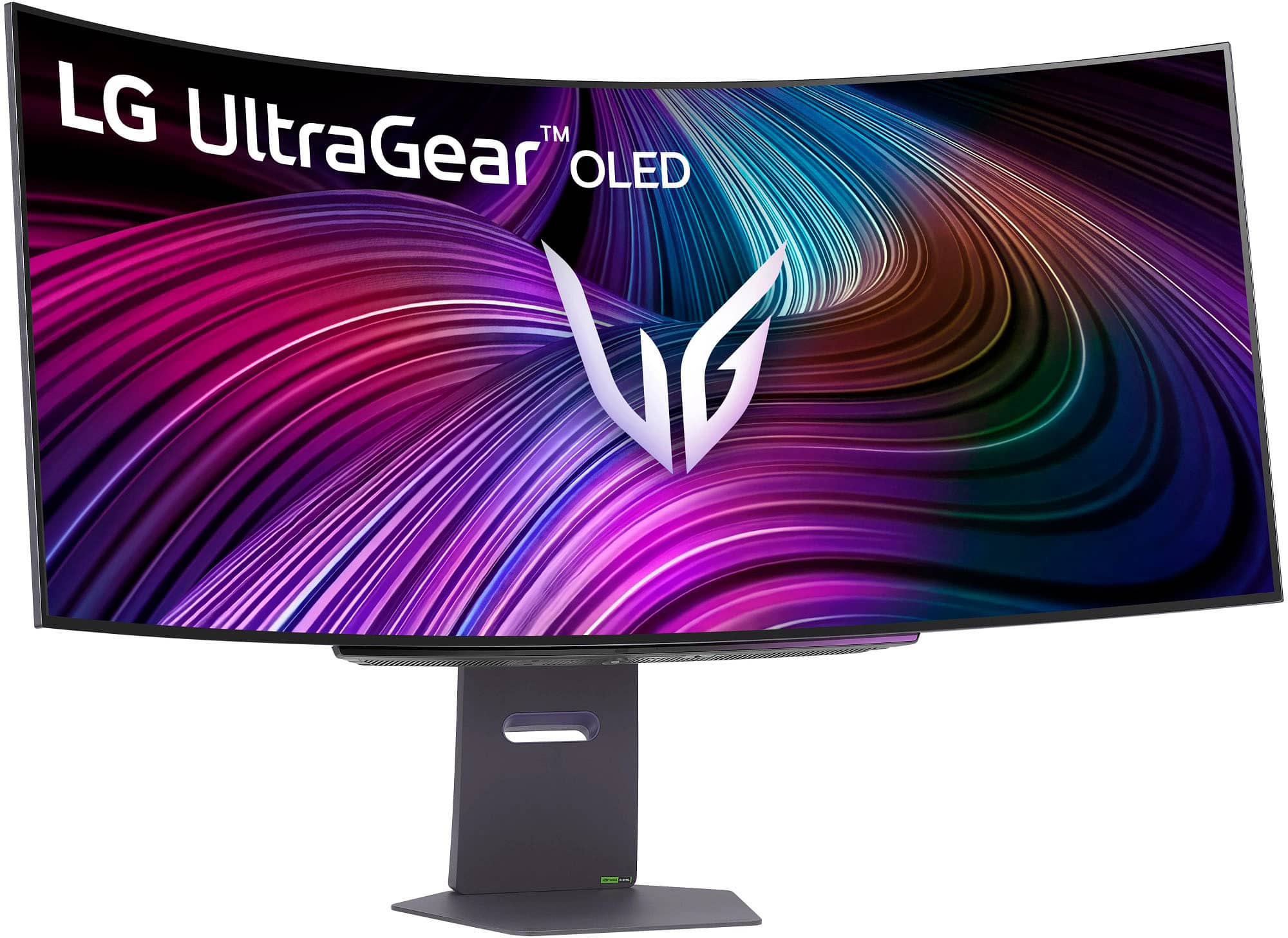
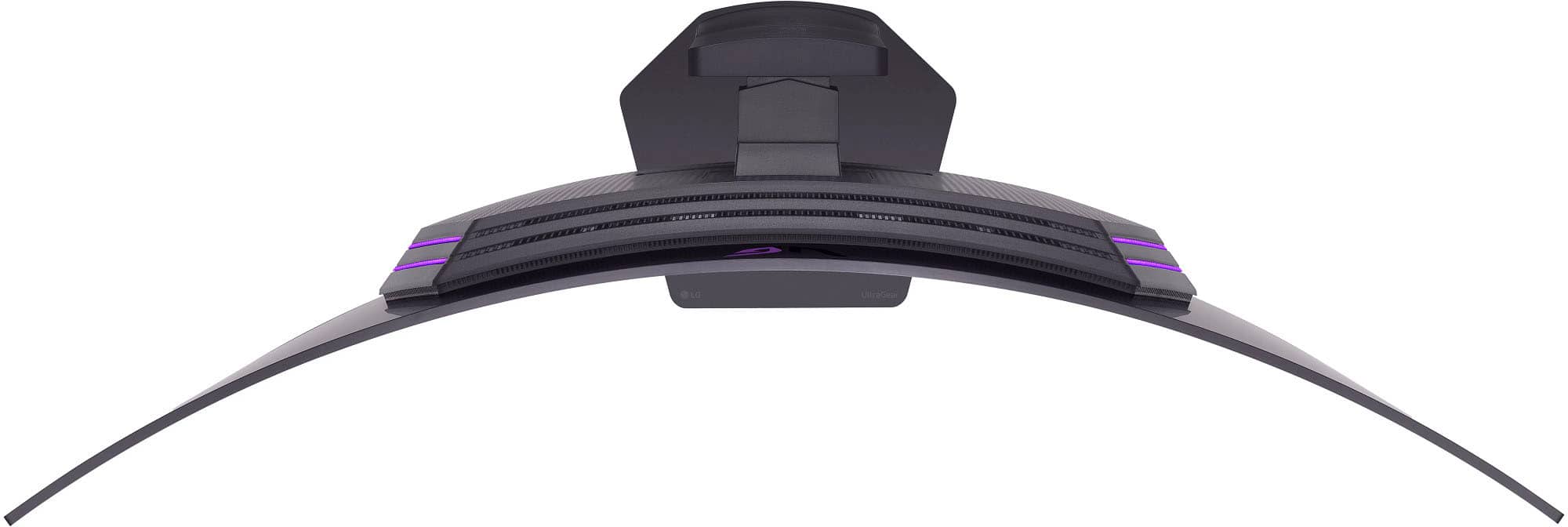
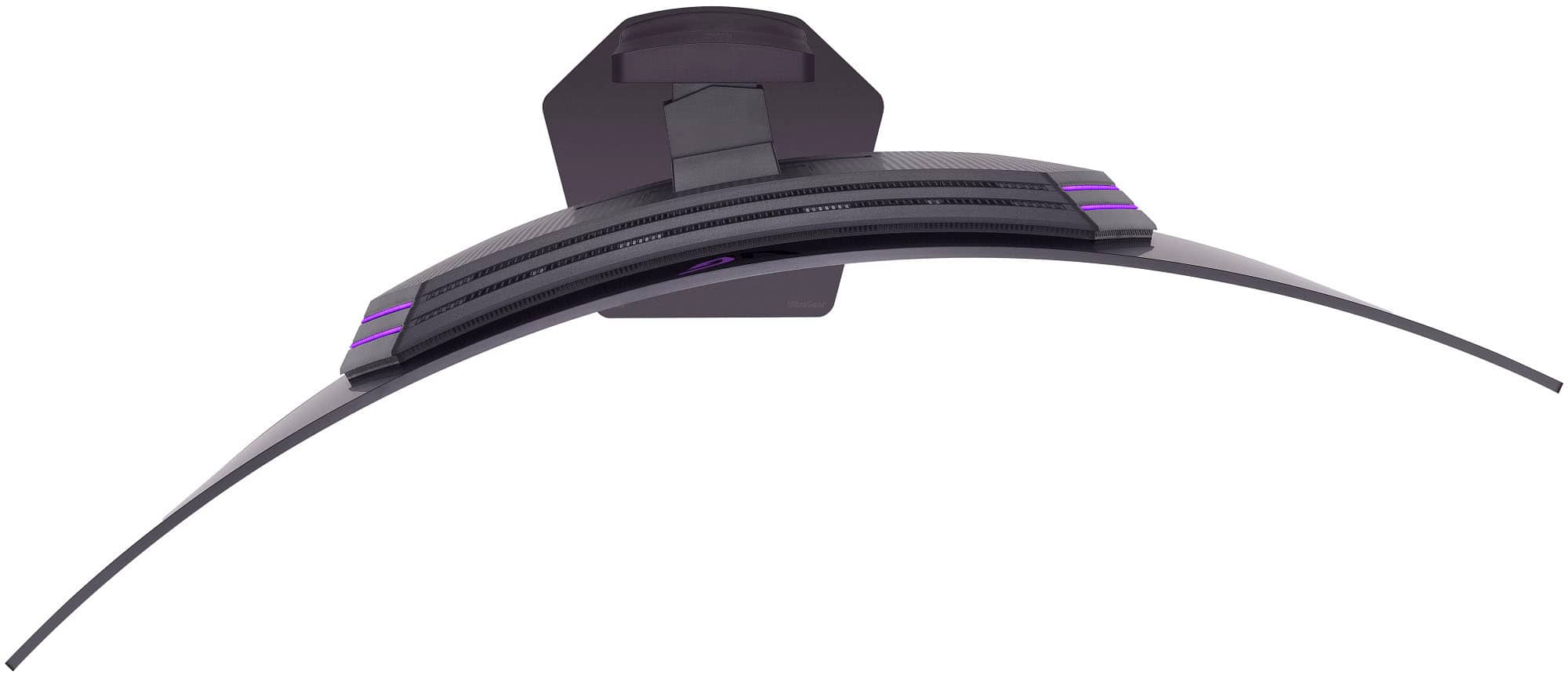
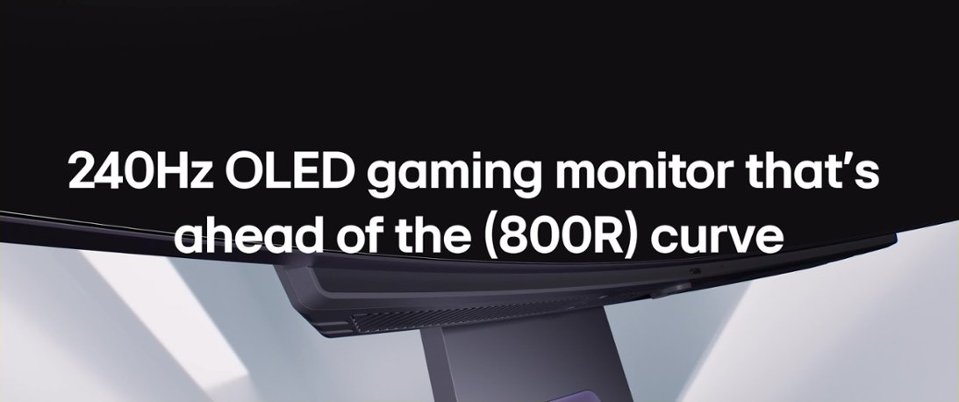
  • QuestionWhat is the curve of this monitor?

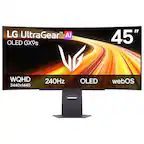
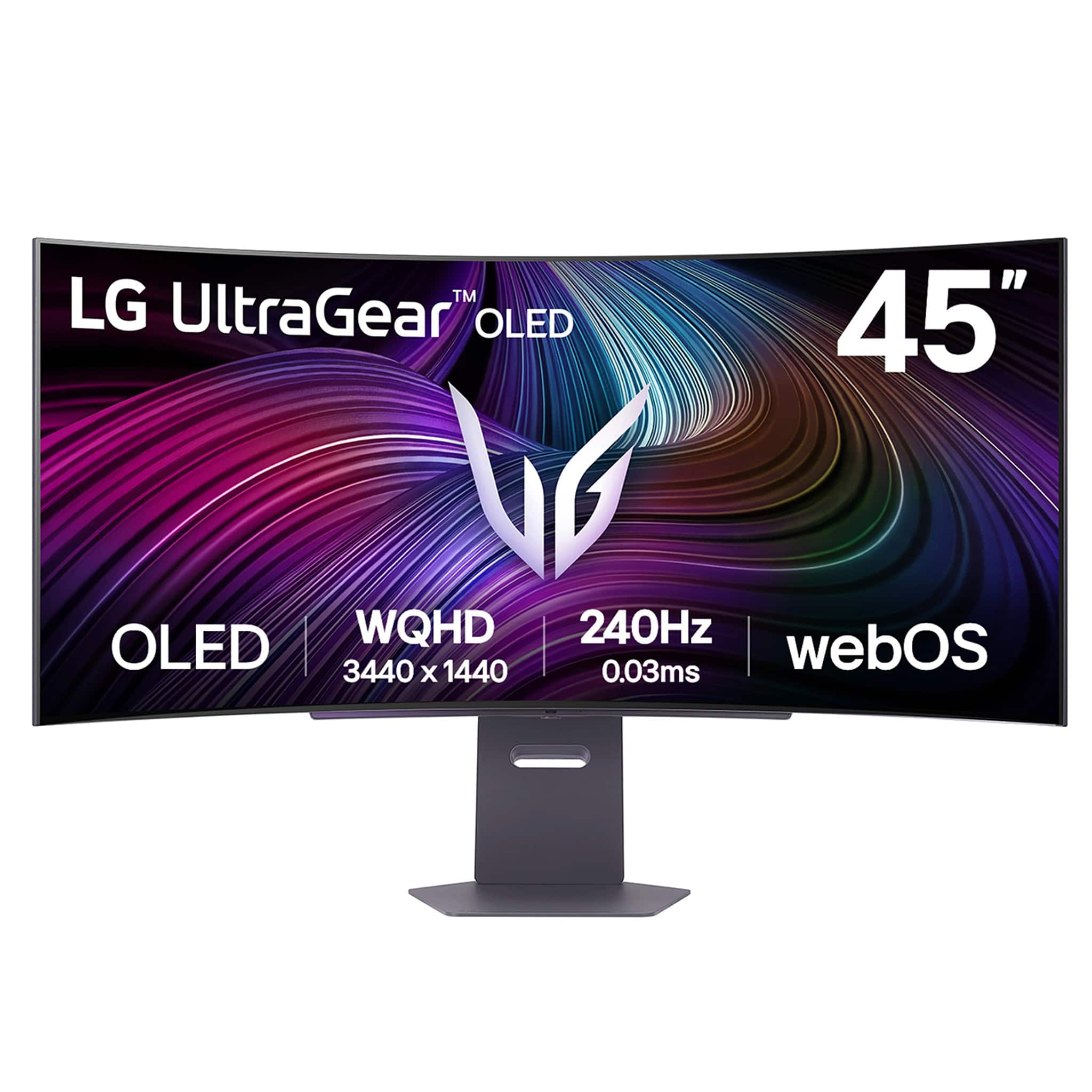
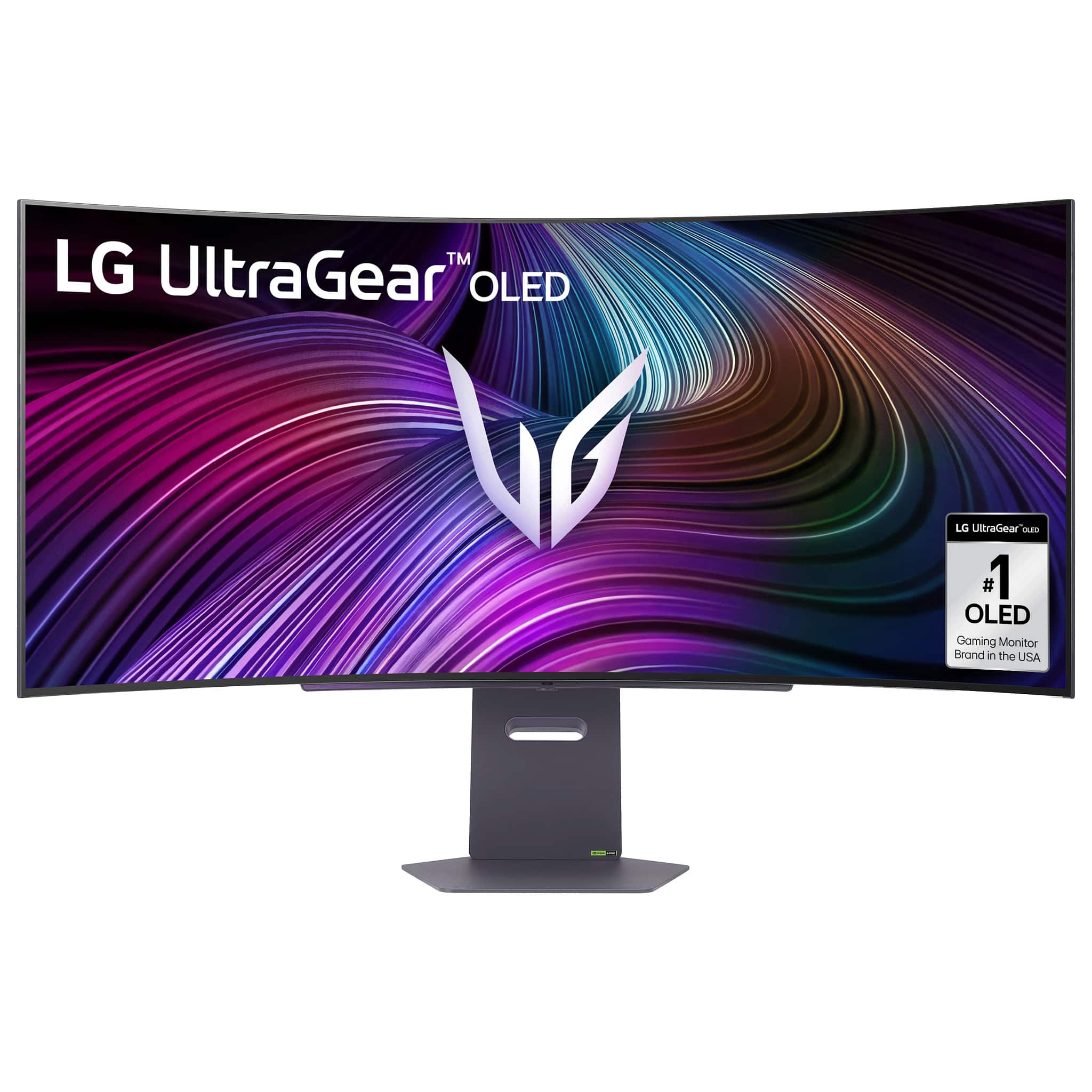
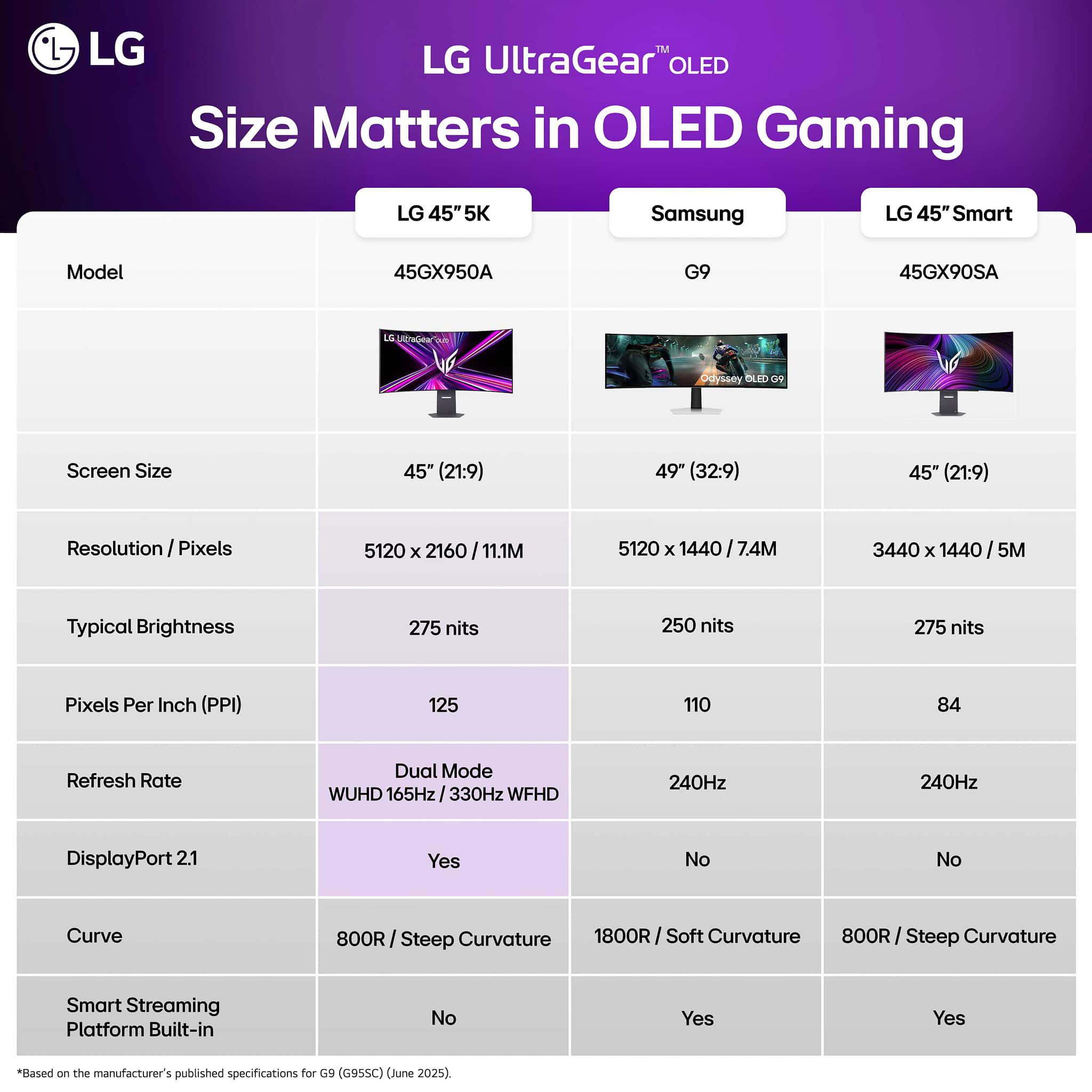
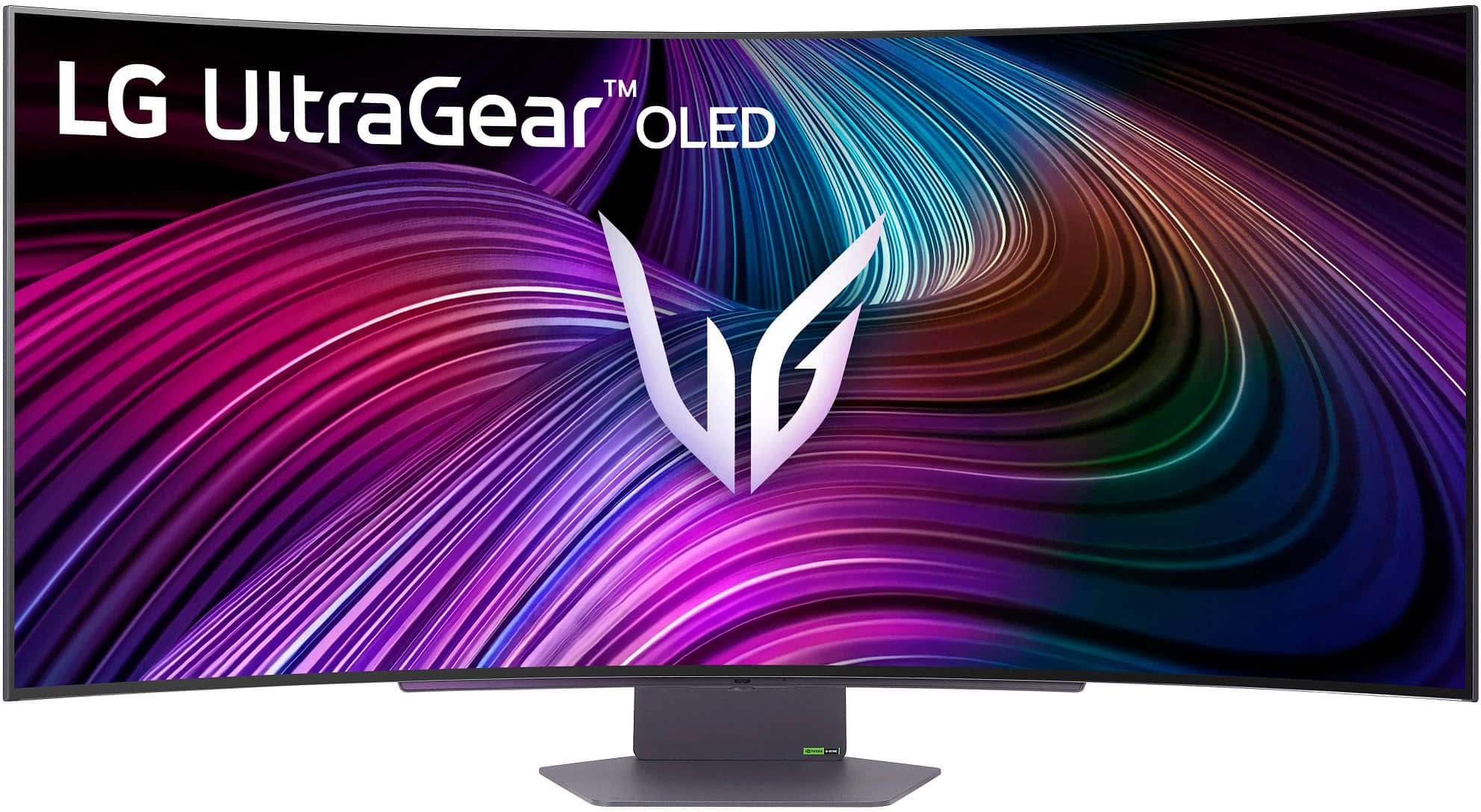
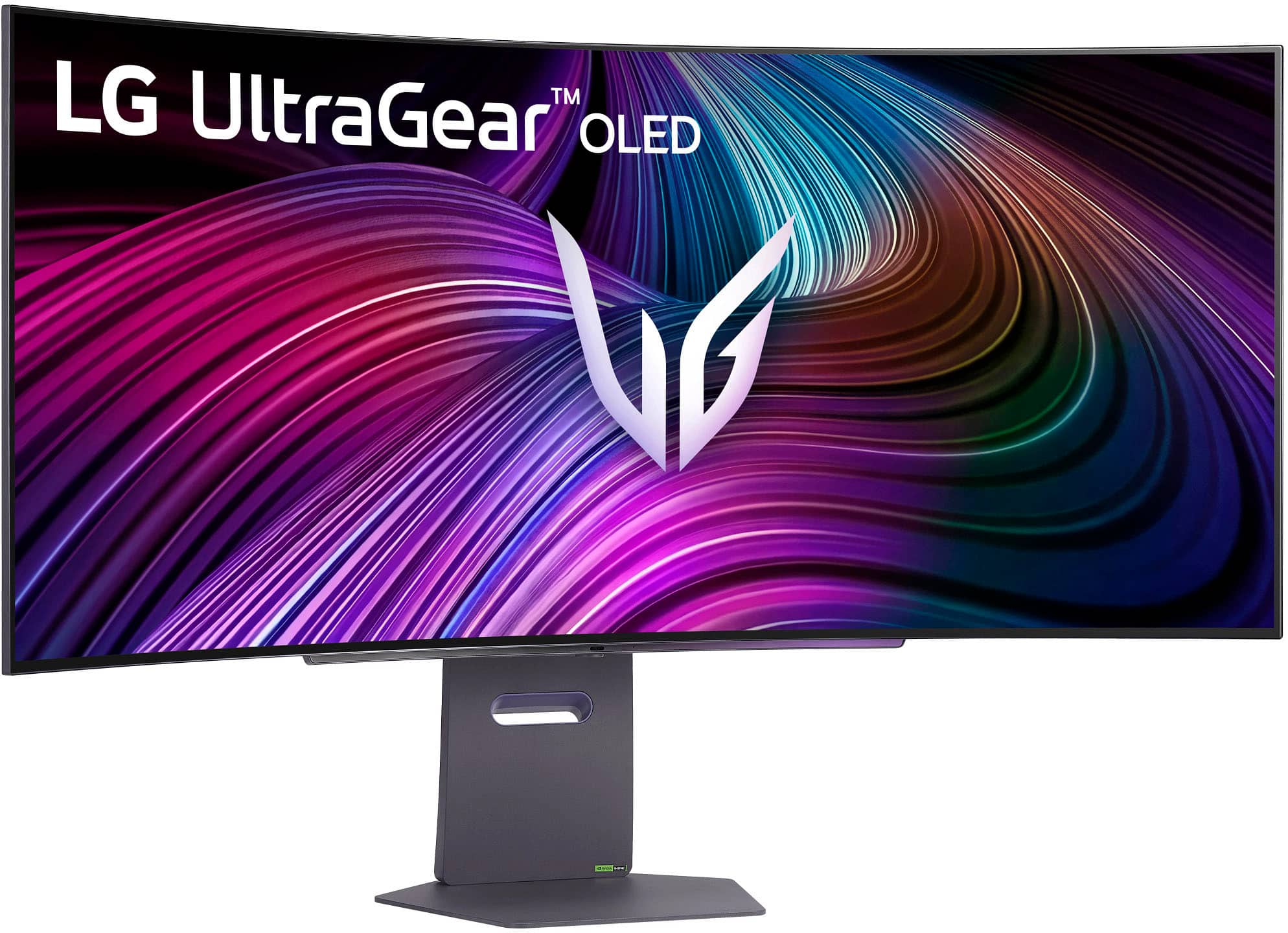
    • Answer The LG monitor has an 800R curve.
    This question and answer was generated by AI based on customer and product data.

  • QuestionWhat type of display does this LG monitor use?

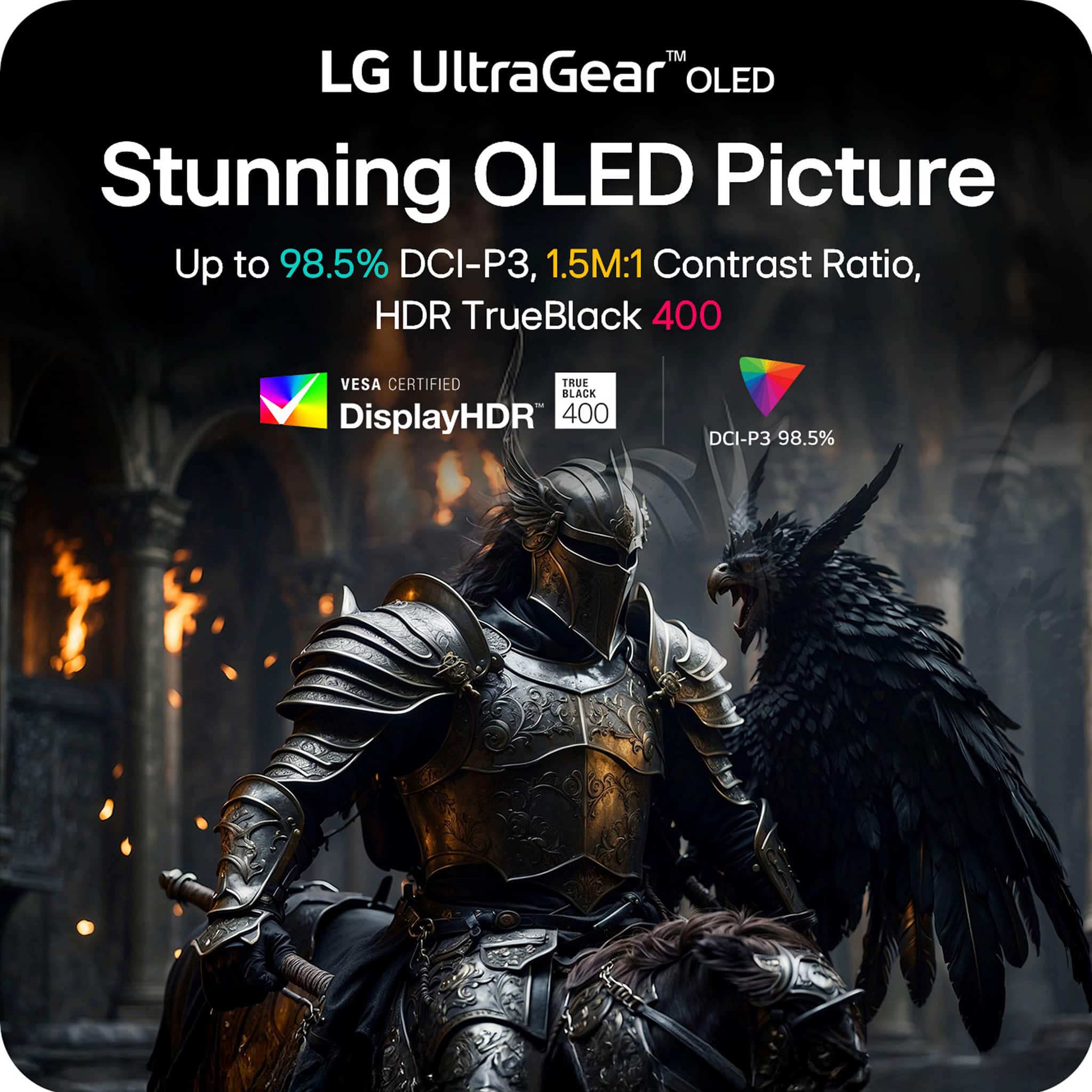
    • Answer This LG monitor uses OLED display technology.
    This question and answer was generated by AI based on customer and product data.

  • QuestionWhat is the response time of this LG monitor?

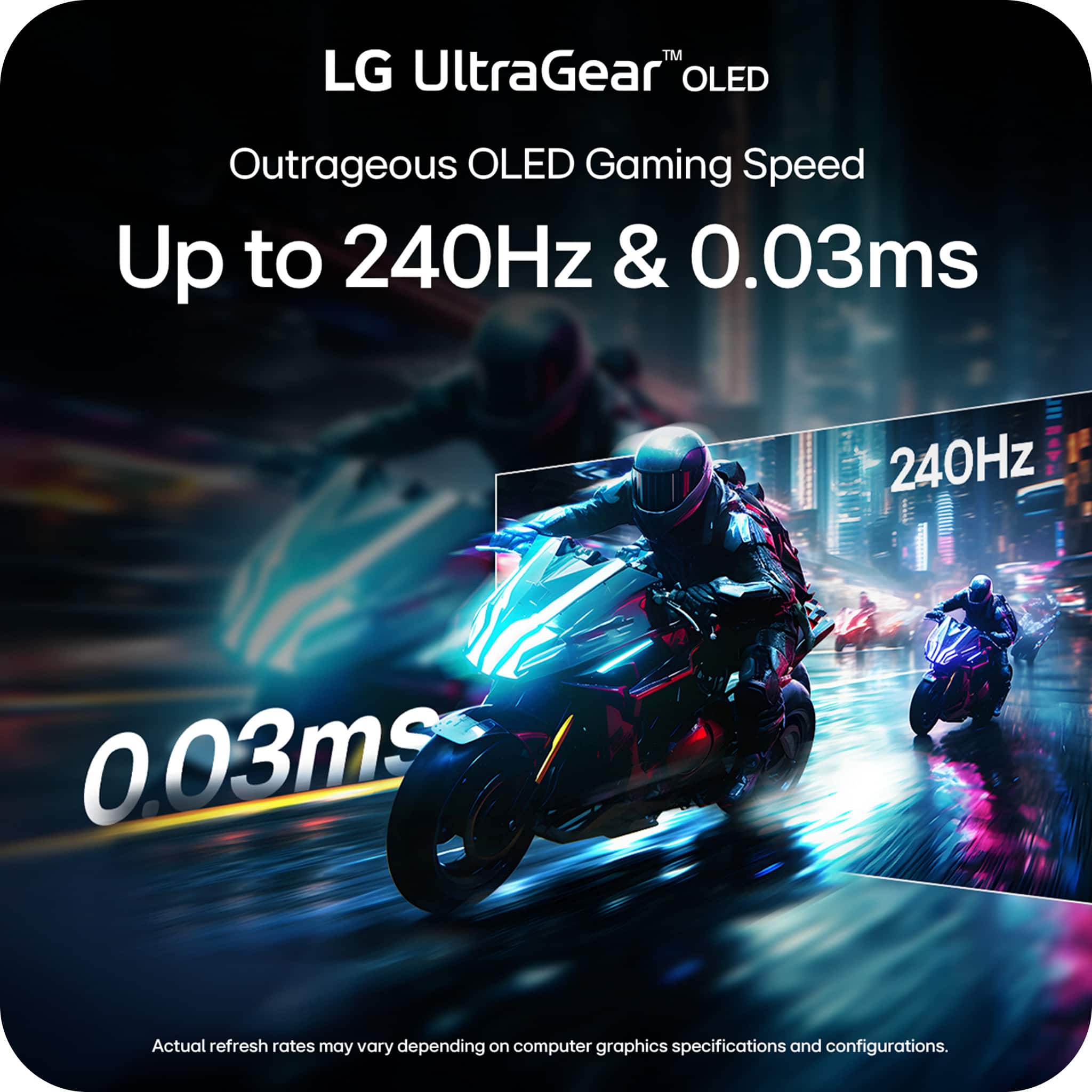
    • Answer This LG monitor boasts a 0.03ms (GtG) response time.
    This question and answer was generated by AI based on customer and product data.
  • QuestionLG says on their website hdmi is 2.1 and bestbuy is saying hdmi 2.0. Which one is it on this model?

    Asked by nogood.

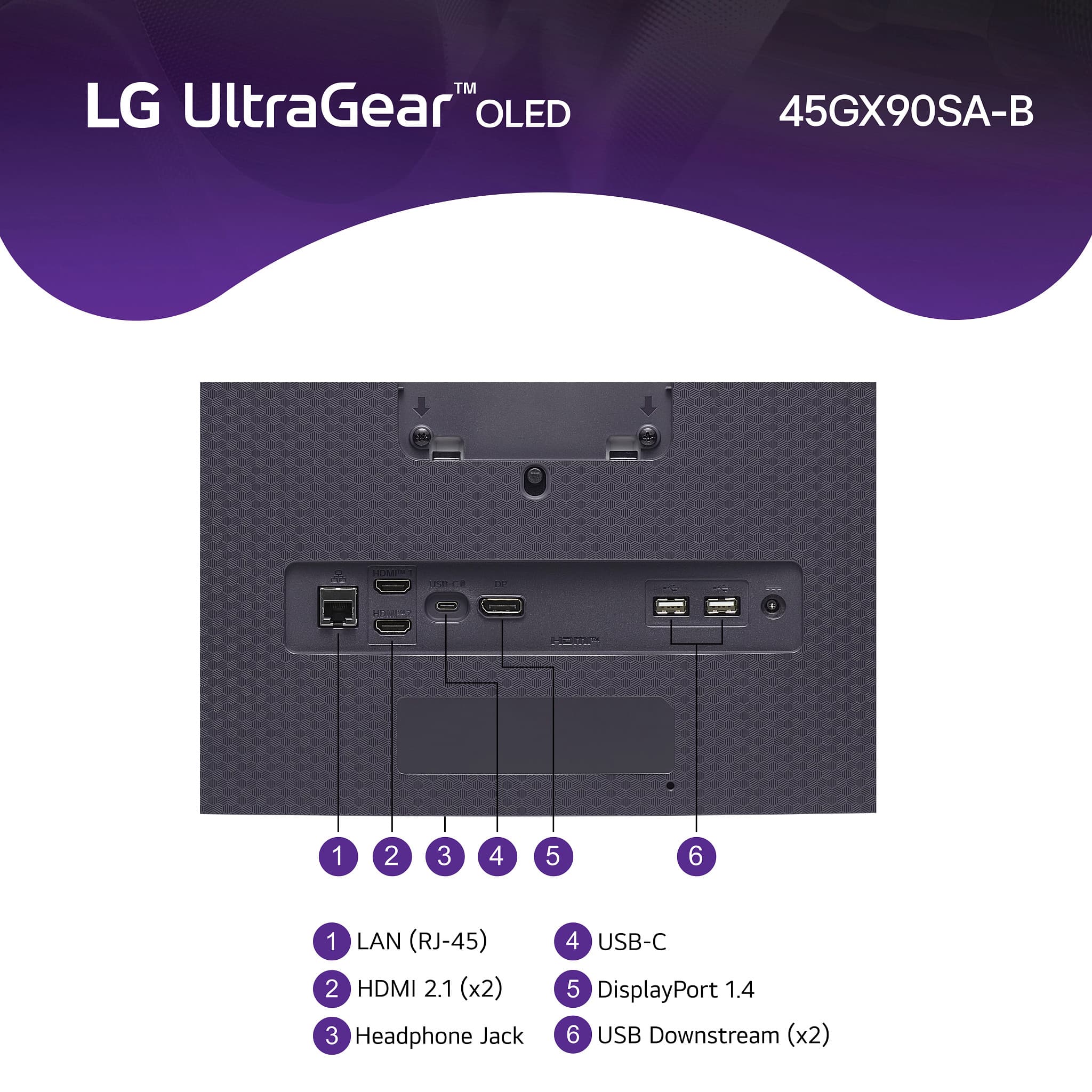
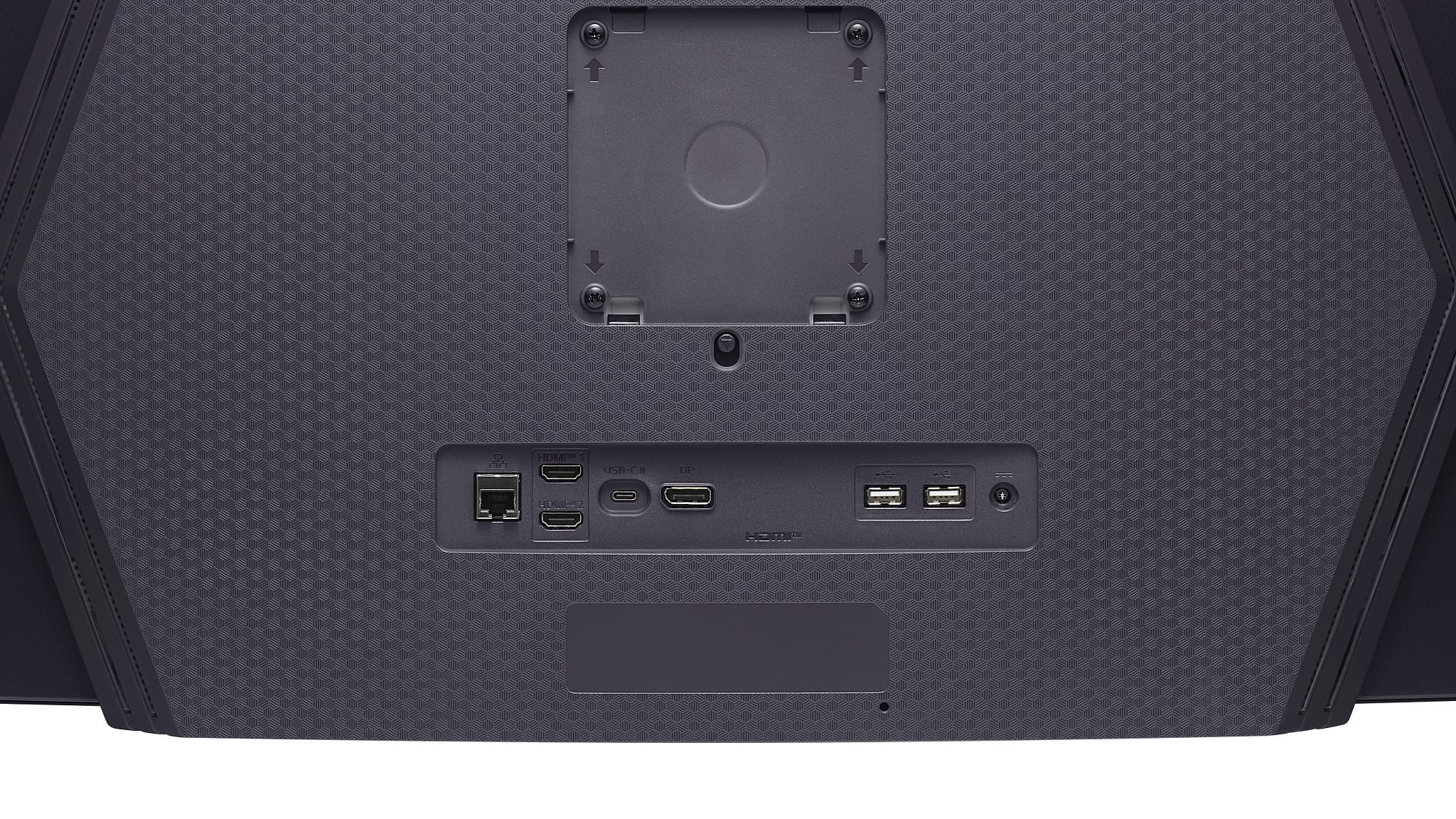
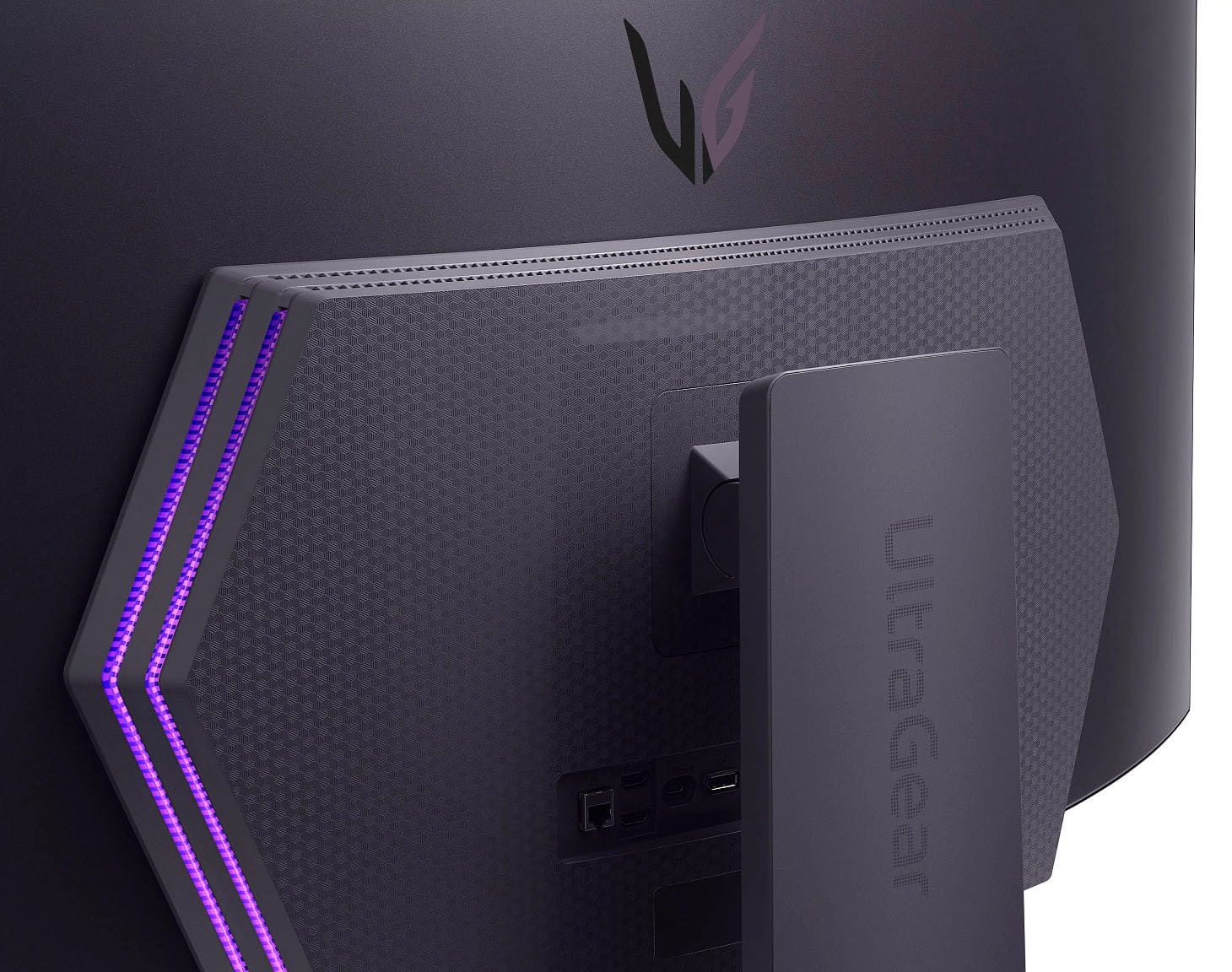
    • Answer The Connectivity specifications on Best Buy are incorrect. The HDMI ports for the LG 45-inch UltraGear™ OLED WQHD 240Hz 0.03ms G-Sync Compatible 800R Curved Gaming Monitor with webOS, Model # 45GX90SA-B are both HDMI 2.1 ports...^Ivan.

      Answered by LG Digital Customer Care

  • QuestionIs there a remote control

    Asked by BC.

    • Answer Yes, it is, but mine was an open-box unit so it didn’t come with one. You can also download the LG ThinQ app on your phone and use that instead it works just as well.

      Answered by CoachQuag

  • QuestionWhat is the purpose of the USB-C cable connection to the PC?

    Asked by FireKnight.

    • Answer Hello there. Thank you for your interest in the LG UltraGear™ OLED Gaming Monitor (Model 45GX900A-B). We understand your inquiry regarding the purpose of the USB-C connection. Based on the specifications for this unit, the USB-C port supports both Data Transmission and Power Delivery up to 65W. This allows you to transfer video and data signals while simultaneously charging a connected device, such as a laptop. https://www.bestbuy.com/product/lg-ultragear-45-oled-qhd-240hz-0-03ms-g-sync-freesync-premium-pro-smart-gaming-monitor-with-displayhdr-400-true-black/JJ8VPZWYXR If you have any further questions about its features, please contact us on lgdigitalcare@lg.sprinklrsupport.com, and our team will be more than happy to assist you. —Renzo

      Answered by LG Digital Customer Care

  • QuestionWhat wall mount is compatible with this screen?

    Asked by Mromero.

    • Answer The LG 45-inch UltraGear™ OLED WQHD 240Hz 0.03ms G-Sync Compatible 800R Curved Gaming Monitor with webOS, Model # 45GX90SA-B, has a 100 x 100 mm VESA Mount Pattern, so any VESA-Compliant Wall Mount, regardless of type, brand, or manufacturer can be used to mount the monitor...^Ivan.

      Answered by LG Digital Customer Care

  • QuestionIs this monitor compatible with the Apple MAC Studio or Mac MINI?

    Asked by RAMbis.

    • Answer Yes, but you have to let Mac control the DPI or you will notice font issues.

      Answered by Realist

  • QuestionWhat is the output of the usb c port ? Wattage ?

    Asked by Dc.

    • Answer The USB Type-C port on the LG 45-inch UltraGear™ OLED WQHD 240Hz 0.03ms G-Sync Compatible 800R Curved Gaming Monitor with webOS, Model # 45GX90SA-B has a Power Delivery of 65W...^Ivan.

      Answered by LG Digital Customer Care

  • QuestionWhy is this monitor listed as both OLED and IPS?

    Asked by Anonymous.

    • Answer The LG 45-inch UltraGear™ OLED WQHD 240Hz 0.03ms G-Sync Compatible 800R Curved Gaming Monitor with webOS, Model # 45GX90SA-B, is an OLED panel. The IPS listing for the panel is incorrect.. Thank you for pointing that out. We will have Best Buy correct the listing...^Ivan.

      Answered by LG Digital Customer Care

  • QuestionWill the full display be used while connecting a PS5 or will the right and left sides of the screen be black?

    Asked by Grim.

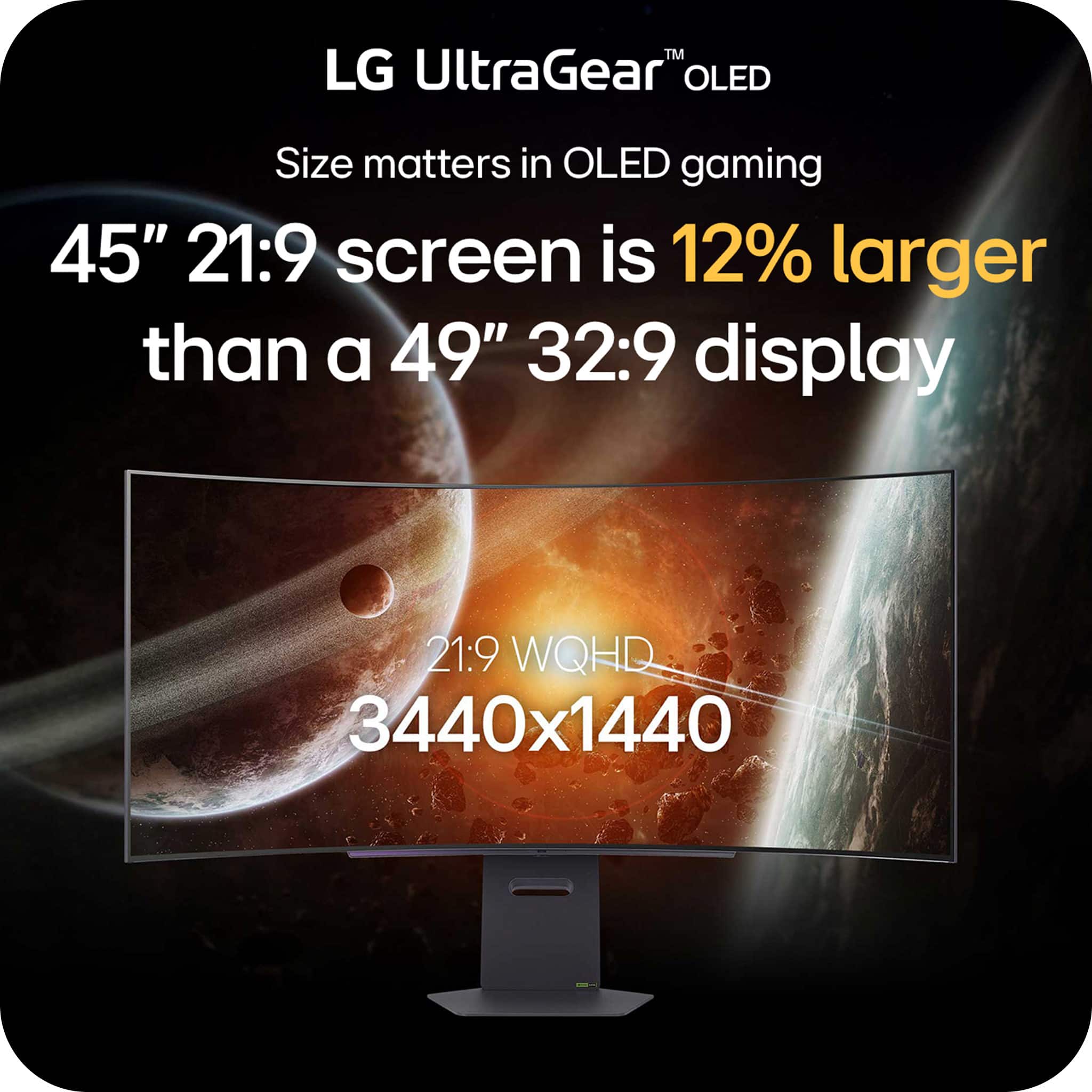
    • Answer The LG 45-inch UltraGear™ OLED WQHD 240Hz 0.03ms G-Sync Compatible 800R Curved Gaming Monitor with webOS, Model # 45GX90SA-B, has a native WQHD (3440 x 1440) resolution, which has a 21:9 Aspect Ratio (i.e., Ultrawide resolution). Your PS5 does not officially or natively support ultrawide (21:9) resolutions. The console is designed for a standard 16:9 aspect ratio. When connected to an ultrawide monitor, the PS5 will typically display a 16:9 image with black bars on the sides (pillarboxing)...^Ivan.

      Answered by LG Digital Customer Care

  • QuestionHow big are the bezels around the monitor

    Asked by Numbah0.

    • Answer 1/4" top and sides. 3/8" at bottom.

      Answered by JohnS

  • QuestionCan i Display My PS5 and PC on split screen?

    Asked by Loor.

    • Answer Split Screen is not the feature that allows you to split a monitor's screen in two so you can view two external video input signal simultaneously. The feature that splits the screen in two so you can view two external video input signals simultaneously is PBP (Picture-by-Picture) which is supported on the LG 45 Inch UltraGear™ OLED WQHD 240Hz 0.03ms G-Sync Compatible 800R Curved Gaming Monitor with webOS, Model # 45GX90SA-B...^Ivan.

      Answered by LG Digital Customer Care

  • QuestionHow do I adjust the brightness of my monitor? And is there a remote that should have come with my purchase? I purchased it at Best Buy Vallejo on Monday.

    Asked by Anonymous.

    • Answer The LG UltraGear™ 45" OLED QHD 240Hz 0.03ms G-Sync/FreeSync™ Premium Pro Smart Gaming Monitor with DisplayHDR™ 400 TRUE - Black, Model # 45GX90SA-B, comes with a remote control included in the package. It is designed to navigate the webOS smart features and monitor settings, which can also be controlled via the joystick or the LG ThinQ app. Please refer to the 'Starting Monitor' instructions on page 15 in the owner's manual, which has an illustrated diagram showing where the joystick button is, and has instructions showing how to use it to access the menu where you can adjust the brightness settings. As mentioned previously, you can also download and install the LG ThinQ® app on your smartphone and control the monitor through the app...^Ivan.

      Answered by LG Digital Customer Care

  • QuestionWhat type of PC do I need to connect this monitor, or will just any PC work to get the best results?

    Asked by Yuli.

    • Answer Hello there, Yuli! Thank you for sharing your question to us about the LG Monitor (45GX90SA). It’s great that you’re checking what type of PC will help you get the best experience with the 45GX90SA‑B. This monitor can connect to a wide range of PCs, but to take full advantage of its performance—especially its high resolution and refresh capabilities—you’ll want a system with a strong graphics card, modern CPU, and ports that match the monitor’s inputs (such as HDMI or DisplayPort). You can explore the full feature list and support details here: https://www.bestbuy.com/product/lg-ultragear-45-oled-qhd-240hz-0-03ms-g-sync-freesync-premium-pro-smart-gaming-monitor-with-displayhdr-400-true-black/JJ8VPZWYXR. If you need further assistance, please feel free to email us at lgdigitalcare@lg.sprinklrsupport.com. - Avril

      Answered by LG Digital Customer Care

  • QuestionUpdating the firmware? Is this done through the webos menus? Or does that only update the webos software and not the monitor firmware.. kinda confused about this..

    Asked by snackdizzle.

    • Answer The firmware updates for the LG 45-inch UltraGear™ OLED WQHD 240Hz 0.03ms G-Sync Compatible 800R Curved Gaming Monitor with webOS, Model # 45GX90SA-B, delivered over-the-air (OTA) via webOS or through USB, update both the underlying monitor operating system and the hardware firmware...^Ivan.

      Answered by LG Digital Customer Care