A:AnswerI'm using this product on a desktop with Linux Mint as the OS. The 270 is "Plug & Ply" ie no drivers required. You may need to install/run a separate application to enable the 270 to "do its thing". No administrative were required with Linux. Based on previous years of microsoft use; unless the system administrator limited your user privileges, you shouldn't need adm. rights. I do know that big blue especially with Win 10 will tell you the user that you don't have administrative rights to do things with the computer that you own and administer yourself; but that shouldn't be the case with the logitech 270. Hope this helps.
A:AnswerEvery smartphone I have seen includes a webcam, but the cheaper models just have it on the back of the phone. See if your phone also has a 'forward facing' camera - this would give you full webcam functionality.
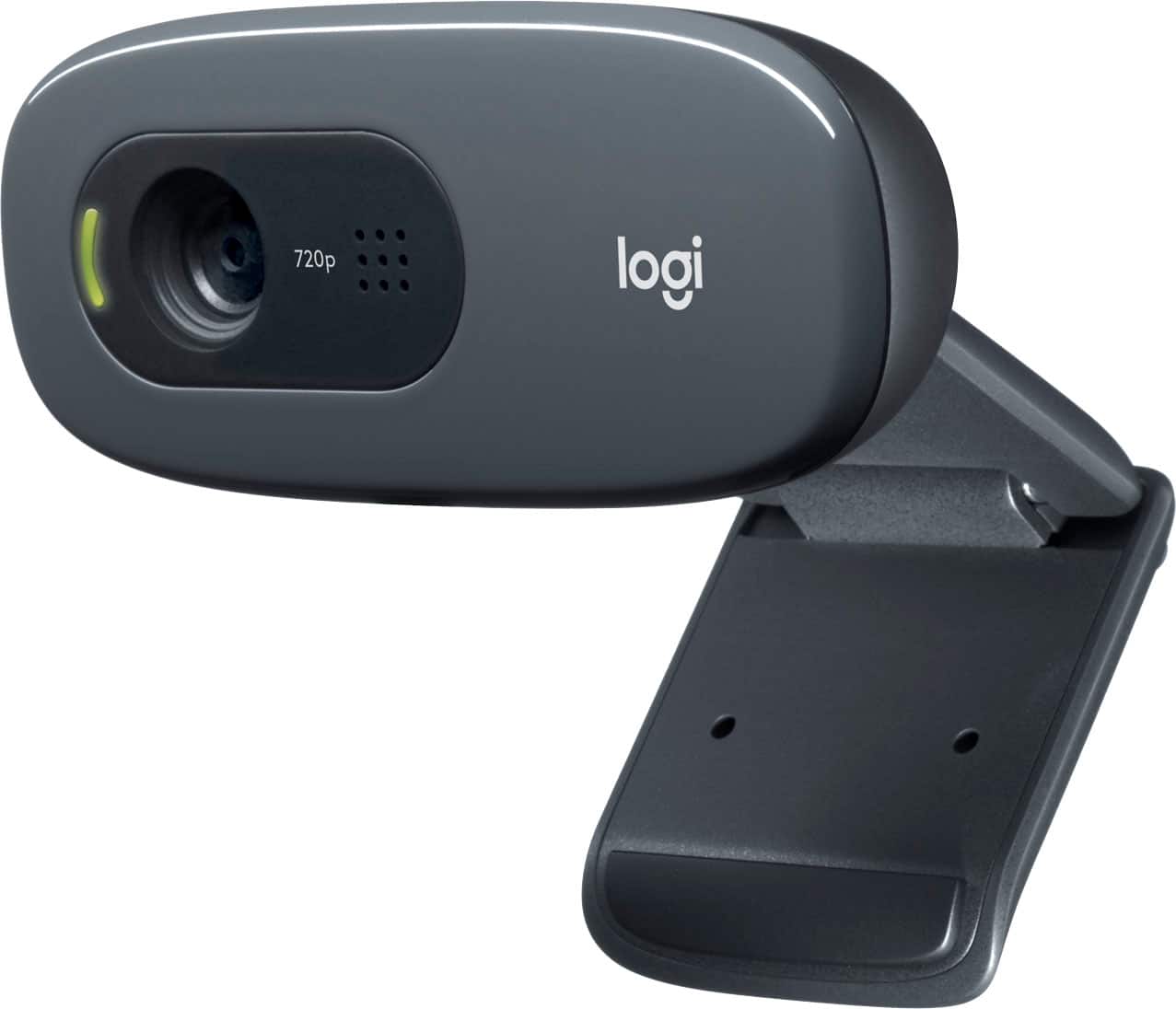
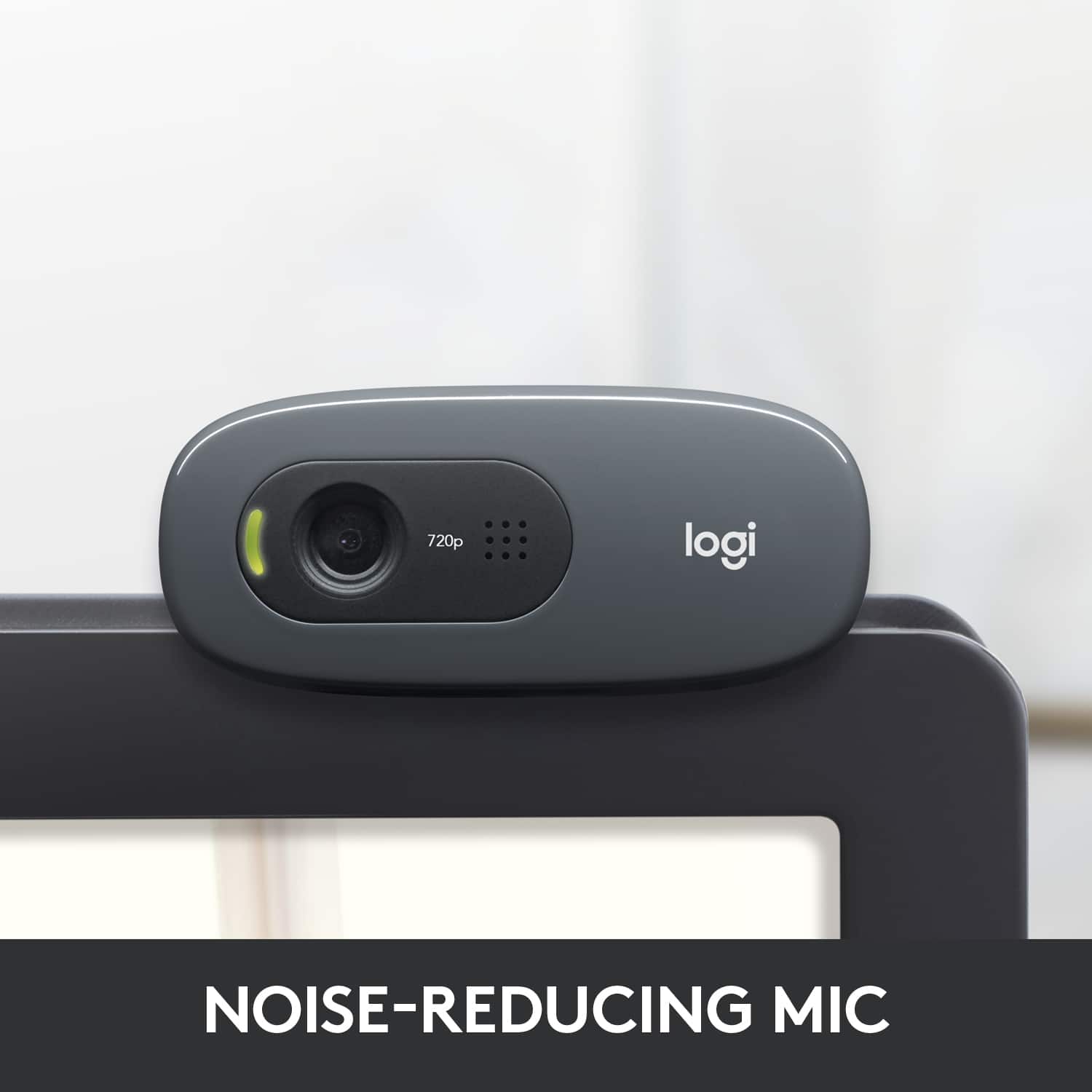
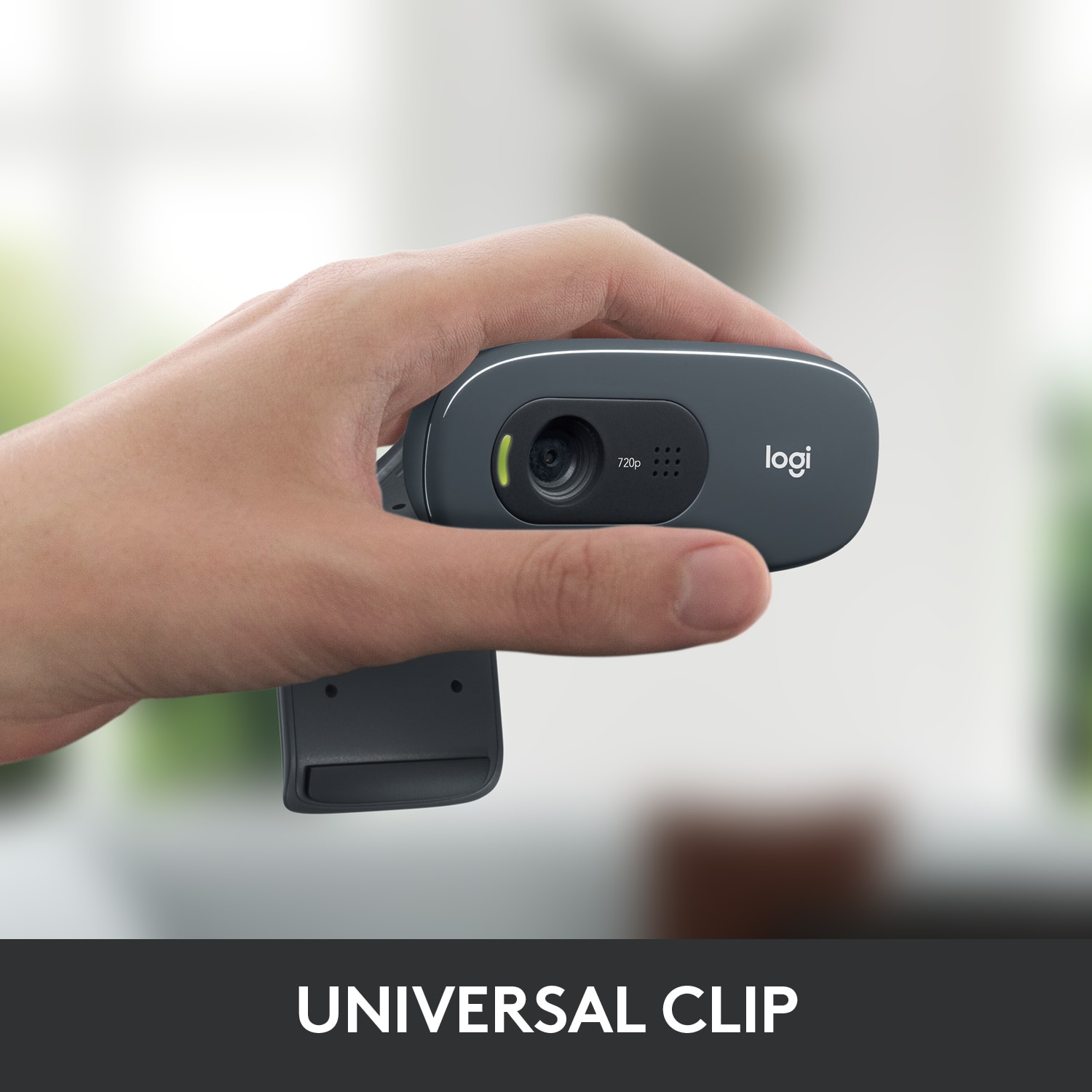
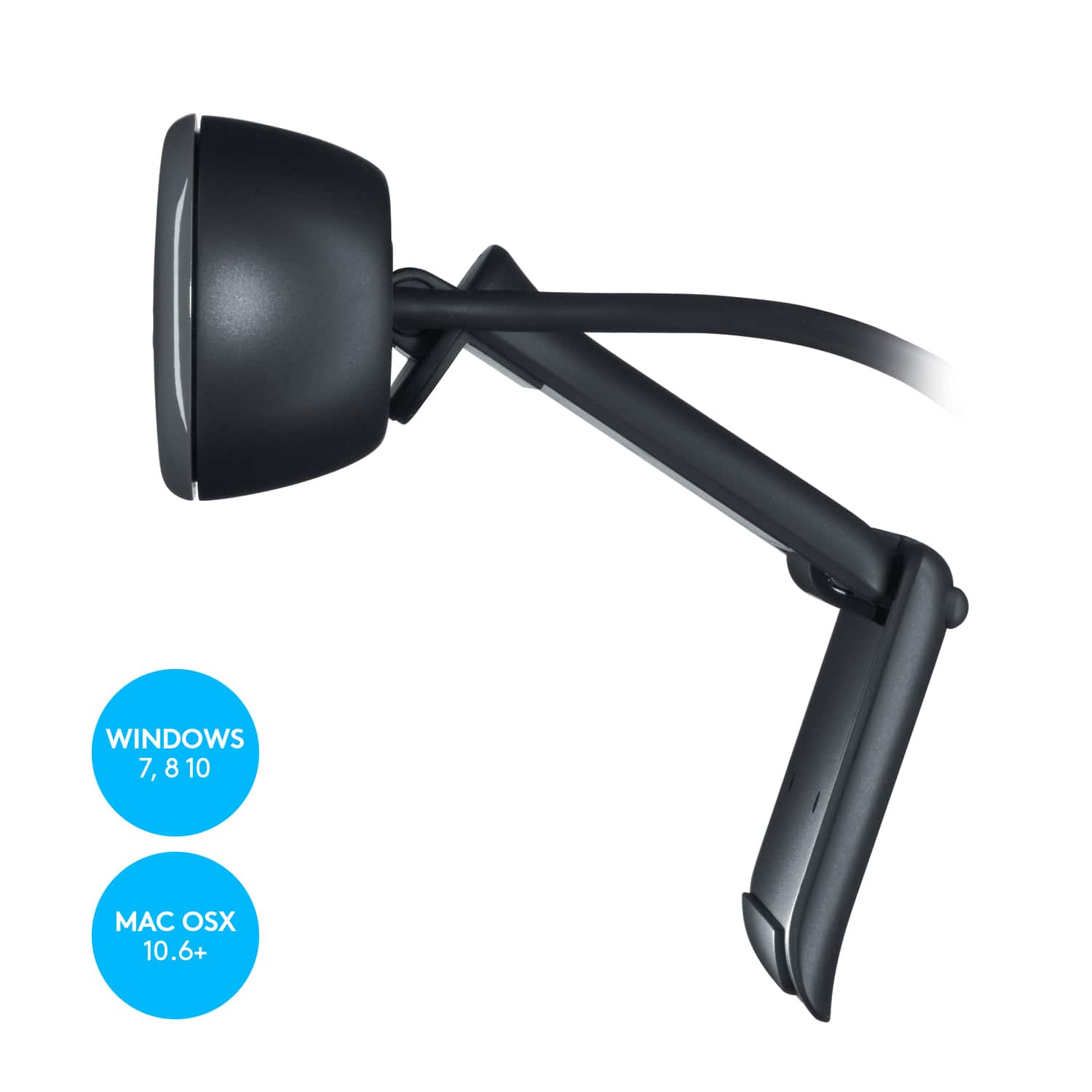
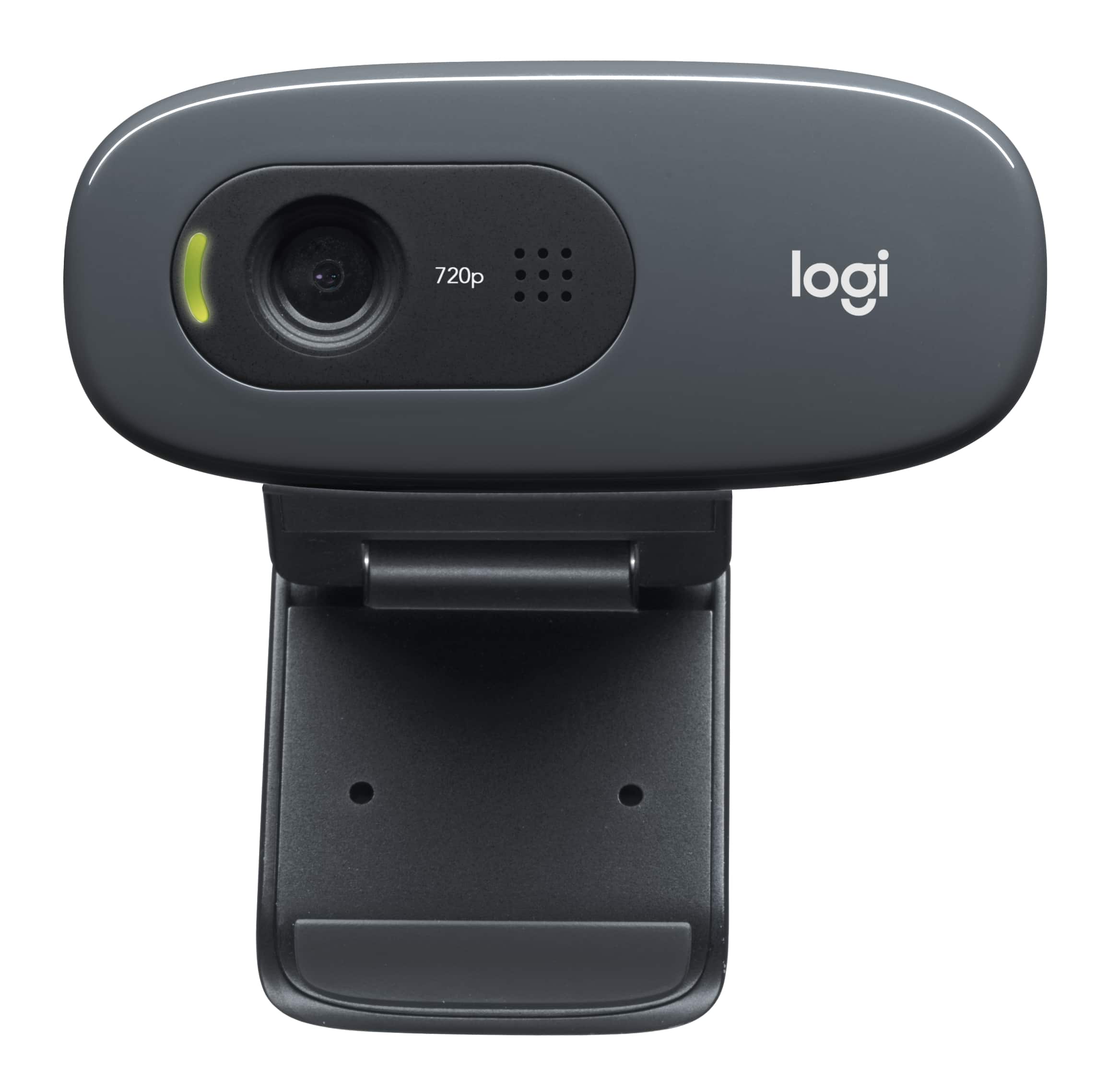
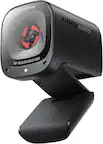
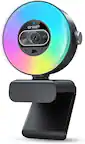
A:Answerit doesn't attach per se. It sits atop the monitor. It has a lip on the bottom of the camera and and arm that rotates out so that you can prop it up on the top. it sits securely once there.
A:AnswerI doubt if any webcam will work on any TV with a USB port.
The USB ports are designed to only play audio, vide and SOME photo formats.
I have never seen the feature of live showing a video feed on a TV