Early Black Friday DealsNew Doorbusters every Friday.Shop now

Main Content

Questions & Answers

Page Showing 41-60 of 124 questions
  • QuestionWill the tv volume still work while bluetooh to my hearing aids. I want to be able to Bluetooth to my hearing aids while the wife just watches and listened regularly

    Asked by Doug.

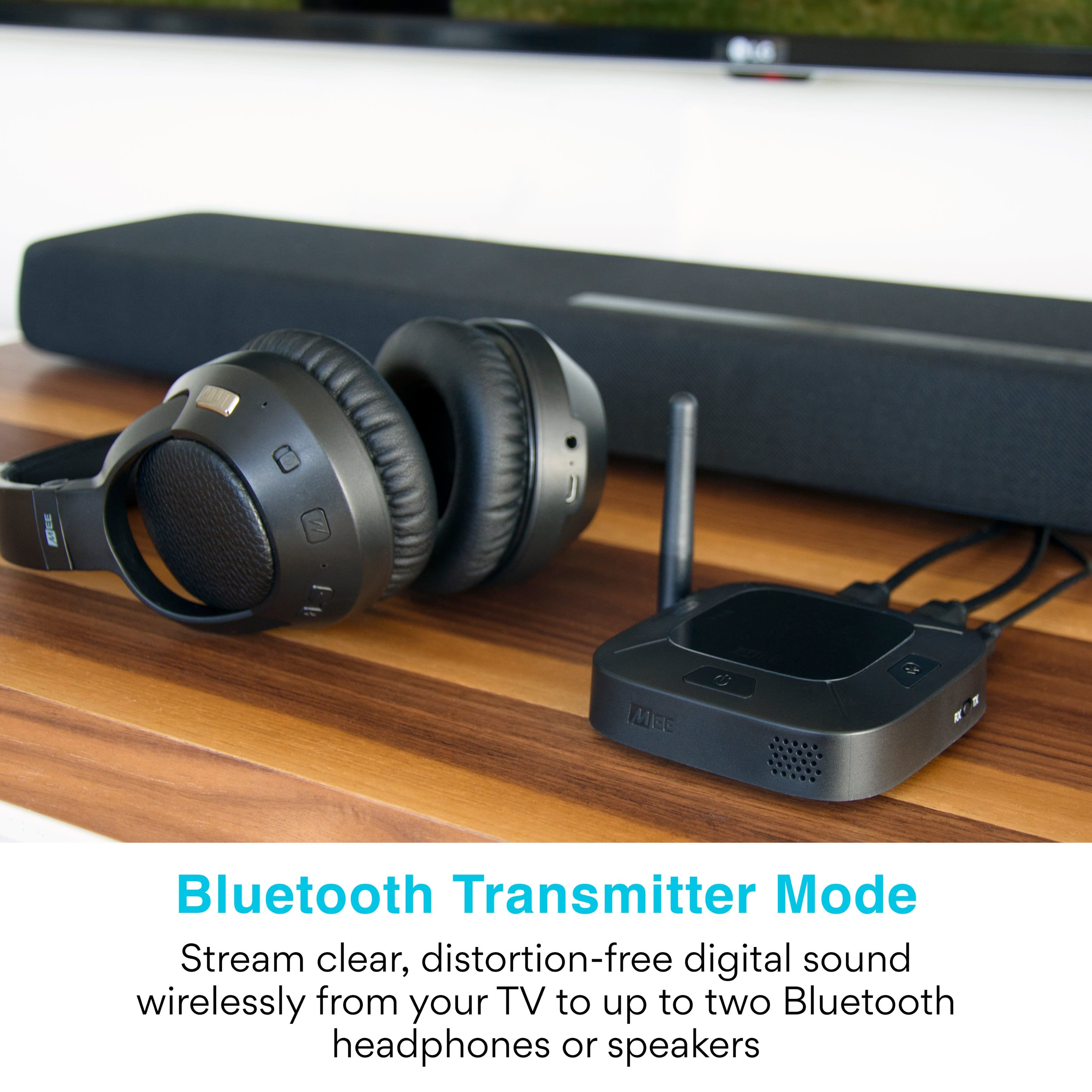
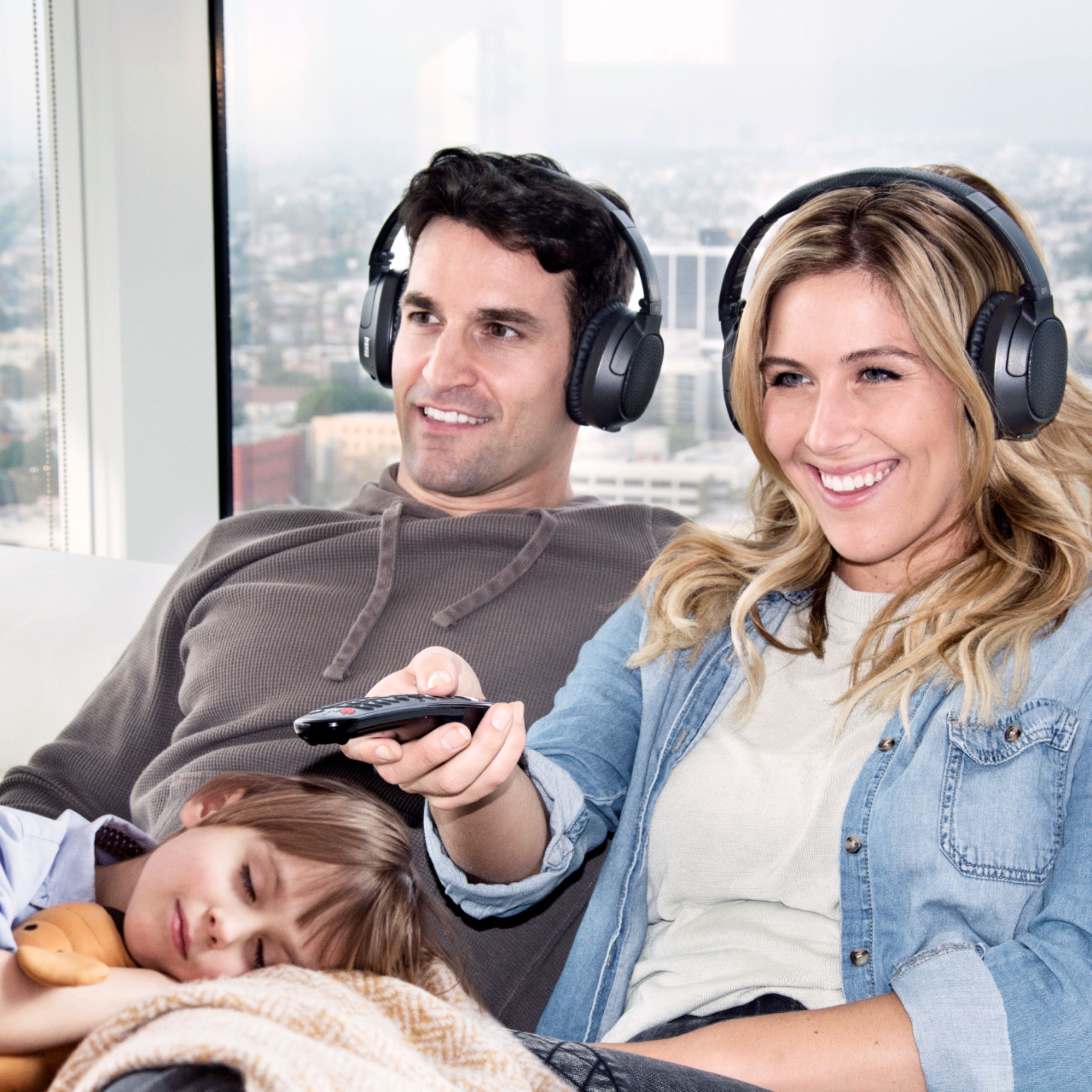
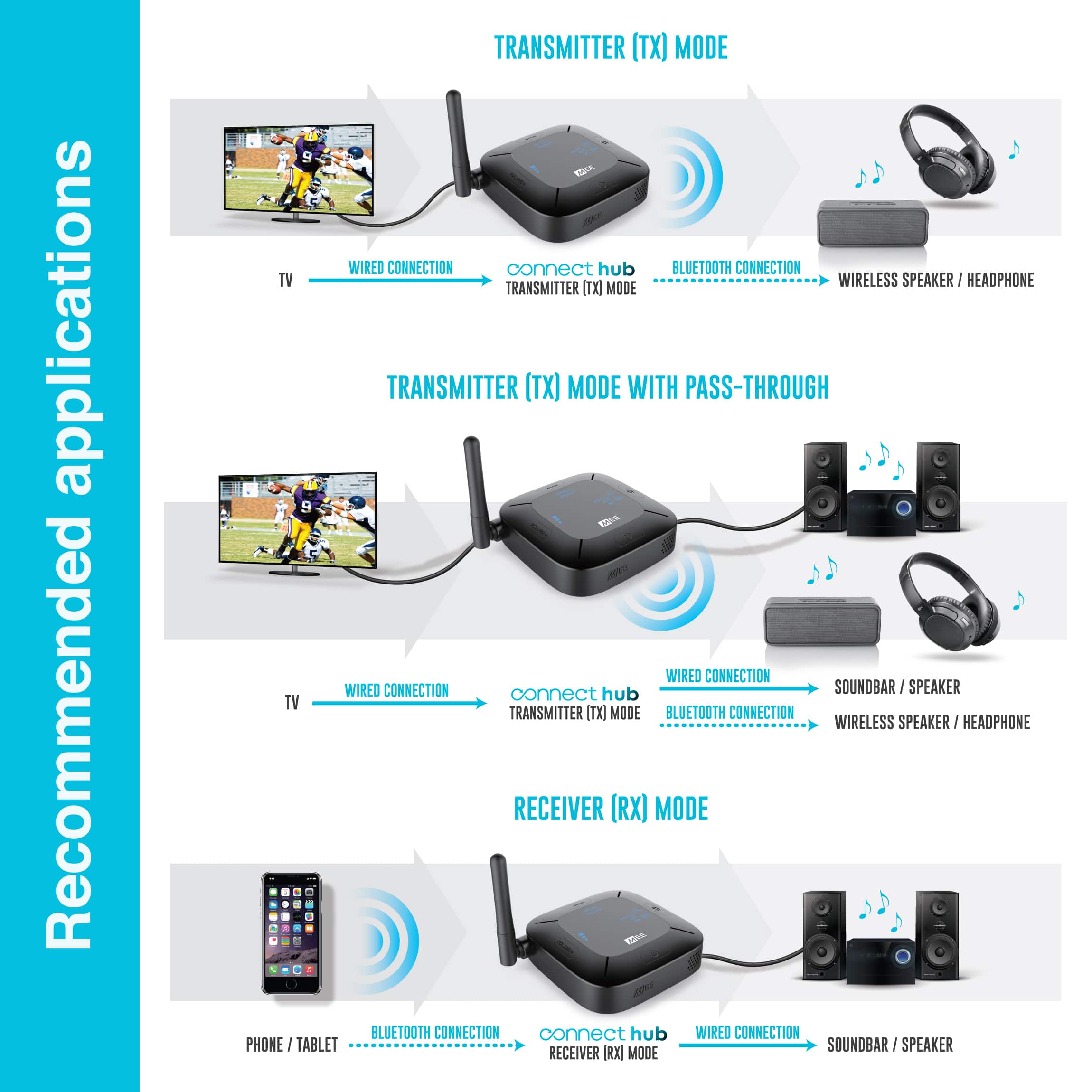
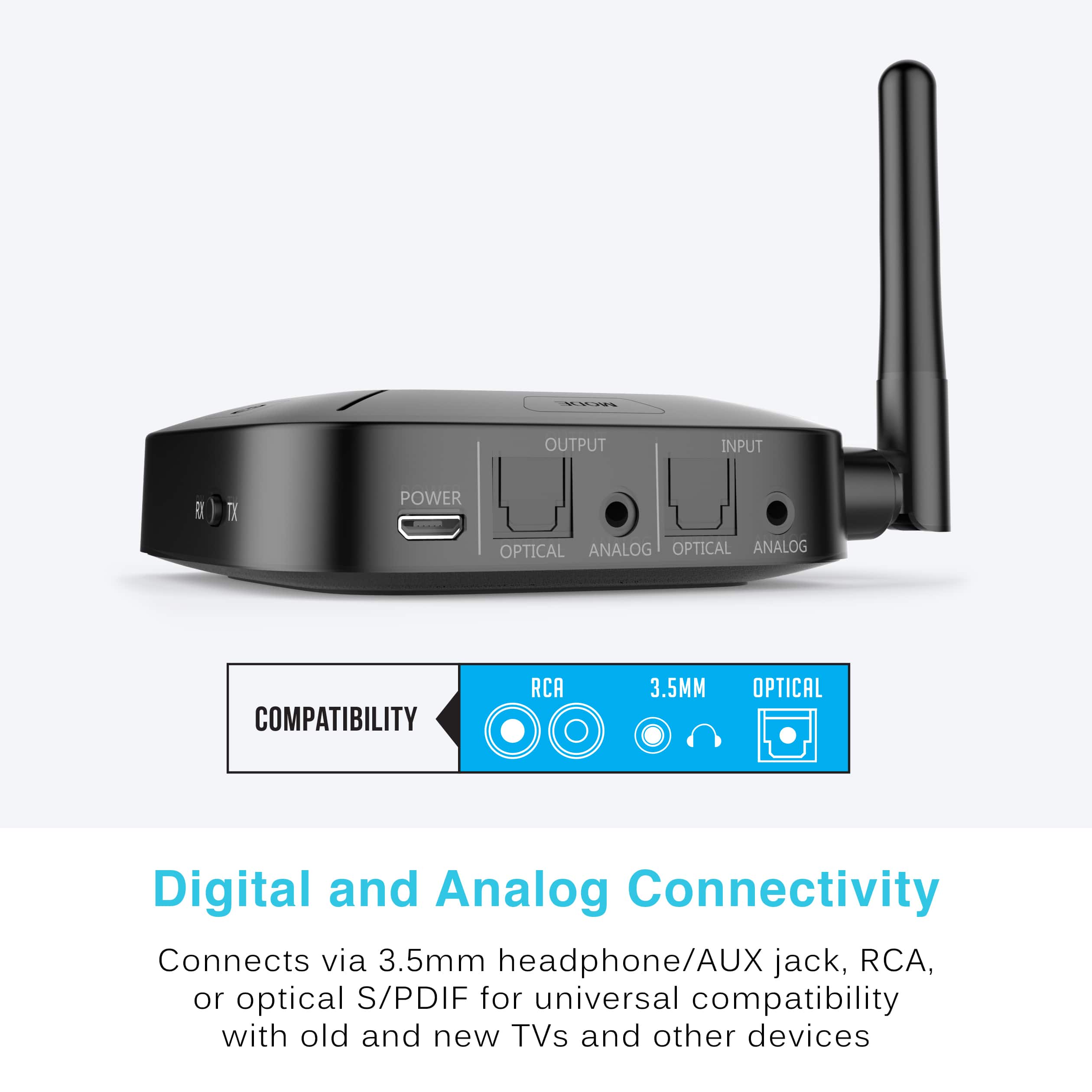
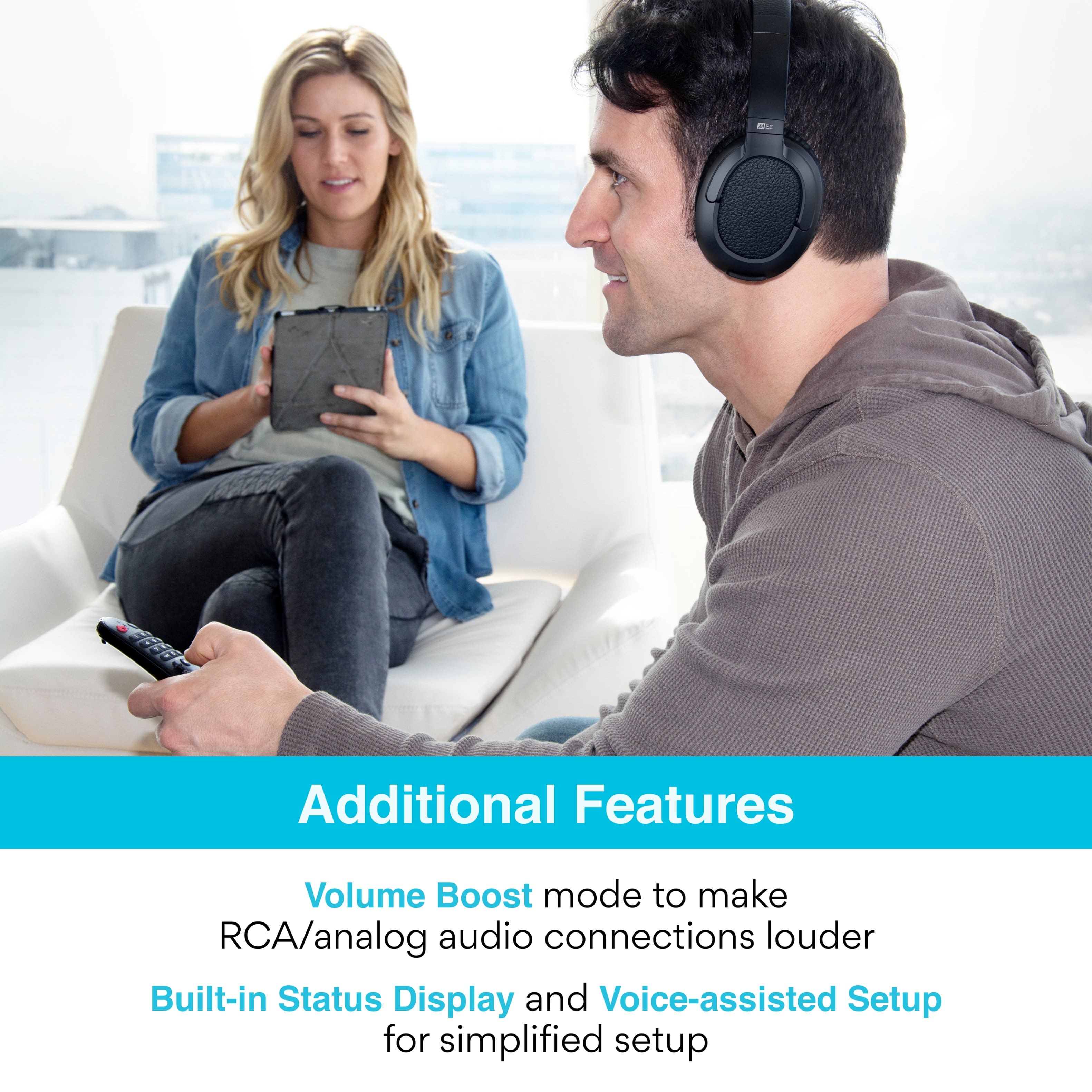
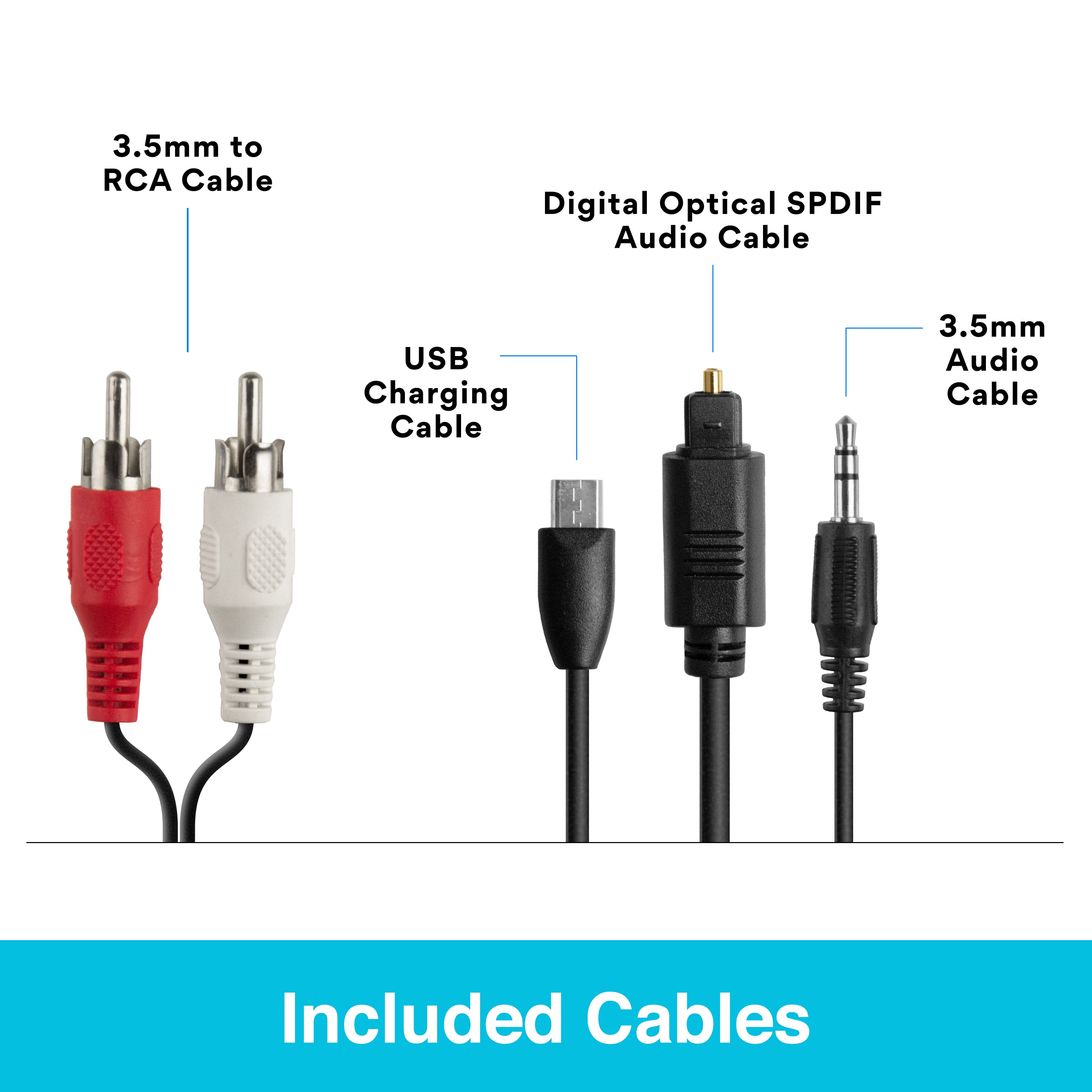
    • Answer Yes, depending on the type of audio output your TV has, you can still hear sound through your TV's speakers while this device is connected via Bluetooth. Namely, if your TV has a digital optical audio output (also known as a TOSLINK or Optical S/PDIF connection), then you will be able to use this device with Bluetooth headphones AND hear the TV's built-in speakers simultaneously, so others can still listen to the TV without headphones. If your TV does not have an optical audio output but has red/white RCA "audio out" connectors, then it varies depending on TV make/model. Some TVs will have a setting in the audio menu that will allow you to enable the TV speakers while also using the RCA audio output. If your TV only has a headphone jack, then your TV will likely mute the built-in speakers when you plug this device in, which means others won't be able to listen. Regarding hearing aids, please make sure 1) they support the A2DP Bluetooth profile and 2) they can be put into Bluetooth pairing mode manually, without the use of an app. You will need both of these to be true in order to use your hearing aids with a Bluetooth transmitter/streamer. The manufacturer of your hearing aids will be able to provide the answers to these questions if you no longer have the user manual for them.
      Answered by MEE audio Support

  • QuestionWill this allow me to listen thru Bluetooth earbuds connected thru Firestick and still hear the tv speakers? Samsung tv but does not have Bluetooth so use the firestick which works for earbuds but no sound in the room

    Asked by Mpete.

    • Answer We have a Sony and it allows 2 pair of headphones and the tv

      Answered by JohnW

  • QuestionAre the Sony WH-CH520 Bluetooth headphones compatible with the MEE Connect Hub? For some reason I can't get them to pair.

    Asked by Chris.

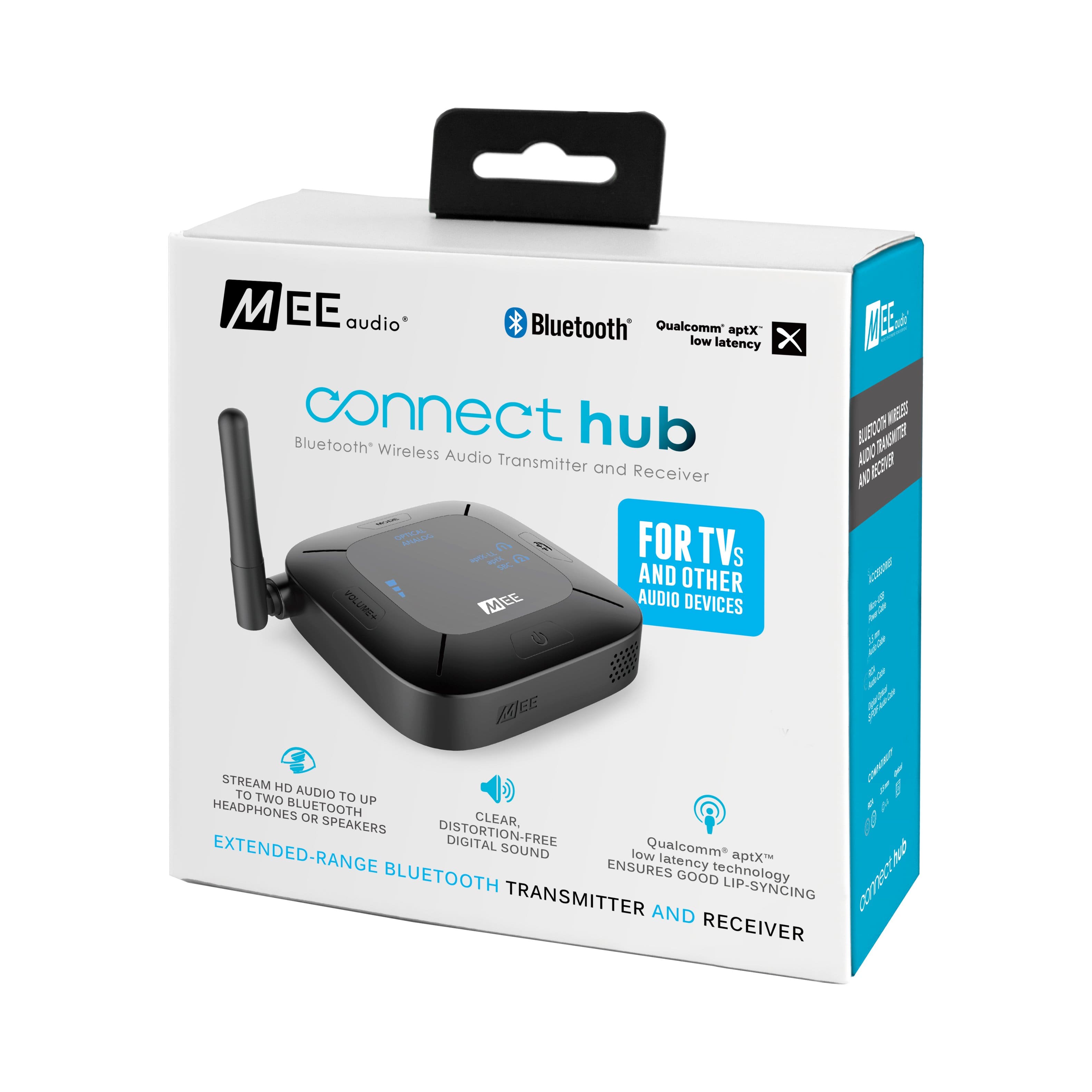
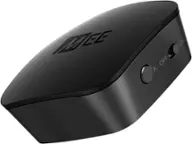
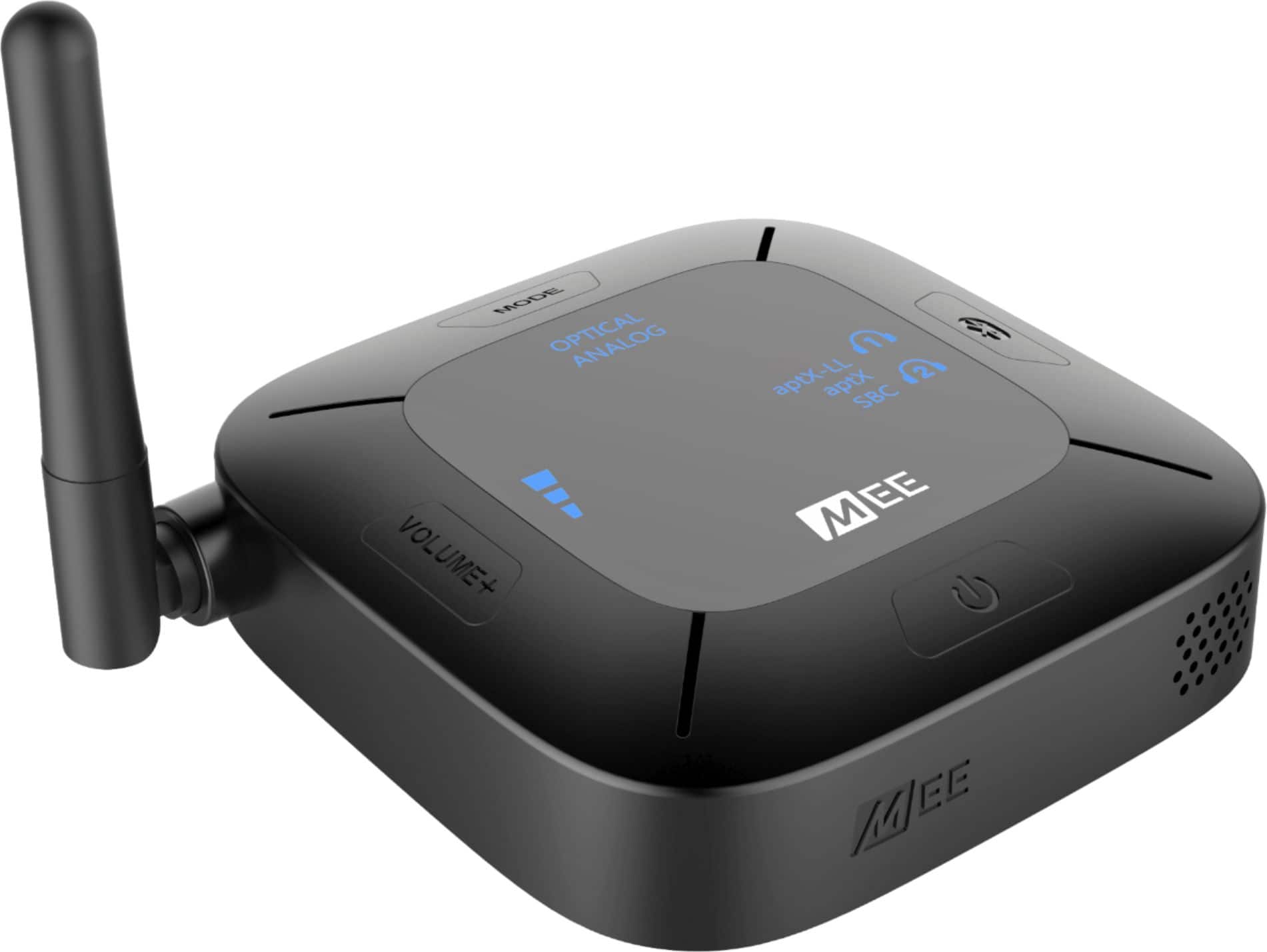
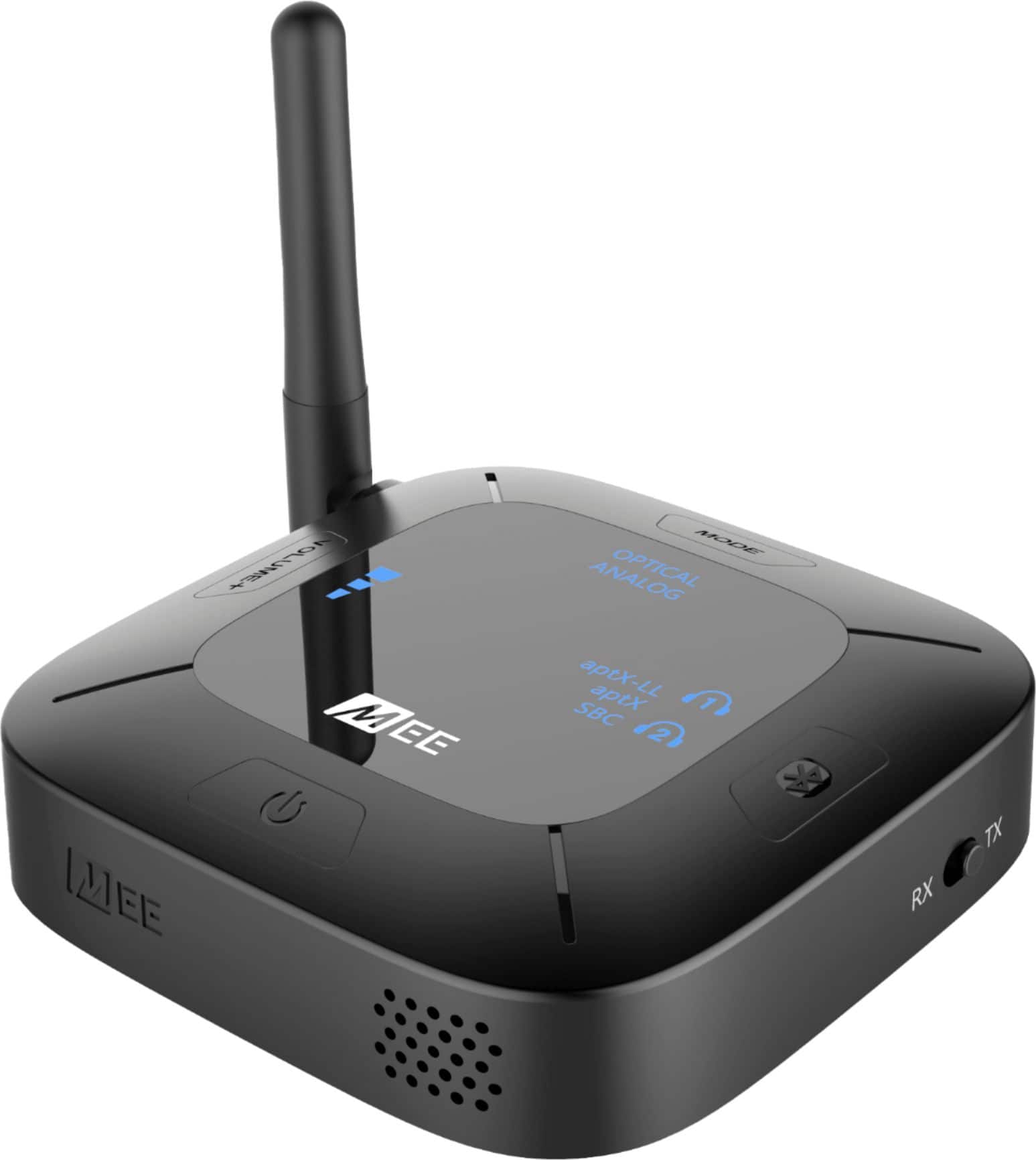
    • Answer The WH-CH520s appear to be Bluetooth headphones, so they are compatible. If you are having trouble pairing, we recommend double-checking the user manual of the headphones to make sure you are putting them into Bluetooth pairing mode and also checking that the switch on the side of your Connect Hub is in transmitter (TX) mode. We also recommend temporarily disabling Bluetooth functionality on any other devices that you have paired to these headphones (such as your phone/tablet) and resetting the Connect Hub to its factory settings by holding the MODE button for 5 seconds when the unit is powered on and in TX mode. If you still have trouble connecting your Bluetooth headphones after this step, please give us a call on our support line at 626-965-1008 (9am-5pm PST M-F) and we can help troubleshoot your specific setup.

      Answered by MEE audio Support

  • QuestionI have several high end hifi stereo receivers.Currently have a auris Bluetooth device that is on one of my receivers, I would like to add several more receivers with the same set so everything plays all at one time.Will this work, how many can be used

    Asked by Hifiaudioguy0527.

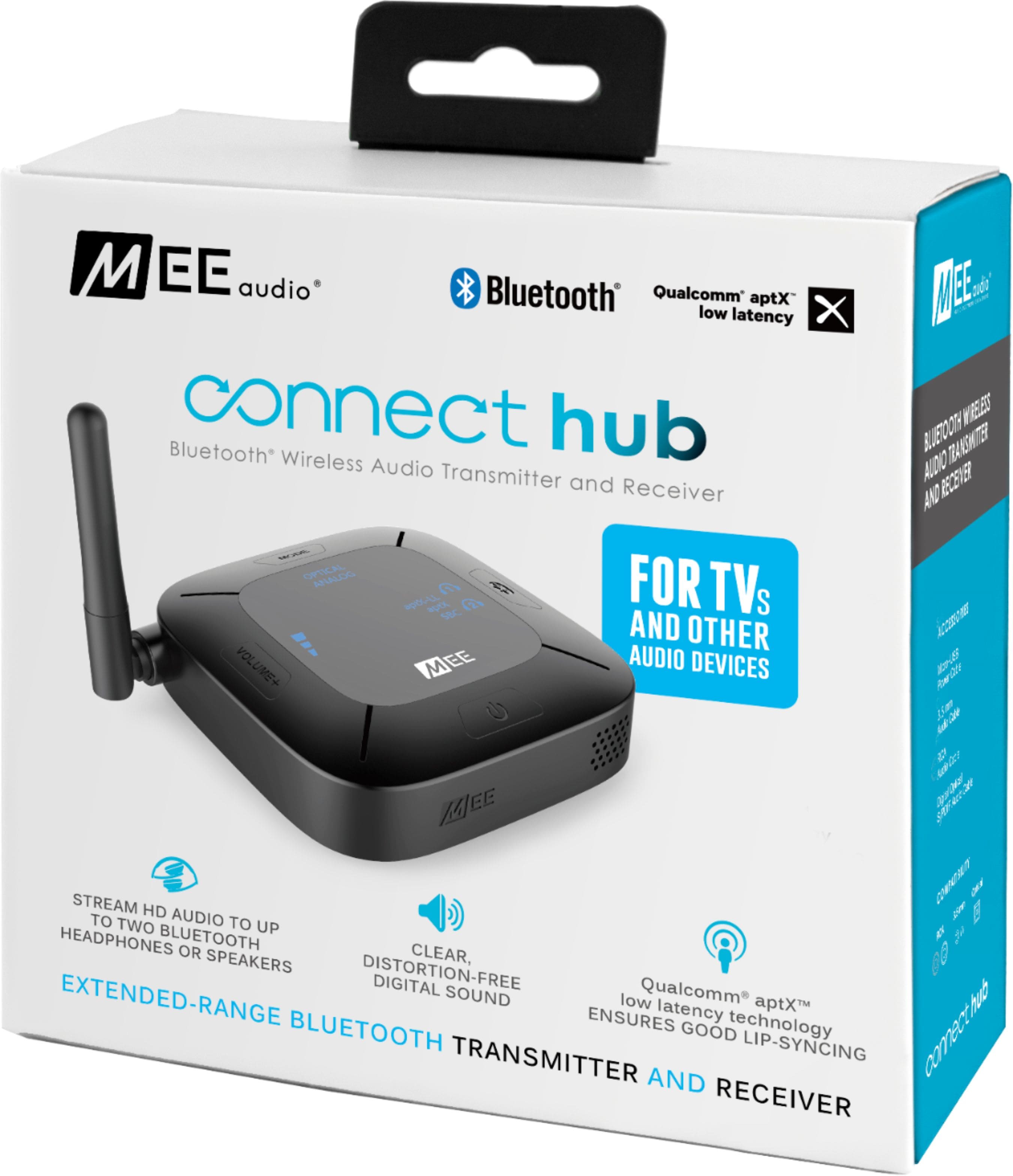
    • Answer This device will work as a Bluetooth receiver, same as your other Bluetooth receiver. However, streaming to multiple Bluetooth devices at a time is generally limited to 2. So if your plan is to use one of these devices as a transmitter, then you can use 2 of them as receivers connected to the same transmitter.

      Answered by MEE audio Support

  • QuestionCan I use this with headphones and still have regular audio from the tv for others. I am hard of hearing

    Asked by Rich.

    • Answer Yes, depending on the type of audio output your TV has: Optical: If your TV has a digital optical audio output (also known as a TOSLINK or Optical S/PDIF connection), then yes, you will be able to use this device with Bluetooth headphones AND hear the TV's built-in speakers simultaneously, so others can still listen to the TV without headphones. This is the most common. RCA: If your TV has red/white RCA "audio out" connectors, then it varies depending on TV make/model. Some TVs will have a setting in the audio menu that will allow you to enable the TV speakers while also using the RCA audio output. 3.5mm headphone jack: If your TV only has a headphone jack, then your TV will likely mute the built-in speakers when you plug this device in, which means others won't be able to listen.

      Answered by MEE audio Support

  • QuestionI have Relate Hearing aids that are bluetooth capable. Will this unit be capable of sending the tv sound to these hearing aids

    Asked by Mike.

    • Answer This product will work only with hearing aids that support a standard Bluetooth stereo audio connection (known as the A2DP Bluetooth profile) and are designed to be paired with regular Bluetooth audio sources without the use of an app or an additional Bluetooth accessory. There is a lot of variation between different brands of hearing aids and even different models from the same brand, so we always recommend contacting the manufacturer of your hearing aids with the exact model number of the hearing aids you are using and asking the following two questions: 1) Whether the specific model of hearing aids you are using supports stereo audio over Bluetooth (the A2DP Bluetooth profile) 2) Whether the specific model of hearing aids you are using can be put into Bluetooth pairing mode without the use of an app, and what the process is for putting it into pairing mode. If the answer to both of those questions is "yes", then you will be able to use your hearing aids with a Connect Bluetooth transmitter by first putting the hearing aids into Bluetooth pairing mode per the process in question (2) above, and then putting the Connect transmitter into pairing mode at the same time. Please note that there are some hearing aids that support Bluetooth but require specialized software (for an example an app, or MFI technology) to pair. These hearing aids are not compatible with the Connect because they cannot be paired to screen-less Bluetooth devices. Only hearing aids that support A2DP and have an independent Bluetooth pairing mode (like a headphone does) will be able to be connected.

      Answered by MEE audio Support

  • QuestionI have an old-school DVD player in my camper, that has inputs for coax stereo headphone audio cable ("Walkman" size). Will this connect to that, so that the DVD player will broadcast to my bluetooth headphones?

    Asked by Stan.

    • Answer Your DVD player would have to have outputs, not inputs, that send out stereo audio. Either a 3.5mm standard stereo headphone jack, or the red/white RCA audio outputs. They must be outputs - that's the only requirement - since you are extracting the audio from your DVD player and sending it to the Bluetooth headphones using this device.

      Answered by MEE audio Support

  • QuestionCan I use my Apple AirPod max with this

    Asked by Minkert.

    • Answer Yes, you can use AirPods Max.

      Answered by MEE audio Support

  • QuestionWill this device allow me to connect 2 separate Bluetooth systems (JBL sound bar and a soundstage system) together and be played simultaneously and control with a single device (iPhone or laptop)

    Asked by Curious.

    • Answer This product allows you to connect two Bluetooth audio devices to one wired audio output. For example, you can plug this device into the headphone jack on your laptop with a wire, then pair two Bluetooth speakers to this device and stream the audio from your laptop to both of those speakers. You cannot connect this device to an iPhone (or laptop or any other device) via Bluetooth and then also use Bluetooth speakers - it would need to be plugged into your iPod using a wire and the appropriate iPhone adapter.

      Answered by MEE audio Support

  • QuestionDevice not picking up second headset. Worked one day and the next stopped.

    Asked by Tim.

    • Answer The link has to be re-established every time either of the devices is powered off.

      Answered by Walt

  • QuestionCan this transmitter work for 20 Bluetooth headset at once?

    Asked by MovieNight.

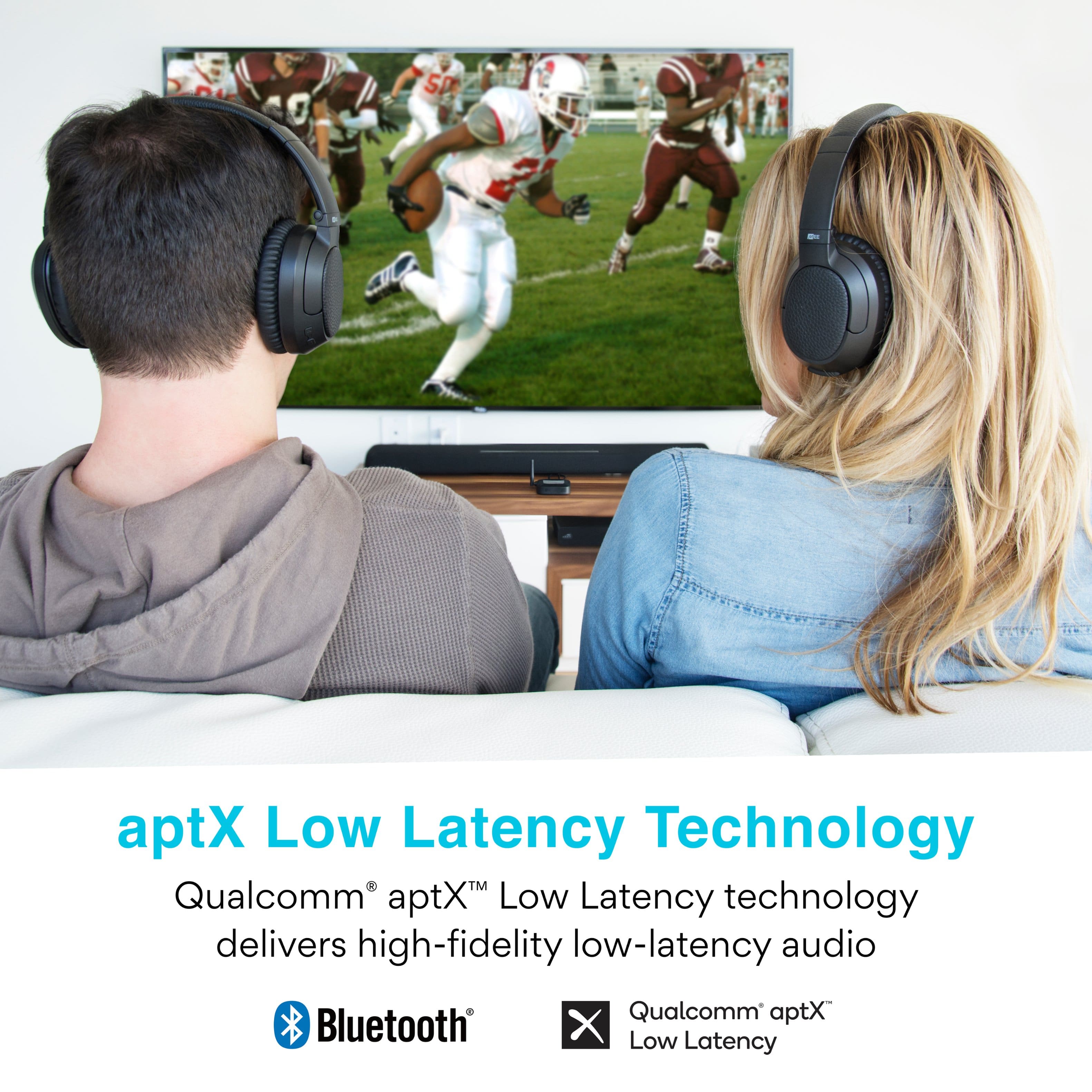
    • Answer No, at this time Bluetooth only supports two simultaneous connections for a transmitter. So you would be able to use either one or two headsets with this transmitter.

      Answered by MEE audio Support

  • QuestionDoes this allow you to enter a bluetooth pin?

    Asked by Dan.

    • Answer No, this device assumes the standard/default Bluetooth pin of 0000 when pairing

      Answered by MEE audio Support

  • QuestionThe indicator light is flashing red only and it won't go into pairing mode. I tried removing the power codes while holding down the power button then plugging it back int but it didn't do anything and I can't connect to my blue tooth speaker.

    Asked by LisaS.

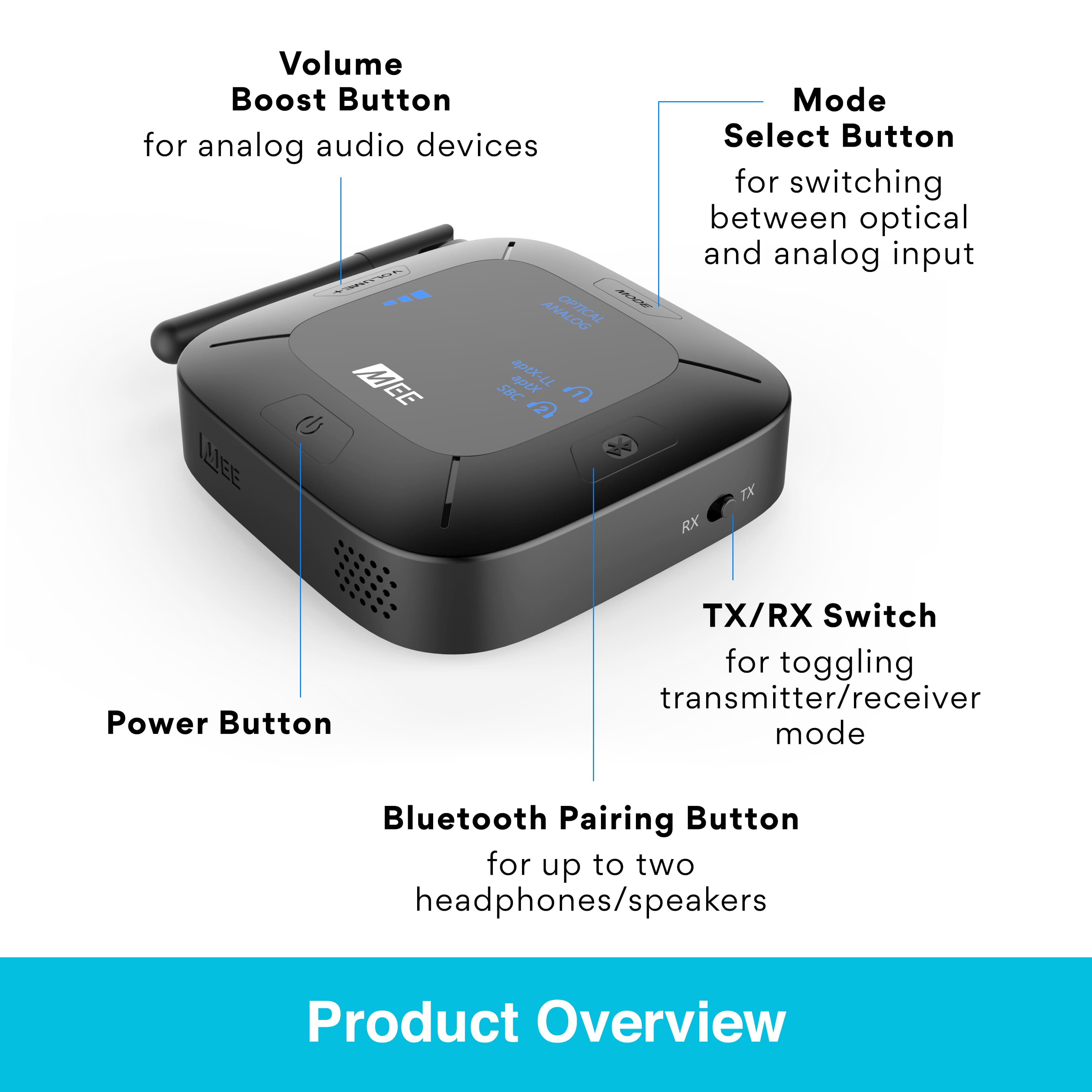
    • Answer Please also make sure that the switch on the side of the Connect Hub transmitter is set to "TX" if you are pairing this device with a Bluetooth speaker, then perform a factory reset by holding the MODE button for approximately 5 seconds until you hear a voice prompt say "memory cleared". You should then be able to pair your Bluetooth speaker (you will need to put the speaker in pairing mode at the same time as the Connect Hub transmitter - please consult the user manual of your Bluetooth speaker for the pairing process). If you continue to have issues with the pairing process or need any other assistance, please contact the MEE audio support department at 626-965-1008 M-F 9AM-5PM PST or at [email protected] so that we can assist you with additional troubleshooting.

      Answered by MEE audio Support

  • QuestionHow can you pair this device to IPod earbuds?

    Asked by Bob.

    • Answer For pairing Apple AirPods, the process would be as follows: 1) Put your AirPods into pairing mode by holding the power button on the back of the AirPods case with the lid open and the AirPods still inside the case until the white light starts to flash 2) Make sure the switch on the side of the Connect Hub transmitter is set to "TX" and power it on. 3) Press and hold the Bluetooth button on the transmitter until the headphone light blinks red and blue. 4) Wait for the headphones to connect. That's it in a nutshell! If you have any additional questions, please contact our support line at 626 965 1008 Monday-Friday 9:00AM ~ 5:00PM PST.

      Answered by MEE audio Support

  • QuestionI want to be able to listen thru headphones while others can listen to the TV with my stereo surround sound. Mee Audio will connect to my new TV and I can hear thru headphones and TV speakers. When I use my surround sound the headphones stop working.

    Asked by Bjenrette.

    • Answer Currently, Bluetooth technology only supports 2 audio channels (left and right, i.e. stereo). If you are trying to send a multi-channel signal such as Dolby or DTS, Bluetooth headphones will not know how to interpret it, resulting in loss of sound. This is why we recommend leaving your TV in "Stereo" or "PCM" audio output mode while using Bluetooth headphones. One way to get around this limitation by using your TV's headphone jack or red/white RCA "audio output" jacks, if it has either of those, as those will always be in stereo regardless of TV settings. Thanks and if you have any additional questions, please contact our support line at 626 965 1008 Monday-Friday 9:00AM ~ 5:00PM PST so that we can provide feedback more specific to your particular setup.

      Answered by MEE audio Support

  • QuestionWill it work with Oticon hearing aids

    Asked by Earl.

    • Answer This depends on the specific Bluetooth functionality of your hearing aid. Because there are many different models of Oticon hearing aids, it is best to consult Oticon regarding the specific hearing aid model you are using to ask (1) if it supports regular stereo audio over Bluetooth (known as A2DP) and (2) what the procedure is for pairing it with Bluetooth-compatible devices that are not a phone. Generally speaking, hearing aids that utilize an app to connect to phones/tablets will not be compatible as there will be no way to connect them with a screen-less device. Only hearing aids that have an independent Bluetooth pairing mode (like a headphone has) will be able to be connected. There may even be variations between different software versions for the same hearing aids, so again it's better to get the operating information specific to your exact hearing aids to ensure accuracy.

      Answered by MEE audio Support

  • QuestionSo, how easy would this unit be to move around (without having to buy a 2nd one.) I wear hearing aids, my wife doesn't It would be hooked to the Living Room TV and Kitchen TV about 50% of the time each. Thanks so much.

    Asked by BobK.

    • Answer It would be easy to carry the device from one TV to another. One thing we would recommend would be to have two sets of cables - one set hooked up to each TV - so that you don't have to unplug from the back of the TV every time. If you have the necessary cables already connected to each TV and just sitting there, transferring the transmitter from one TV to the other becomes much faster and easier!

      Answered by MEE audio Support

  • QuestionHi I have the SAMSUNG QN65Q60RAFXZA Flat 65" QLED 4K Q60 Series (2019) Ultra HD Smart TV with HDR and im trying to connect multiple Bluetooth devices will this allow me to do so?

    Asked by Helpee.

    • Answer Yes, this product will allow you to connect 2 Bluetooth headphones (or similar Bluetooth devices) to your TV

      Answered by MEE audio Support

  • Questioncan this be connected to a sound bar

    Asked by dwayne.

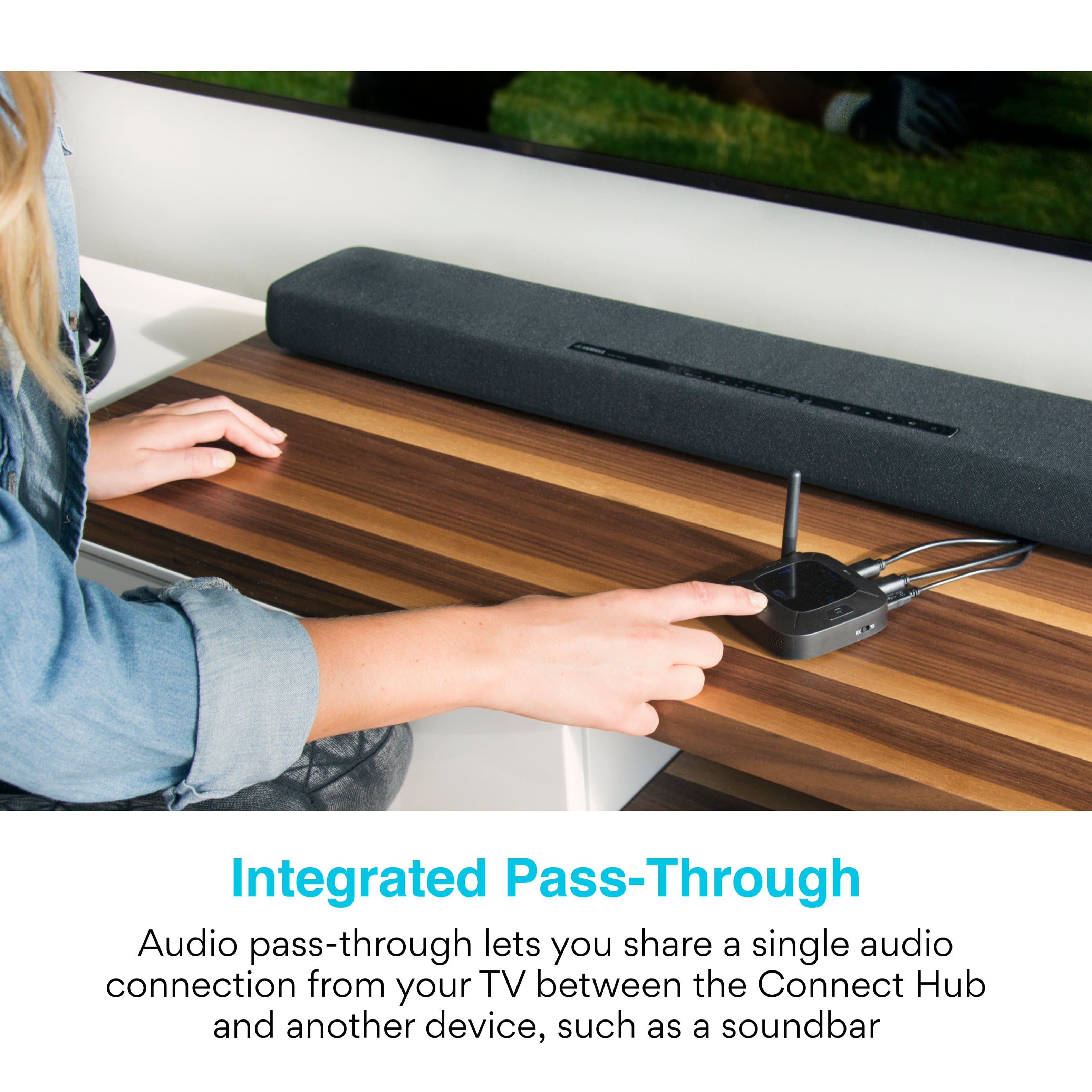
    • Answer The question is a bit incomplete. If you want to set up your sound bar away from the TV with a wireless (Bluetooth, in this instance), you would connect the hub to the output of the TV, which may be optical or audio. Check the back of your TV to see what output options are available. It the sound bar has Bluetooth receive capability, then pair the sound bar with the hub, using instructions supplied for both devices. If the desire is to connect the hub to the sound bar for communicating to another bluetooth capable device (such as headphones) there has to be an audio or optical sound output on the sound bar. If the output is available, then you could connect the hub to it. You would have to check the sound bar specifications to find this information. You could also communicate with the home theatre personnel at the Best Buy store. They are usually knowledgeable.

      Answered by DrJohn

  • QuestionWhat is the range?

    Asked by KCandjc00.

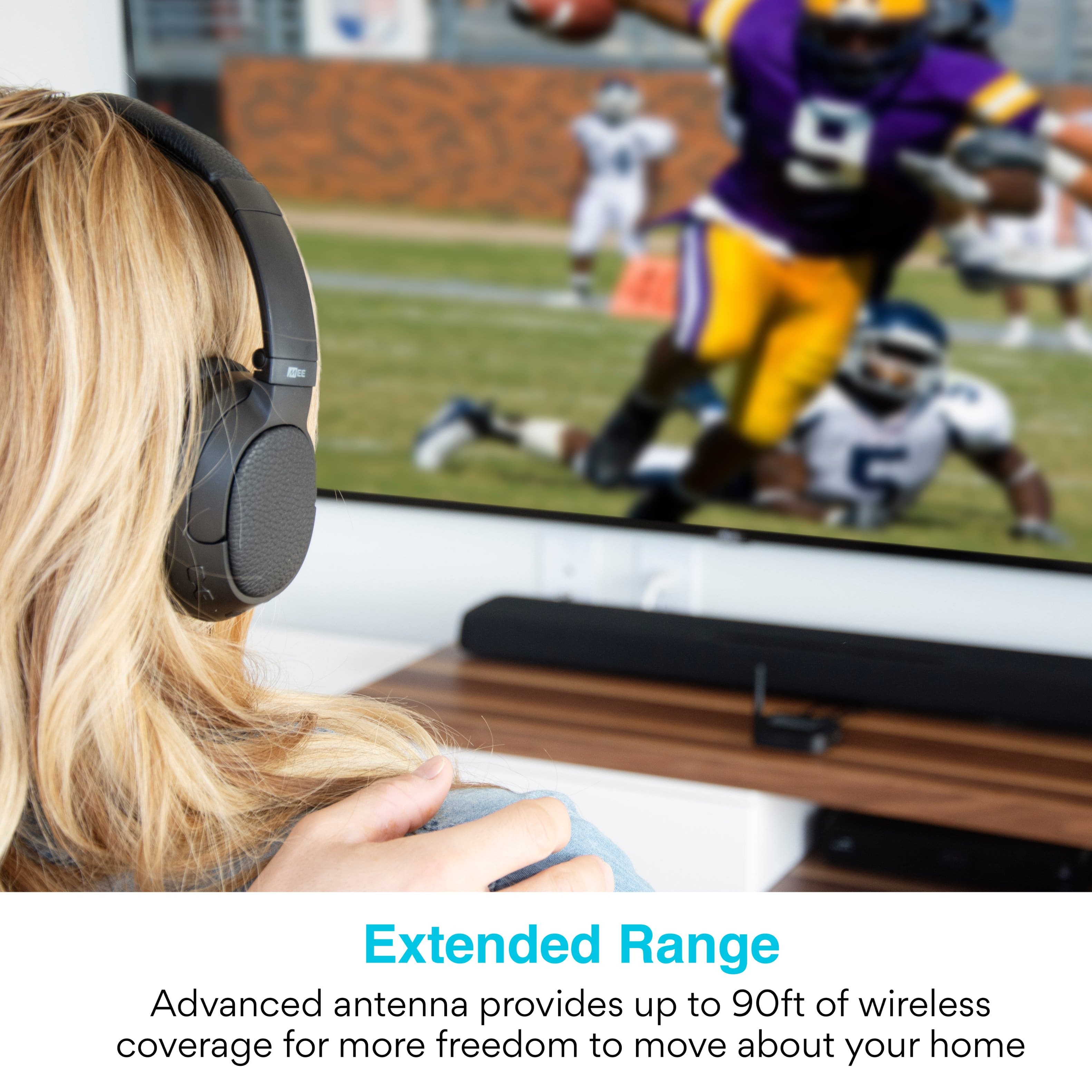
    • Answer The maximum range is approximately 98ft. In the real world the range will vary due to being reduced by objects in the way of the signal, such as furniture and walls, as well as by other wireless devices sharing the same space, but we find that in most household situations you will see between 30 and 60ft of range.

      Answered by MEE audio Support