Black Friday is hereShop new DoorbustersShop now

Main Content

Questions & Answers

Your price for this item is $49.99
Clearance
The comparable value price is $249.99
Page Showing 1-20 of 187 questions
  • QuestionI am seeing conflicting answers on the usage of 4 LAN ports in this modem. Can all the 4 LAN ports be simultaneously used with single comcast connection? For example, can 1 port be used by wifi router while other port used for connecting to Roku?

    Asked by akty123.

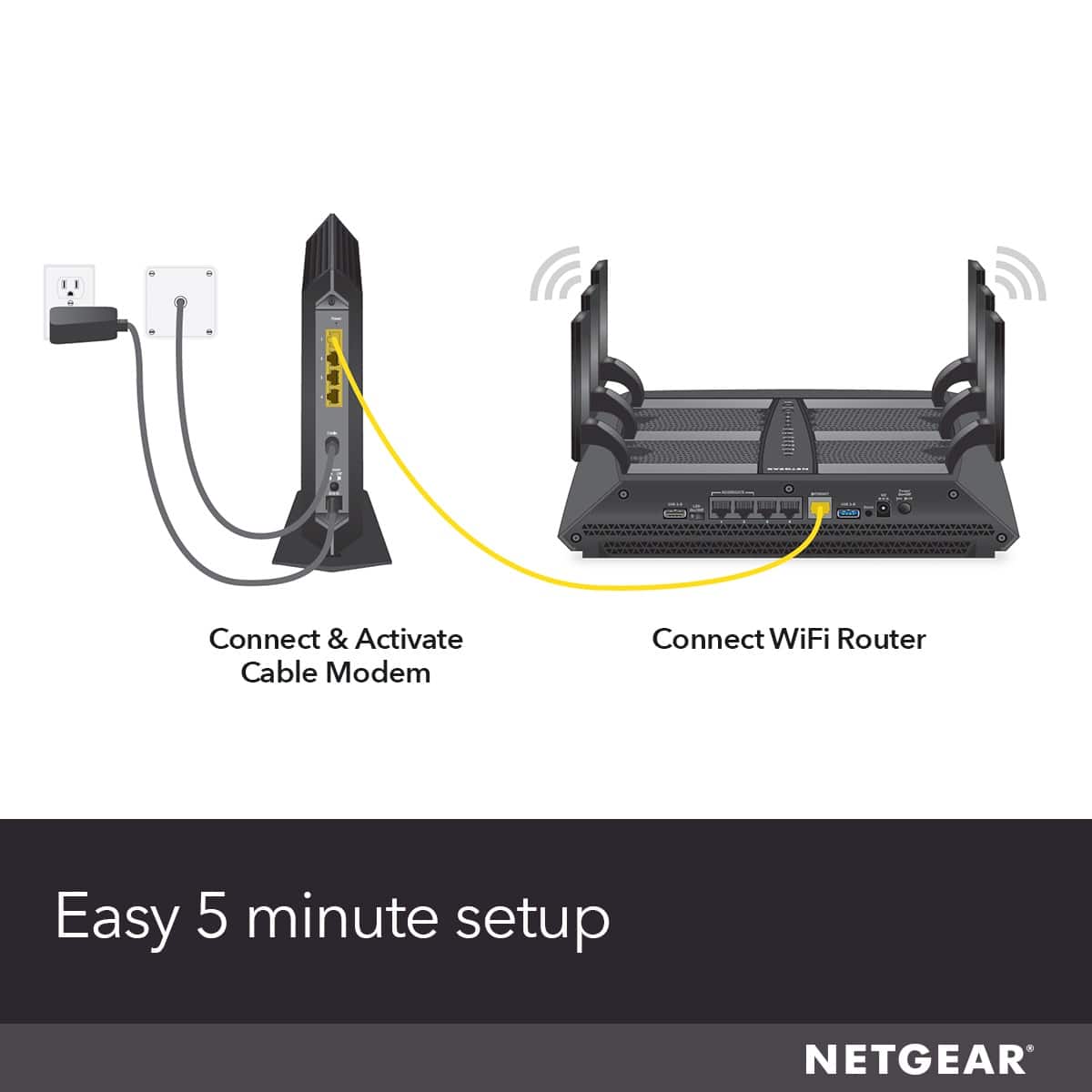
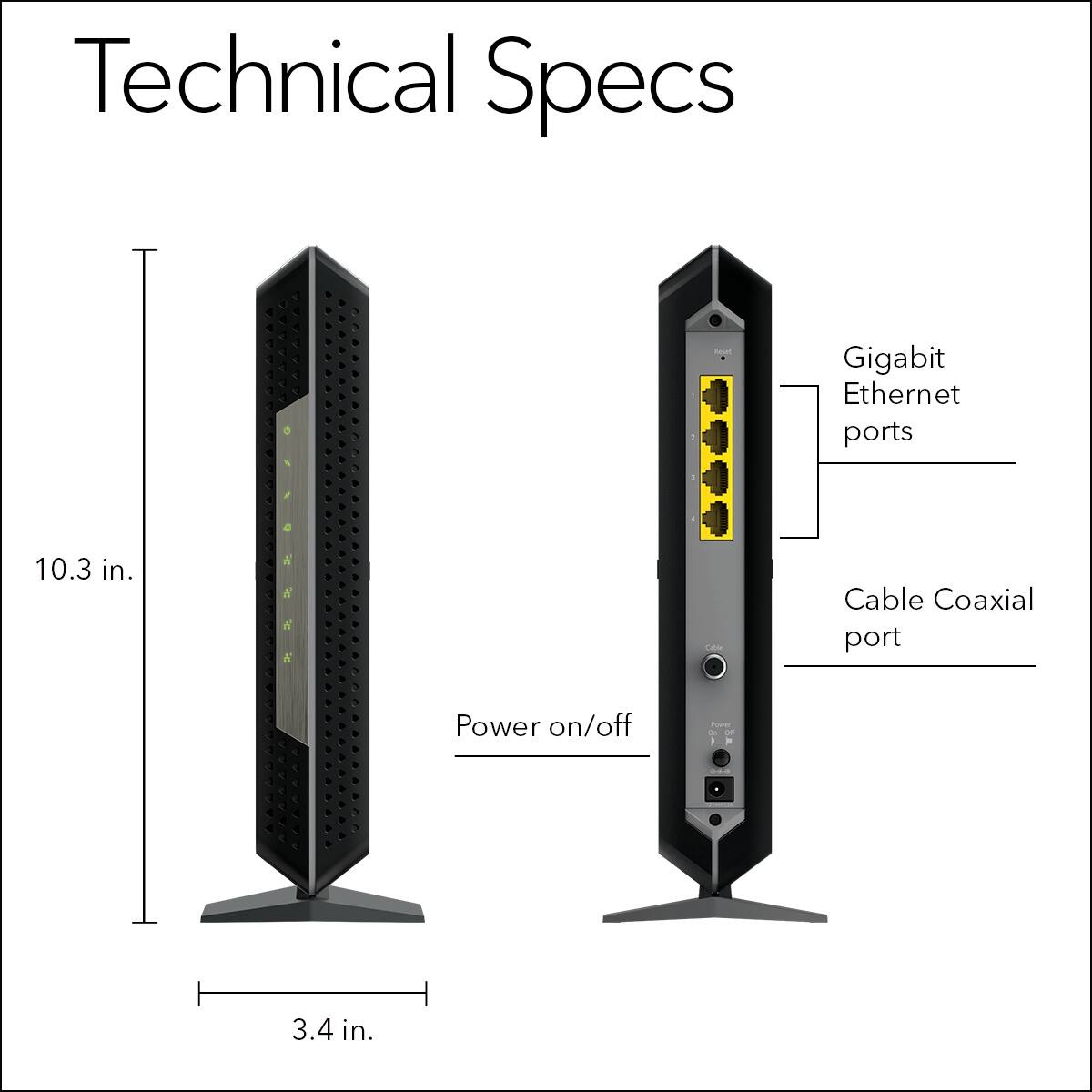
    • Answer This is a modem only. A router needs to be connected to port 1. The other ports can only be used if your ISP allows multiple external IP addresses, which in case, you would need another router connected to port 2 for example, if your ISP allows 2 external IP addresses. Again, this is a modem only and does no DHCP. It must be used with a router connected to port 1. If you connect a wireless router to port 1 on this modem, your devices will connect to that wired or wirelessly.

      Answered by Mikester86

  • QuestionWhich router works the best with this modem?

    Asked by LJ.

    • Answer Any of the Nighthawk Routers would be a good match. The choice of which one depends on your usage priorities.

      Answered by OldSarge

  • QuestionIf height is an issue , can this device be laid on its side?

    Asked by placement.

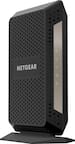
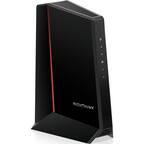
    • Answer I bought this modem and had to lay it on its side because it did not fit on the shelf under my desk. It seems to be working fine with no issues. I do wish that the stand connected to the bottom of the modem was removable so that it would be able to lay down flat.

      Answered by Tigerfan

  • QuestionI can't afford cable service. Can I buy products that will give me WiFi/internet in my apartment for all my devices and Netflix?

    Asked by Joann.

    • Answer You’ll need to purchase internet only service as if it was cable service. Then need to purchase an internet cable modem and a wireless router. (2 units). Once internet service is active, call internet service provider and tell them you will use your own modem and router. They will ask you for your MAC address numbers located under the modem. They should walk you through rest of modem set up. You will need a pc or laptop to check if internet is working during modem set up. Once finished with internet provider modem set up, they are done. You will have to follow set up instructions for router by yourself. Get a router that says “up to 1 G” down load speeds. Good luck.

      Answered by stryker

  • QuestionCan you connect to WiFi devices with this Modem or do I need a Router before purchase? If so, what alternative comparable modem/routers with WiFi would you suggest?

    Asked by Jay.

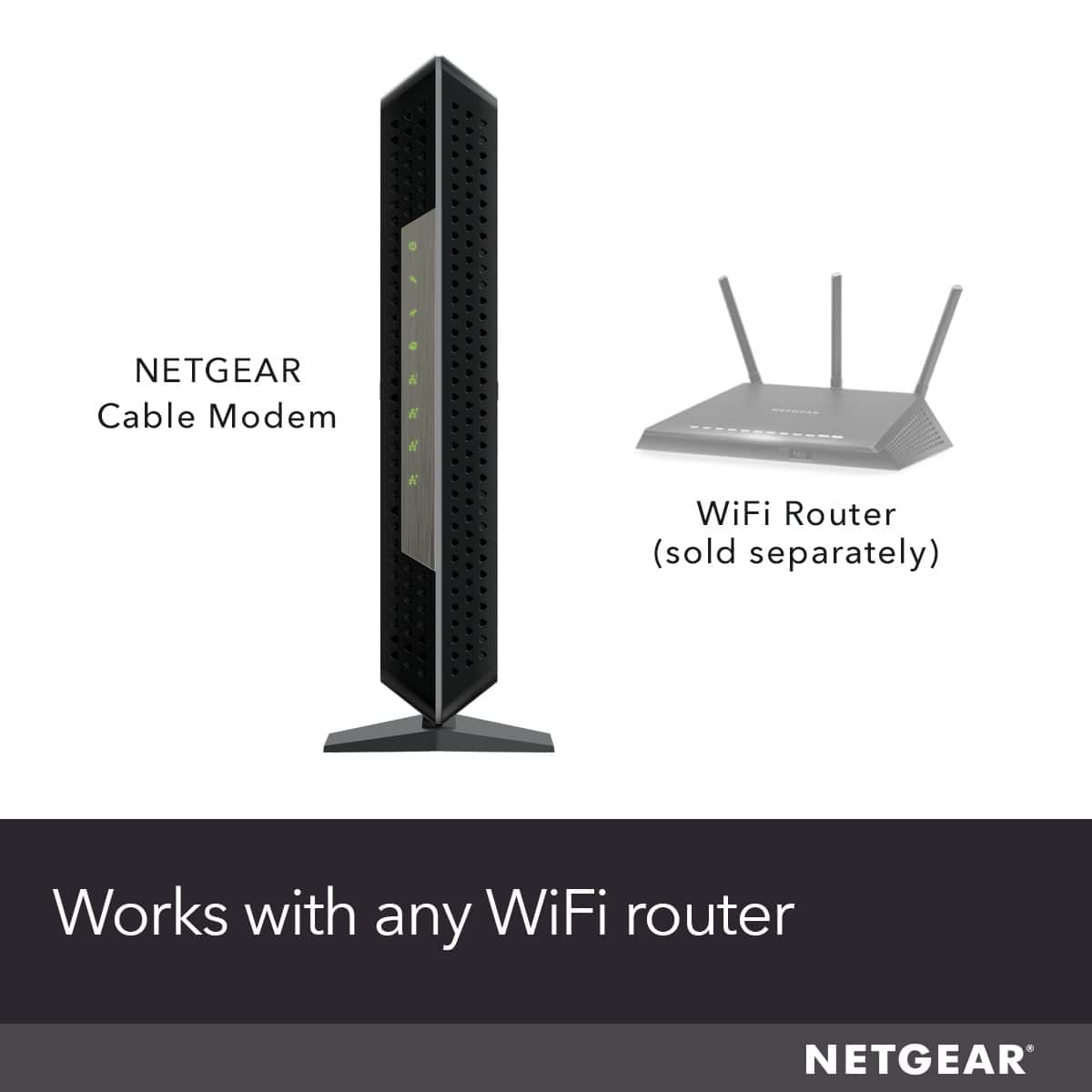
    • Answer This is only a modem, not a wifi router. You will need a separate wifi router of some type to have a wireless connection to other devices. I am very happy with this modem and I purchased an EERO whole home wifi mesh system as my wifi solution. This gives me a strong fast signal in every corner of my house. With a normal wifi router your signal will get weaker the farther away from the router you are.

      Answered by Ringbattery

  • QuestionWhy am I not getting internet when I connect my laptop up to one of the LAN ports?

    Asked by Mark.

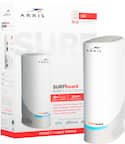
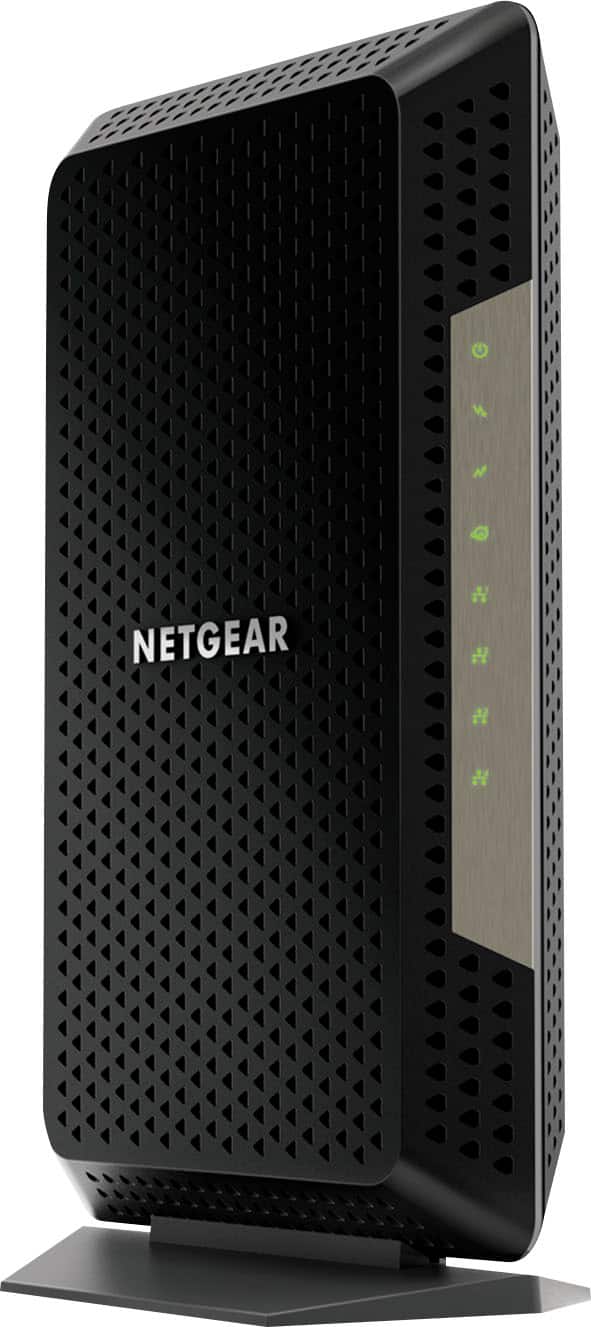
    • Answer found that any new connections made to the modem while on will not work until the modem is restarted. best rule, make connections power off modem, wait a few seconds, power modem back on. do not use the modem until synced with isp. for this modem the tiny world icon with a lighting bolt will blink. see picture, middle icon on package. once the icon stops blinking, stays solid green as in picture. any devices connected to the modem can now access the network. if devices are used before the modem has synced. those devices will not get any connectivity. if so, need to restart the process all over. hope that helps.

      Answered by RBAmaral

  • QuestionDoes this Modem support Comcast Xfinity Voice?

    Asked by WhiteRabbit.

    • Answer No. Look at the Netgear model CM1150V-100NAS which has voice too.

      Answered by slingload

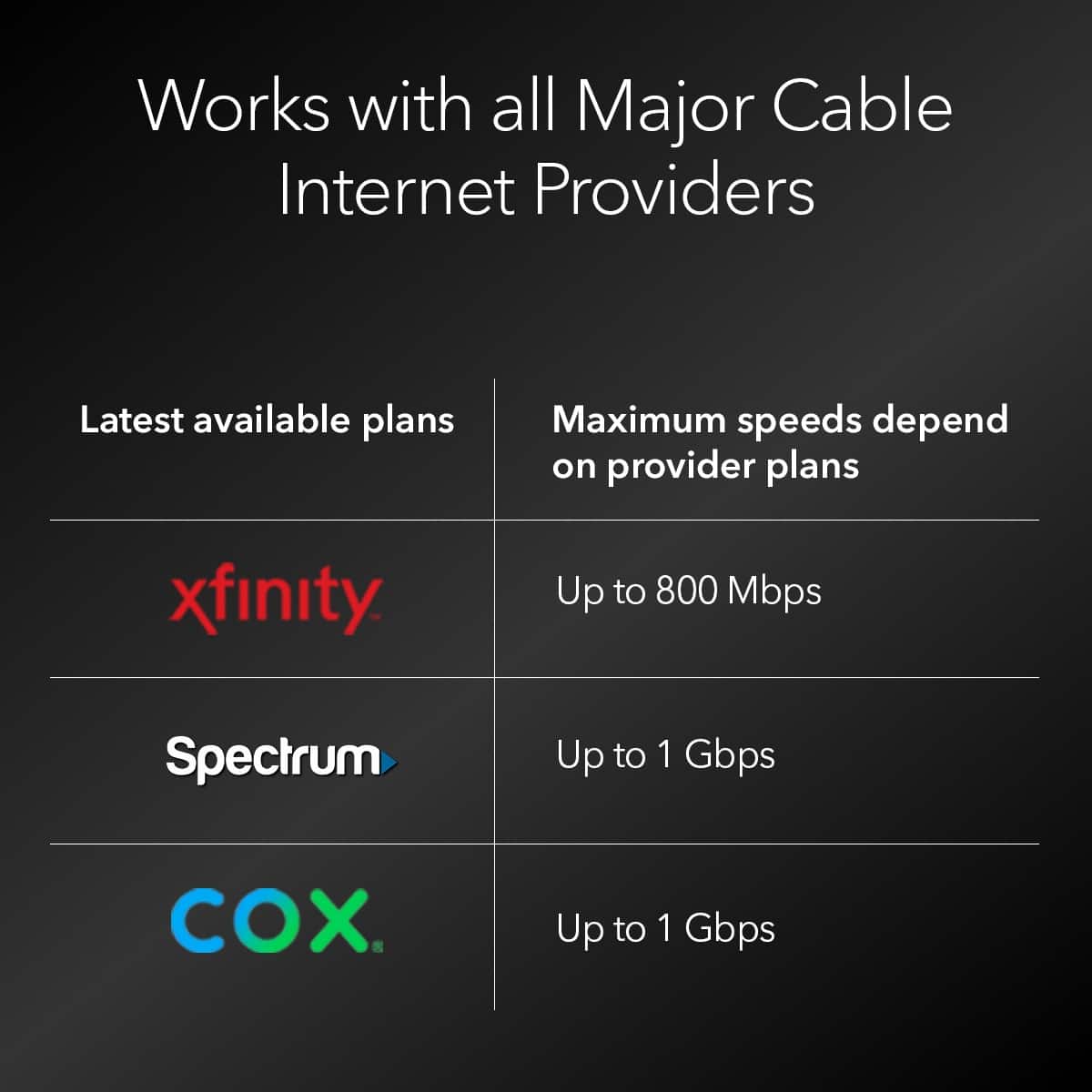
  • QuestionIs this model compatible with spectrum cable service provider?

    Asked by Art1.

    • Answer Yes. You can register it on your account online, connect it and off to the races. If you were using their equipment before, make sure to get it back to them and a receipt for return or they will report you to a collection agency and ruin your credit... Ask me how I know this! LOL!

      Answered by DMann

  • QuestionSince this model offer link aggregation, do I need a router that has the same feature built in? Thanks!

    Asked by BigD.

    • Answer YES: With this modem, you would need a router for any level of wifi service. For Link Aggregation to work, you need a supported router (or switch) and supported device -- most NAS servers have it. In other words, you need support on both ends of the bonded connection. i connect to a NETGEAR Nighthawk® AXE11000 Tri-Band WiFi 6E Router (up to 10.8Gbps) with new 6GHz band. it also provides for Multi-gig for wired needs.

      Answered by Anonymous

  • QuestionIs this compatible with Xfinity/Comcast

    Asked by BestBuyAndre.

    • Answer Yes and no. Yes you can use it with Comcast and connect a single wifi switch / router and it will work just fine. No, you cant use the modem's built in switch to create a separate subnet for secondary routers as Comcast only willing to provide a single IP for you to use.

      Answered by ZooY

  • QuestionIs this compatible with Xtream/Mediacom

    Asked by MAVP.

    • Answer Yes. I have XTream/Mediacom and it works perfectly.

      Answered by Charles

  • QuestionThis modem has no ONT port. How do I connect it with the internet provider's fiber optic?

    Asked by Greg.

    • Answer Your provider should be providing their own Optical Network Terminal (ONT) to mate to their network specific Optical Line Terminal (OLT). Verizon FiOS and and previous Verizon areas purchased by Frontier will provide an ONT. Google Fiber calls its ONT a Jack. (Model GFLT100, GFLT110, GFLT300). ATT Fiber will also provide its own ONT. That is their demarcation point and everything after it is your equipment (Ethernet Cables / Firewall / Router / etc). The Netgear CM1200 is a DOCIS 3.1 Cable Modem but designed for an entirely different type of network. Like the ONT is "customer side" transceiver of a passive fiber network (BPON / GPON / EPON / NGPON2) and the OLT is the "provider side" equipment. A cable modem is the transceiver on the "customer side" of a coaxial network segment and RF element at the node is the "provider side" of the network. (Most of the time it is fiber after the RF connection between the node and provider's internal network) You should have a piece of equipment at your location to convert fiber to Ethernet. If not, contact the provider and have them install it. If you have it at your location, it should have an Ethernet port on it that you connect your equipment to. If not, contact your provider. They should have people to help you do a self install or send someone to do it for you.

      Answered by Clowns

  • QuestionIs this device compatible with Comcast voice phone calling?

    Asked by Henry.

    • Answer This nighthawk modem doesn't have a phone jack. We have Cox digital phone service and we had to keep the older modem connected to keep using the phone service. The two are connected without any network issues. We use a splitter to connect the two modems.

      Answered by GAvery

  • QuestionIs it compatiable with verizon

    Asked by DD.

    • Answer No. This modem is strictly for cable internet providers. Verizon uses what they call "Optical Network Terminals." Similar function but made specifically for their type of service.

      Answered by DannyC

  • QuestionCan century link internet link up with this modem? If not please someone help me I can't believe how impossible this search for a compatible modem has been, PLEASE!!!

    Asked by JohnnyFocusST13.

    • Answer I would call the netgear 800 number and ask them directly.

      Answered by steve

  • QuestionIf I buy this modem and have just internet. Will it work if i upgrade my internet to fiber BUT also have a wireless router connected to this too in one of the ports for my wireless connectivity?

    Asked by joe.

    • Answer This is a CABLE modem. it's input is a CABLE connector. getting your internet from fiber will require a fiber modem. sure, the output is with a Cat5 or 6 Ethernet cable like nearly all modems. to get wireless you need another modem.

      Answered by normalman

  • QuestionDoes this support Spectrum? How many gigs does this hold? How many devices can be used?

    Asked by Spectrum.

    • Answer Yes, I’ve used it on Spectrum for 2 years now. 1gbps is what I’m currently using and have over 20 devices connected with my Google mesh router paired with this modem.

      Answered by DIYdakota

  • Questioni am purchasing this to replace my mode that I get from Comcast, do i need to purchase anything else? I am a novice and am looking for better signal strength. i have the Arris Group TG3482G. We need better wireless for kids and streaming.

    Asked by DJM.

    • Answer This is only a Modem. You would also need to purchase a WiFi router - just as the Netgear Orbi system. If you're looking to improve the signal strength of WiFi, a mesh router like Orbi is what you are looking for. This cable modem will get rid of the ComCast equipment fee and provide a more stable connection - but yes, you also need to purchase WiFi.

      Answered by TechMatcher

  • QuestionDoes this work with optimum ?

    Asked by Anonymous.

    • Answer Yes, however you have to be direct...you can have your own equipment and they will only service the wiring up until the product. They will try hard to get you to keep their stuff. Their stuff does not work that great. Hence my decision. I have consistent internet since I went to the net gear modem and Eero mesh system... lightning speed on at least 15 devices n my house.

      Answered by Gthang

  • QuestionWill this work wow cable 2021? Any setup needed? or just plug and play?

    Asked by whocares20021.

    • Answer Your Internet provider will have to configure / setup the device remotely to work properly with DOCSIS 4 speeds. I also purchased the Netgear super high fast wifi router which cost me $500 plus bucks . This combination gave me lightning fast connectivity.

      Answered by ScottO