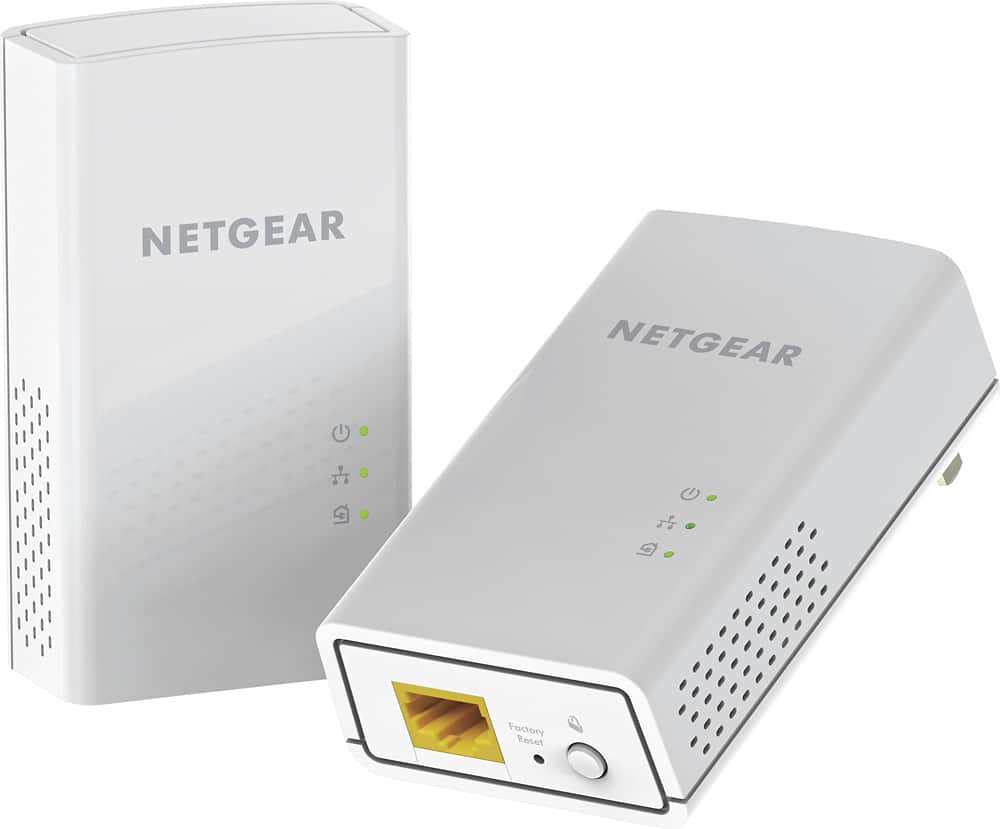
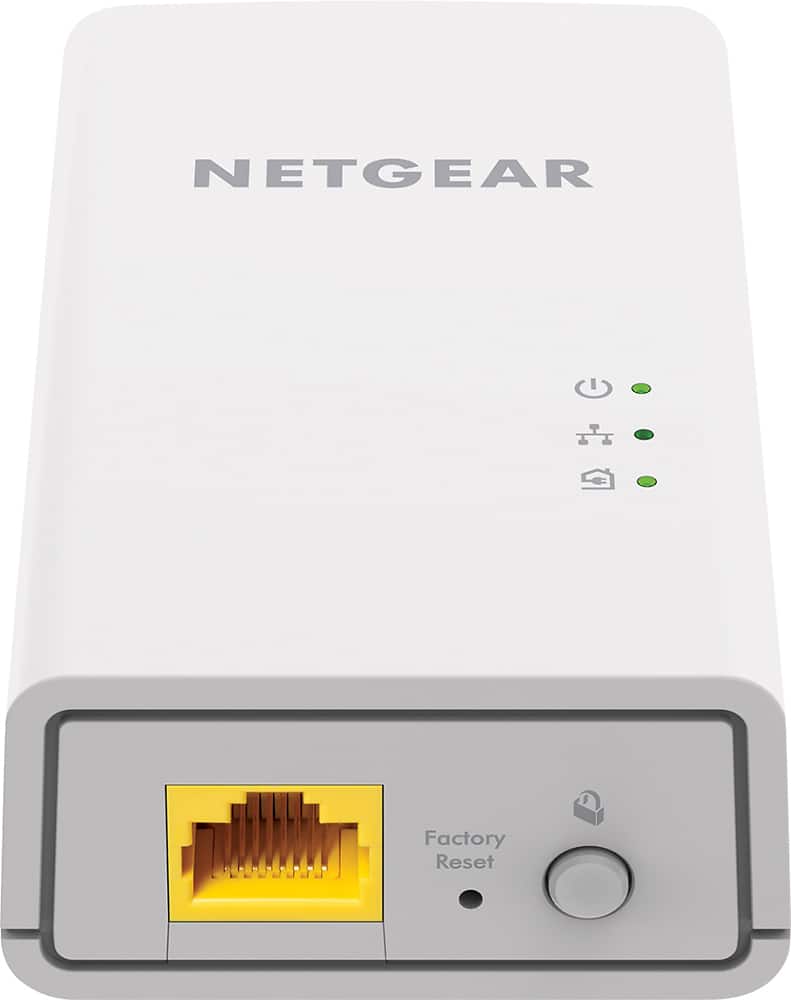
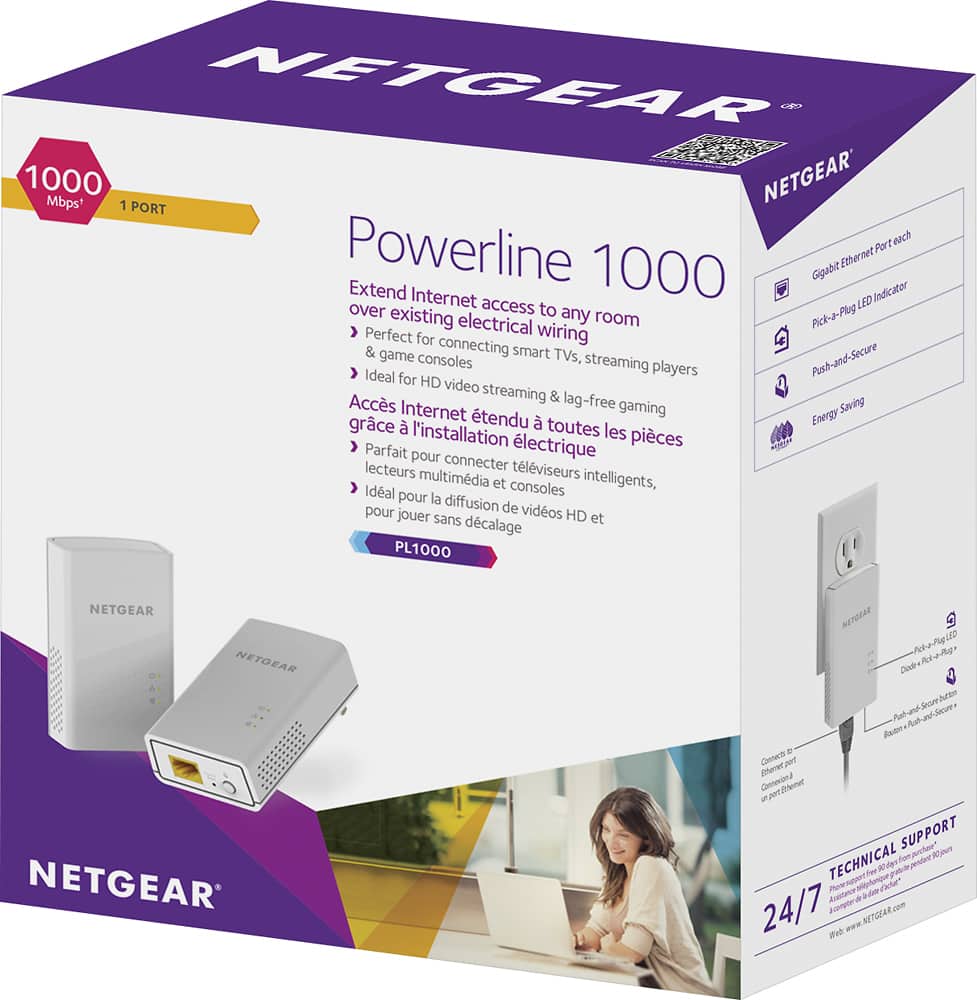
A:AnswerThey come in sets of two. Once you set up the first set all others become ethernet ports. I was able to get the 2nd set at a reduced price at Bestbuy.com.
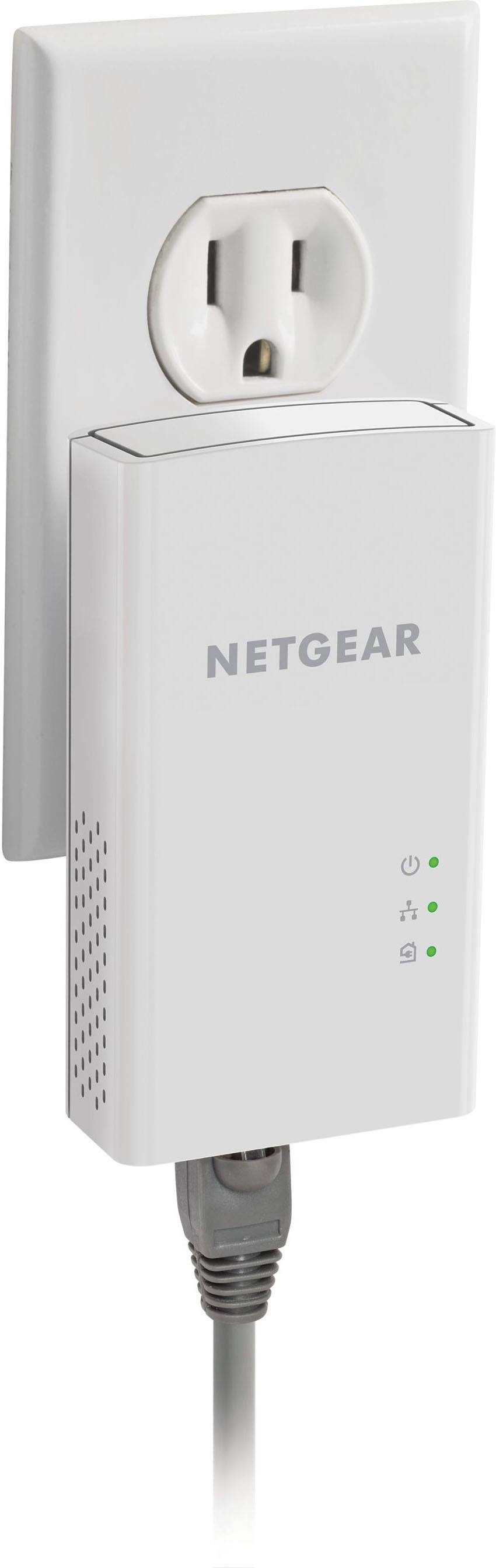
A:AnswerYou need 2, one plugs into your wall outlet and your router, the other plugs into a wall outlet and your device. It is faster than wifi but, slower than an actual ethernet connection.
A:AnswerIt will depend on the internet speed requirements of your piano and the circuit compatibility that you plug into. I have 100 MBPS service, and one of the circuits I tried ran at less than 20 MBPS and did not support the speed requirements of my equipment. I moved the box to another circuit and achieved greater than 80 MBPS which was more than enough speed. The devices have an LED indicator to let you know what speed range it is transmitting.
A:AnswerNo need to use the same WiFi SSID as the primary router. Using the units connects your routers via the cables provided. Feel free to use unique SSIDs and credentials for your routers.
My home network consists of a Verizon FiOS router, I use the powerline adapters to connect it to a WiFi router in another part of the house
A:AnswerIt would be nice if it added more mbps but instead you lose speed the further it’s s separated. Bottom line it’s meant to extend the reach of the wifi so it won’t make it faster or get you more mbps.
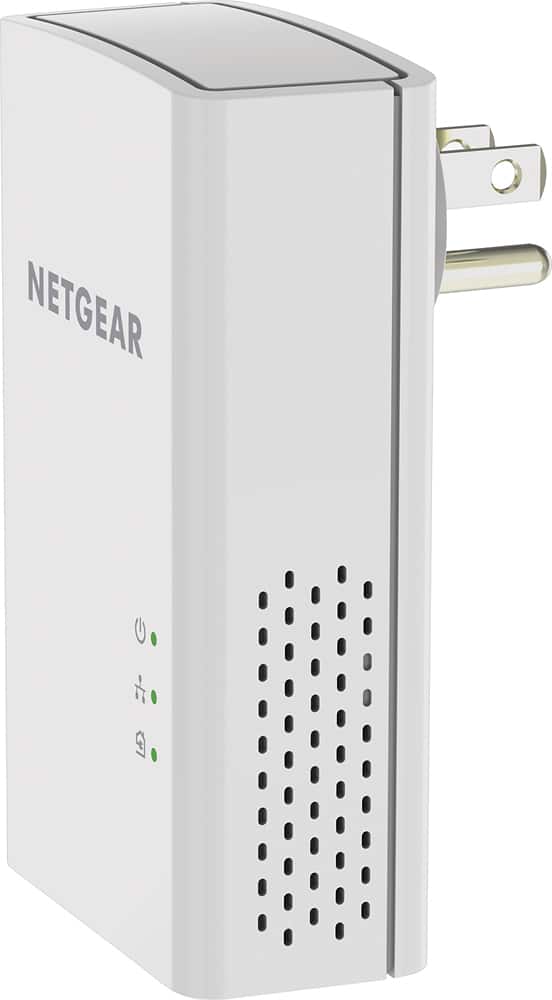
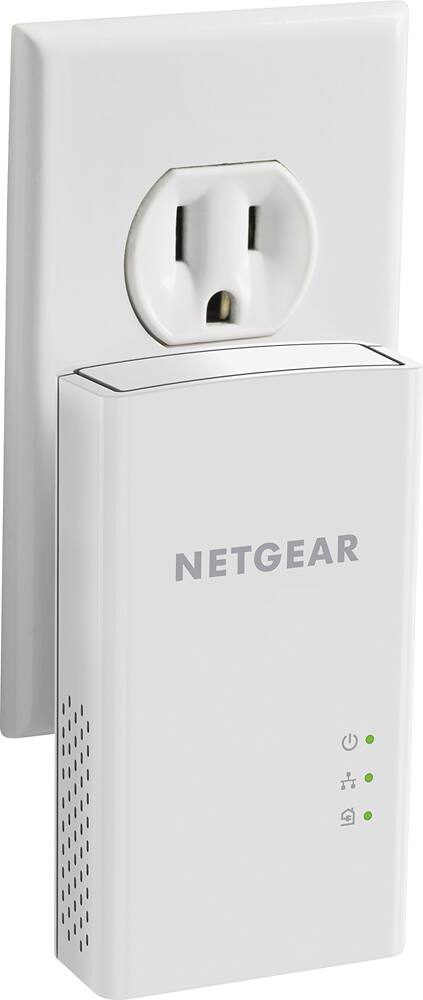
A:AnswerNo.. has to be plugged into your house wall socket. It uses your AC wires in the walls as a network traffic wiring system. I use it. its great hardly any wireless and its a way to work from home without the slow down of wifi.
No not power bank
A:AnswerWe use it primarily for the office computer. From my understanding the Ethernet connection is the fastest and most reliable connection so it should work well with the PlayStation.