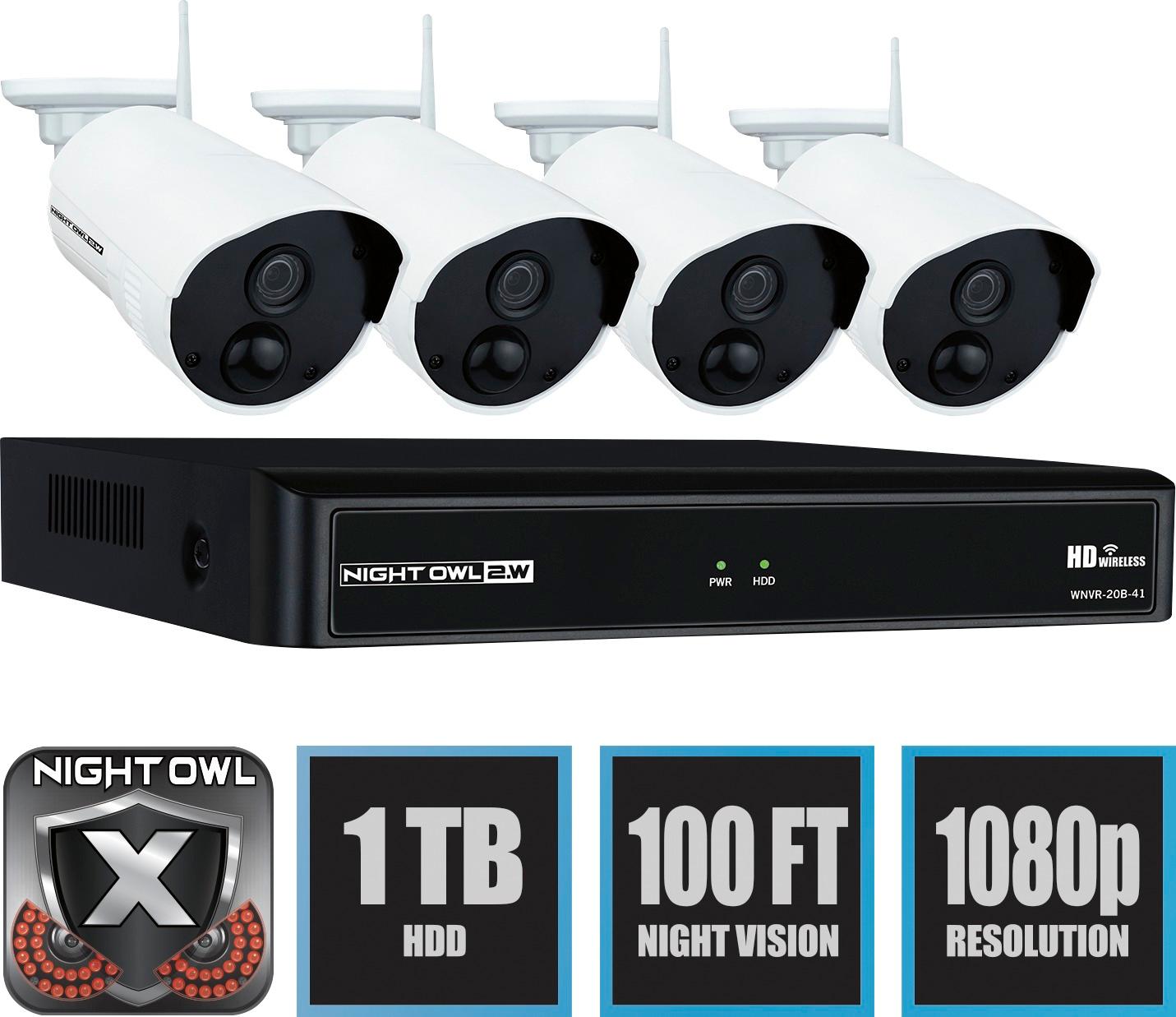
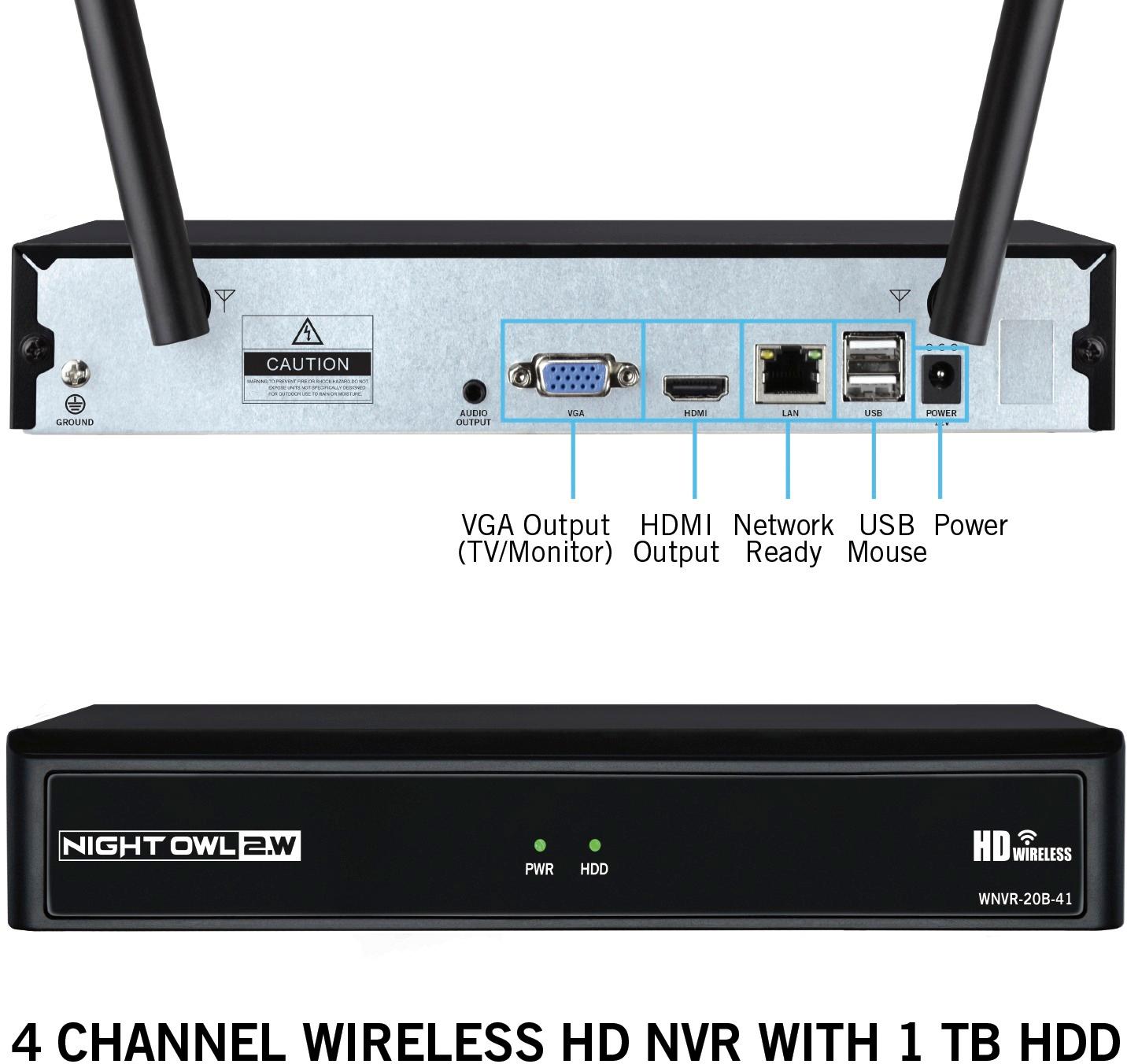
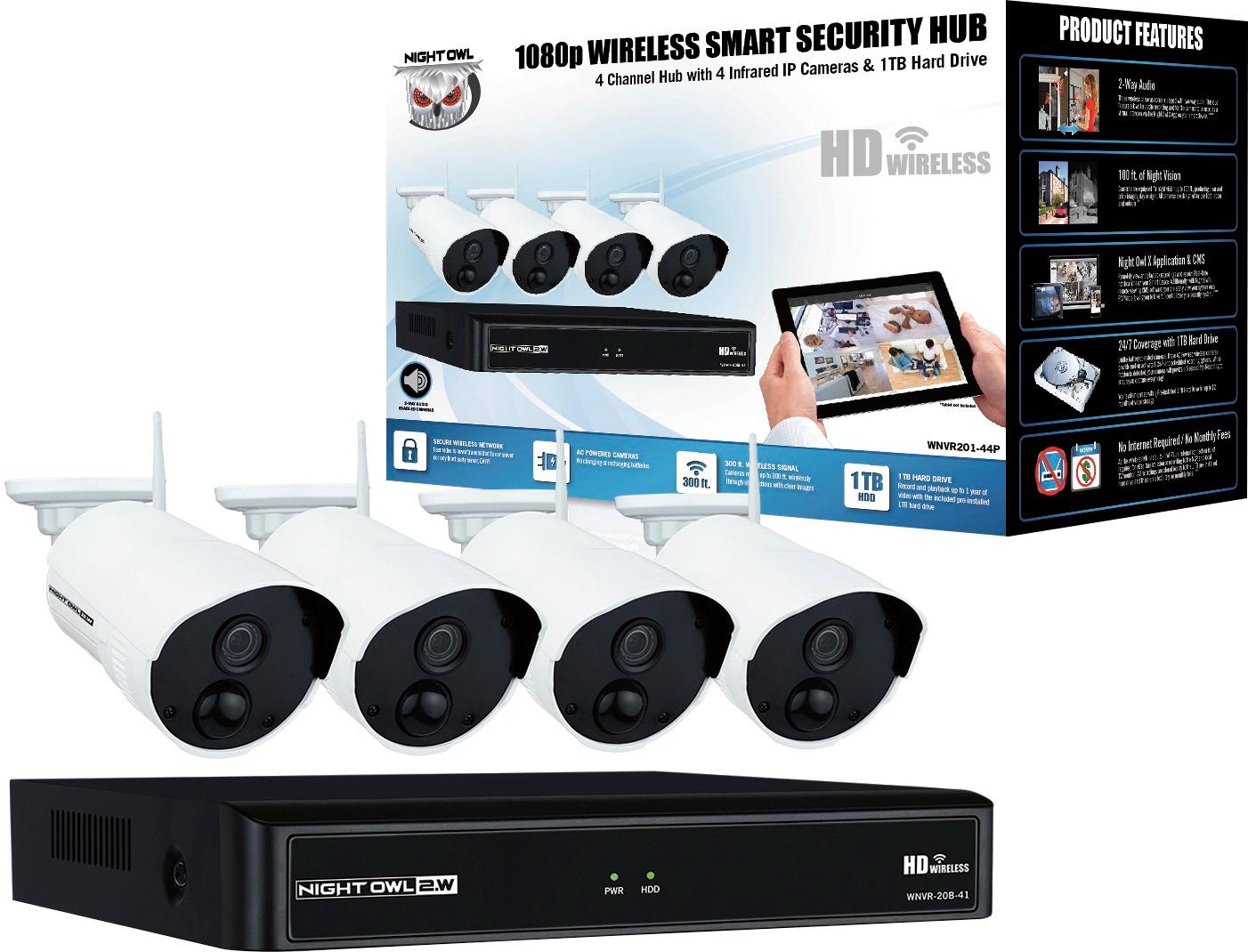
A:AnswerOur Night Owl WNVR will allow you to record without an internet connection. An internet connection will be required if you would like to view your WNVR remotely from your smart device. This system comes with a pre-installed 1TB HDD which will allow you to record all recordings to it, you won't require a micro SD. Thank you for choosing Night Owl.
A:AnswerWith our Night Owl Cameras, you will get the advantage of having the infrared technology, this will help to lower the number of false alerts by nearly 90%. Also, the cameras with this Wireless NVR record in full 1080p resolution during day and night. Unlike other cameras, you won't have to worry about having to change the batteries every few weeks. You will simply plug each camera into a power outlet and the system will do the pairing for you. If you have any additional questions feel free to email us at [email protected]. Thank you for choosing Night Owl!

A:AnswerYes you can I tested this out,
I was work and could pick up all 4 cameras on my cell phone and also my tablet some times takes a little time to load.
Works very good .
A:AnswerEach camera and base needs to be plugged into an electrical outlet (total of 5 outlets needed if using all cameras) . Unit comes with all needed plugs and they do have a fairly long thin black cord between outlet and camera. There is some issue with the plug fitting into outside covered boxes if the outlet is recessed as these plugs are sideways. Sideways works great if in a normal power strip but none of mine are plugged in with a strip as all are outside in covered boxes. Changed covers or needed extension cord on a couple anyways. Like how the power plugs to camera tightly. Reset button also covered which is good.
A:AnswerThe power adapters plug into the cameras,then plug the other end into any outlet you can find where u place your cameras.As far as maintenance keep the power adapters dry. All my power adapters are inside. Use ext. cord with one camera no outlet close to it. Unit works great only downside is when u turn off the main unit u have to unplug the unit,no off and on switch that I can find.Also when unit IS off the cameras are still power,u may want to unplug each camera if you are not using the system.GOOD NIGHT VISION SPIDERS SEEM TO BE DRAWN TO THE RED LIGHT NIGHT VISION. yOU WILL HAVE TO CLEAN WEBBING OFF THE LENS IT MESSES UP THE IMAGE AT NIGHT.
A:AnswerGood Afternoon. With all 4 cameras connected, the hard drive has a total recording time of roughly 1600 hours. Once the hard drive becomes full, it will automatically begin overwriting old footage. With your system set to continuous record, that is how your recordings will display. In order to maximize your hard drives space, we recommend using the default setting of Motion.
A:AnswerThe return policy is determined by the retail location you purchased our item at. It comes with a one Year Manufacturer's Warranty. Thank you for choosing Night Owl!

A:AnswerThe Night Owl DVR and cameras require power in order for it to work, without power the system will not be able to record. For any additional questions feel free to contact us by calling 1-866-979-0580. Thank you for choosing Night Owl.
A:AnswerIn order to remotely view this system on a smart device, PC or Mac, you must manually connect the NVR to a router or modem via Ethernet cable. If you would like to view and access your system on a TV monitor, all you need to do is connect the HDMI cable. The NVR has a built-in WiFi for communicating with the cameras. 3rd party Internet is only needed for remote viewing. Thank you for choosing Night Owl!
A:AnswerYes. Go to any computer store or website that sells computer monitors and get a small external computer monitor. Cheap is fine but one that has HDMI capability is preferred. Plug it in and away you go. Very easy.
A:AnswerHello Bob, unfortunately the cameras don't have Bluetooth capabilities. If you would like to view your Night Owl Wireless cameras, please use the Night Owl X application from your smart Device. Thank you for choosing Night Owl.
A:AnswerThey do. I was charged $49.95 for 2 cameras and additional ones were $19.95 each. Someone came out and I was informed that even though it's wireless, you still must have an outlet within 3 feet from the location you want them placed. So I was told I would have to reschedule until I had electrical outlets installed by an electrician. In the meantime, my son (an electrician) just found different existing outlet locations for the cameras that still managed to cover all of the areas I wanted covered. He said the install was a breeze and I wasted money trying to get them to install for me. He said there was no reason the guy at the initial installation appointment didn't recommend and do the same thing.
A:AnswerDuring the day, your cameras should display in full-color. At night, they will enter black and white for Night Vision. If you are experiencing a black and white image during the day, the camera may not be getting enough light. We recommend changing the camera position or moving the camera to a different location. If you need further assistance please refer to your products support page at the following link. Thanks for choosing Night Owl! https://support.nightowlsp.com/hc/en-us

A:AnswerOf course not, the dvr is the hub for all the camera signals and recording. You could use the cameras for surveillance without recording on an individual basis
A:AnswerWe are able to get a signal from the second floor apartment of our rentals to our house from 100-150 feet. We have cameras on the second floor of our house and around the corner on our patio area and they work just fine. Our house even has aluminum siding. The apartments have vinyl siding. We have been well pleased with our system. We had vivant before and it was horrible. Plus start up costs, monthly billing, and lack of professional service led us to get our own camera system. The folks at our local Best Buy were very helpful and knowledgeable about the camera/security system we purchased.